
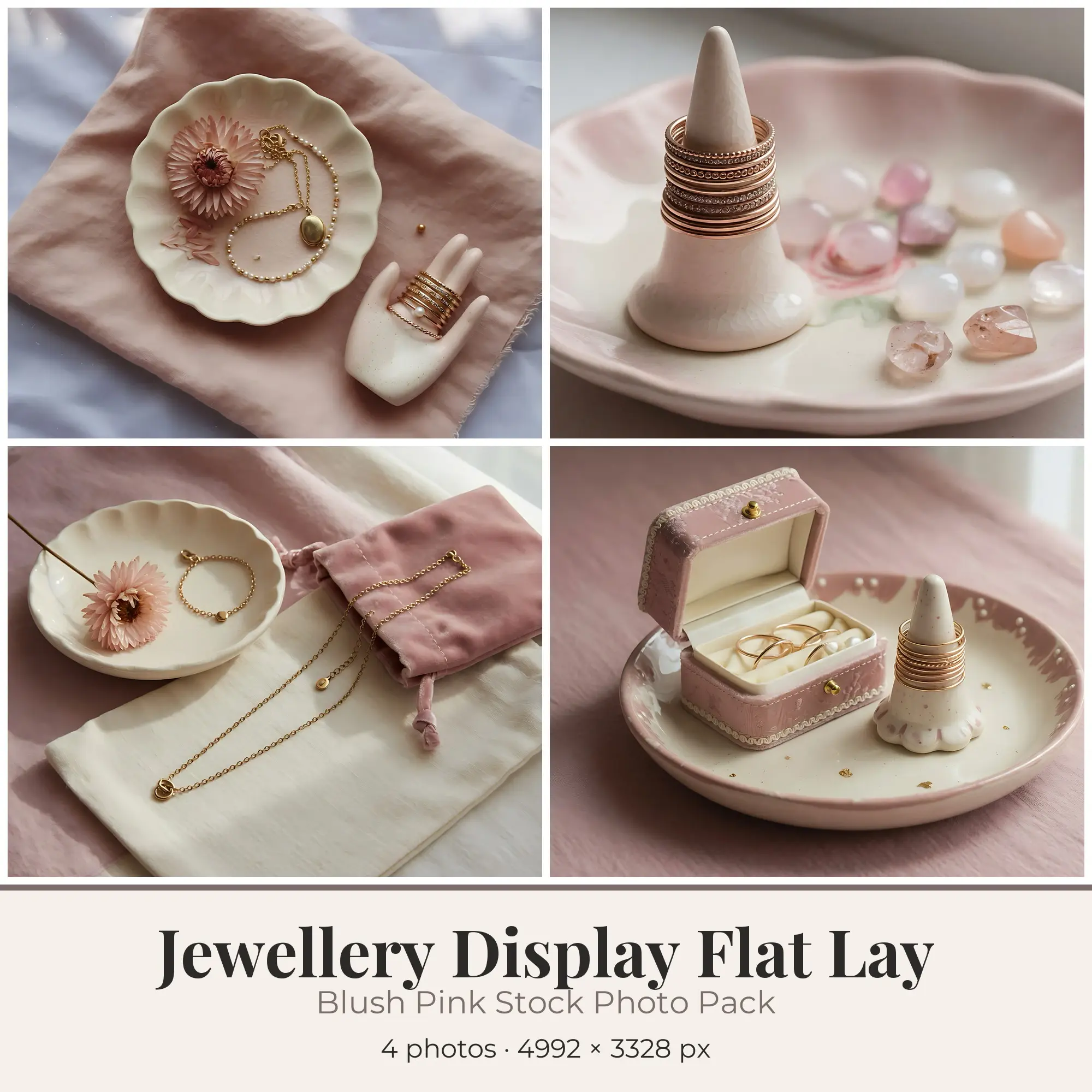
Stock Photos
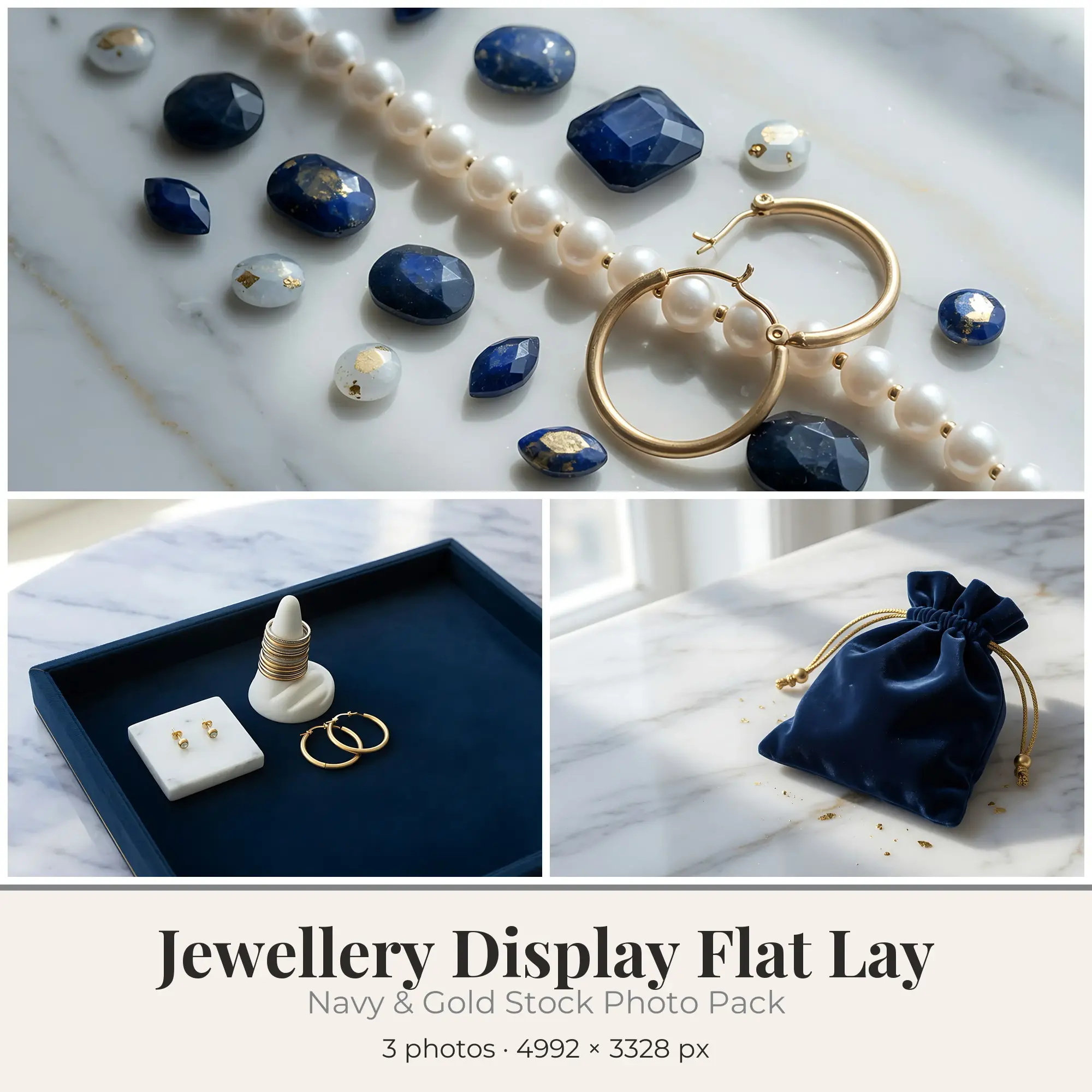
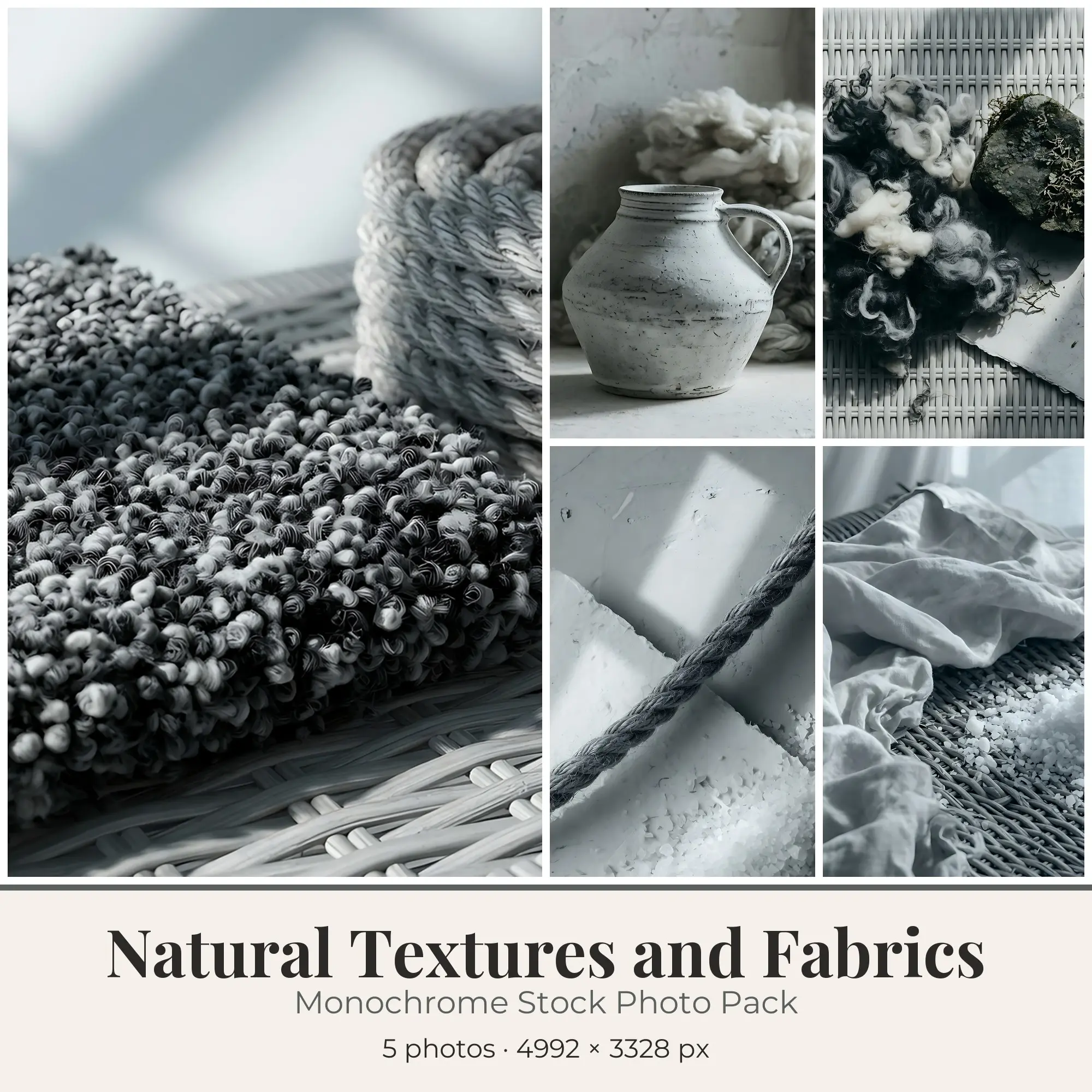
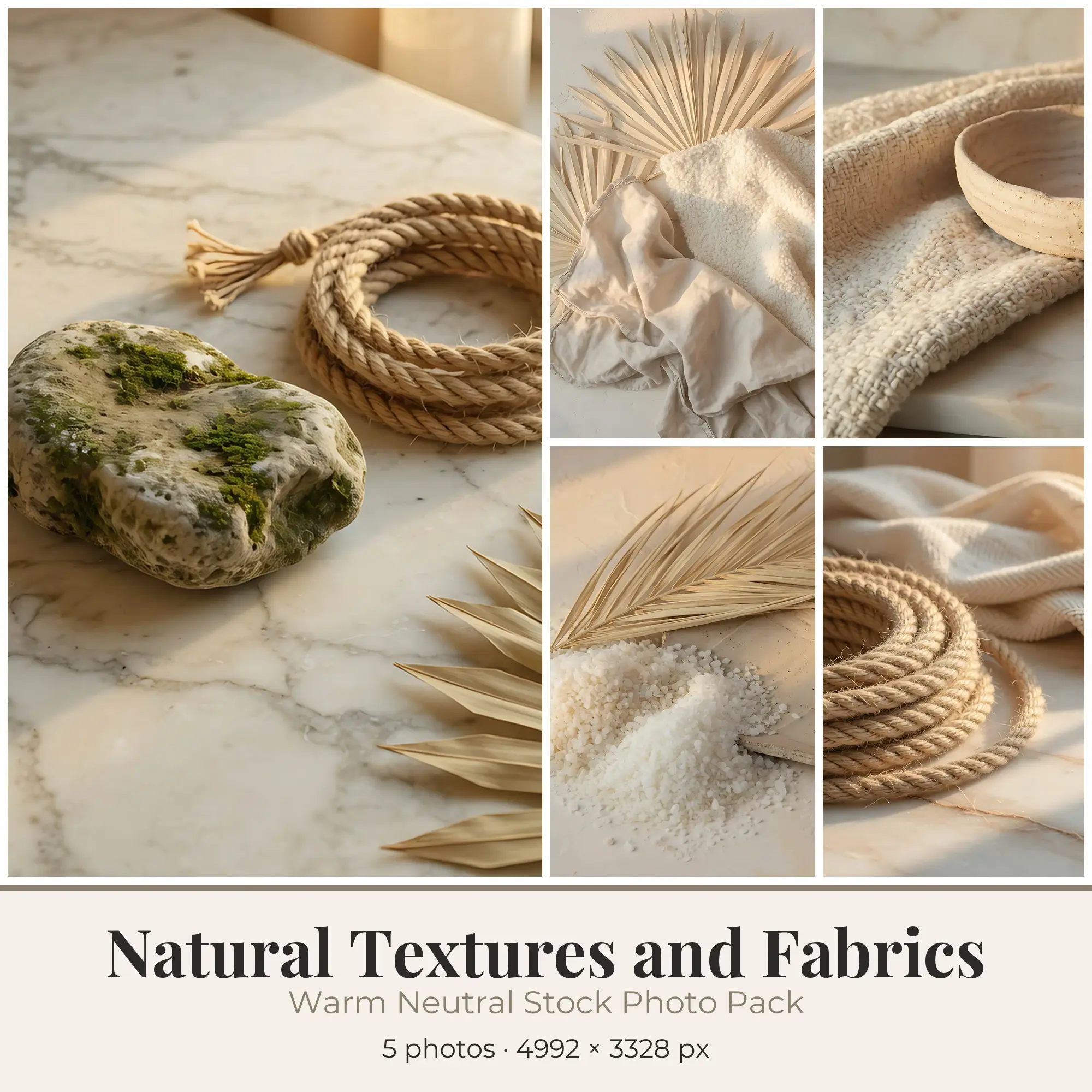
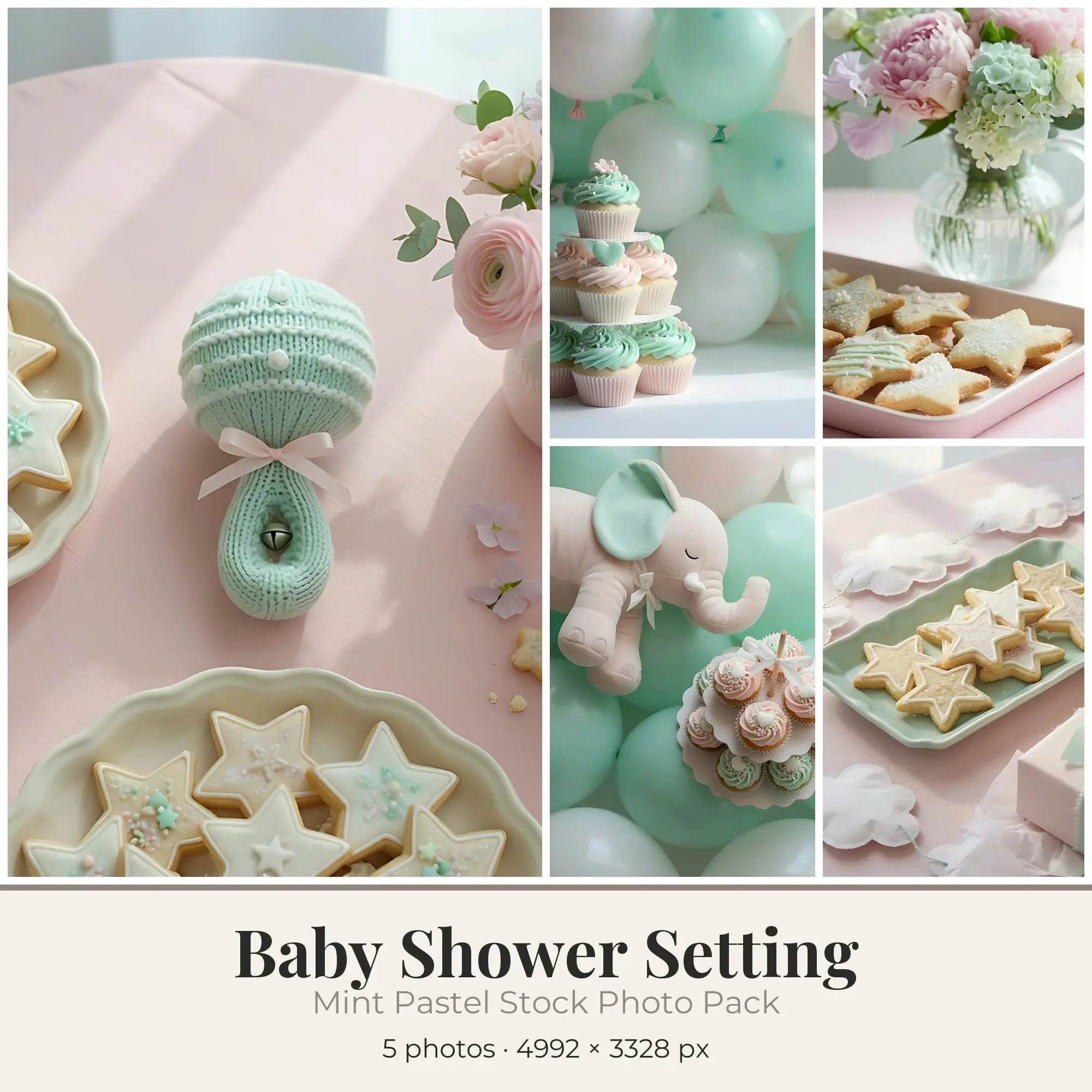
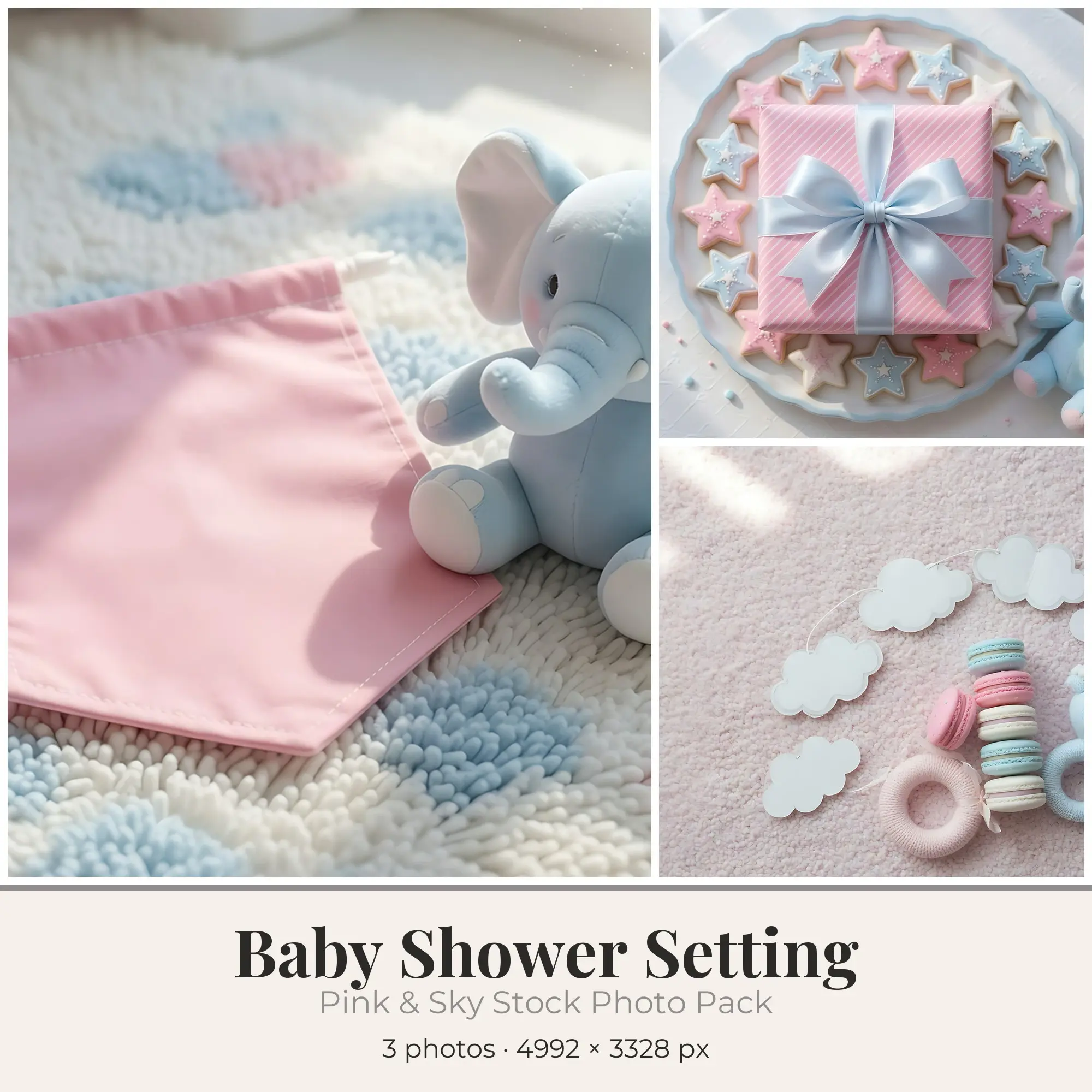
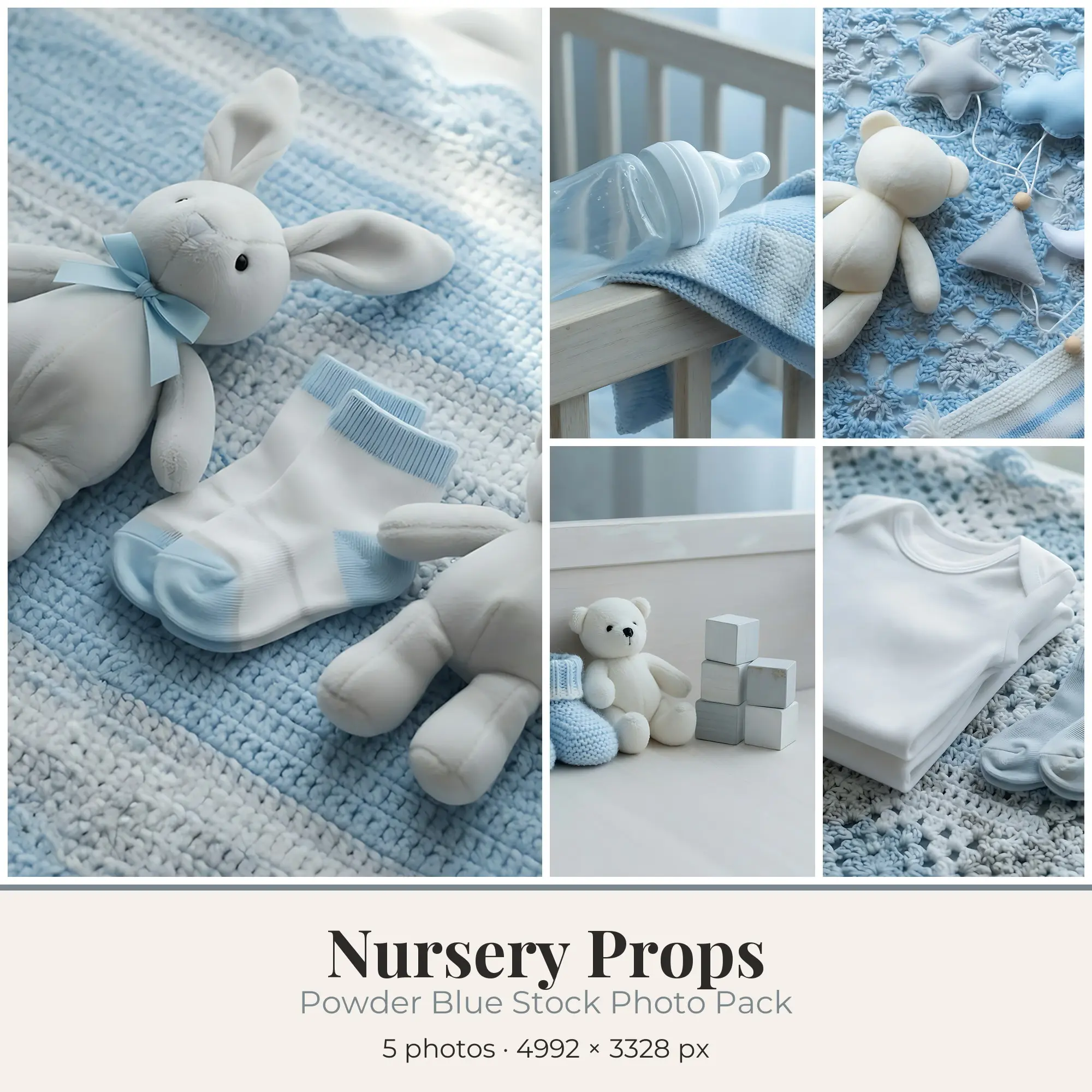
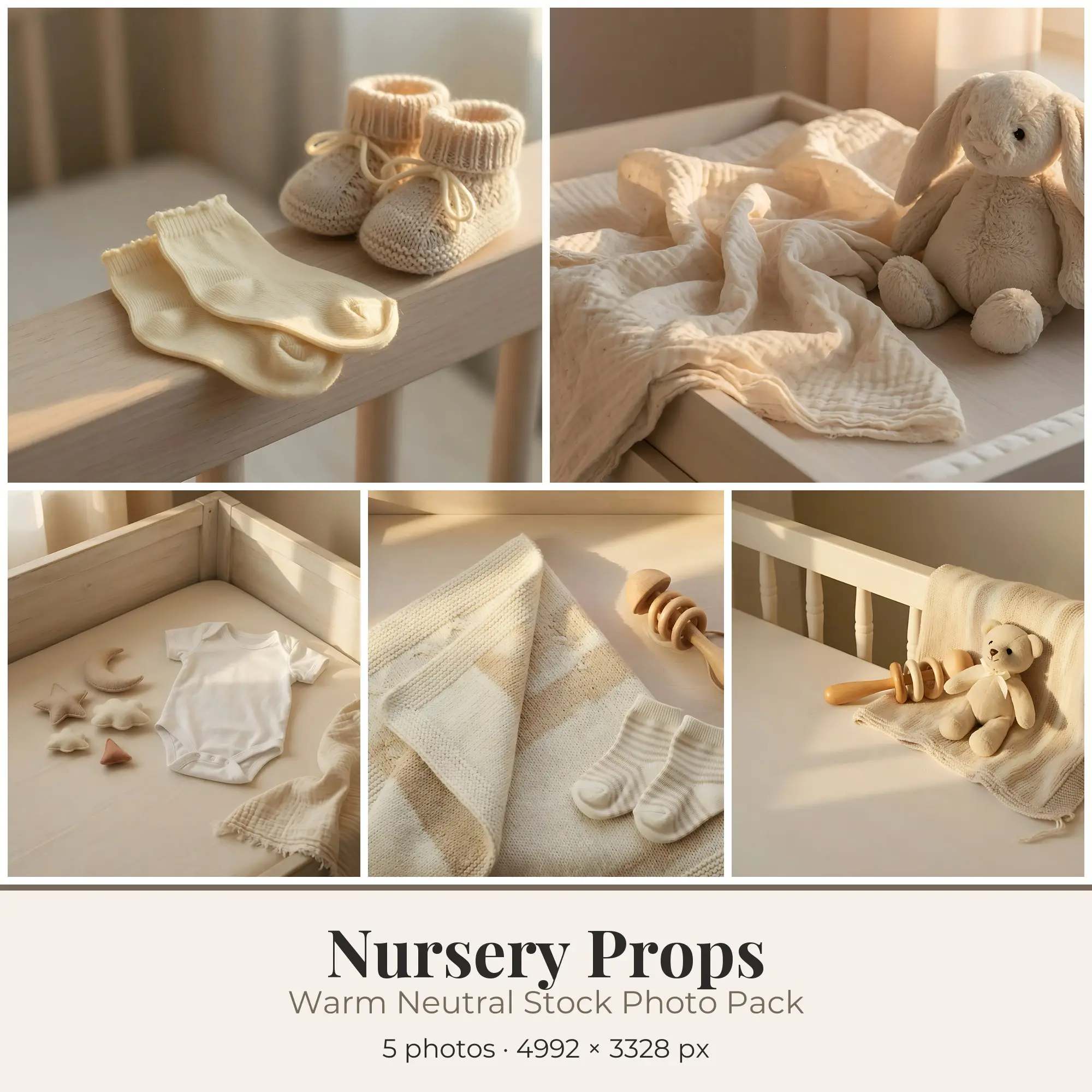
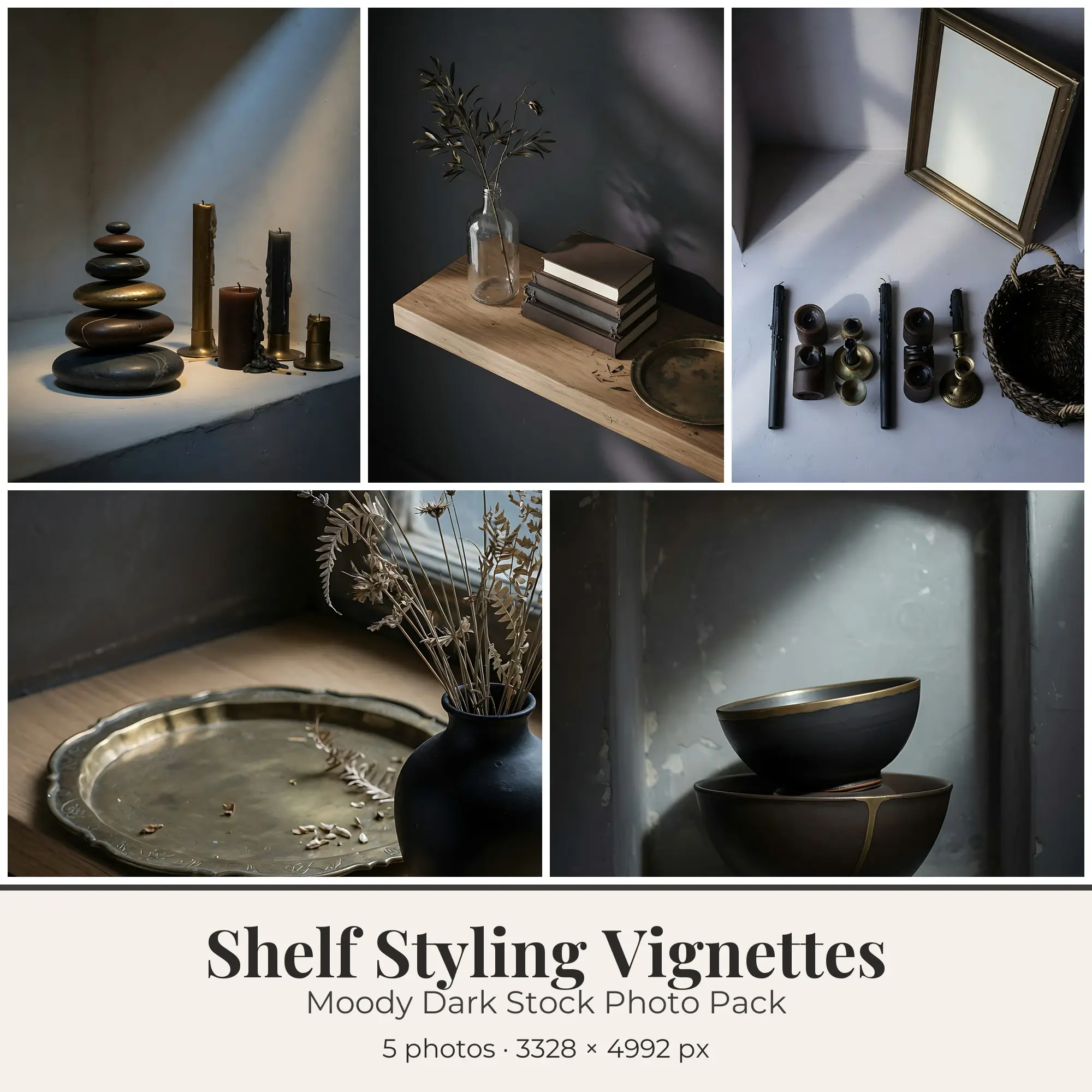
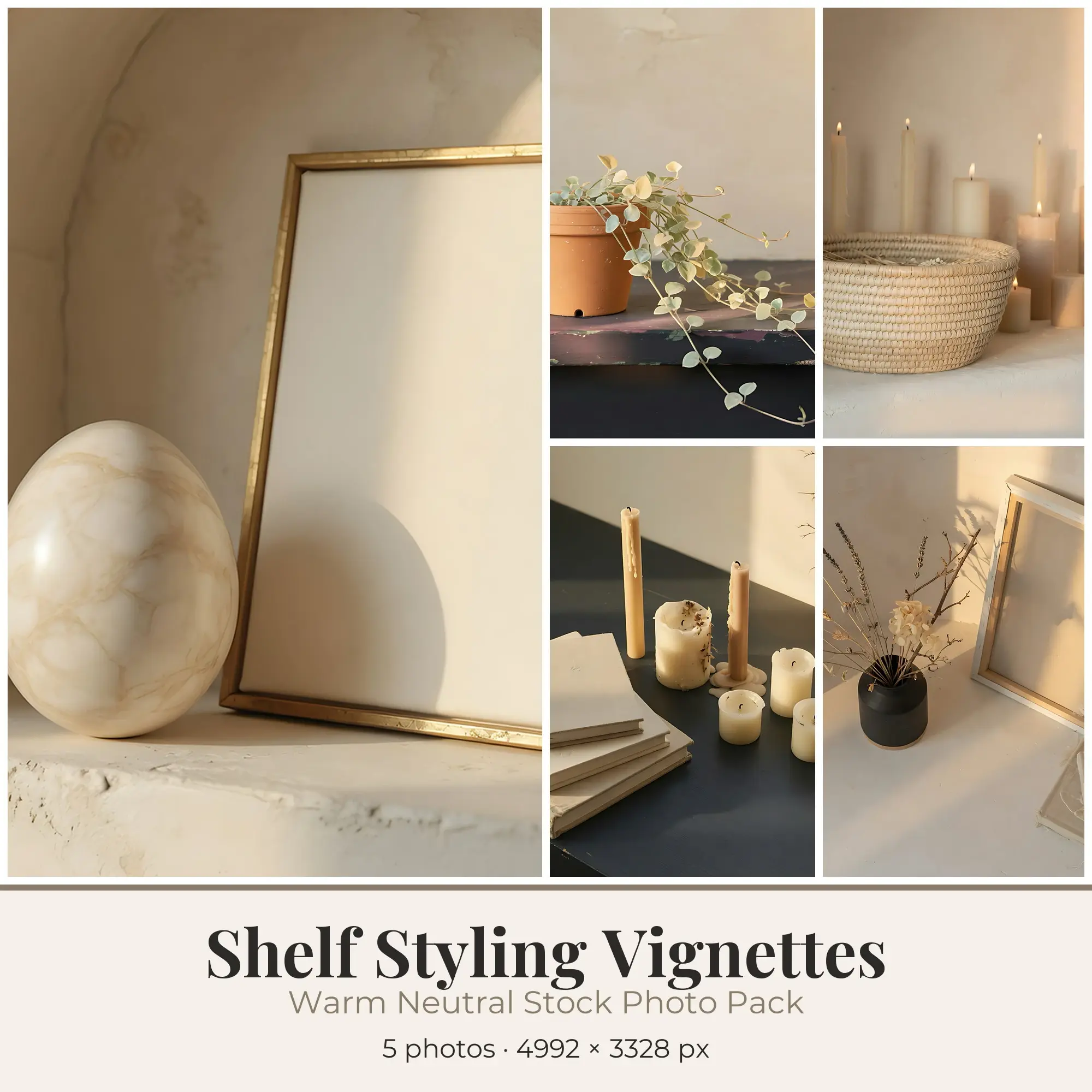
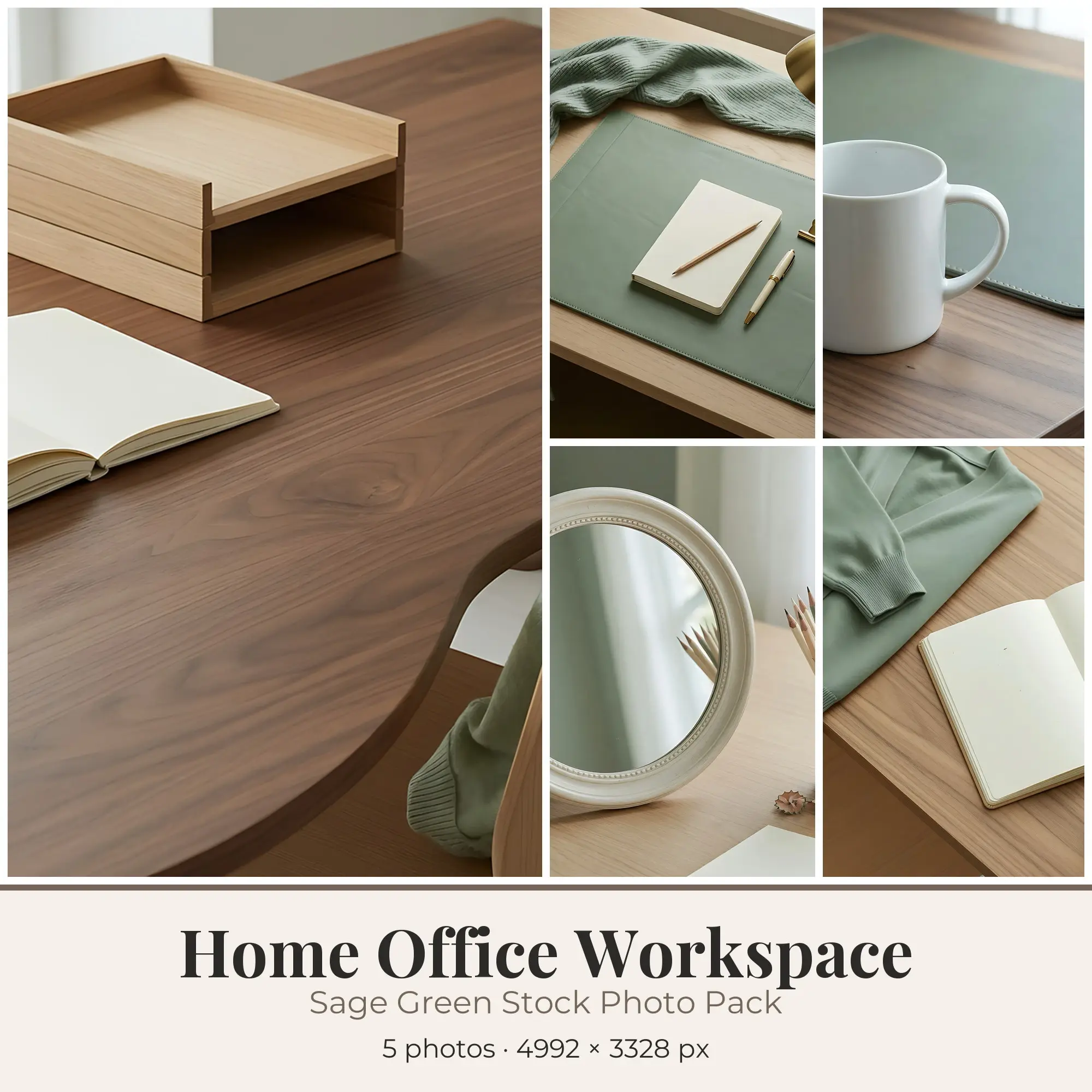
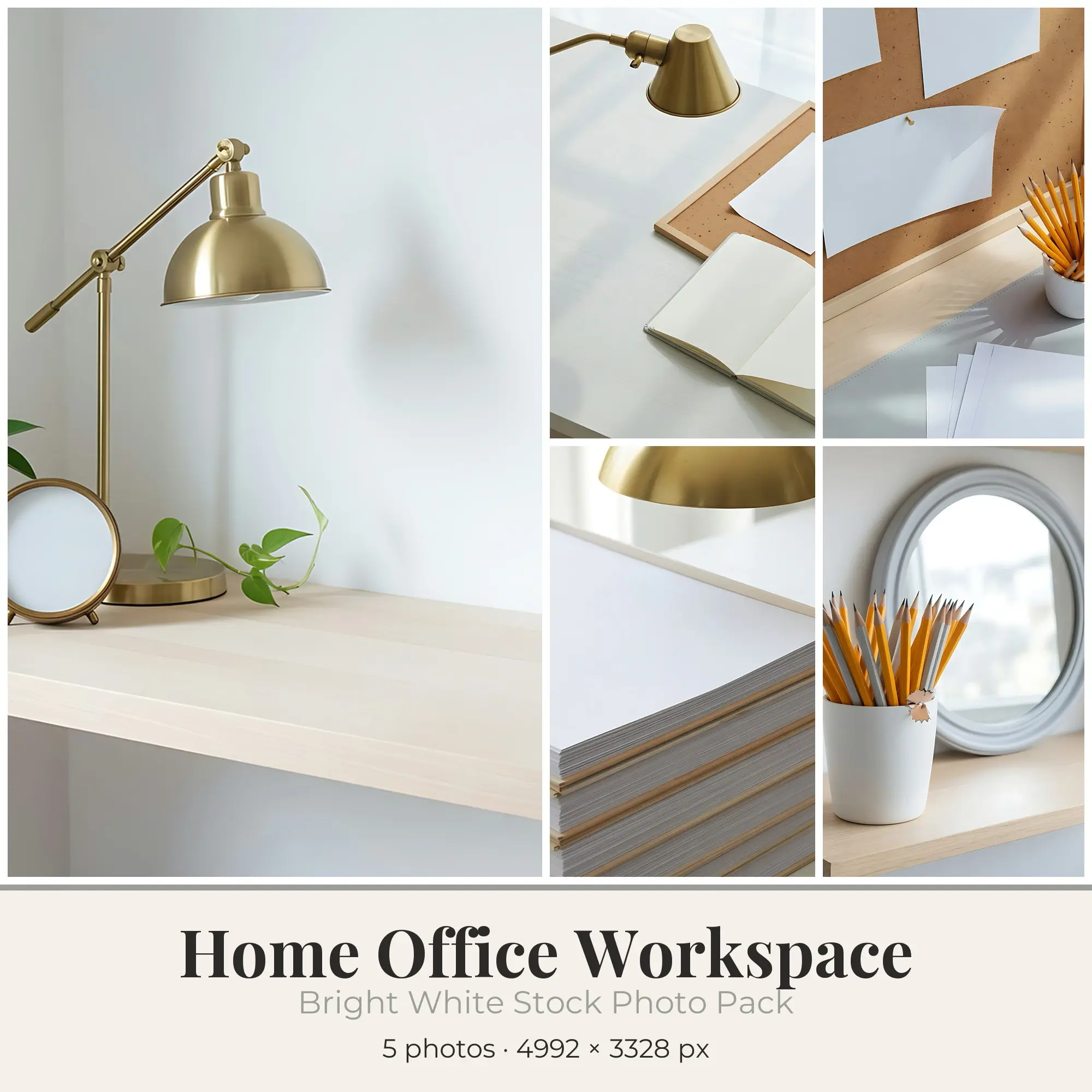
Stock photos and photo-style images for blog headers, website banners, social posts and shop graphics. Many listings are themed sets that share one light and color treatment, so the images sit well together. Check the pixel size and license on each listing before you buy.
Popular in Stock Photos
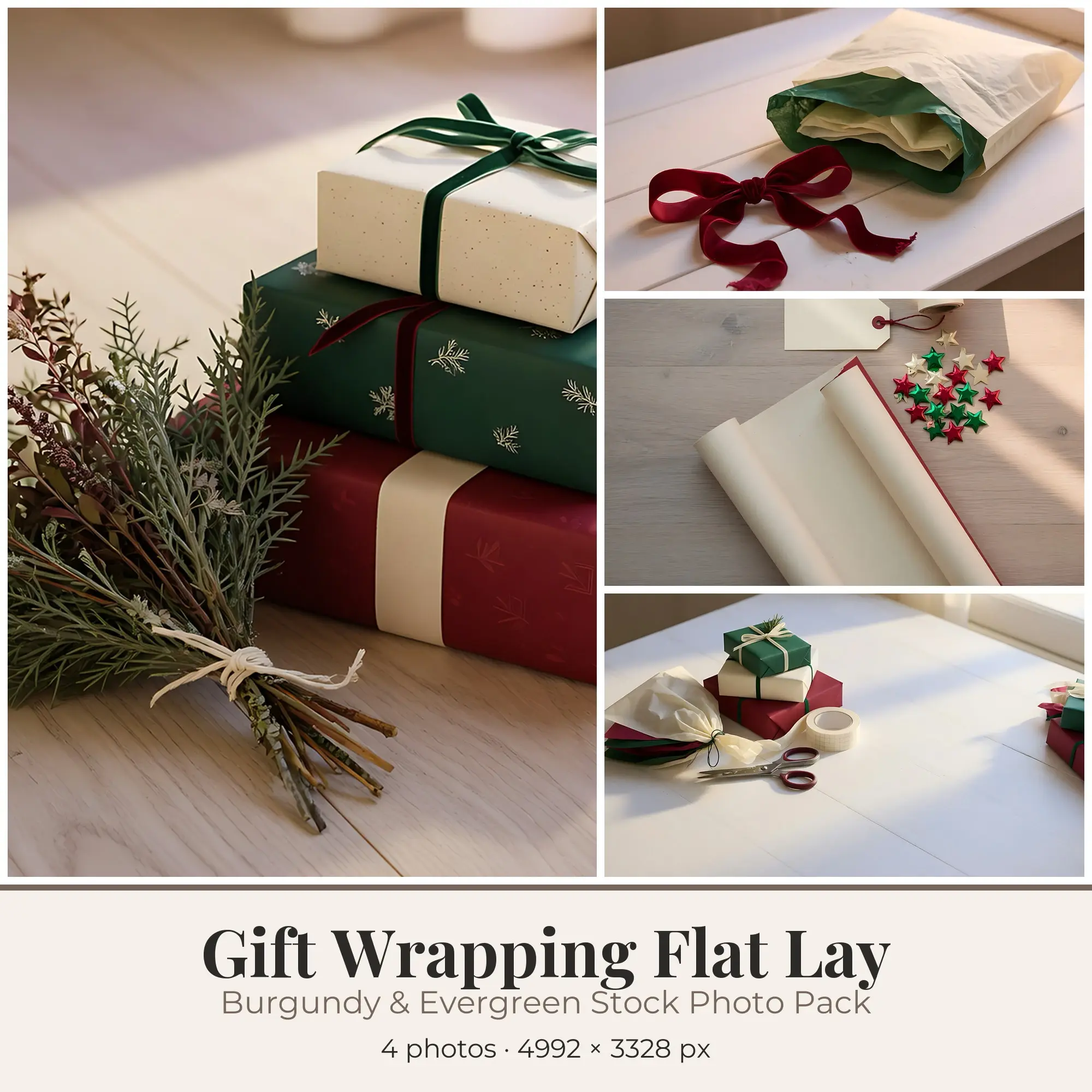
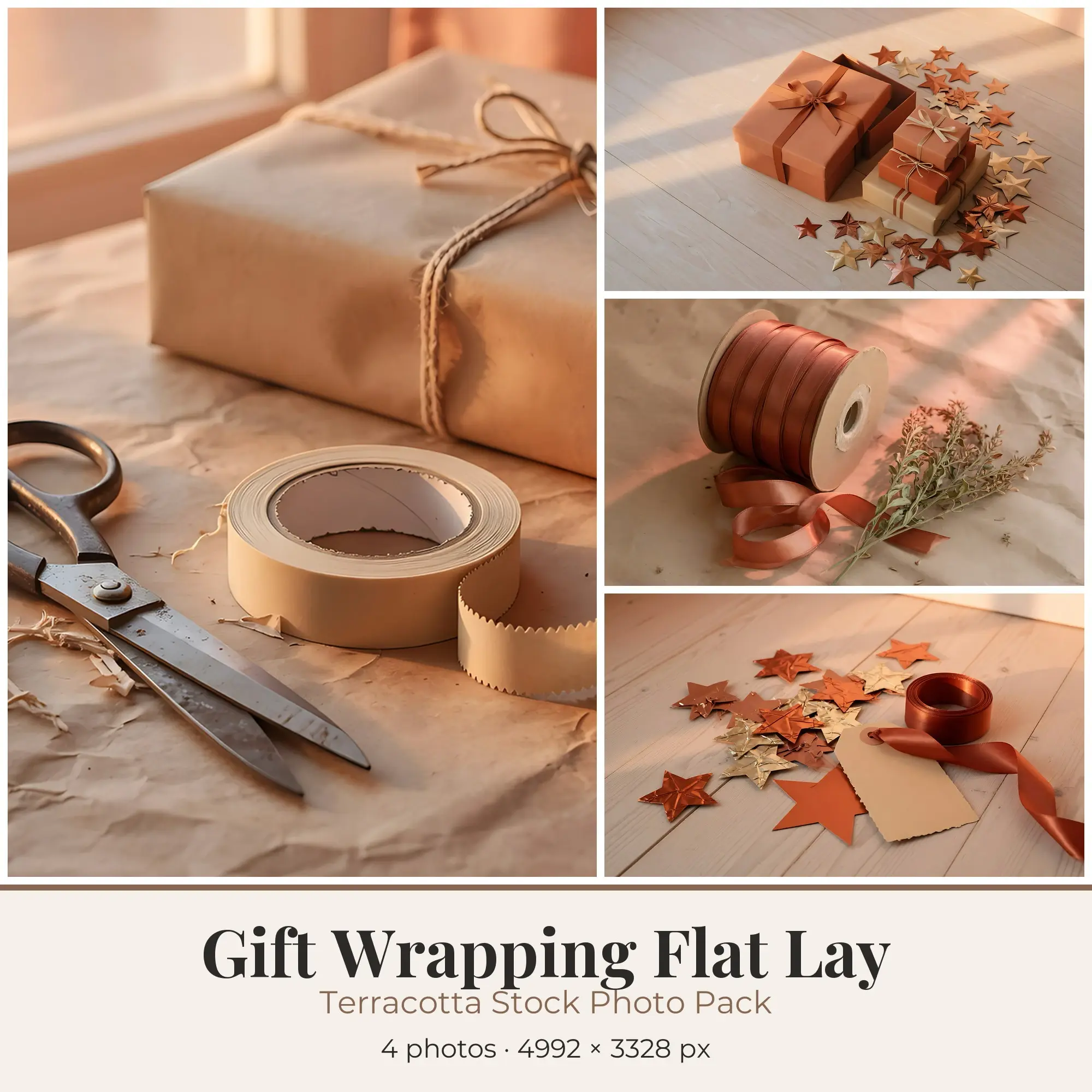
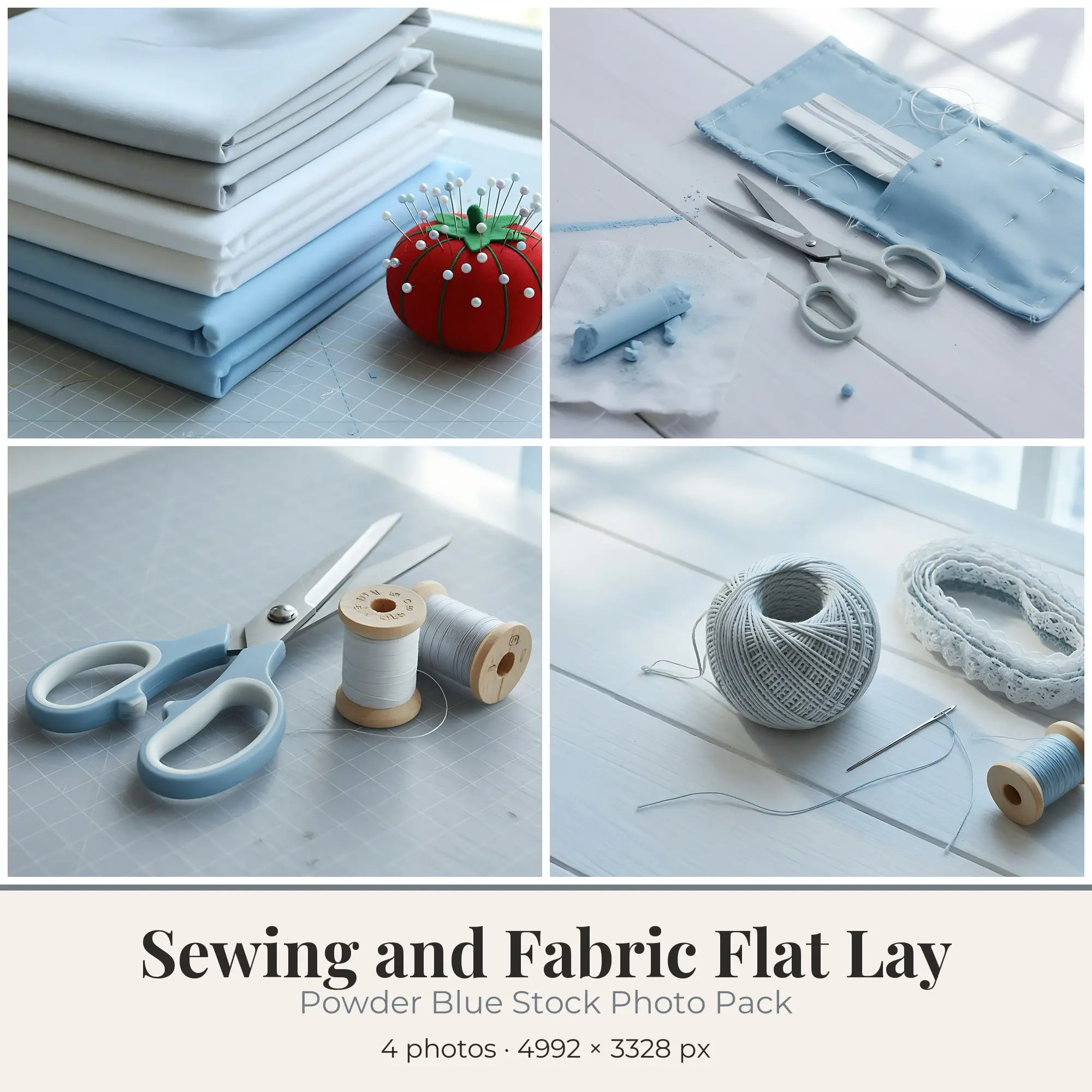
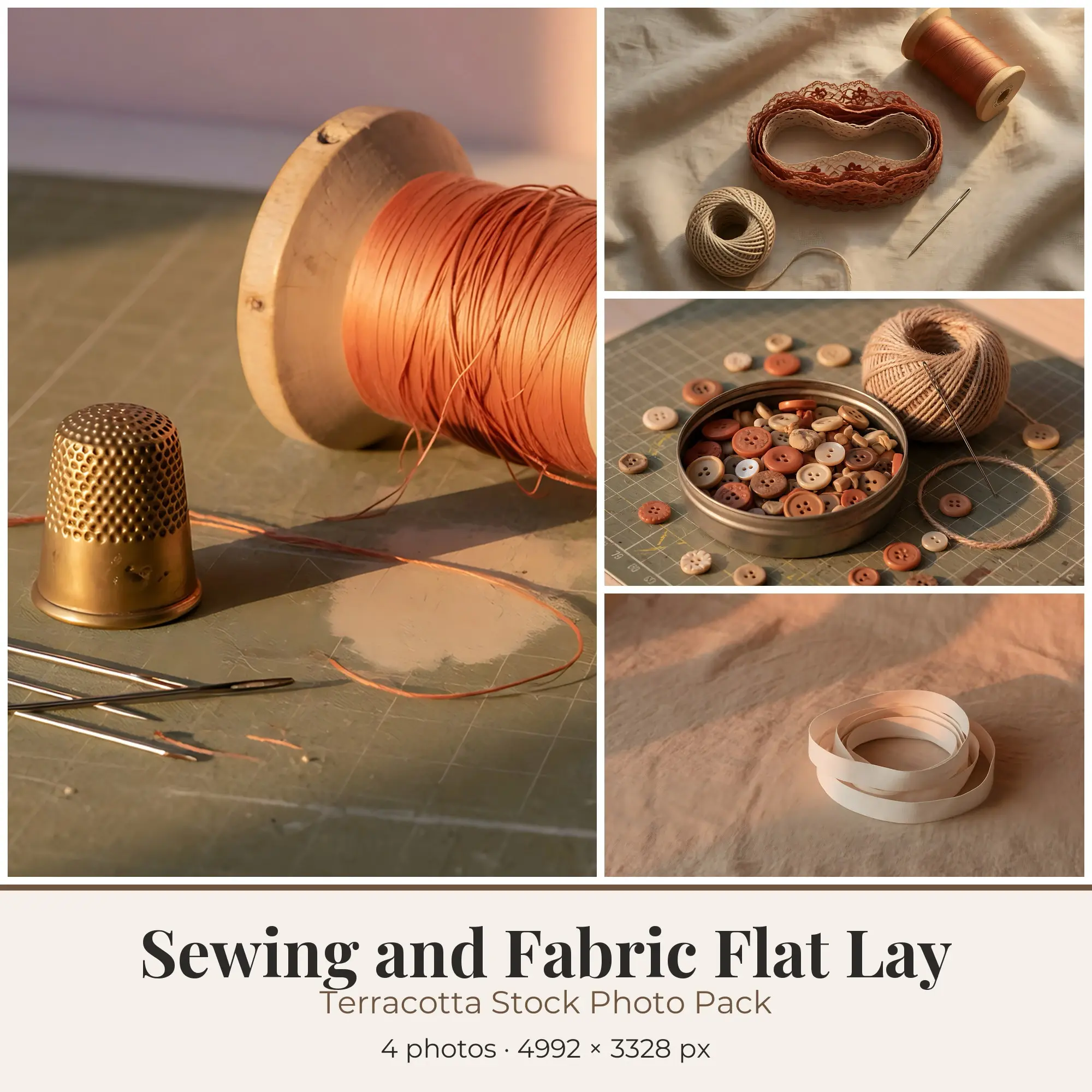
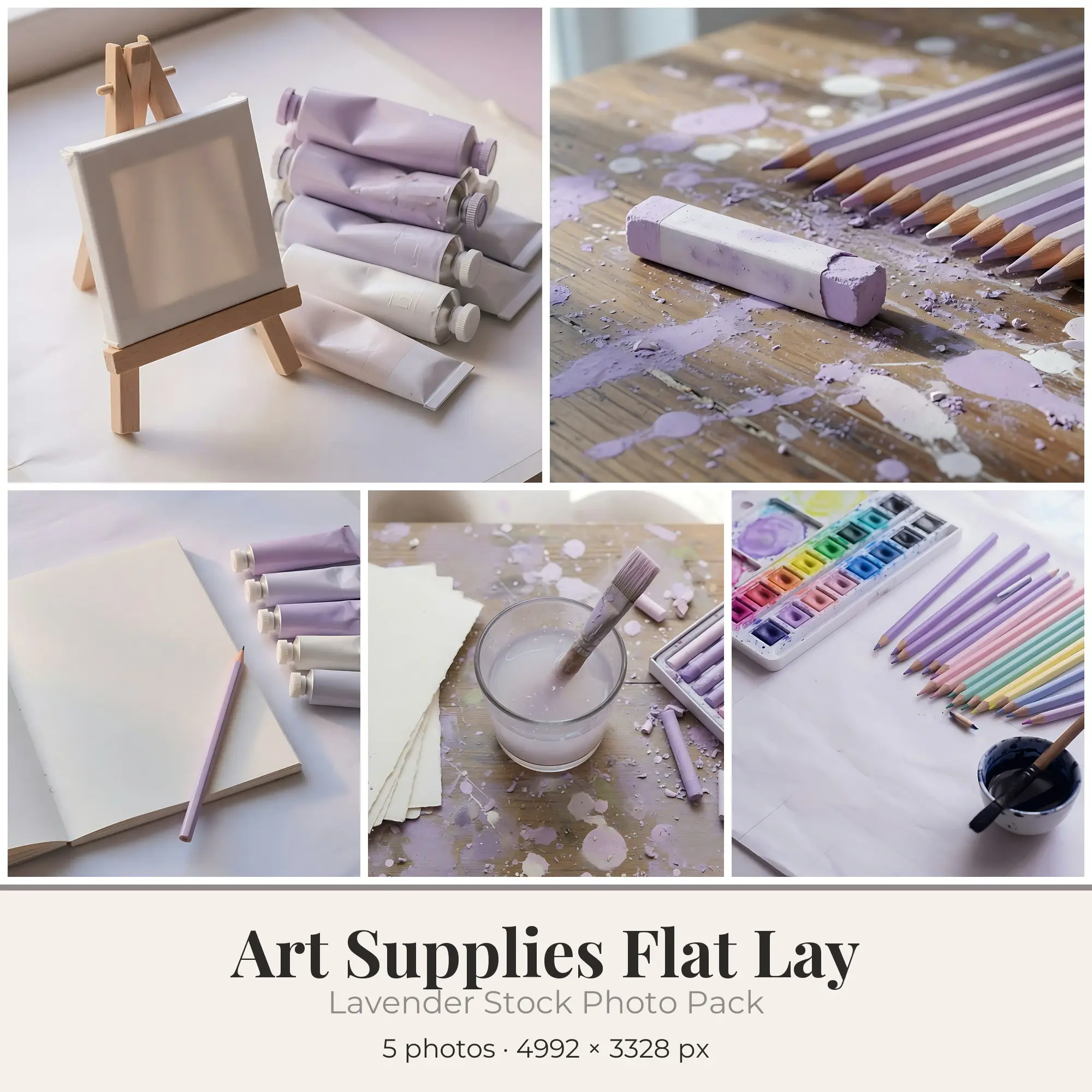
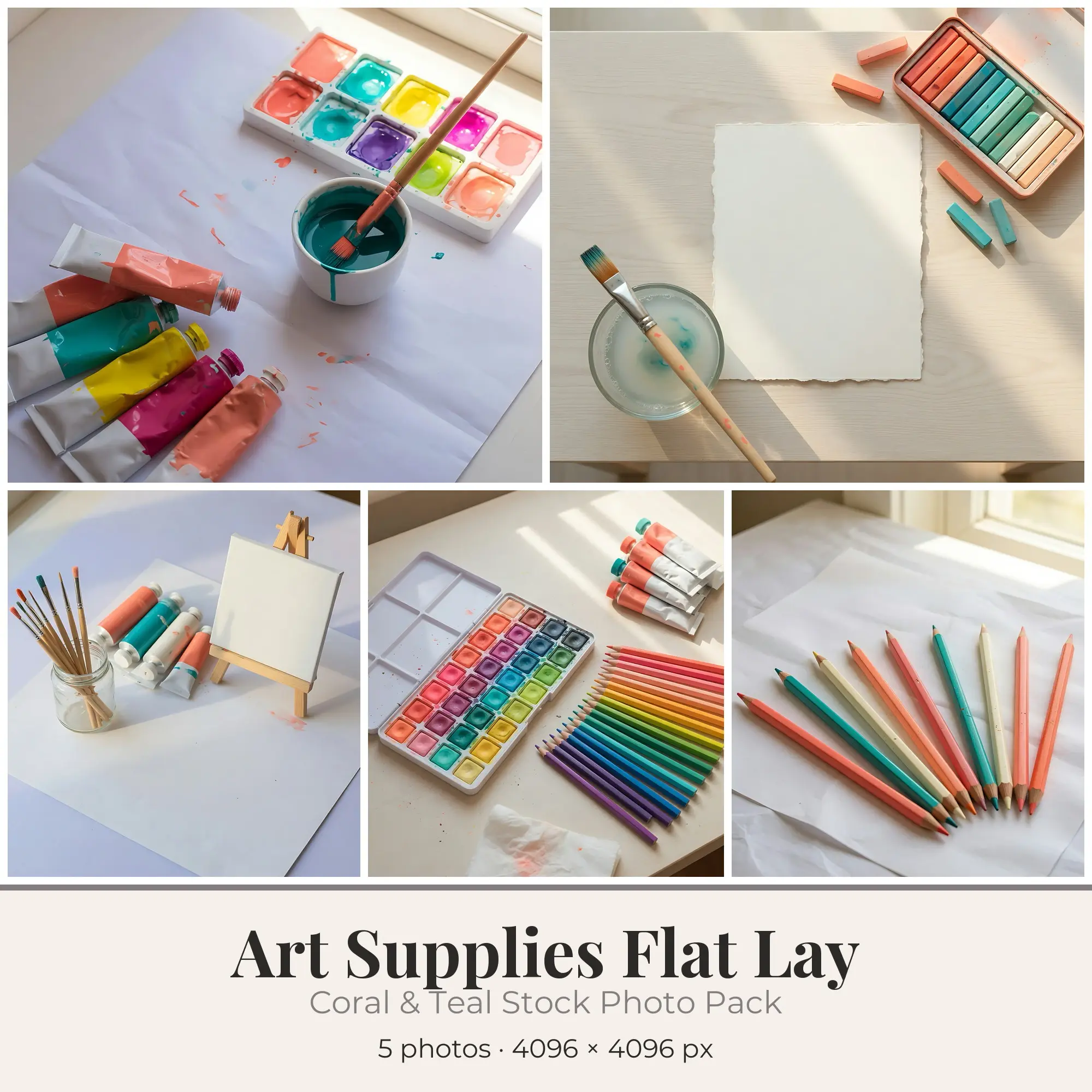
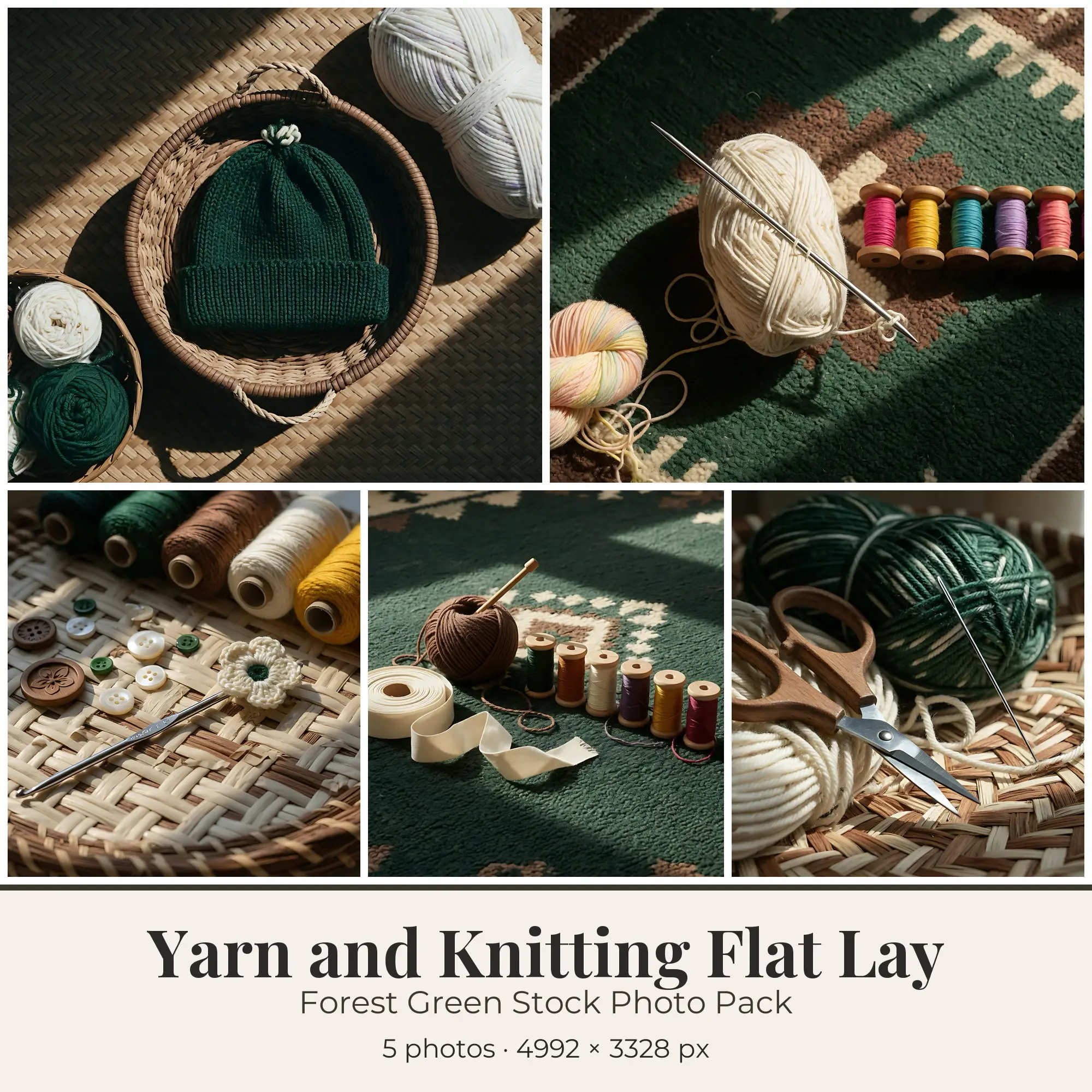
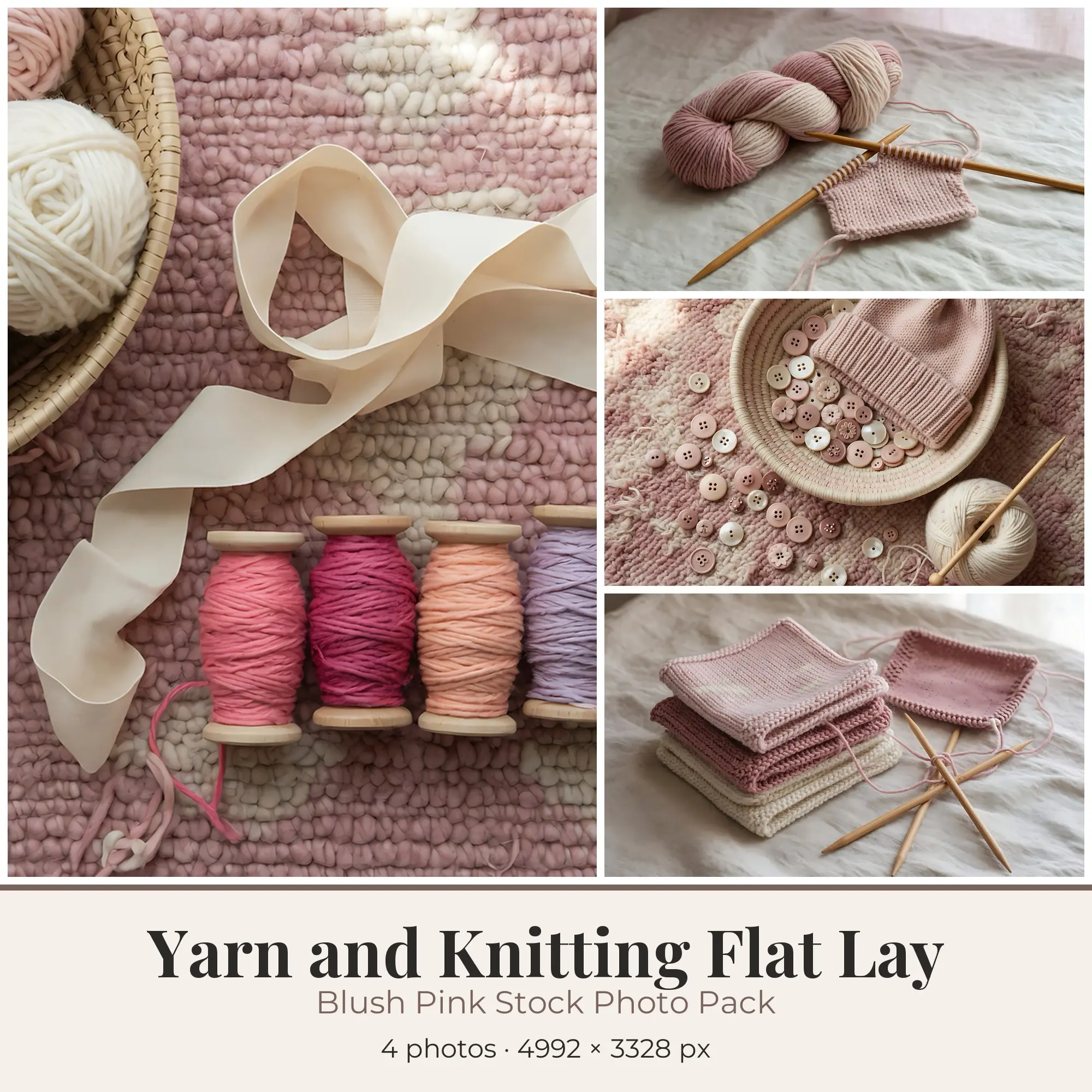
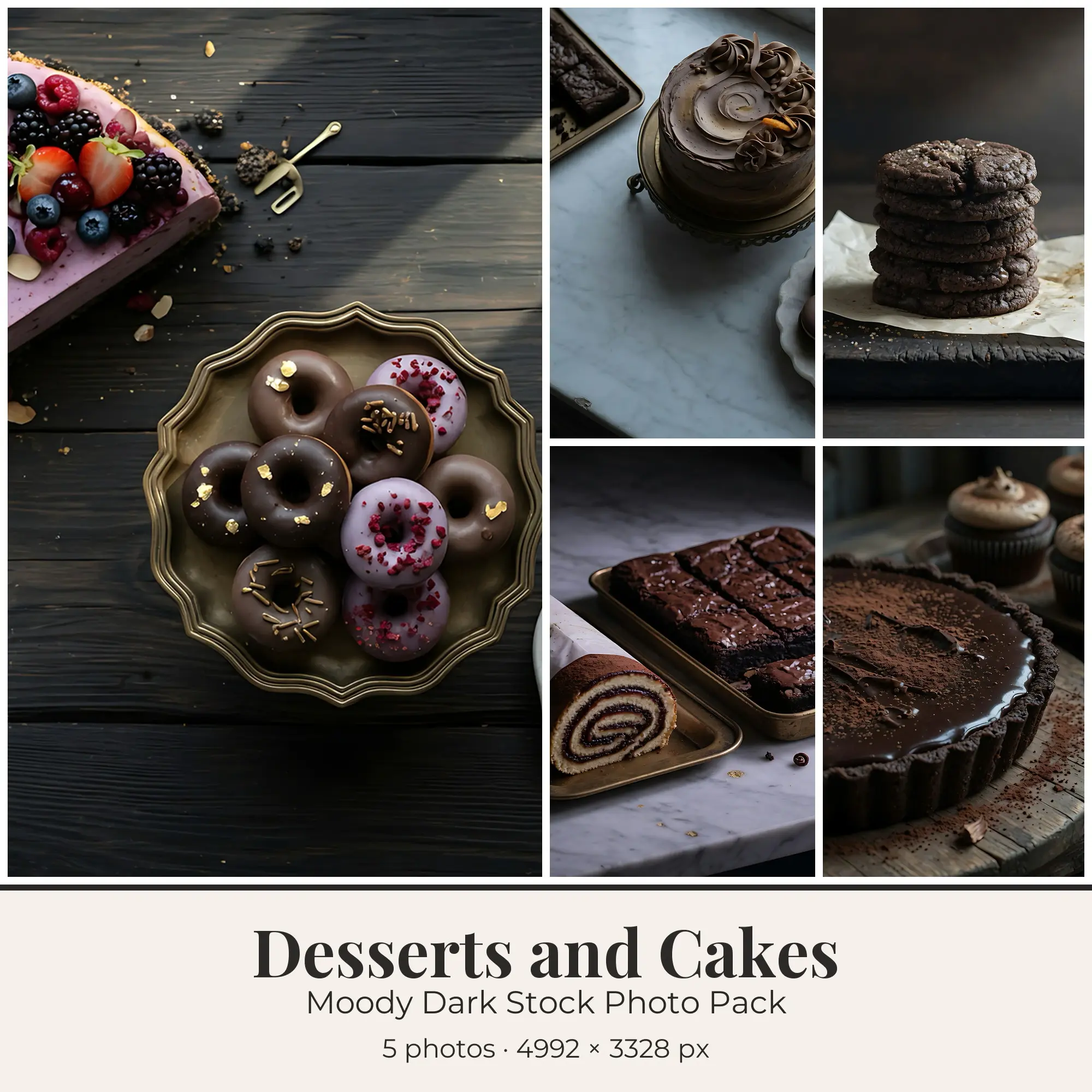
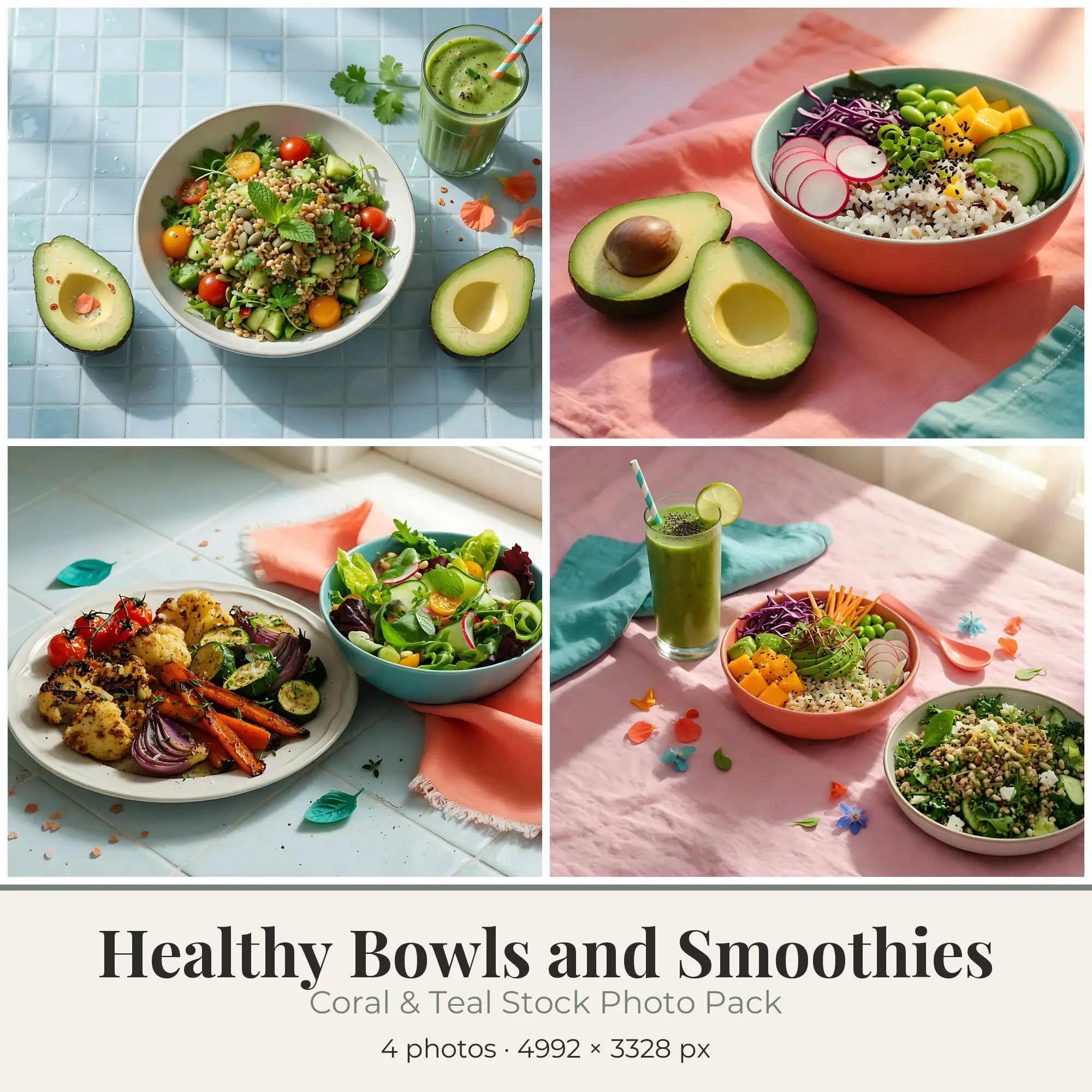
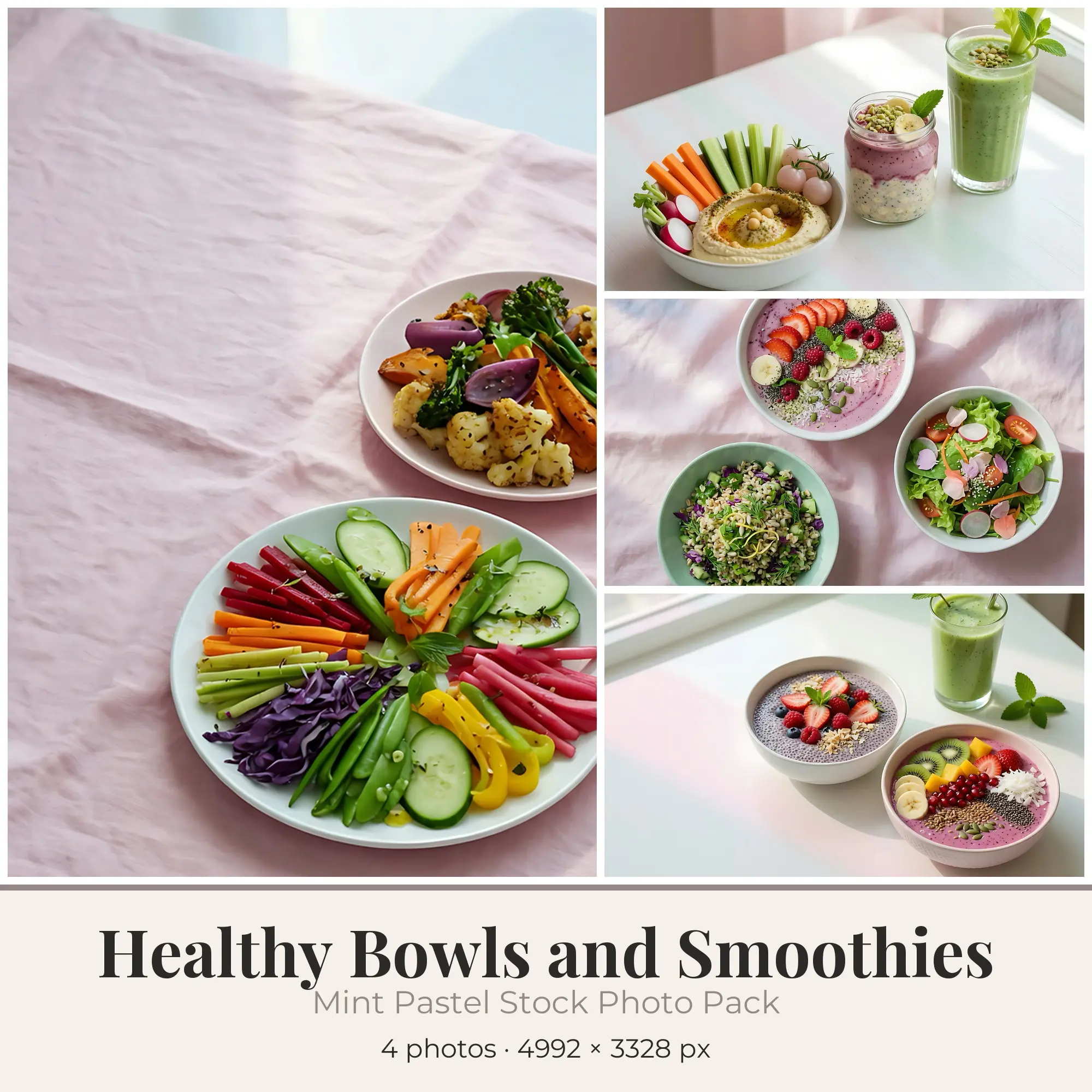
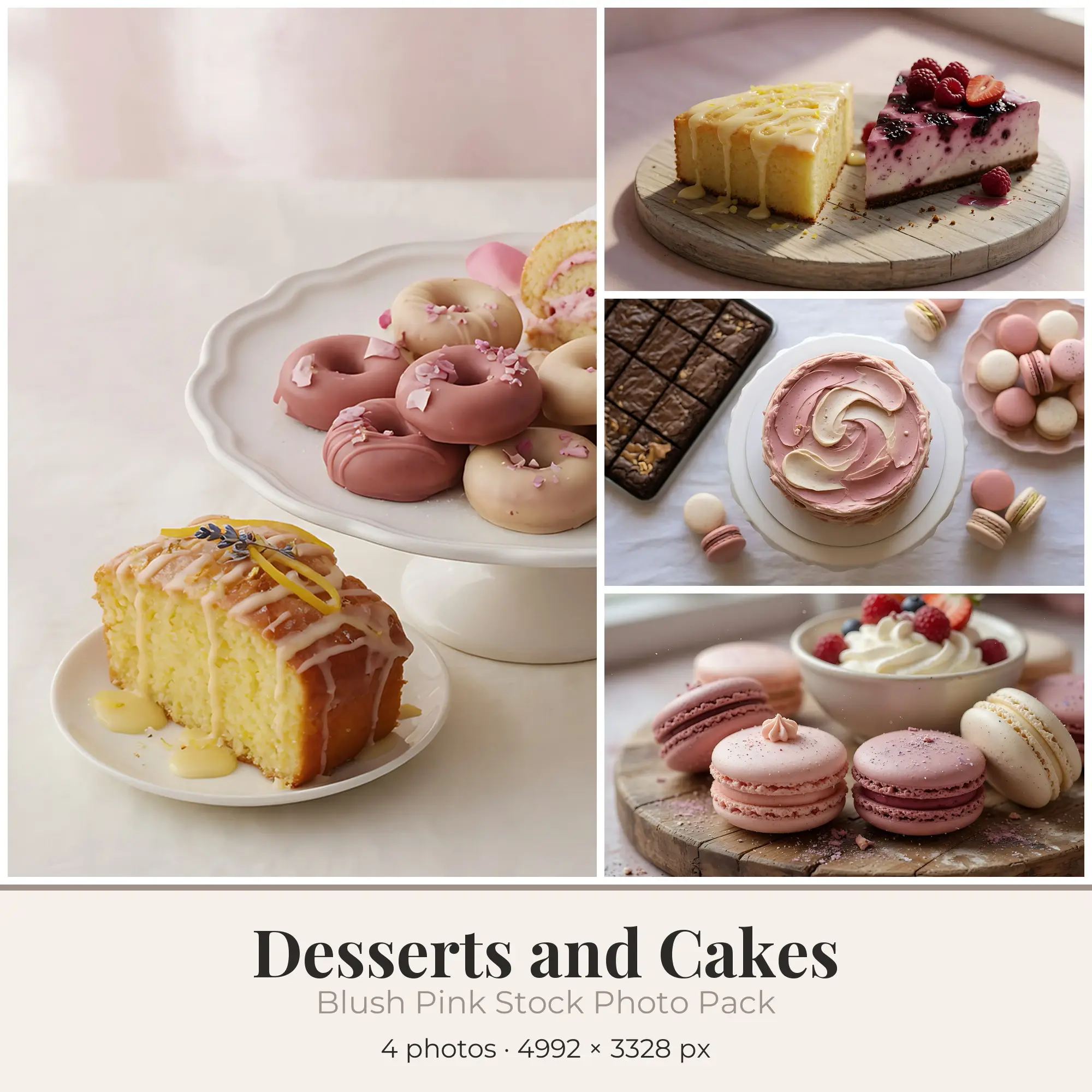
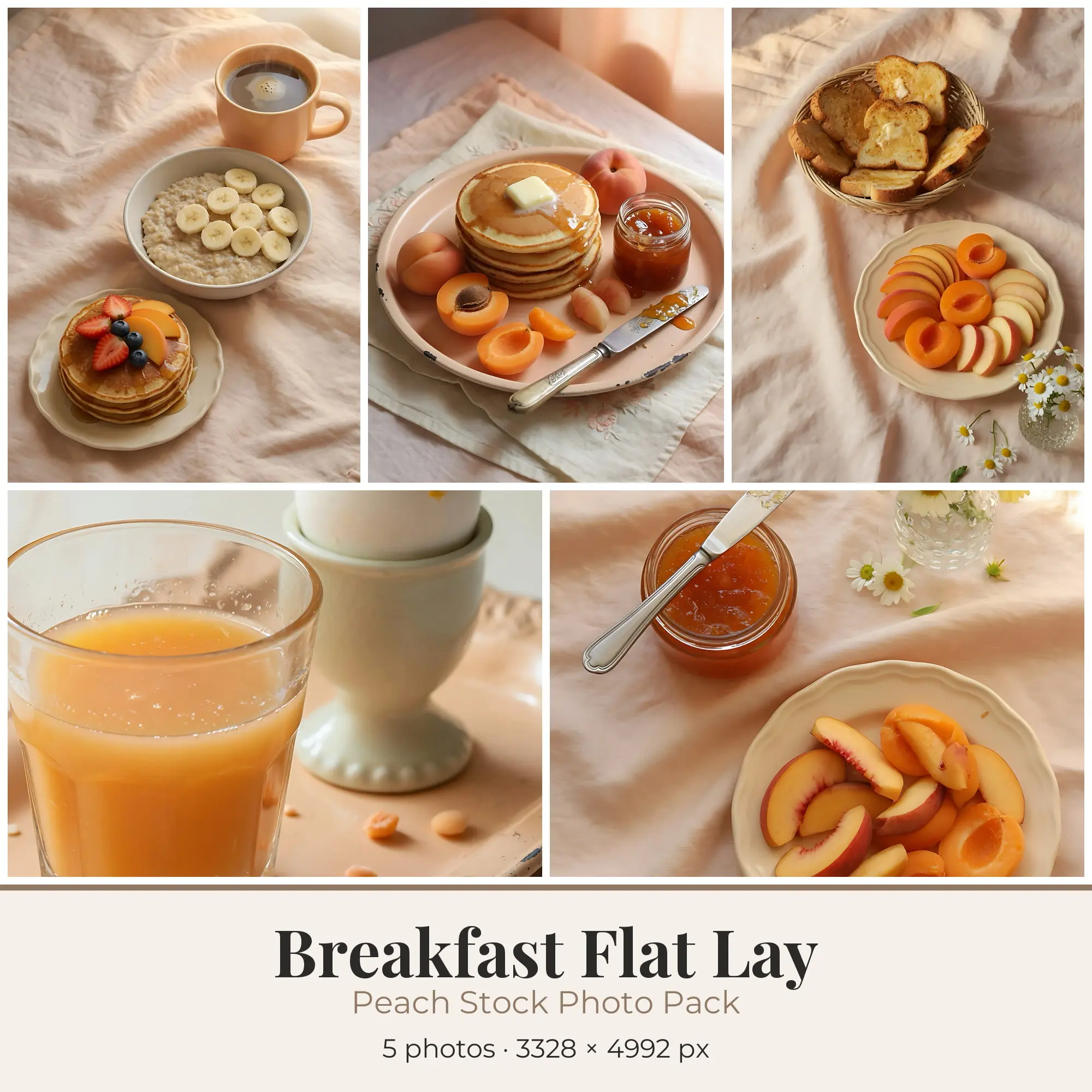
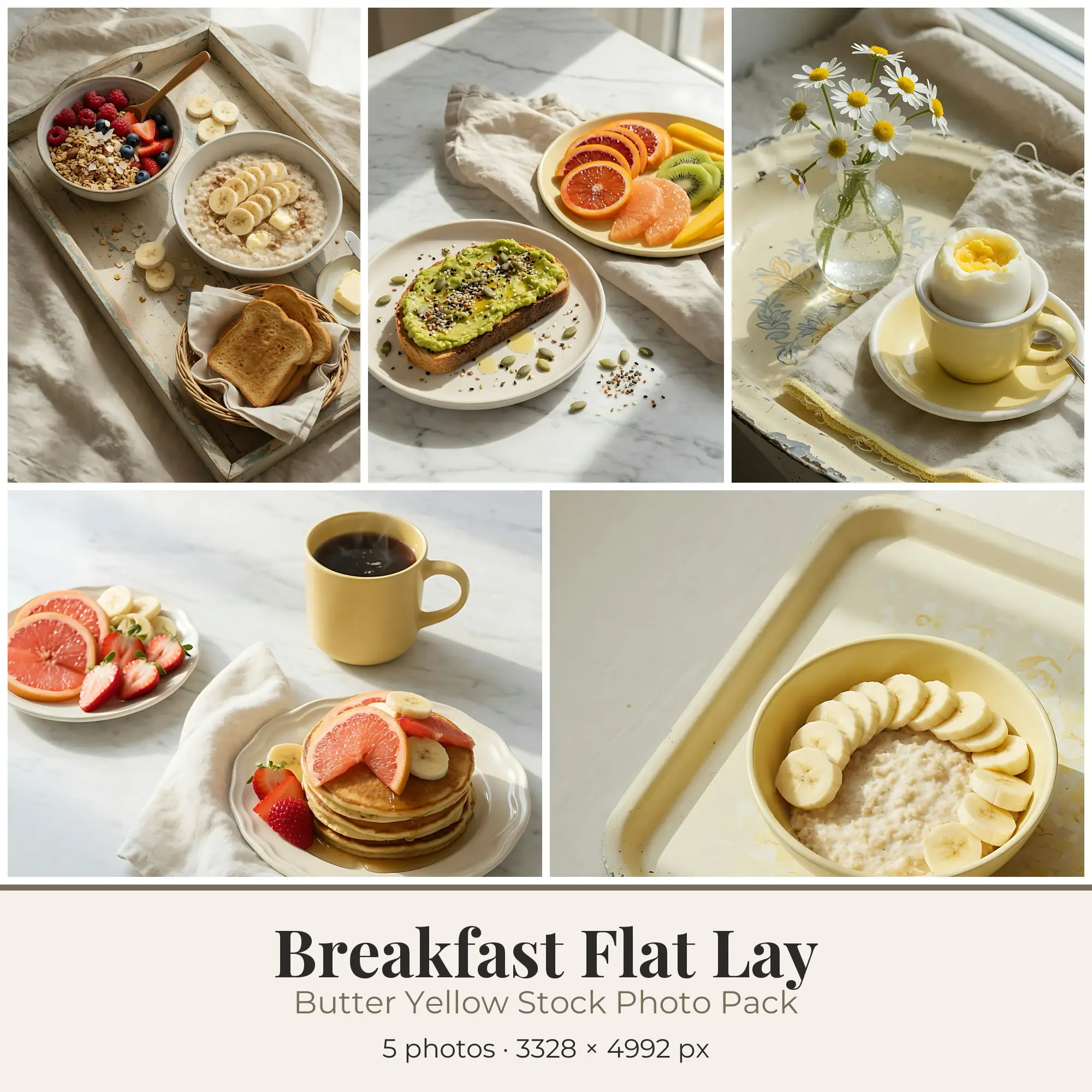
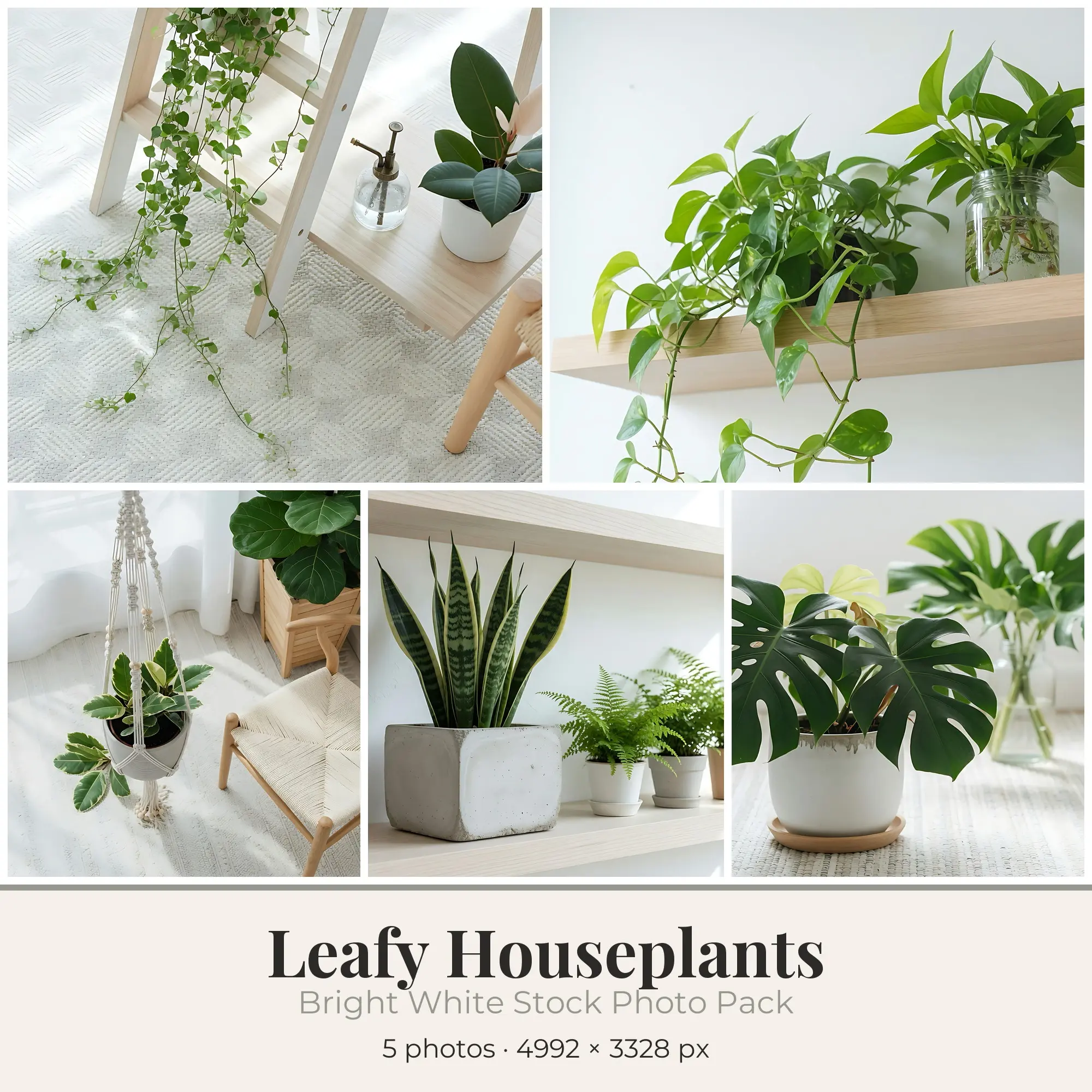
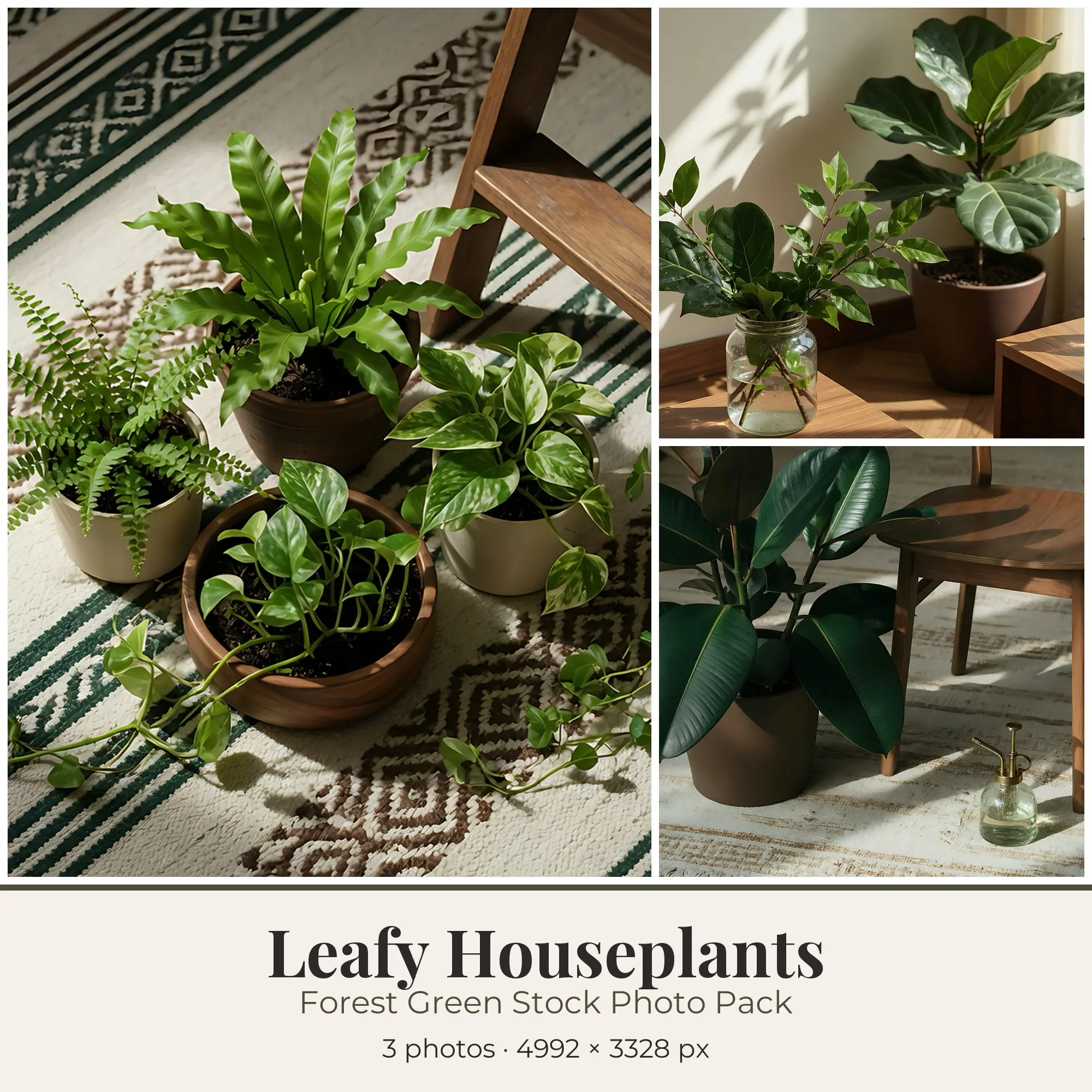
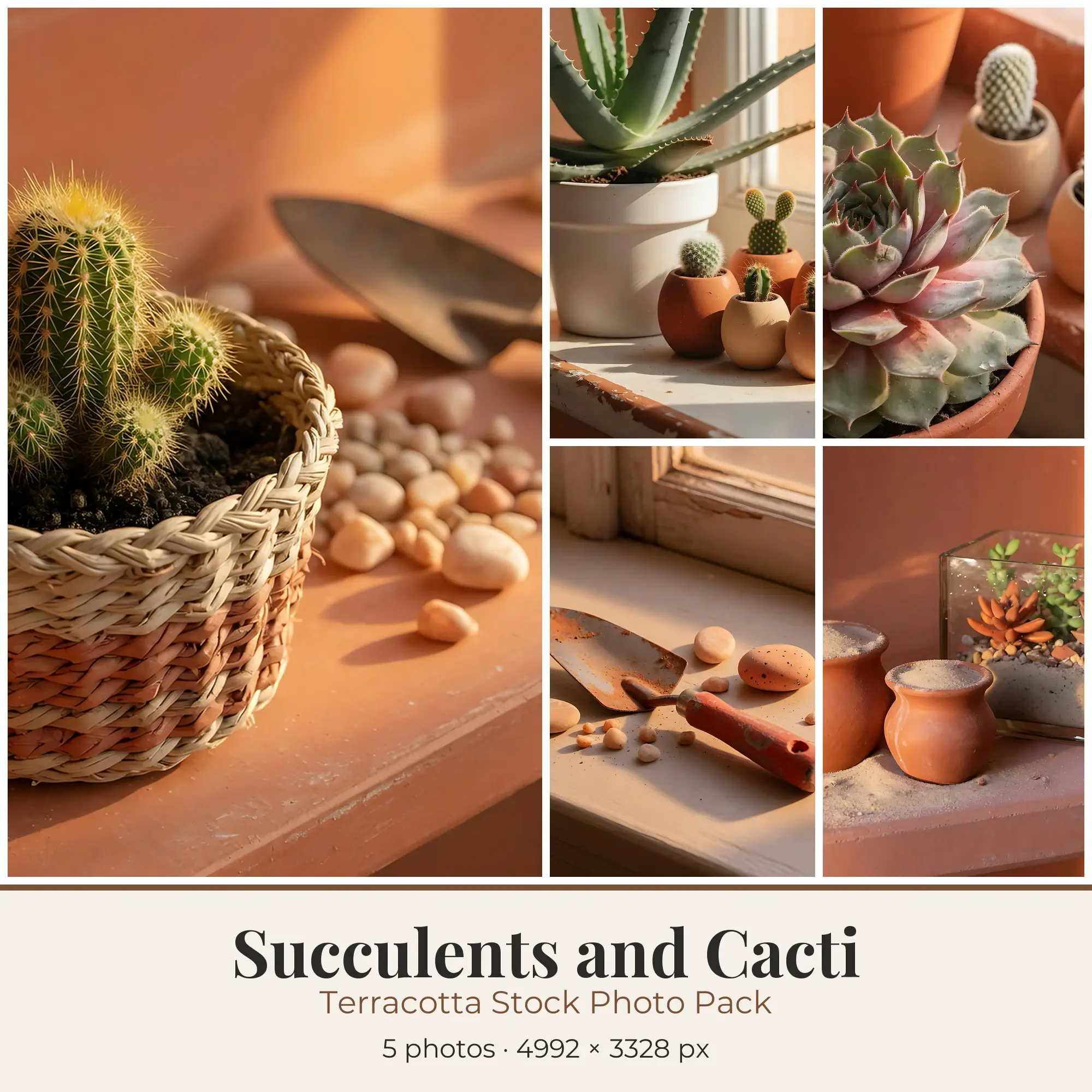
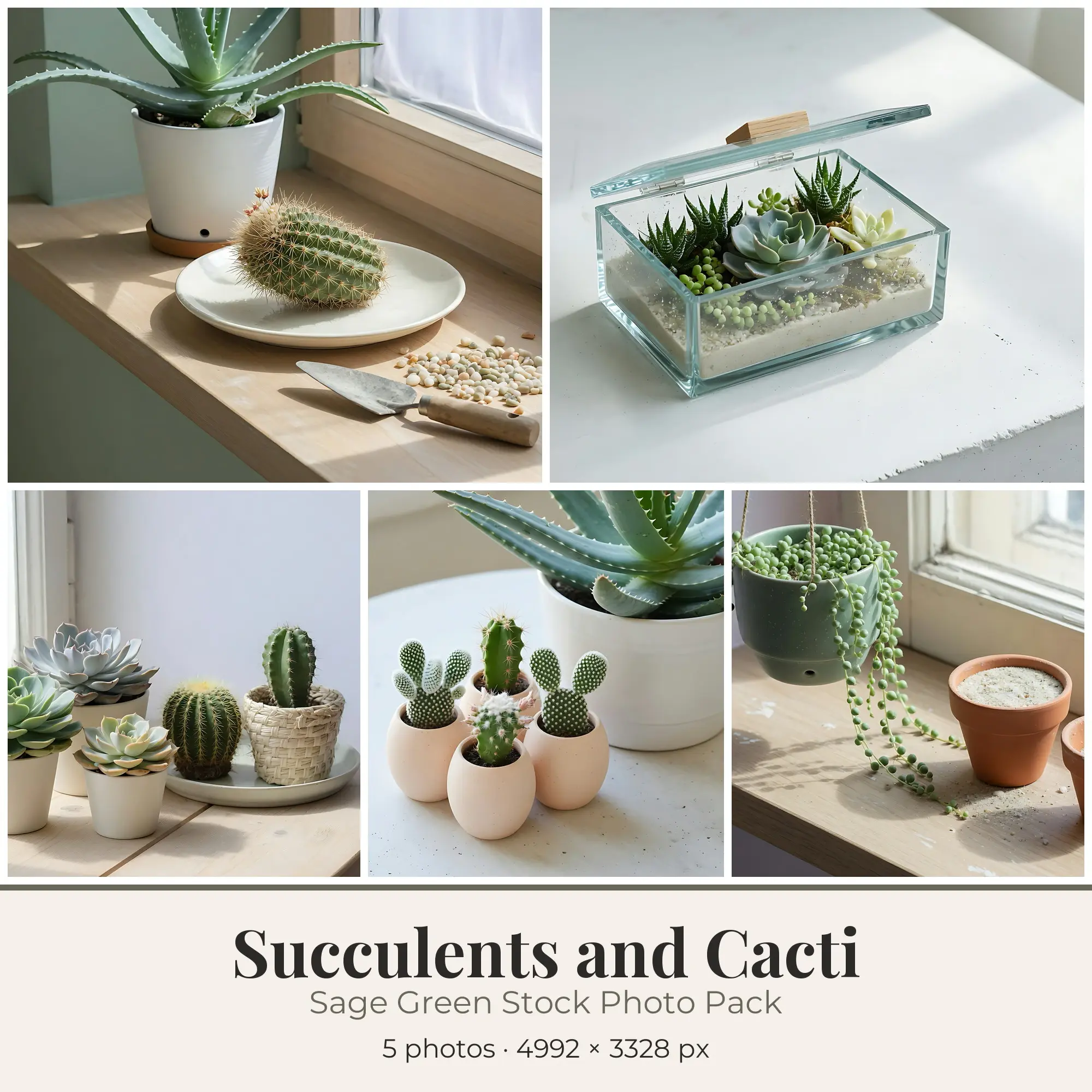
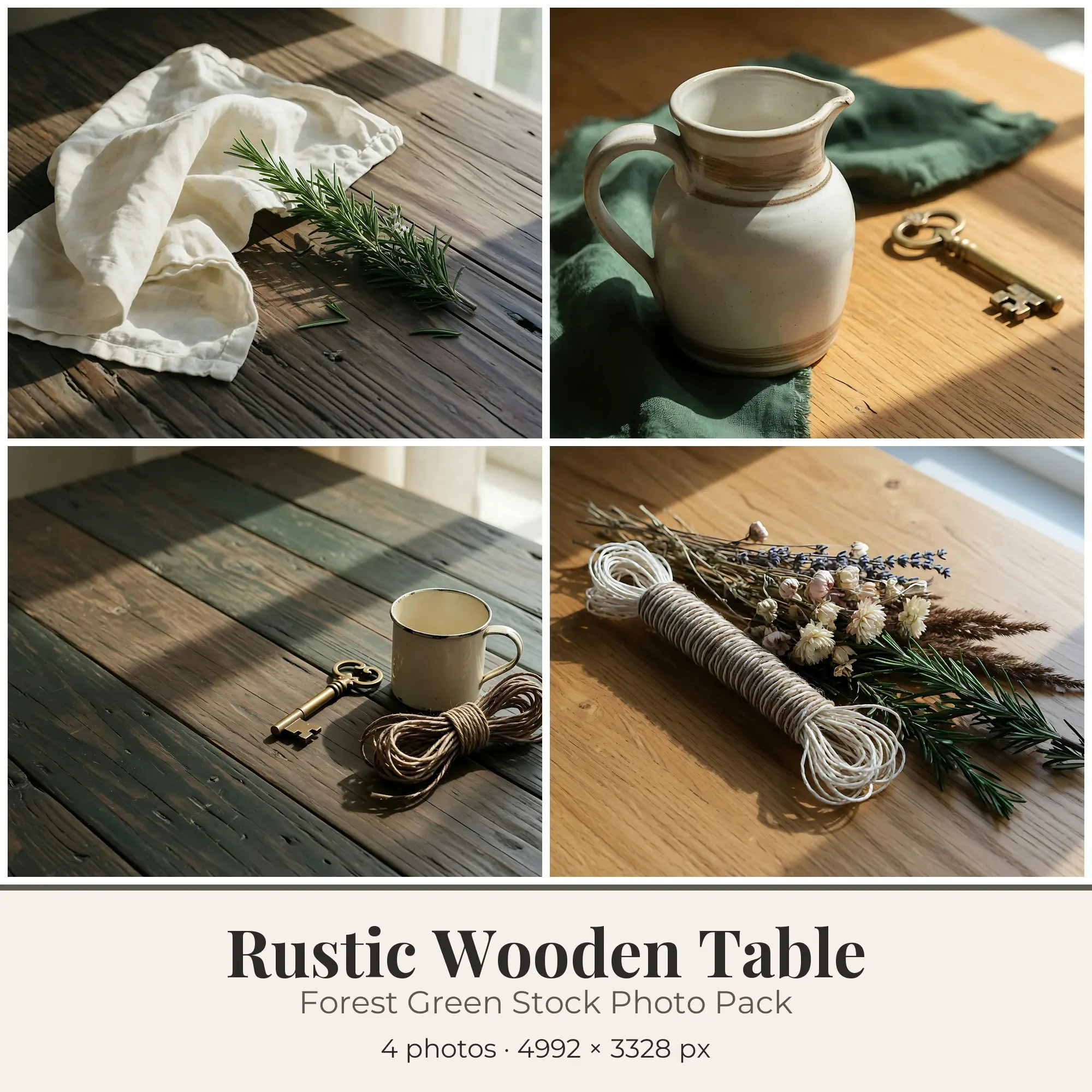
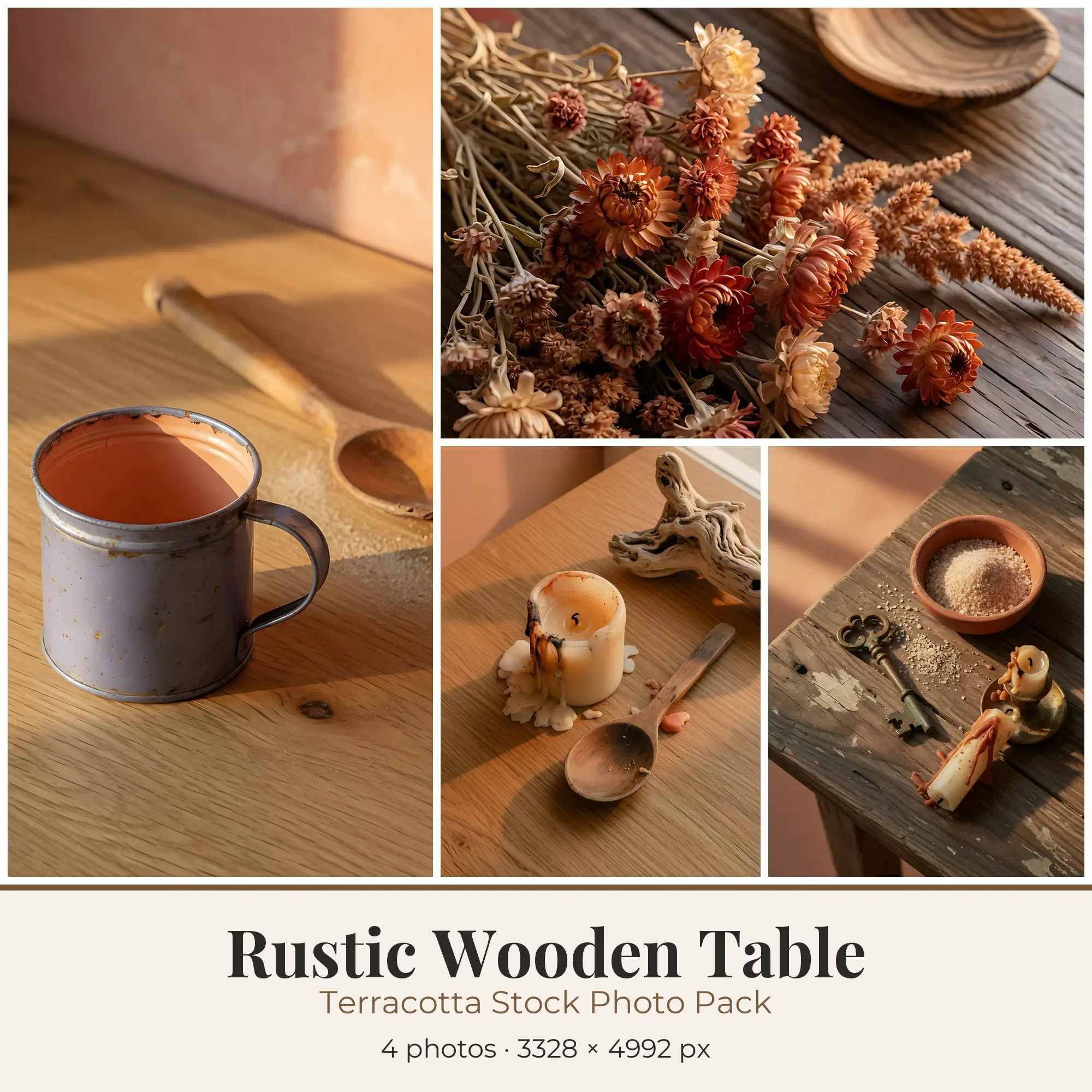
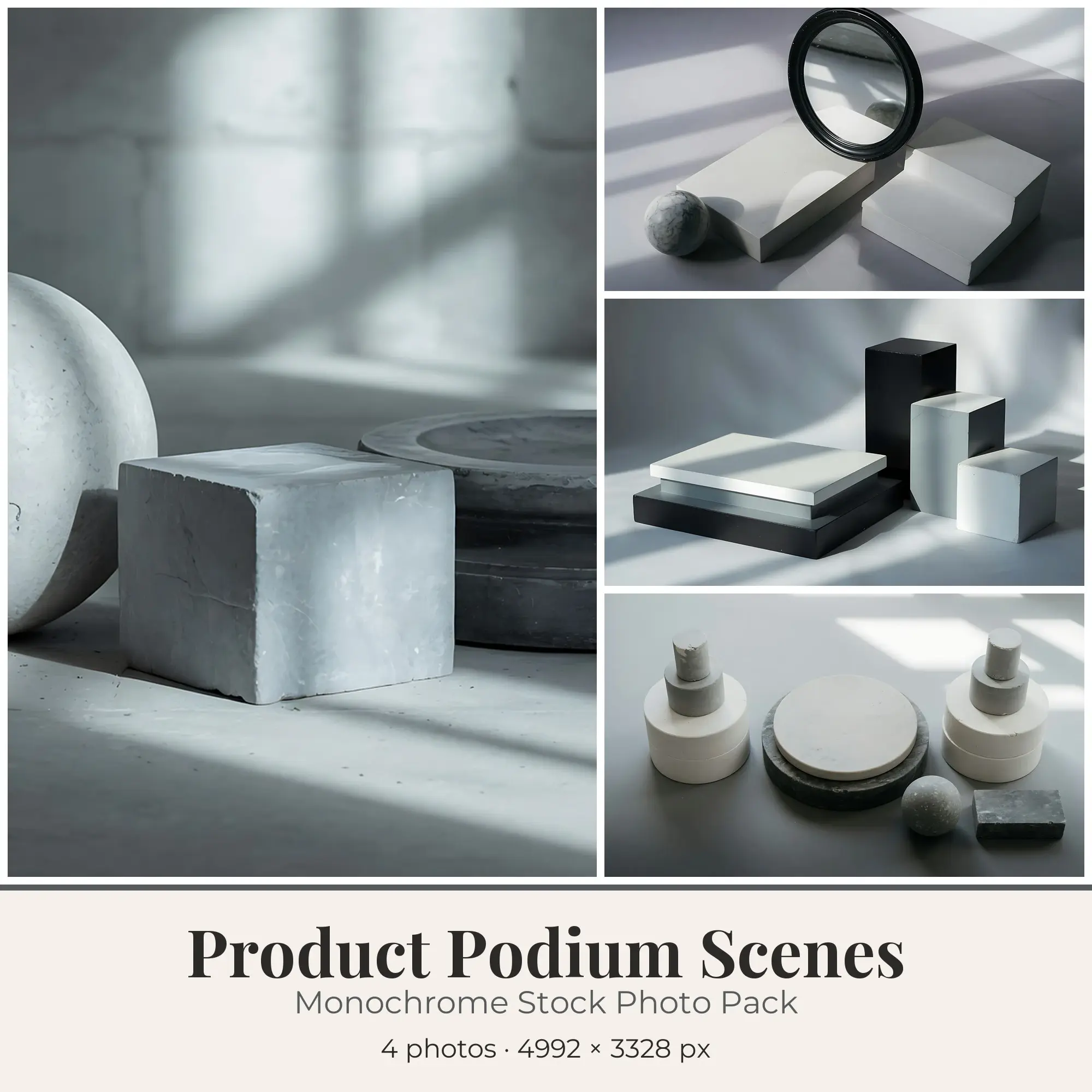
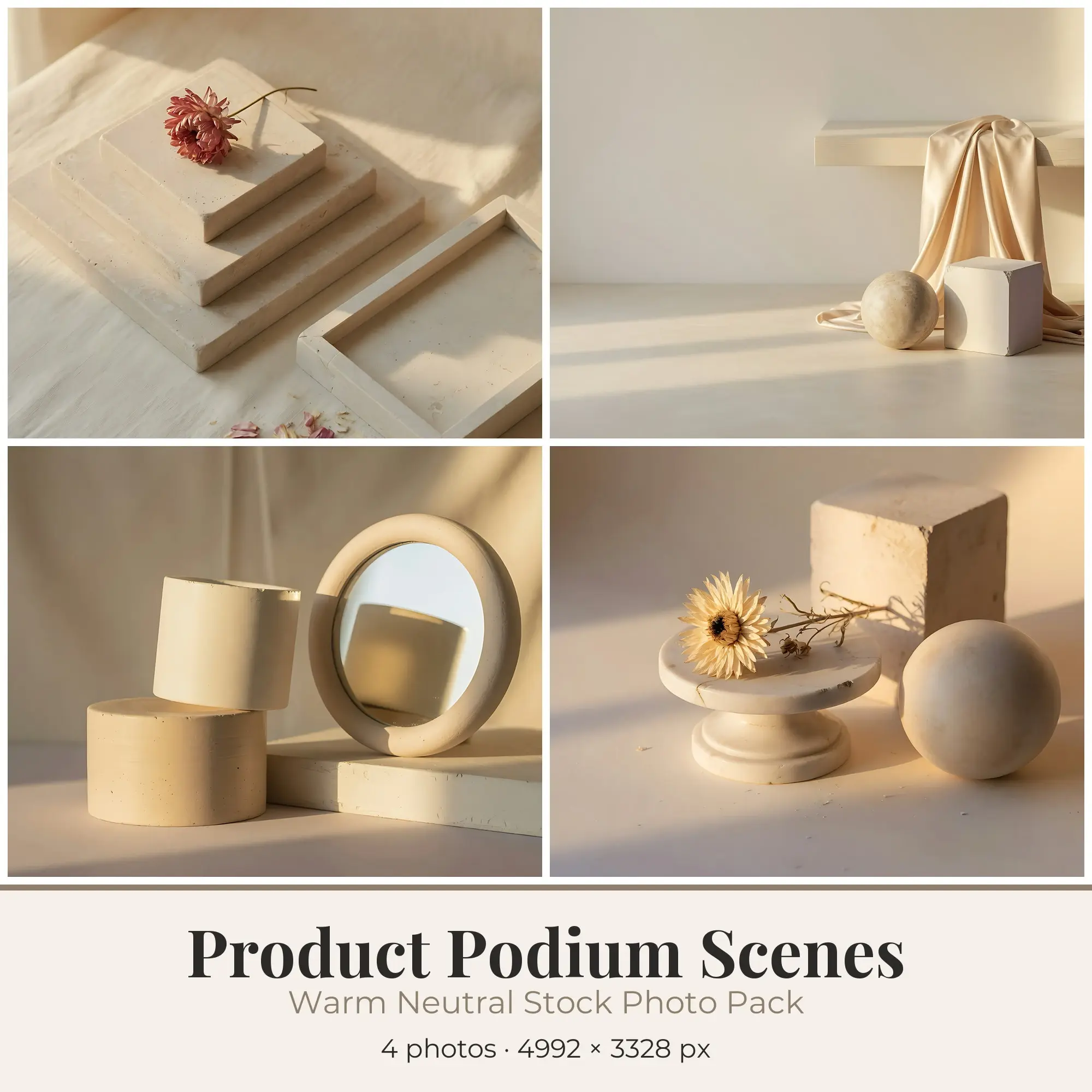
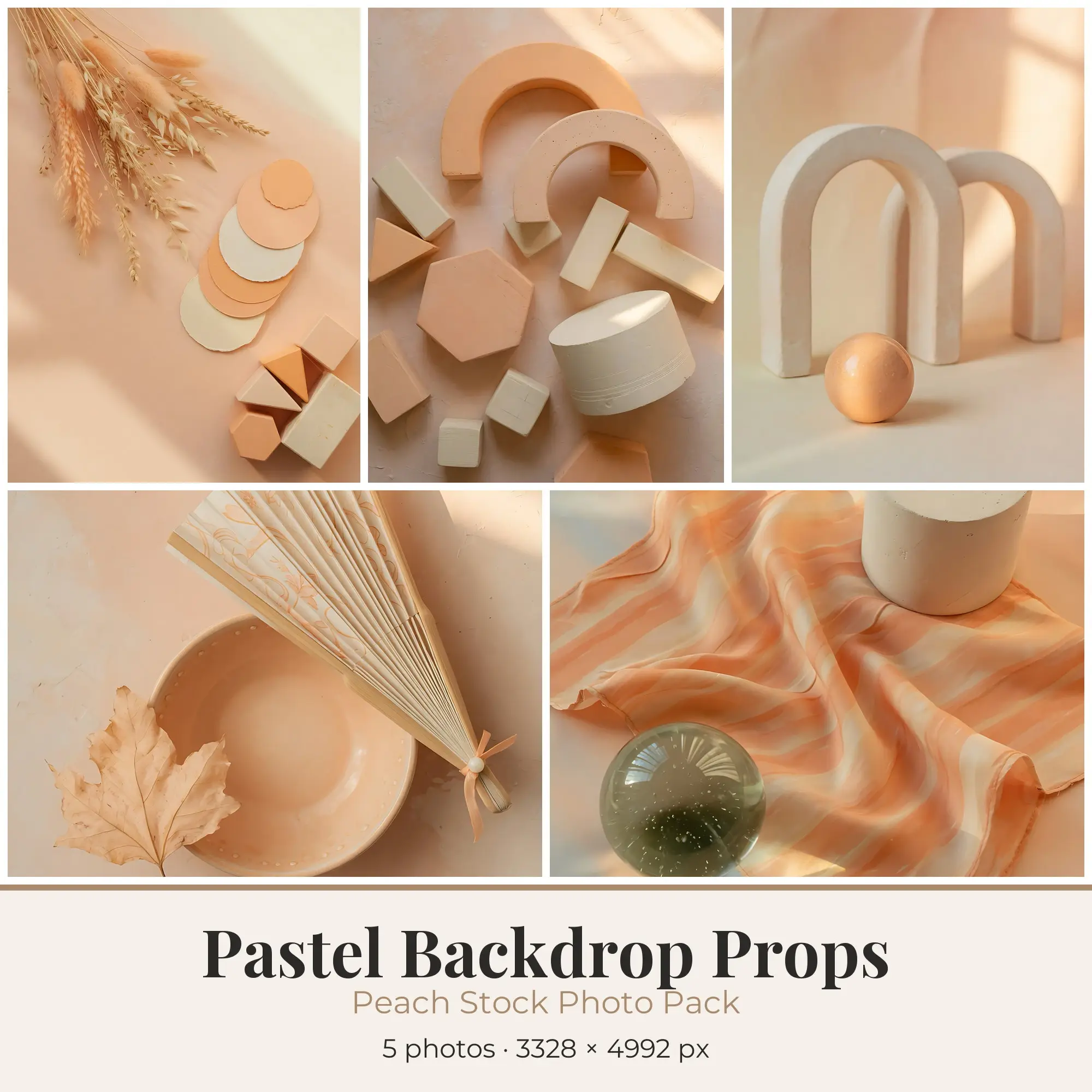
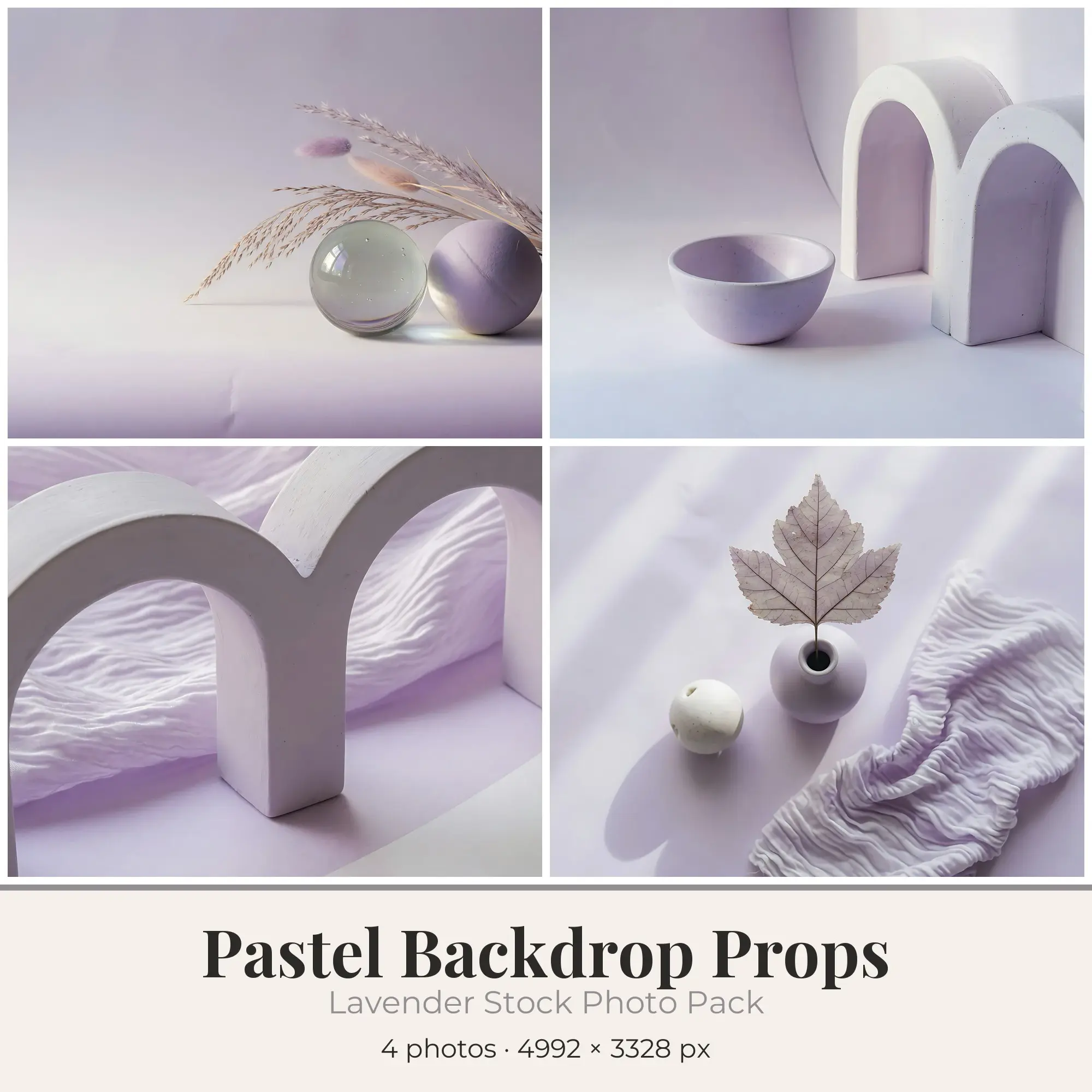
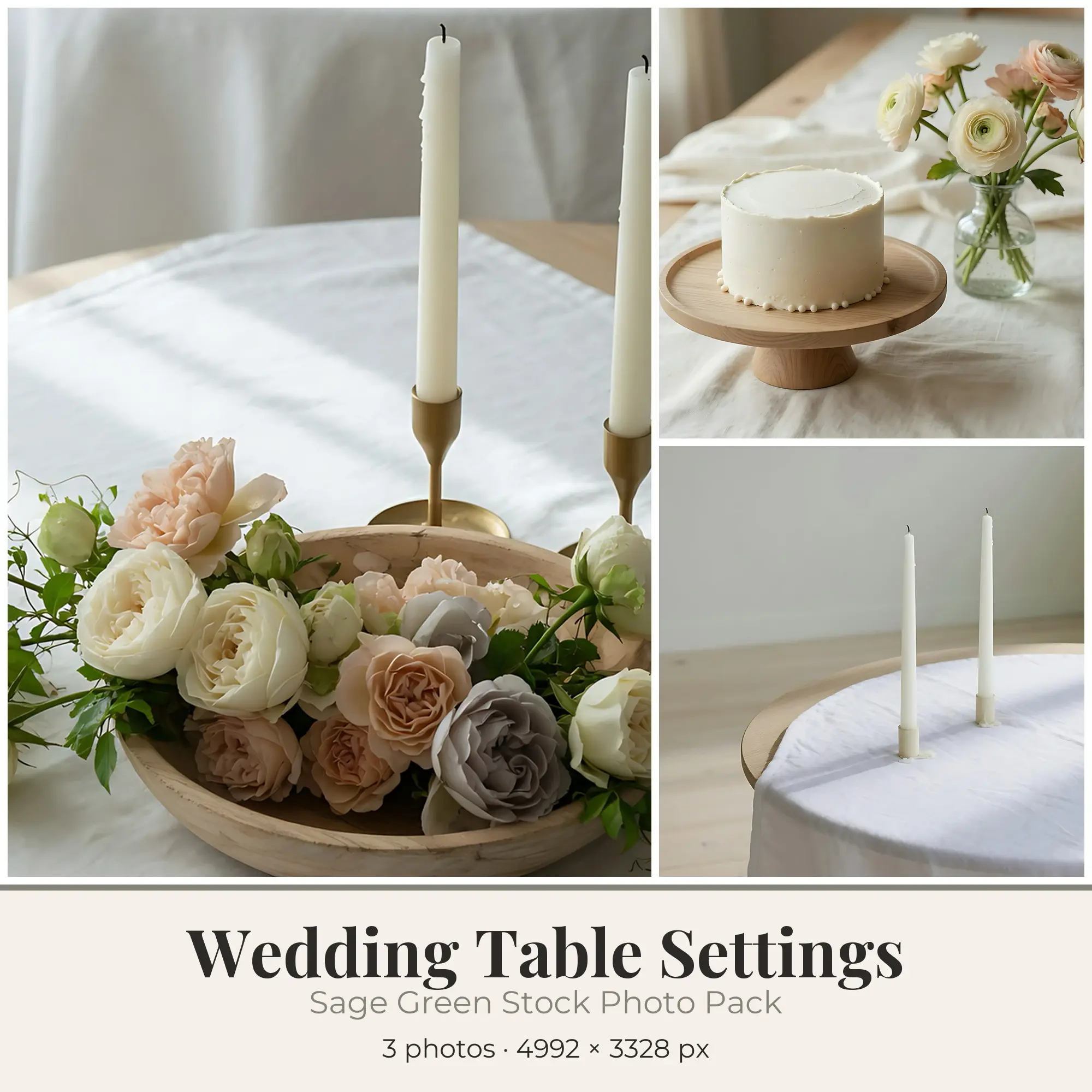
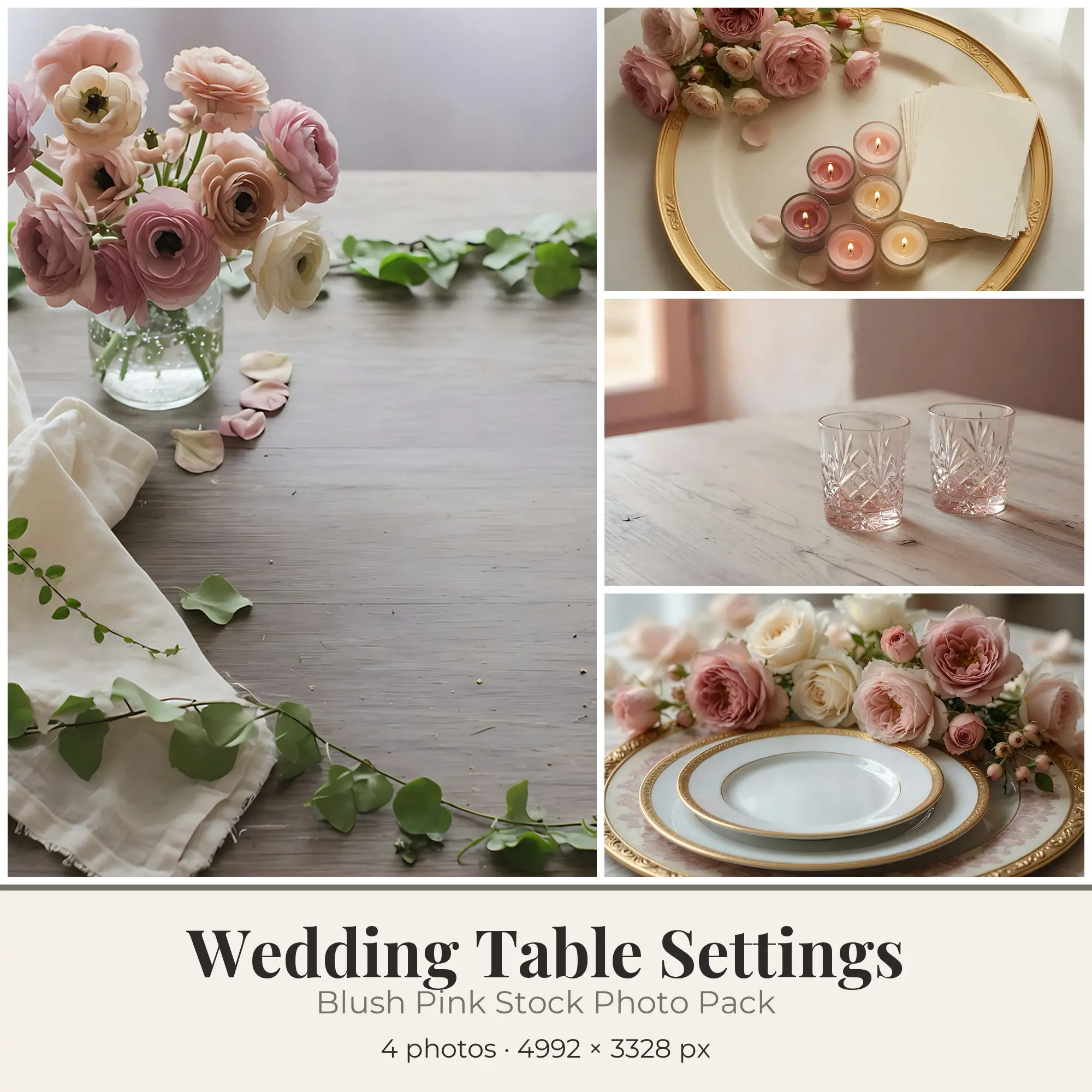
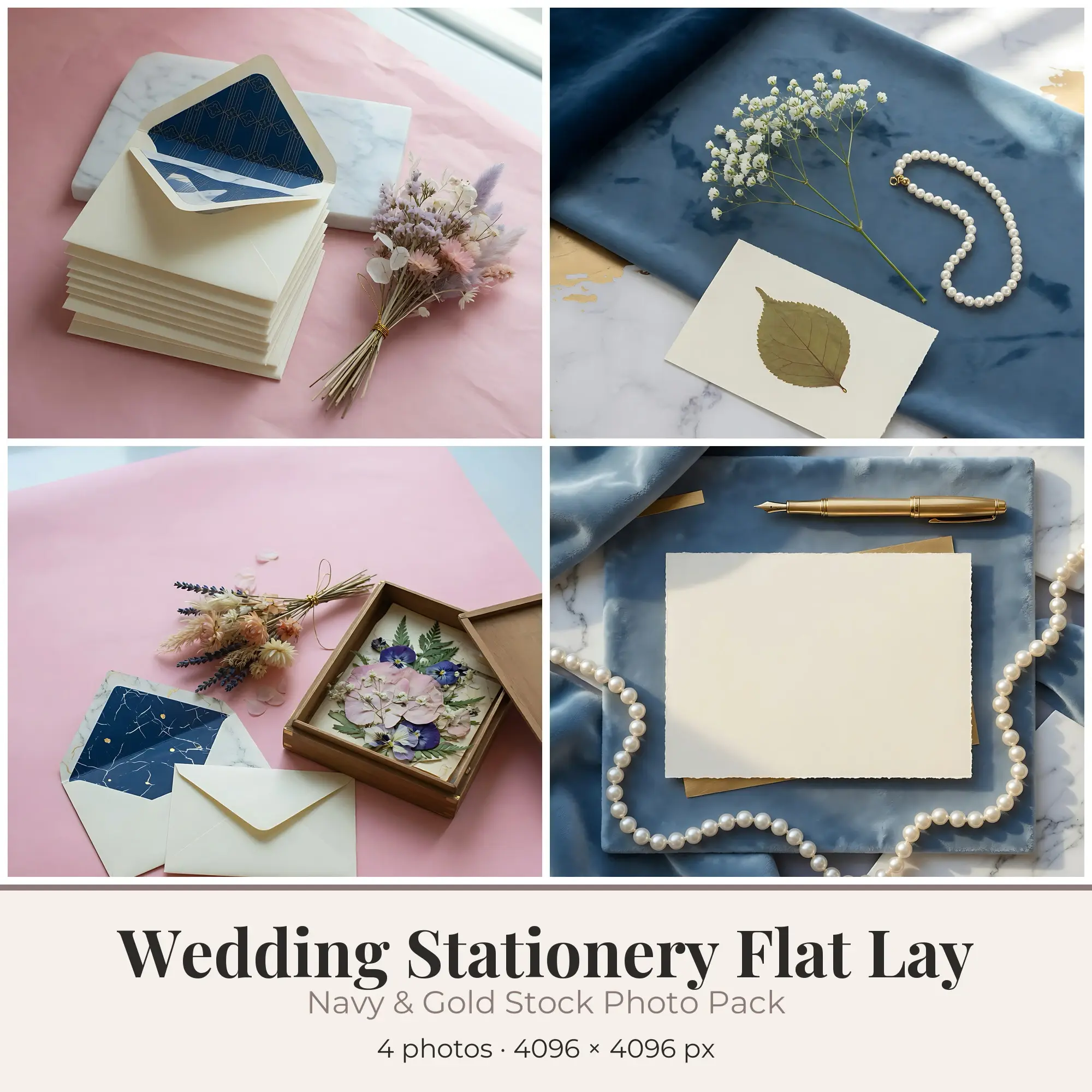
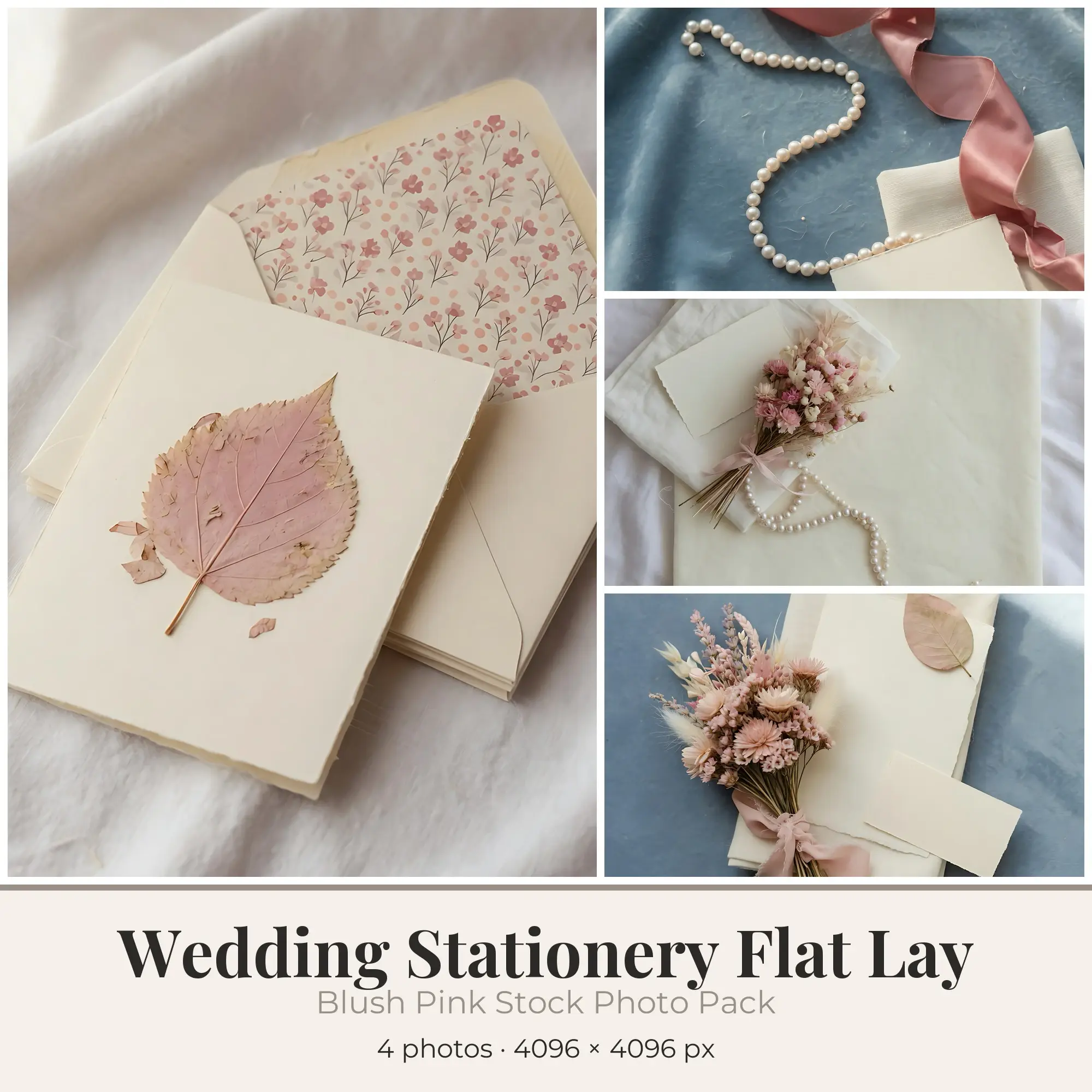
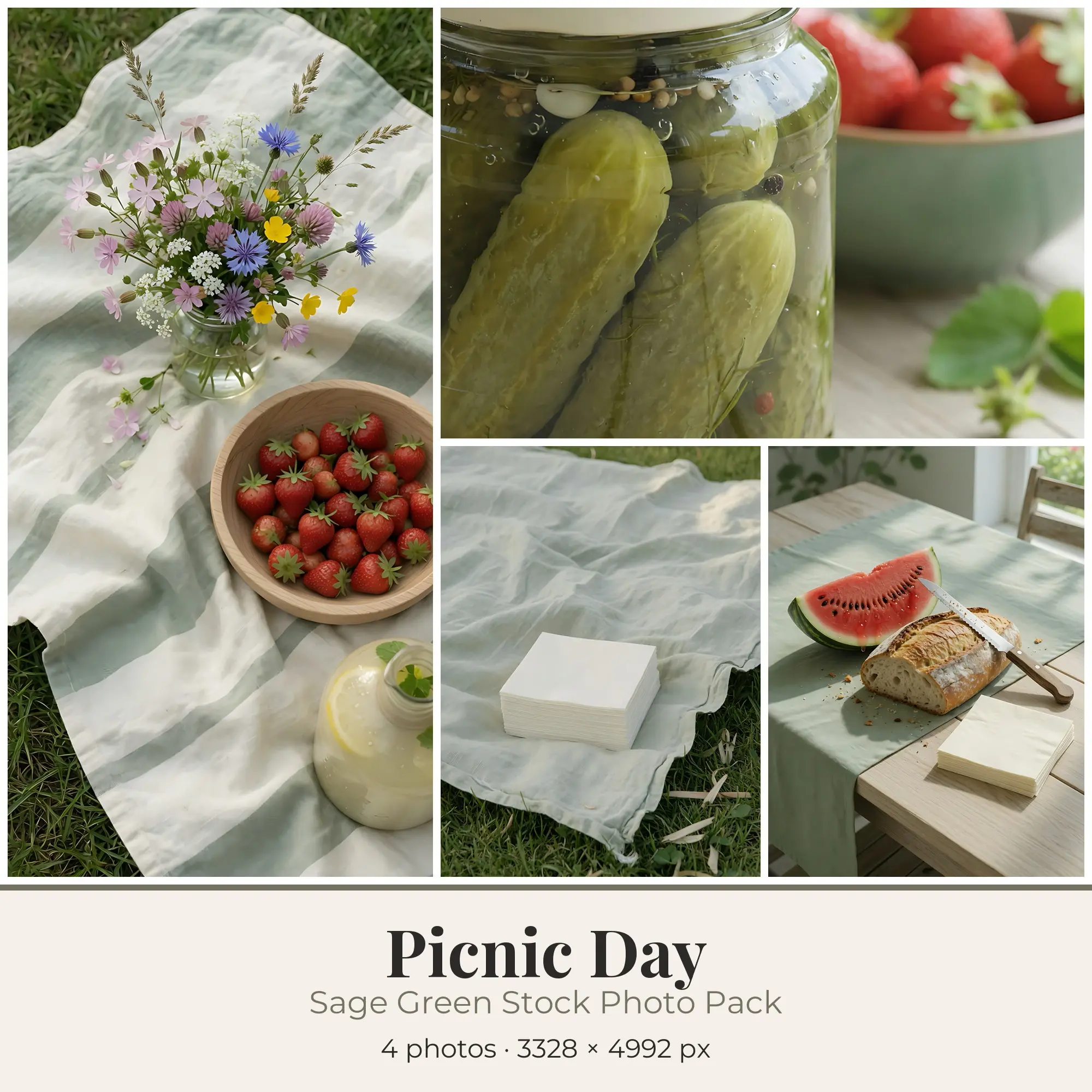
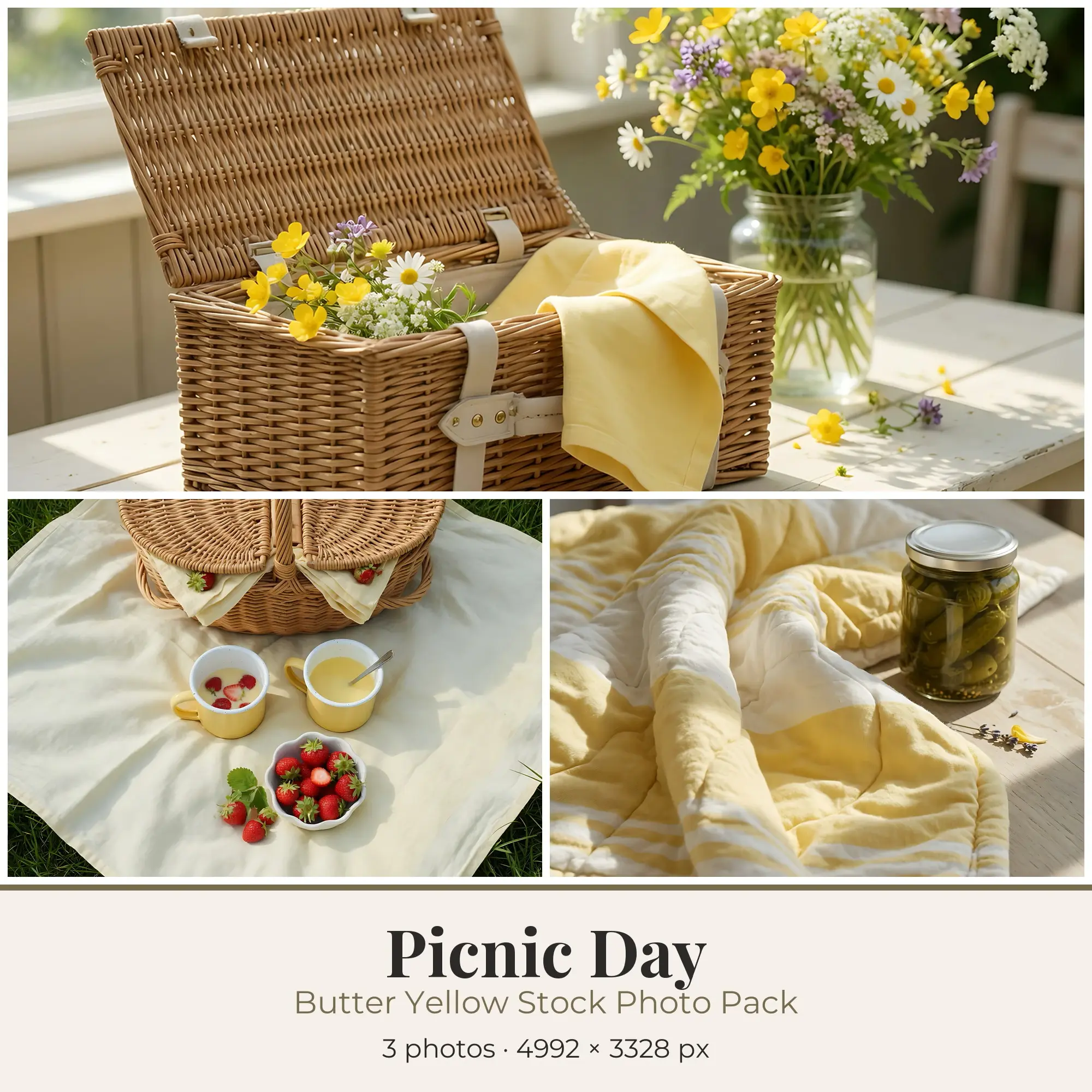
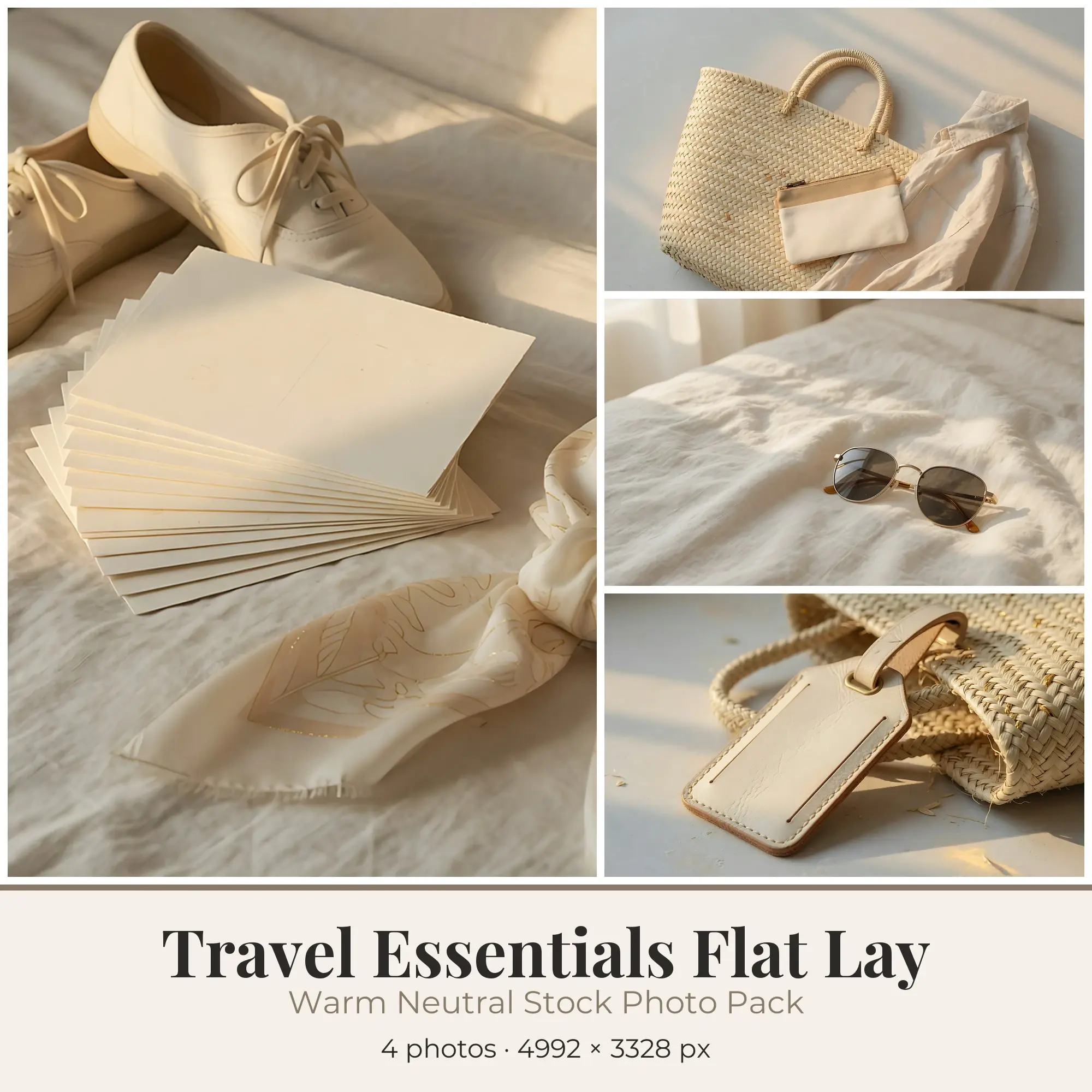
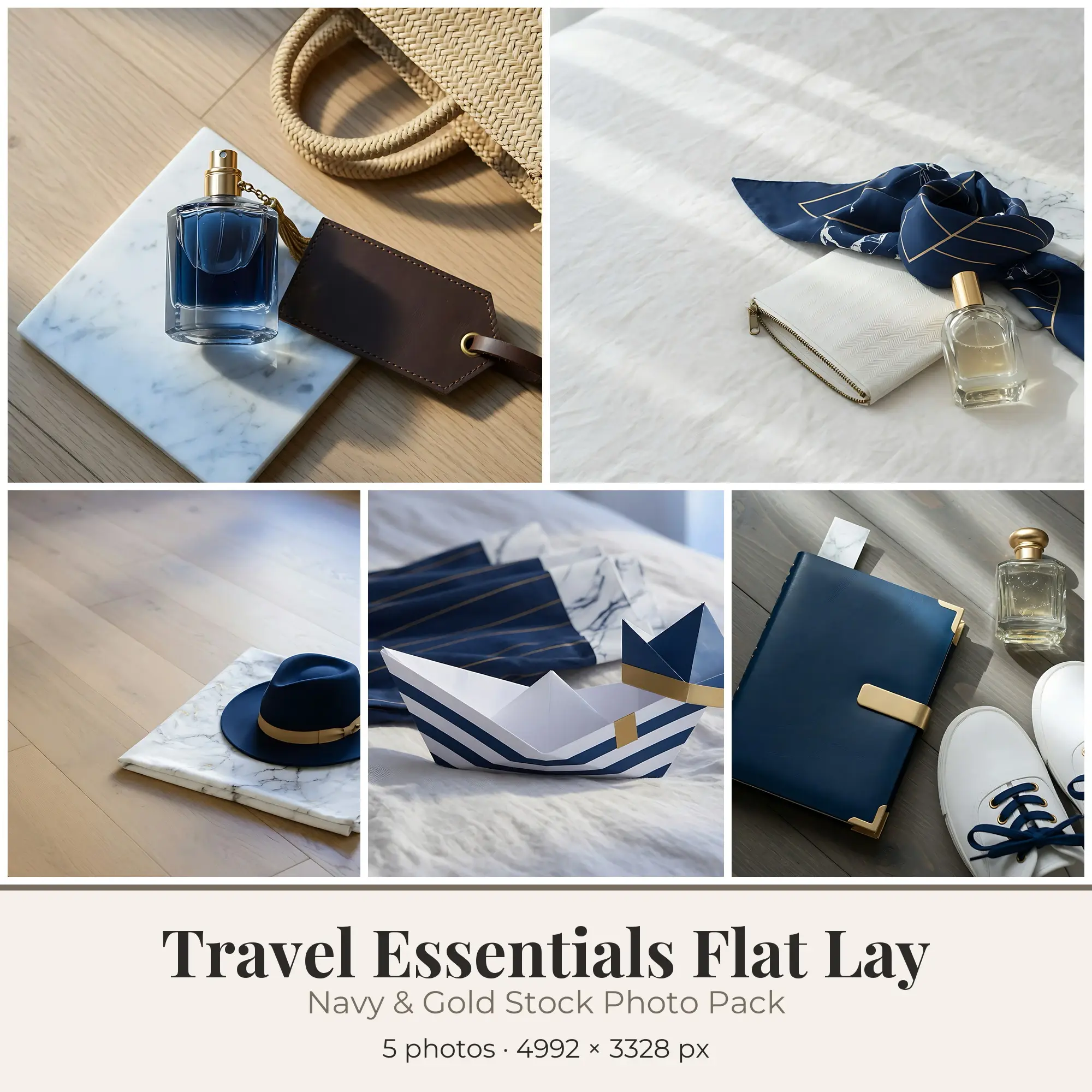
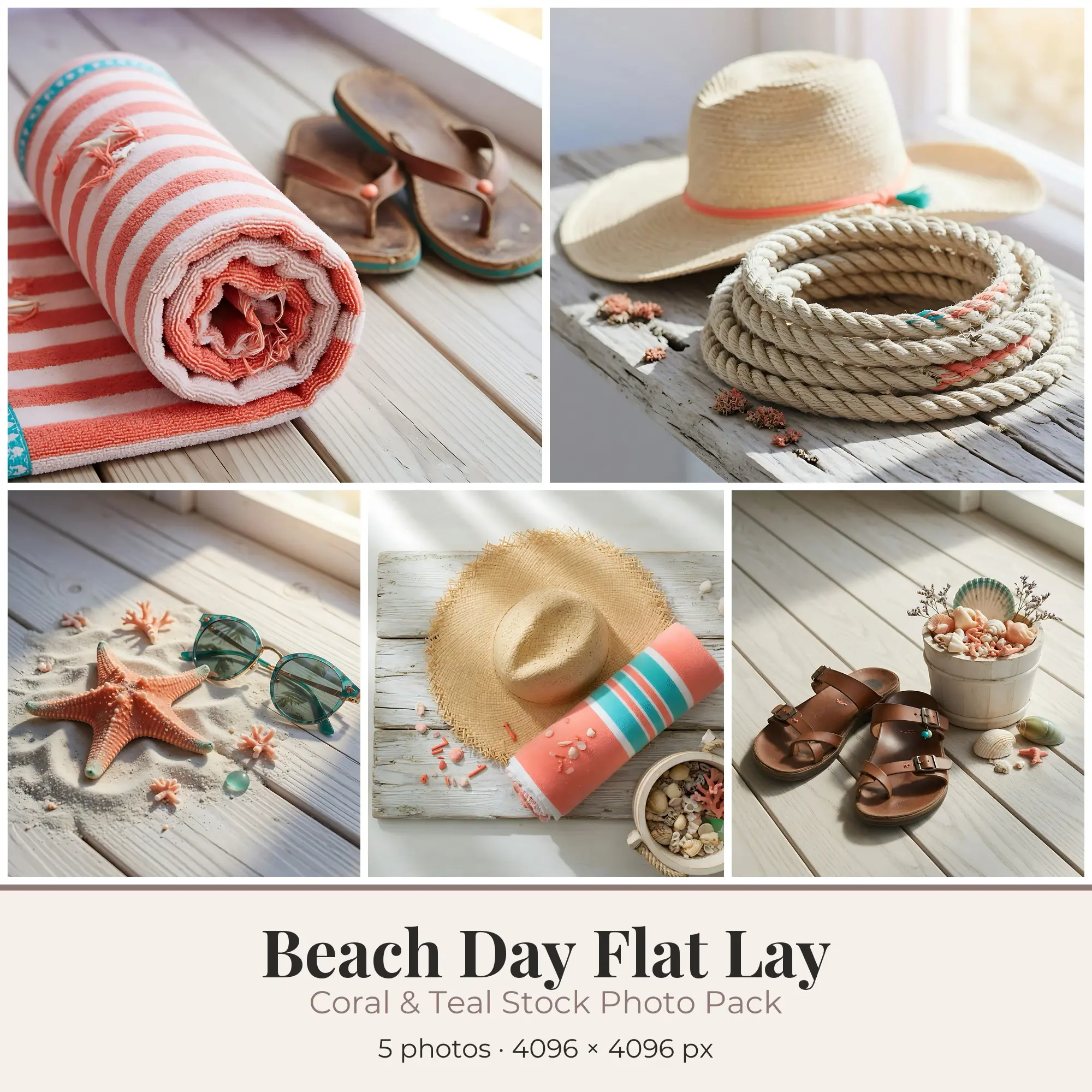
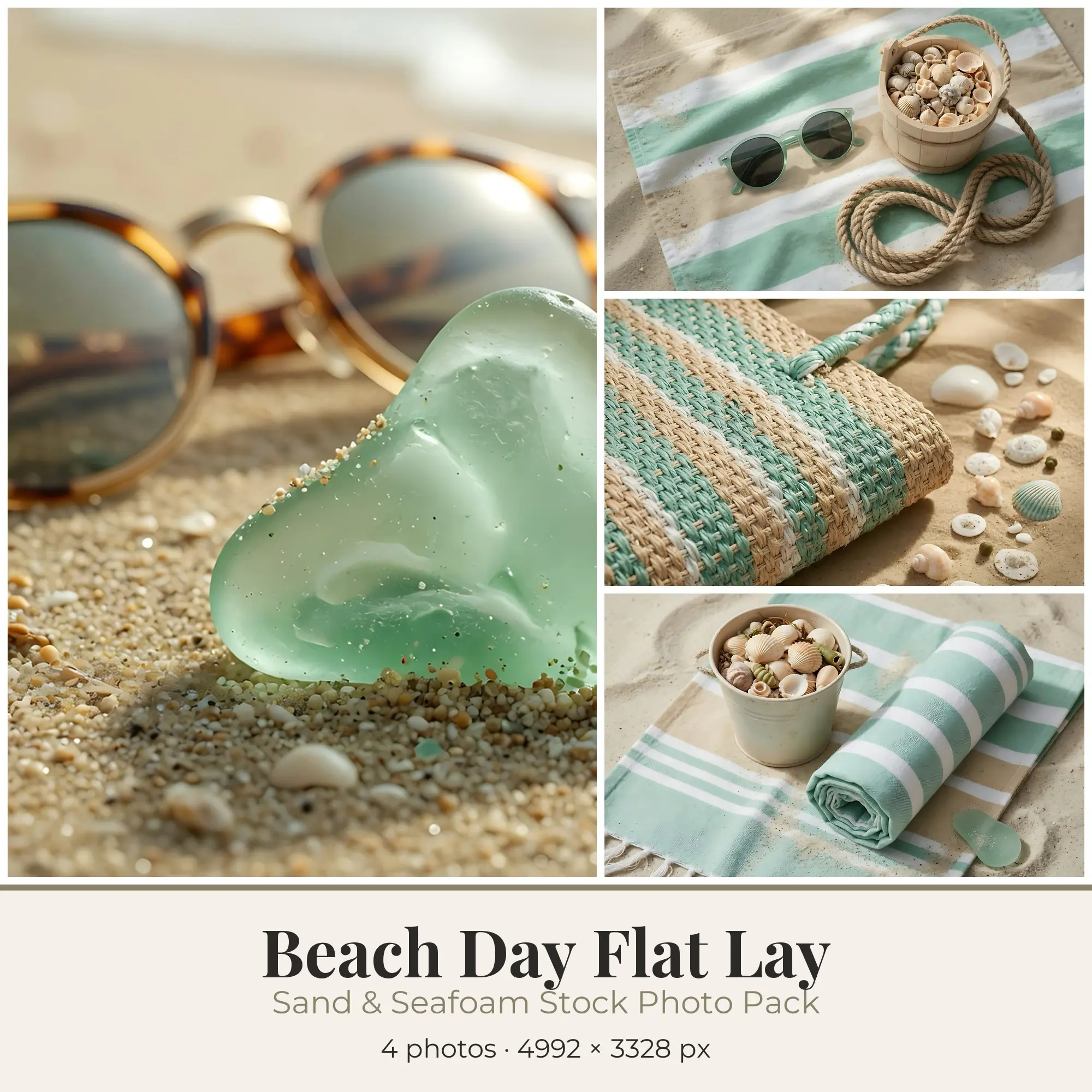
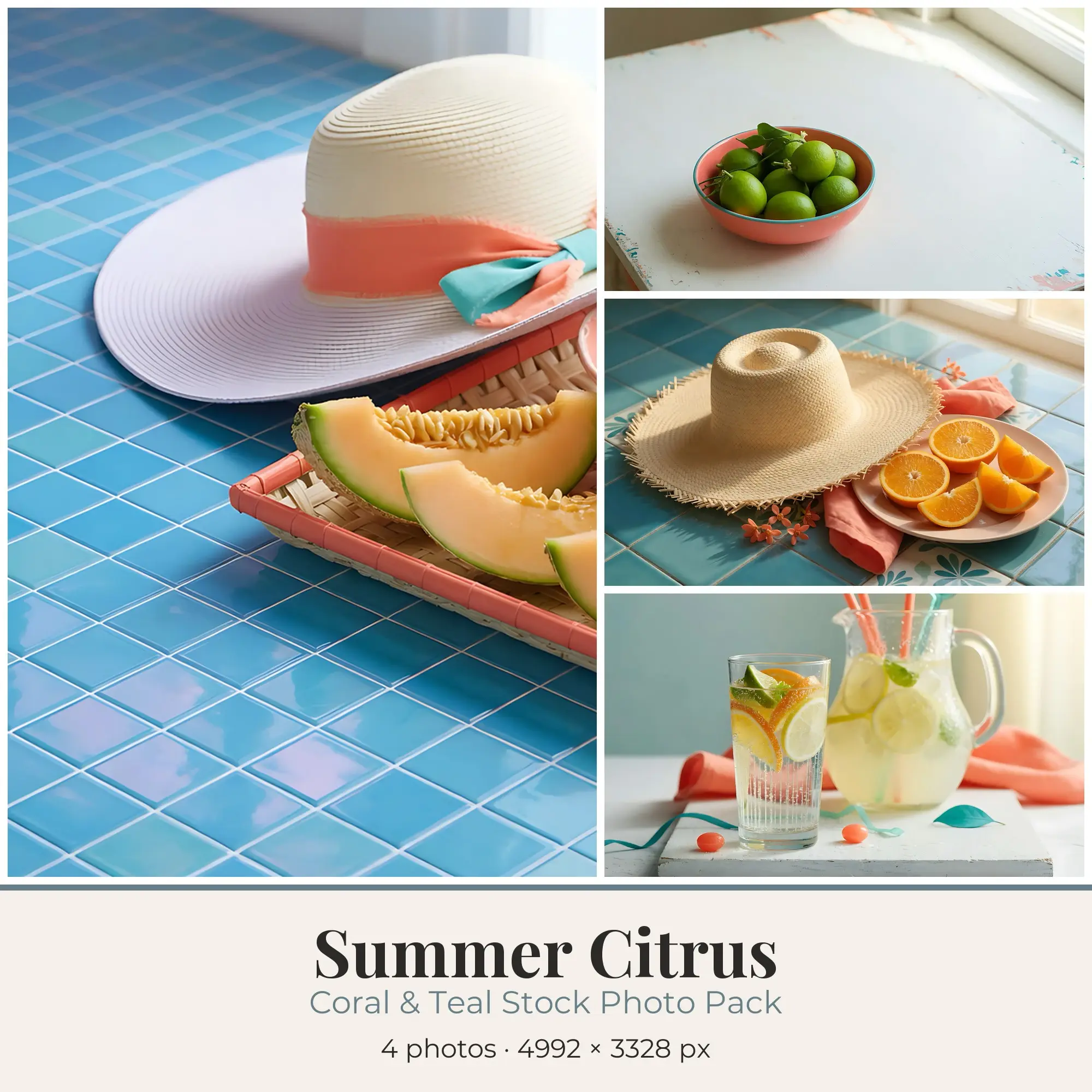
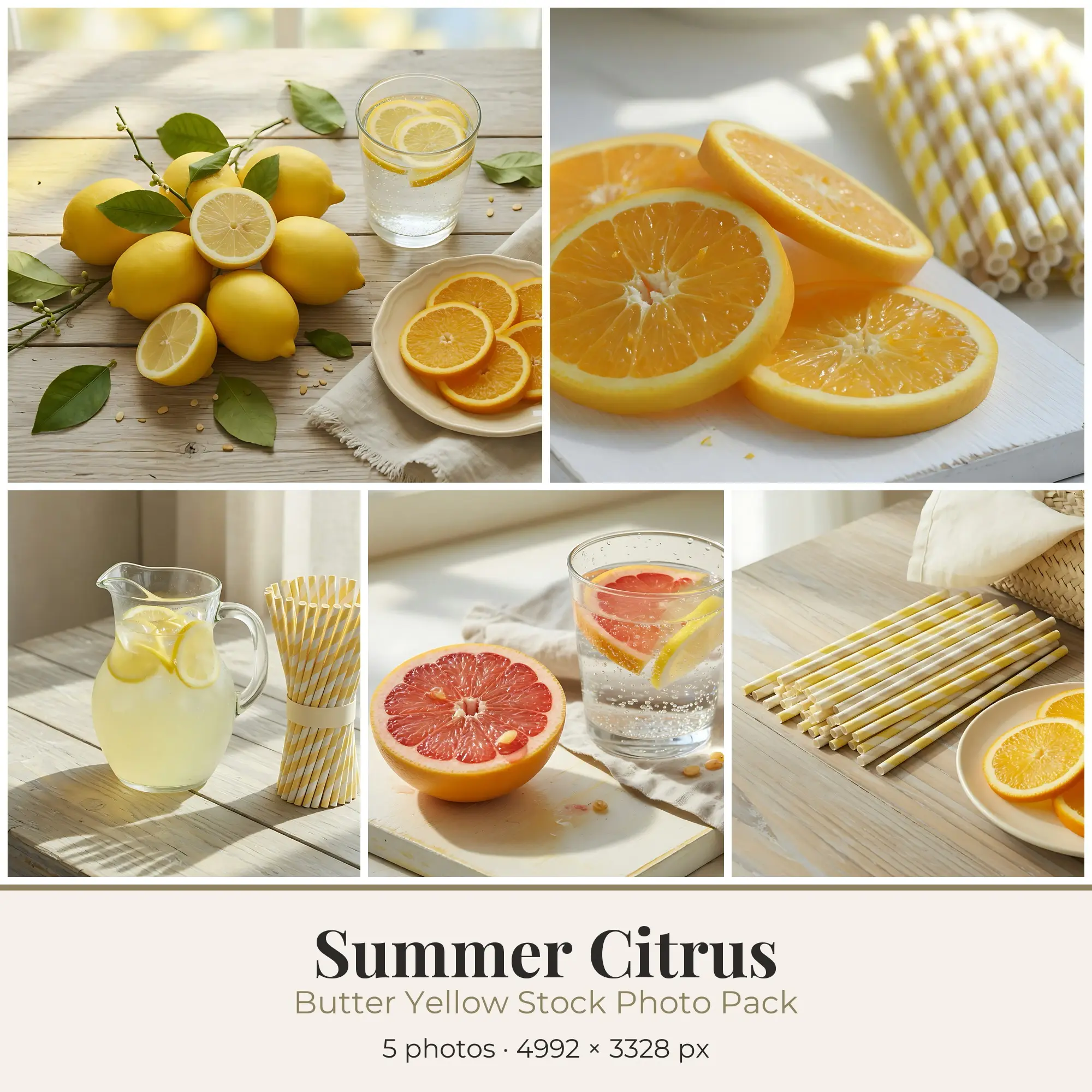
Buying guide
Choosing stock photos for a project
Buy for the whole project rather than one slot. Images taken or edited with the same light, palette and grade keep a blog post, a website or an Instagram grid consistent; mixing single shots from different sources is where a layout starts to look patched together. Look through every preview to count the images and check that the set has both wide scenes and close details.
Plan the crop before you download. Blog headers and website banners are wide, Pinterest pins and Stories are tall, and Instagram feed posts are square or slightly tall. A landscape photo with open space around the subject can be cropped for all of them, but a tightly framed shot can’t be made wider. If you want to set text over the image, look for a quiet stretch of sky, wall, table or water.
Match the pixel size to where the image will end up. On screen, about 1920 pixels on the long side is enough for a full-width website banner, and 1080 pixels wide covers most social posts. For print, divide the pixel dimensions by 300 to find the largest sharp size in inches: a 3600 × 2400 image prints well at 12 × 8 inches. The Resolution filter on this page narrows the list to 4K or print-ready files.
Know what kind of image you’re buying. Some shops sell camera photography; others sell edited composites or digitally created images with a photographic look. Either can work for a mood board, a blog or a product background, but some clients and publishers accept only real photographs. The listing description should say how the images were made.
FAQ
Stock Photos questions, answered
Can I use these photos on a business website or in ads?
Yes, with a Commercial or Extended license. Personal covers only non-commercial use, such as a personal blog, your own social posts or a print for your home. Each listing shows which licenses the shop offers and what they cost.
Are these real photographs or AI-generated images?
It depends on the listing. Some are camera photographs, others are composites or digitally created images with a photographic look. The description should say how the images were made; if it doesn’t, use Message shop on the listing and ask before you buy.
What resolution will I get?
Each listing states the pixel dimensions of its files, and the previews on the page are not the full-size downloads. For print, divide the width and height by 300 to get the largest sharp size in inches.
Can I use a photo that shows a person or a brand in an ad?
Only if the listing says the needed model or property releases are held. A file license covers the image itself, not the rights of the people, logos or private buildings in it. For ads, packaging and products, choose images without identifiable faces or brands unless the listing covers them.
Can I sell products that use these photos?
With a Commercial license, a photo can go into products you sell, up to 5,000 units in total. Extended removes the cap and also covers print-on-demand stores. No license allows reselling or sharing the original files as they are, including in free packs or AI training sets.


