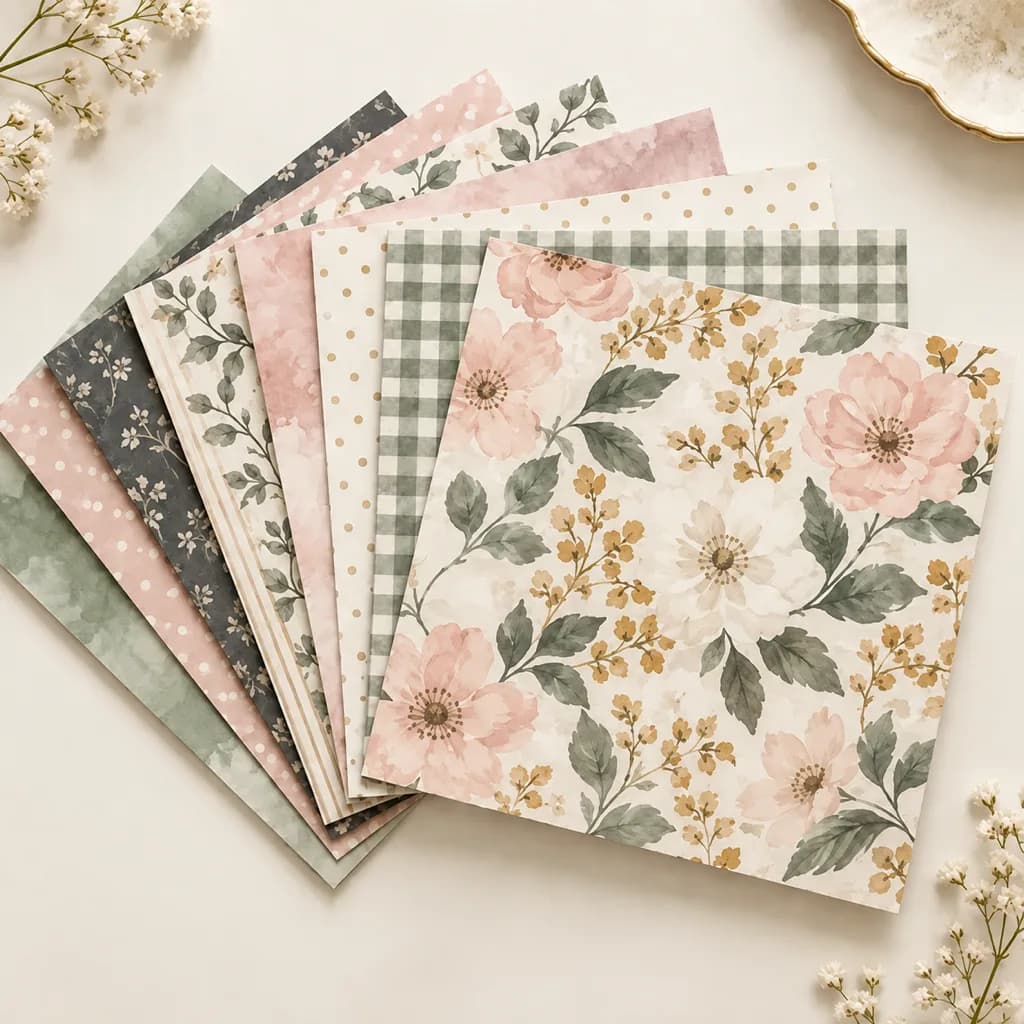
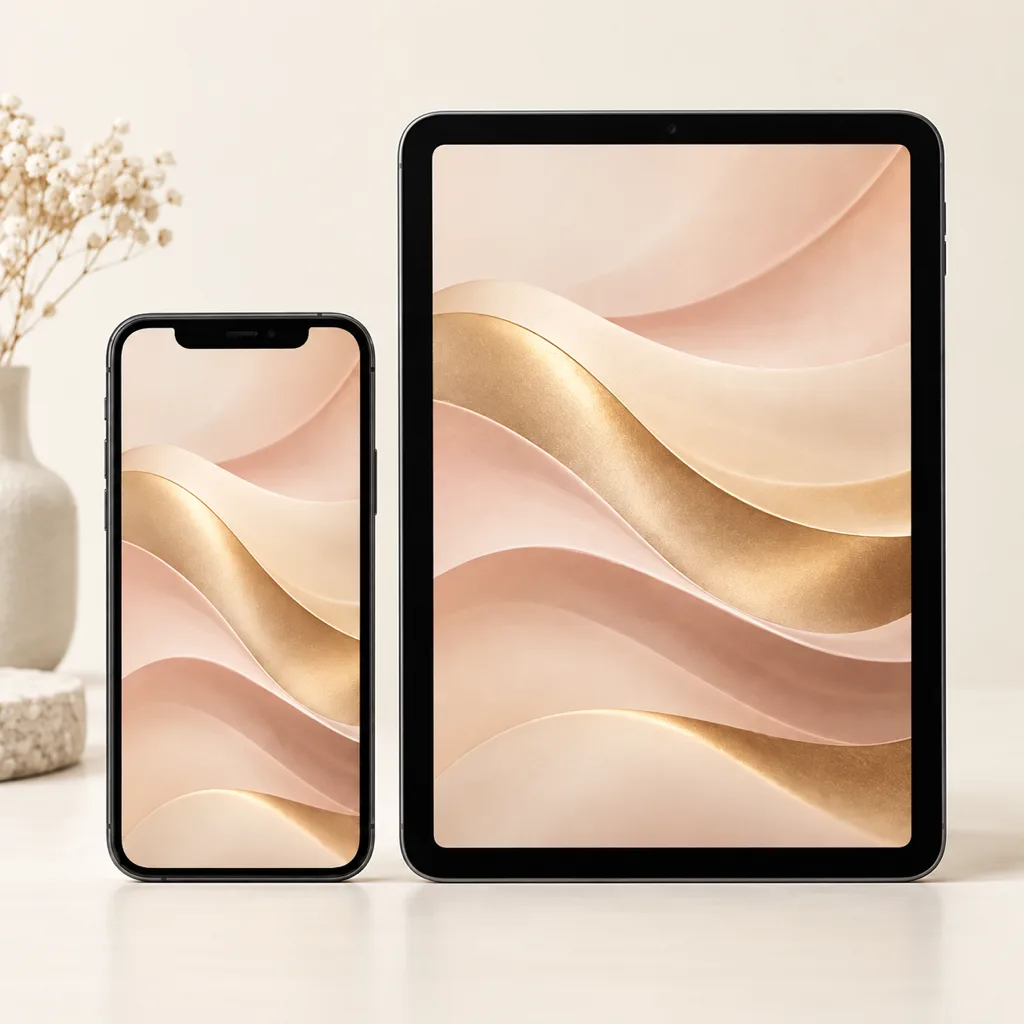
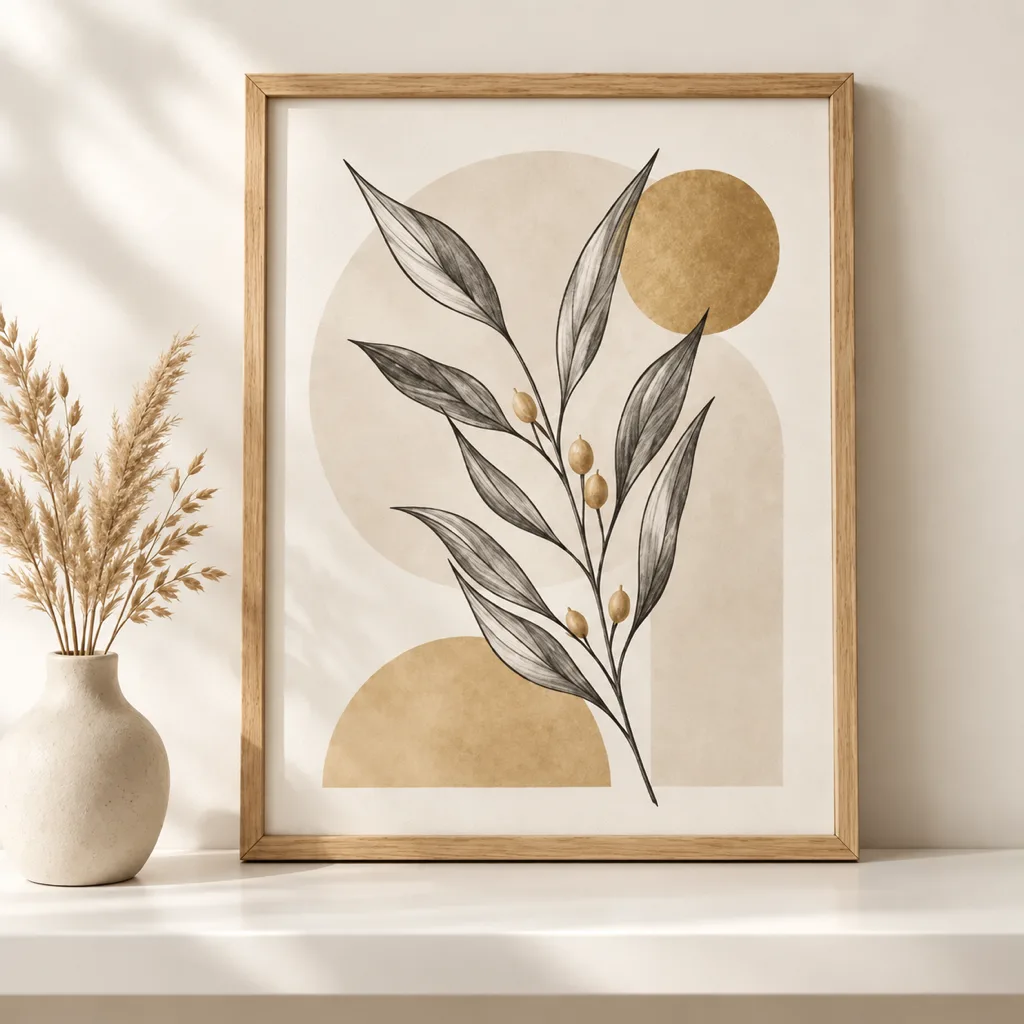
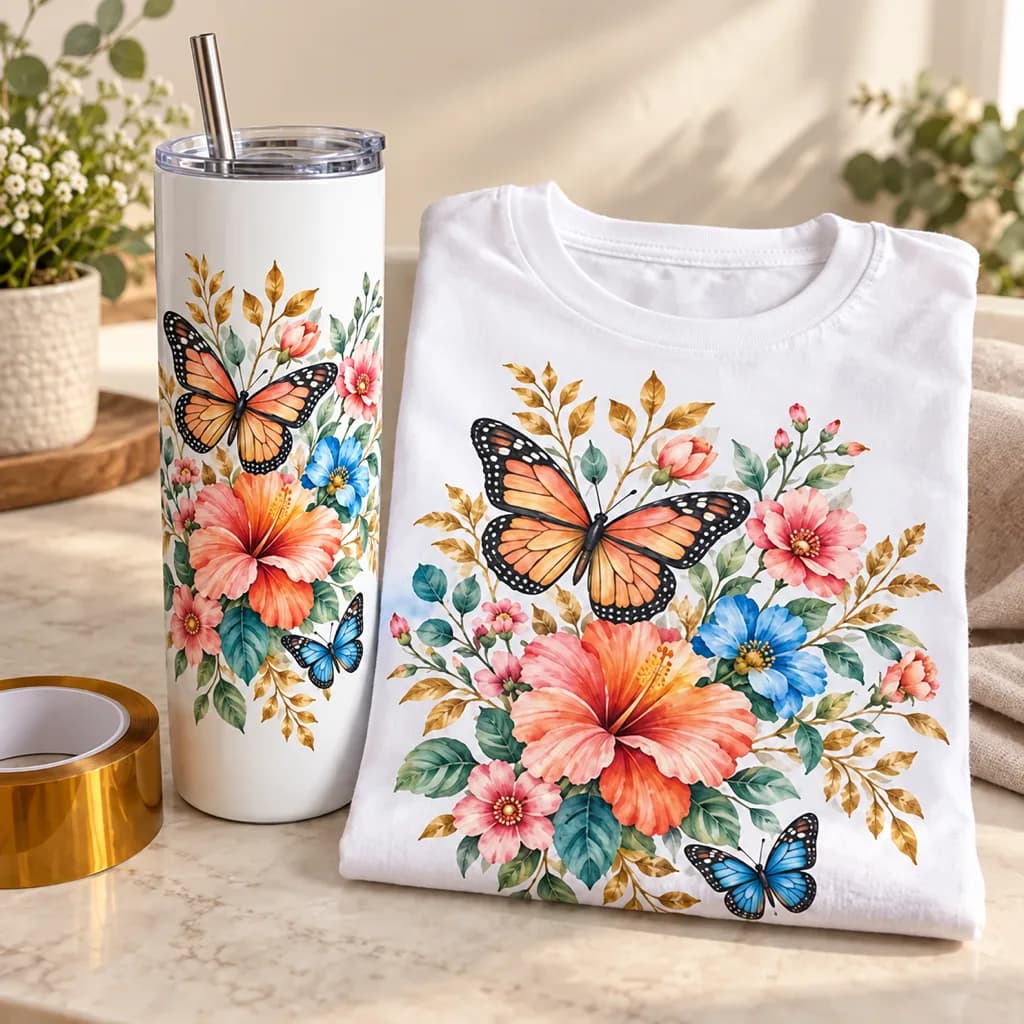
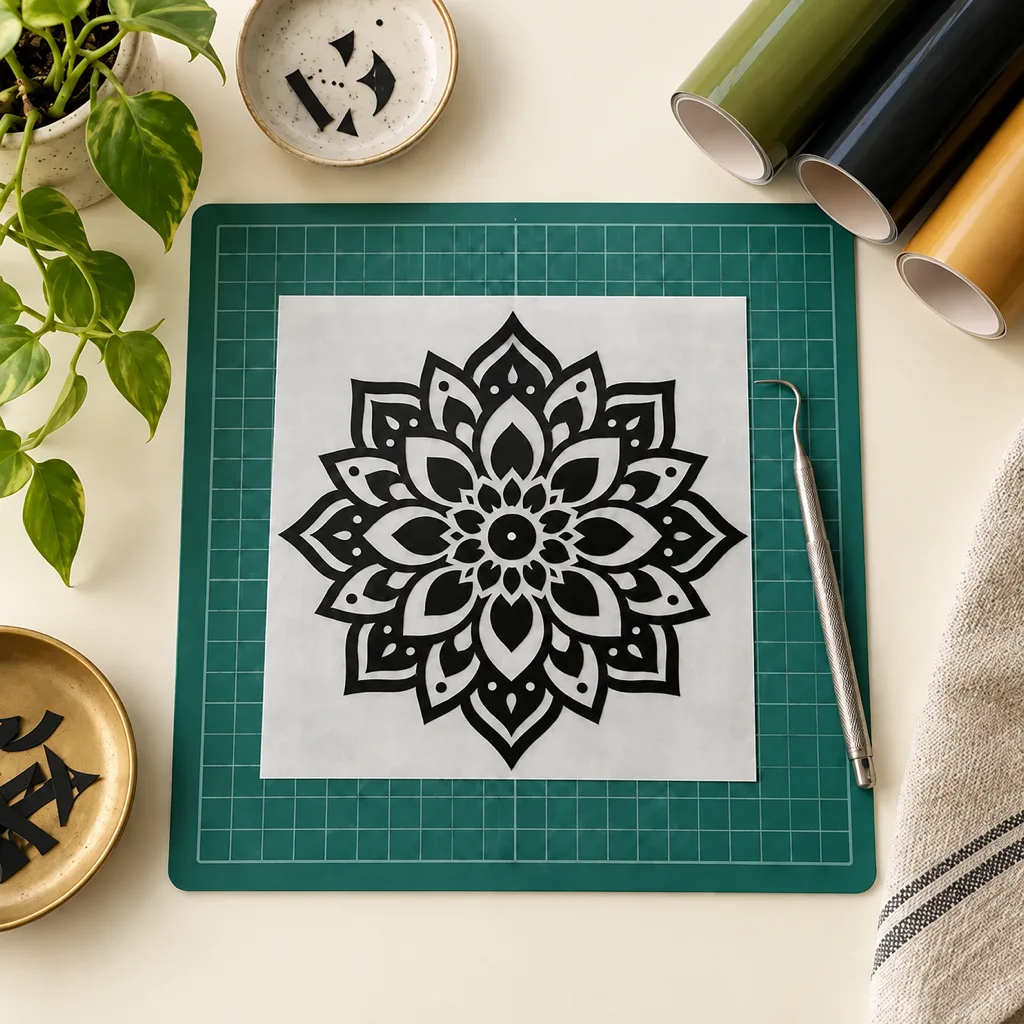
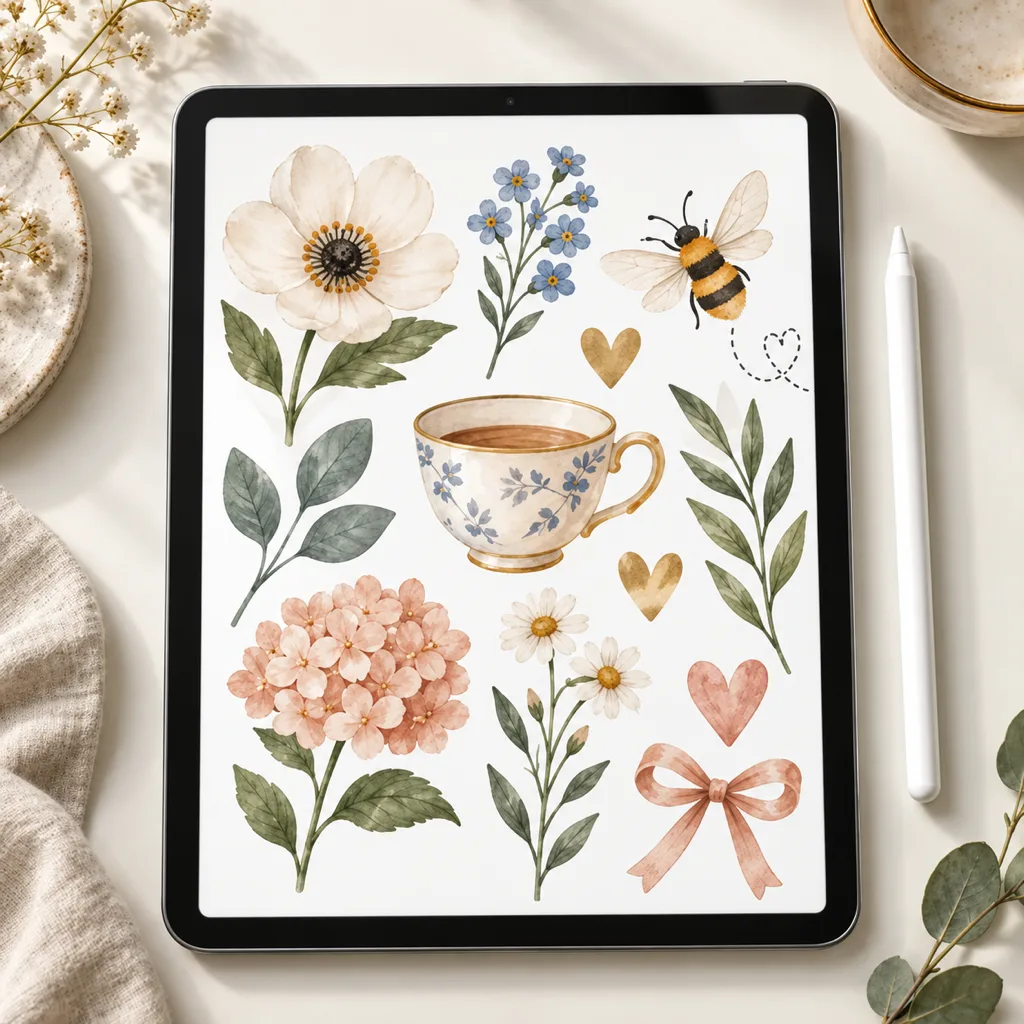
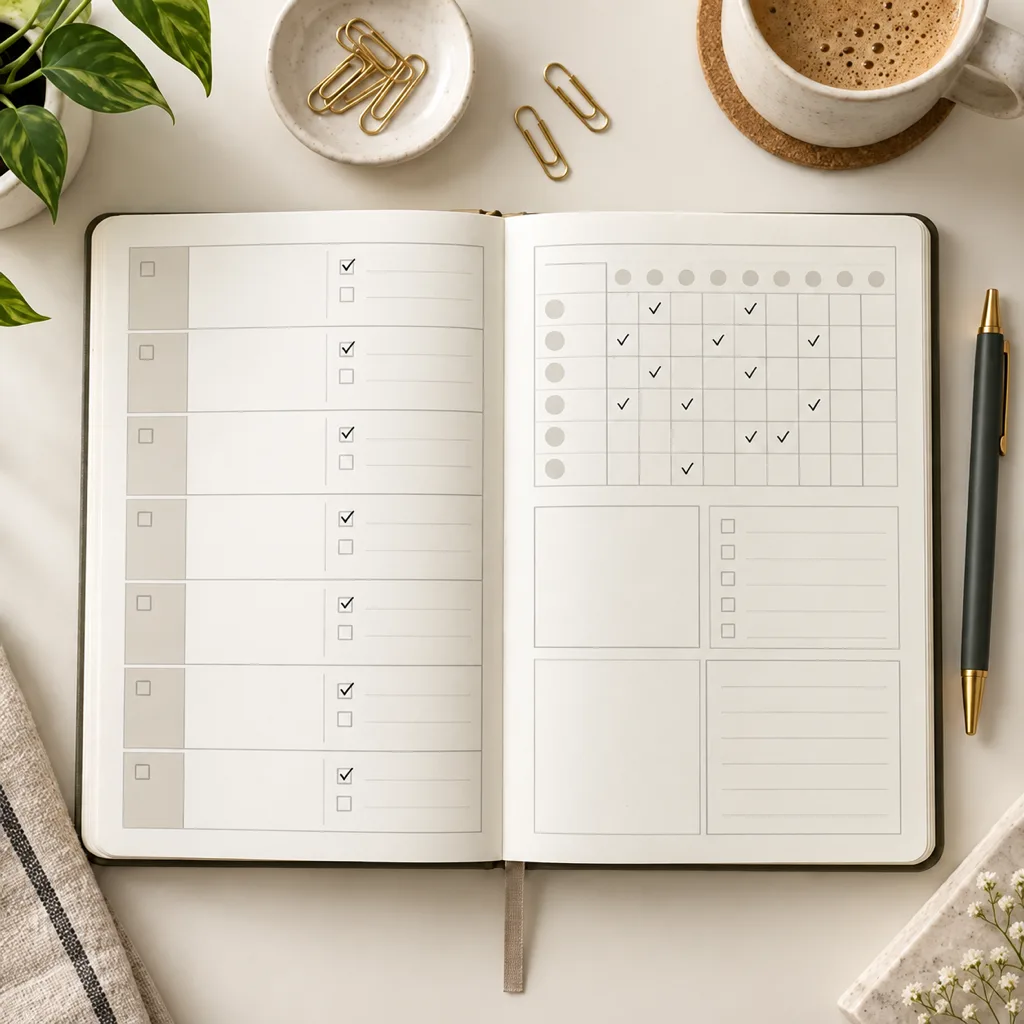
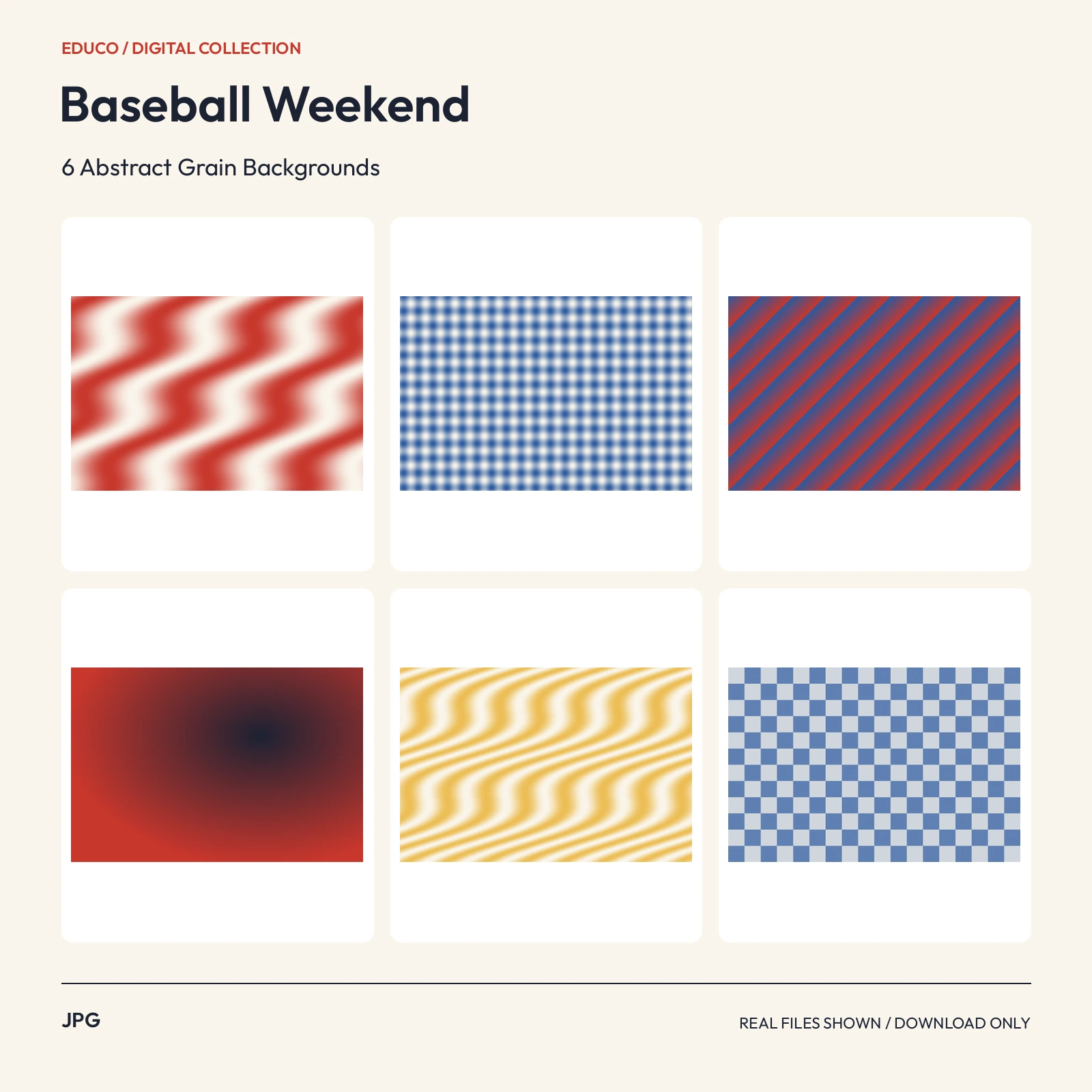
 JPG3000 x 2000 px
Textures & Backgrounds
Texture images and backgrounds for illustration, layouts and other creative work. Check the dimensions, transparency and format before adding a file to your project.
Popular in Textures & Backgrounds
- JPG3000 x 2000 px
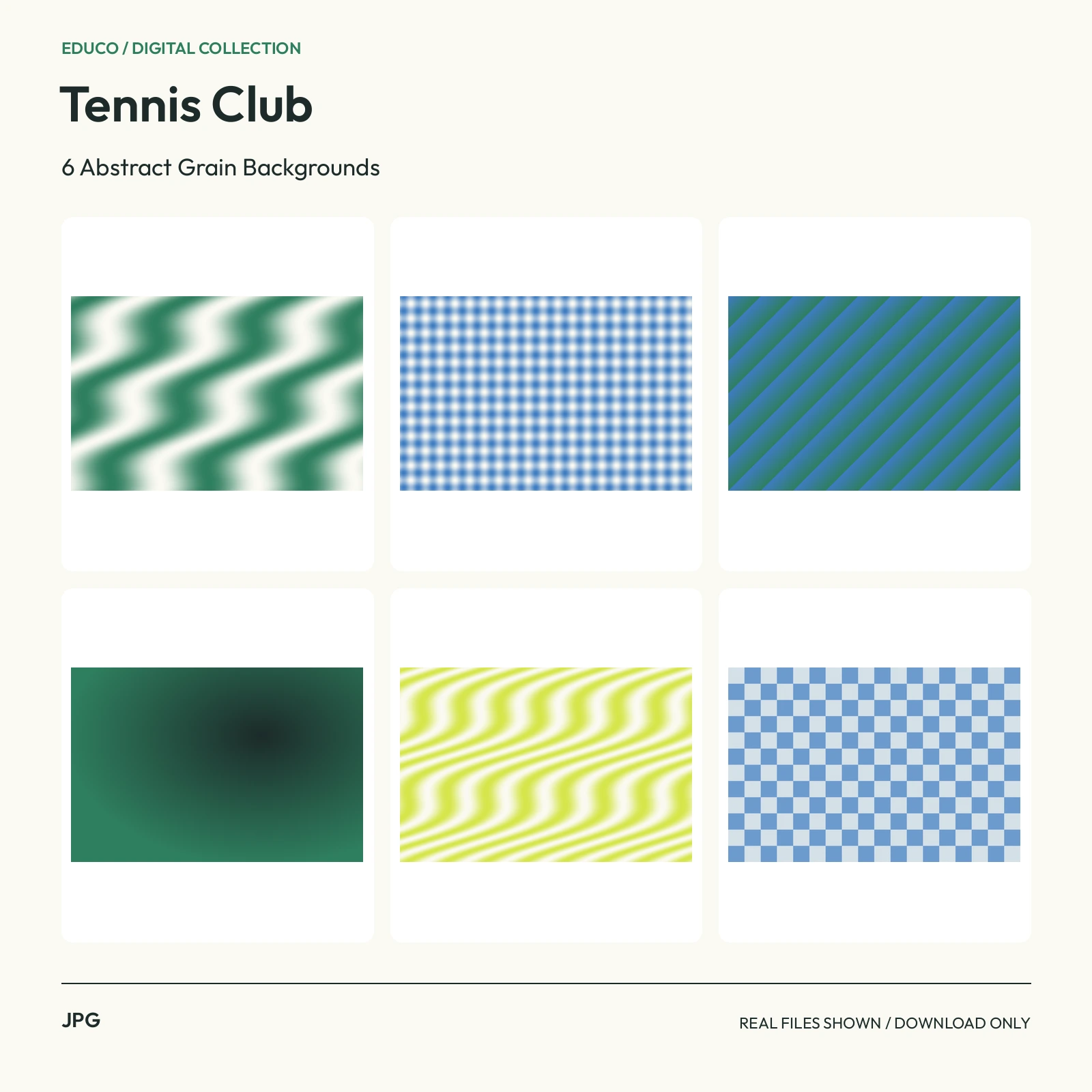 JPG3000 x 2000 px
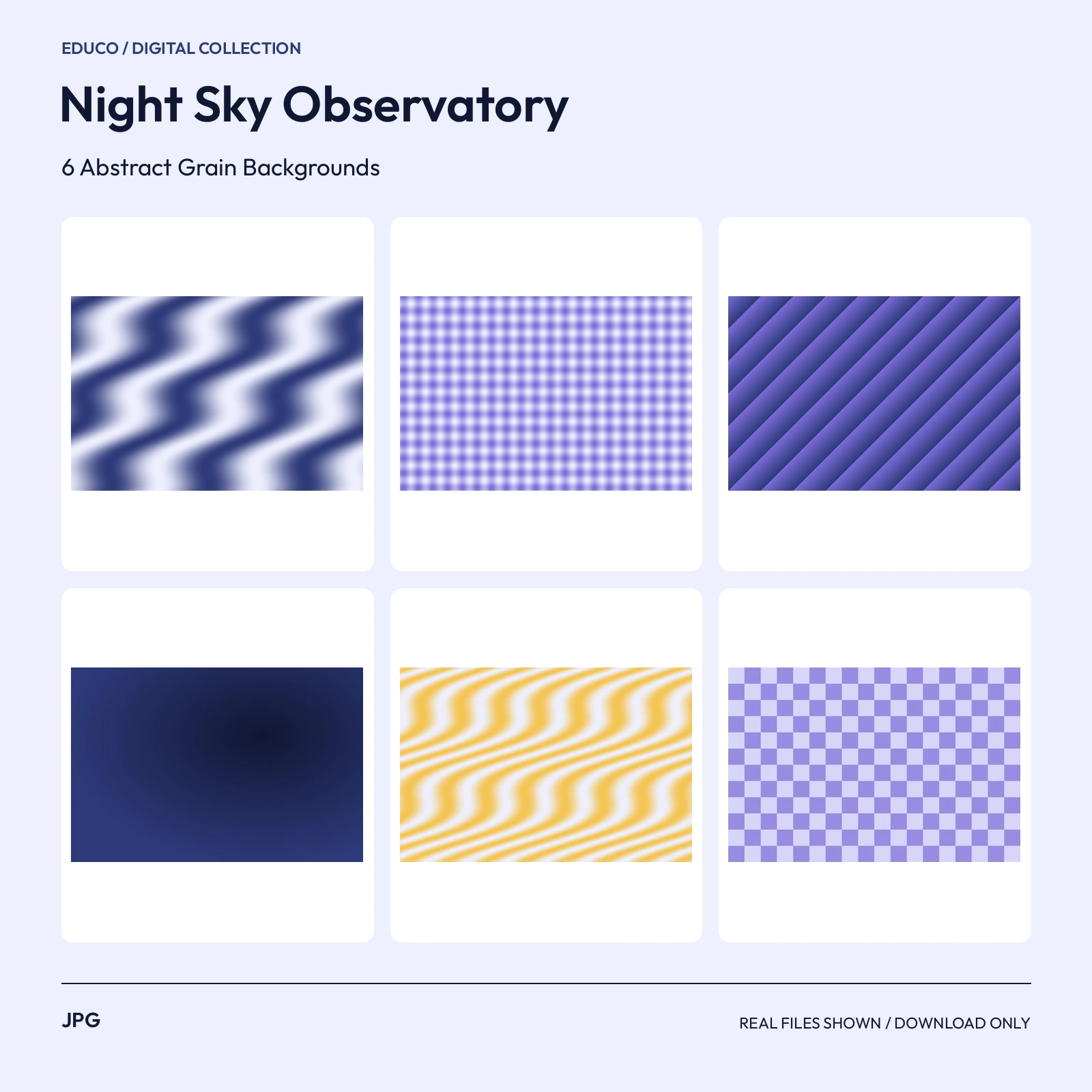 JPG3000 x 2000 px
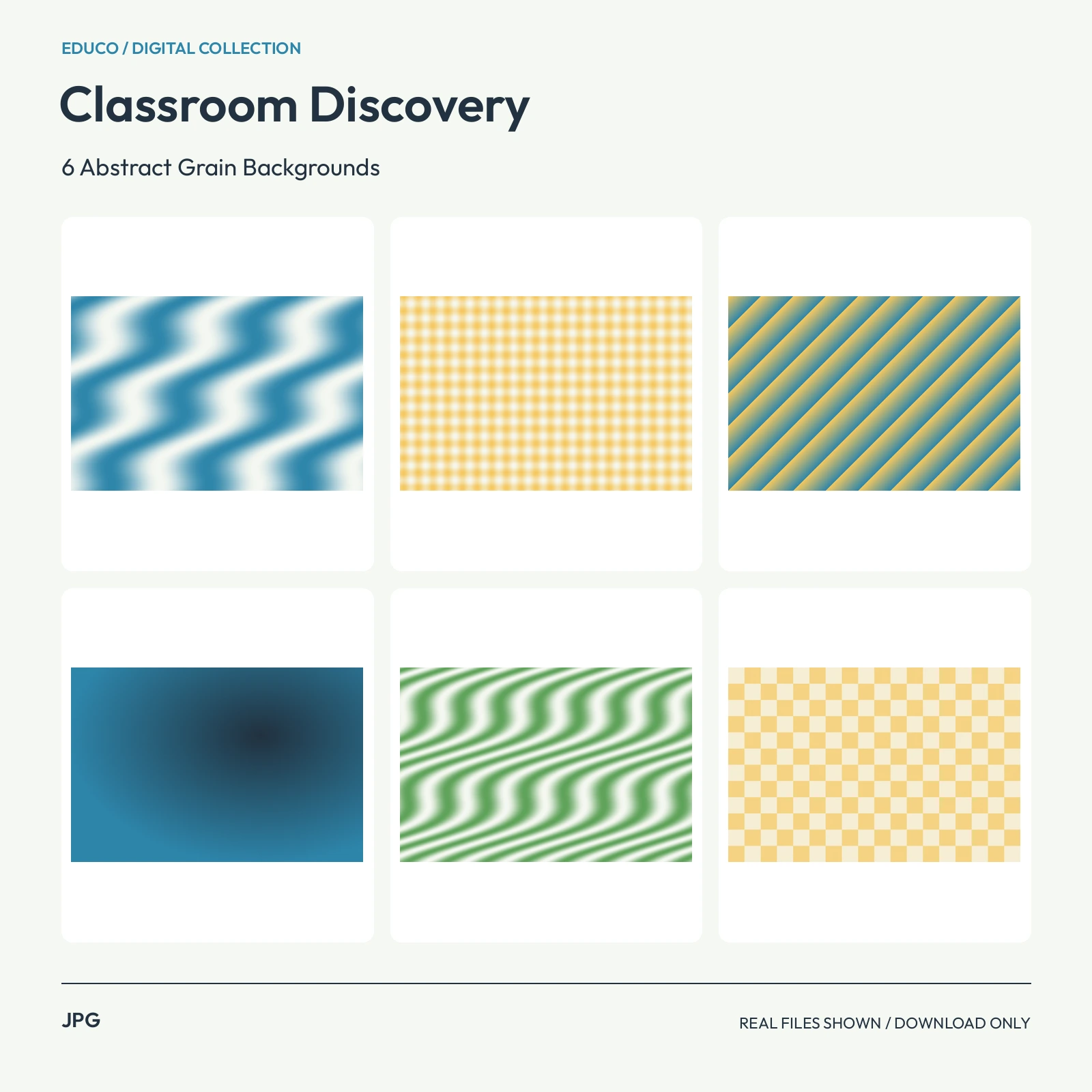 JPG3000 x 2000 px
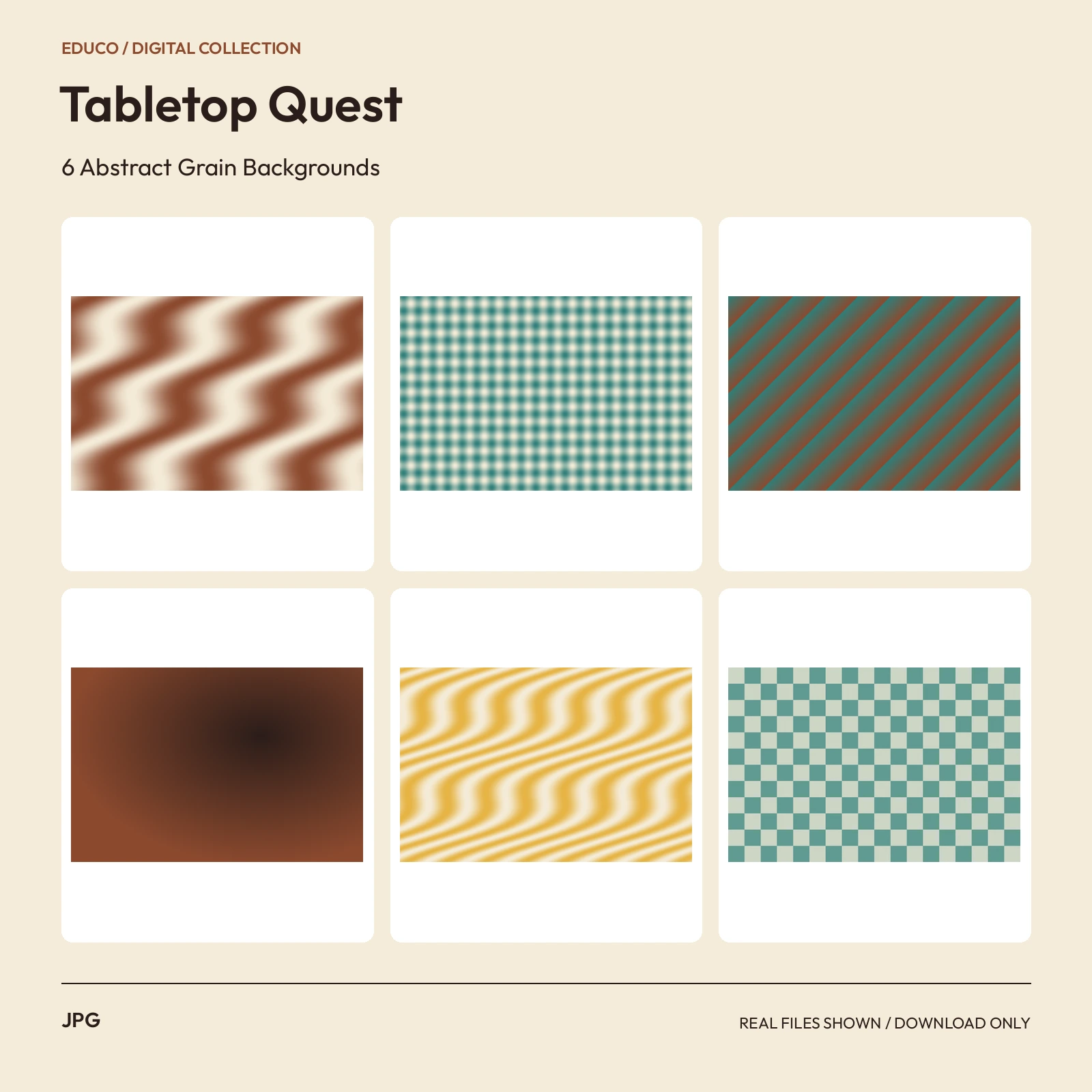 JPG3000 x 2000 px
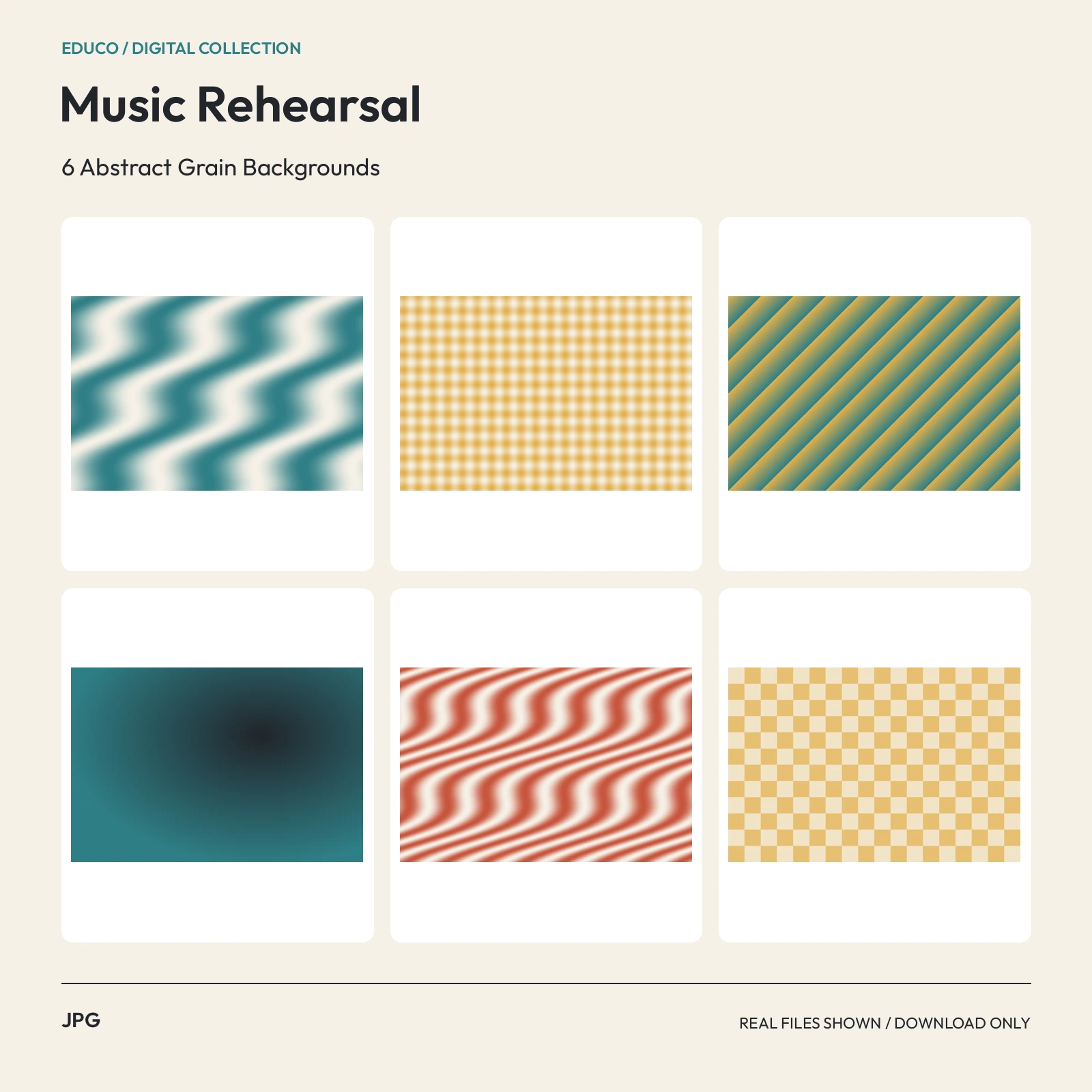 JPG3000 x 2000 px
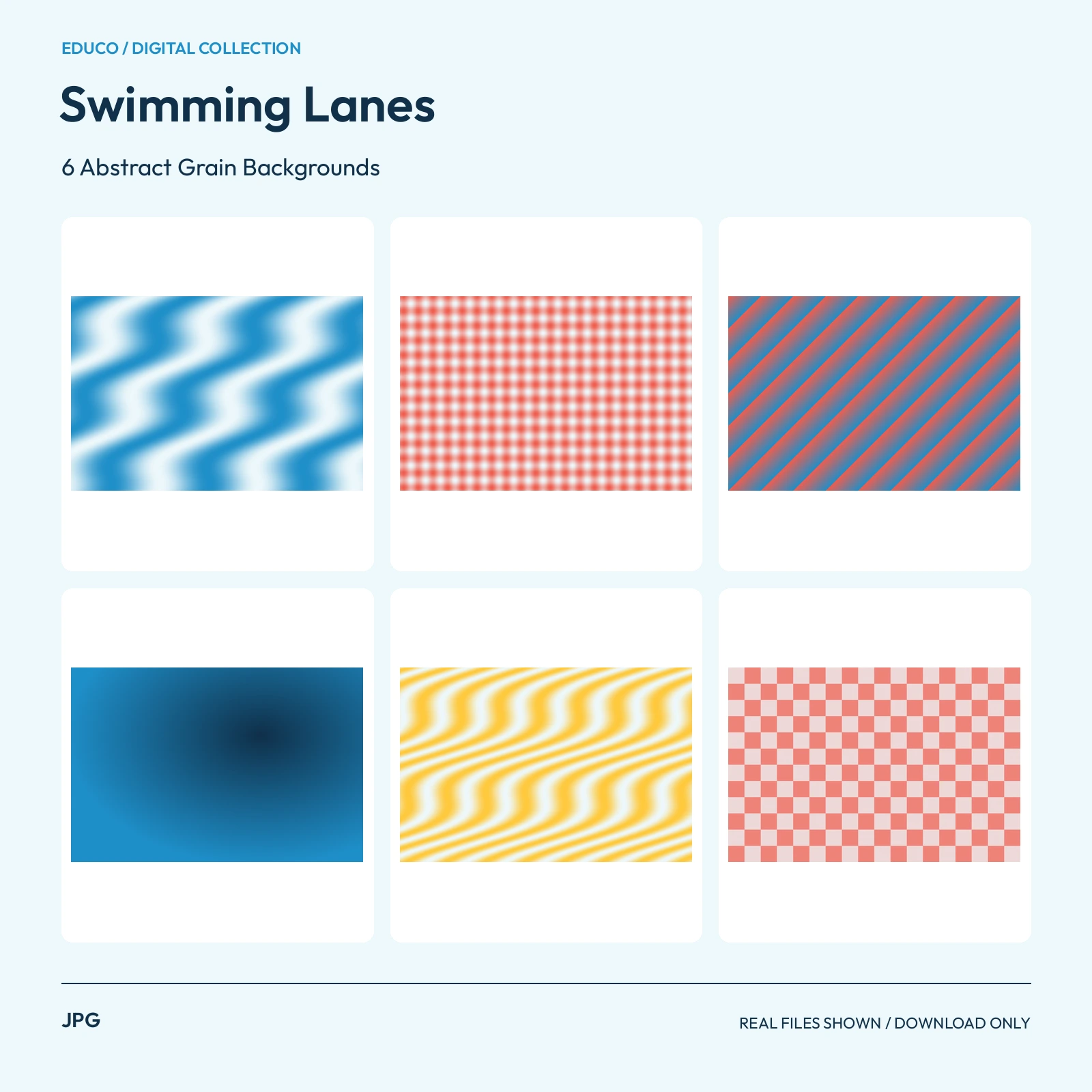 JPG3000 x 2000 px
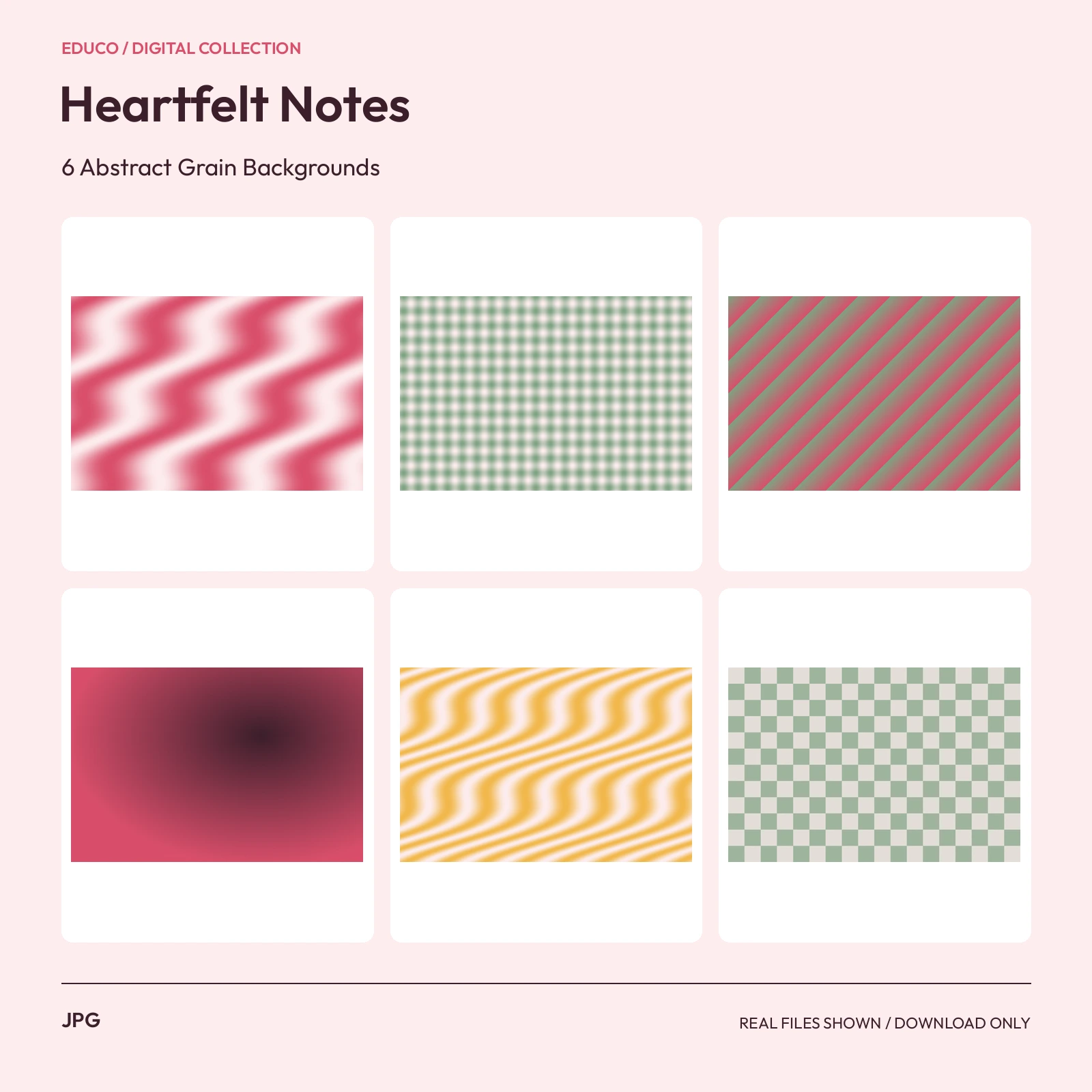 JPG3000 x 2000 px
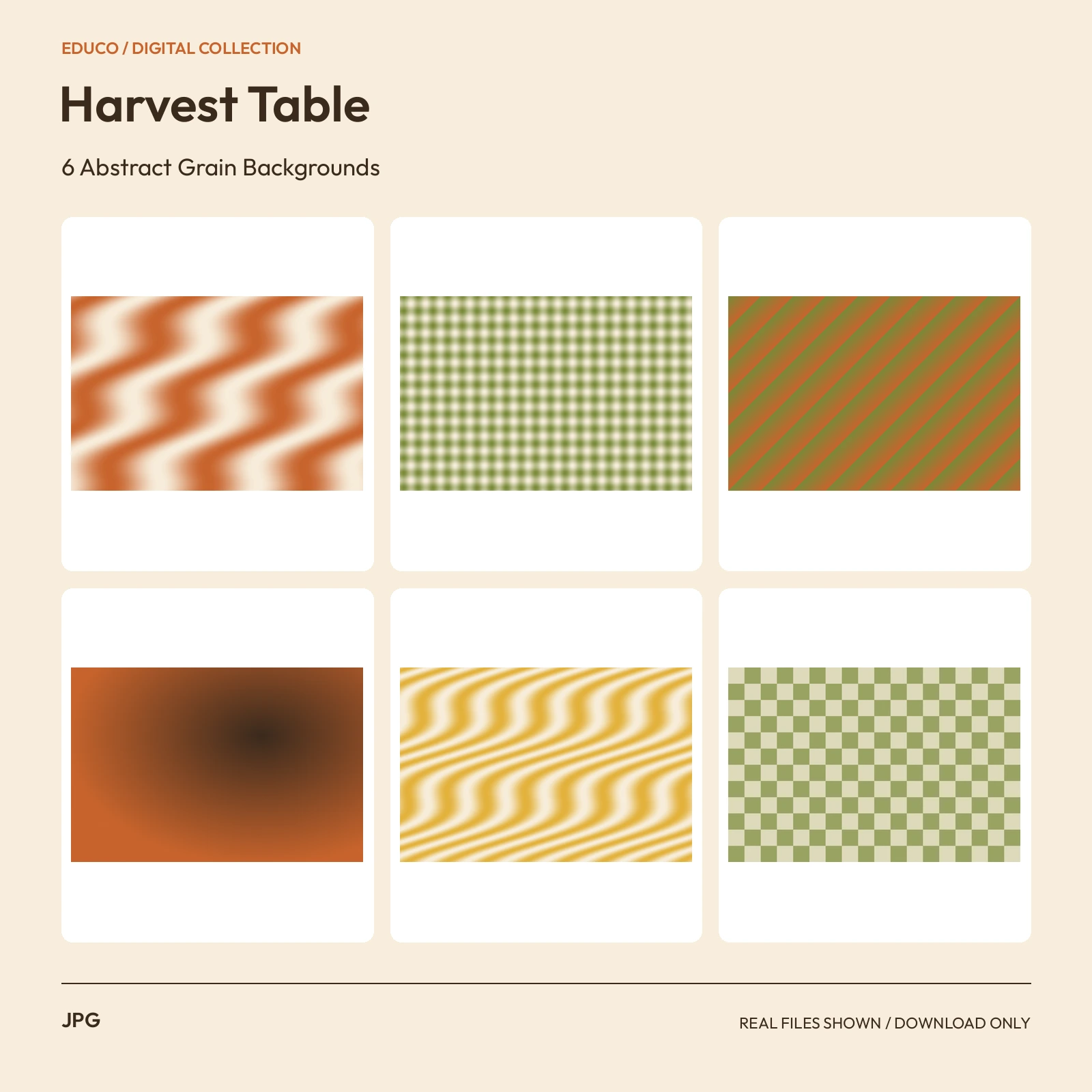 JPG3000 x 2000 px
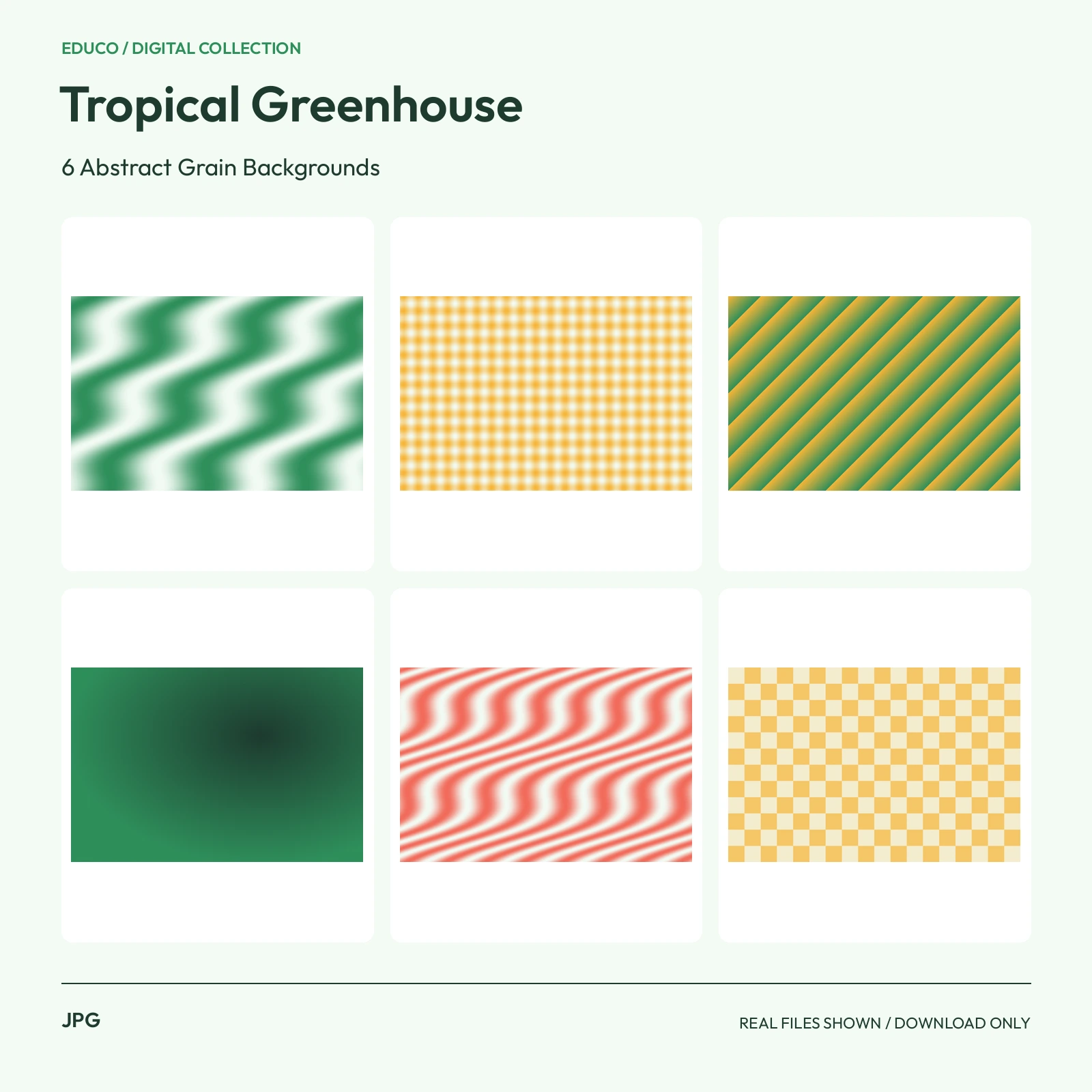 JPG3000 x 2000 px
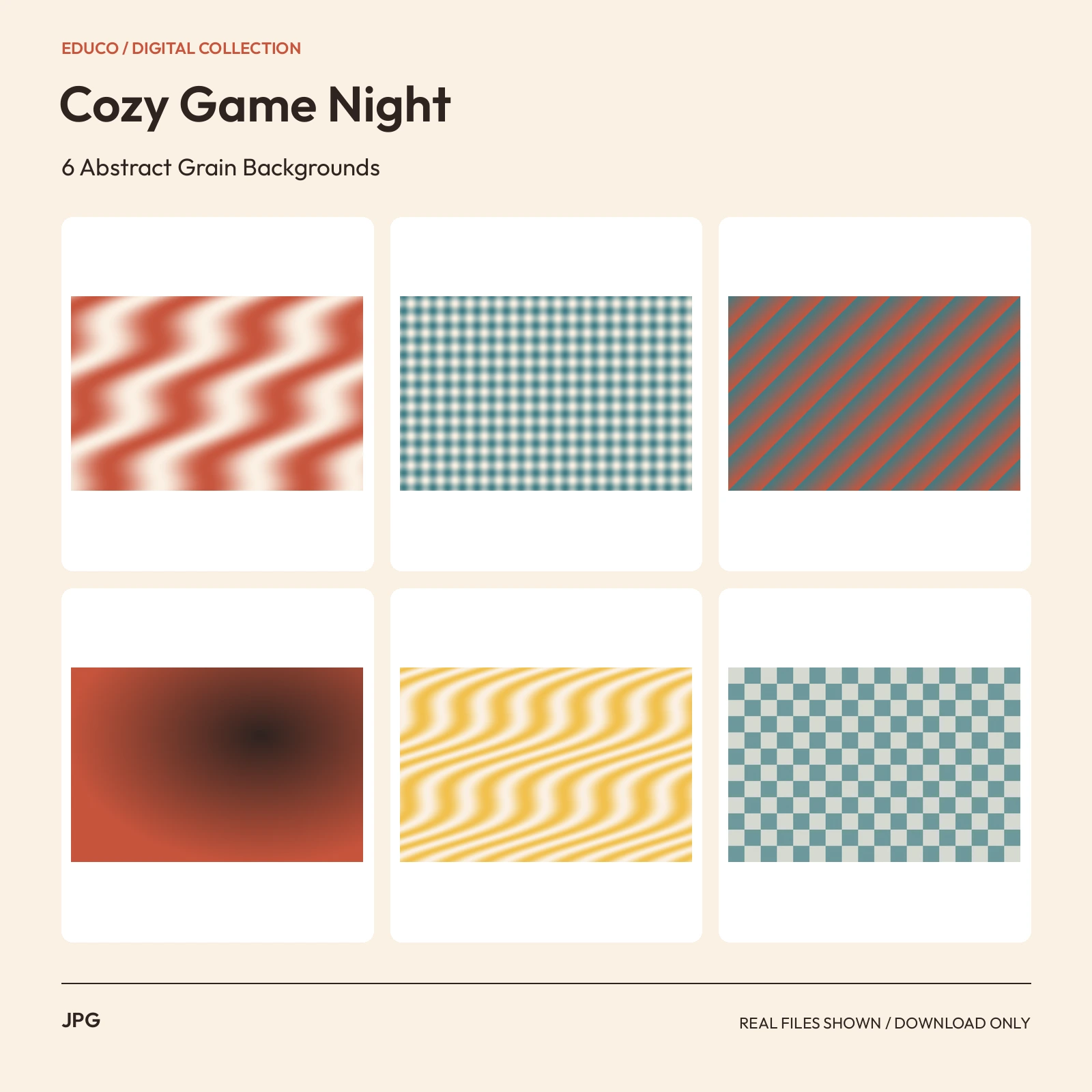 JPG3000 x 2000 px
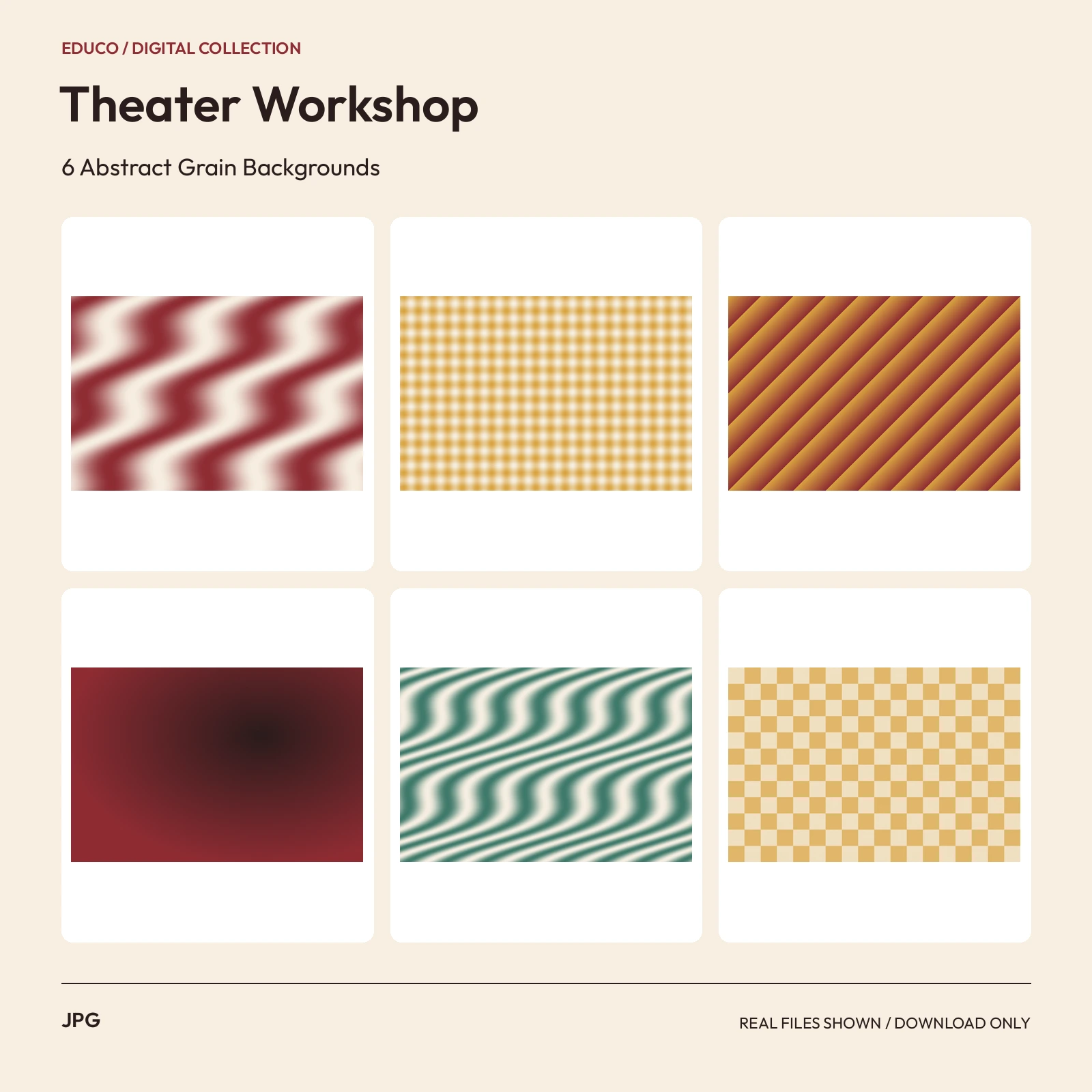 JPG3000 x 2000 px
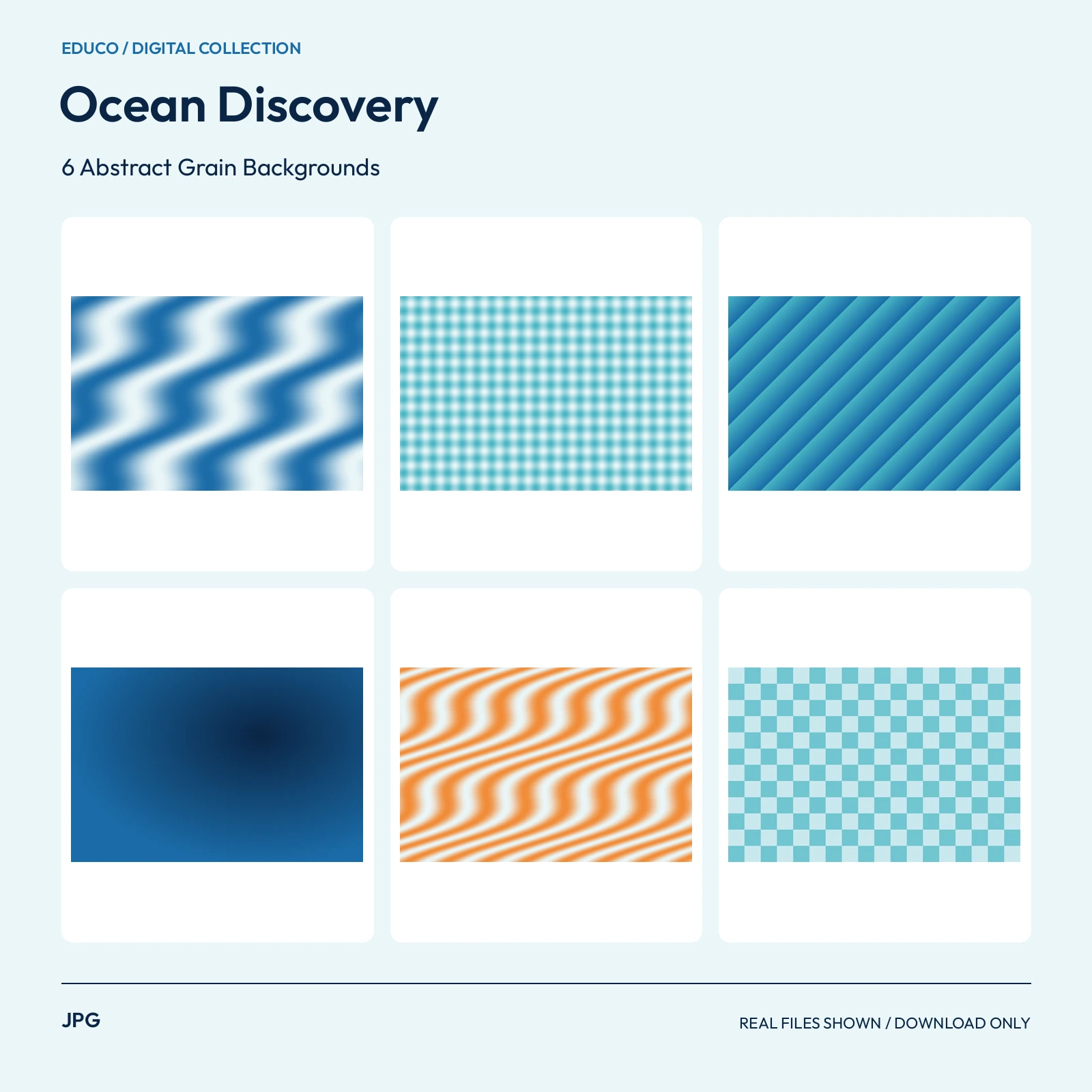 JPG3000 x 2000 px
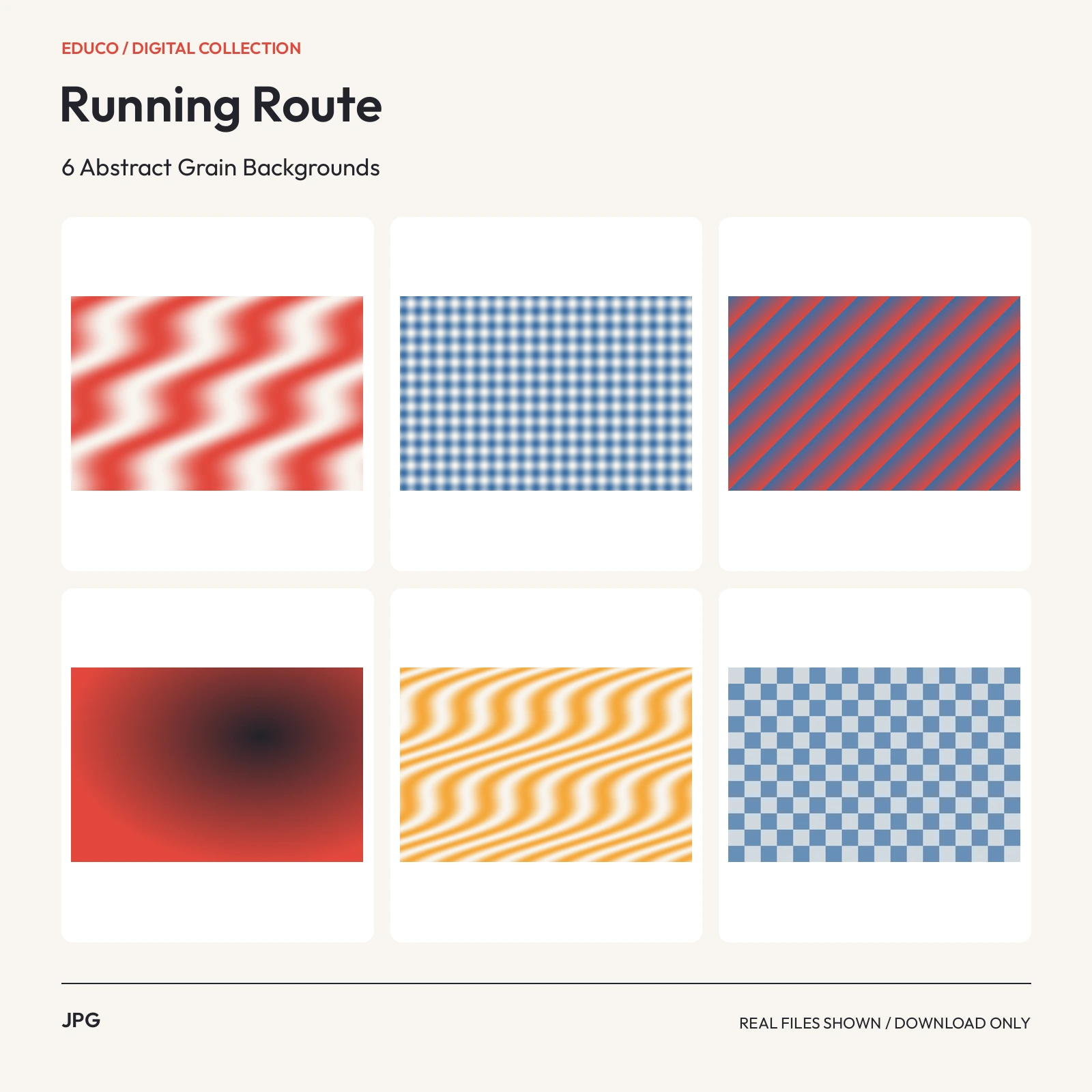 JPG3000 x 2000 px
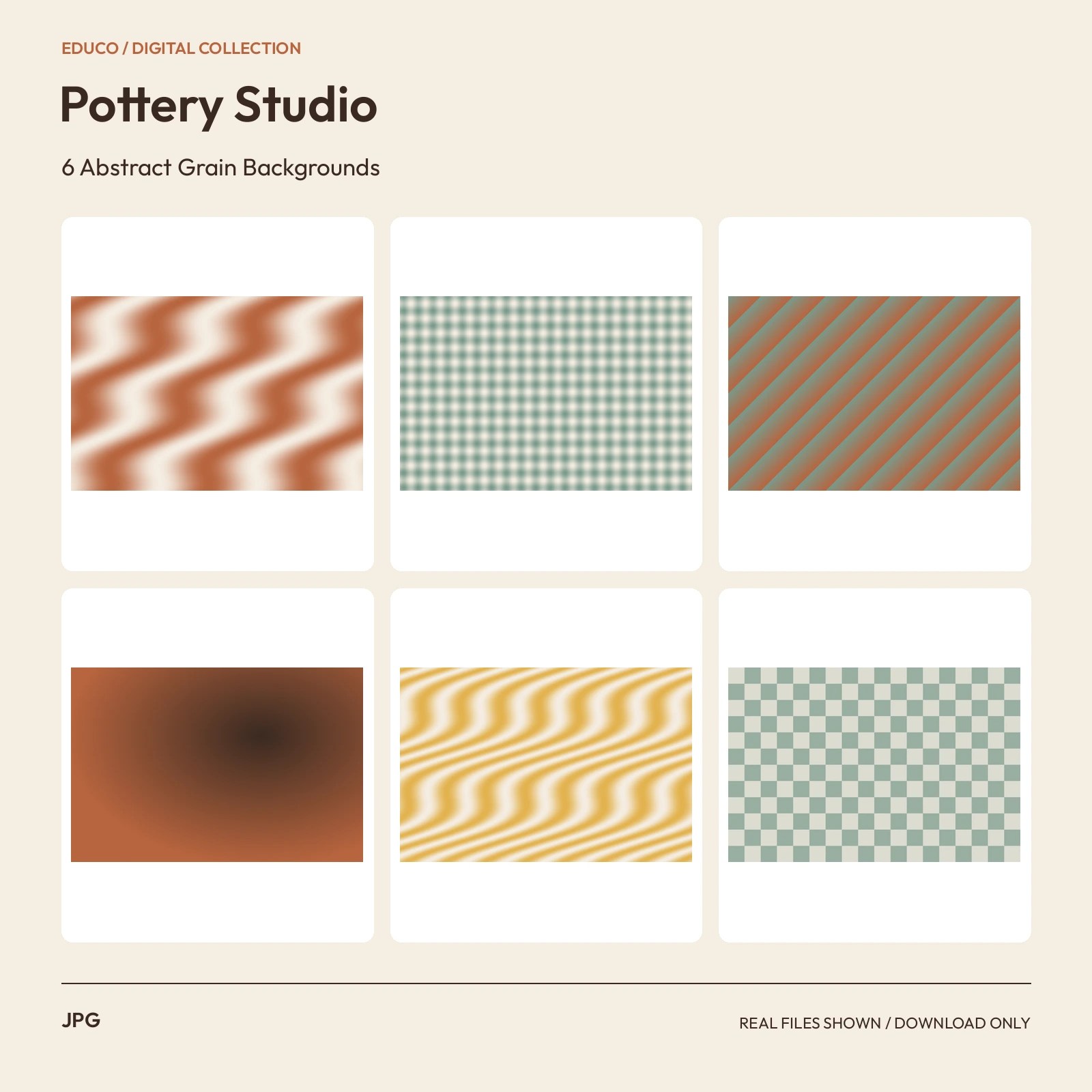 JPG3000 x 2000 px
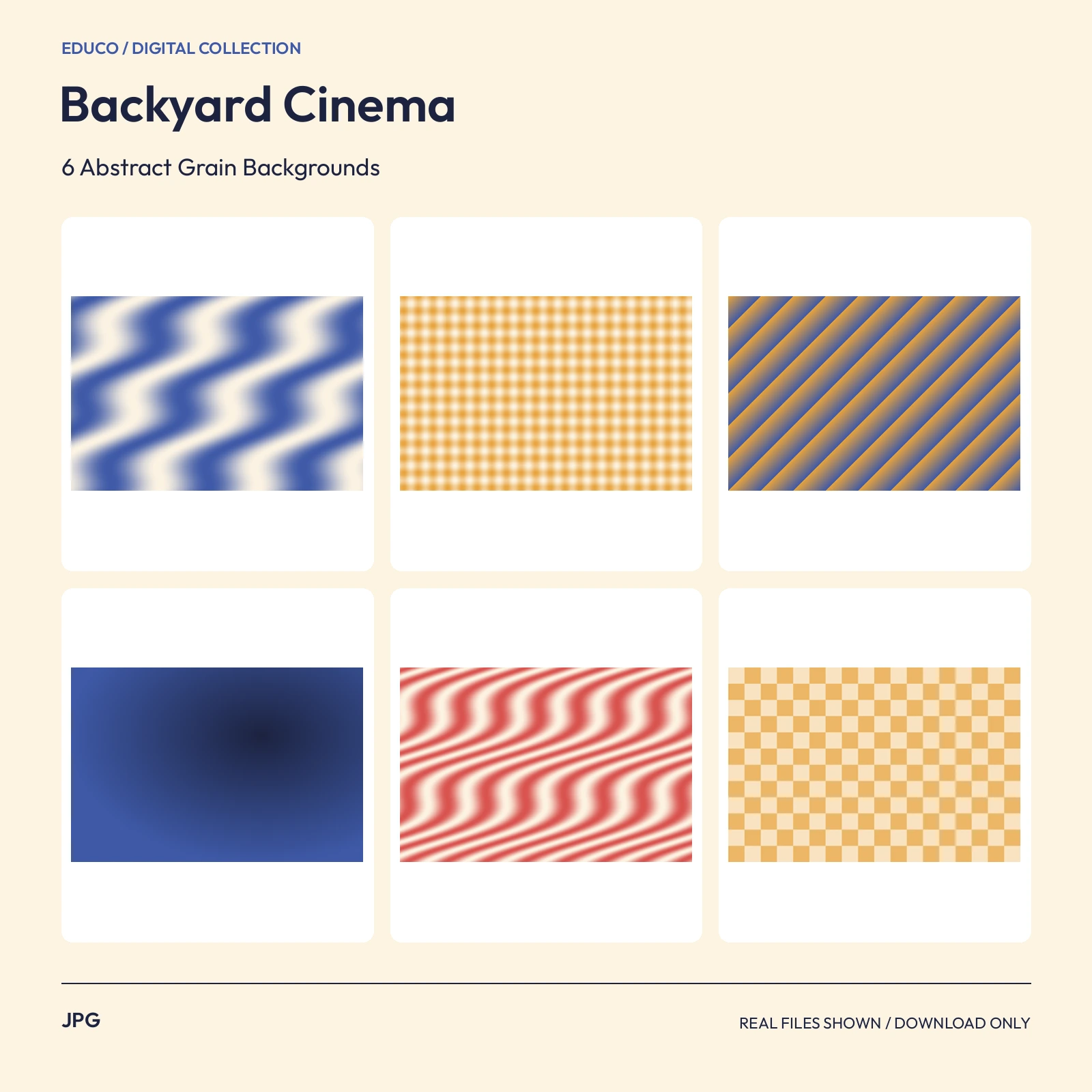 JPG3000 x 2000 px
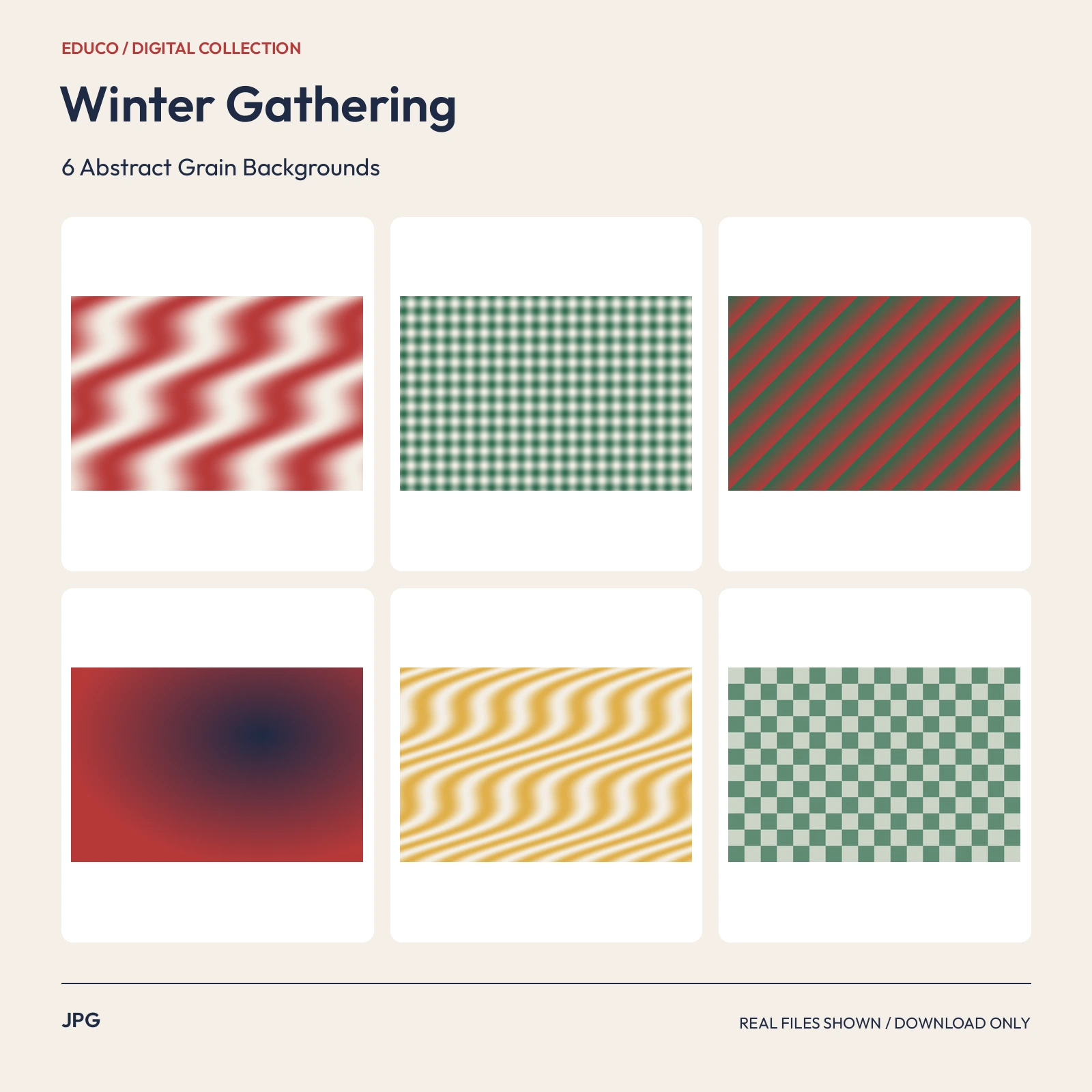 JPG3000 x 2000 px
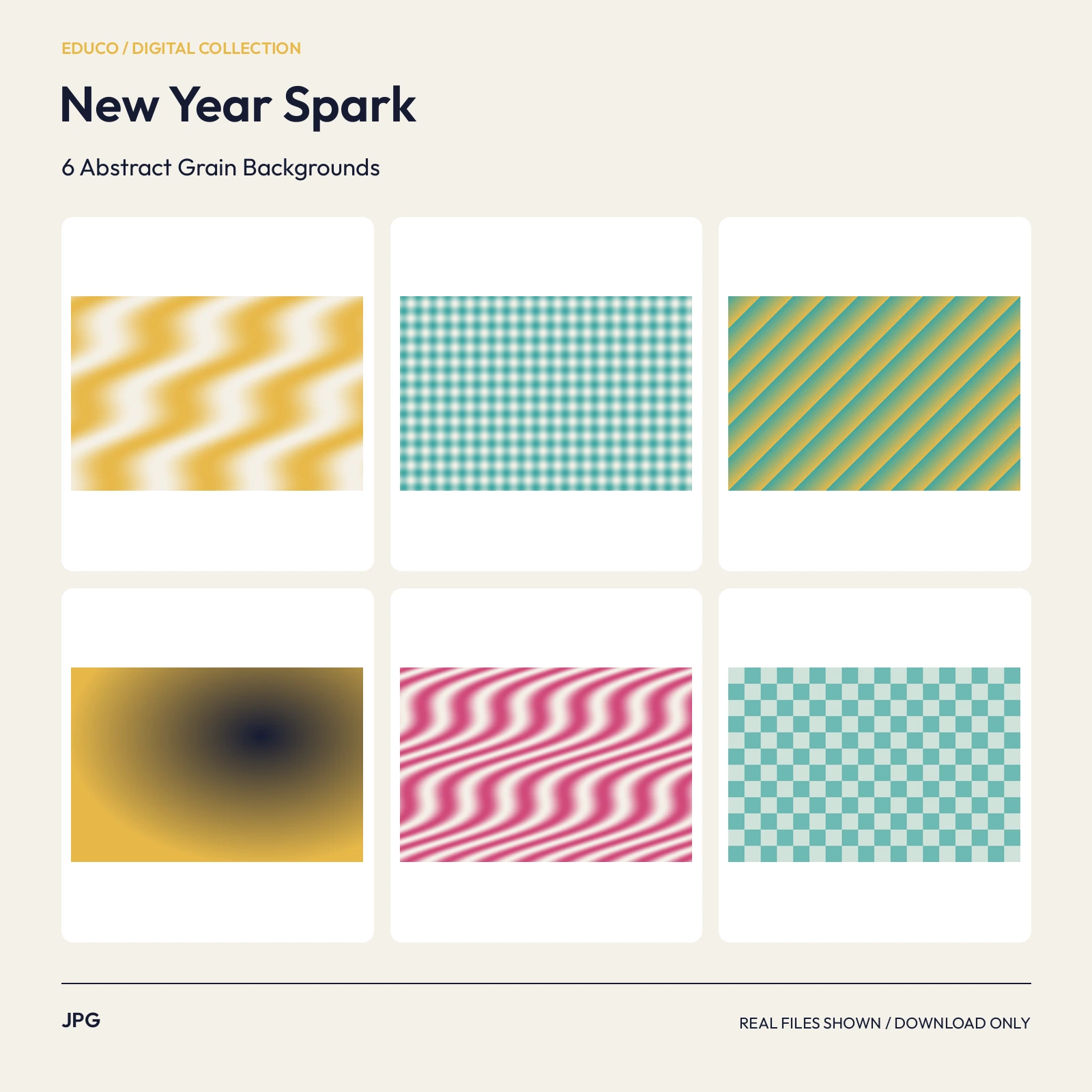 JPG3000 x 2000 px
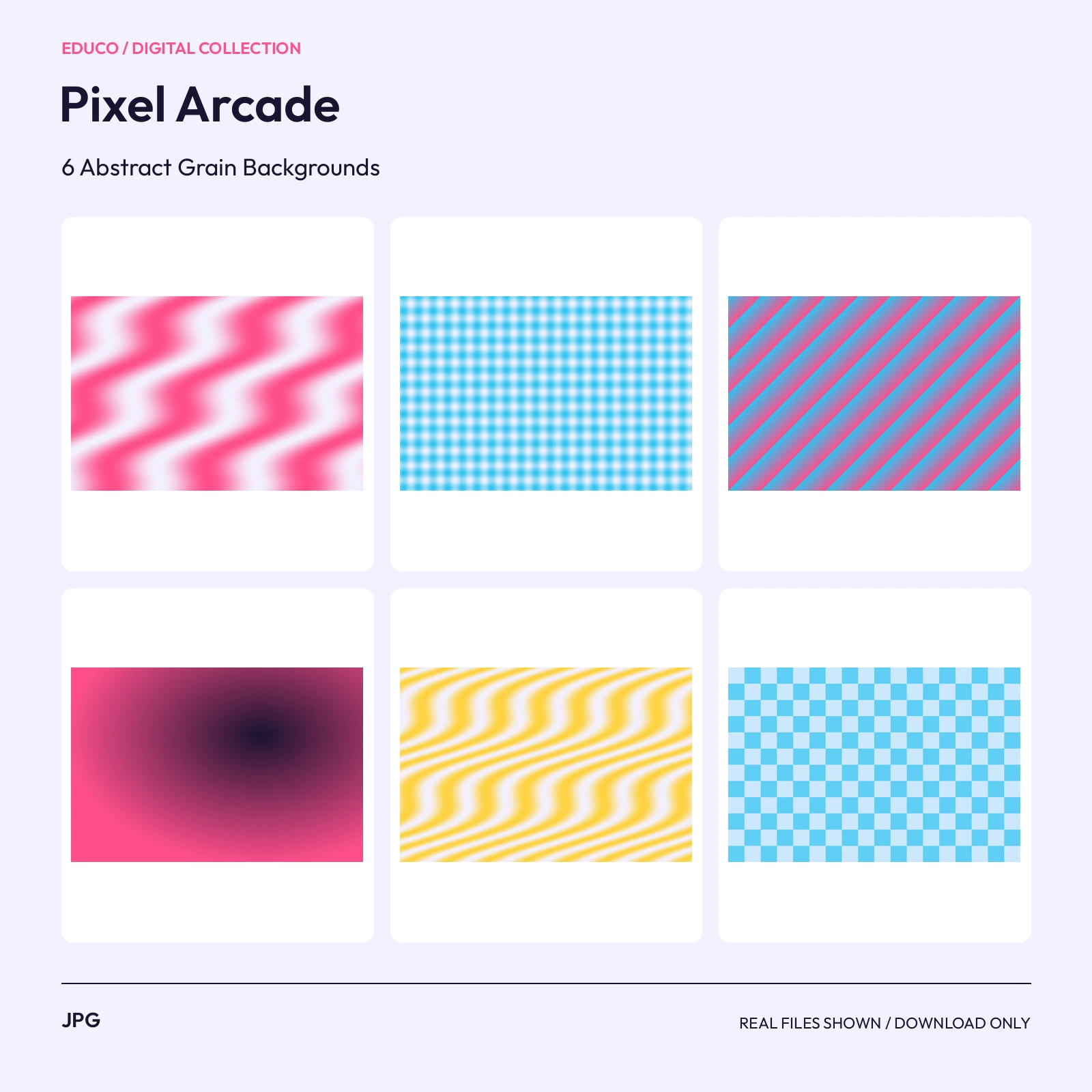 JPG3000 x 2000 px
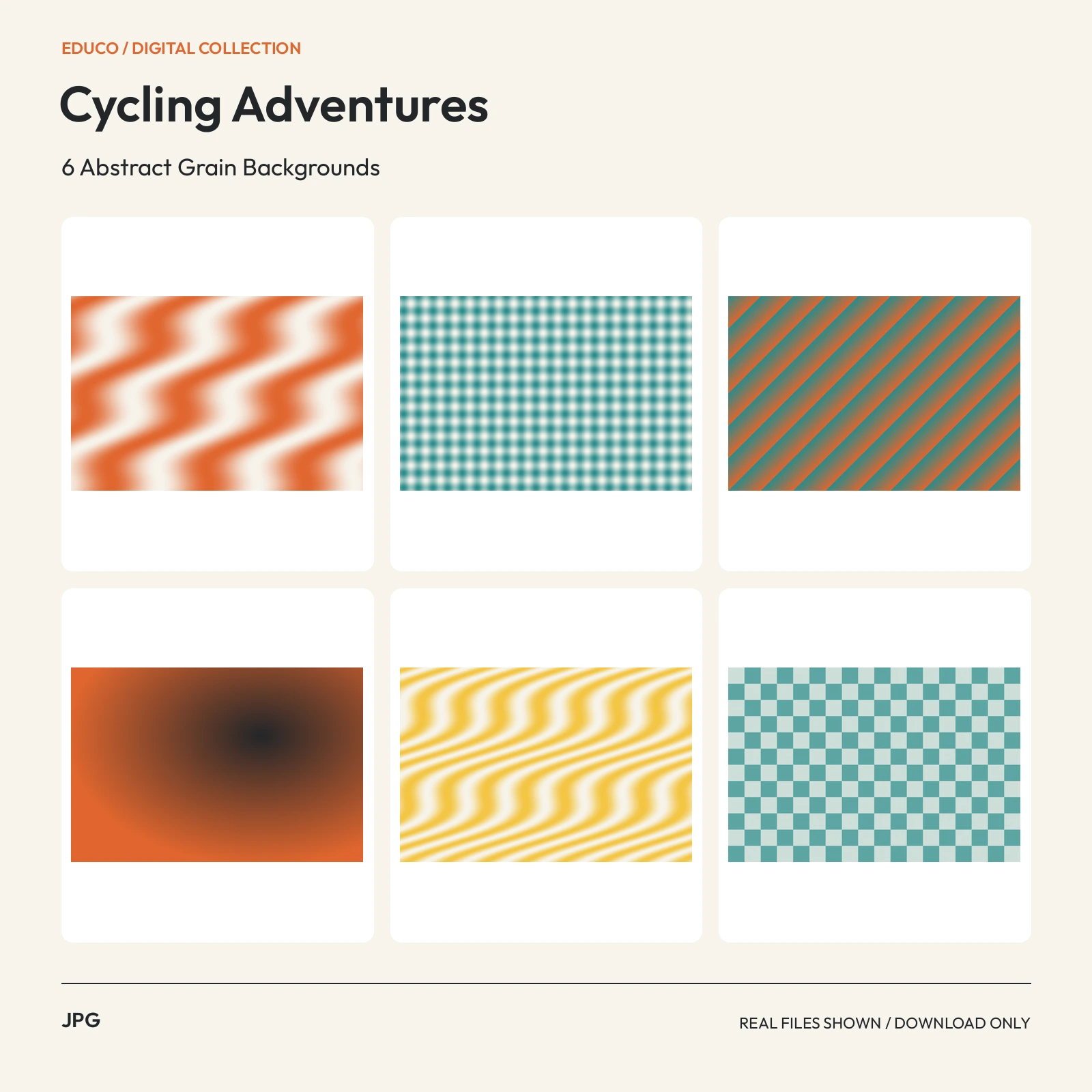 JPG3000 x 2000 px
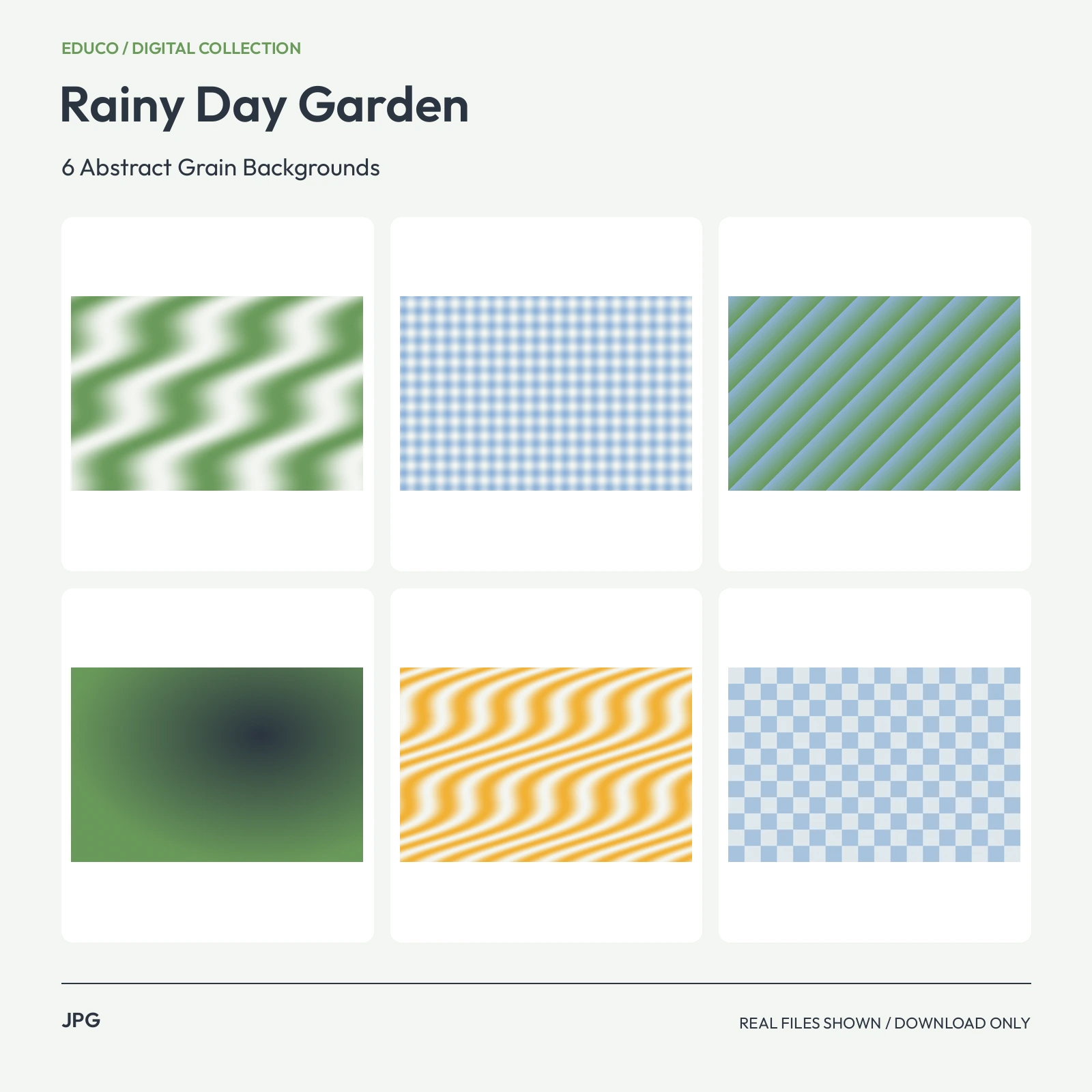 JPG3000 x 2000 px
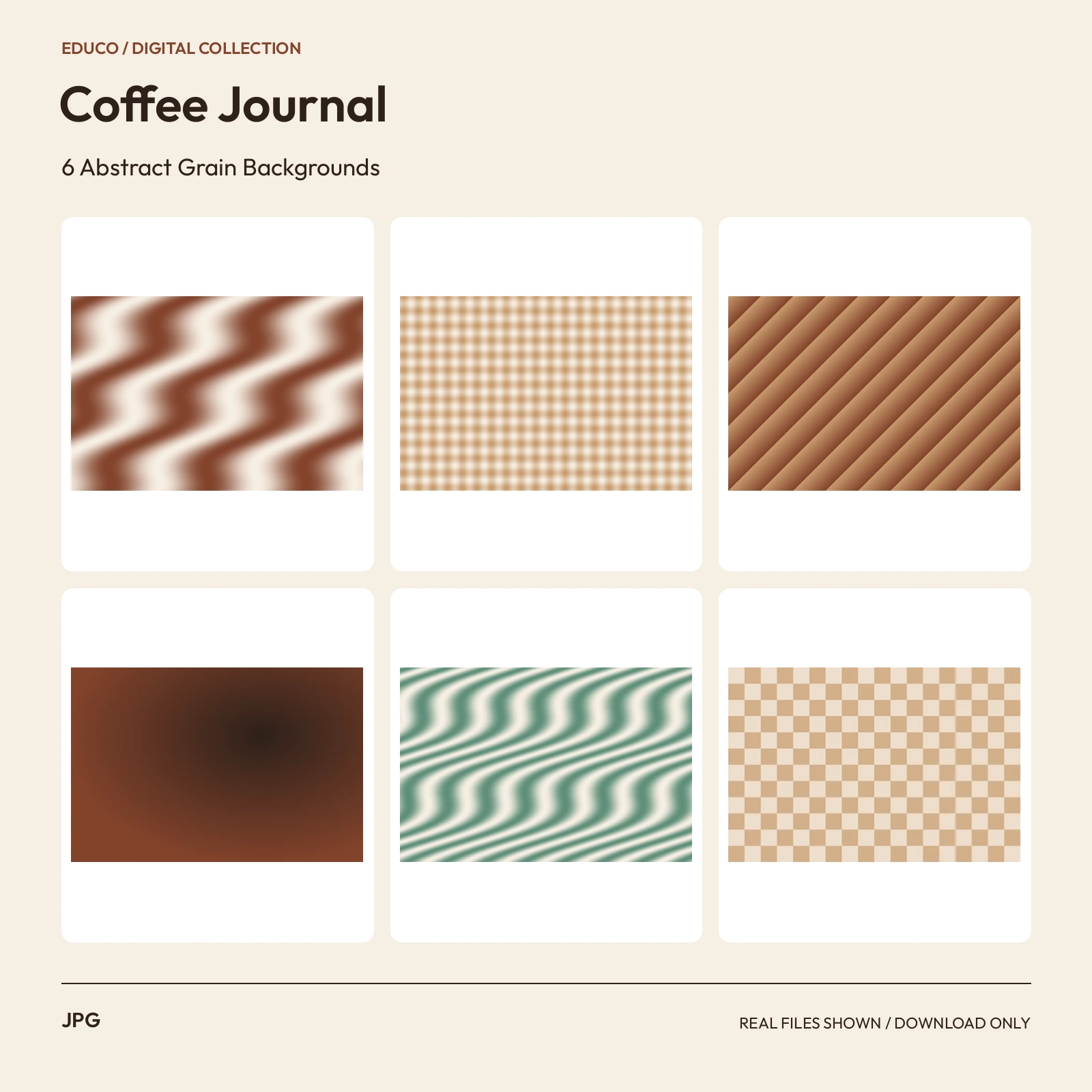 JPG3000 x 2000 px
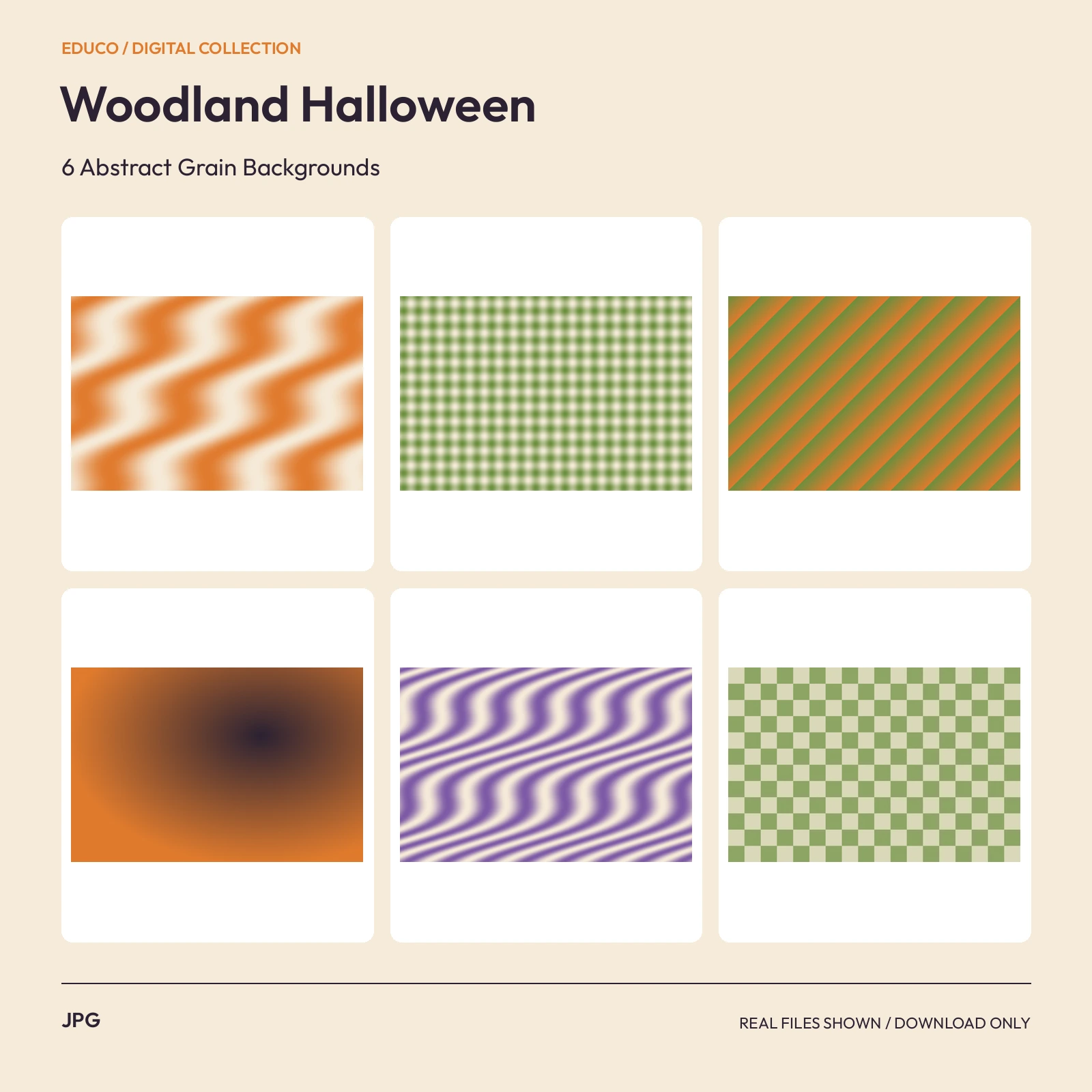 JPG3000 x 2000 px
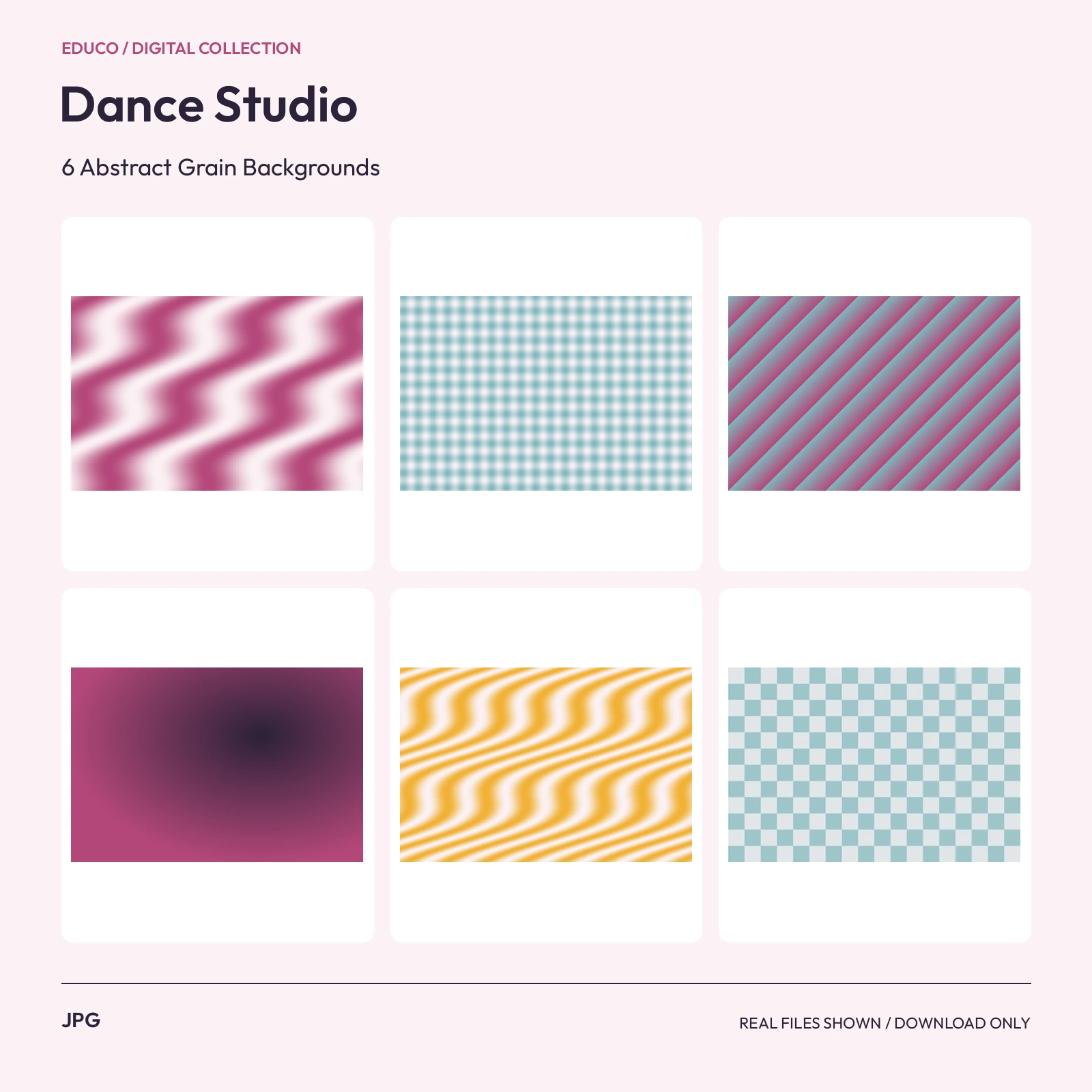 JPG3000 x 2000 px
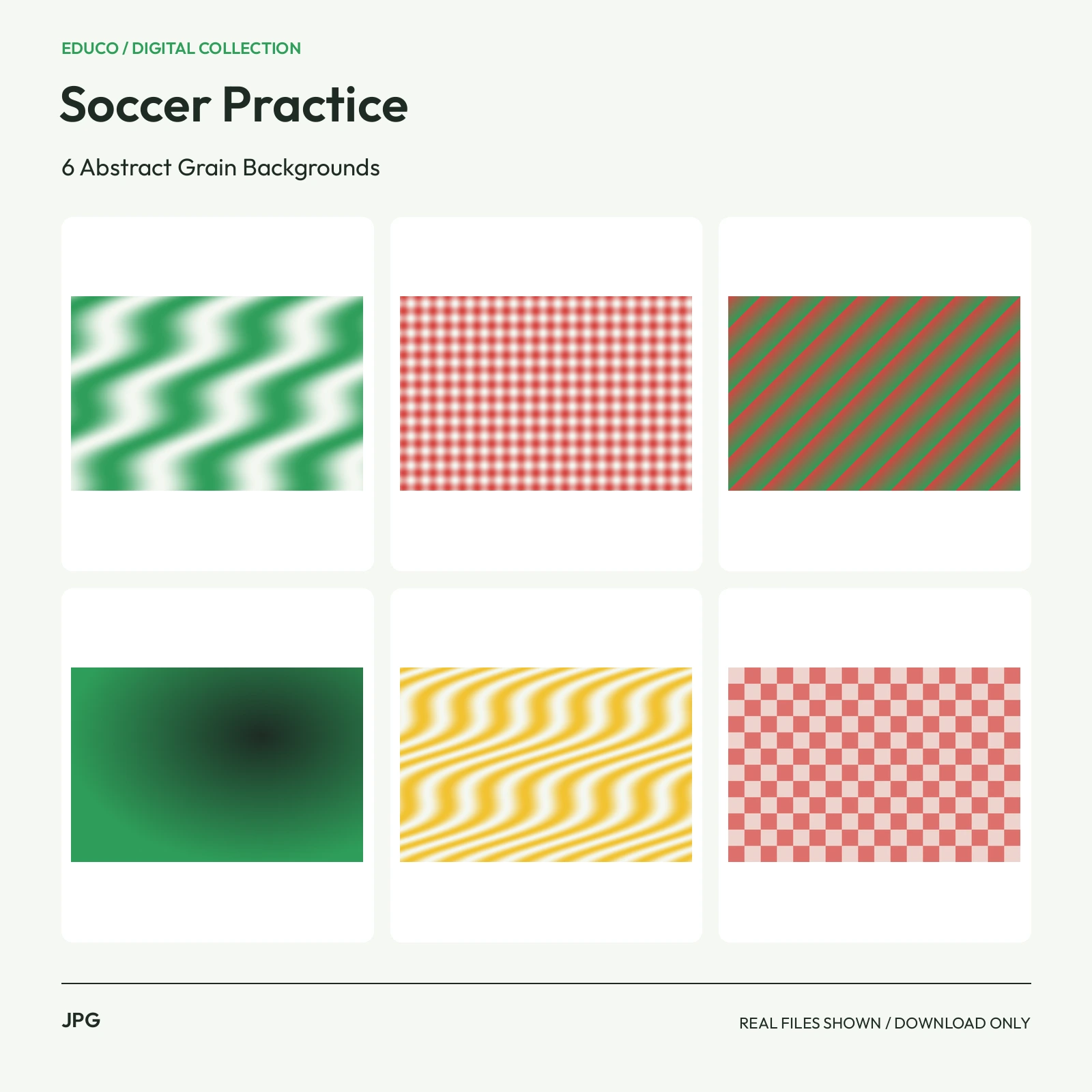 JPG3000 x 2000 px
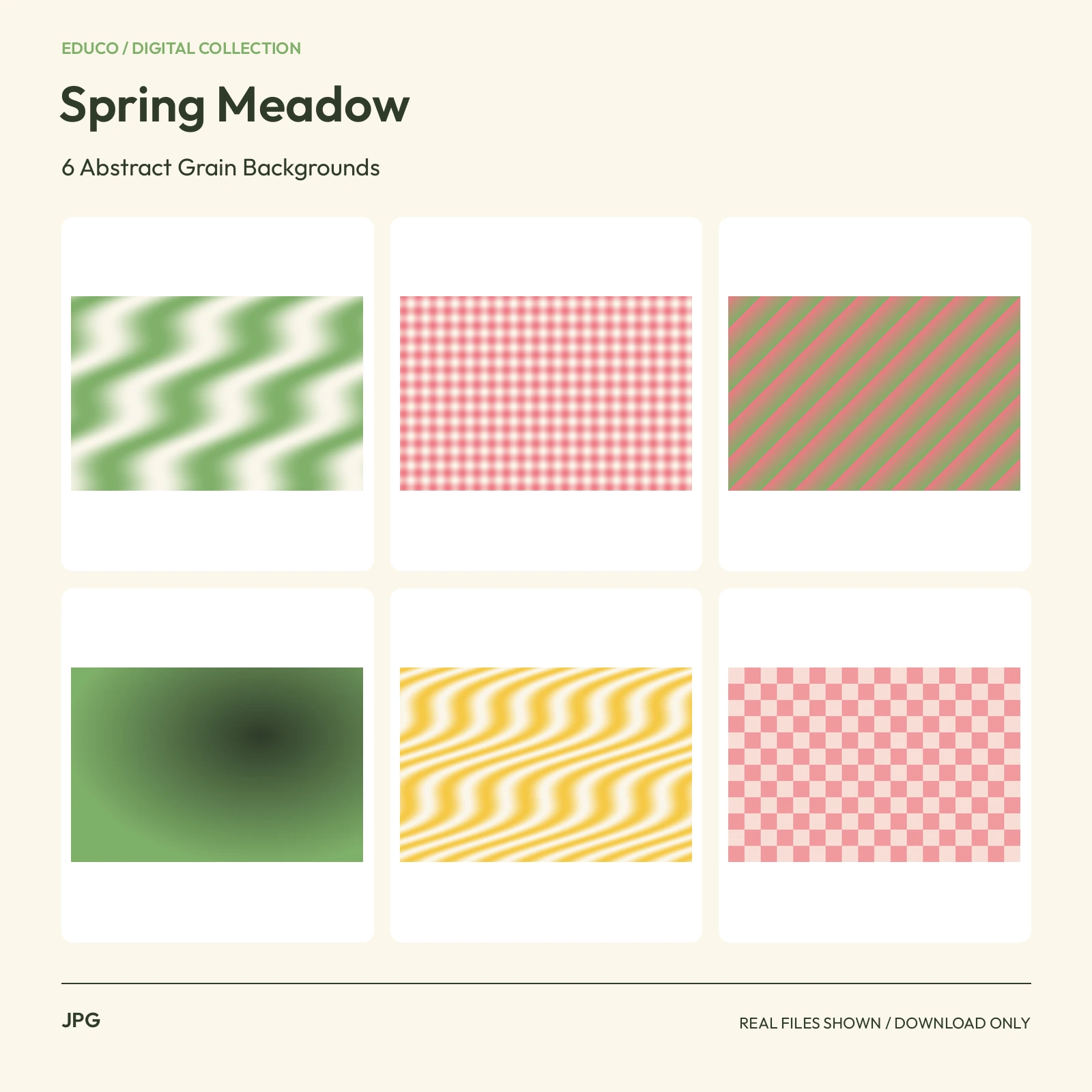 JPG3000 x 2000 px
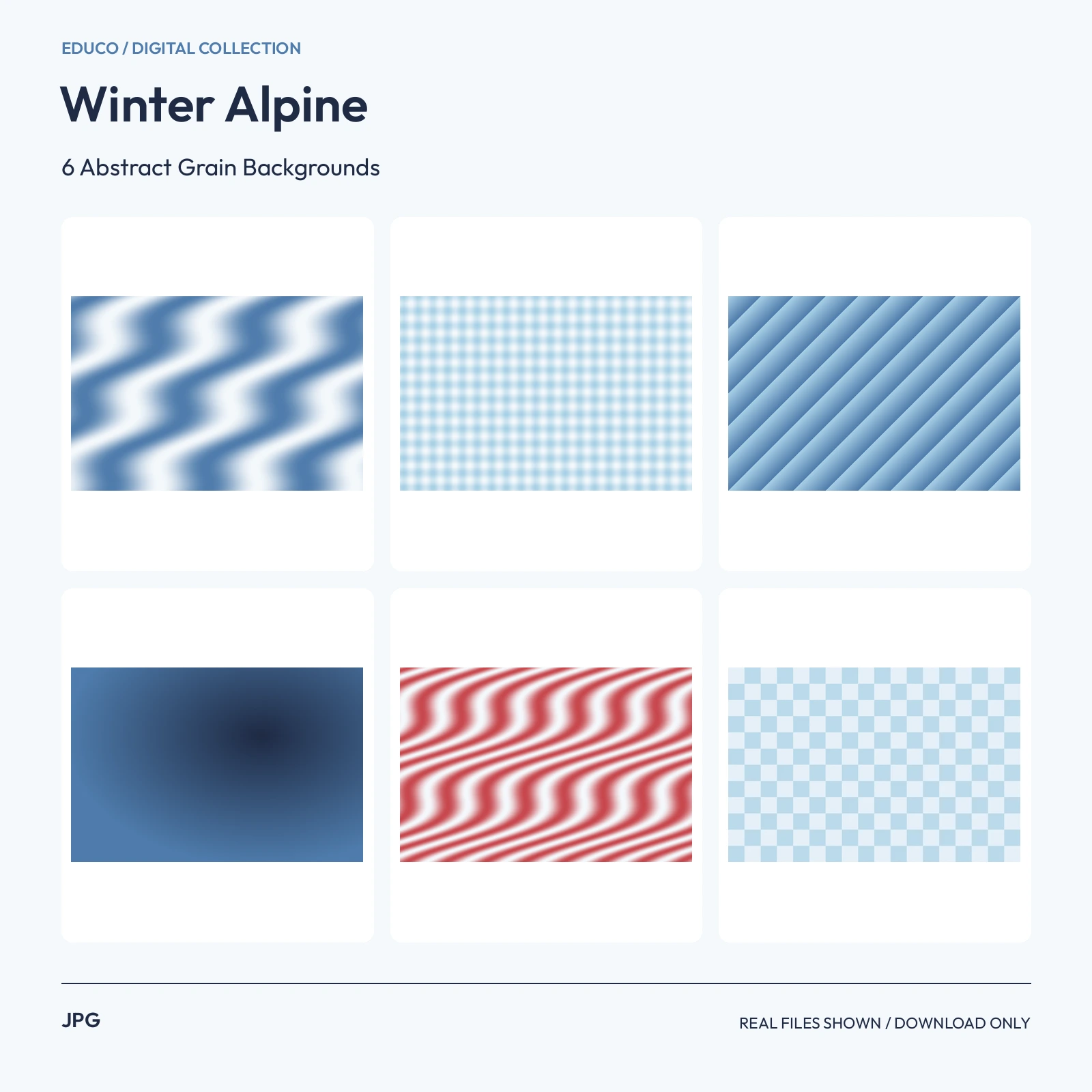 JPG3000 x 2000 px
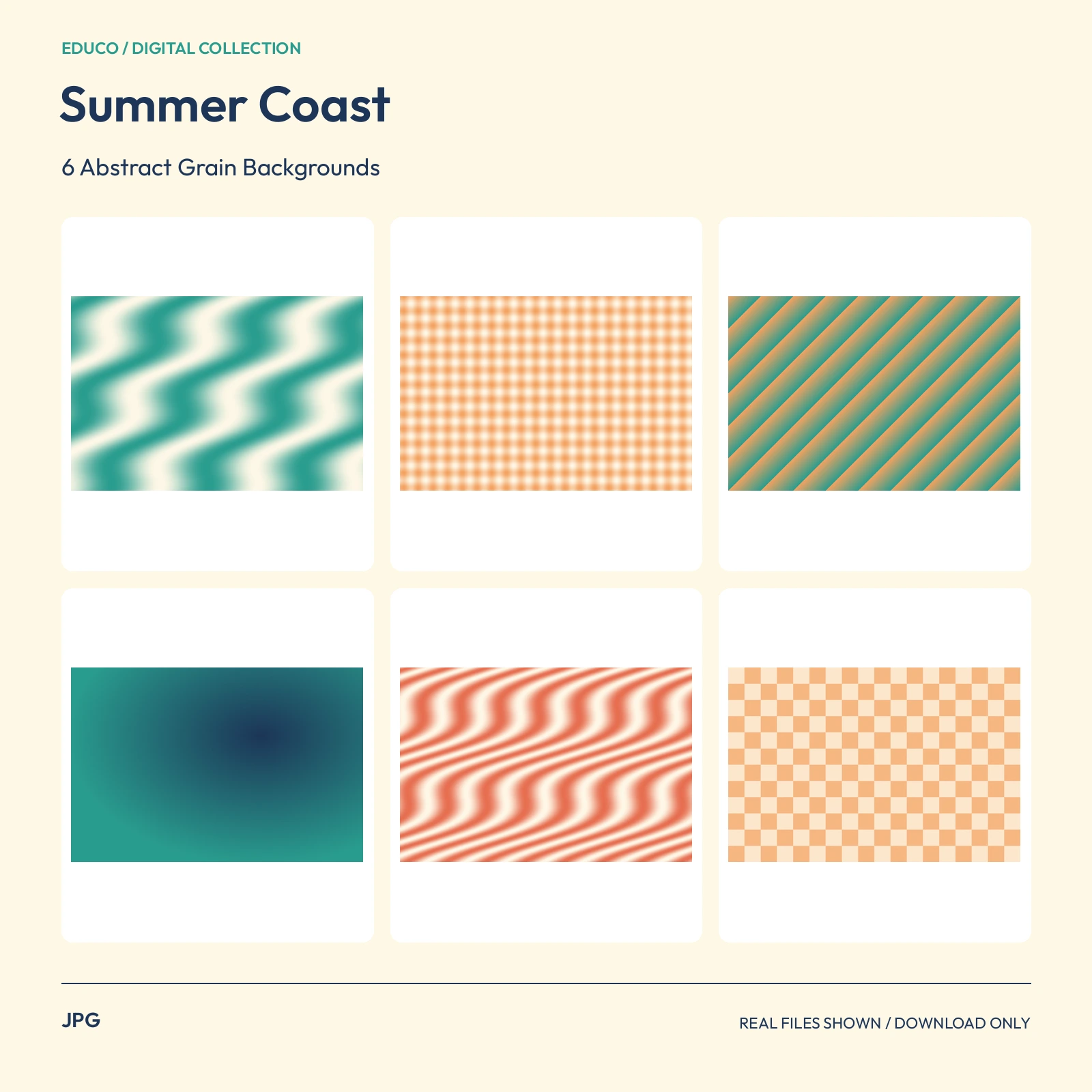 JPG3000 x 2000 px
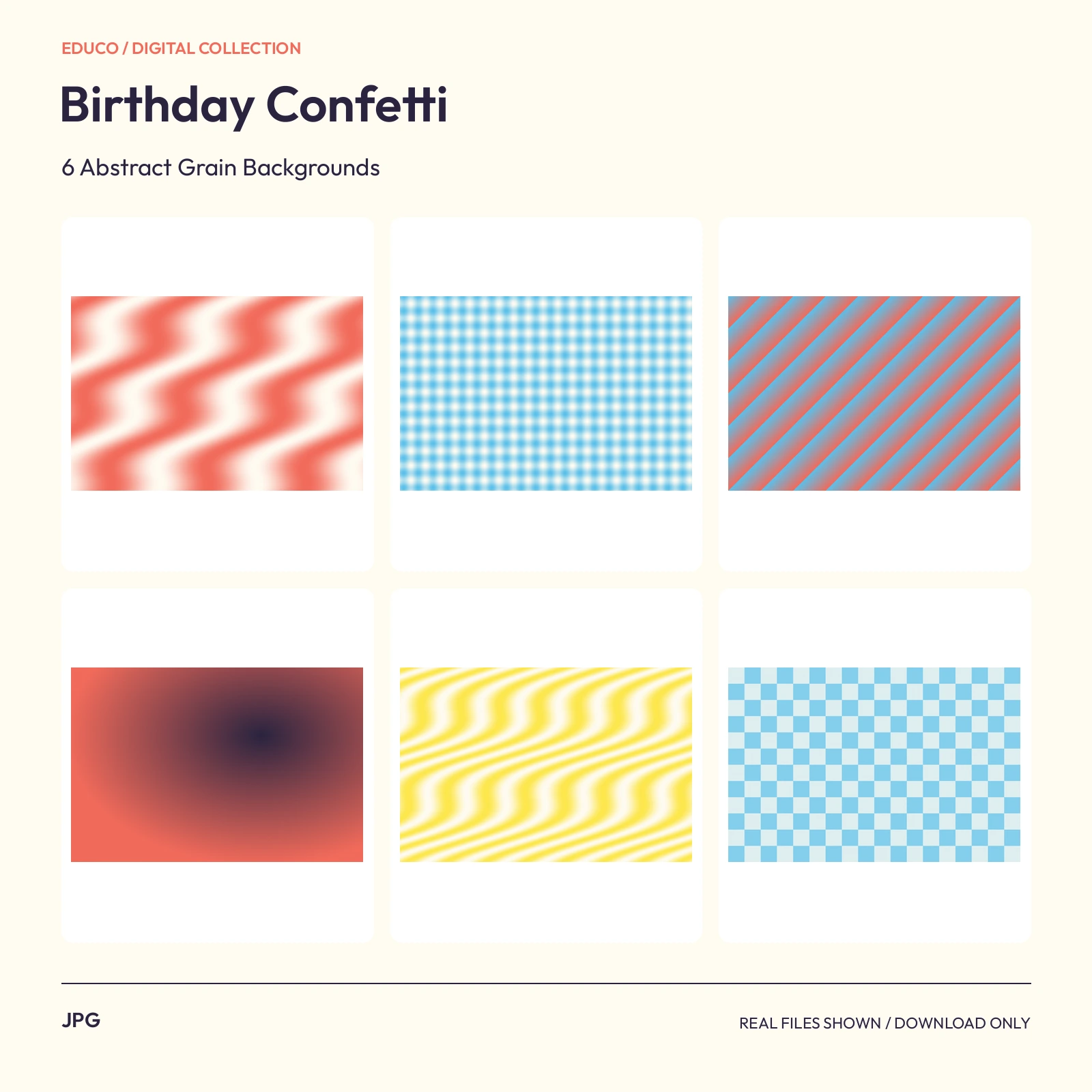 JPG3000 x 2000 px
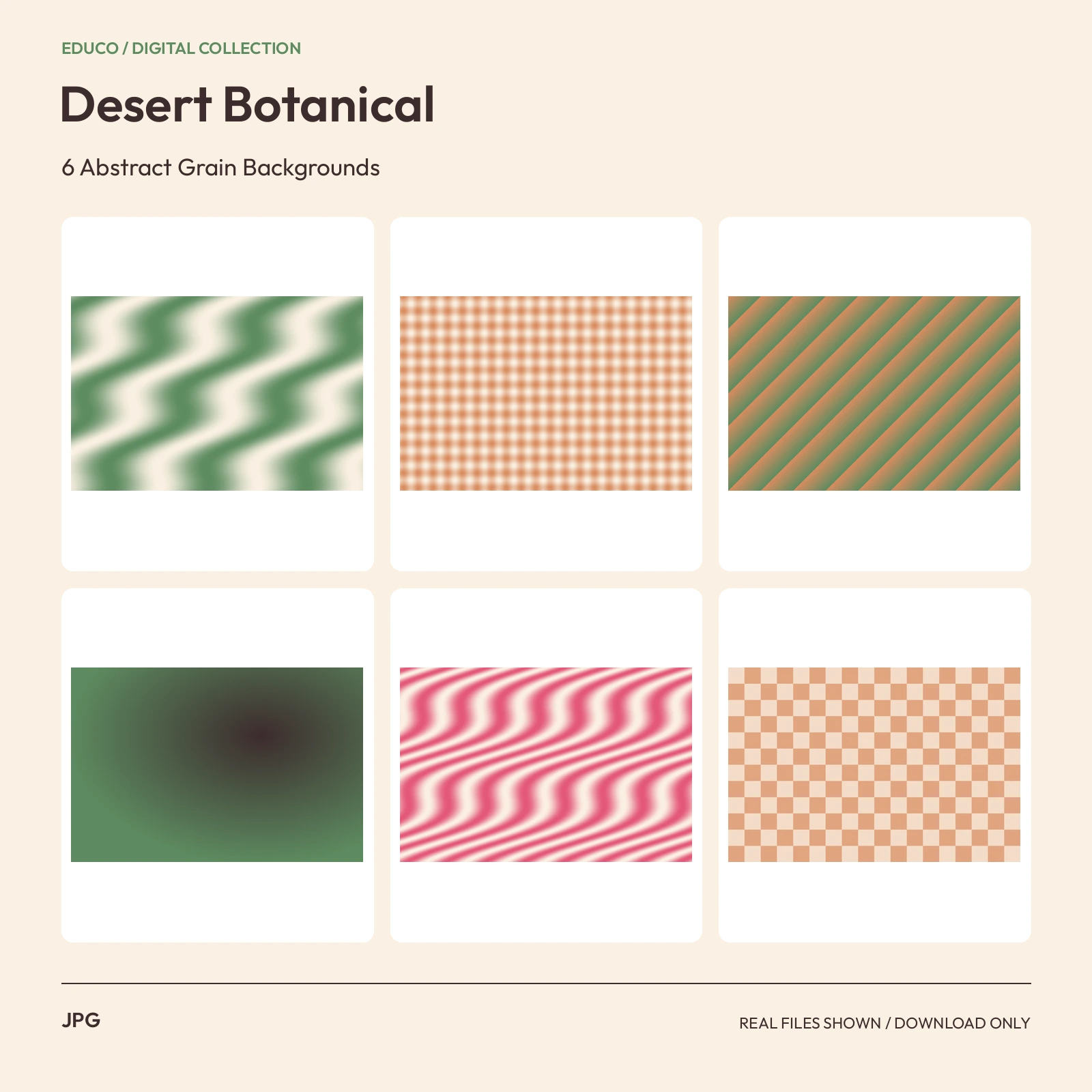 JPG3000 x 2000 px
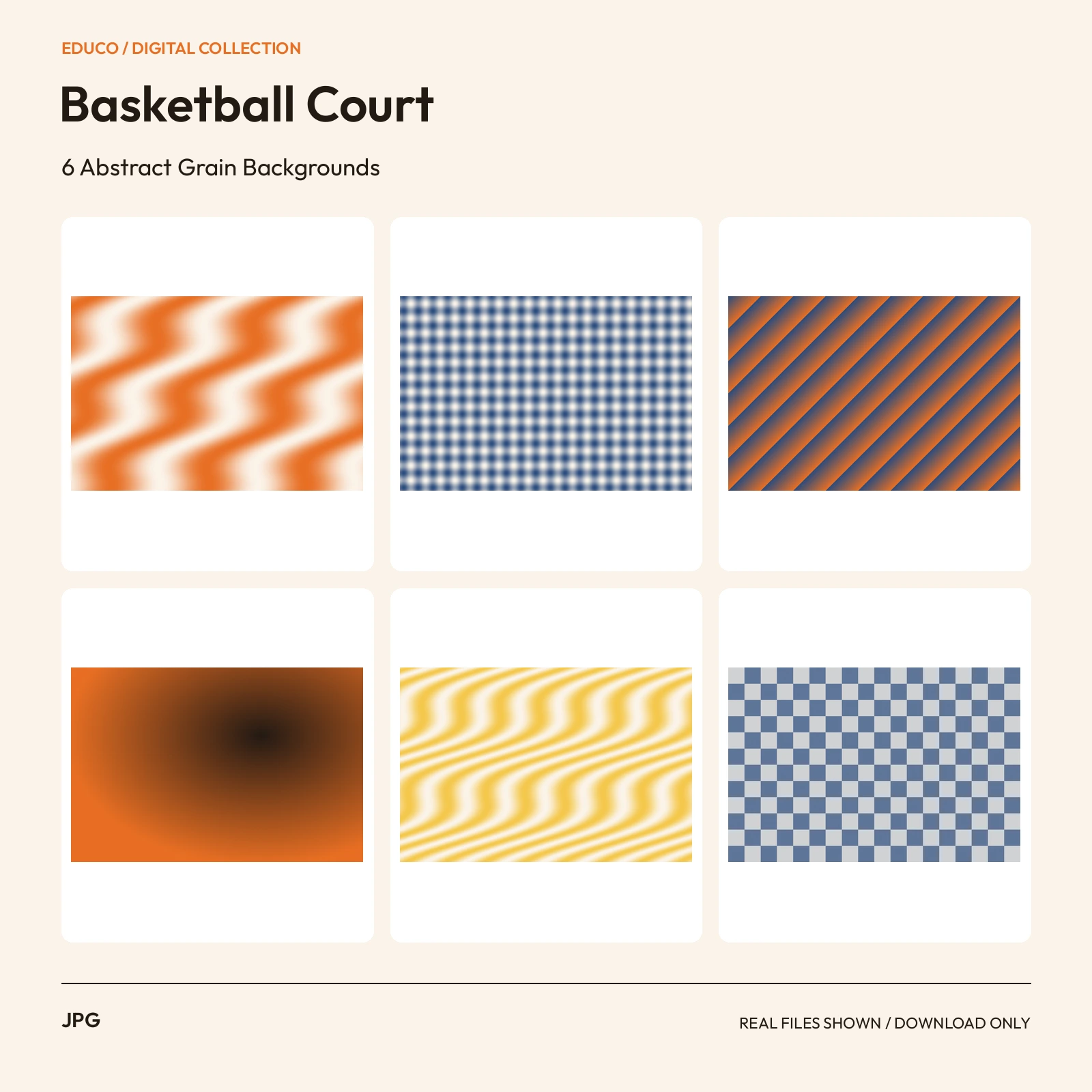 JPG3000 x 2000 px
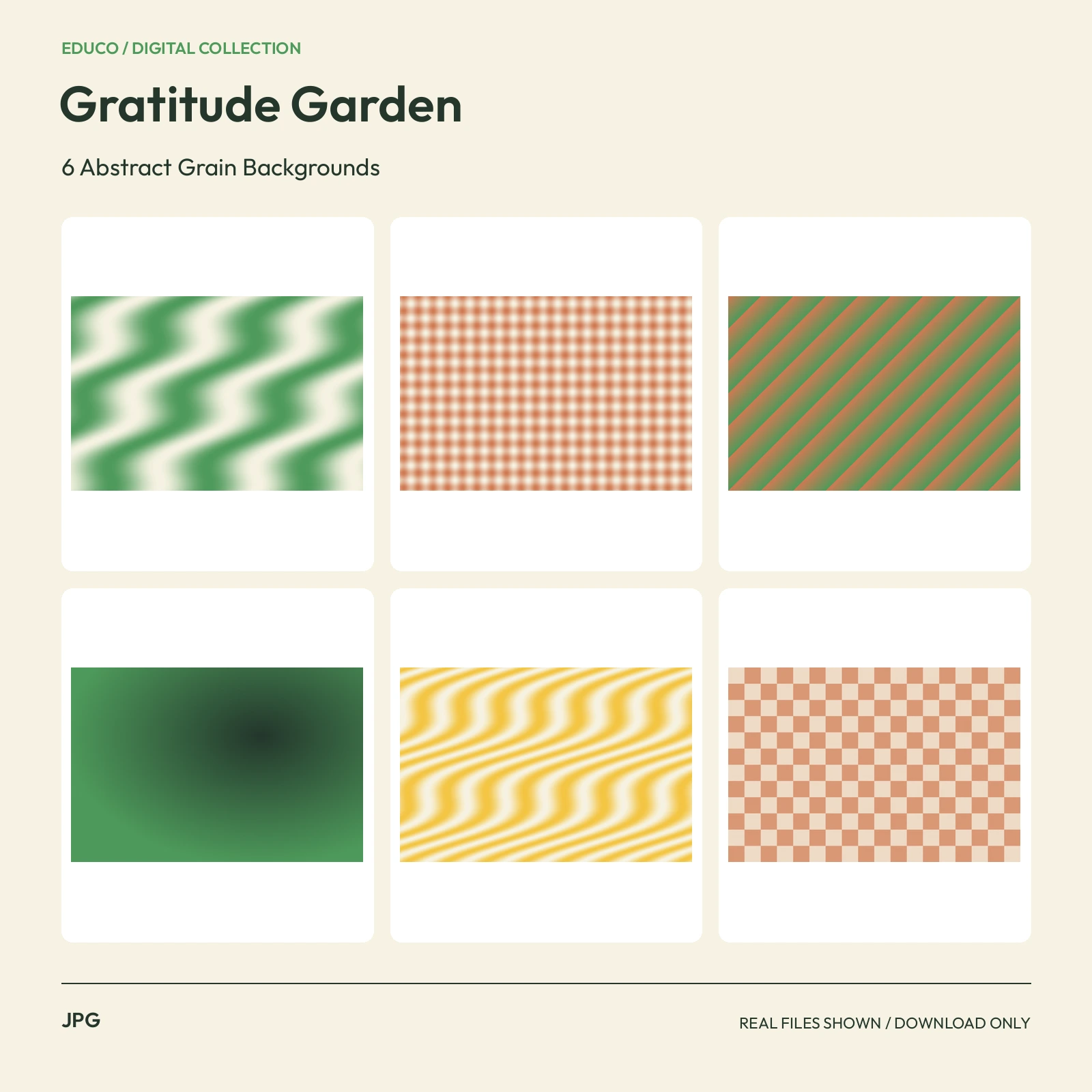 JPG3000 x 2000 px
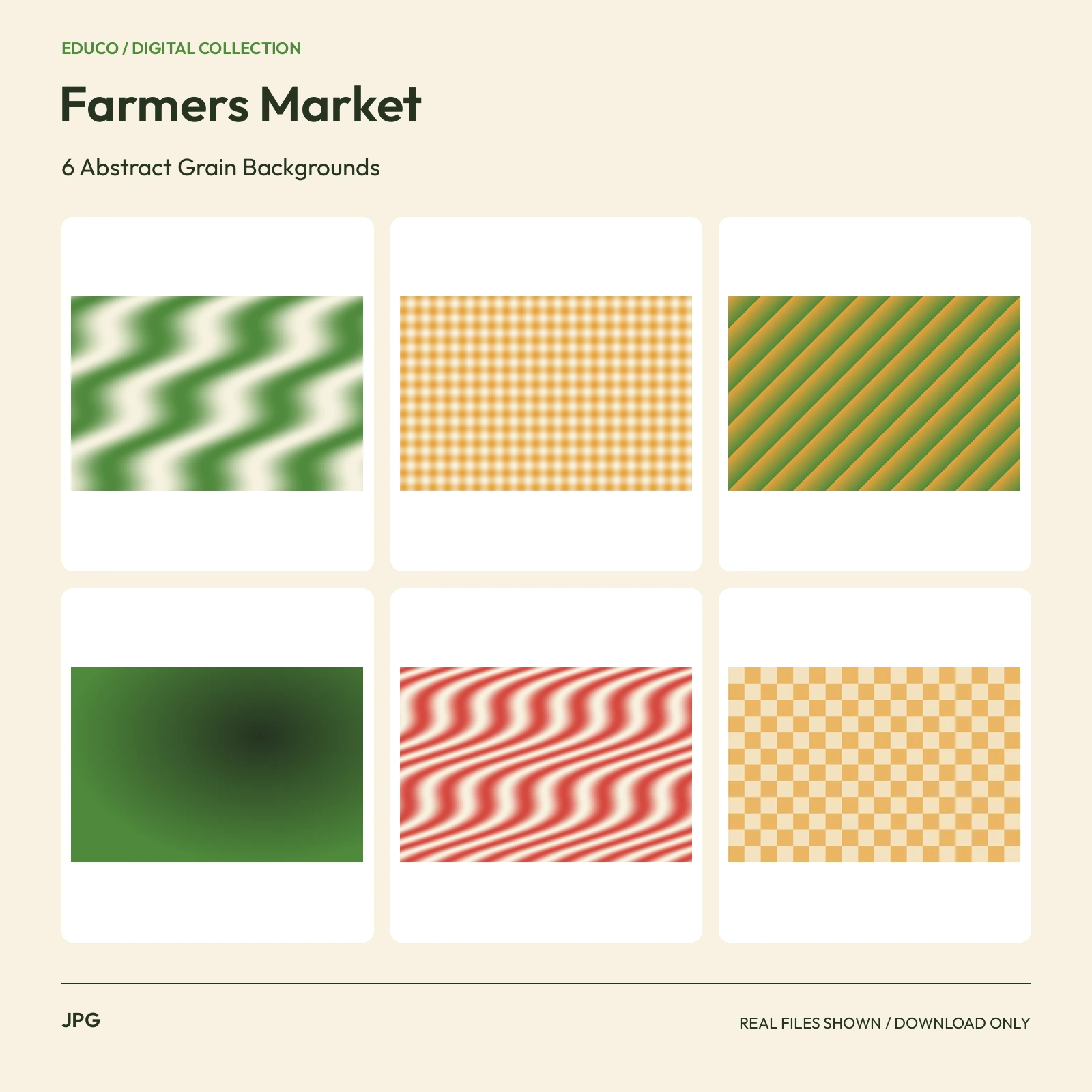 JPG3000 x 2000 px
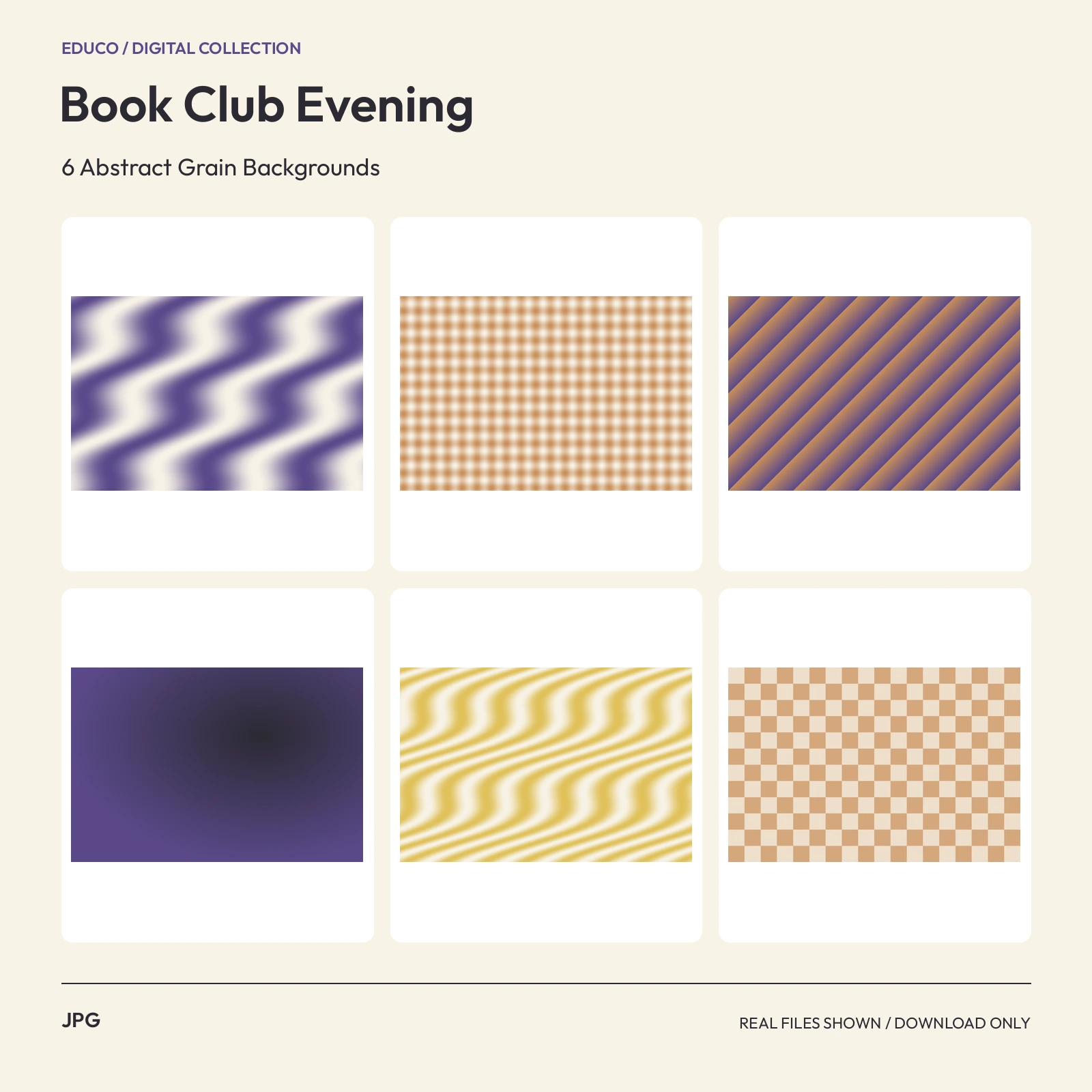 JPG3000 x 2000 px
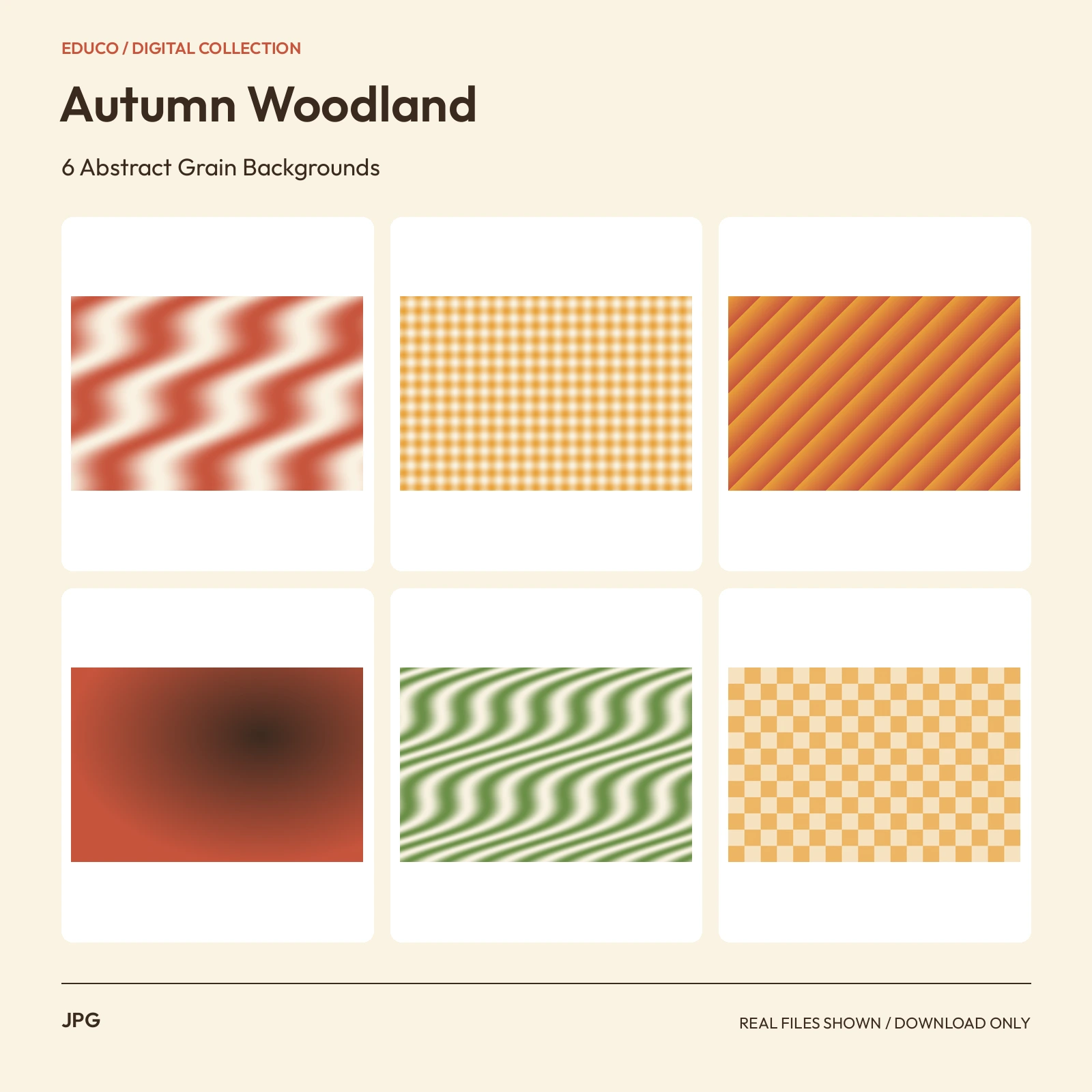 JPG3000 x 2000 px
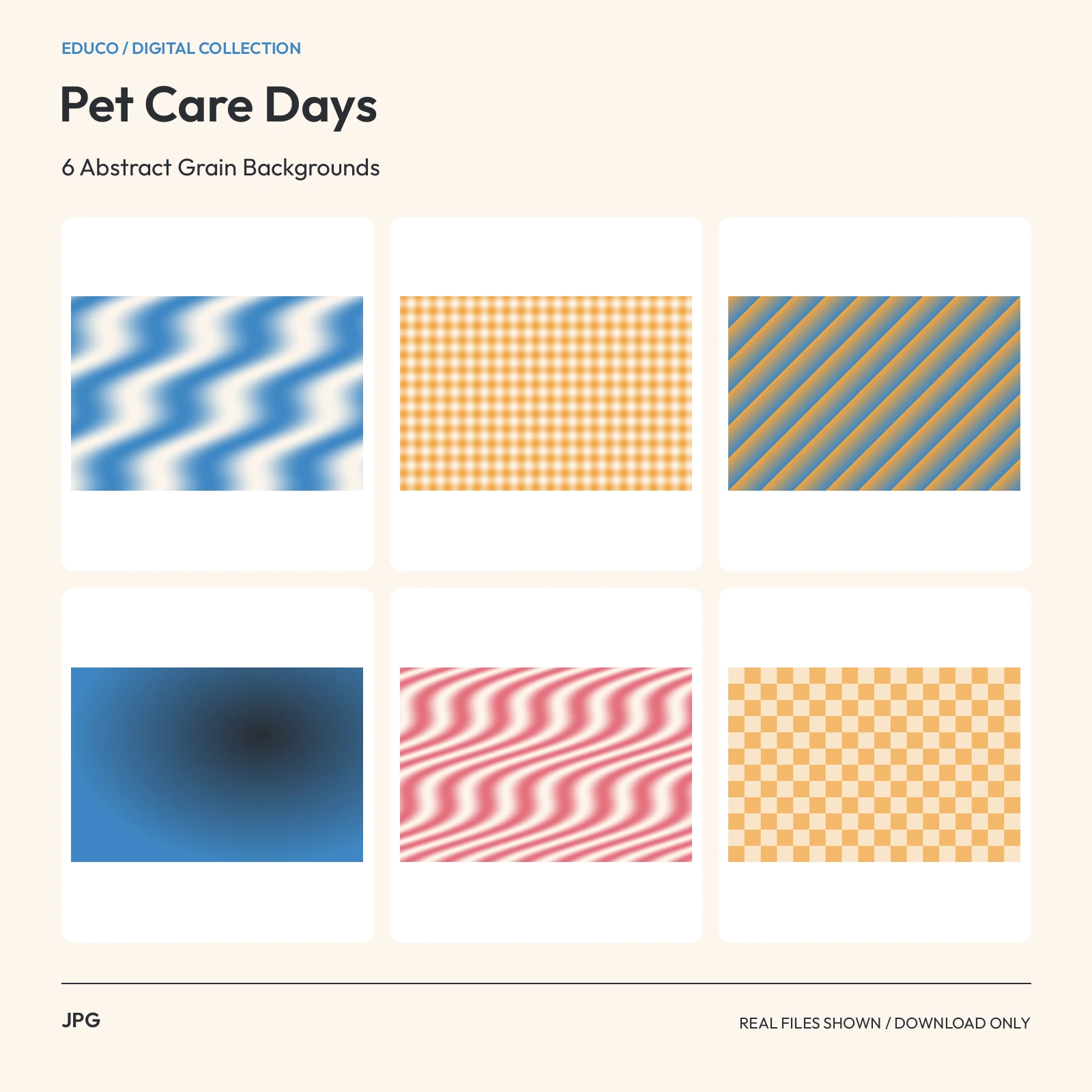 JPG3000 x 2000 px
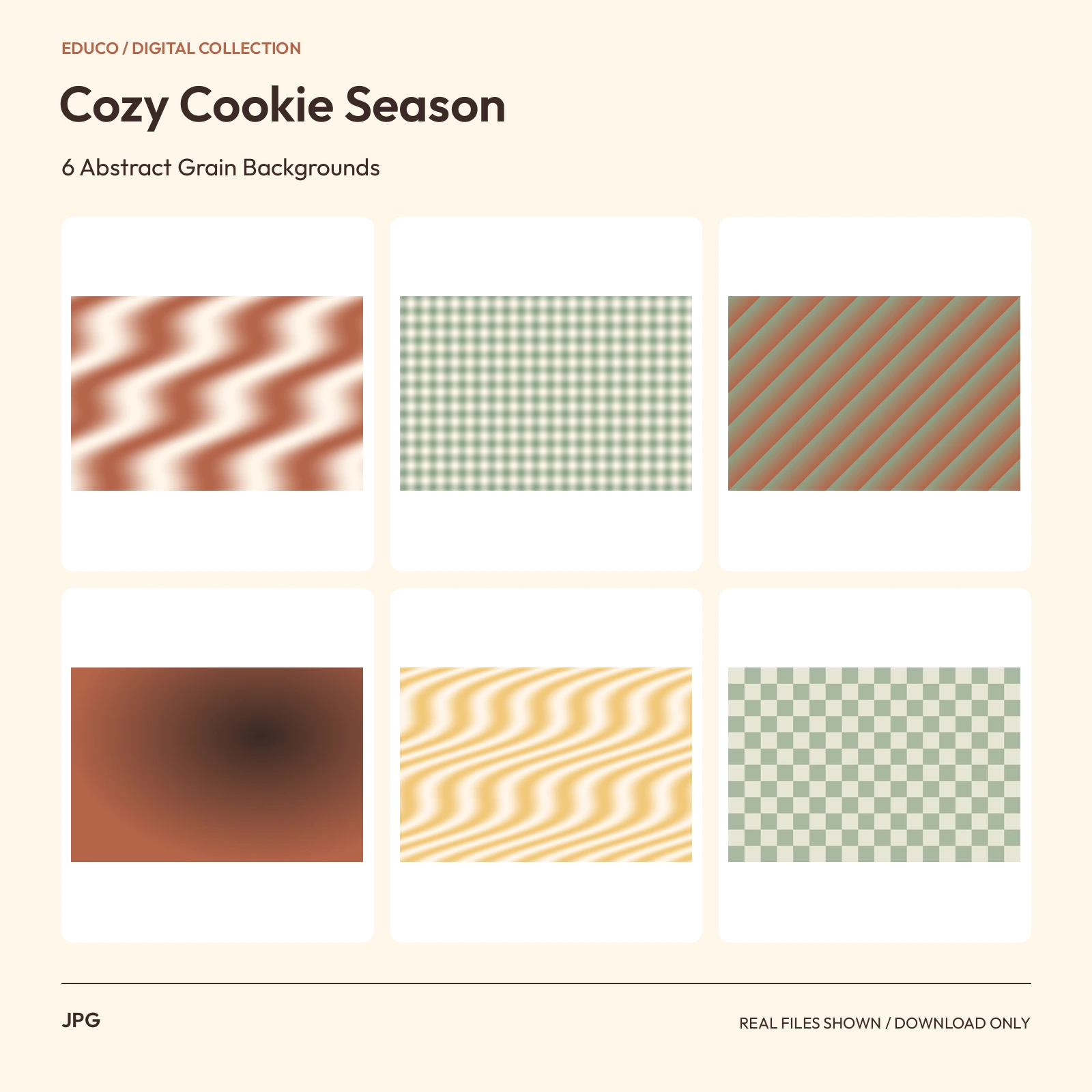 JPG3000 x 2000 px
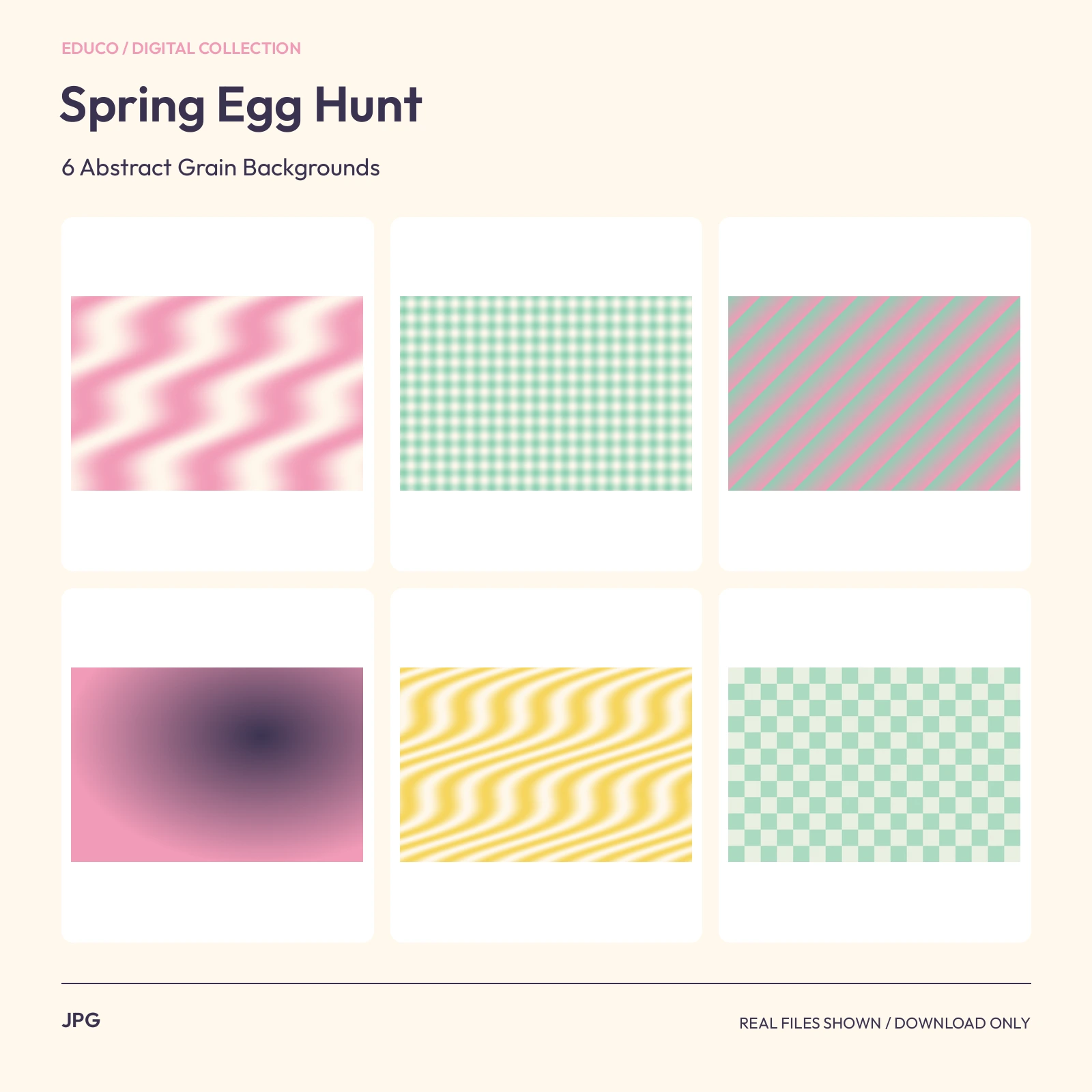 JPG3000 x 2000 px
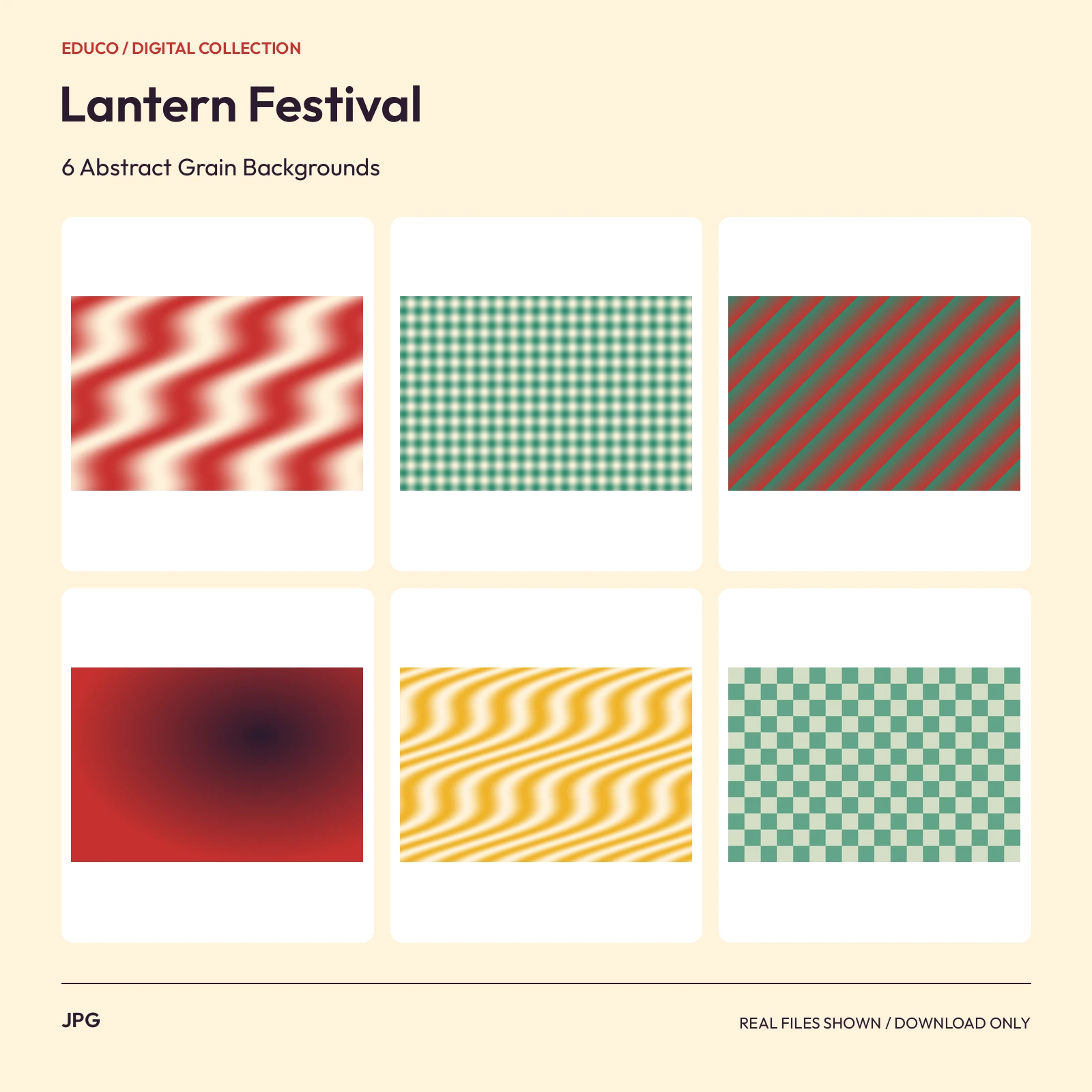 JPG3000 x 2000 px
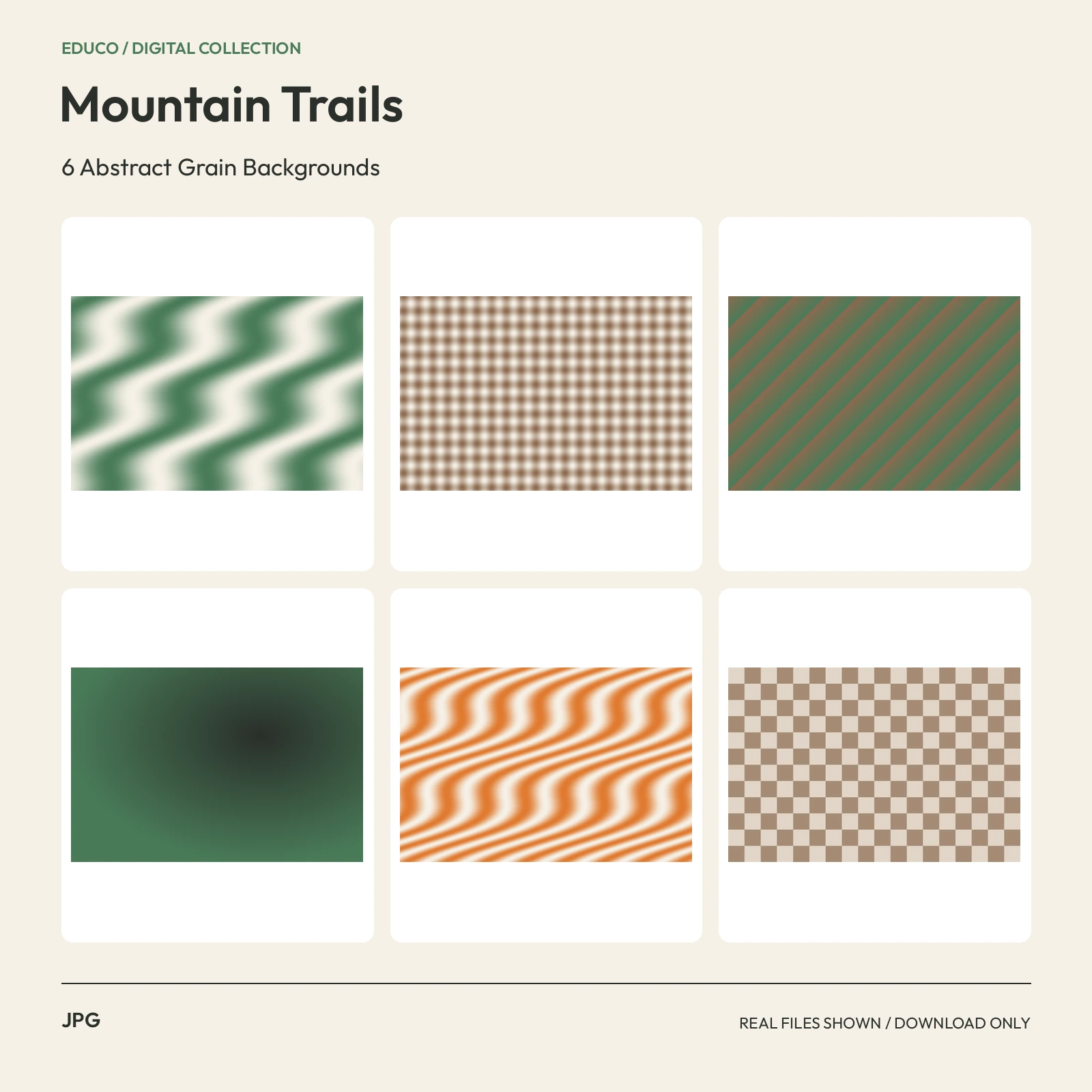 JPG3000 x 2000 px
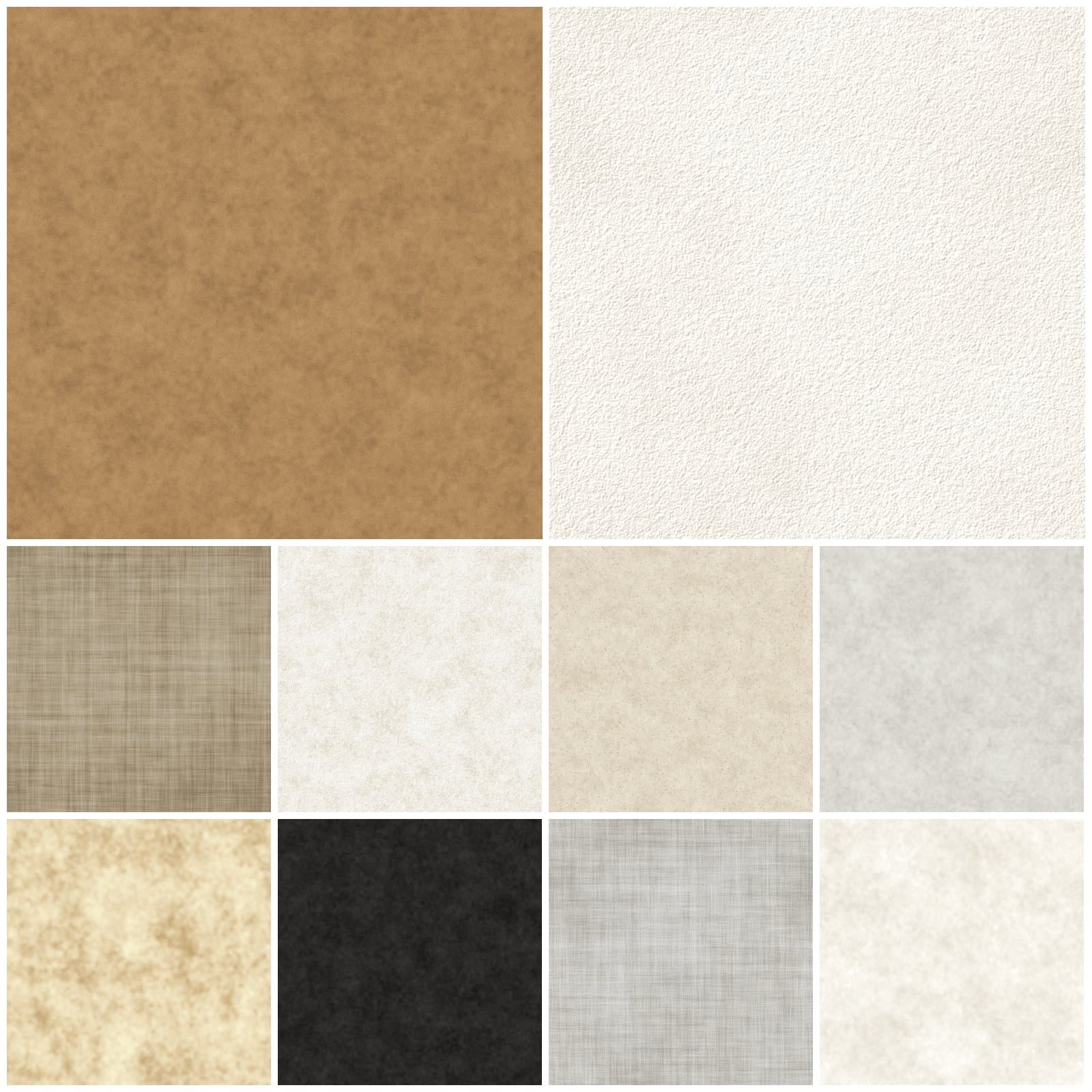 JPG3600 × 3600 px (12 × 12 in at 300 dpi)
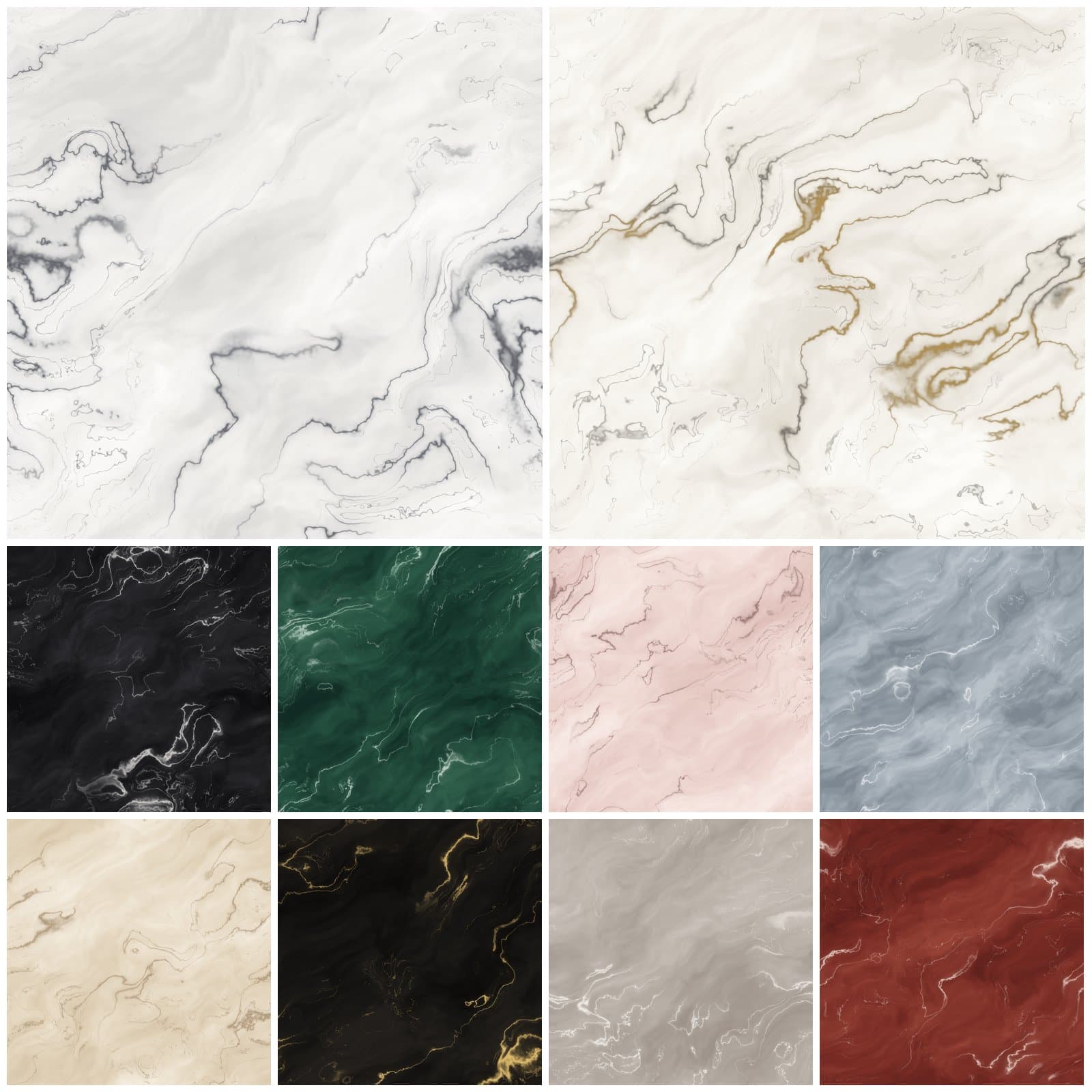 JPG3600 × 3600 px (12 × 12 in at 300 dpi)
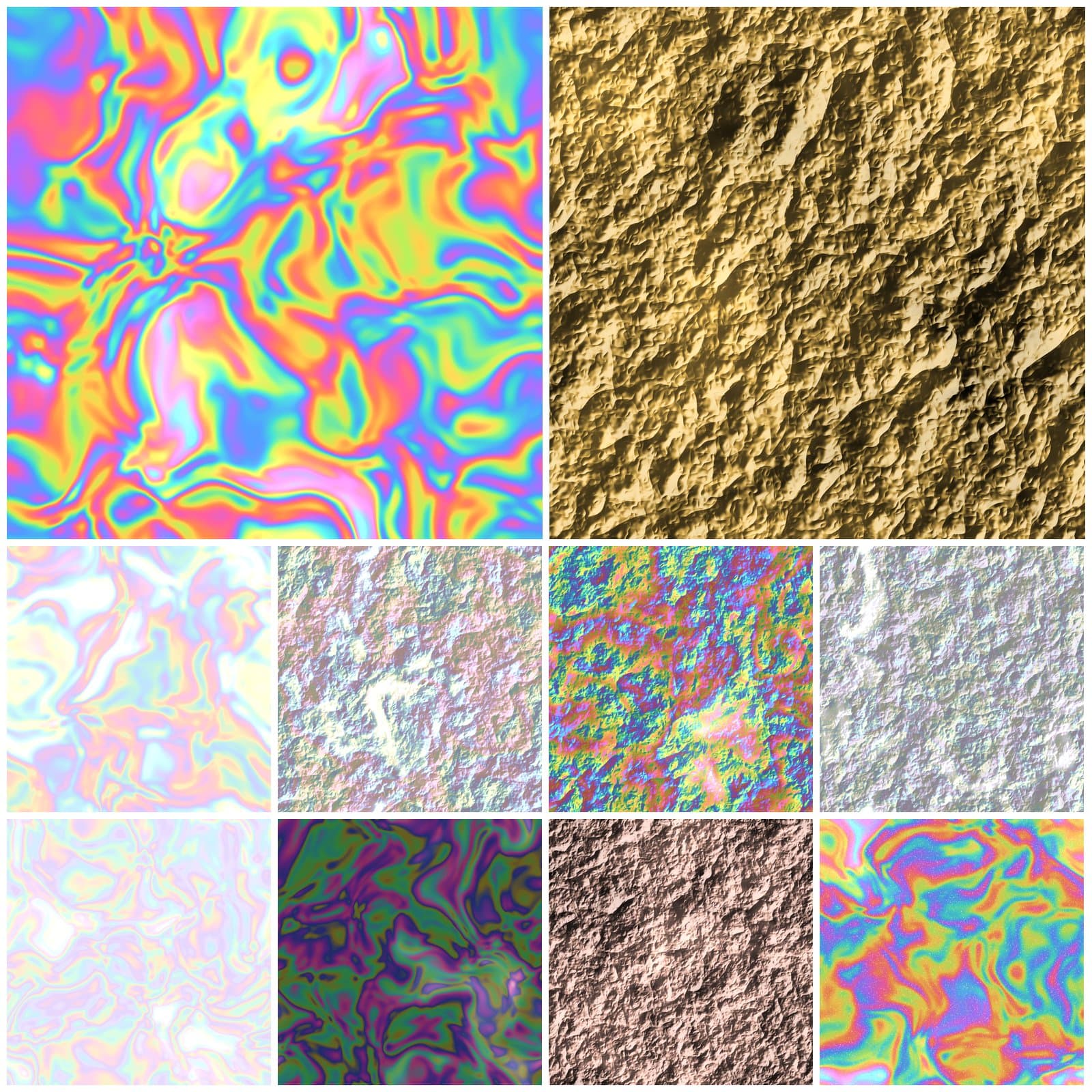 JPG3600 × 3600 px (12 × 12 in at 300 dpi)
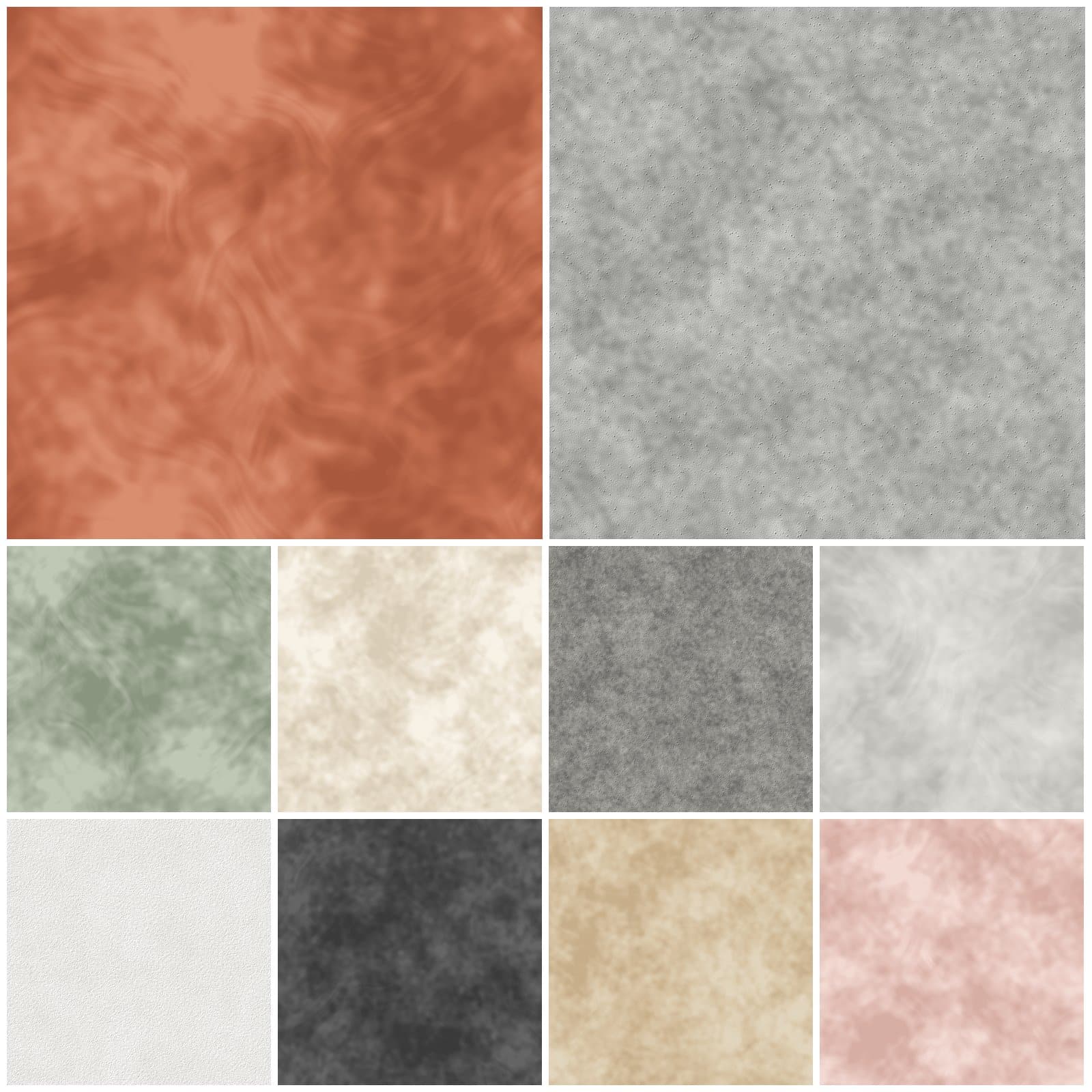 JPG3600 × 3600 px (12 × 12 in at 300 dpi)
 PNGJPG4000 × 4000 px
 JPGPNG2048 × 2048 px
Buying guide
Working with texture files
A texture image can provide a surface or background; an overlay can add detail above existing artwork. Some files are opaque and others have transparency. Check the listing for the intended use.
Compatible image editors let you combine texture layers using opacity, masks and blend modes. Results depend on both the texture and the artwork beneath it; preview and adjust before exporting.
Choose dimensions suited to your final project and verify whether a texture tiles seamlessly. The listing’s license determines whether you can use it in client work or products for sale.
FAQ
Textures & Backgrounds questions, answered
Is a texture the same as a brush or preset?
No. An image texture is a file you place in your project. Do not assume a texture pack includes brushes, presets or native app resources.
Which blend mode should I use?
Test opacity and the blend modes available in your editor. Multiply darkens, Screen lightens, and Overlay changes contrast; the best choice depends on the artwork.
How large are texture images?
Use the pixel dimensions stated in each listing. A texture suitable for a small digital image may be too small for a large print.