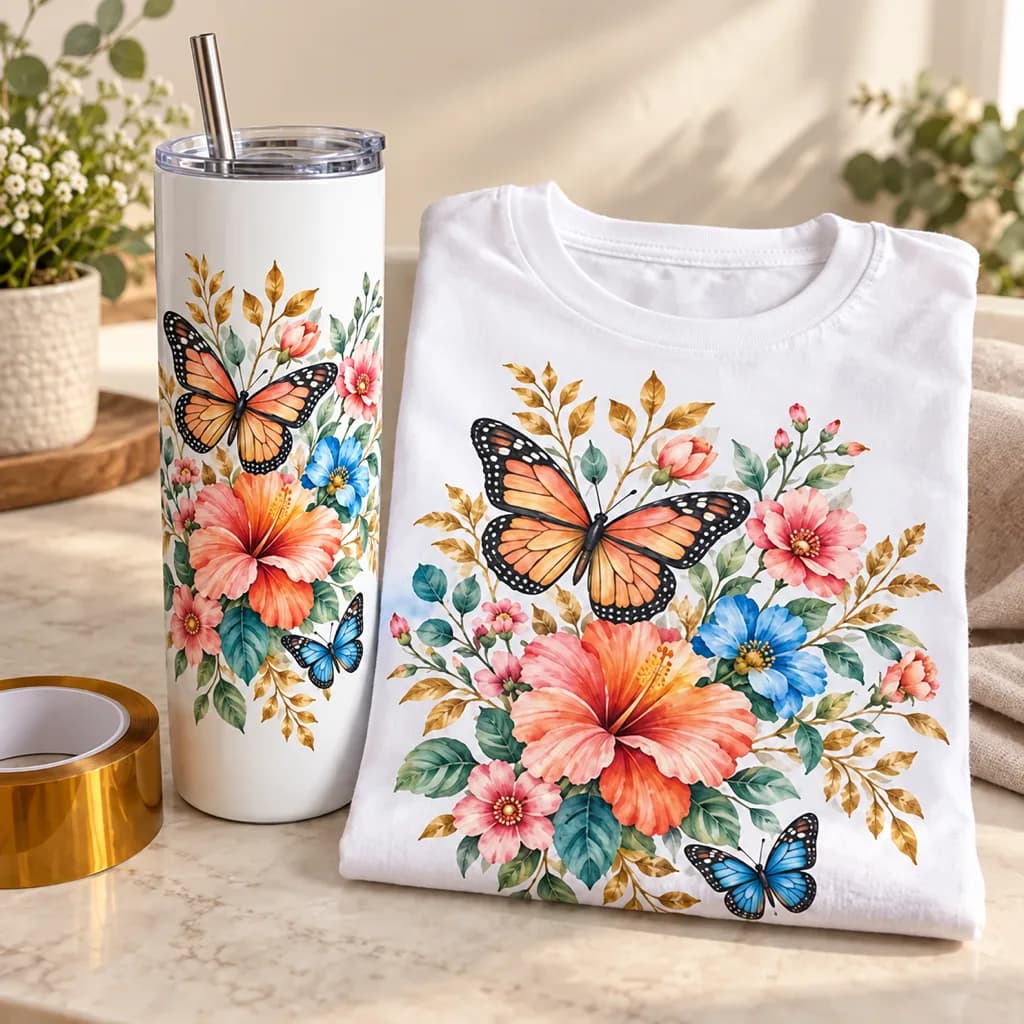
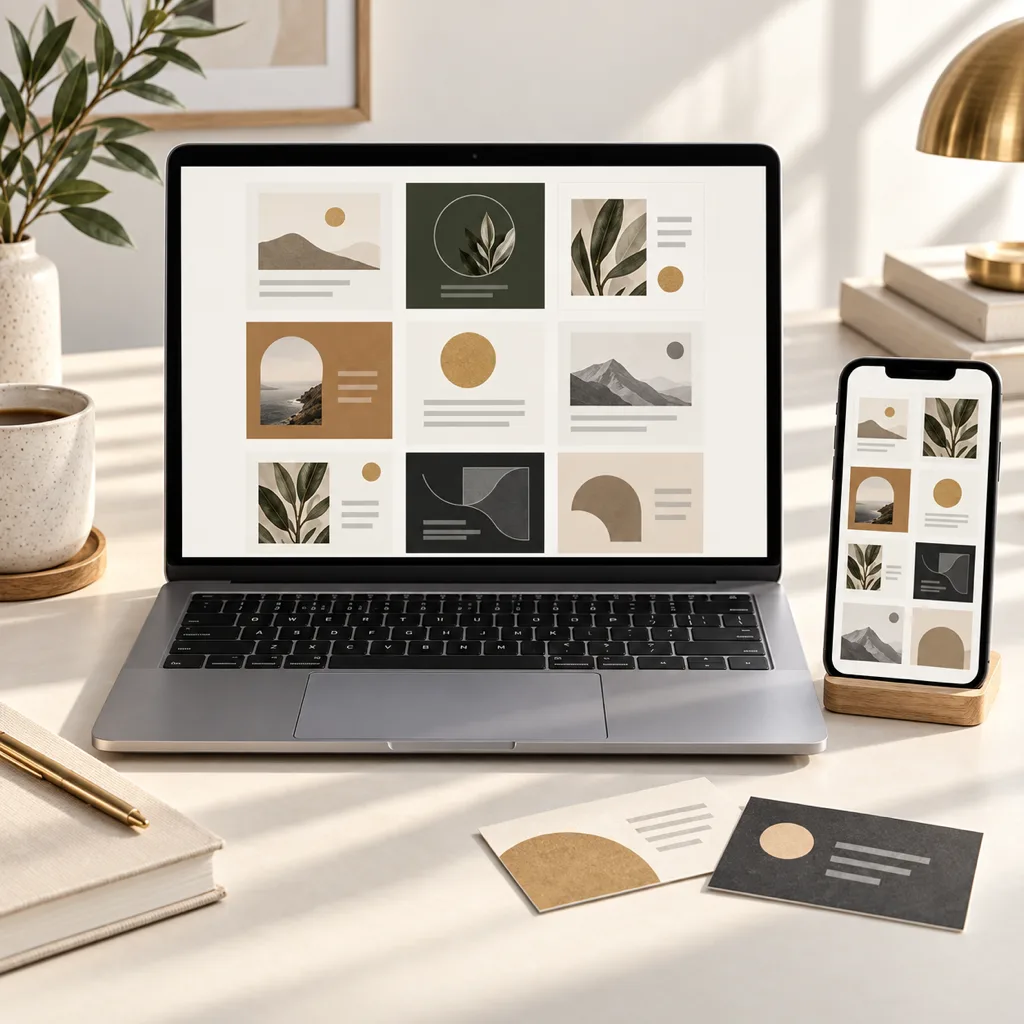
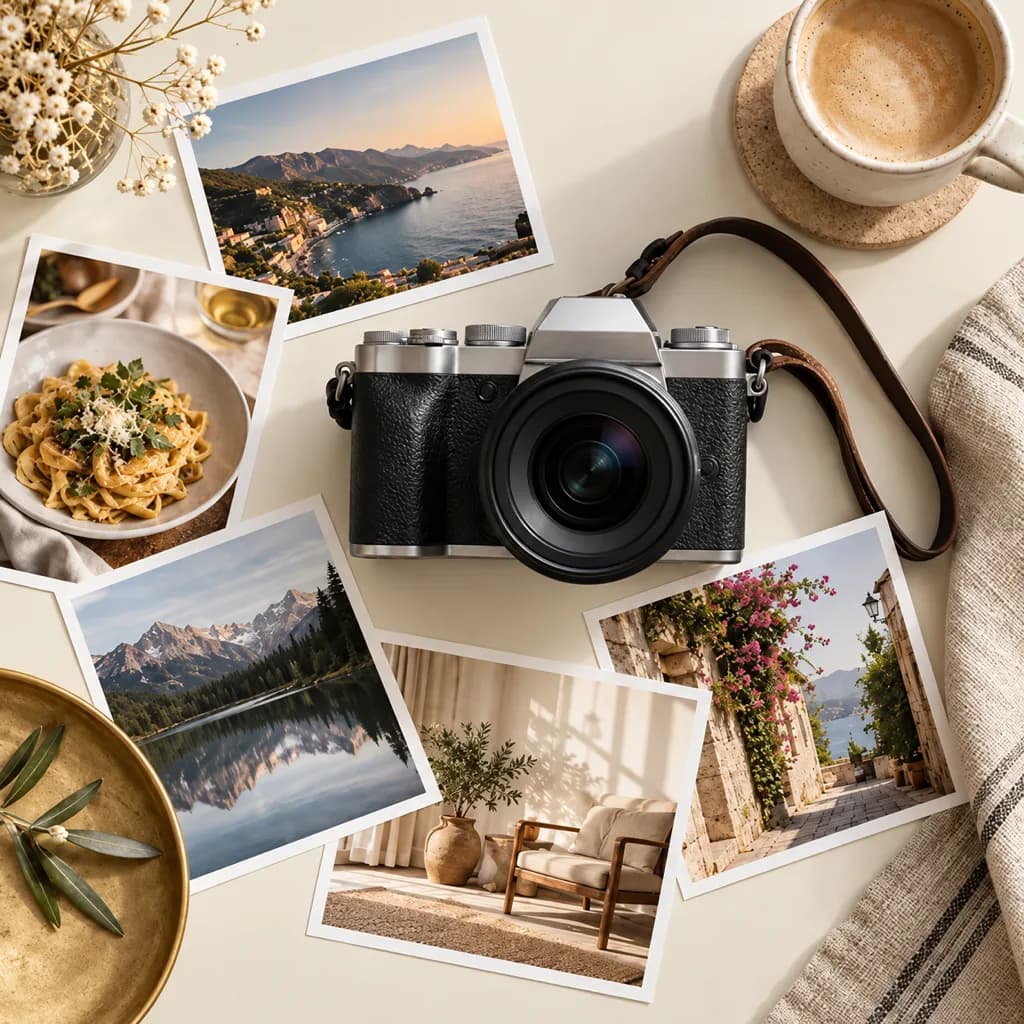
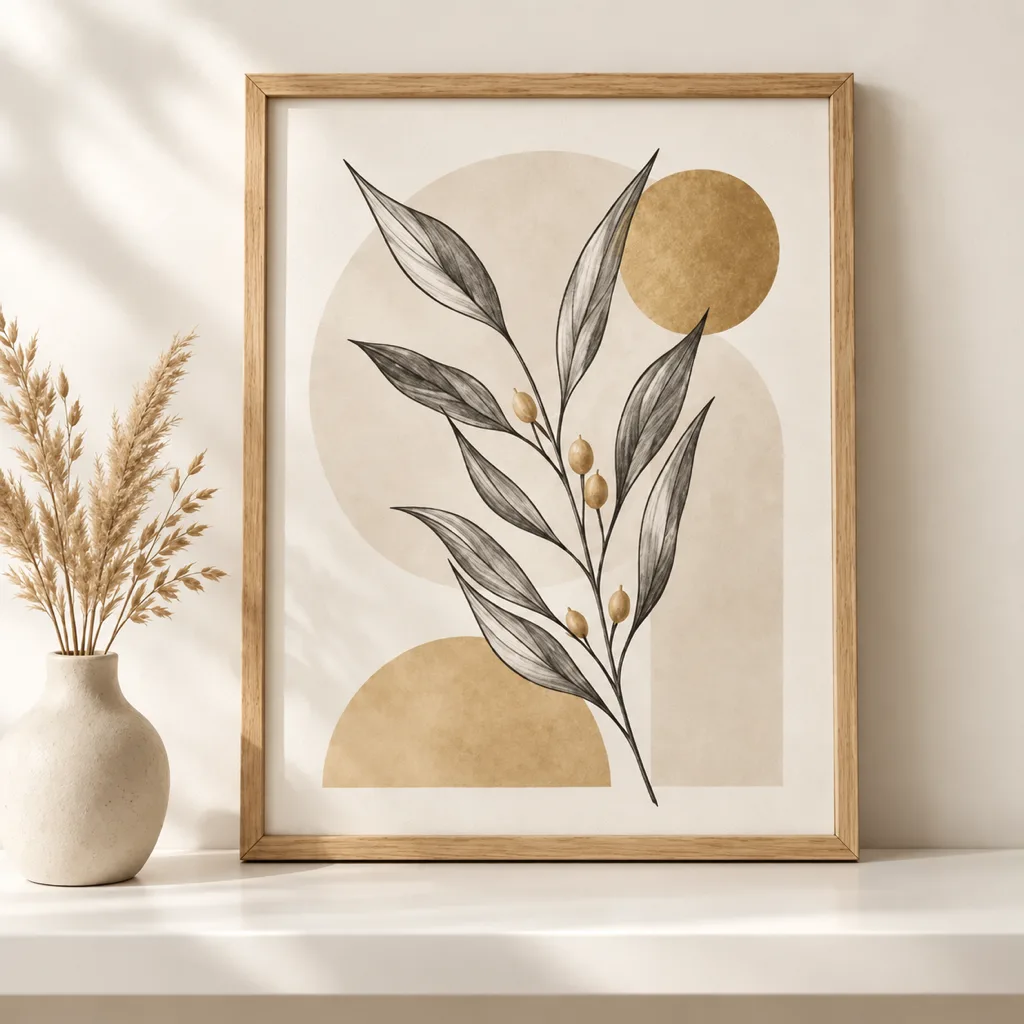
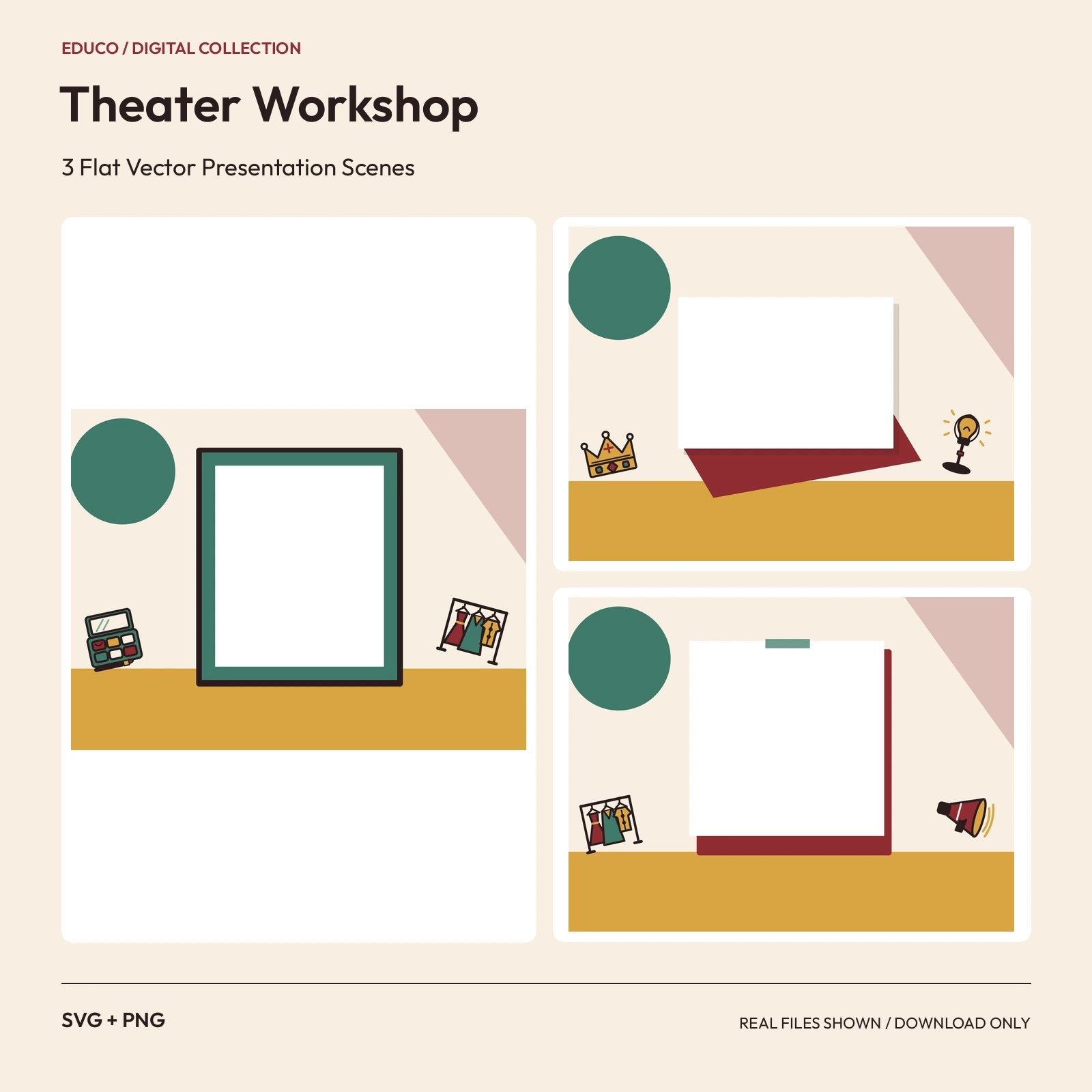
 SVGPNG2400 x 1800 px
Mockups
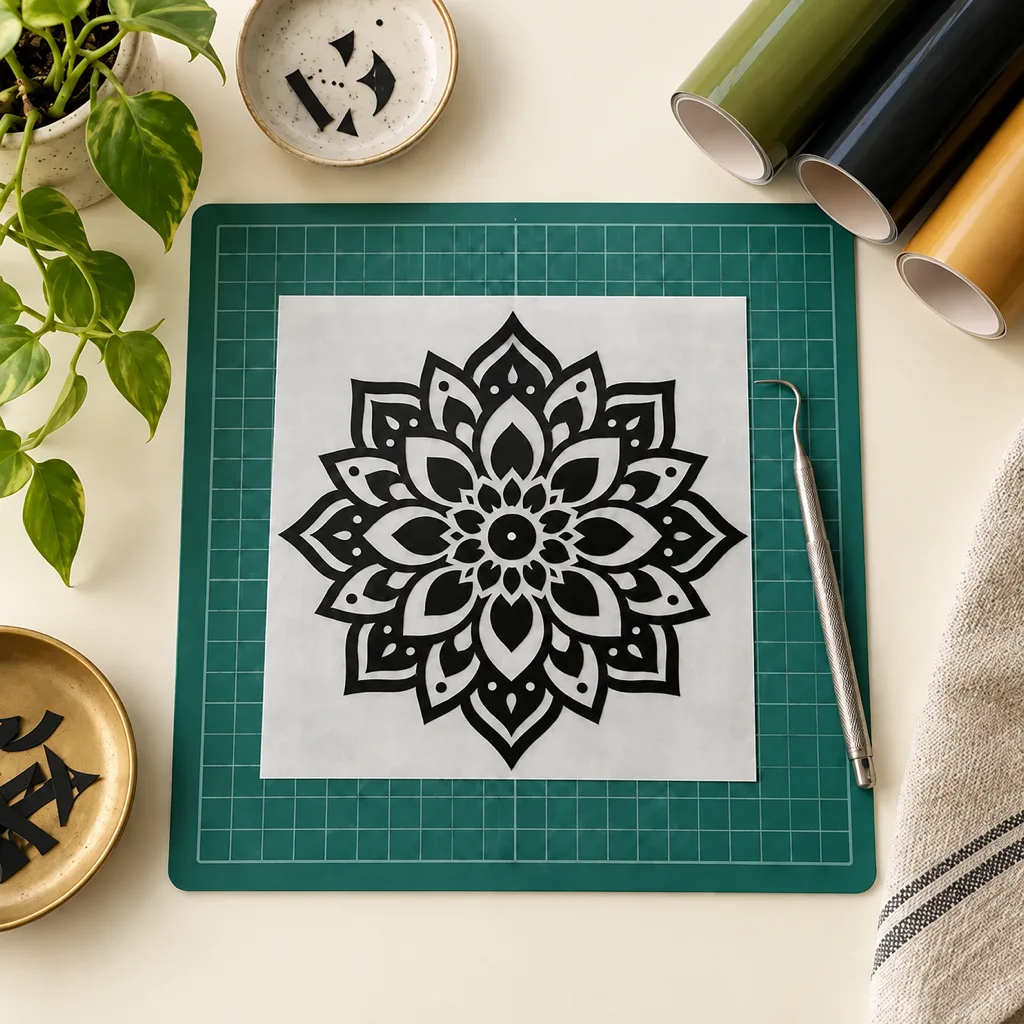
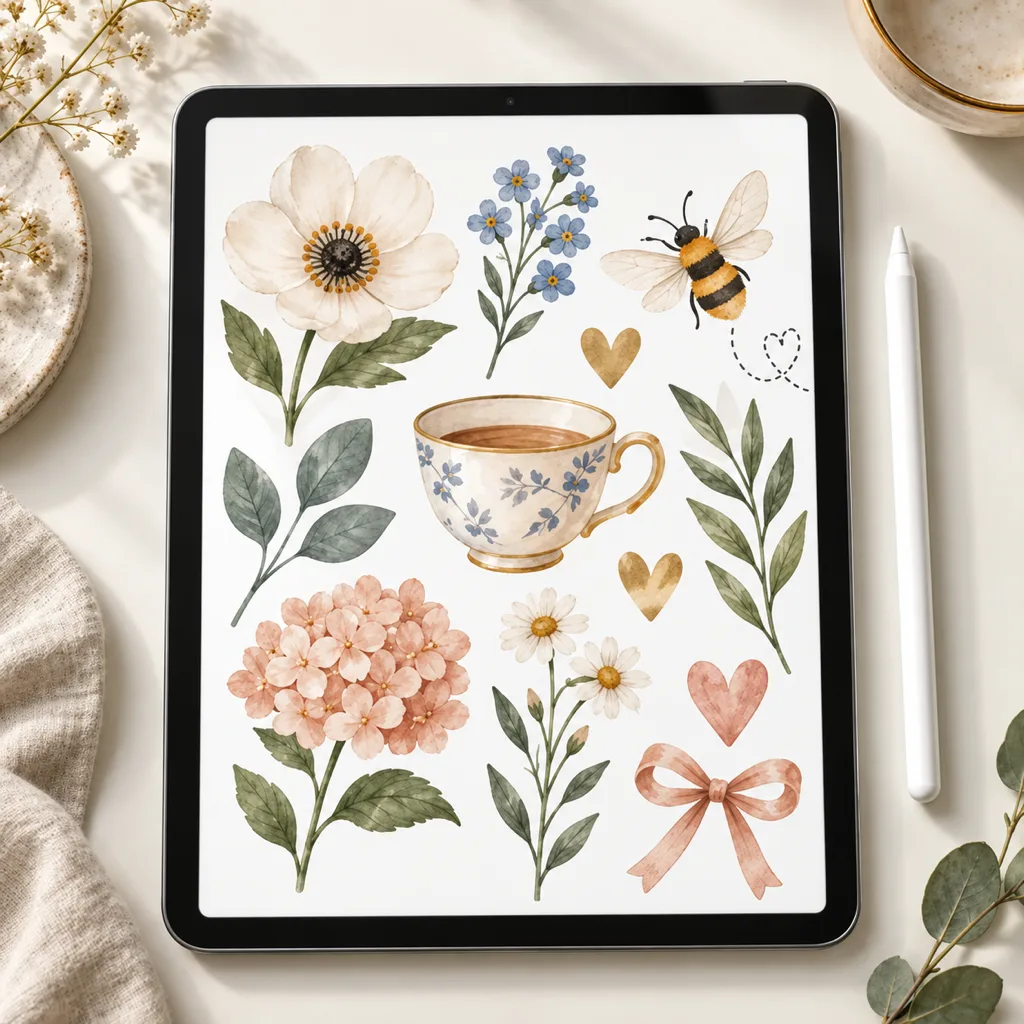
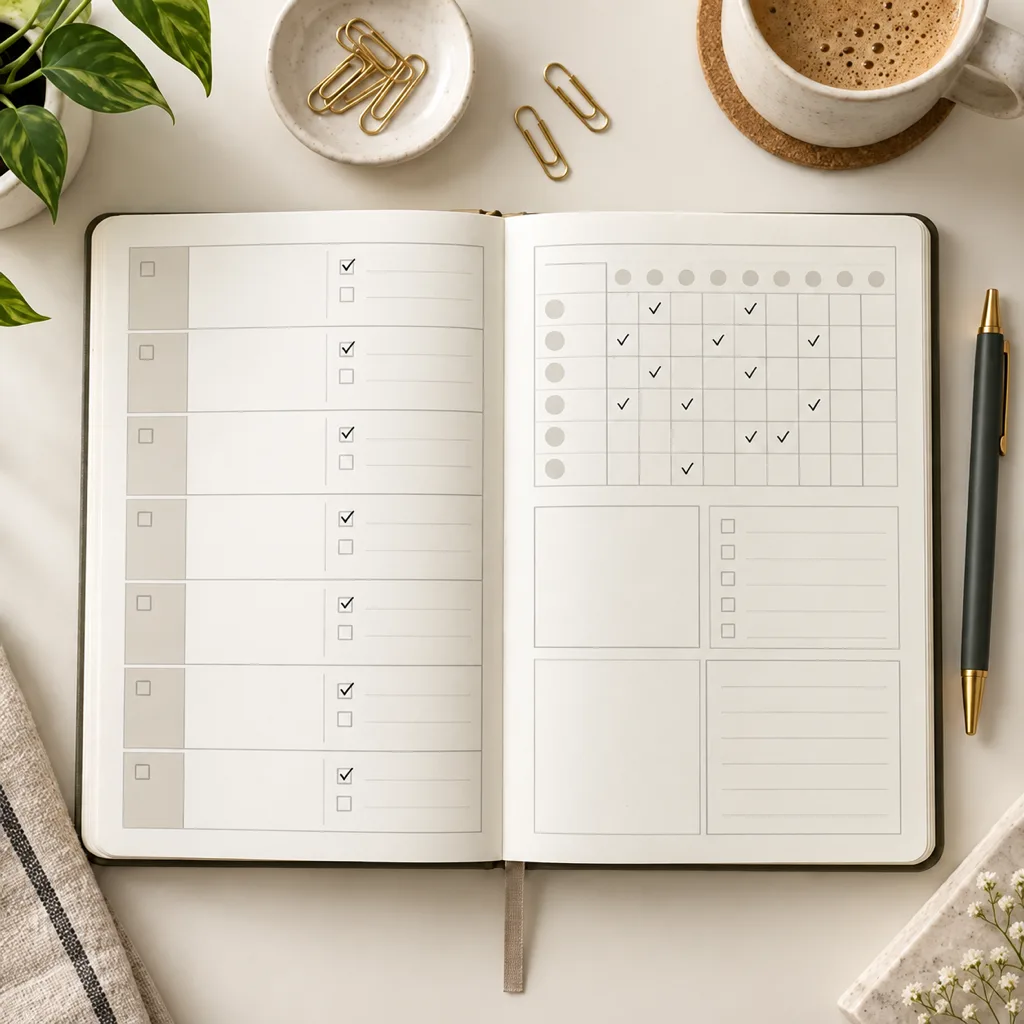
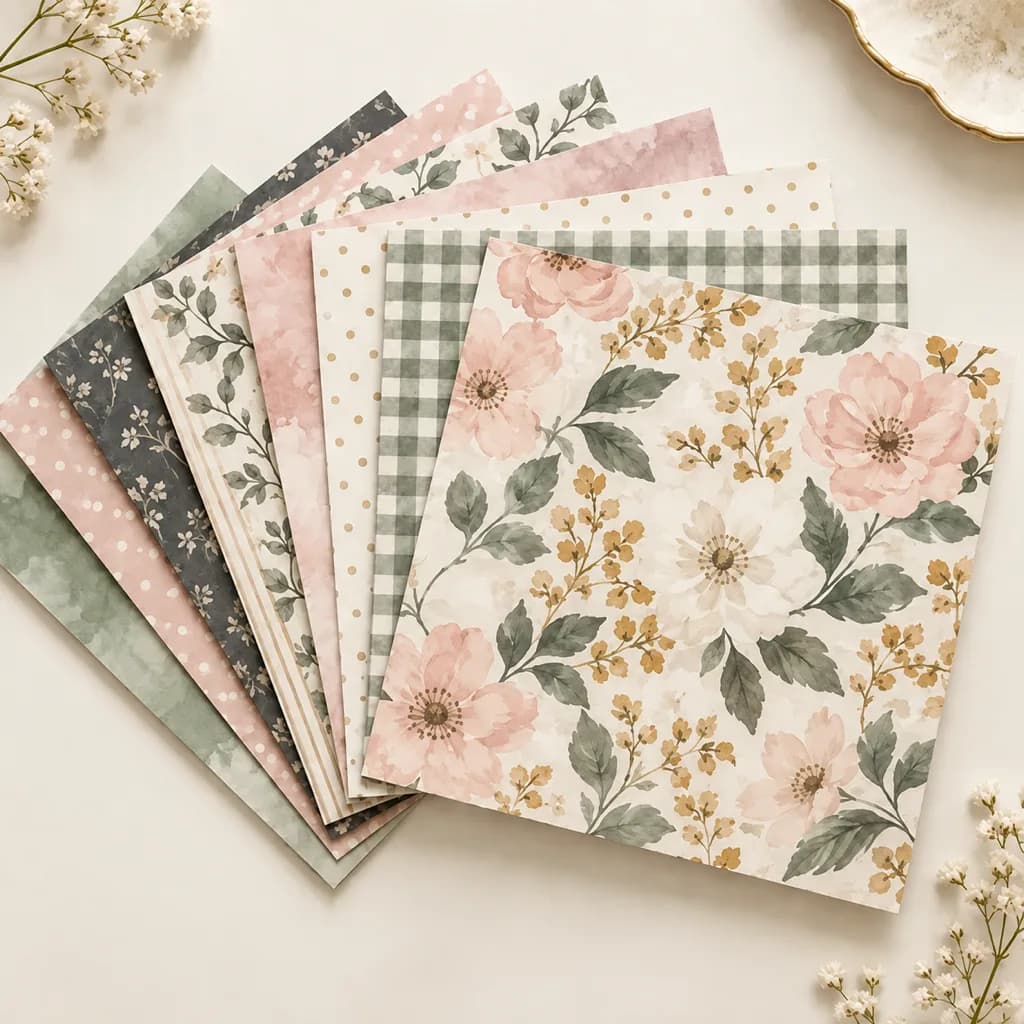
Mockup images for presenting your designs on products and in scenes. Check the included format and editable areas; a flattened photo is different from an editable vector scene.
Popular in Mockups
- SVGPNG2400 x 1800 px
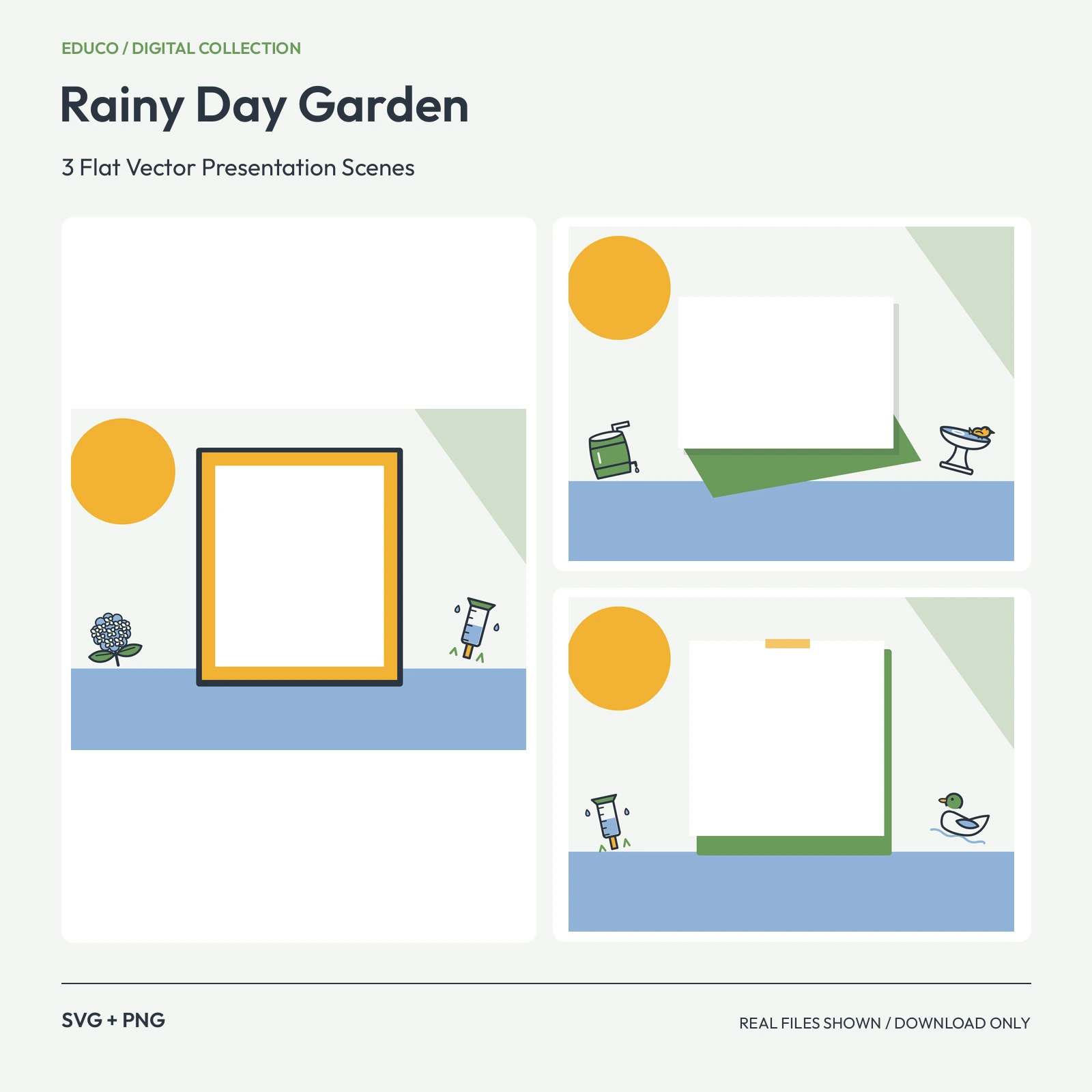 SVGPNG2400 x 1800 px
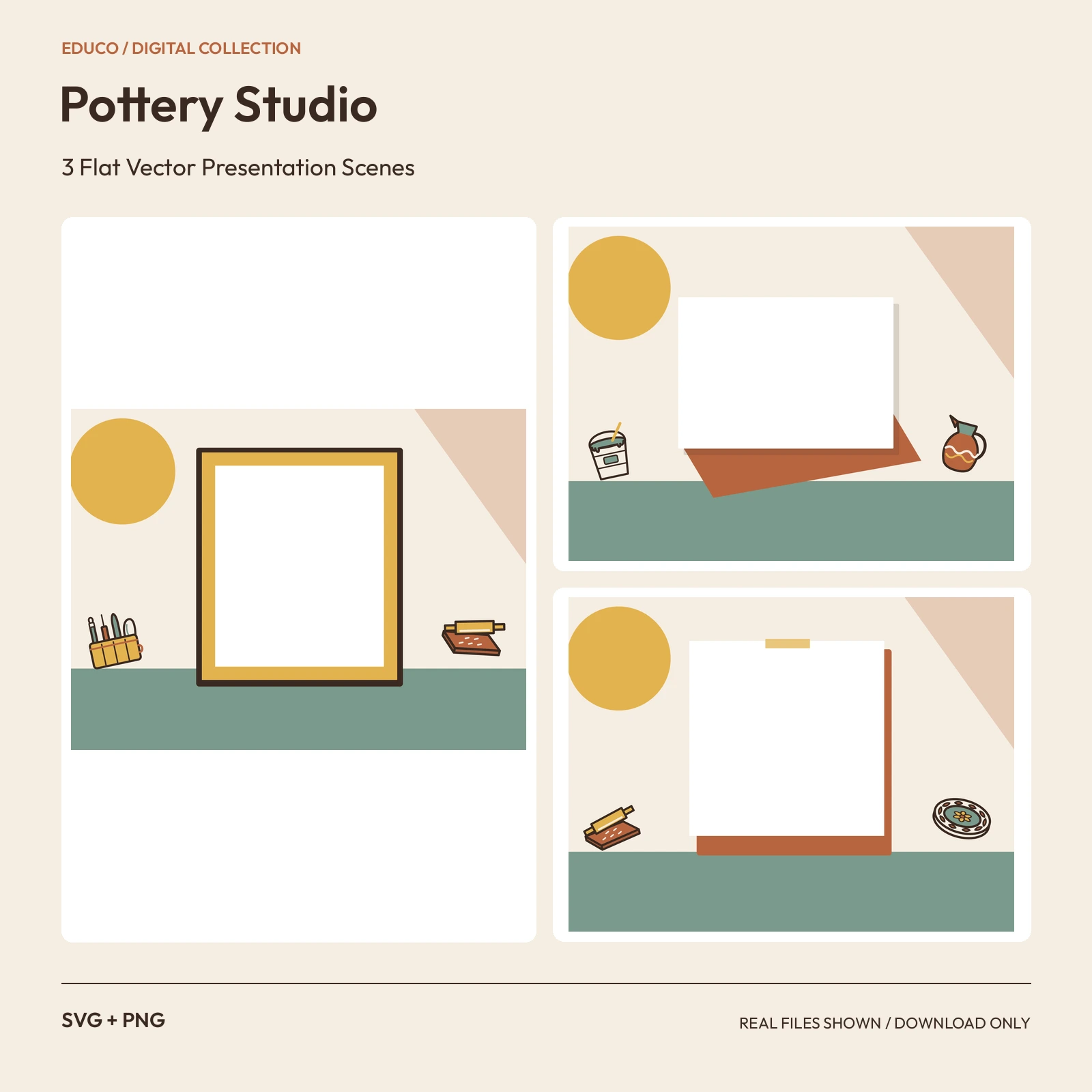 SVGPNG2400 x 1800 px
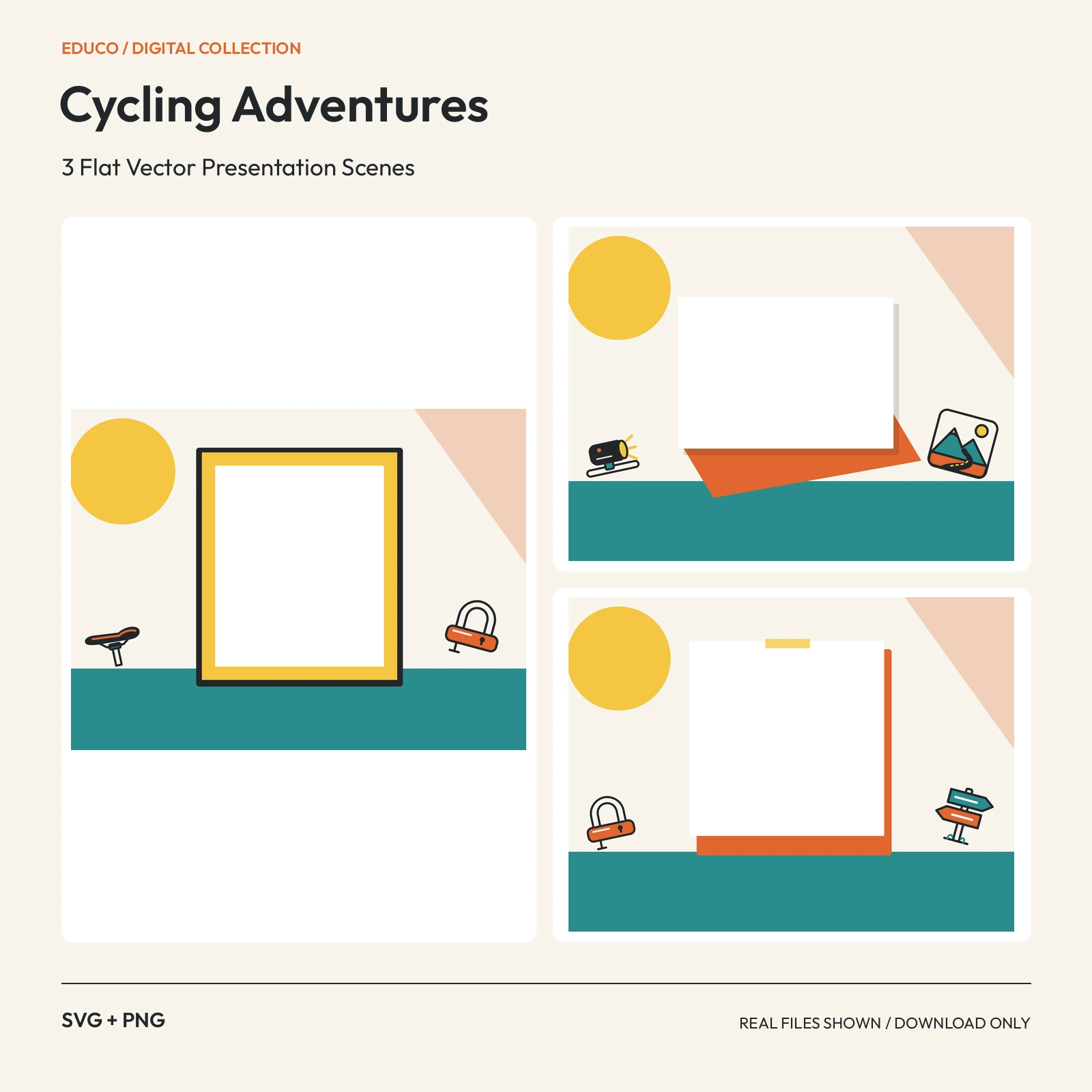 SVGPNG2400 x 1800 px
 SVGPNG2400 x 1800 px
 SVGPNG2400 x 1800 px
 SVGPNG2400 x 1800 px
 SVGPNG2400 x 1800 px
 SVGPNG2400 x 1800 px
 SVGPNG2400 x 1800 px
 SVGPNG2400 x 1800 px
 SVGPNG2400 x 1800 px
 SVGPNG2400 x 1800 px
 SVGPNG2400 x 1800 px
 SVGPNG2400 x 1800 px
 SVGPNG2400 x 1800 px
 SVGPNG2400 x 1800 px
 SVGPNG2400 x 1800 px
 SVGPNG2400 x 1800 px
 SVGPNG2400 x 1800 px
 SVGPNG2400 x 1800 px
 SVGPNG2400 x 1800 px
 SVGPNG2400 x 1800 px
 SVGPNG2400 x 1800 px
 SVGPNG2400 x 1800 px
 SVGPNG2400 x 1800 px
 SVGPNG2400 x 1800 px
 SVGPNG2400 x 1800 px
 SVGPNG2400 x 1800 px
 SVGPNG2400 x 1800 px
 SVGPNG2400 x 1800 px
 SVGPNG2400 x 1800 px
 SVGPNG2400 x 1800 px
 SVGPNG2400 x 1800 px
 SVGPNG2400 x 1800 px
 SVGPNG2400 x 1800 px
 SVGPNG2400 x 1800 px
 SVGPNG2400 x 1800 px
 SVGPNG2400 x 1800 px
 SVGPNG2400 x 1800 px
 JPG2048 × 2048 px
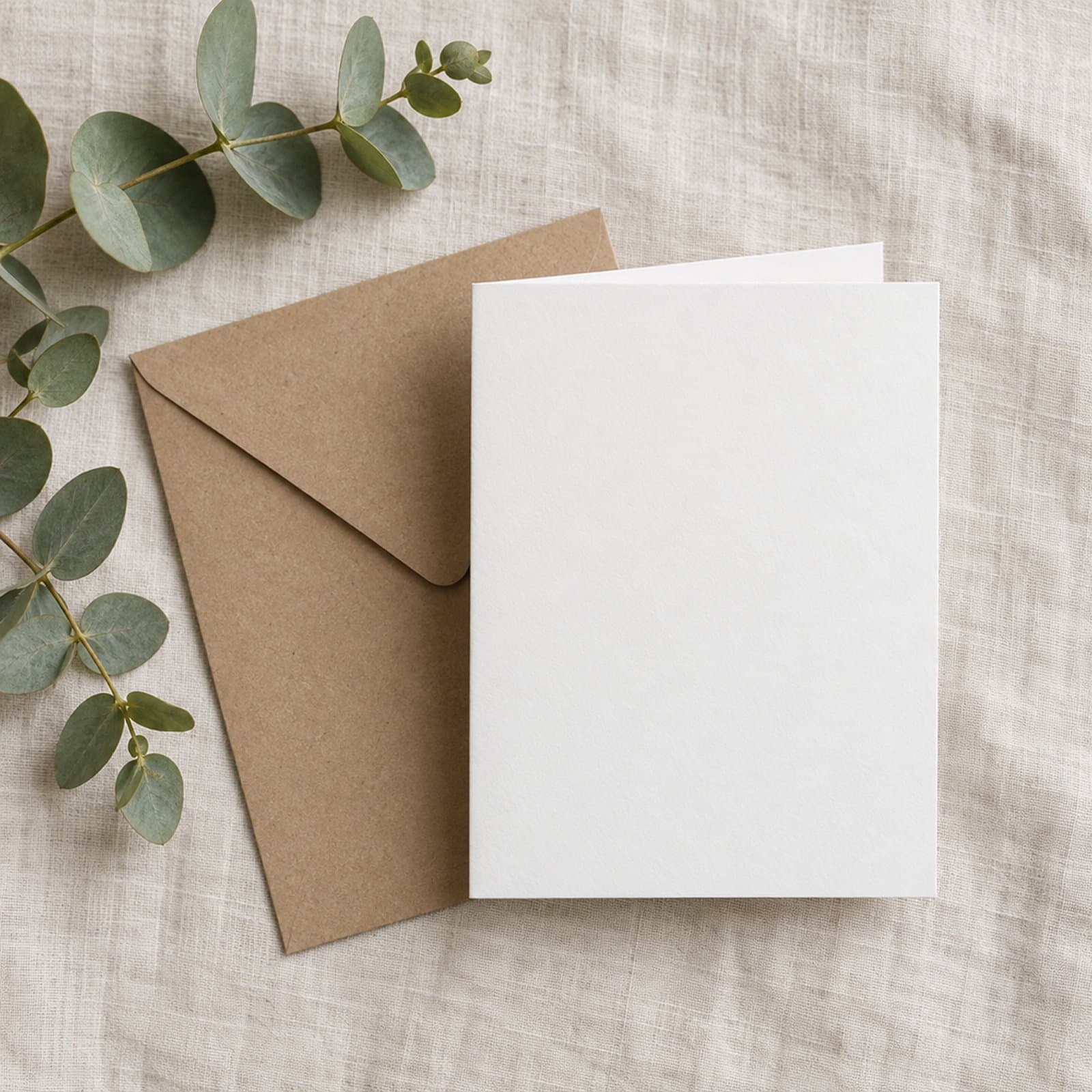 JPG2048 × 2048 px
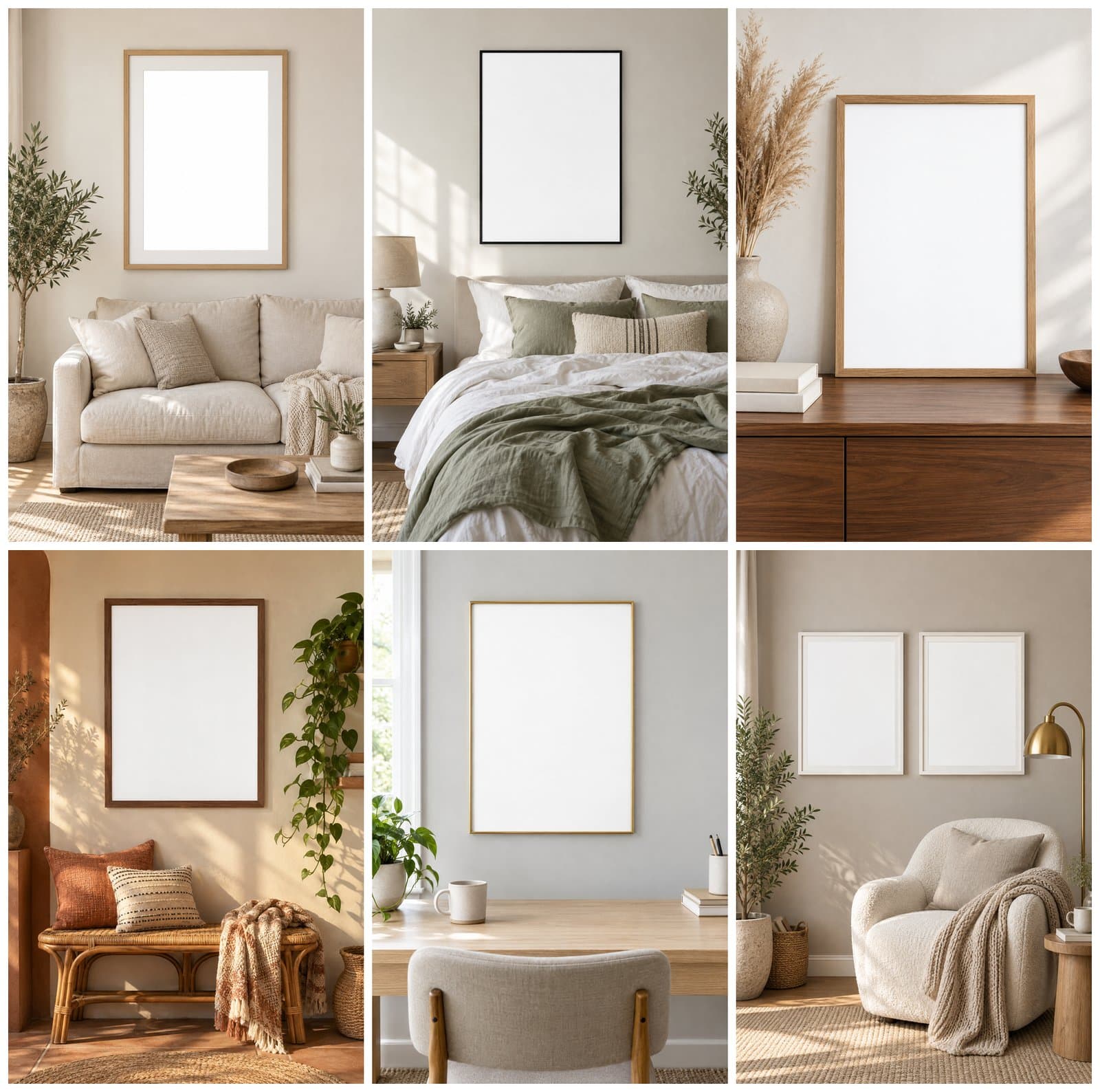 JPG2048 × 3072 px
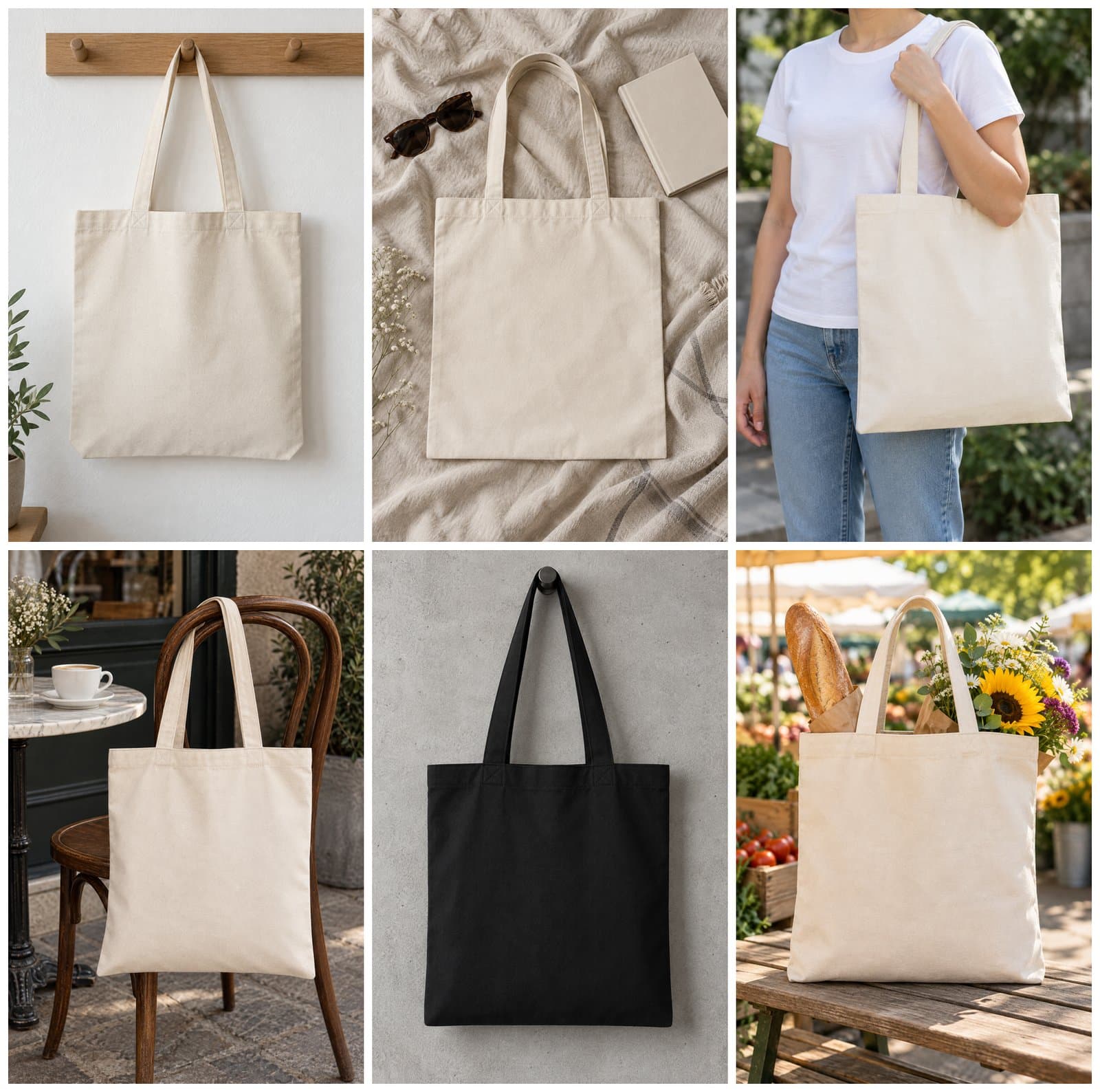 JPG2048 × 3072 px
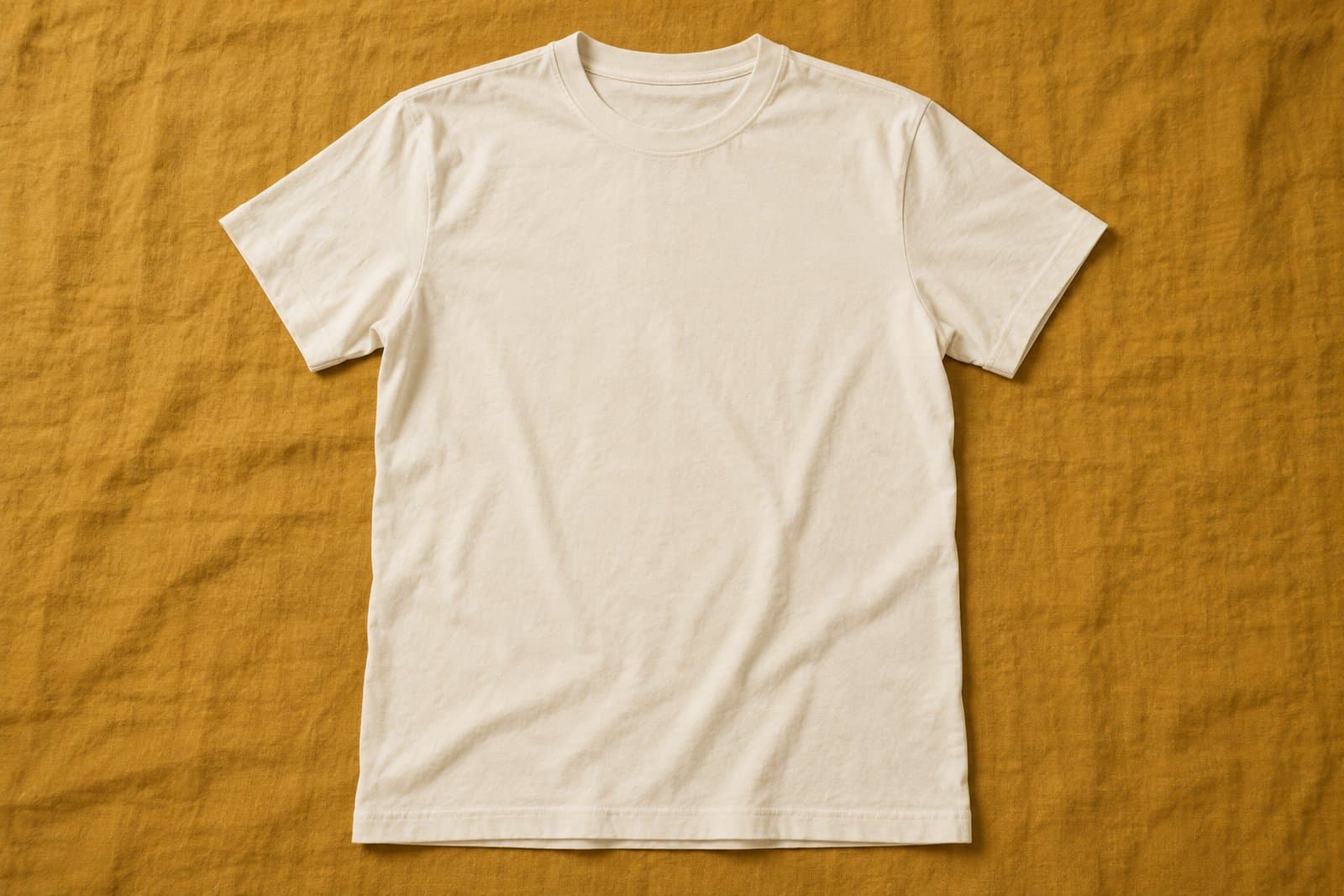 JPG3072 × 2048 px
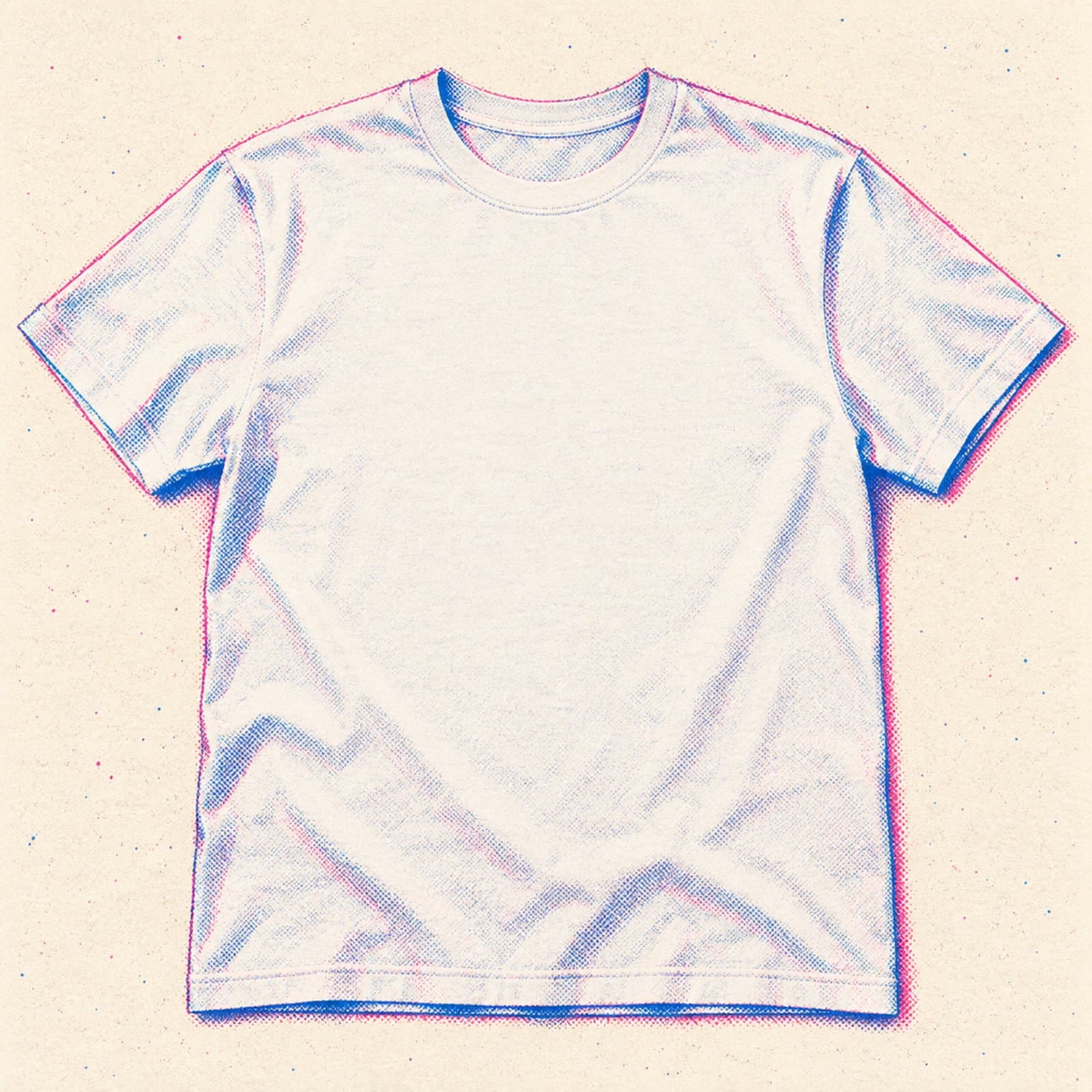 JPG2048 × 2048 px
Buying guide
How mockups work
JPG mockups provide a flattened scene where you place your design using compatible image-editing software. PNG files may include transparency. Neither format automatically includes smart objects or separate editable layers.
SVG mockups may provide editable shapes in compatible vector software. Read exactly which elements can be changed and which are part of the fixed artwork. PSD project files and native app templates are not implied.
Match the angle and proportions of your design to the product shown. Confirm the license permits your shop listings, advertisements or client presentations before publishing the finished image.
FAQ
Mockups questions, answered
Do I need Photoshop to use a mockup?
Not necessarily. Choose software that supports the included image or vector format and the edits you want to make. Check the listing’s instructions.
Can I use a mockup in a shop listing?
Choose a commercial license that covers your use. Your finished image should accurately represent the product you are selling.
Can I change product or background colors?
Only if the file structure and listing support those edits. Flattened JPG and PNG images do not automatically have separate color layers.