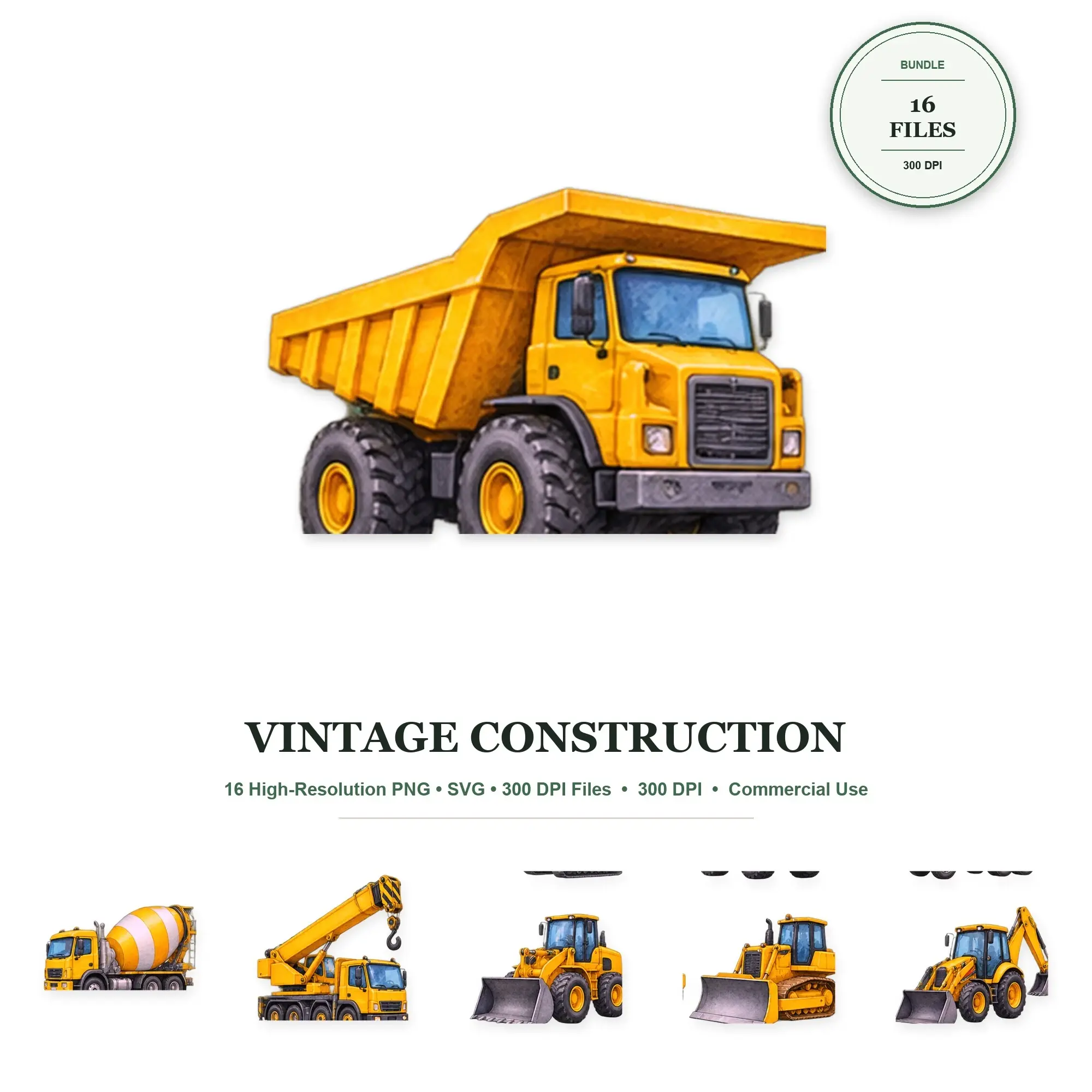
Clip Art
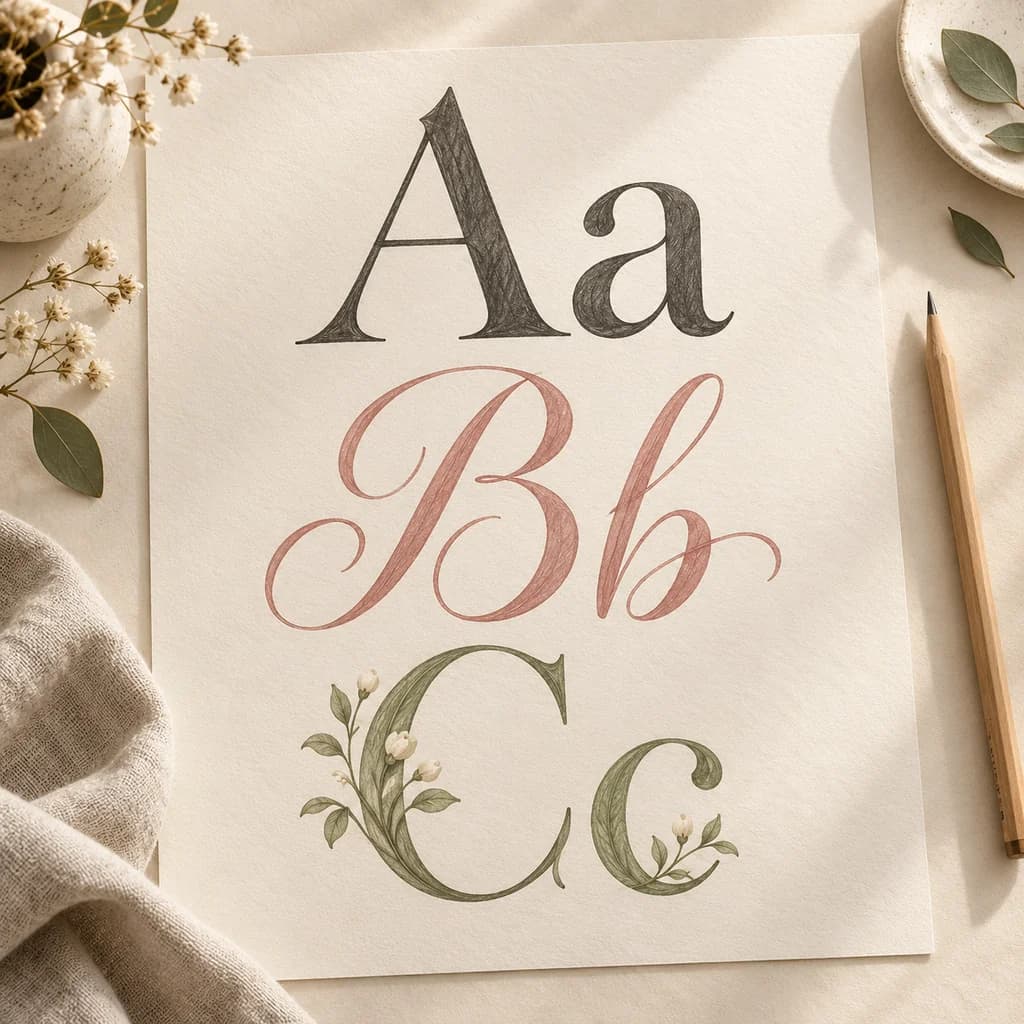
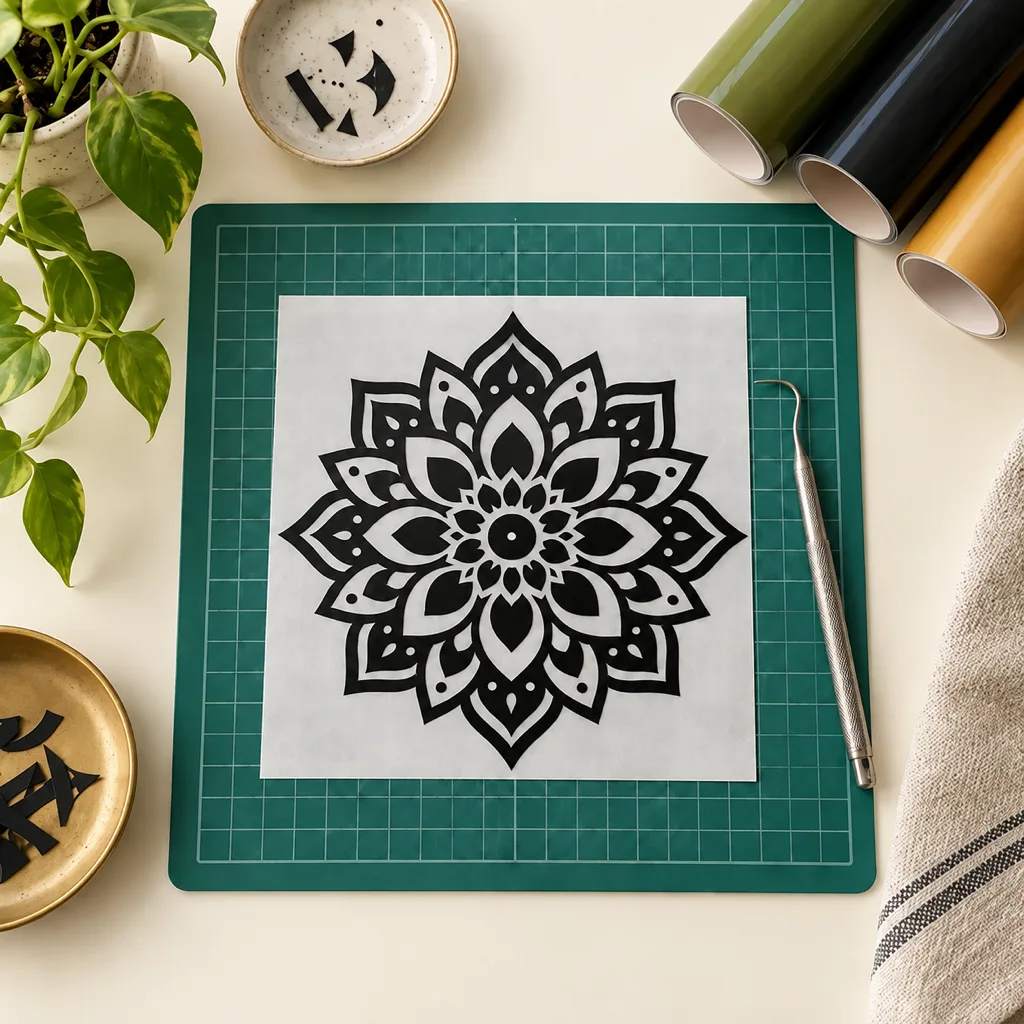
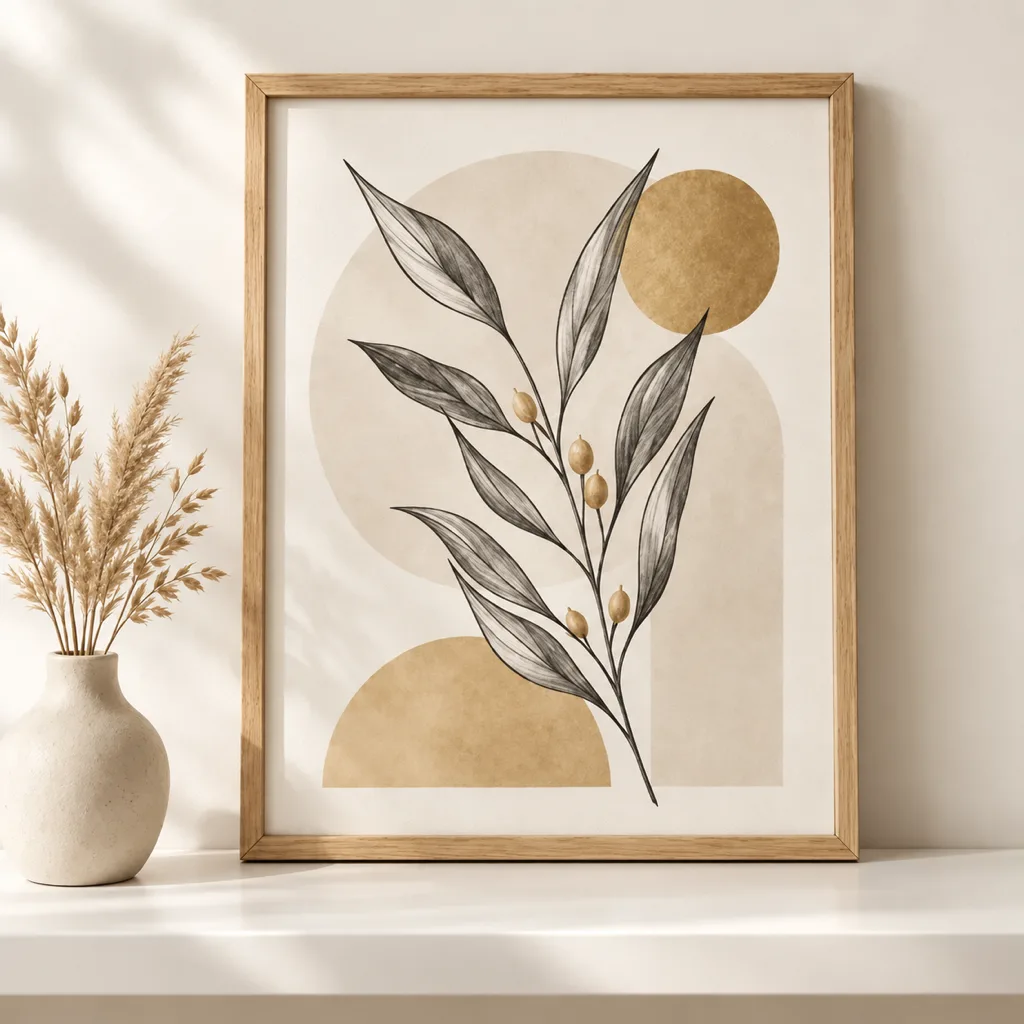
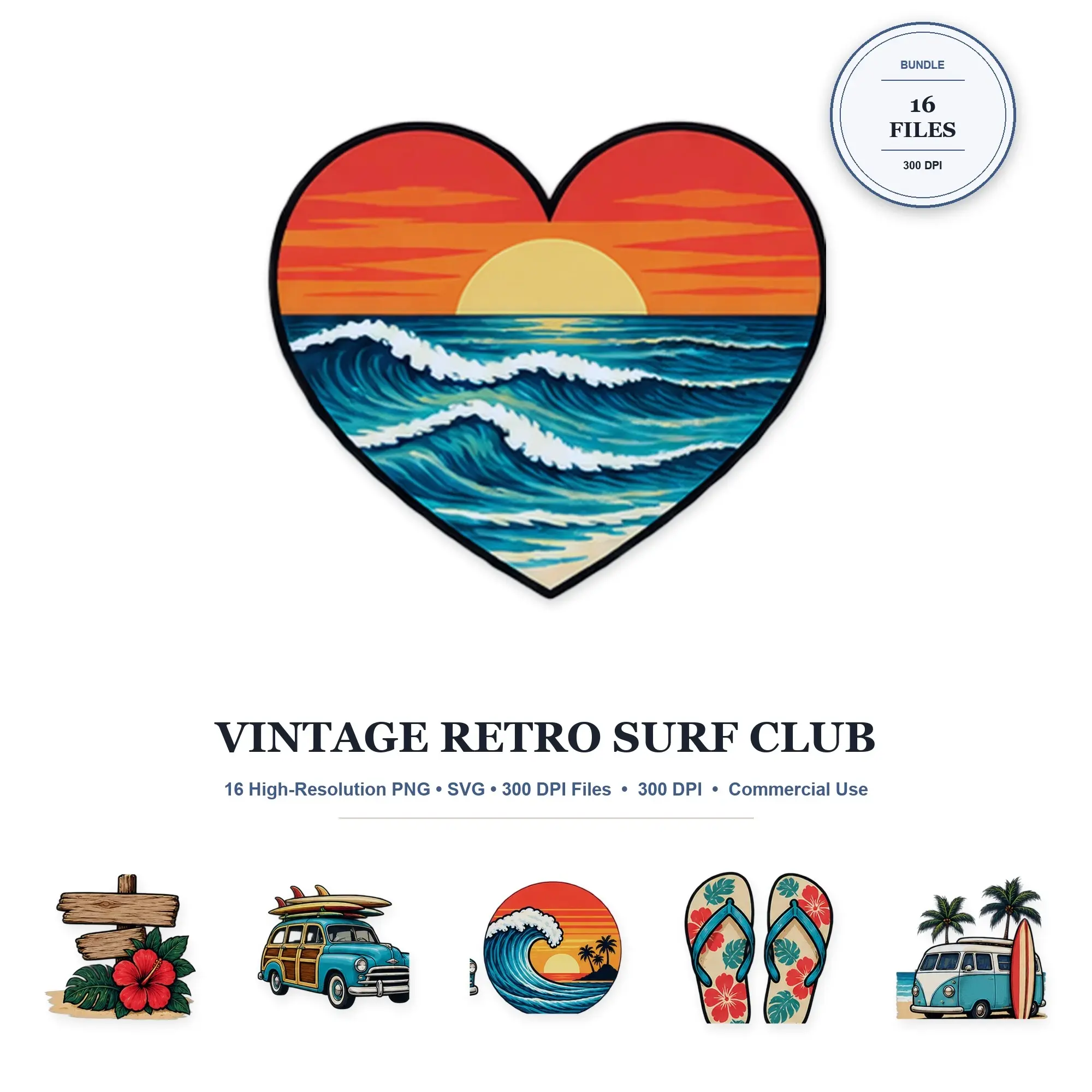
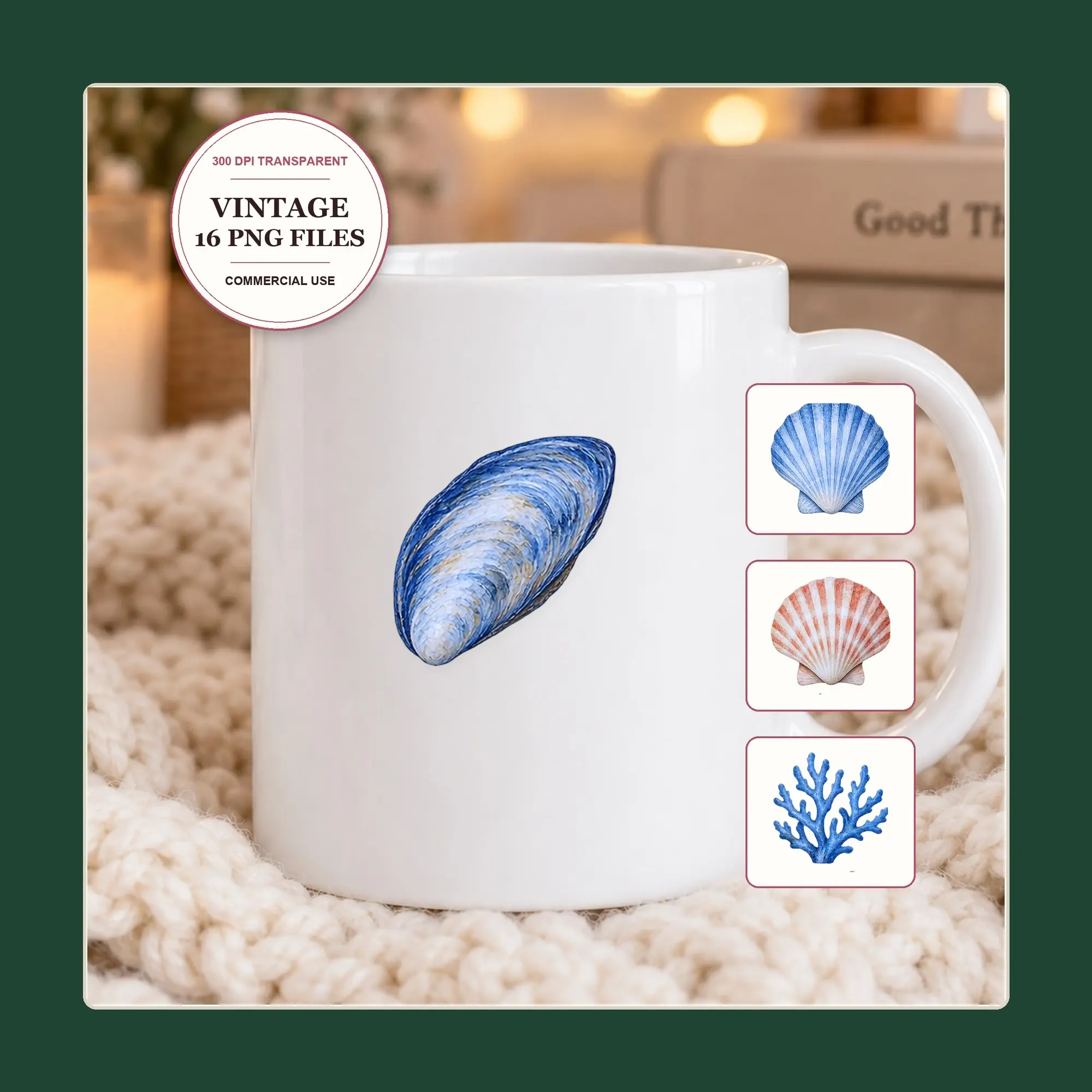
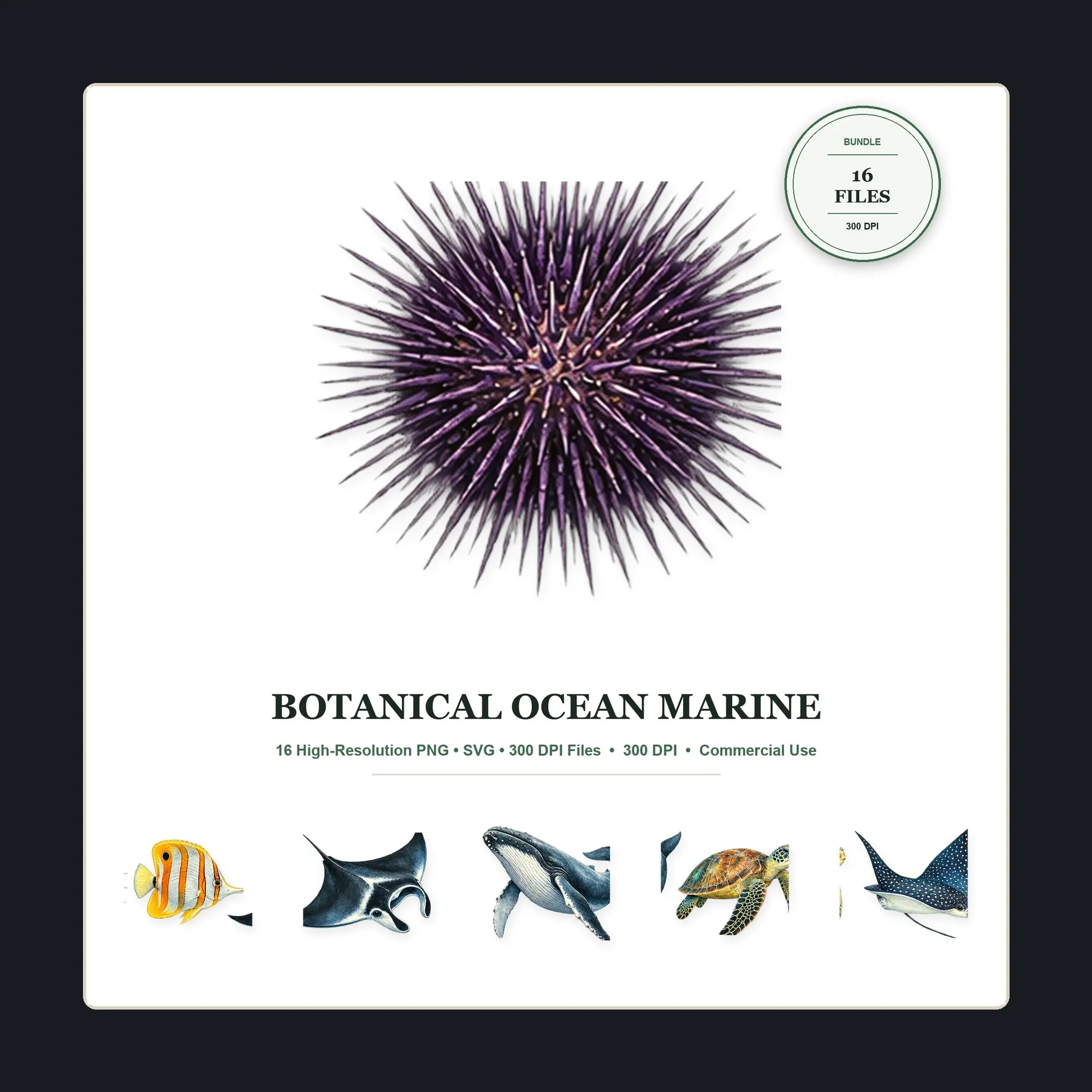
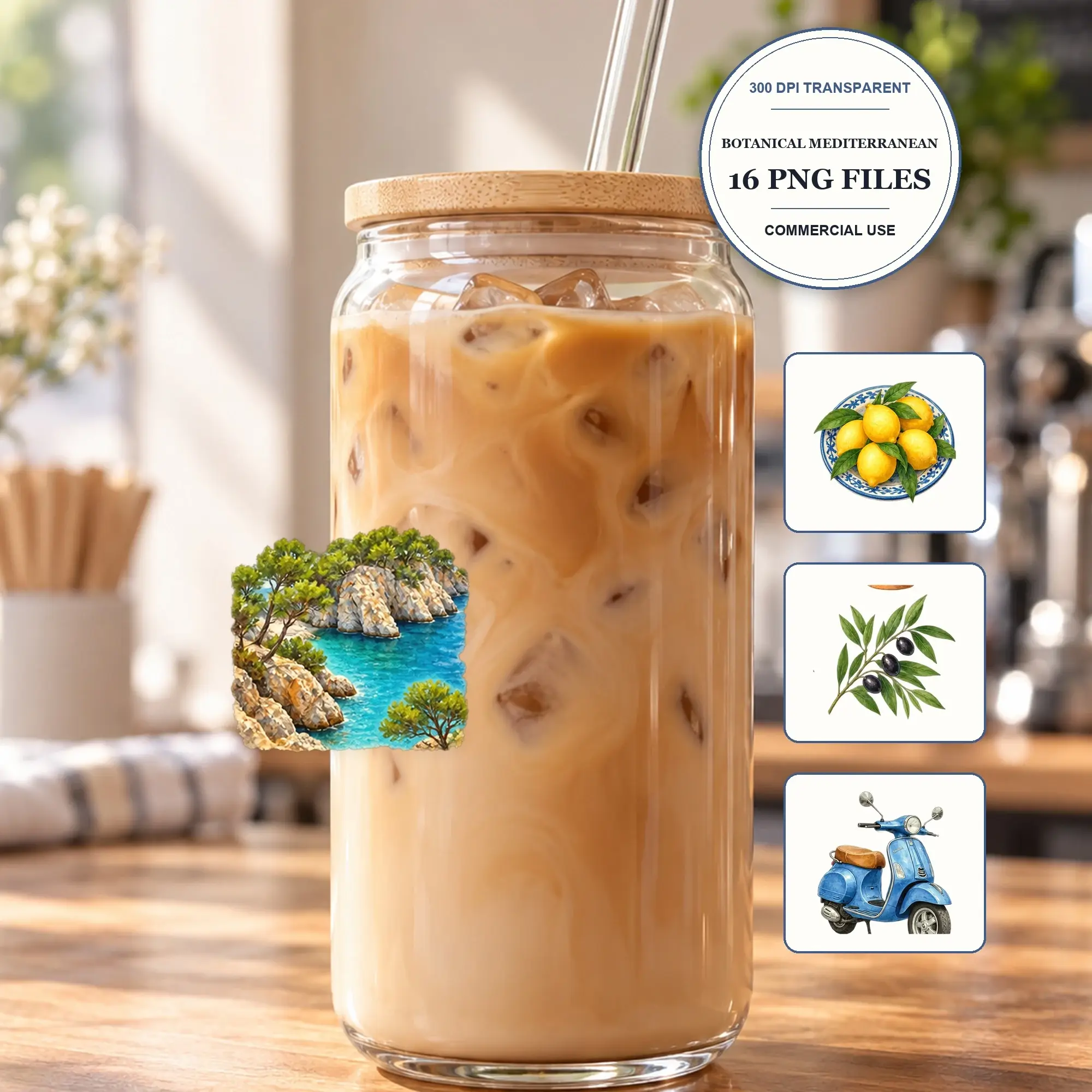
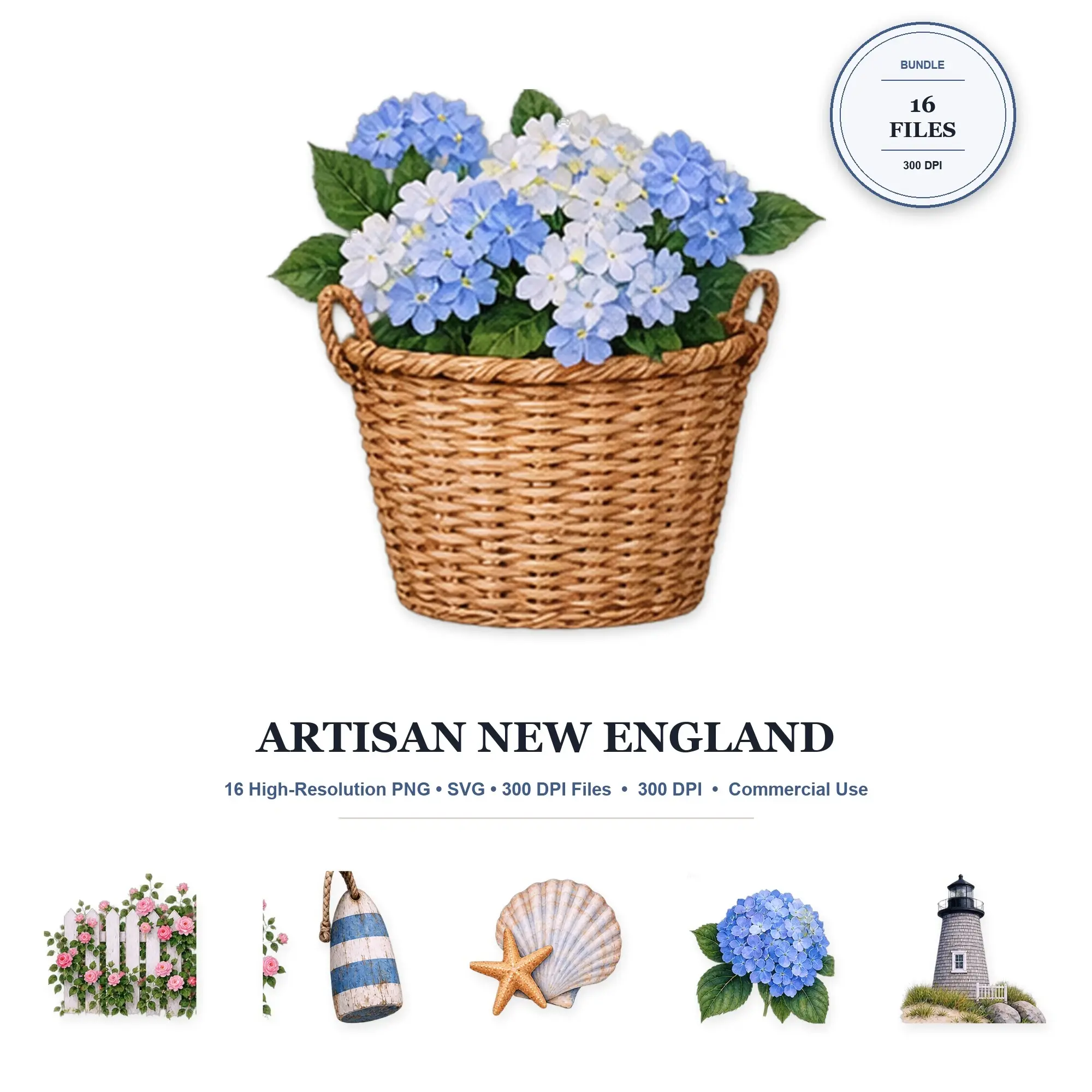
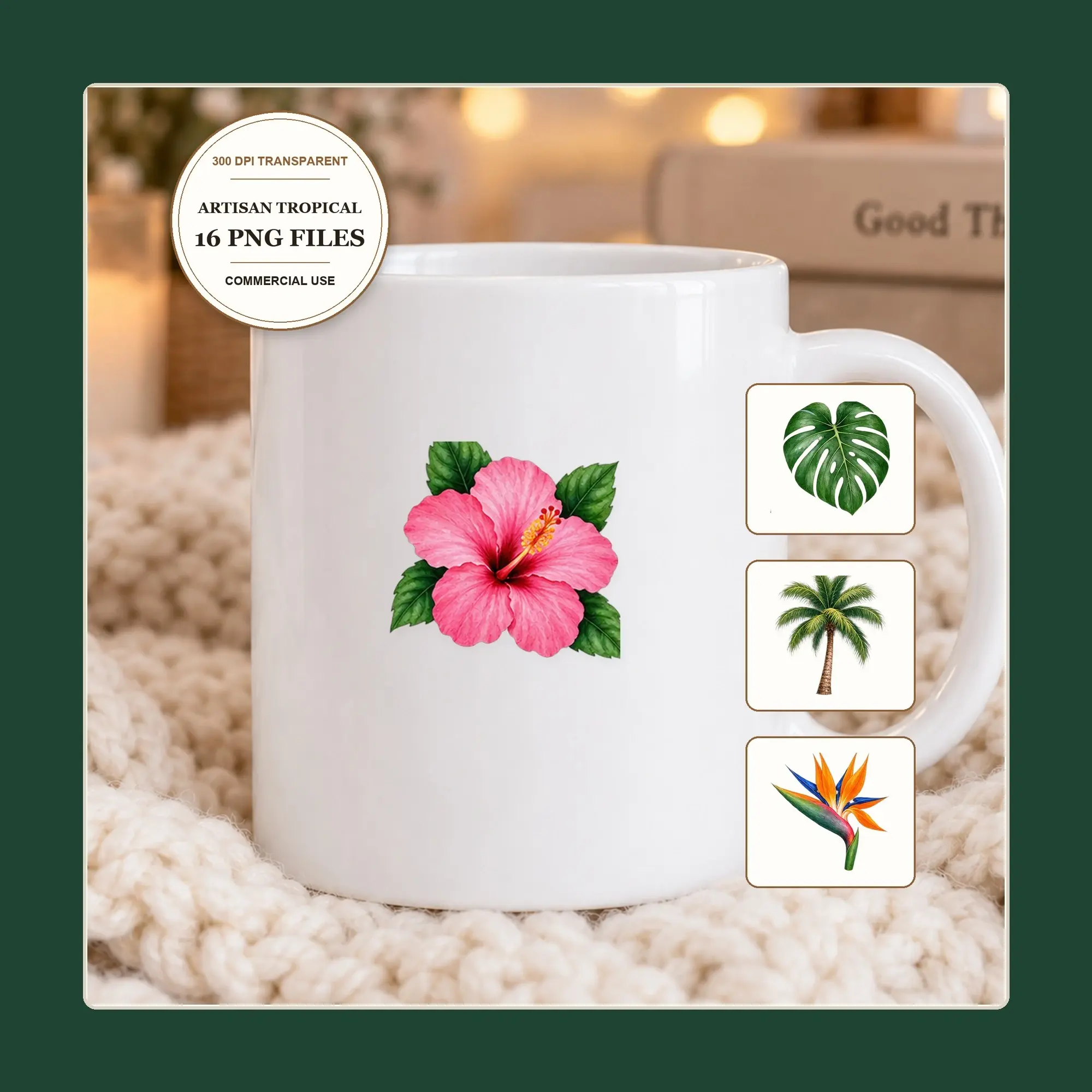
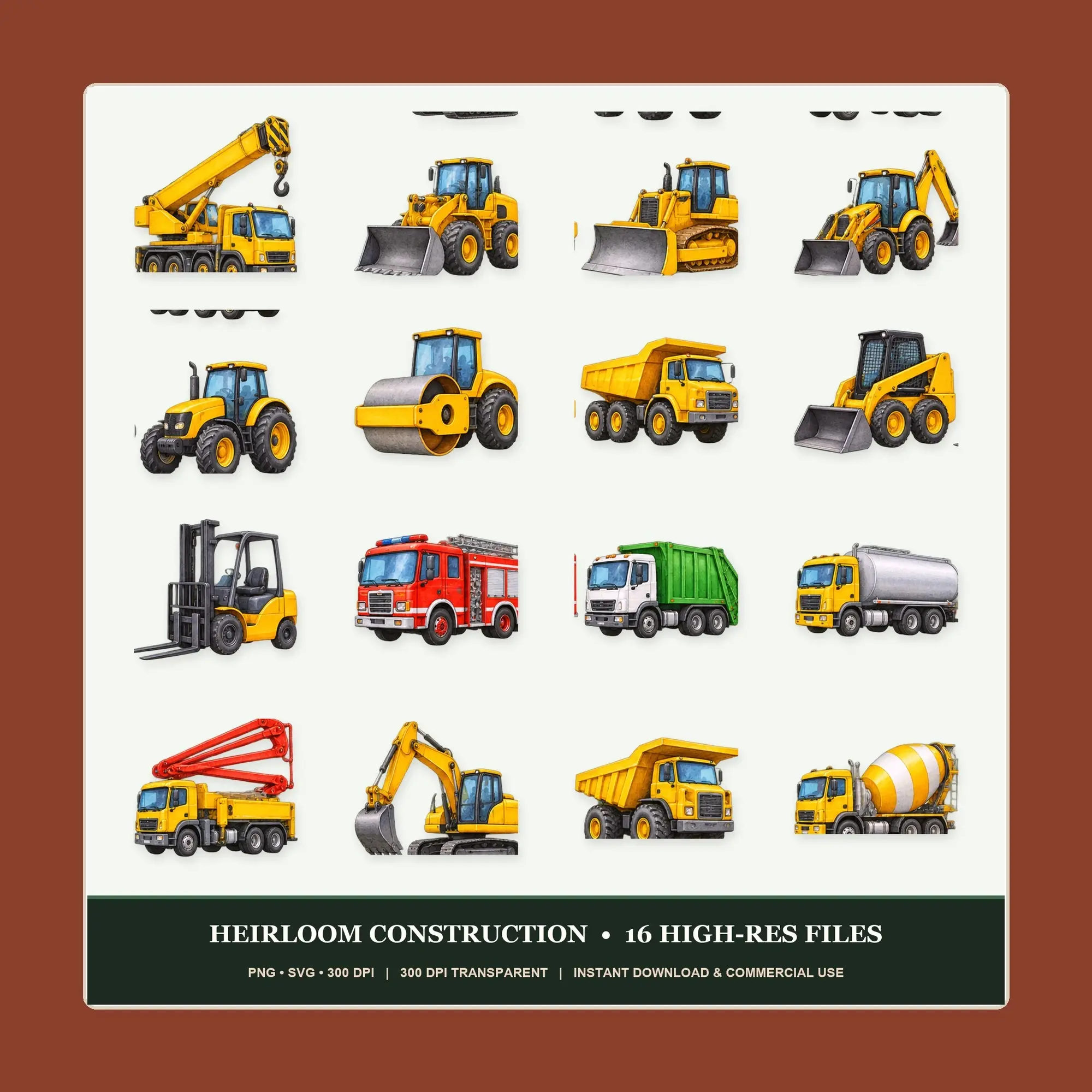
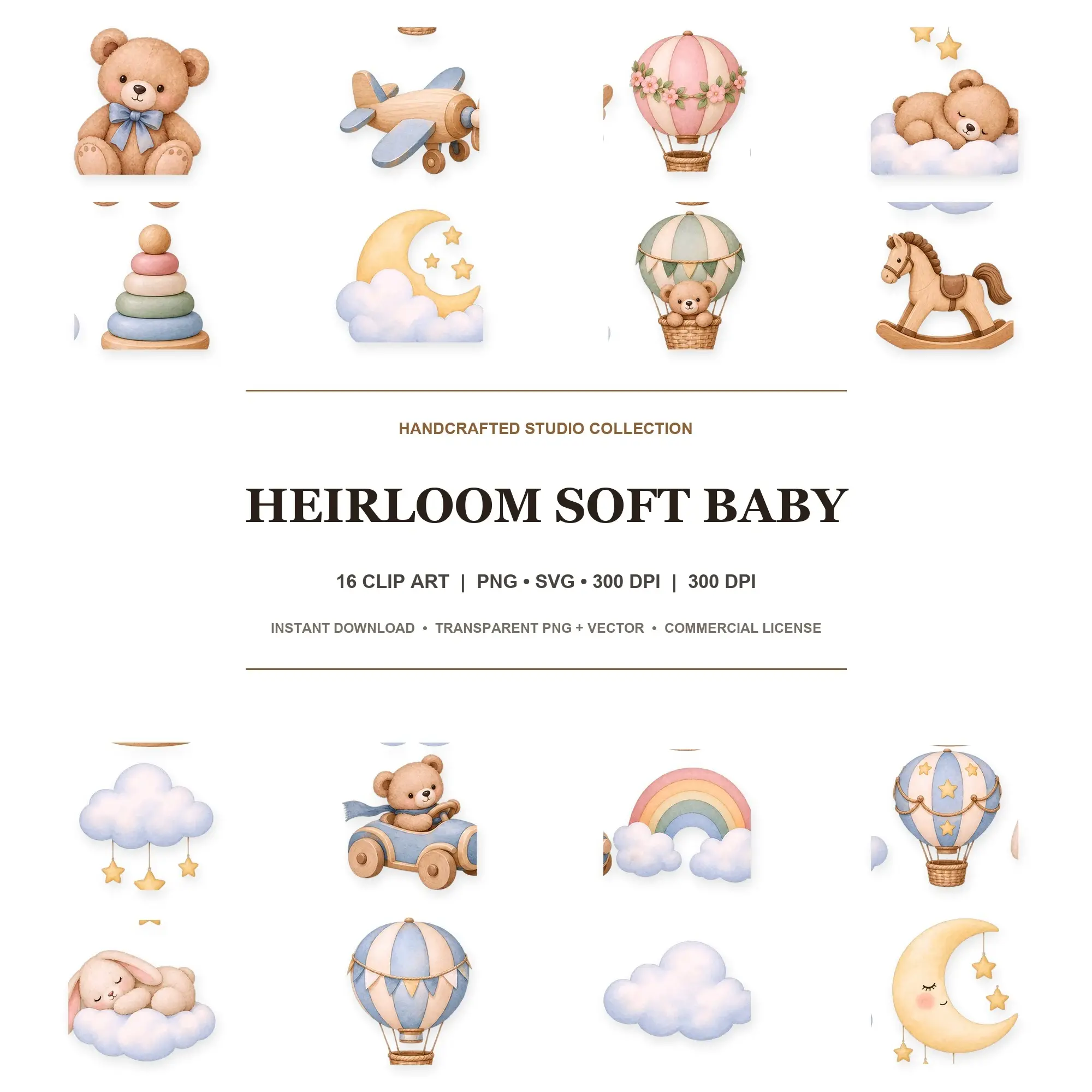
Illustrations for invitations, stickers, classroom printables and other creative projects. Compare PNG and SVG formats, transparent backgrounds and the individual artwork included in each set.
Popular in Clip Art
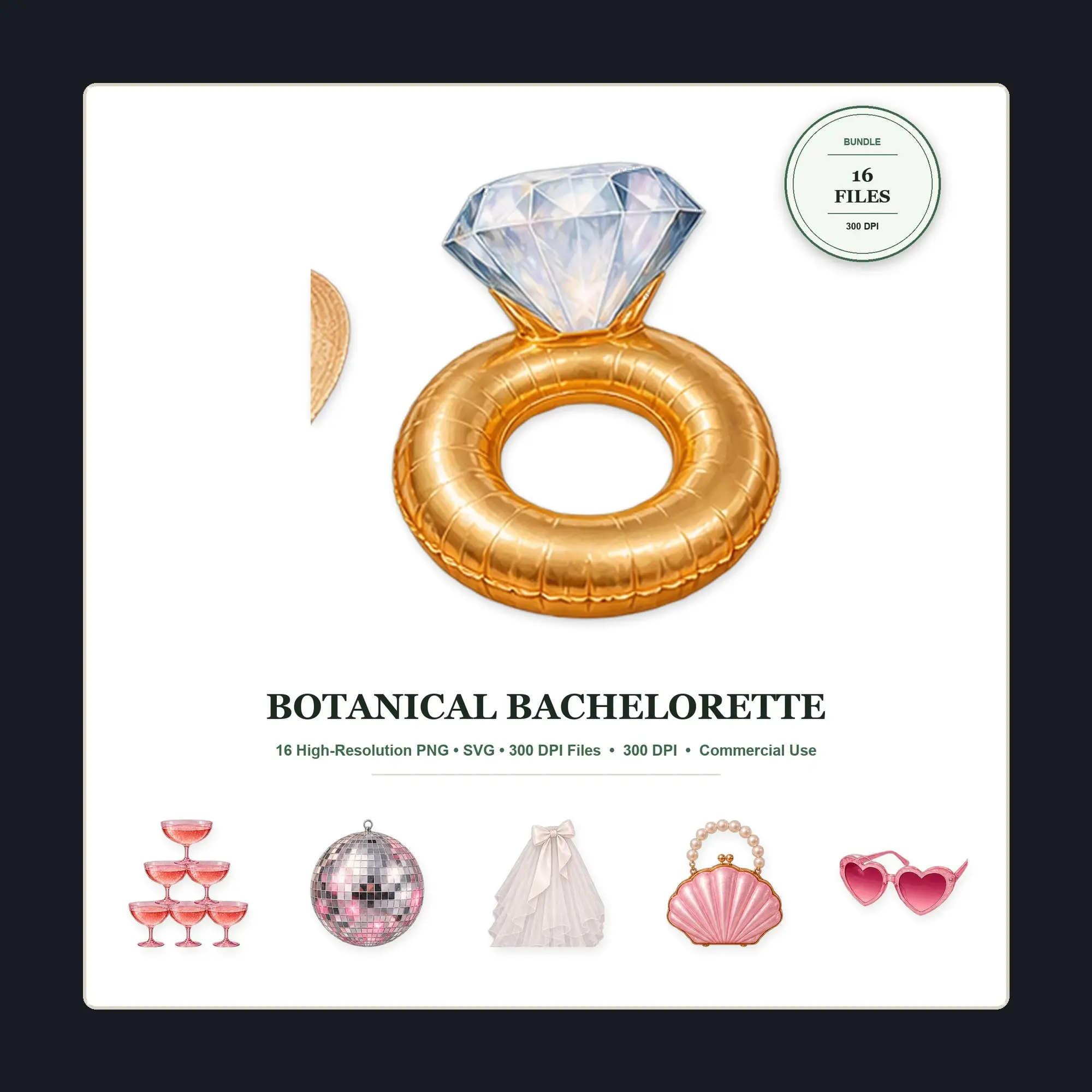
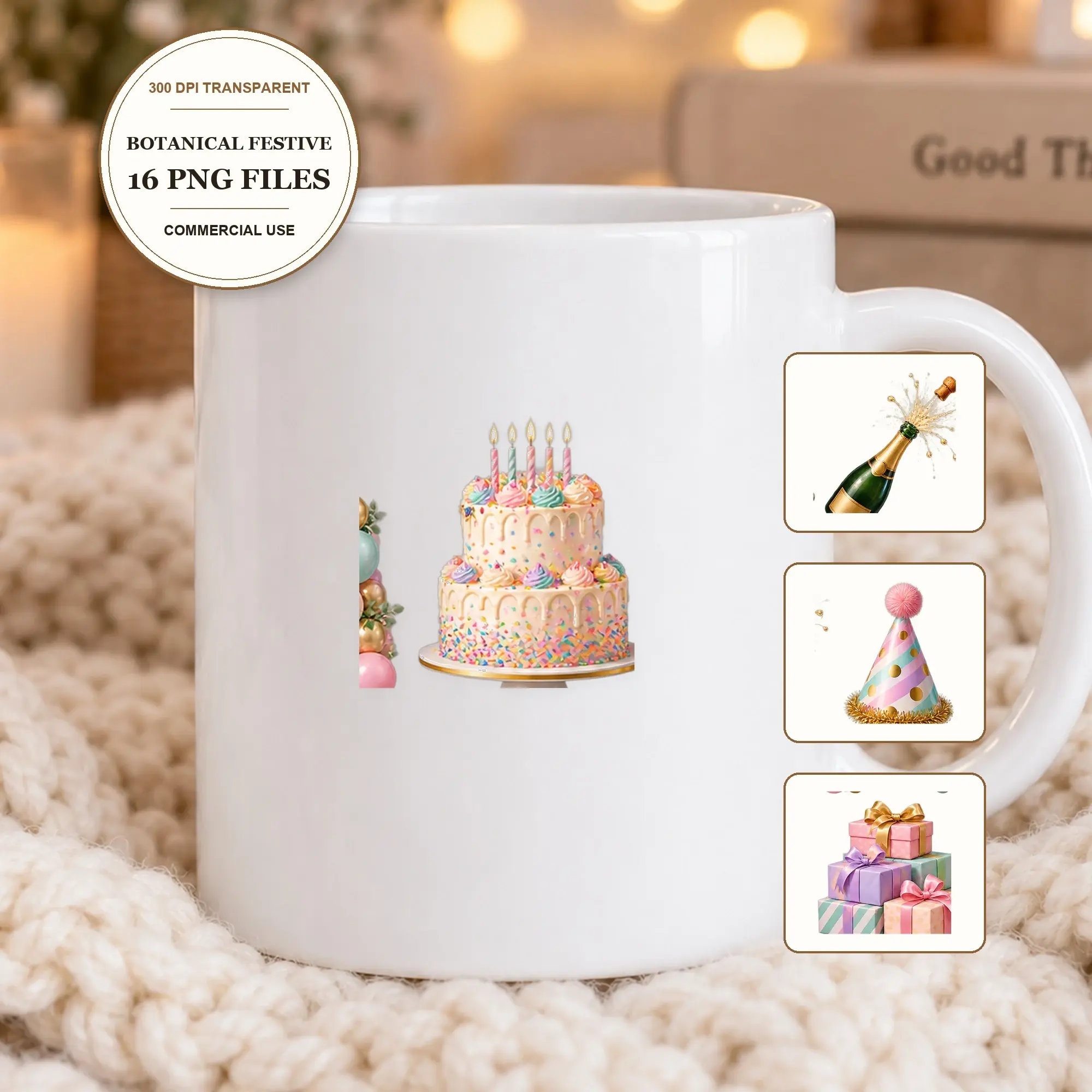
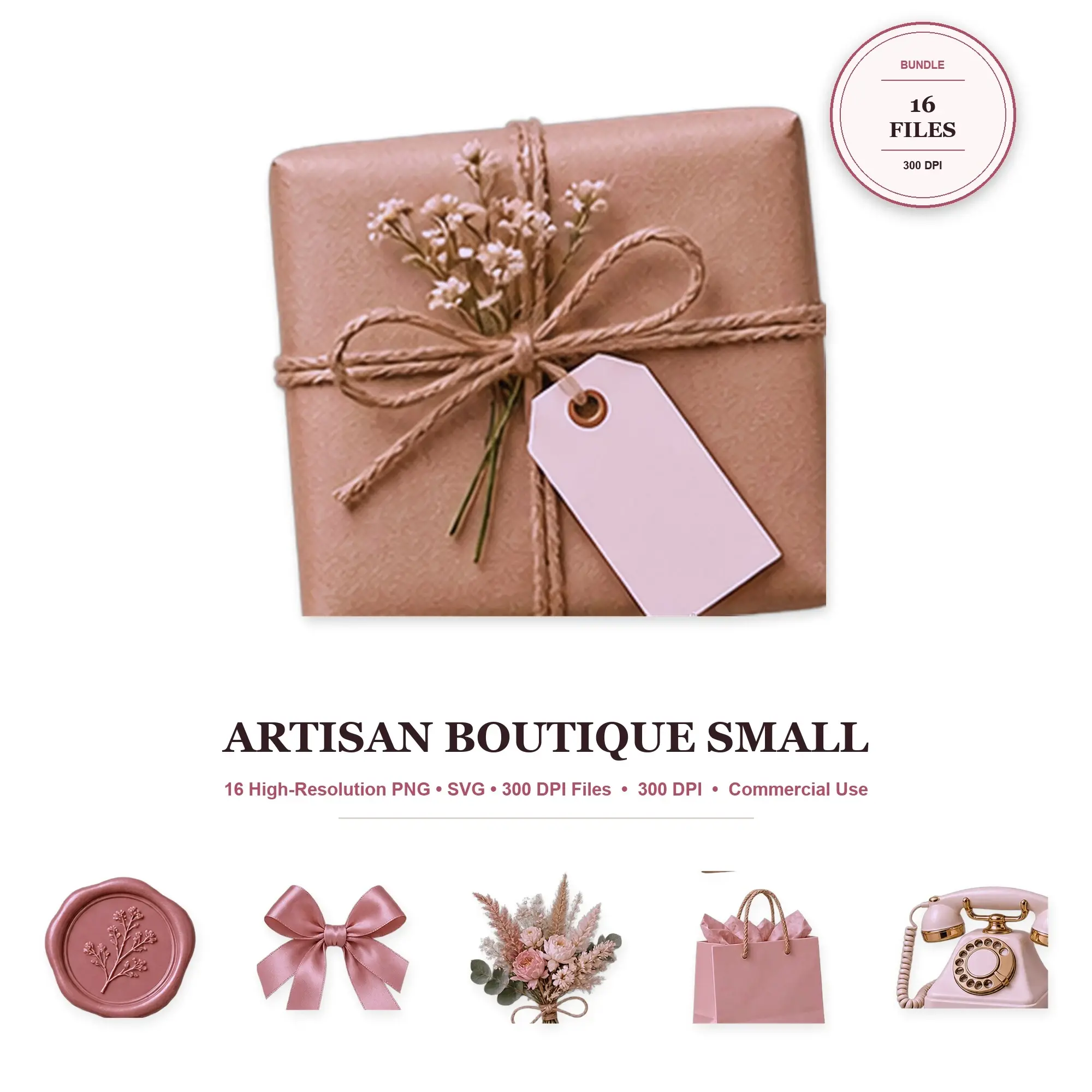
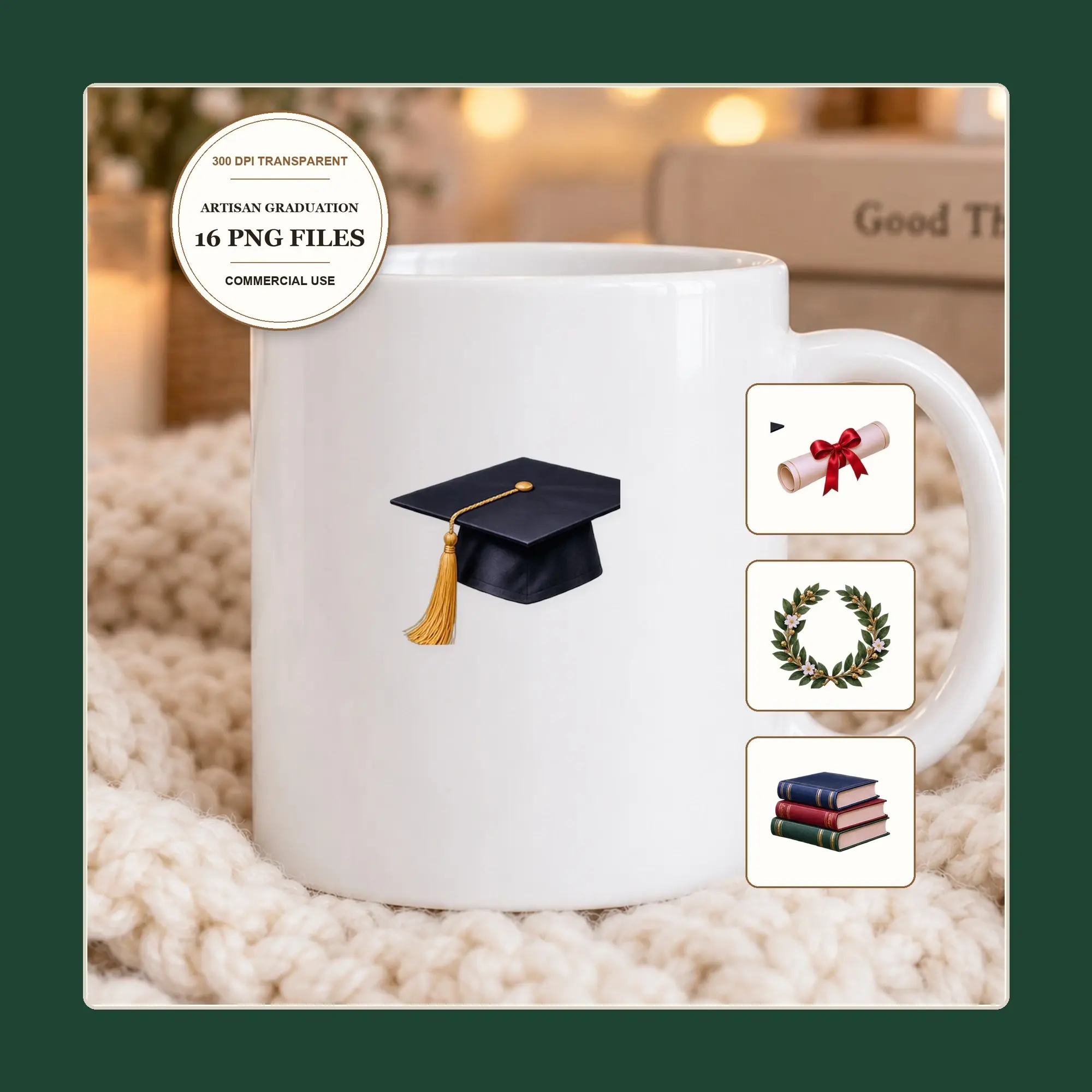
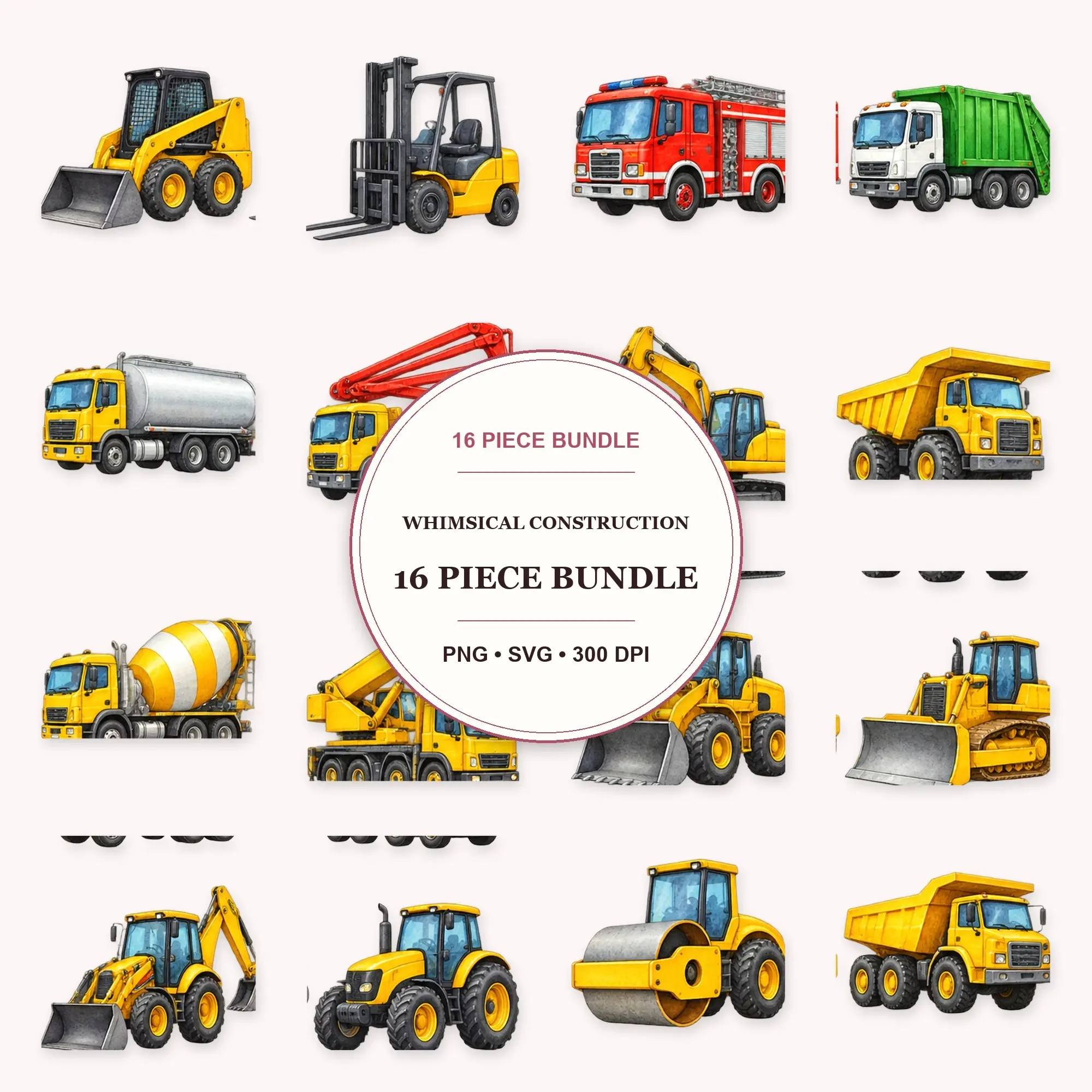
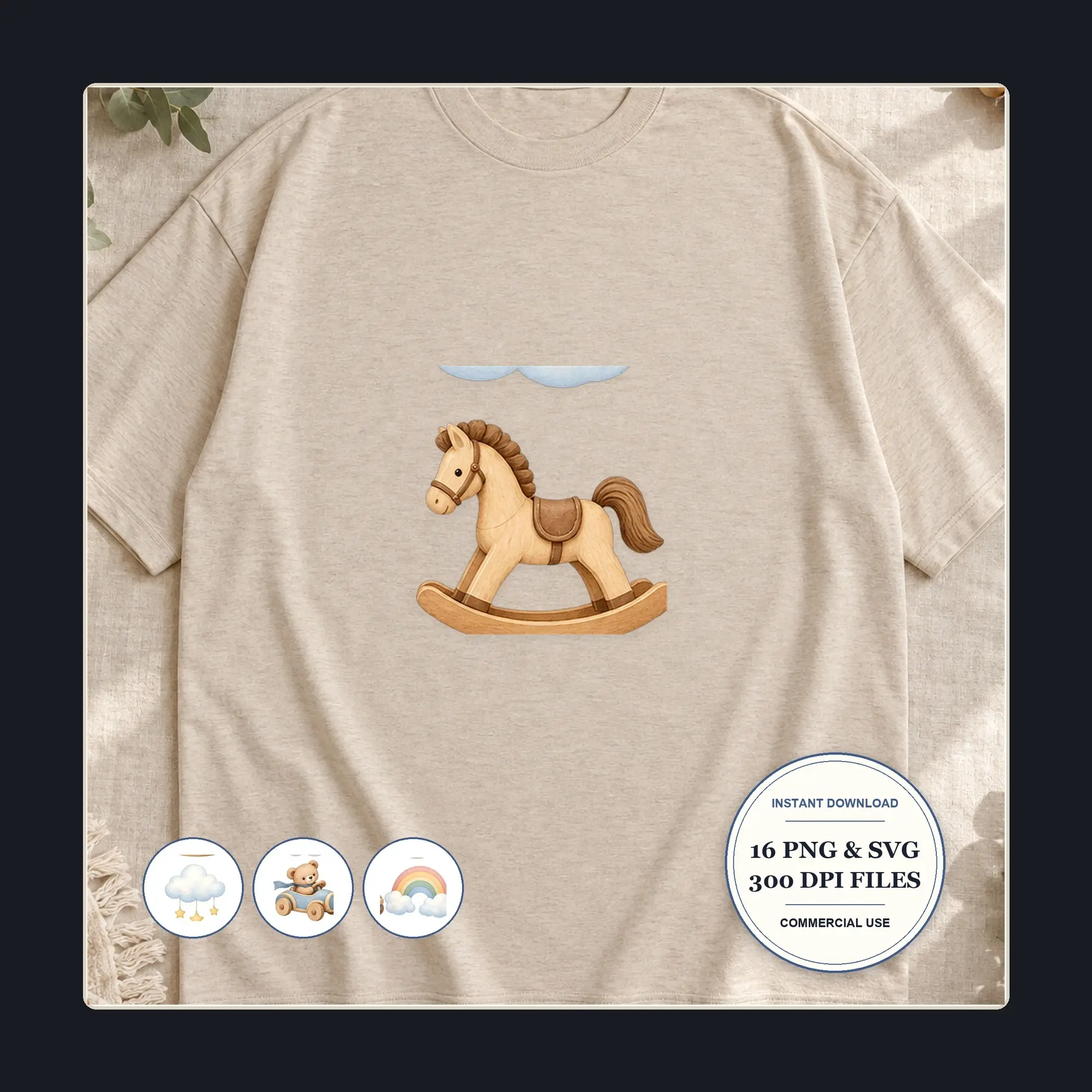
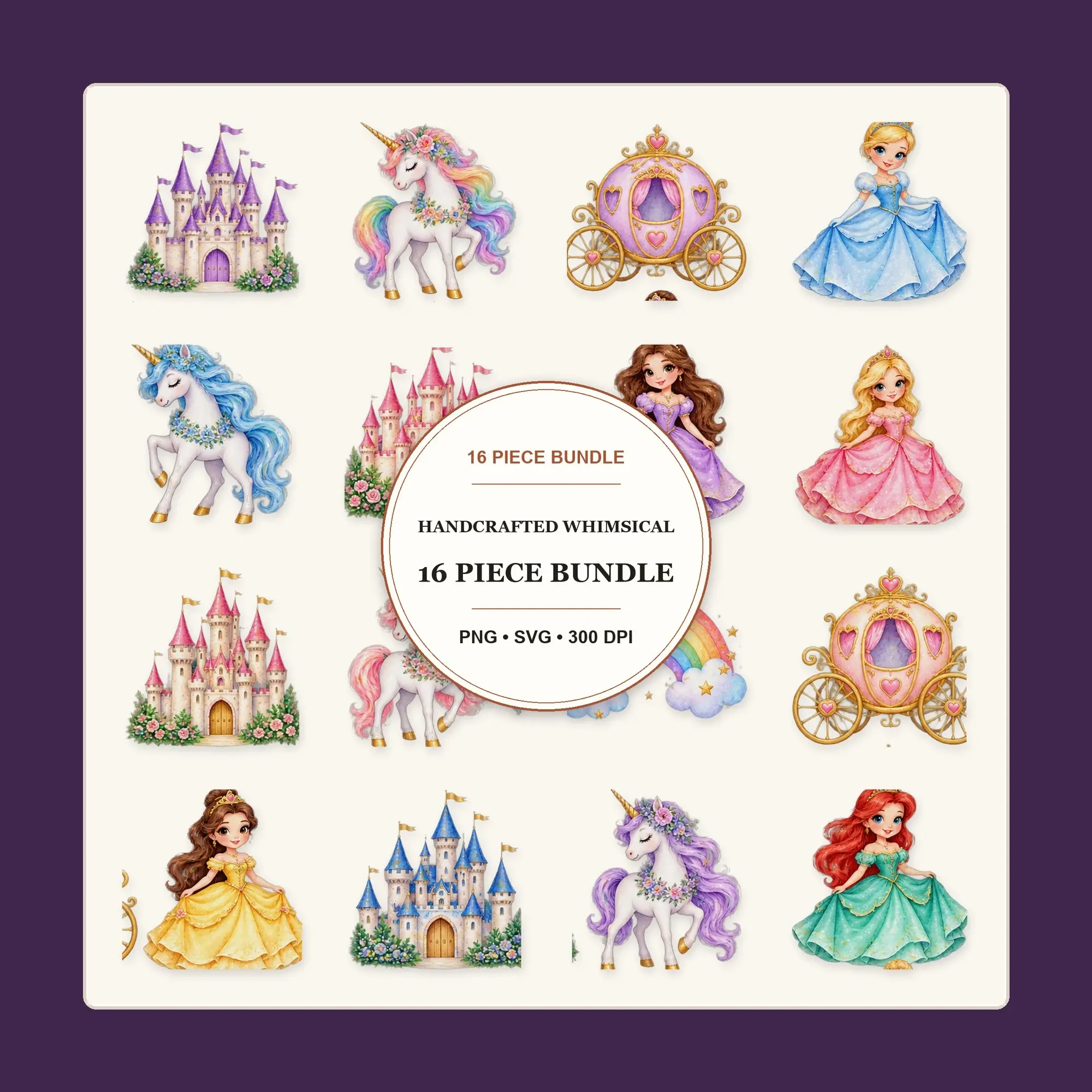
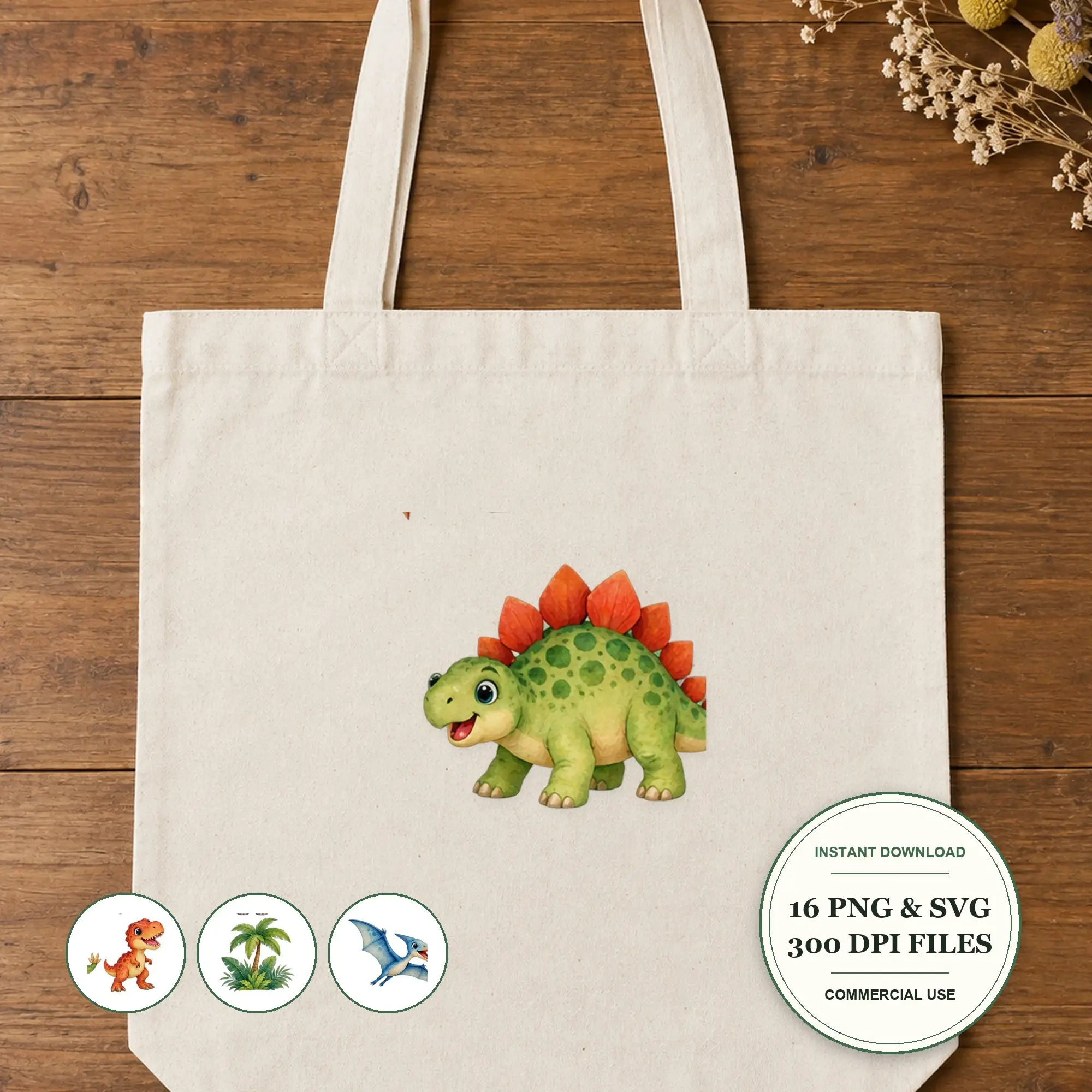
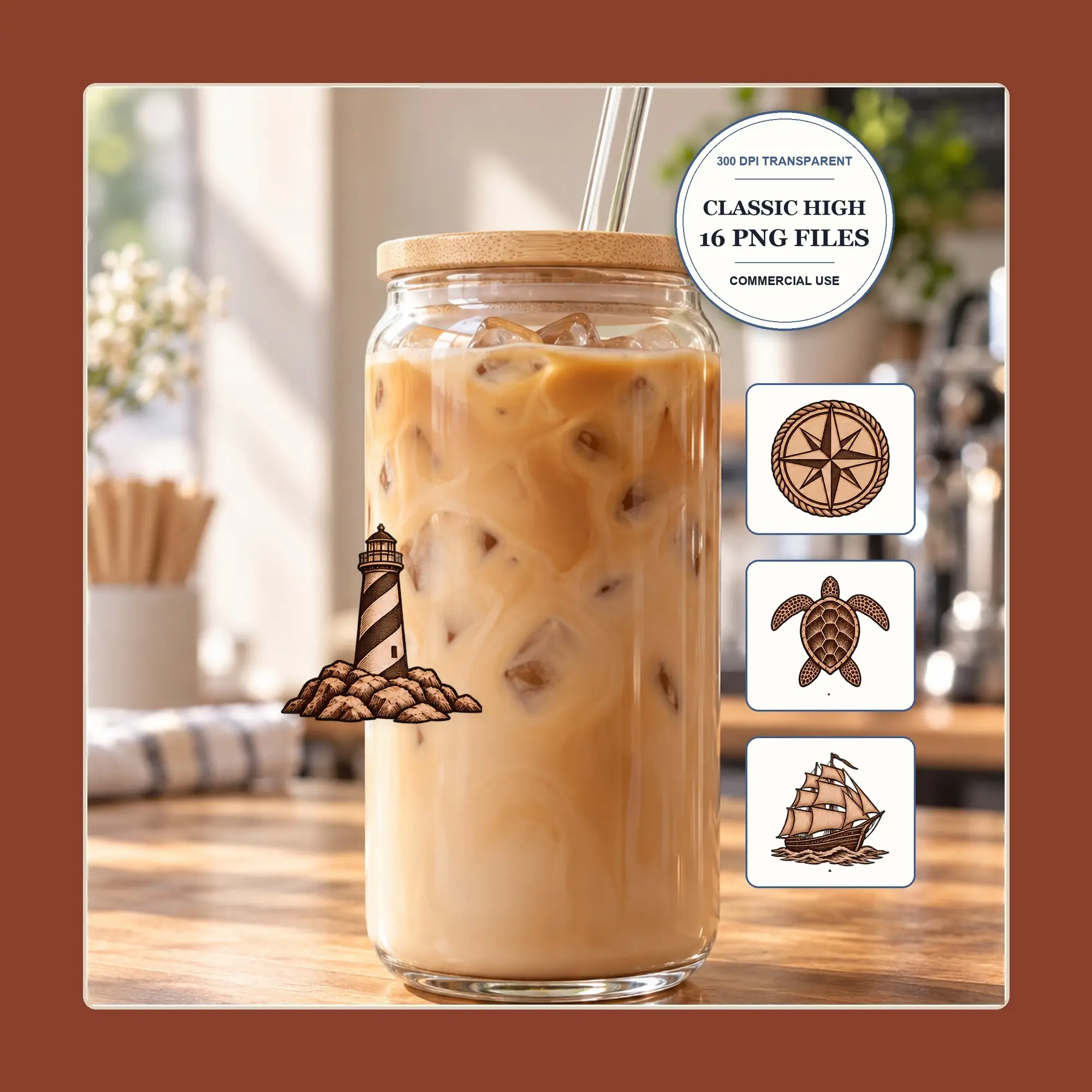
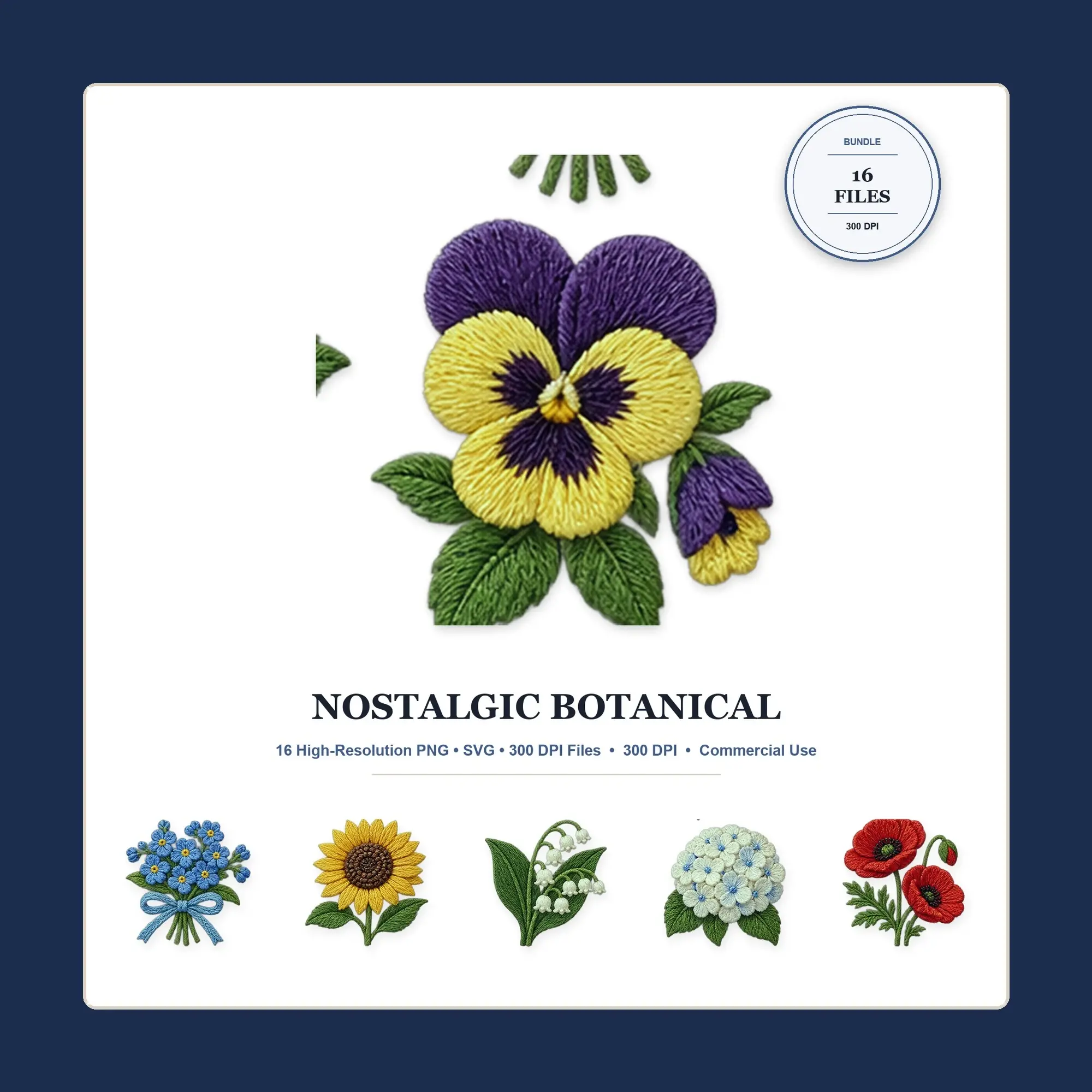
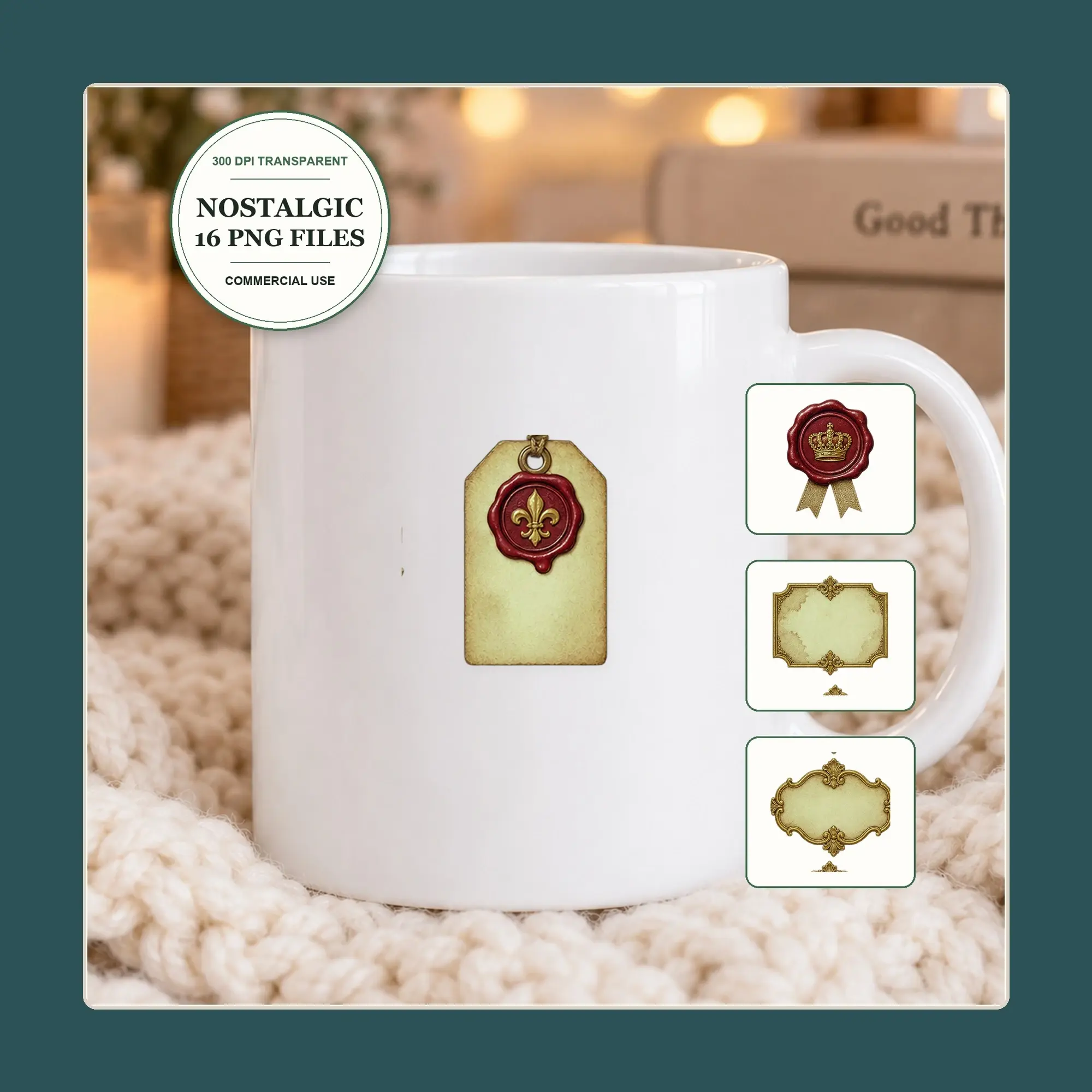
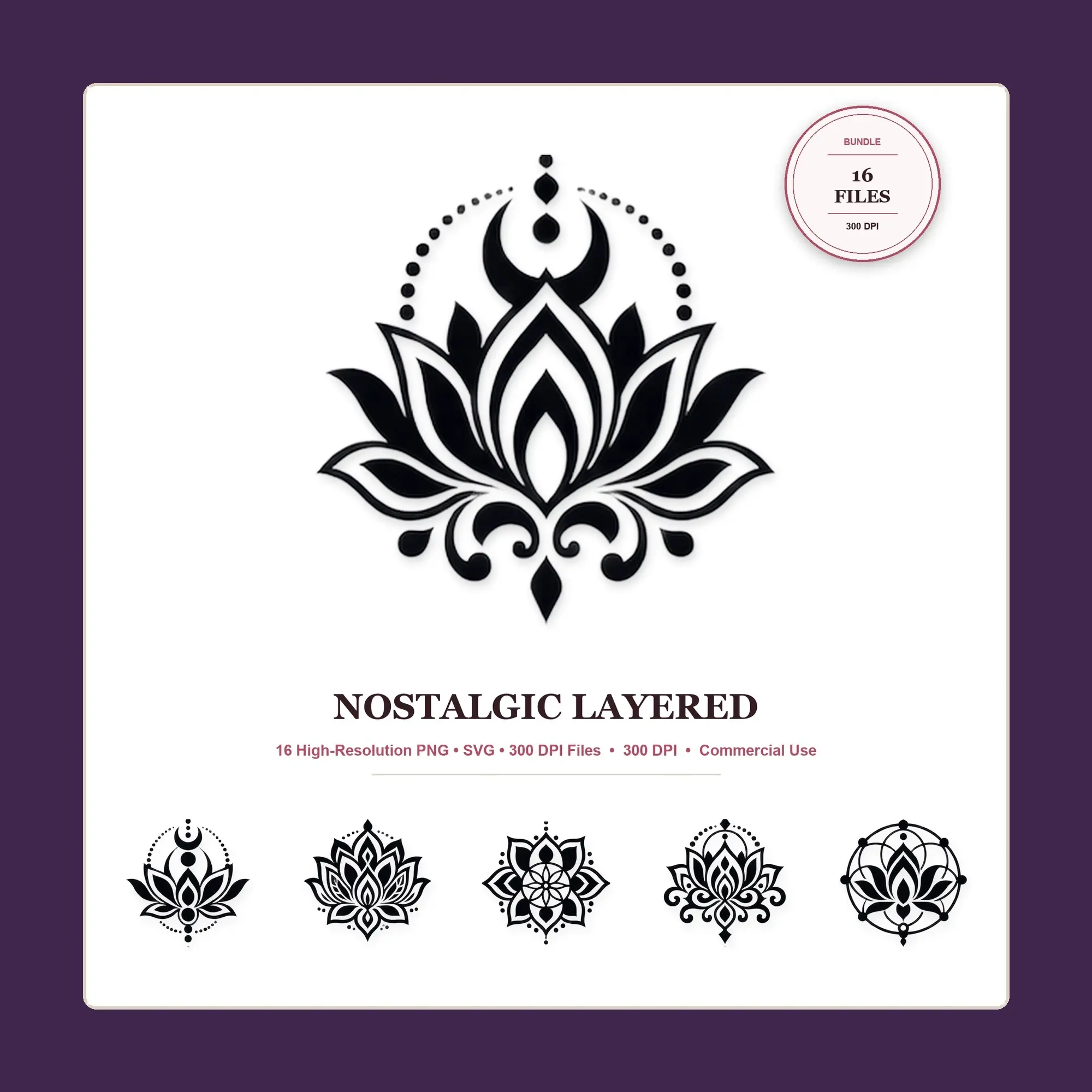
Buying guide
Using clip art in your projects
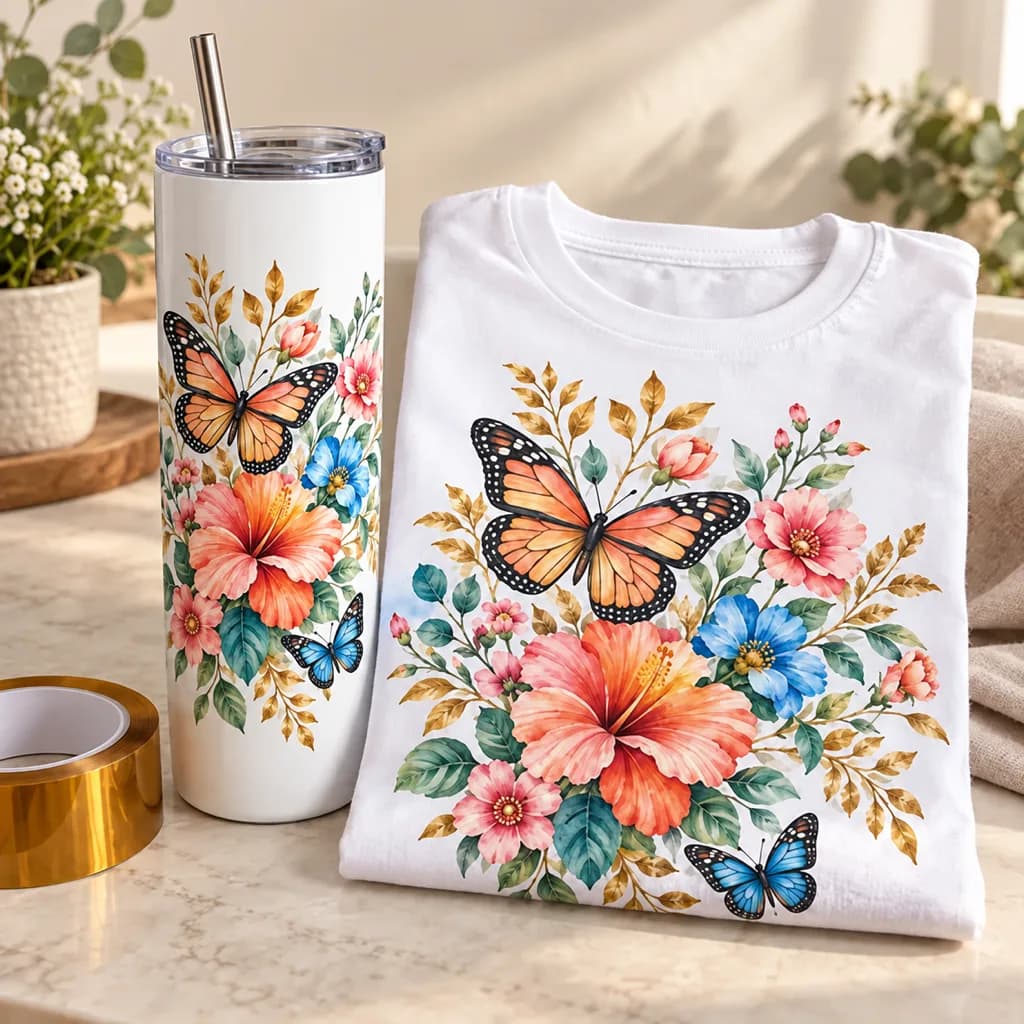
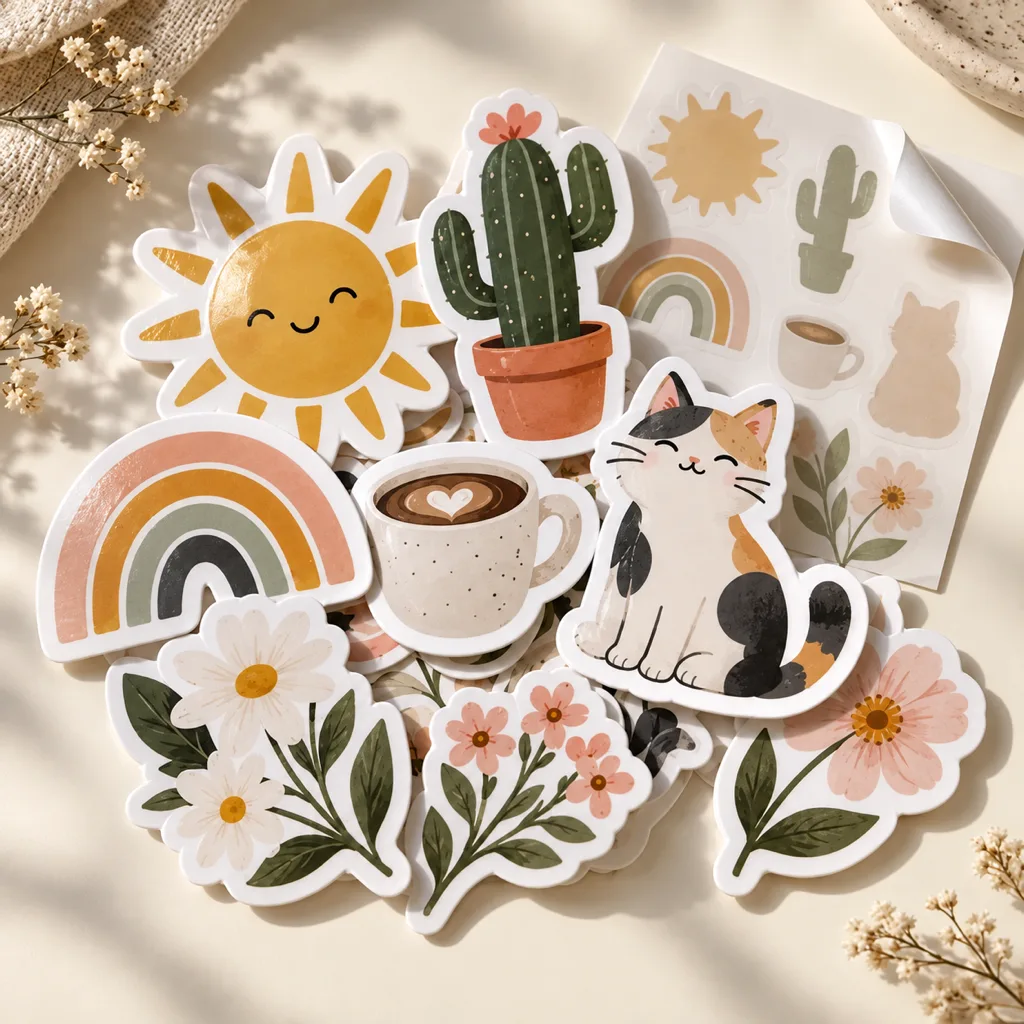
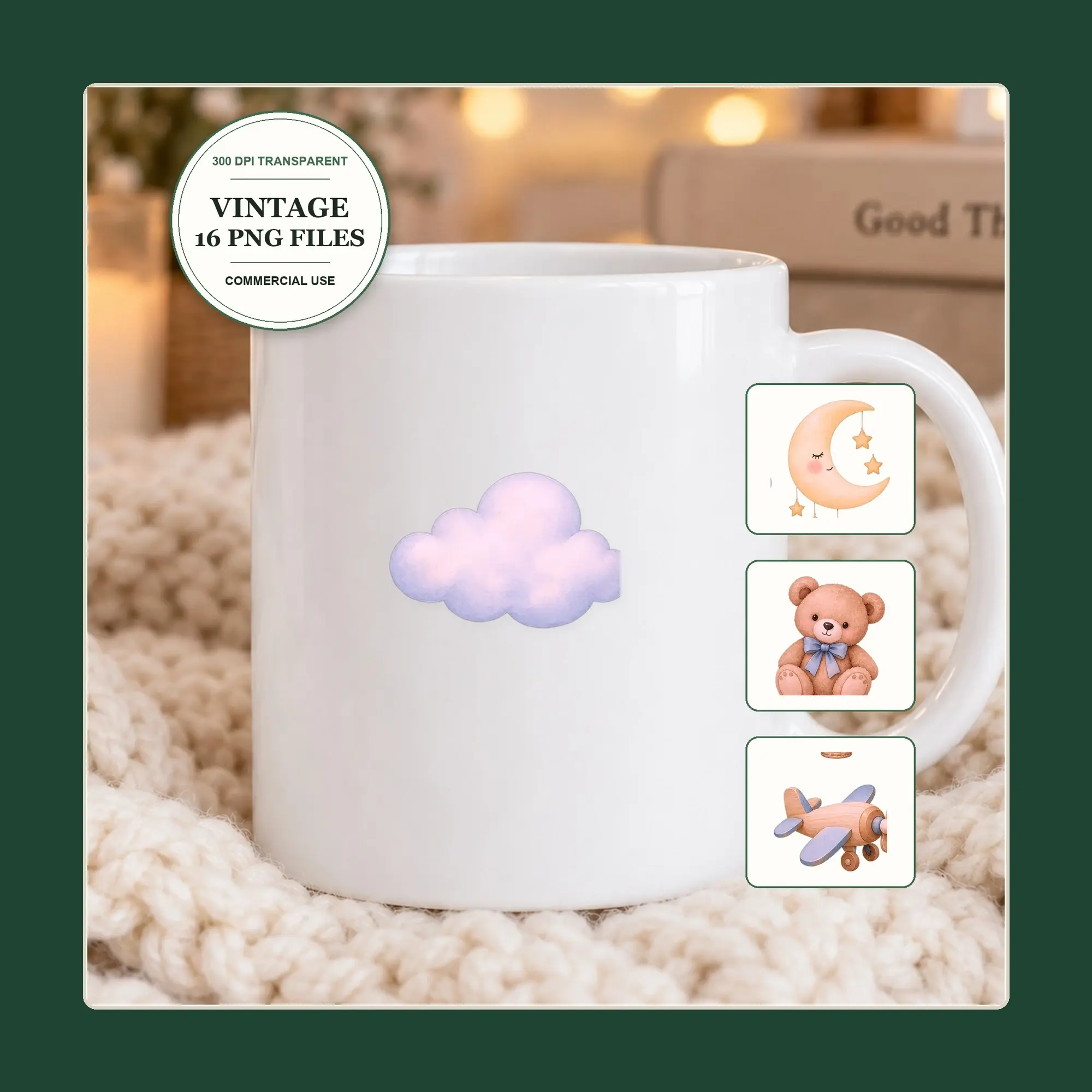
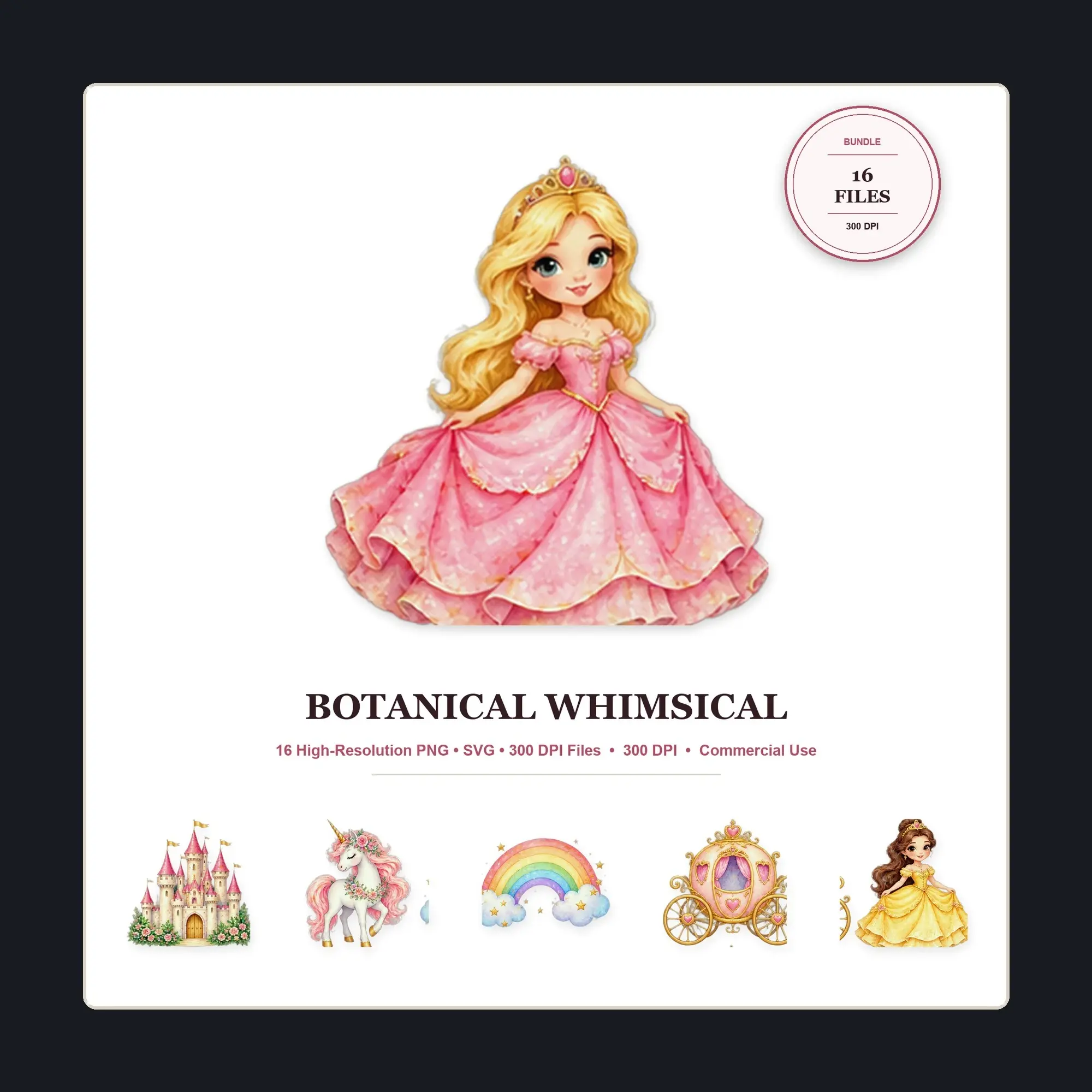
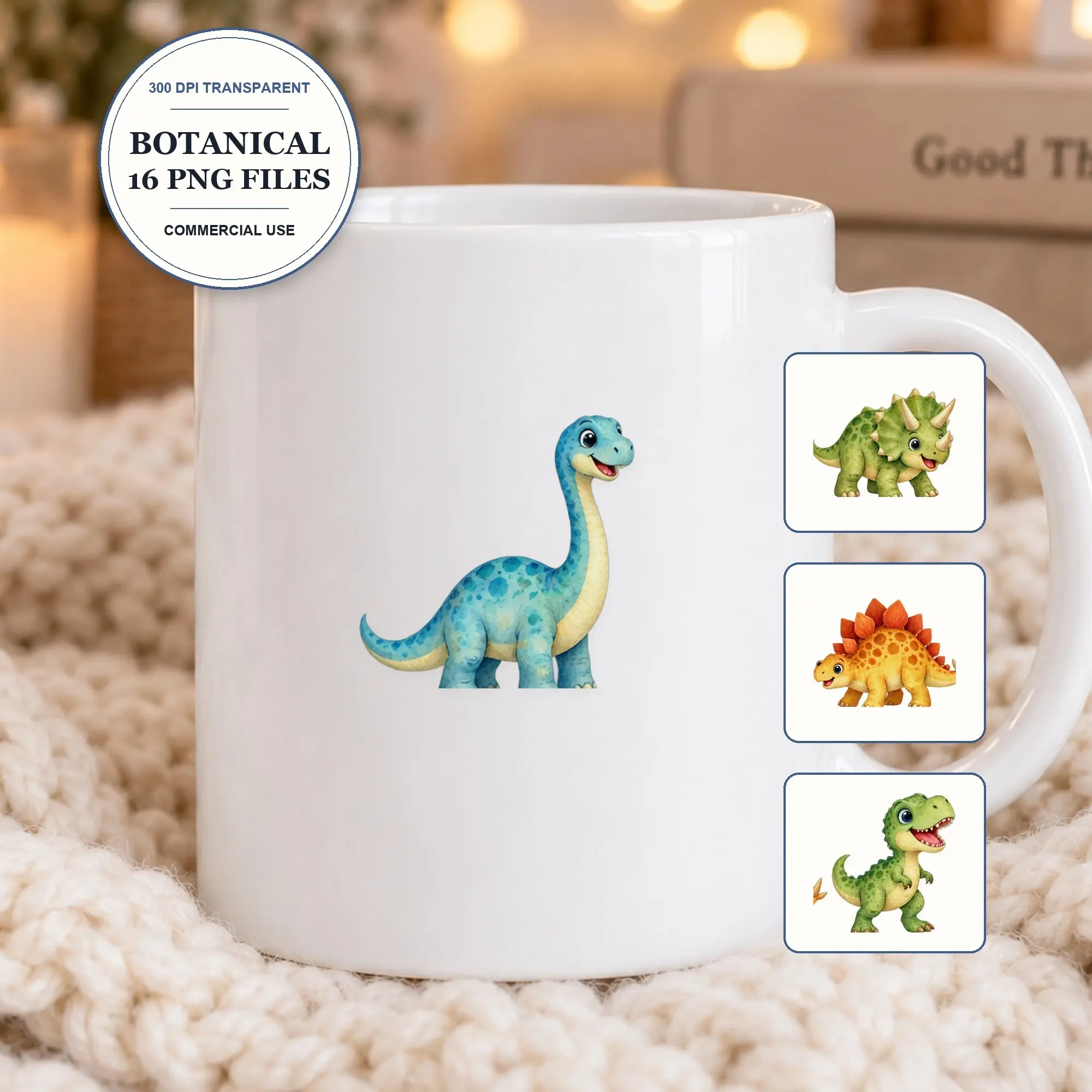
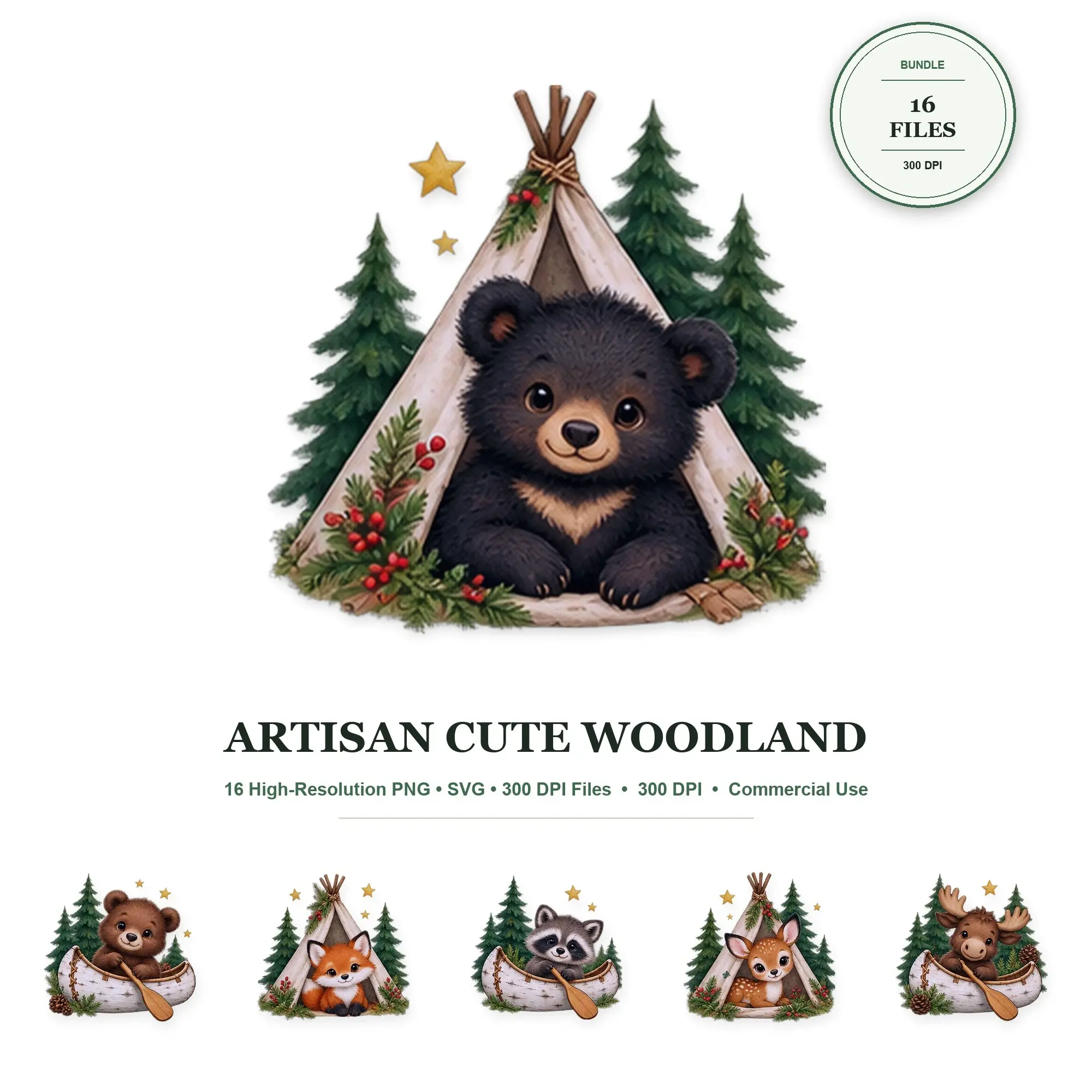
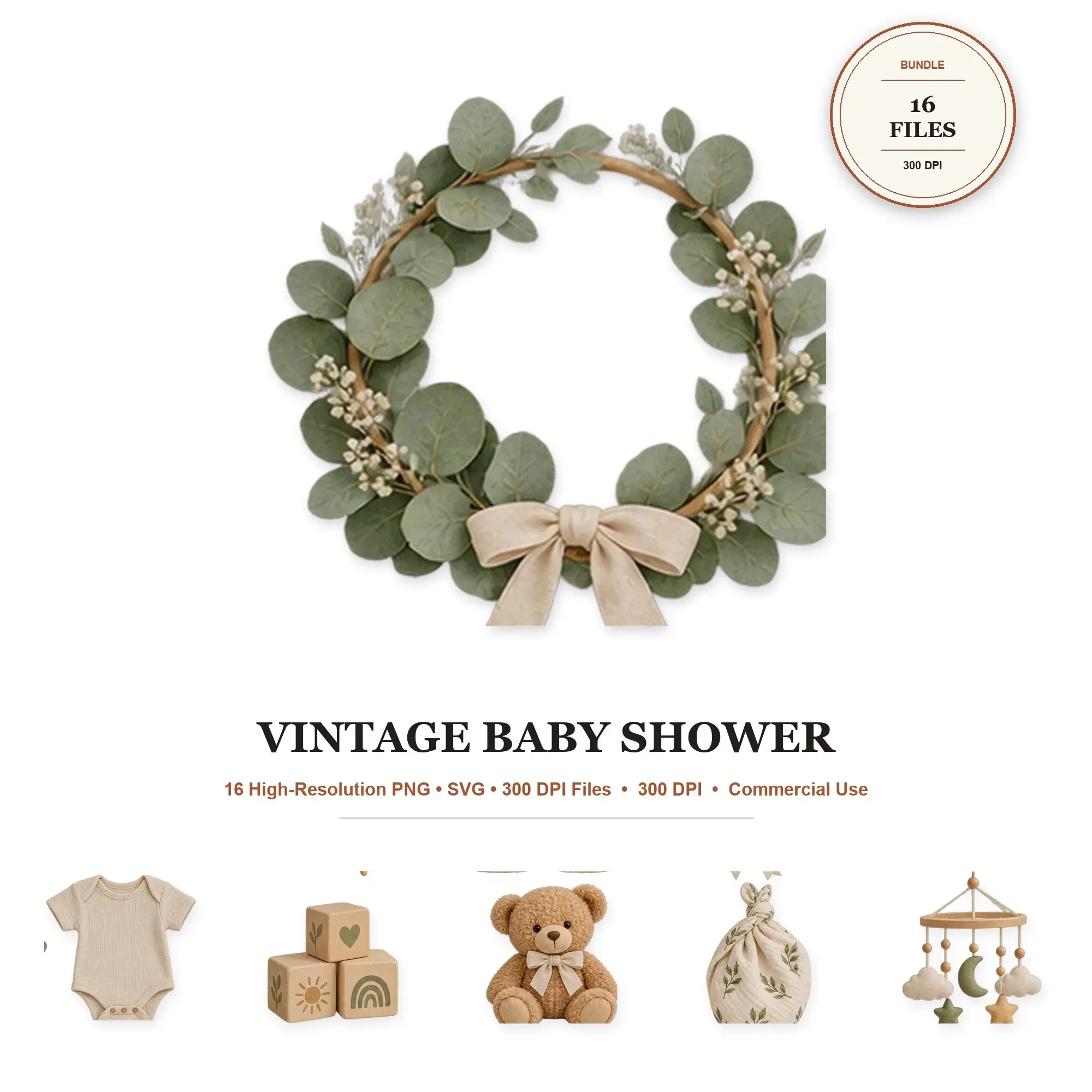
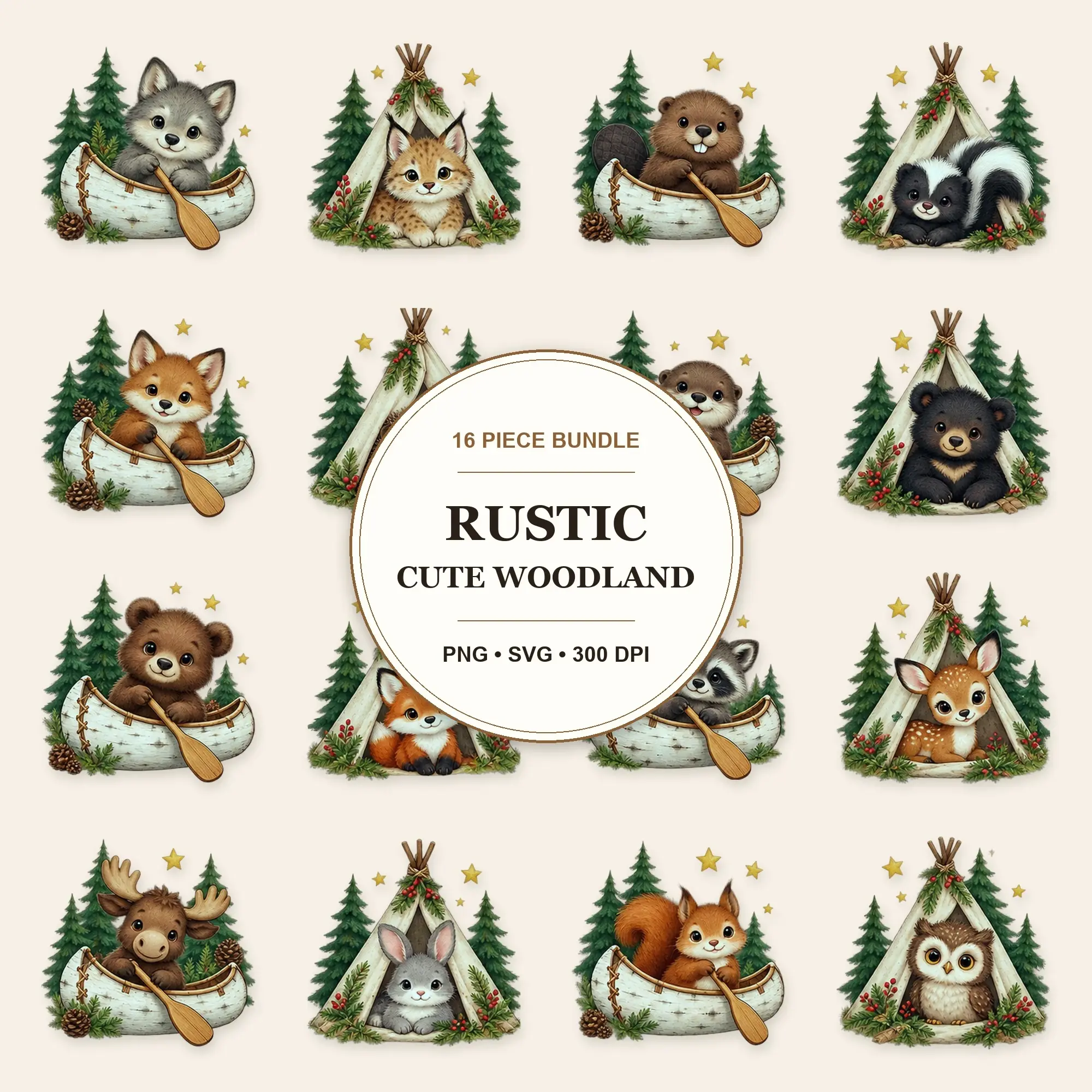
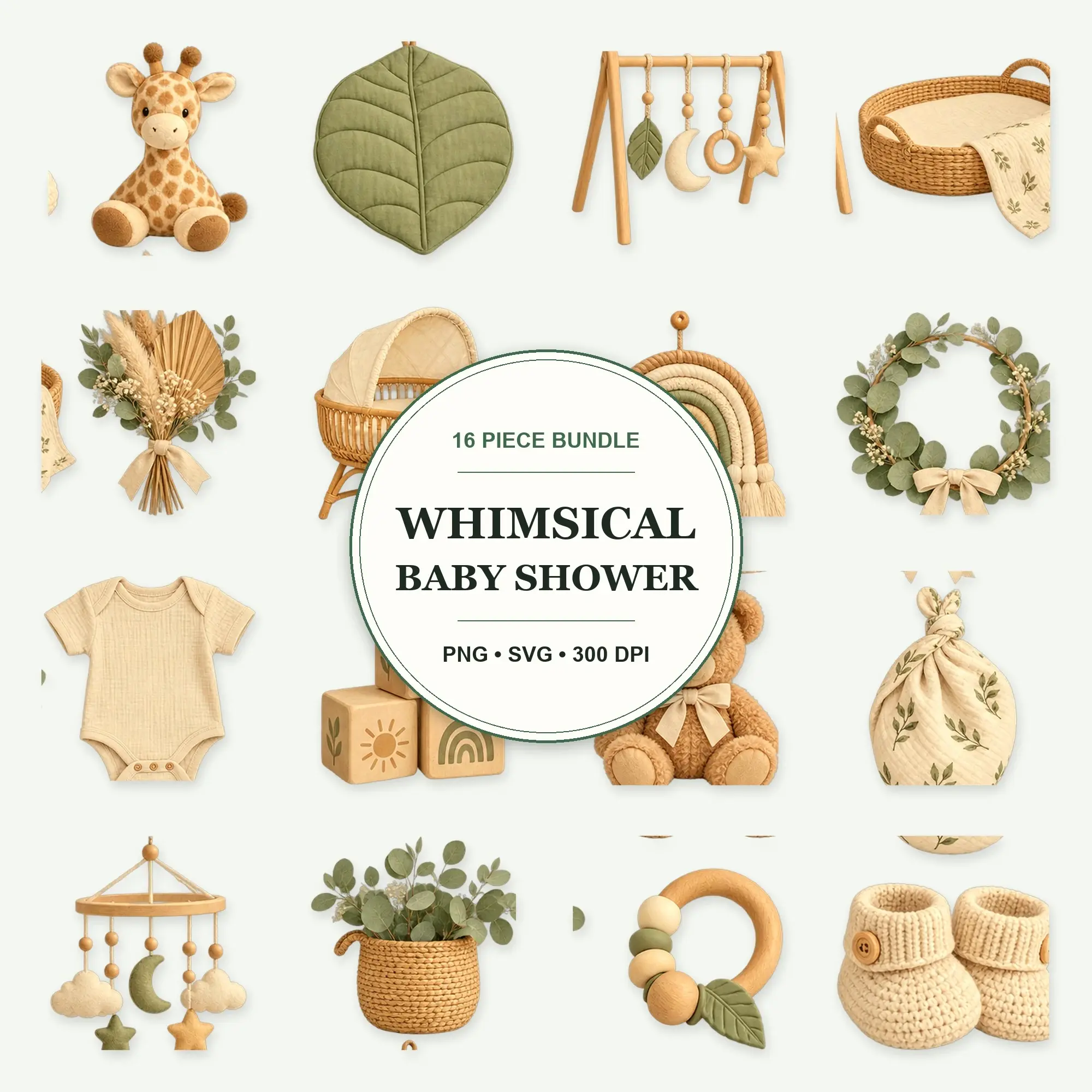
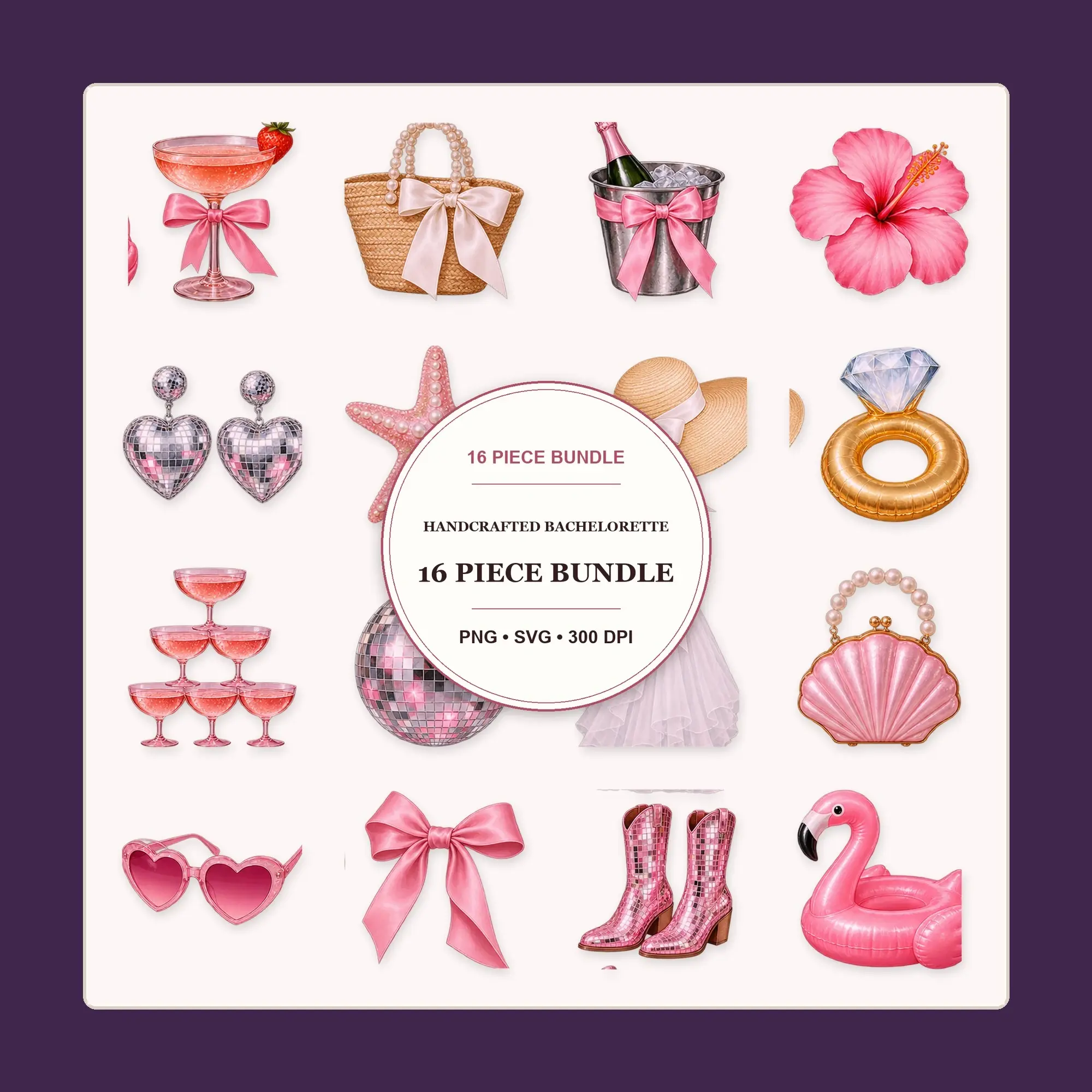
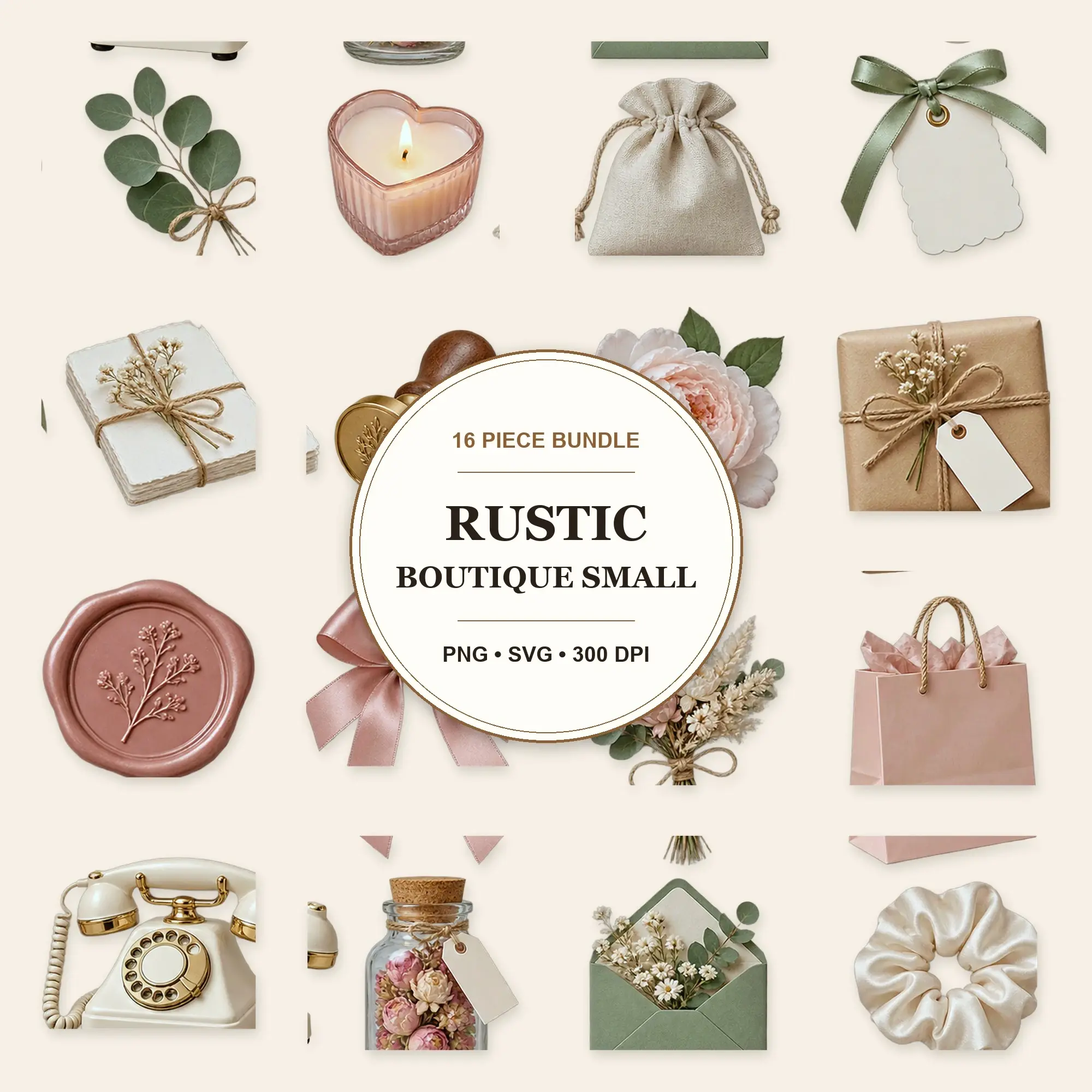
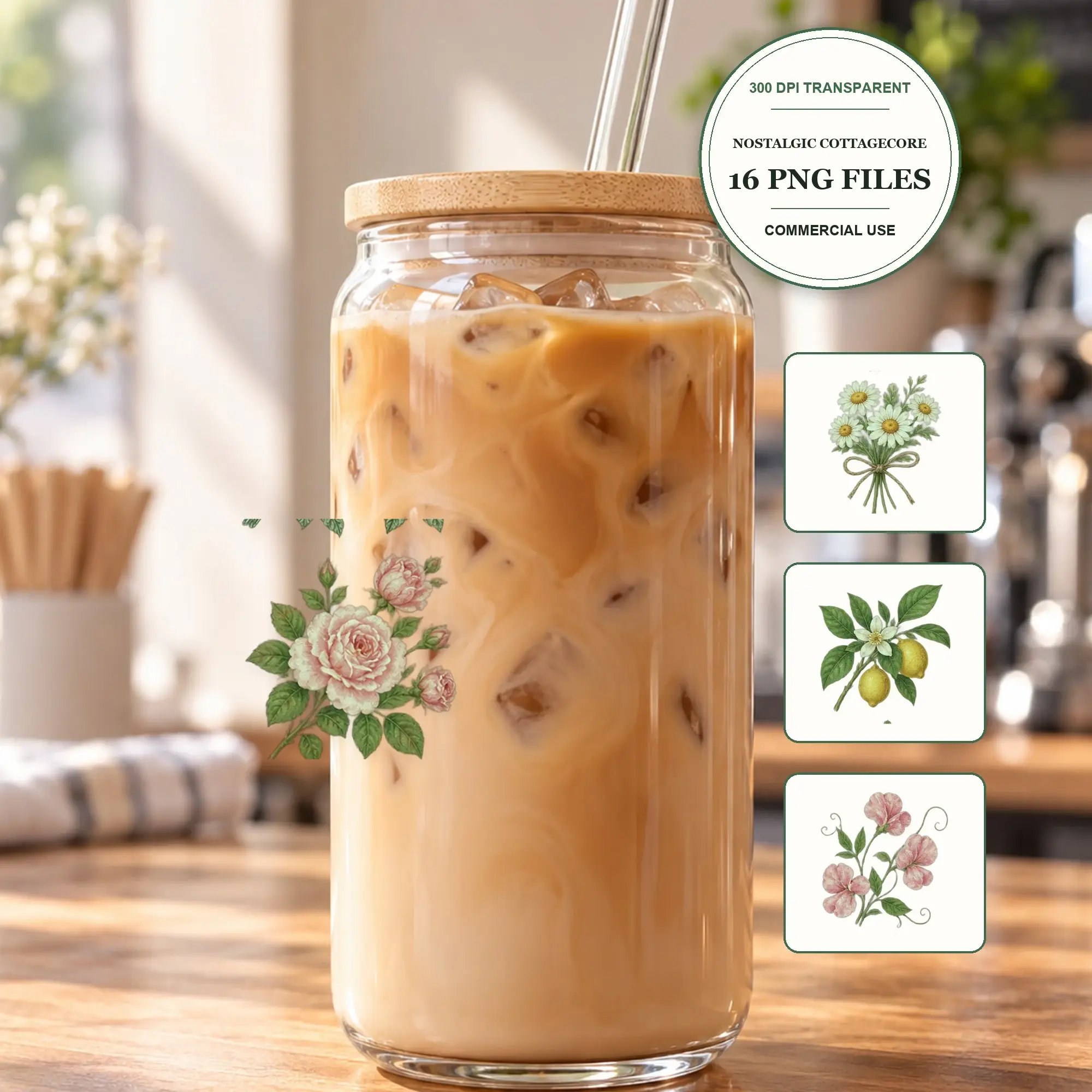
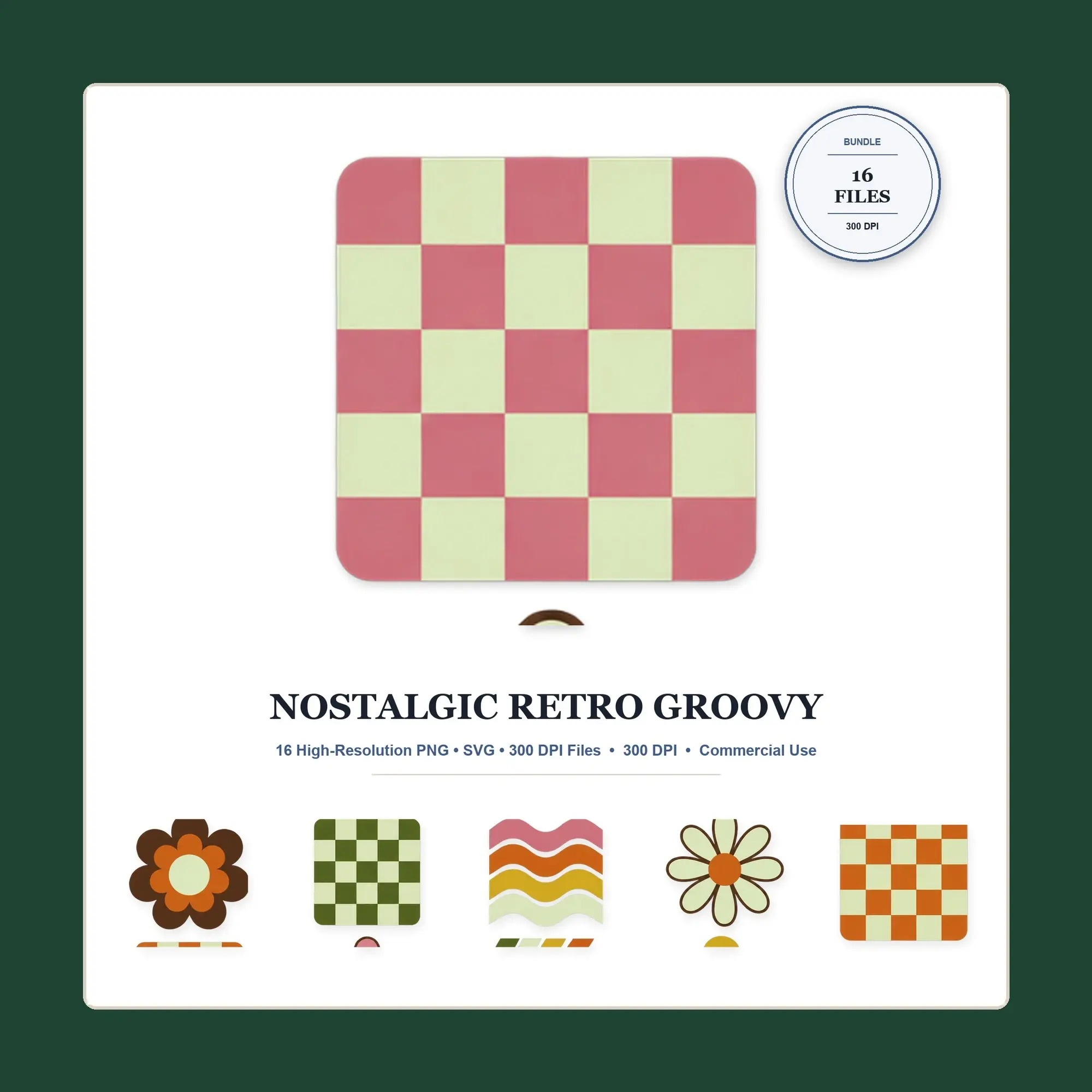
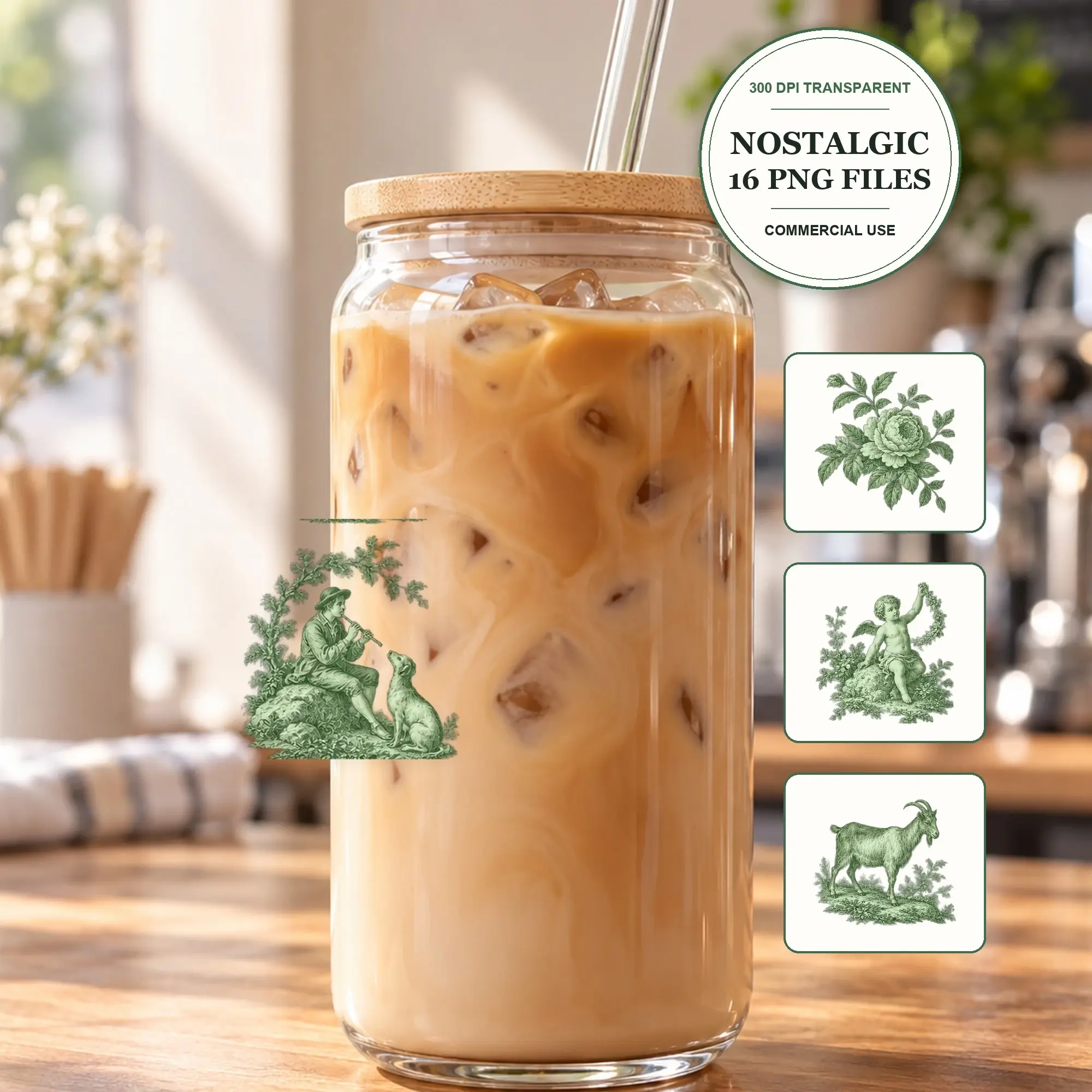
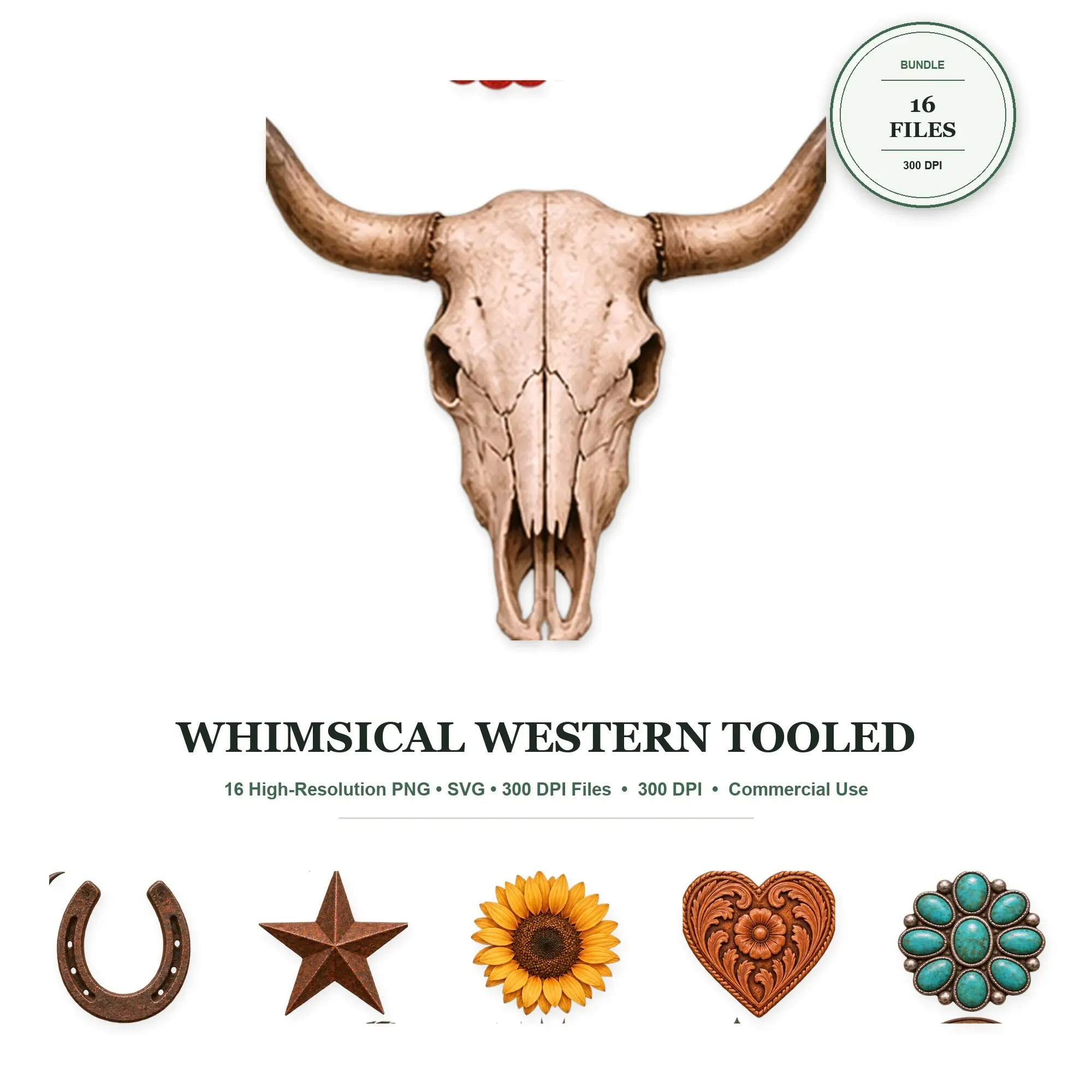
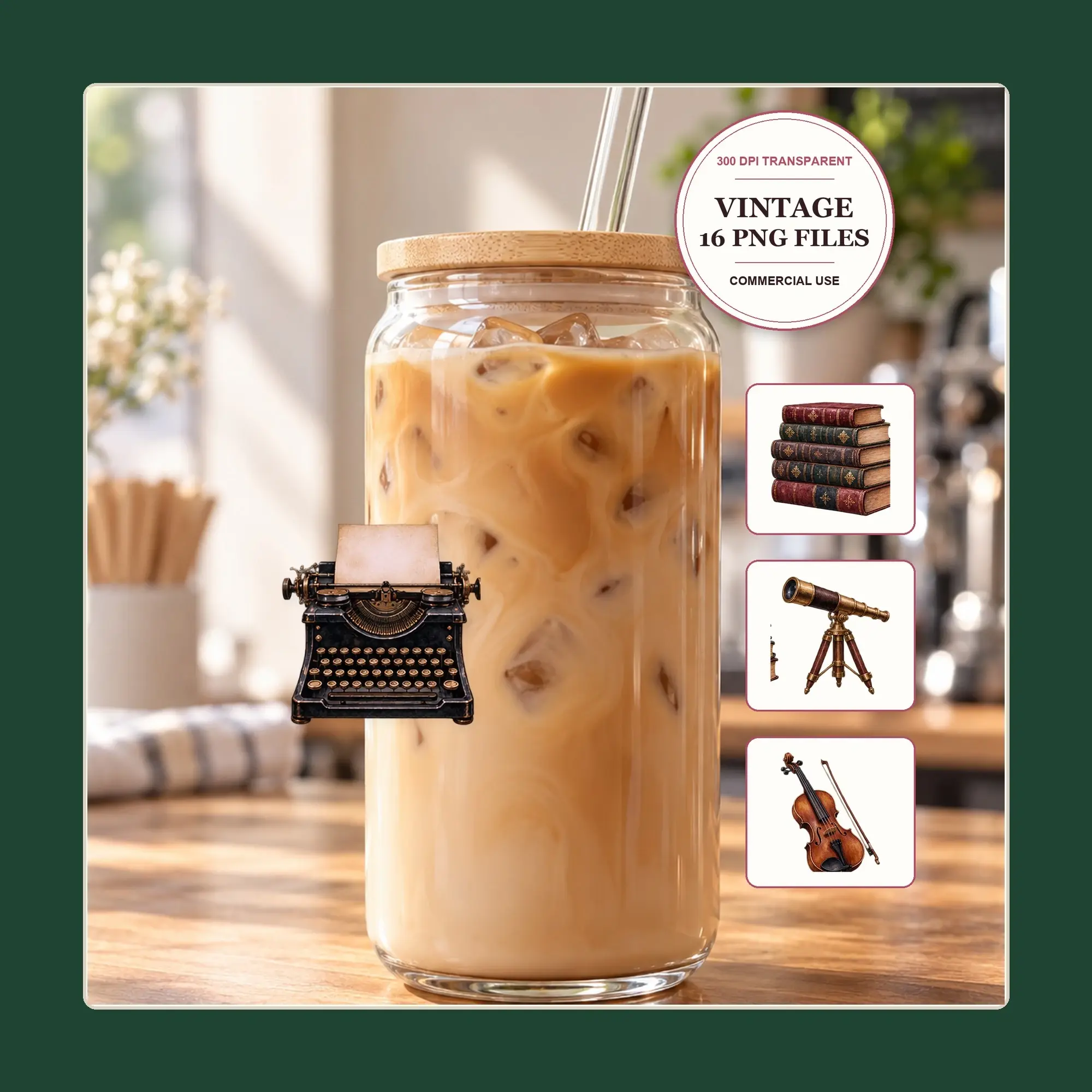
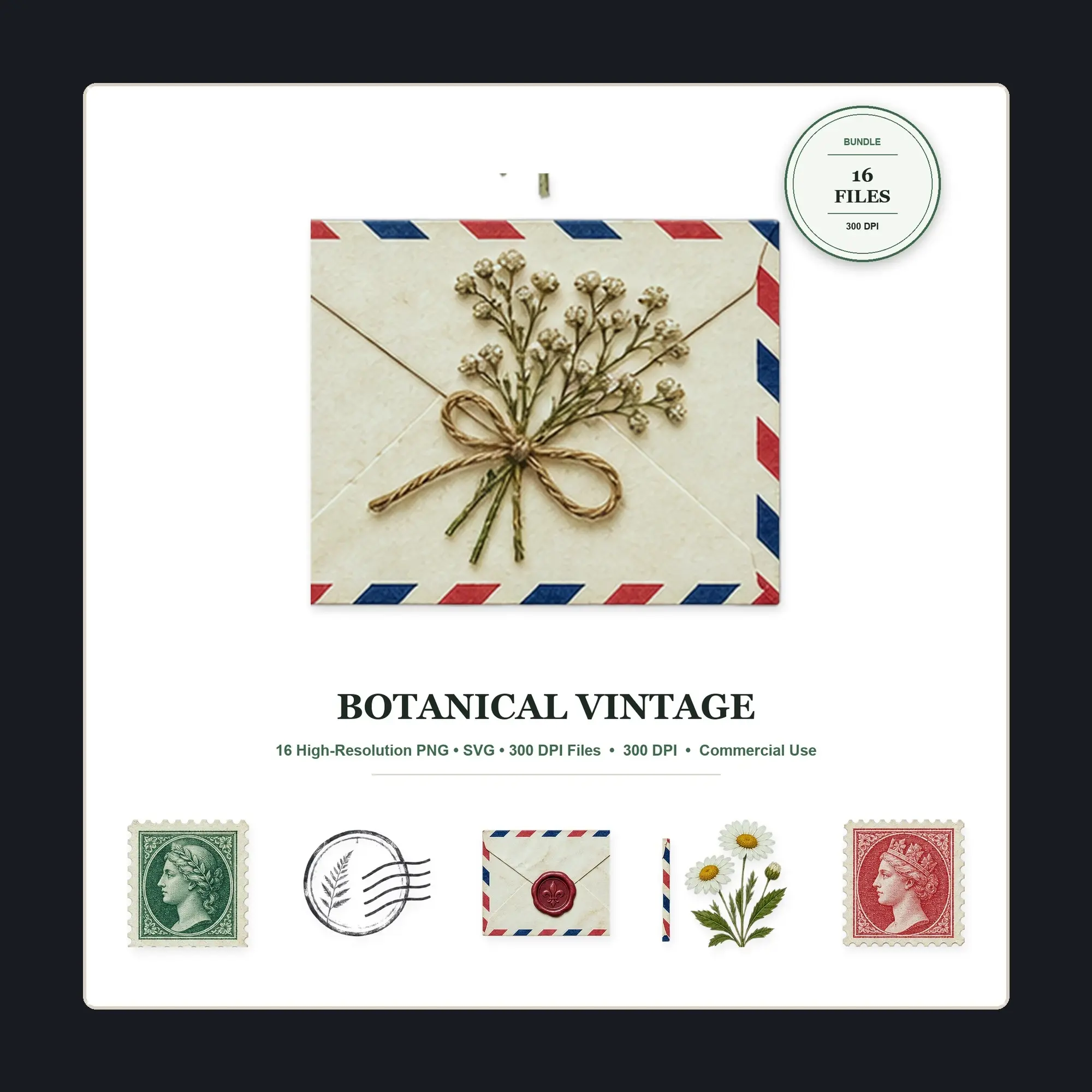
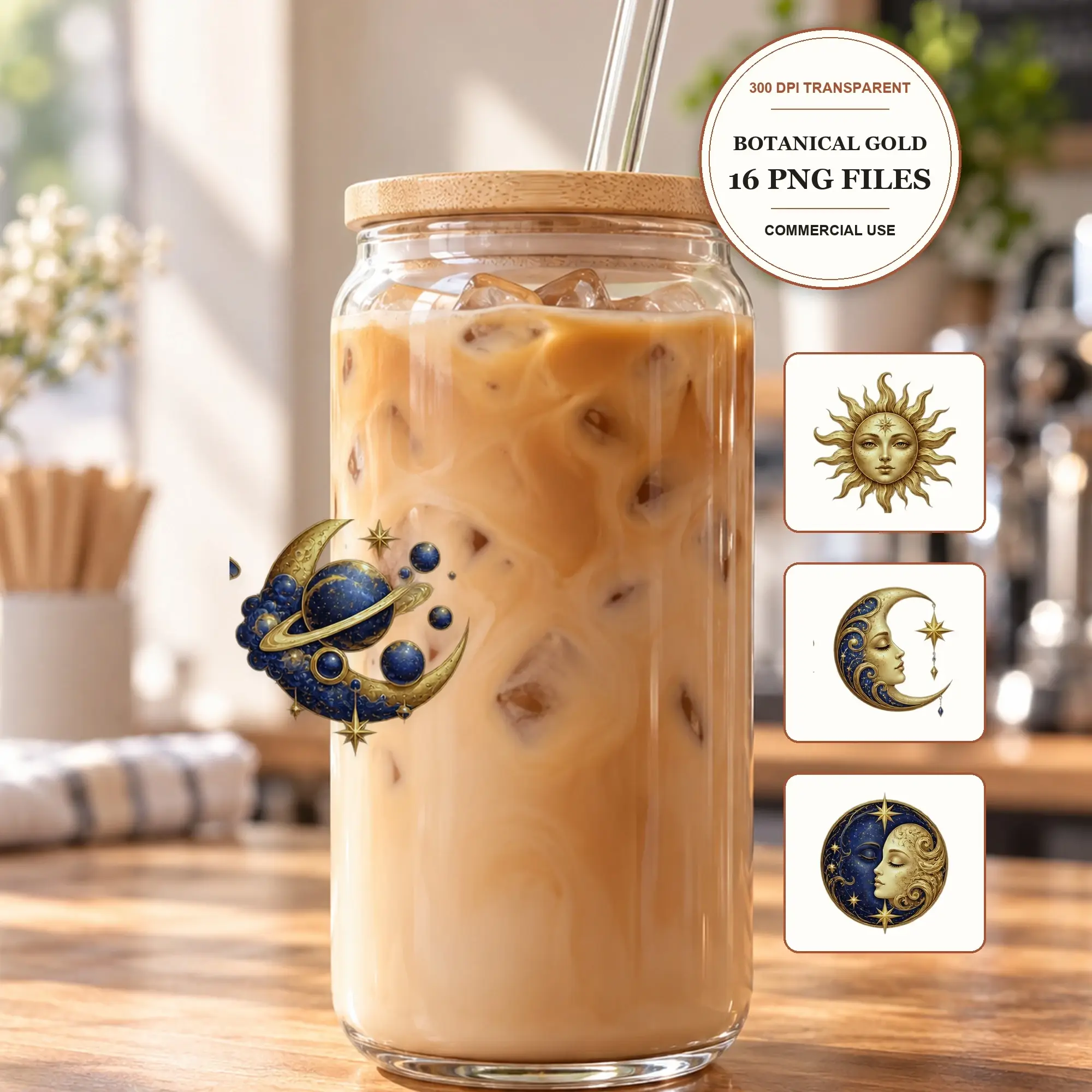
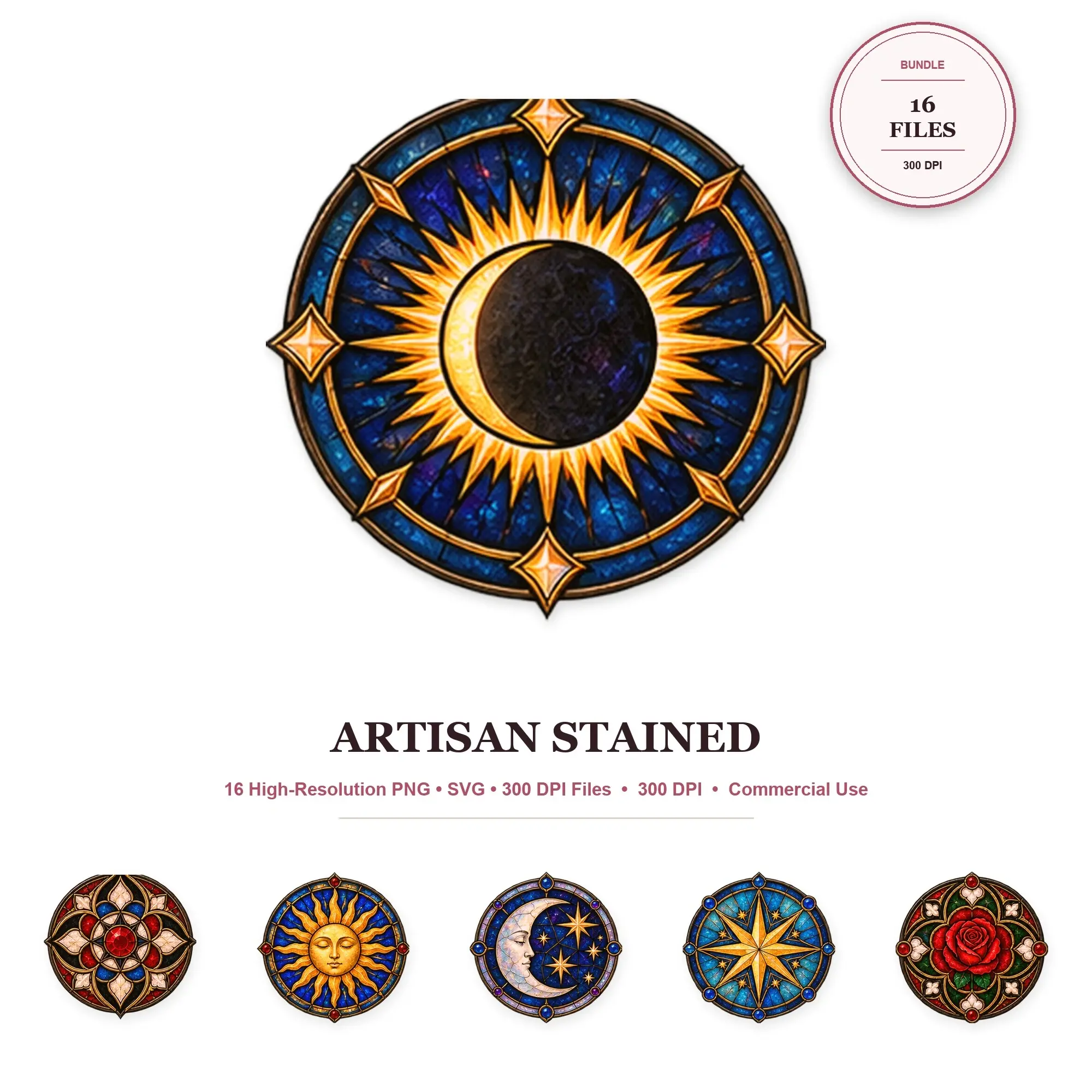
Clip art packs contain artwork you can arrange in your own designs. Check the number of distinct illustrations as well as the number of files: the same drawing may be supplied in more than one format.
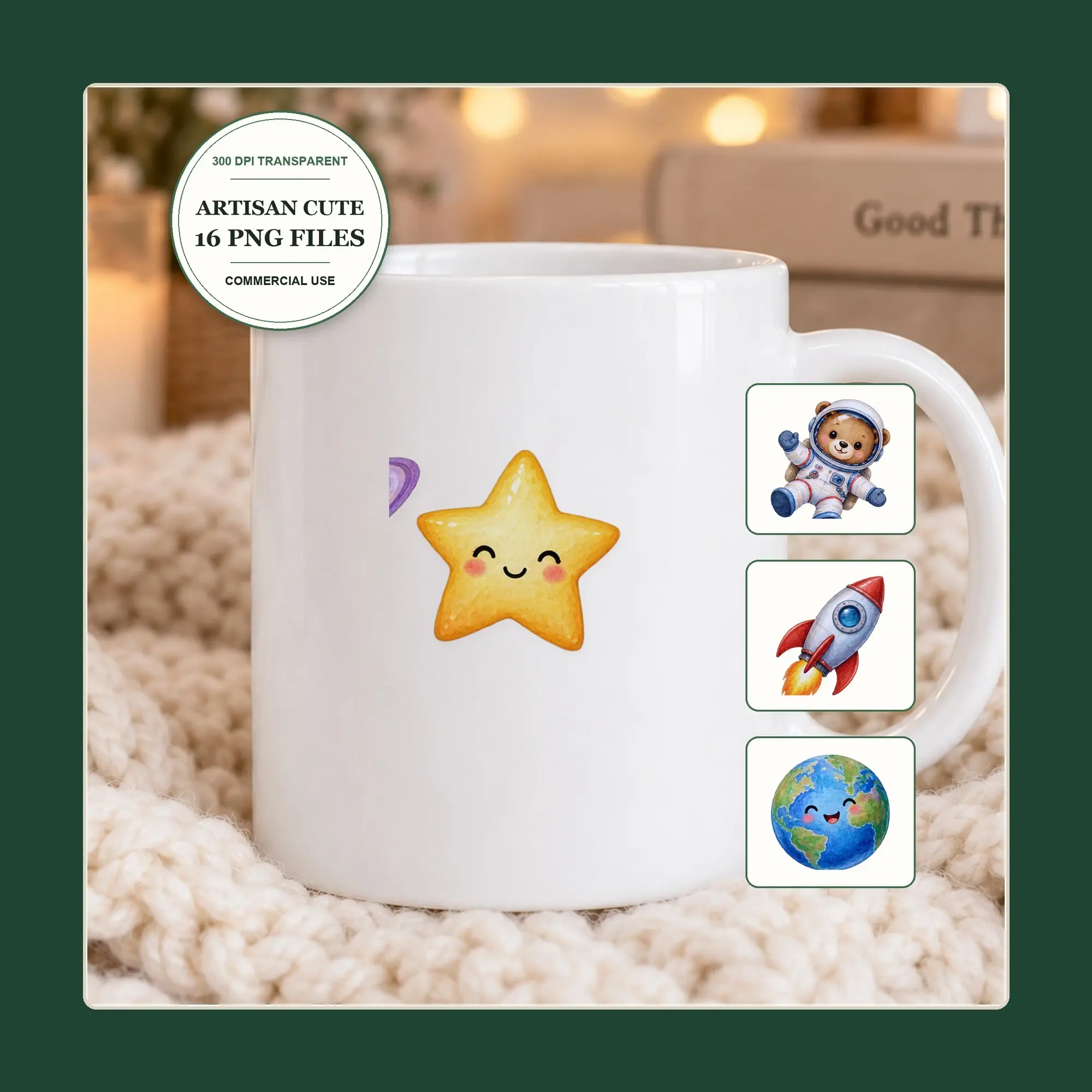
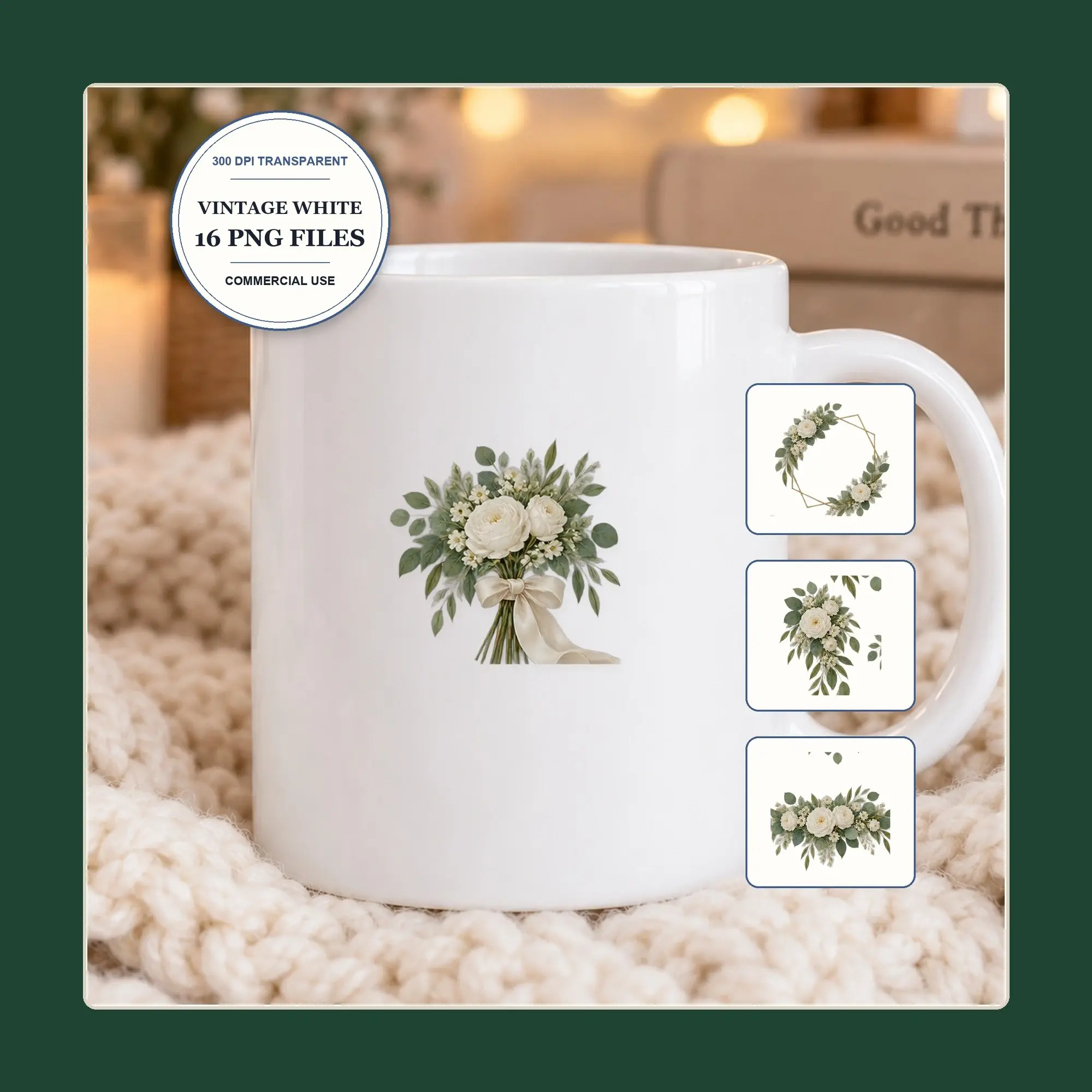
PNG files are raster images with a fixed pixel size. SVG artwork can be scaled and edited in compatible vector software. Transparency, editable elements and included formats vary by listing.
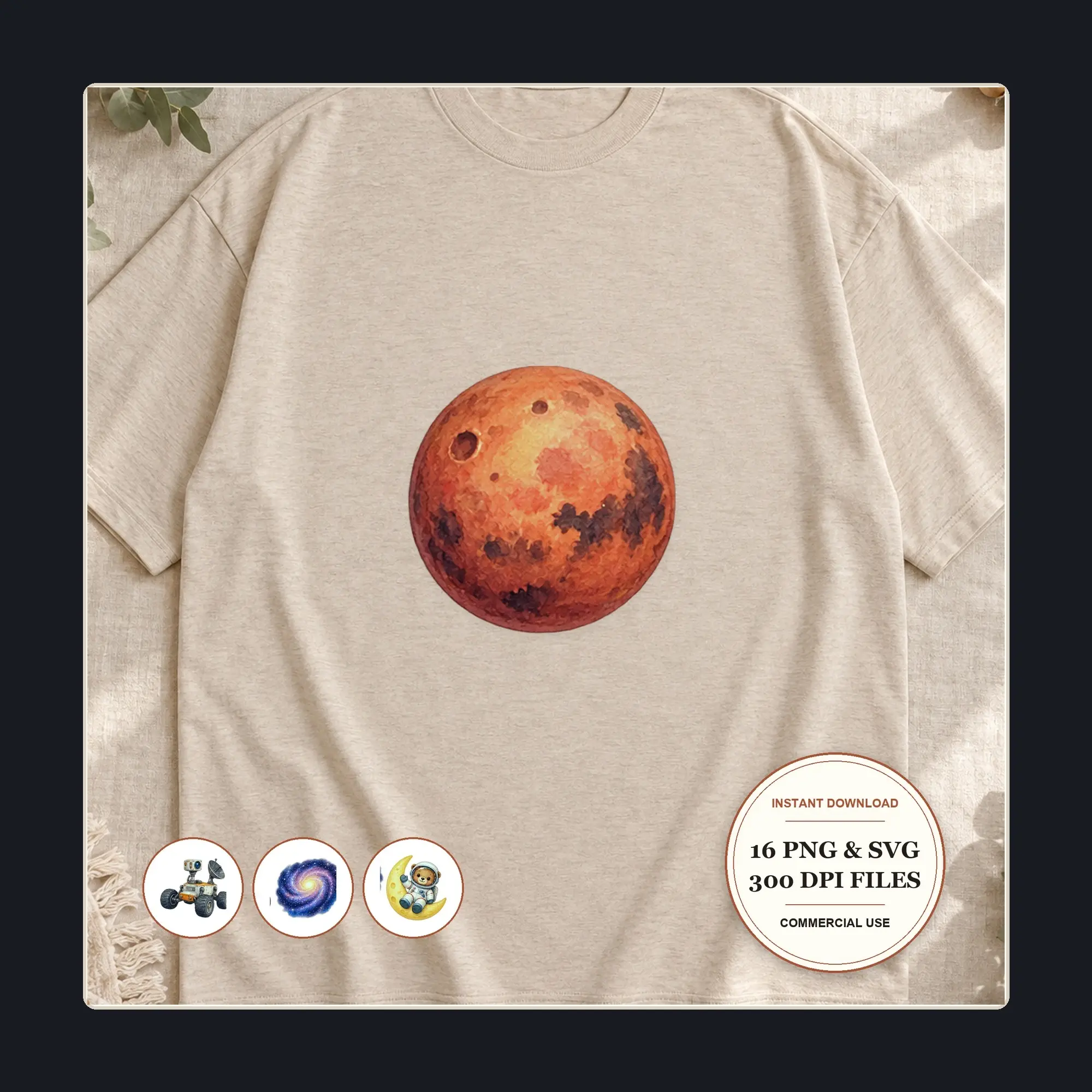
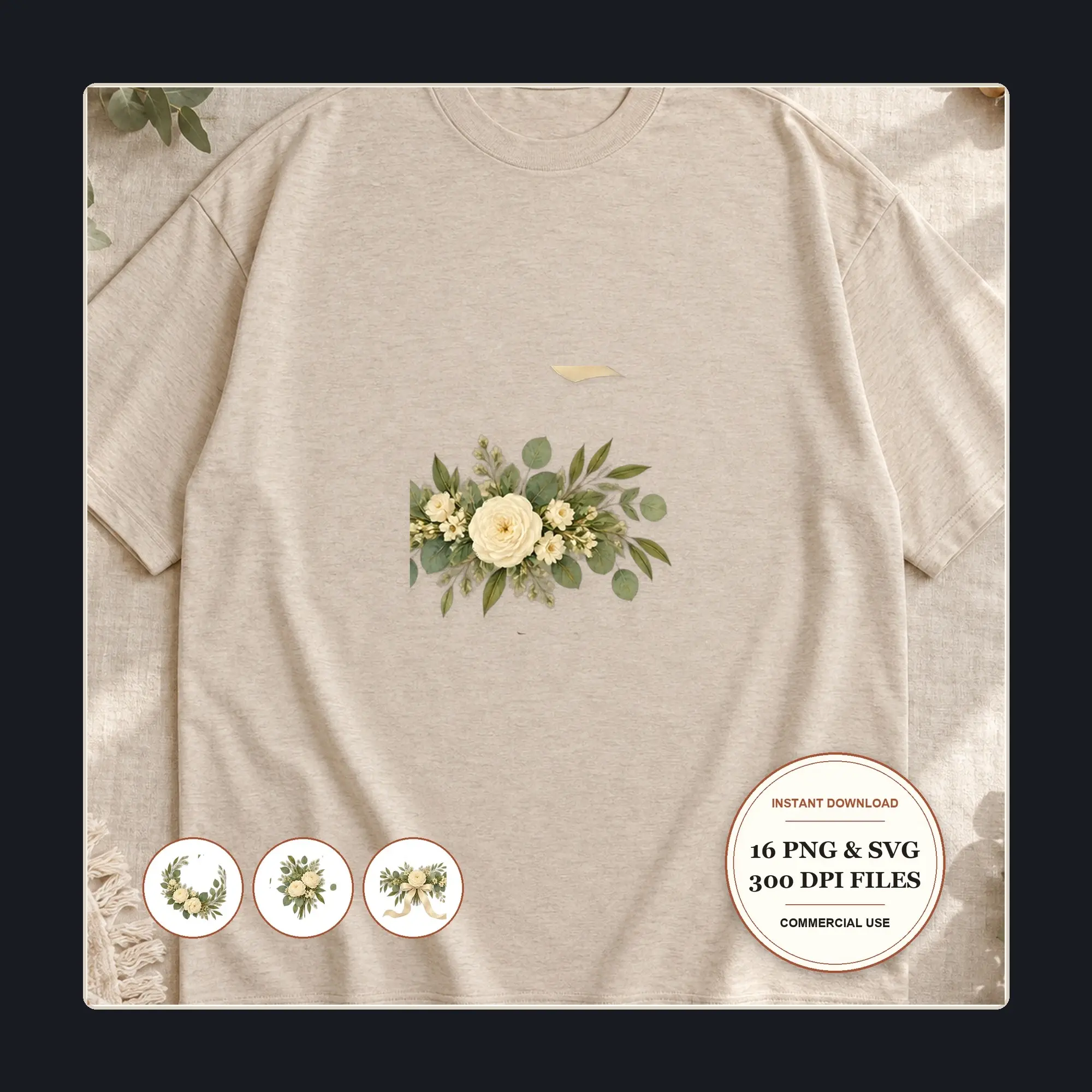
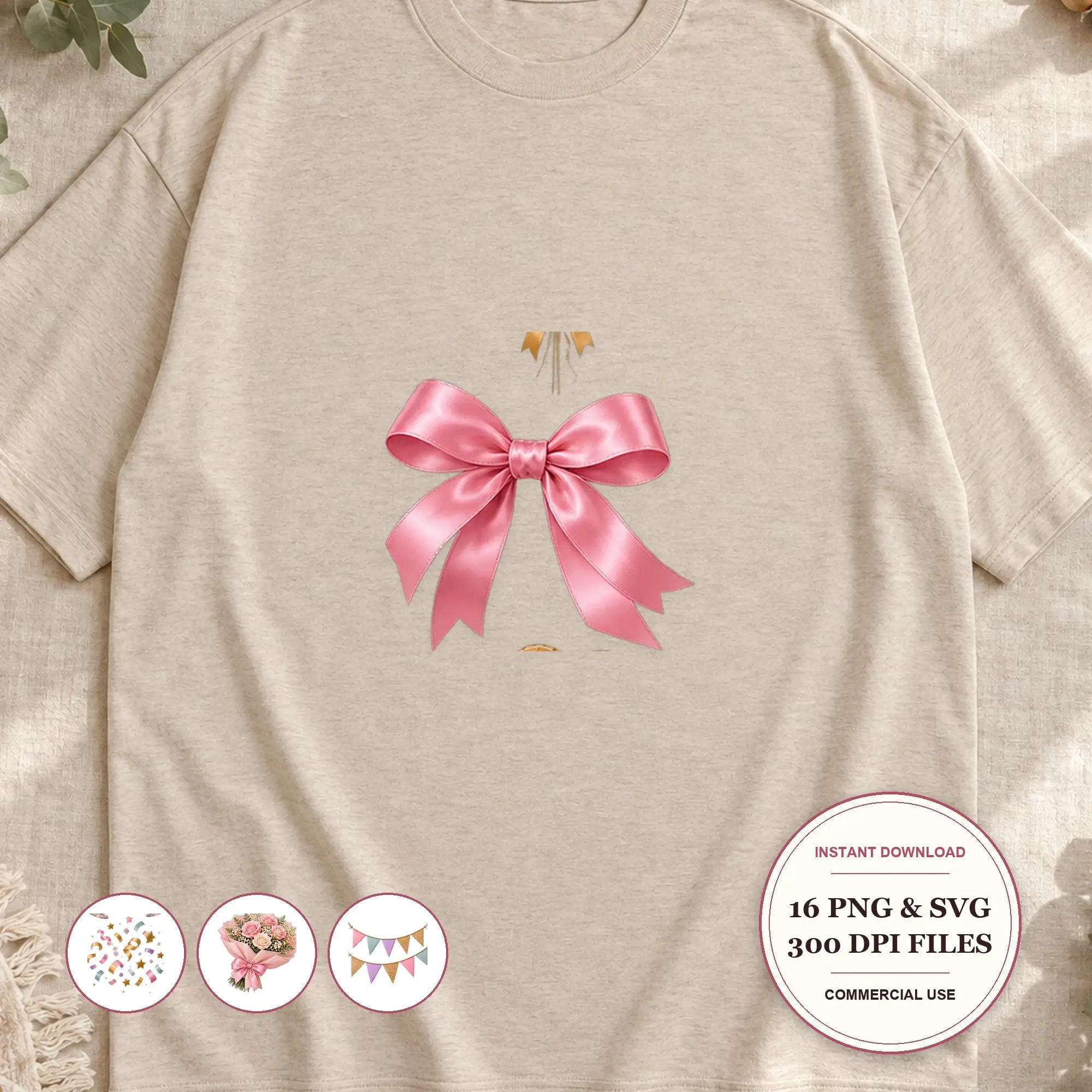
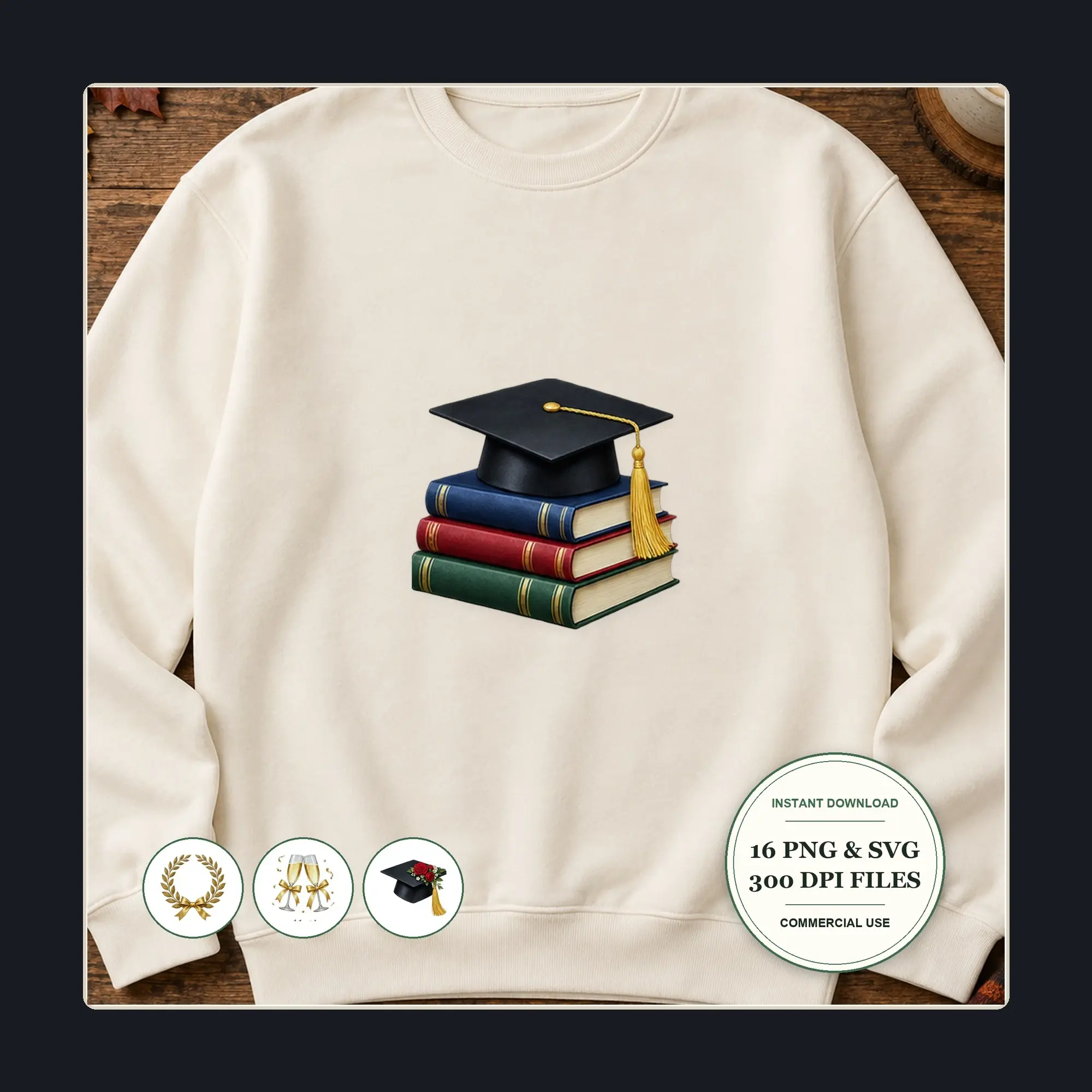
Choose a style that fits the project and read how the shop says its files may be used before making products for sale. Preview images show the artwork; the description and file list explain what is delivered.
FAQ
Clip Art questions, answered
Can I use clip art commercially?
Each shop states how its clip art may be used in the listing description. Read it before buying, especially if you plan to sell products that include the artwork.
Can I use PNG clip art in Canva or Procreate?
These apps can import PNG images. Check the listing’s pixel dimensions and transparency; importing a PNG does not make its shapes or text separately editable.
What does 300 DPI tell me?
Check pixel dimensions and intended print size together. For example, an image 3000 pixels wide can be printed 10 inches wide at 300 pixels per inch.