Templates
Templates for documents, spreadsheets, presentations and creative projects. Check the actual downloaded format, which elements you can edit and the software you need.
Popular in Templates
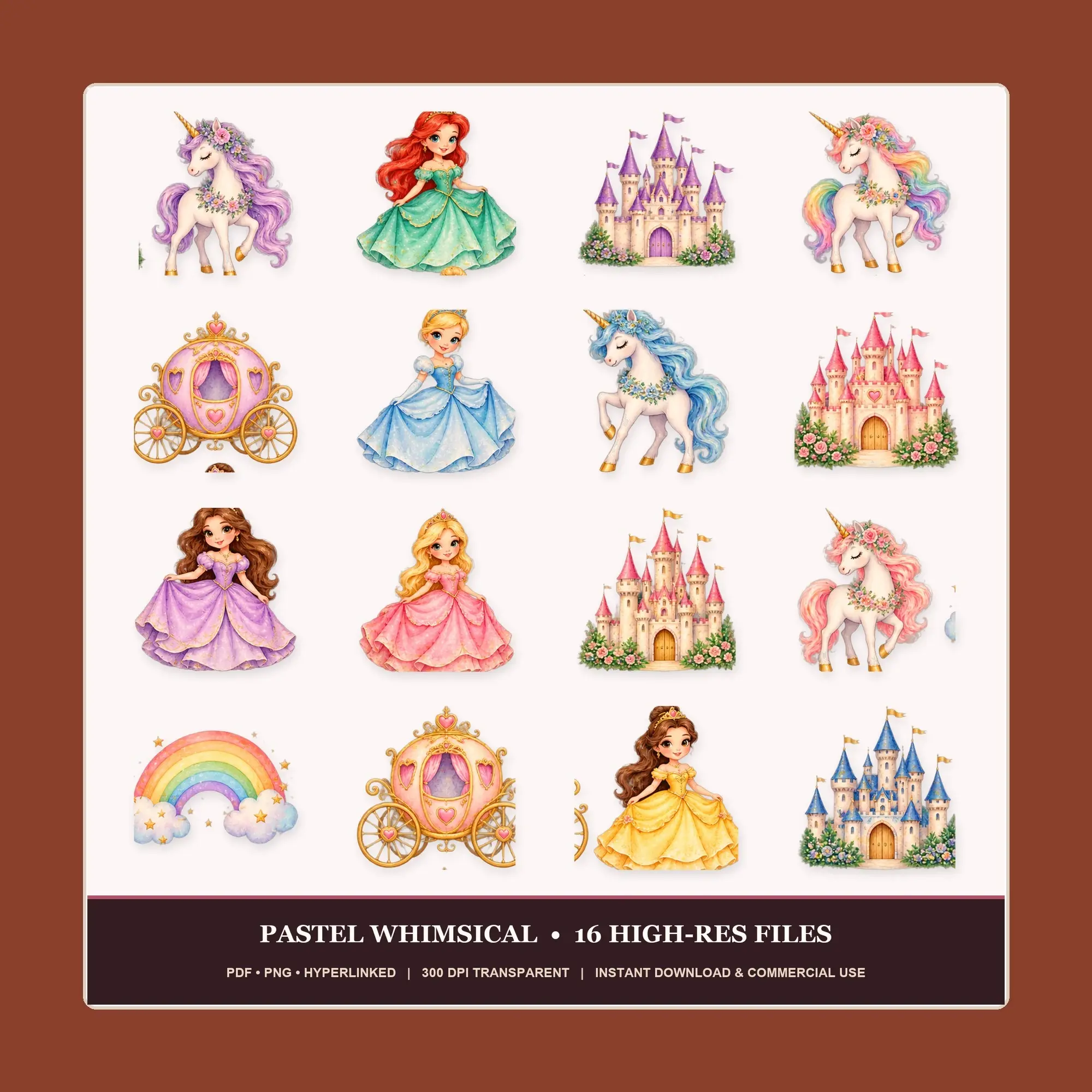
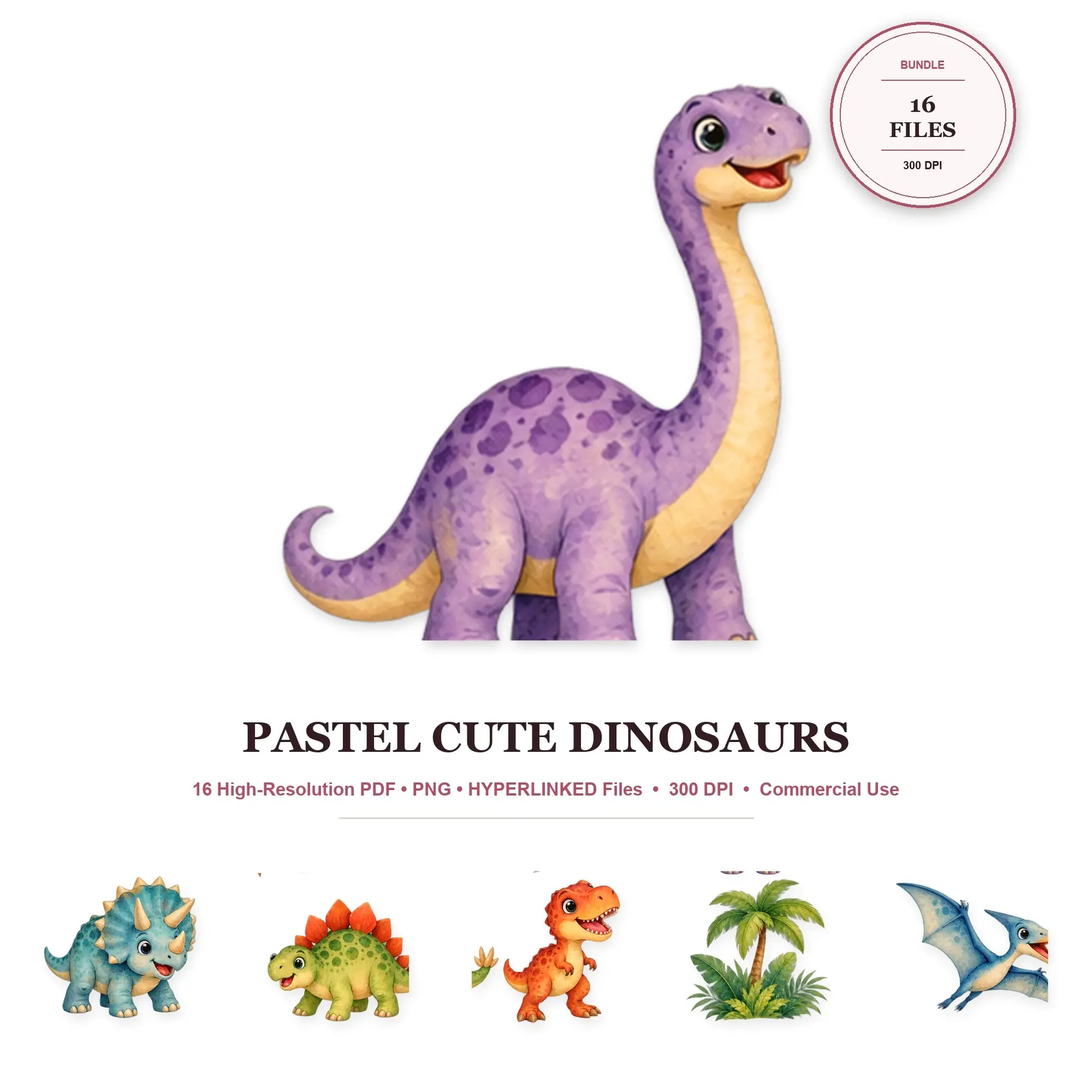
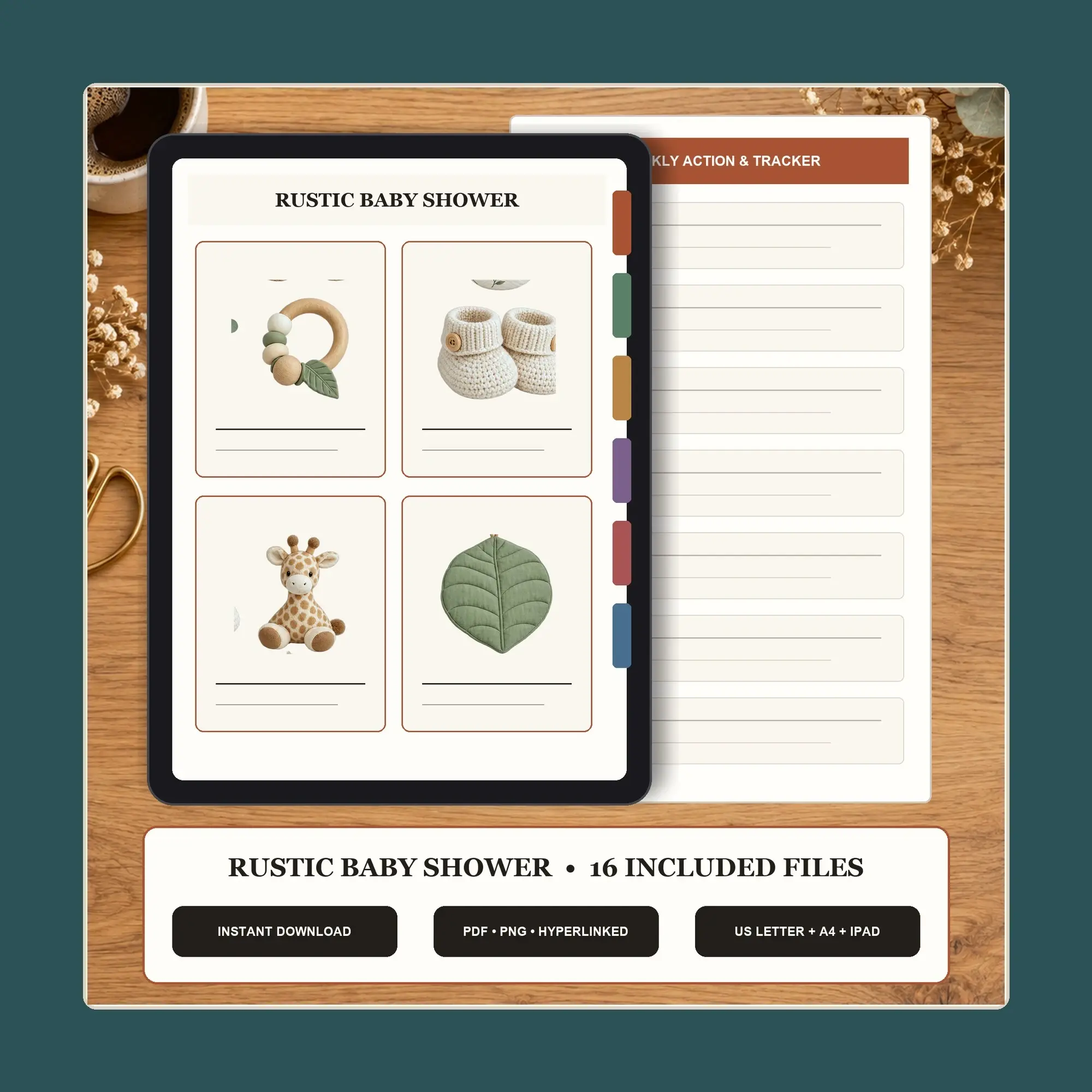

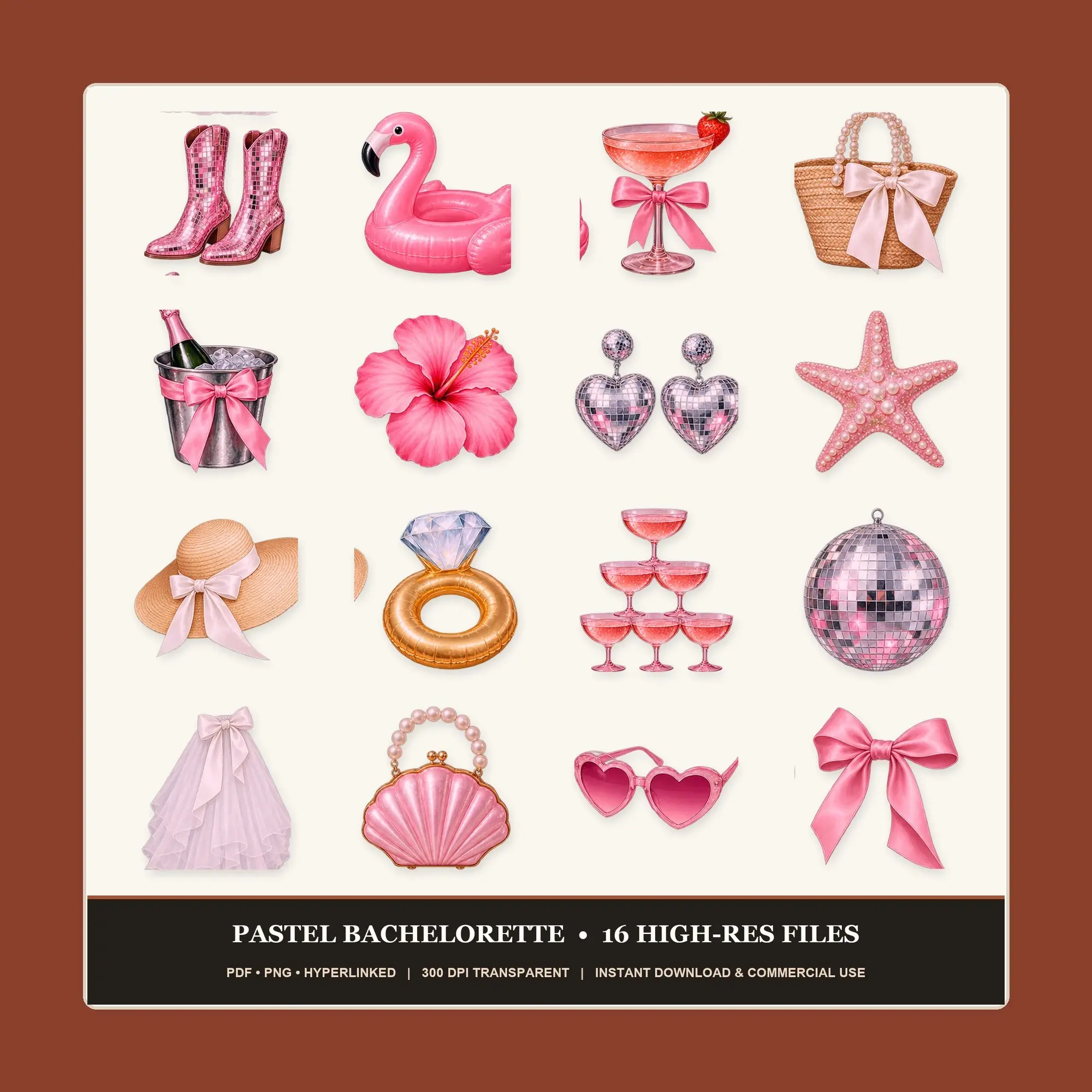

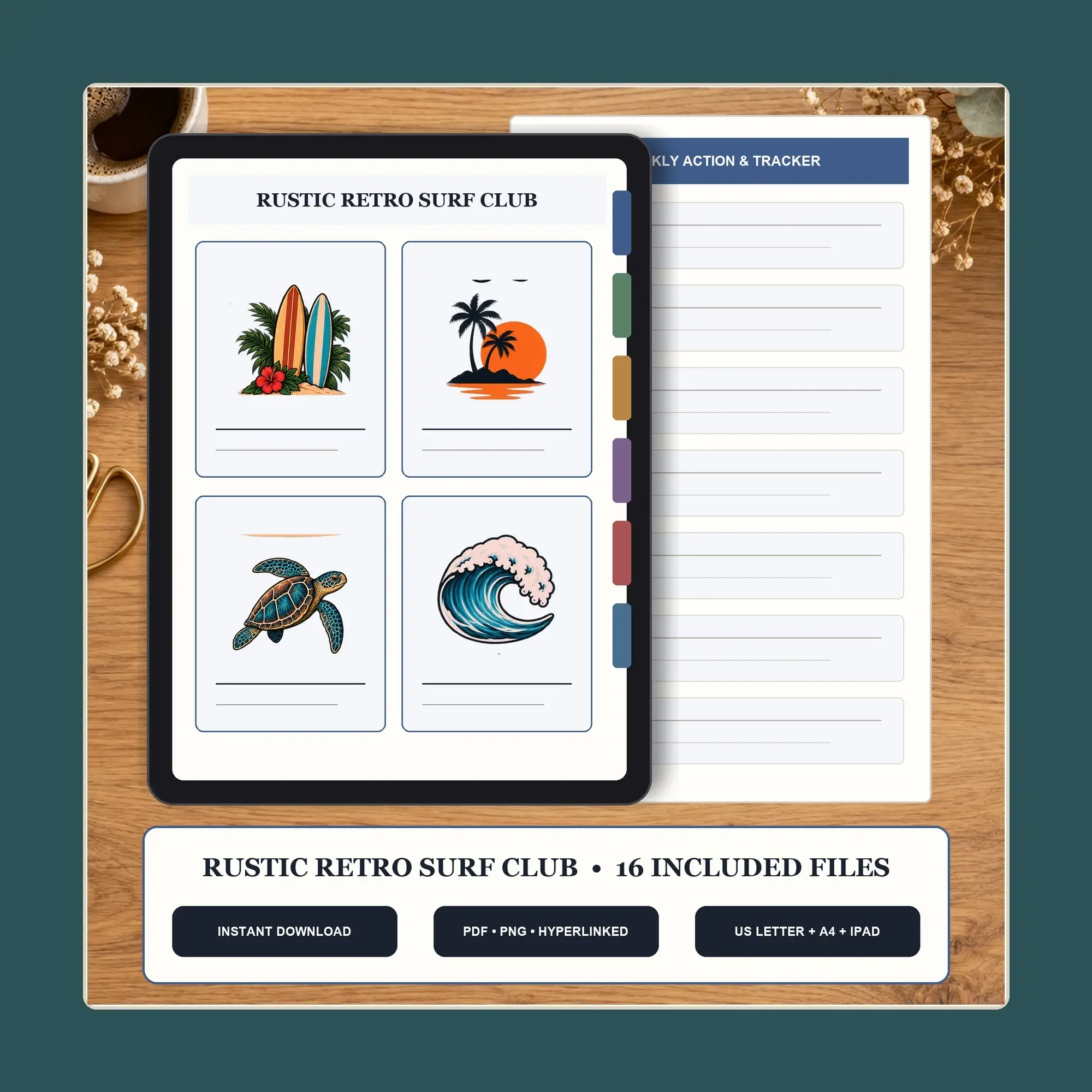
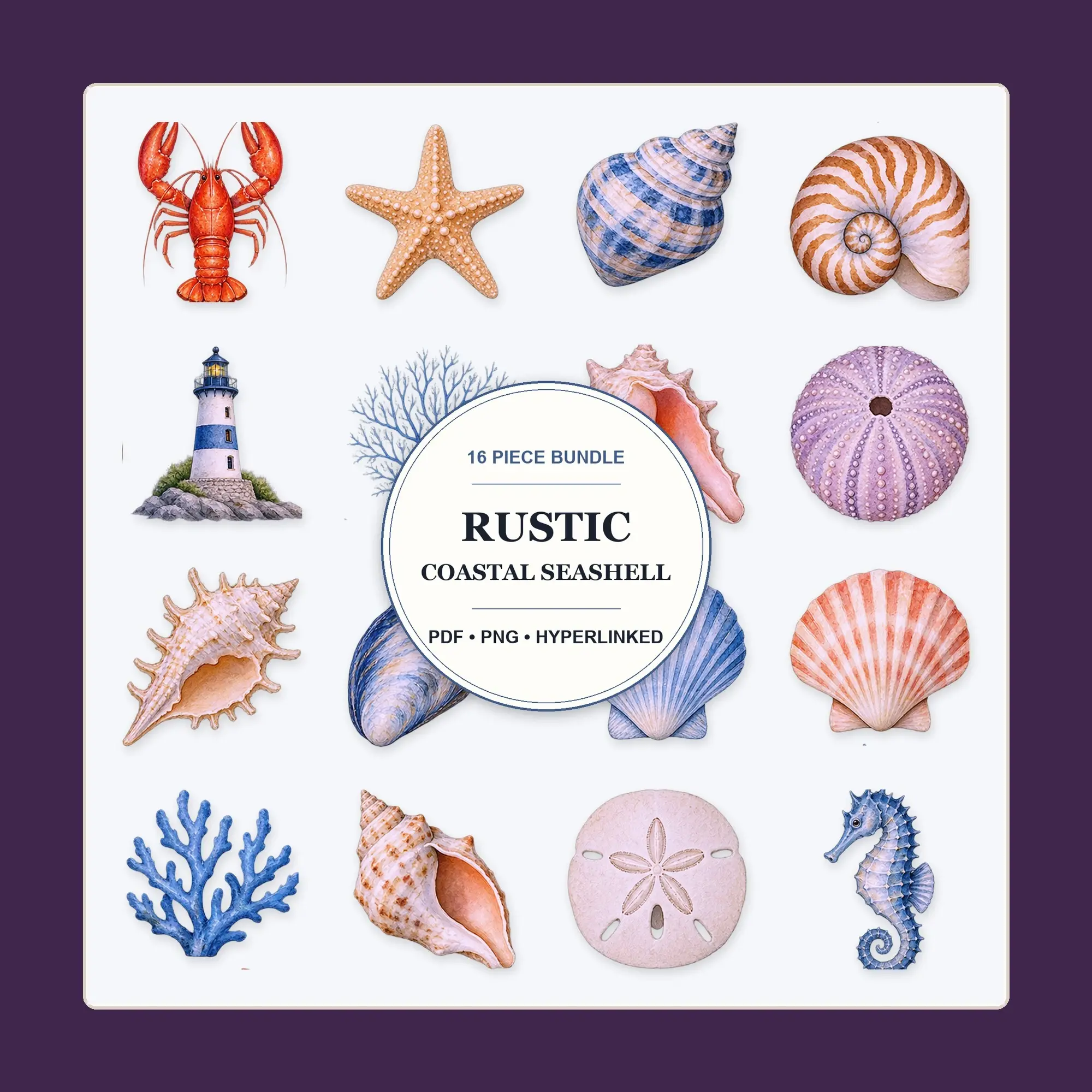
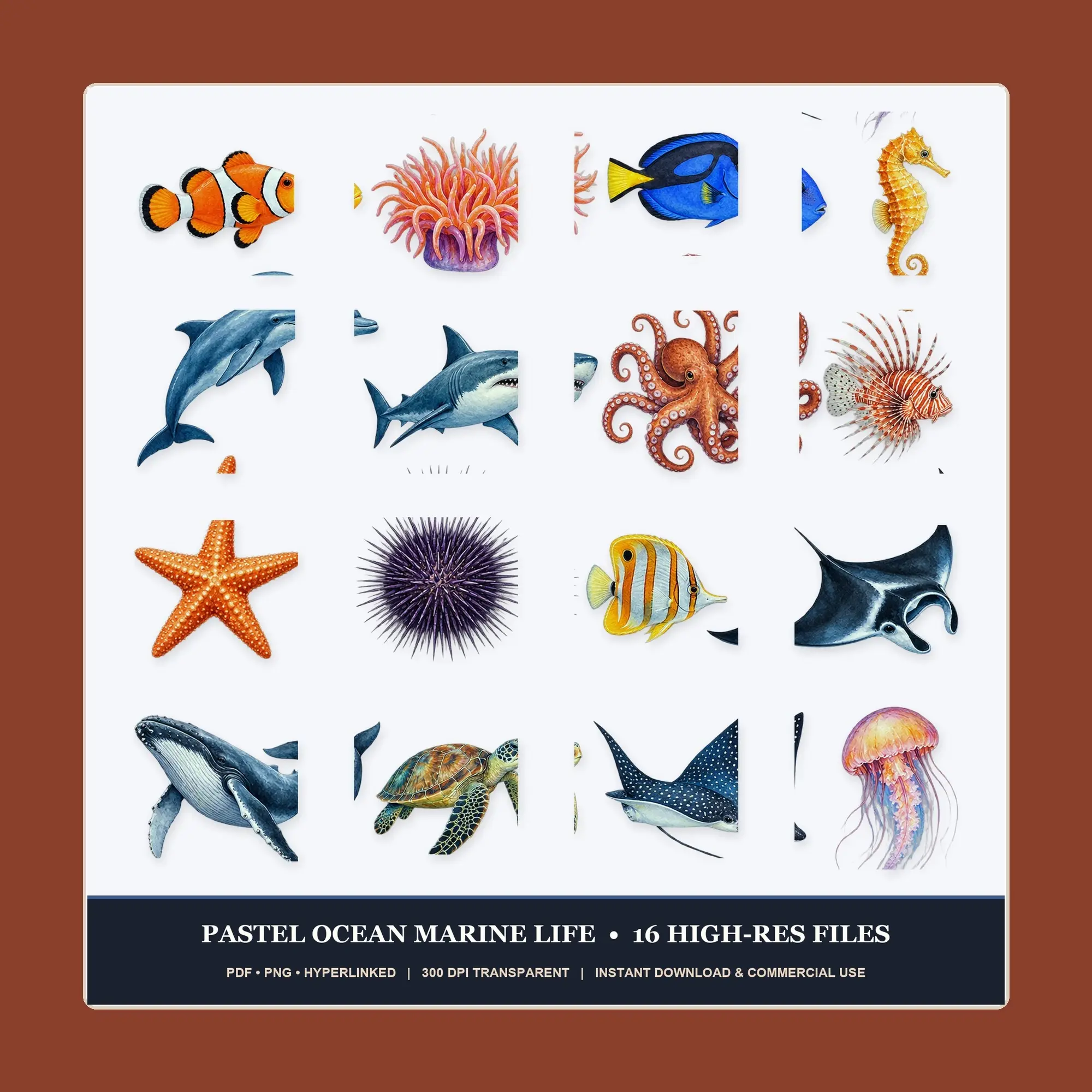
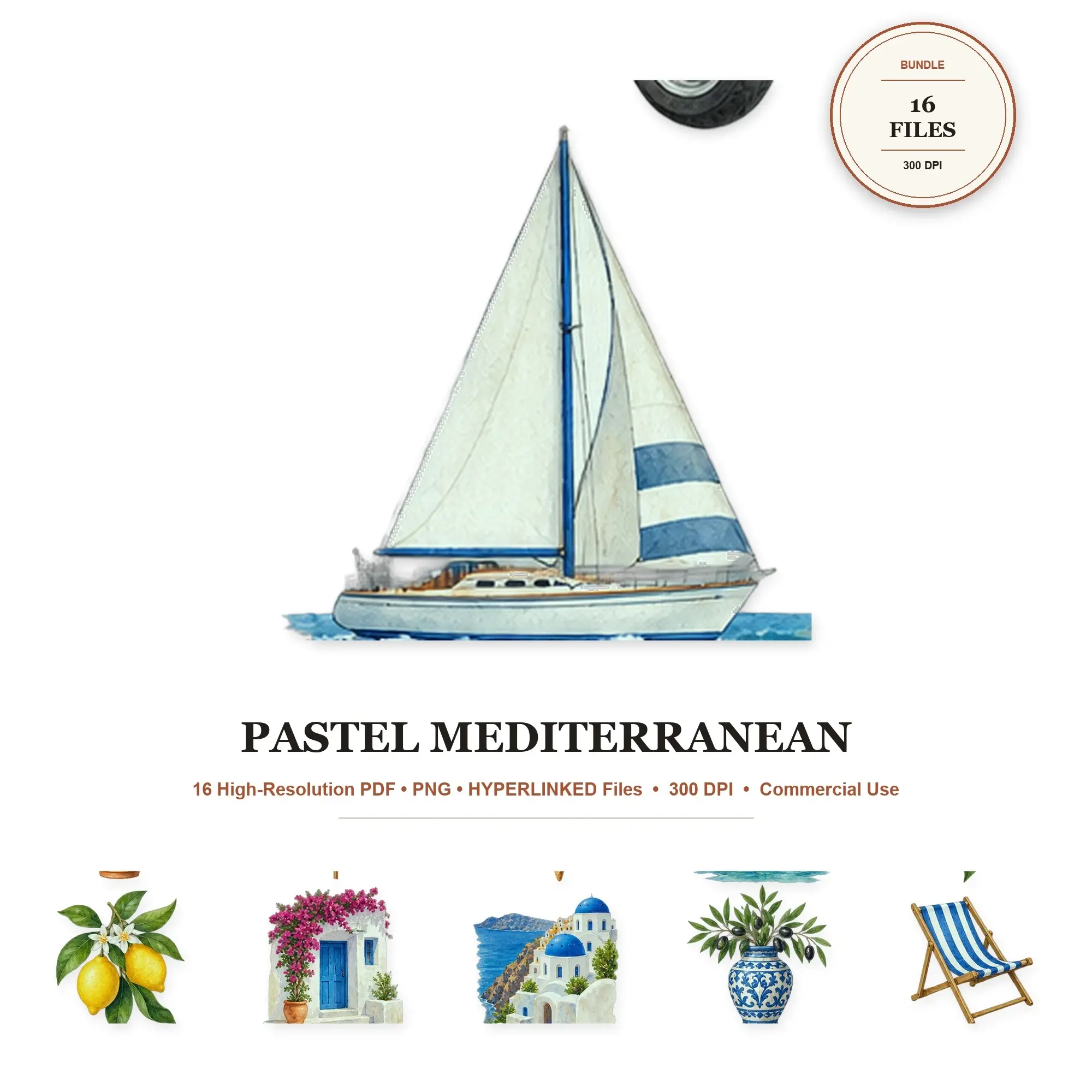
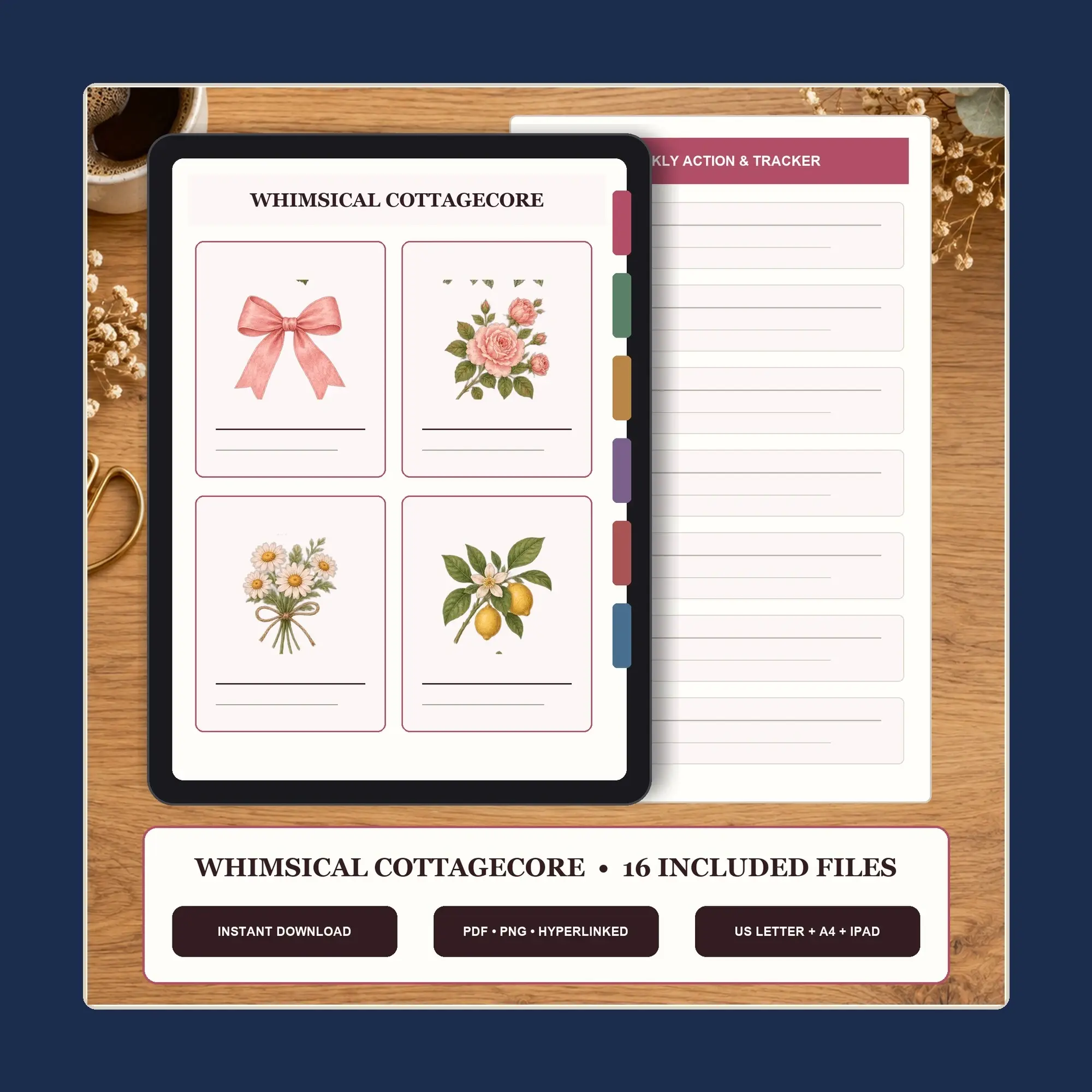
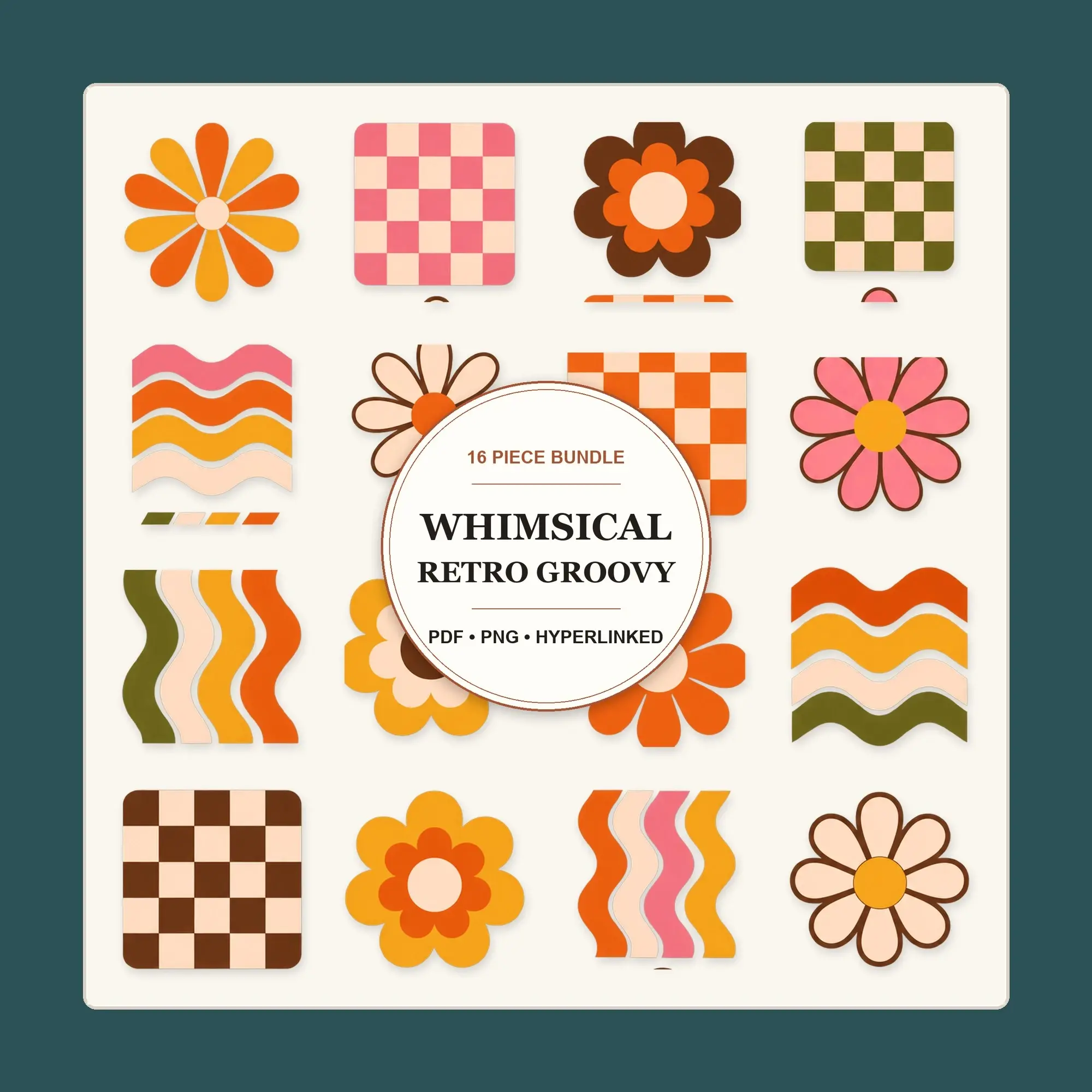
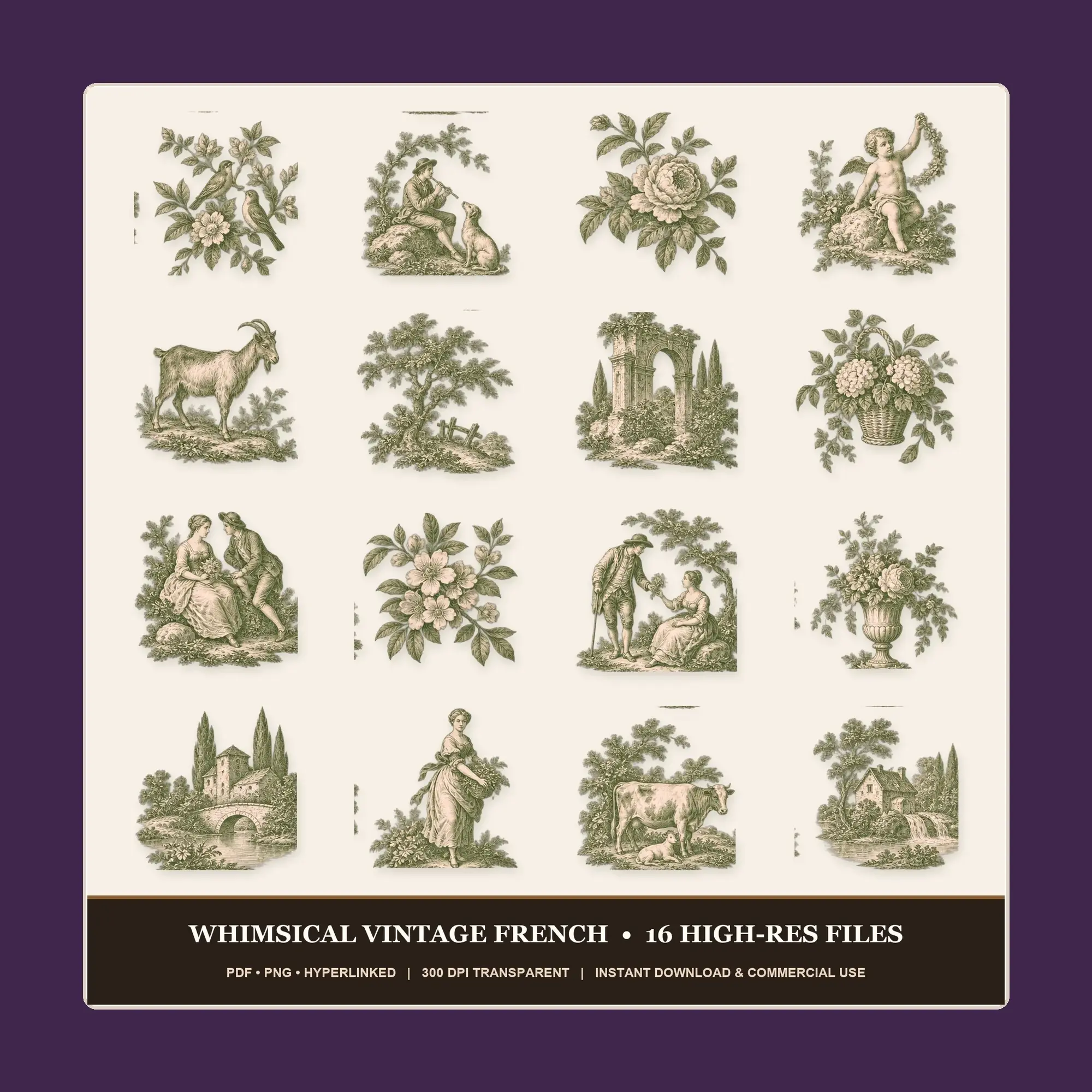

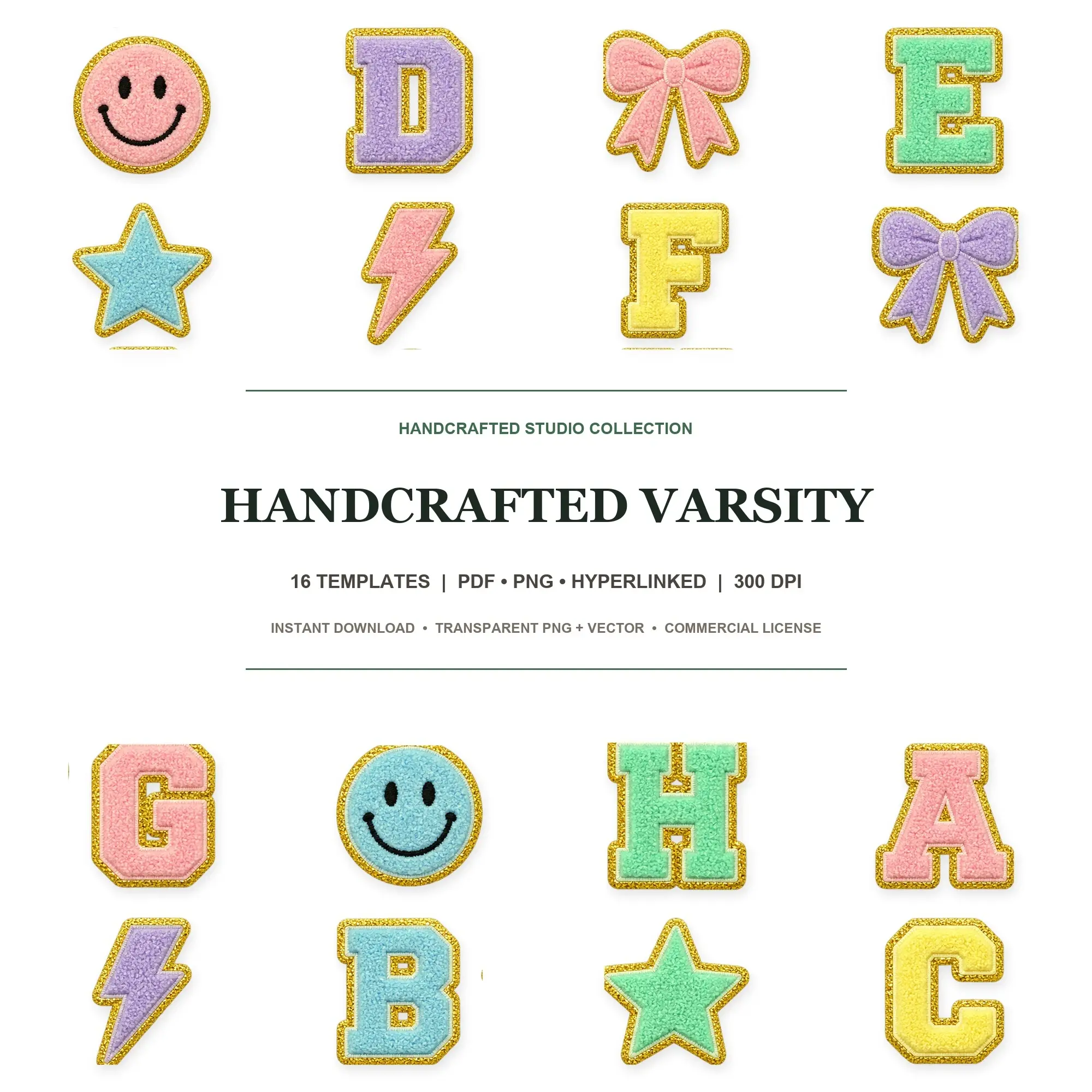
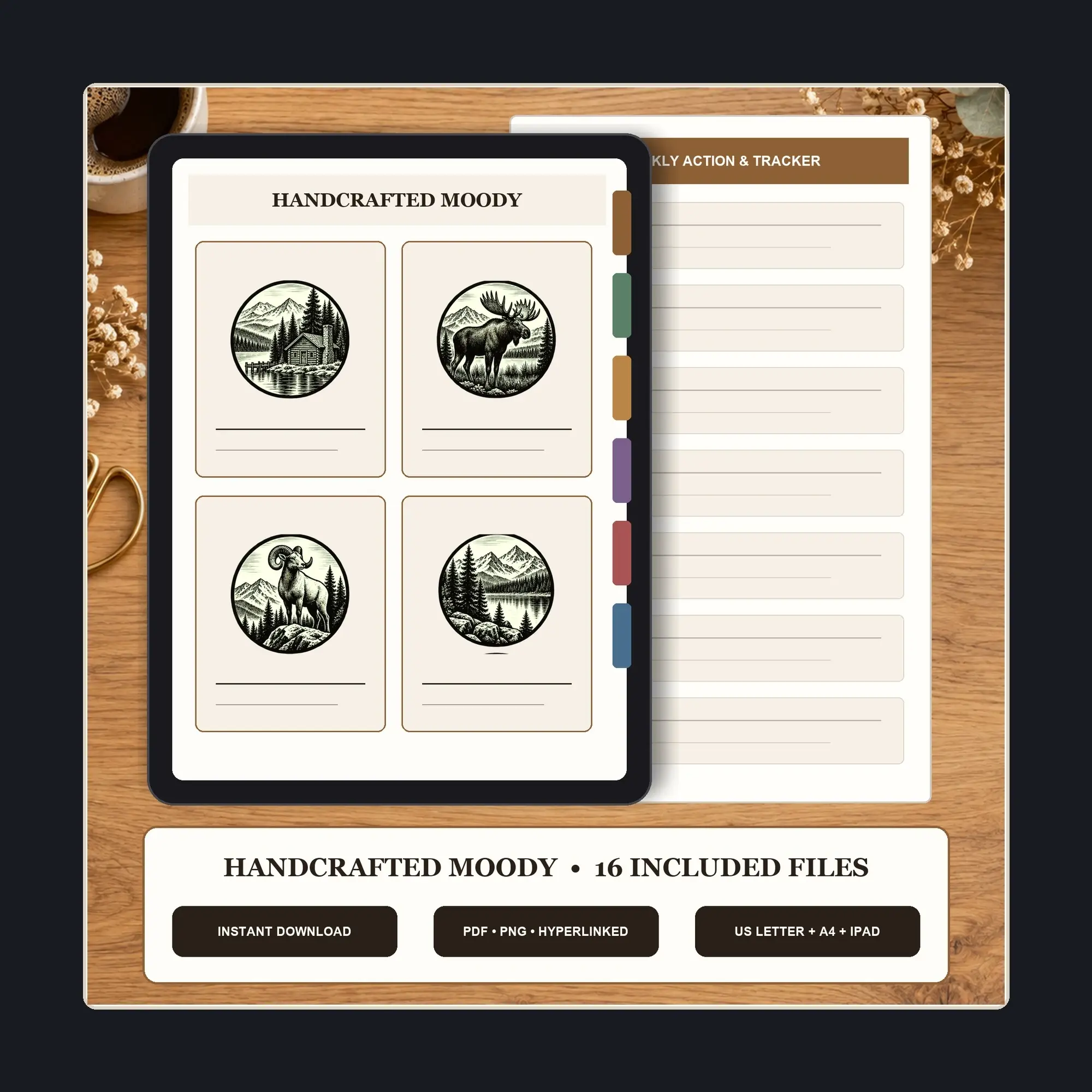
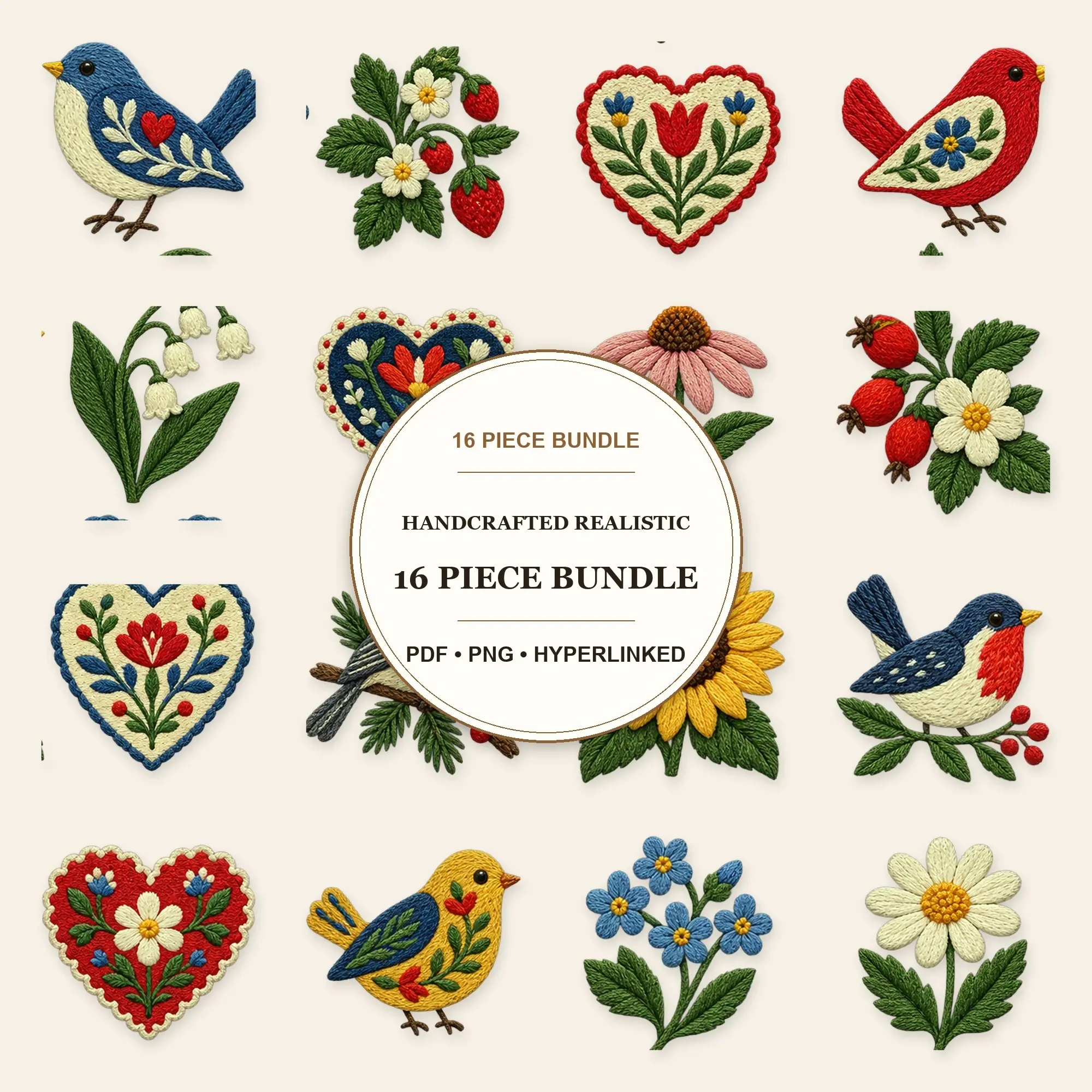
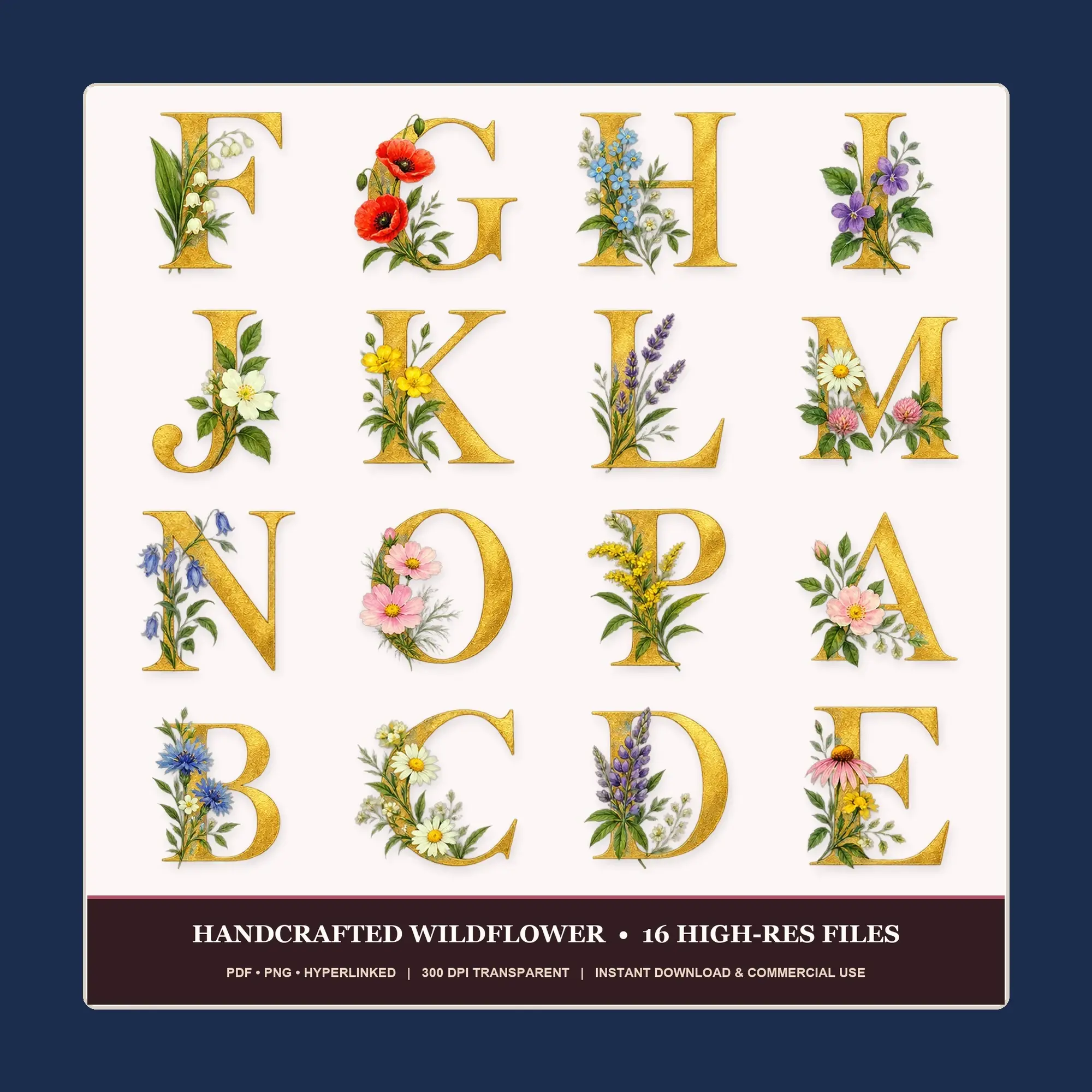
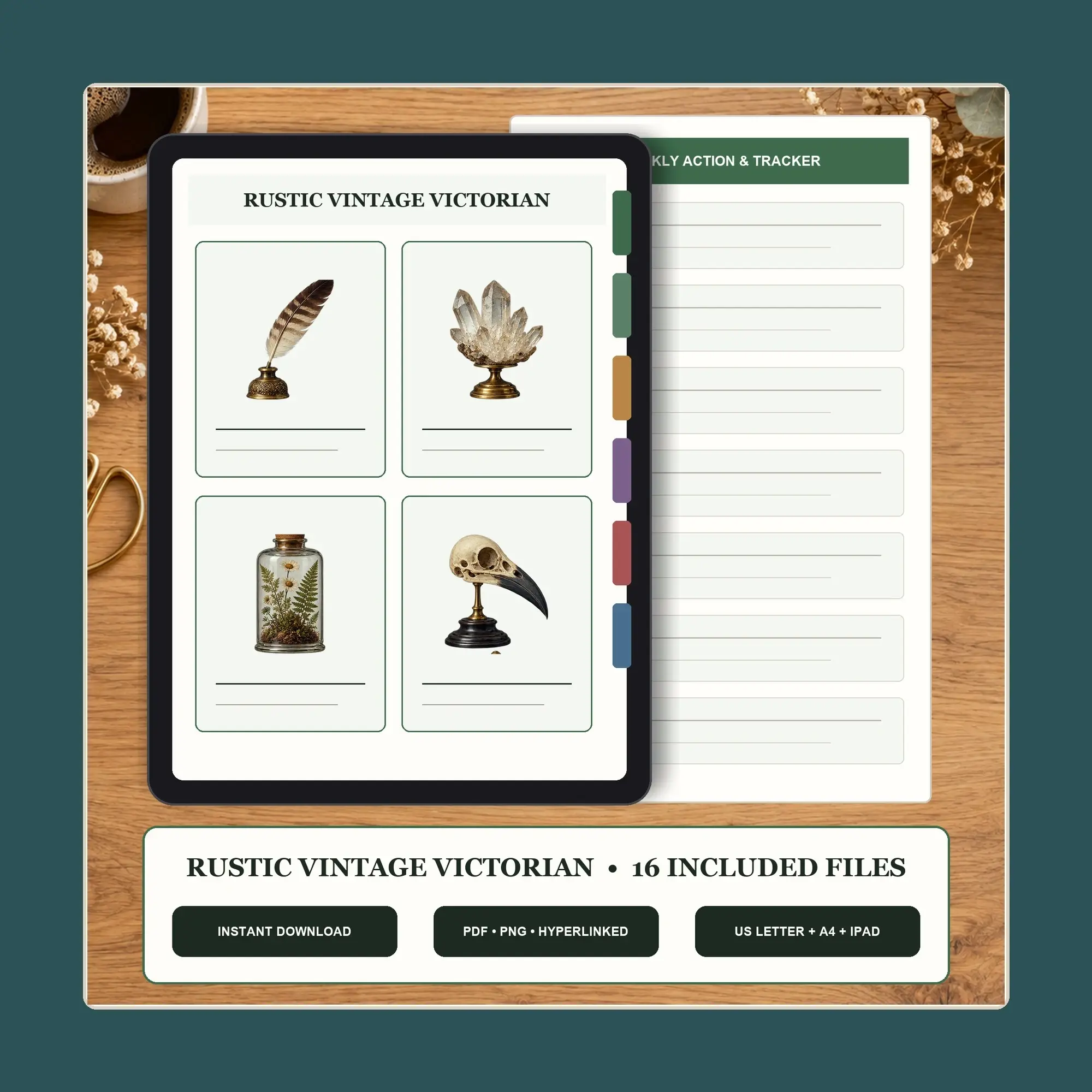




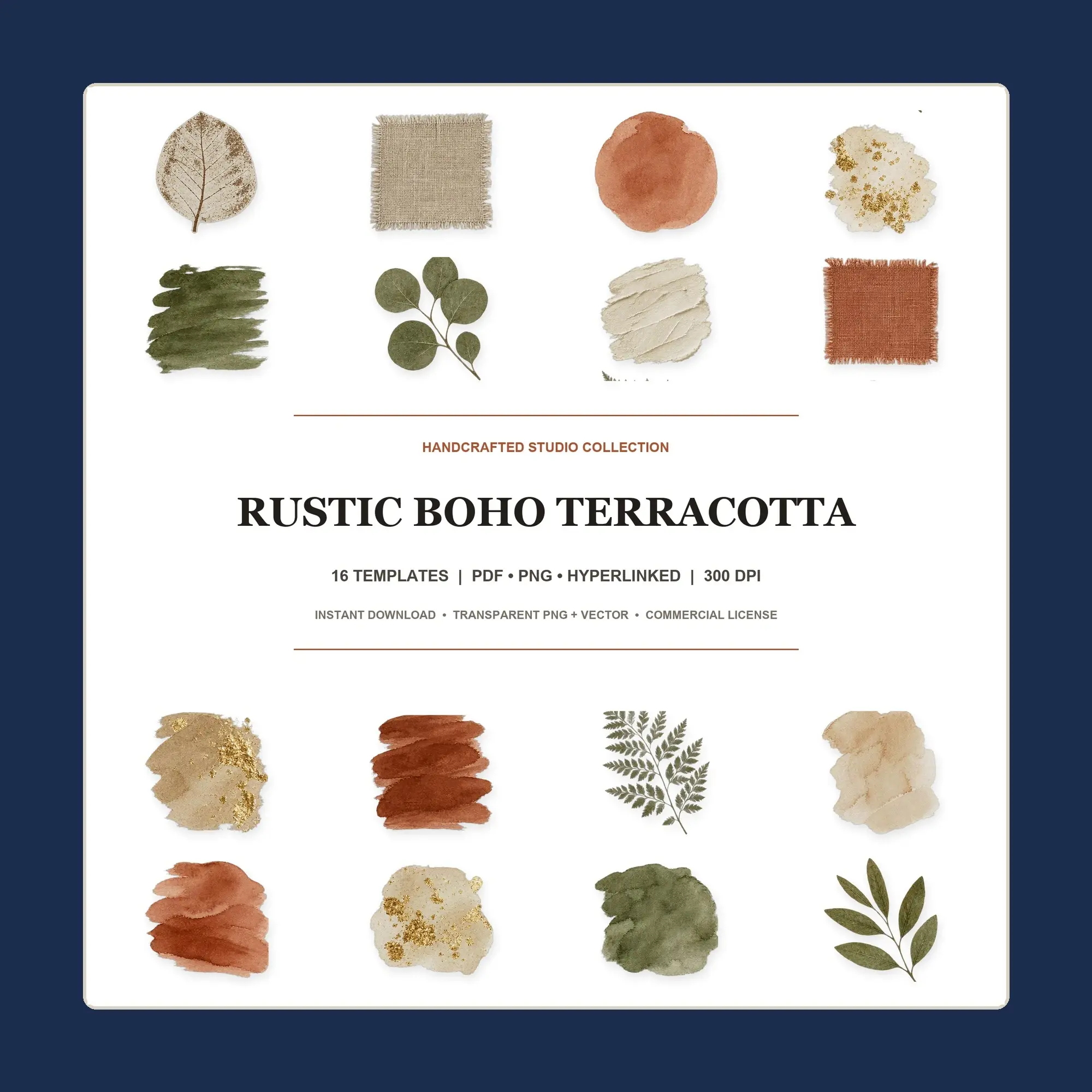
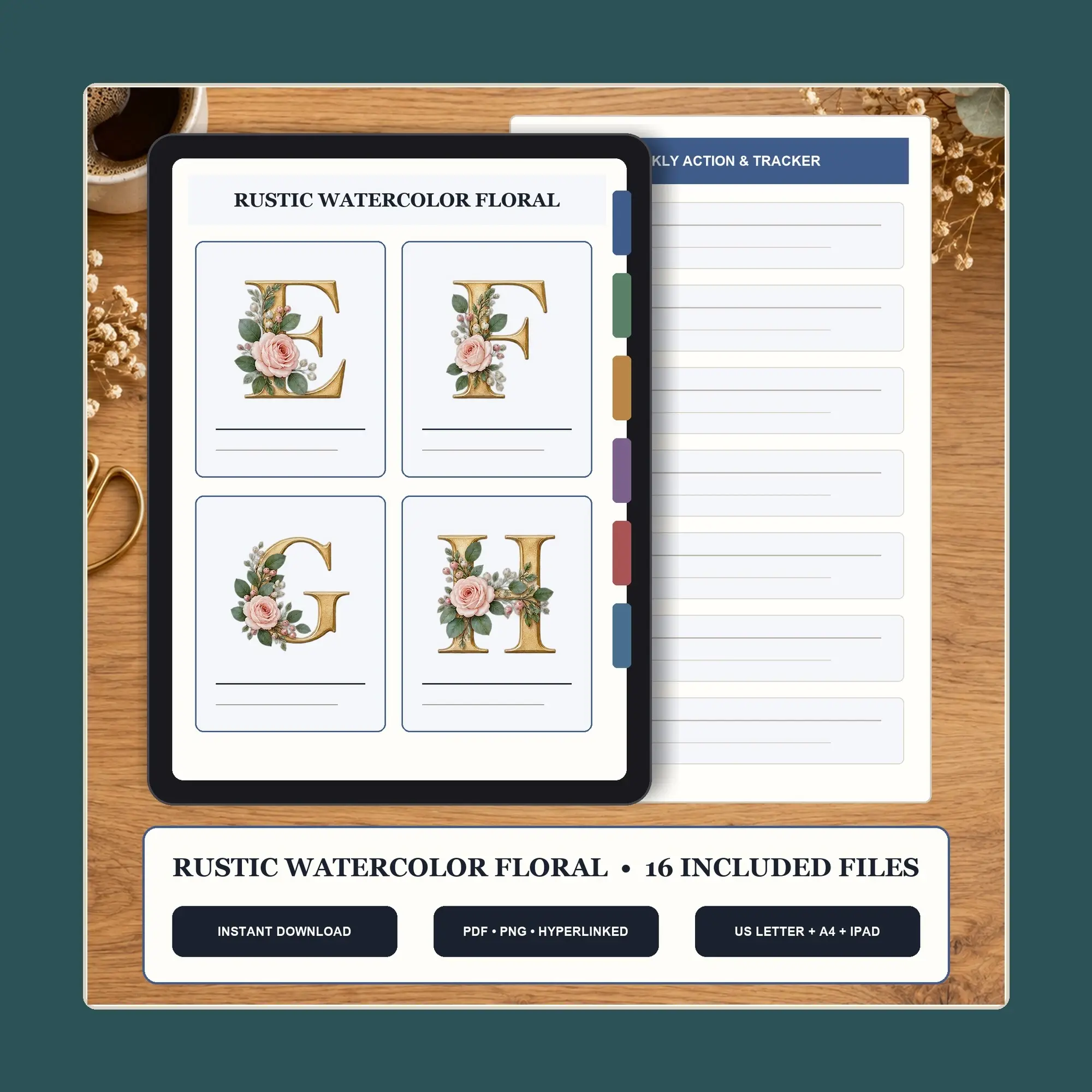
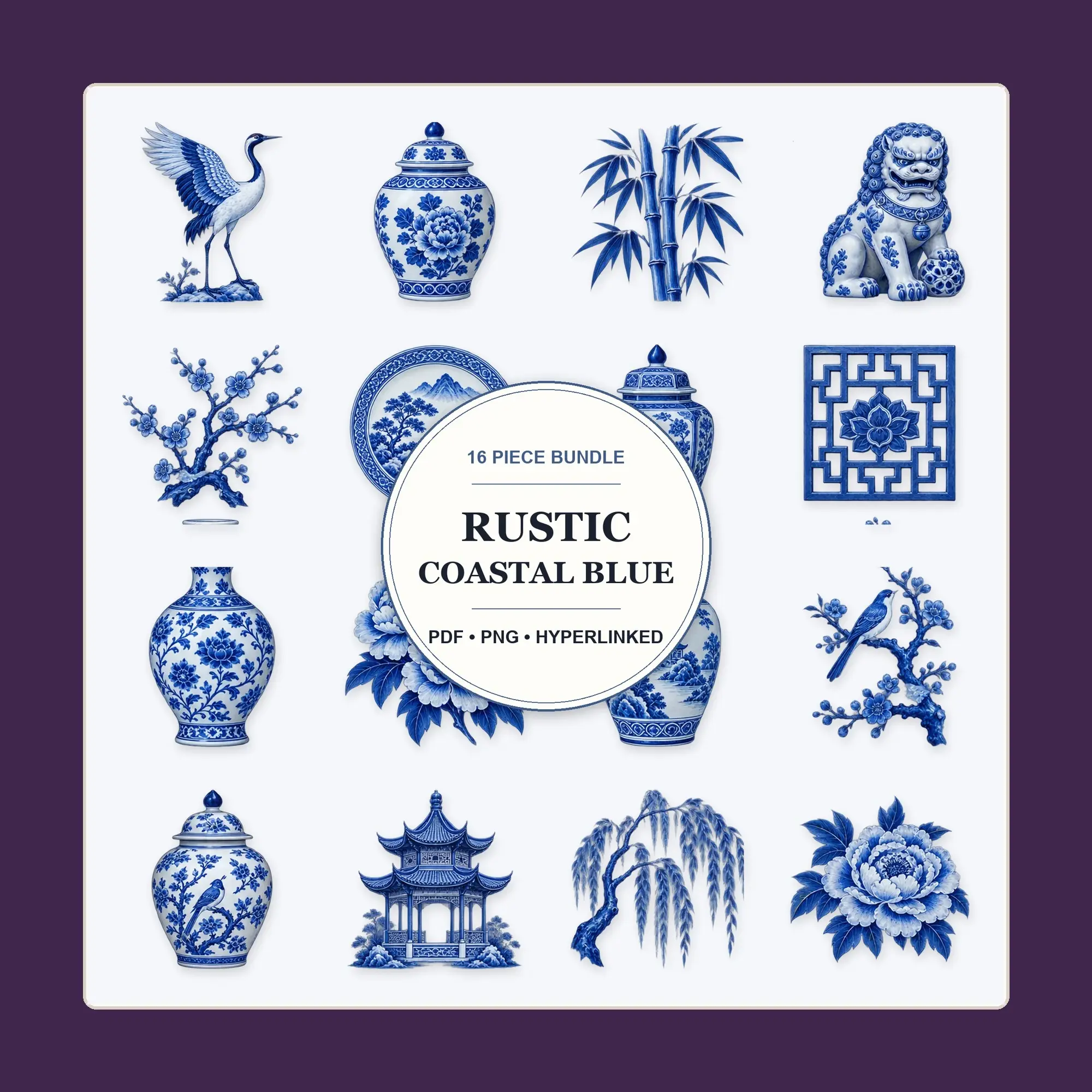


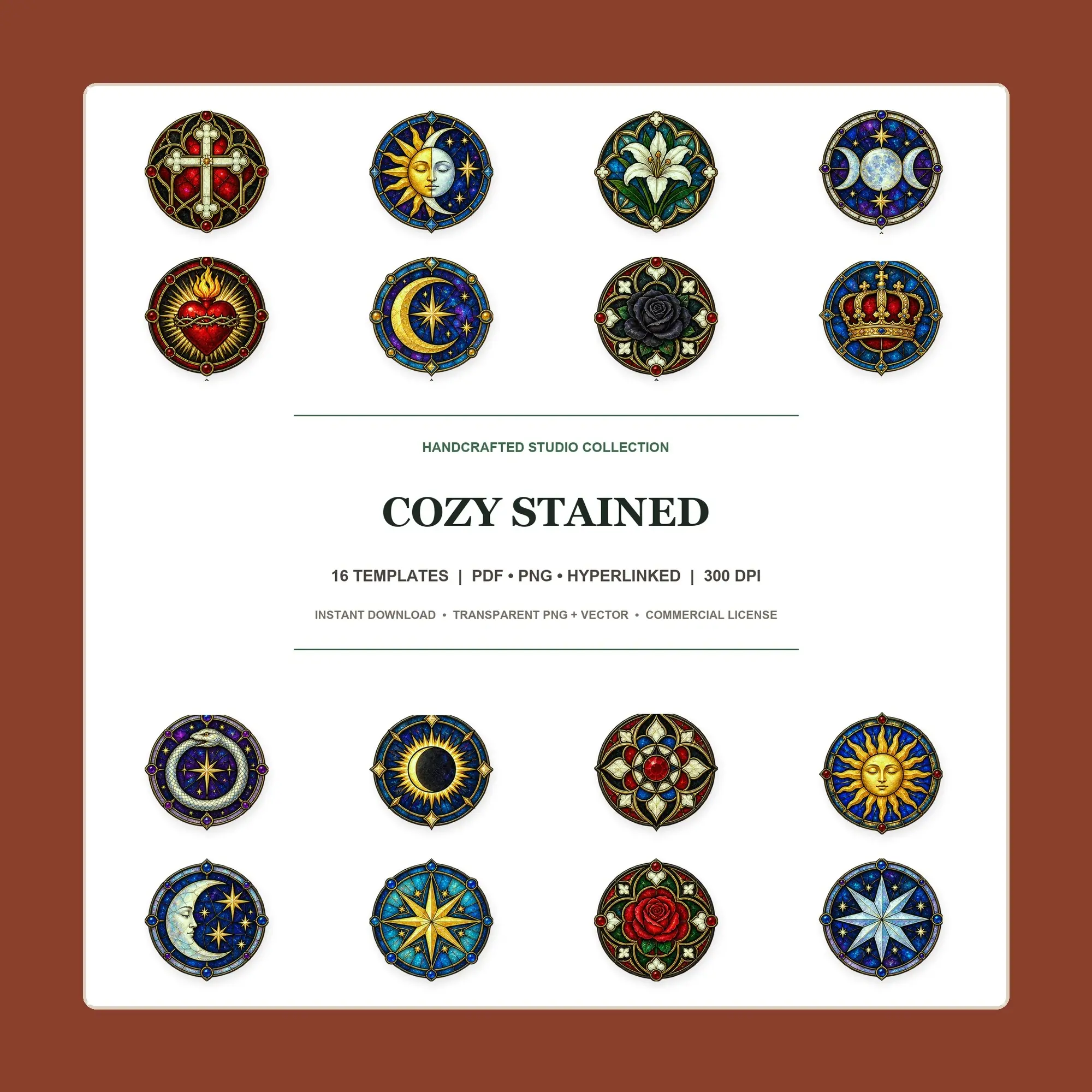
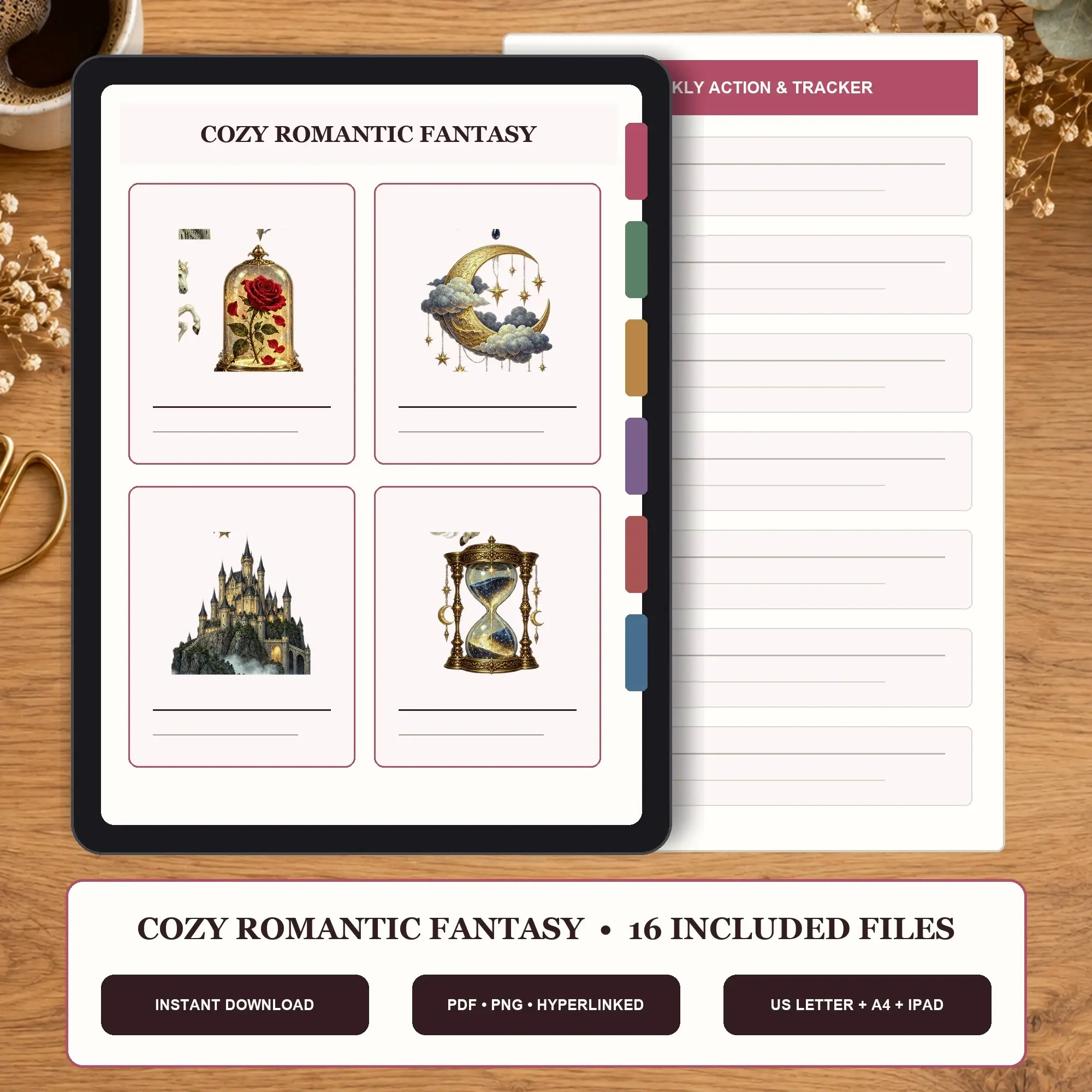
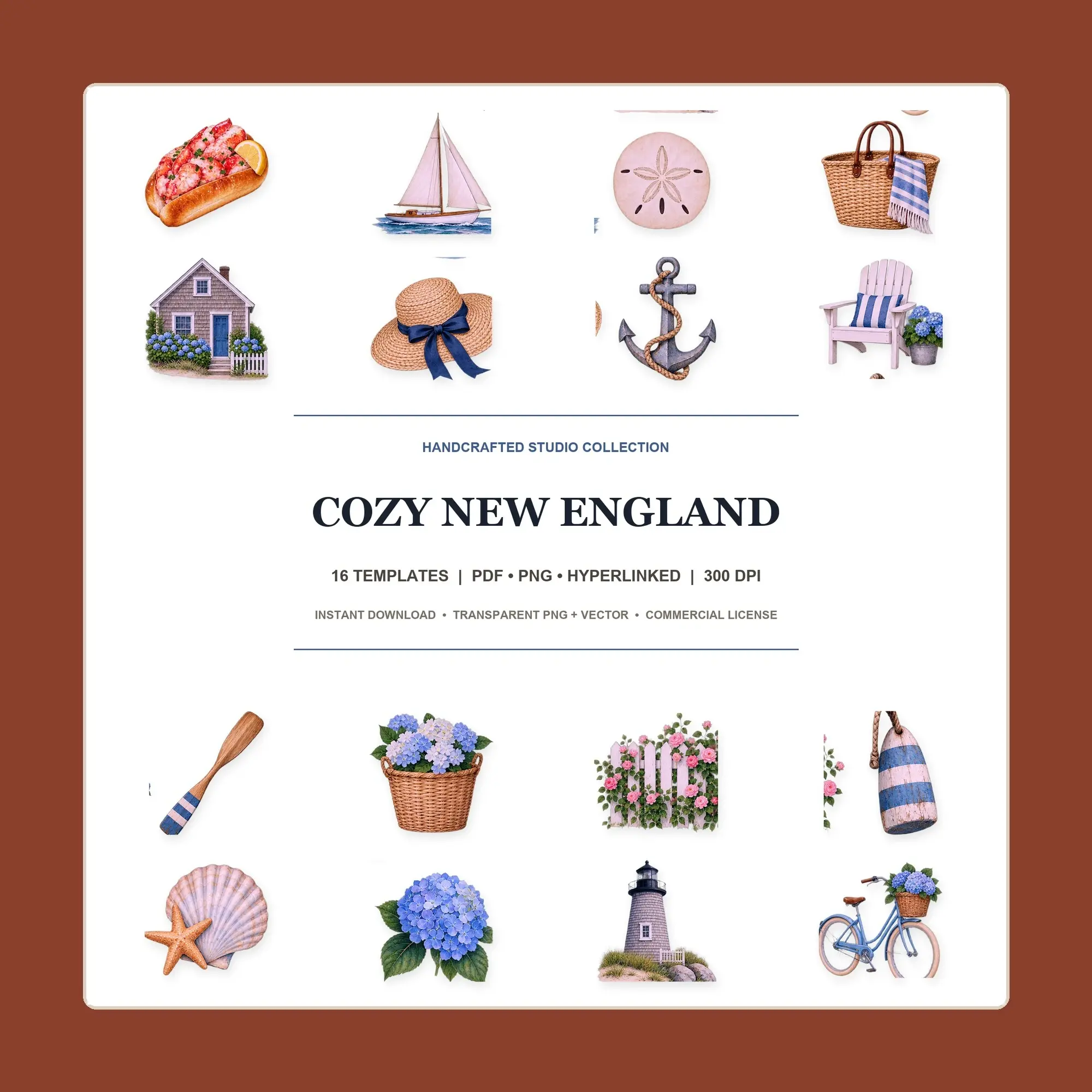
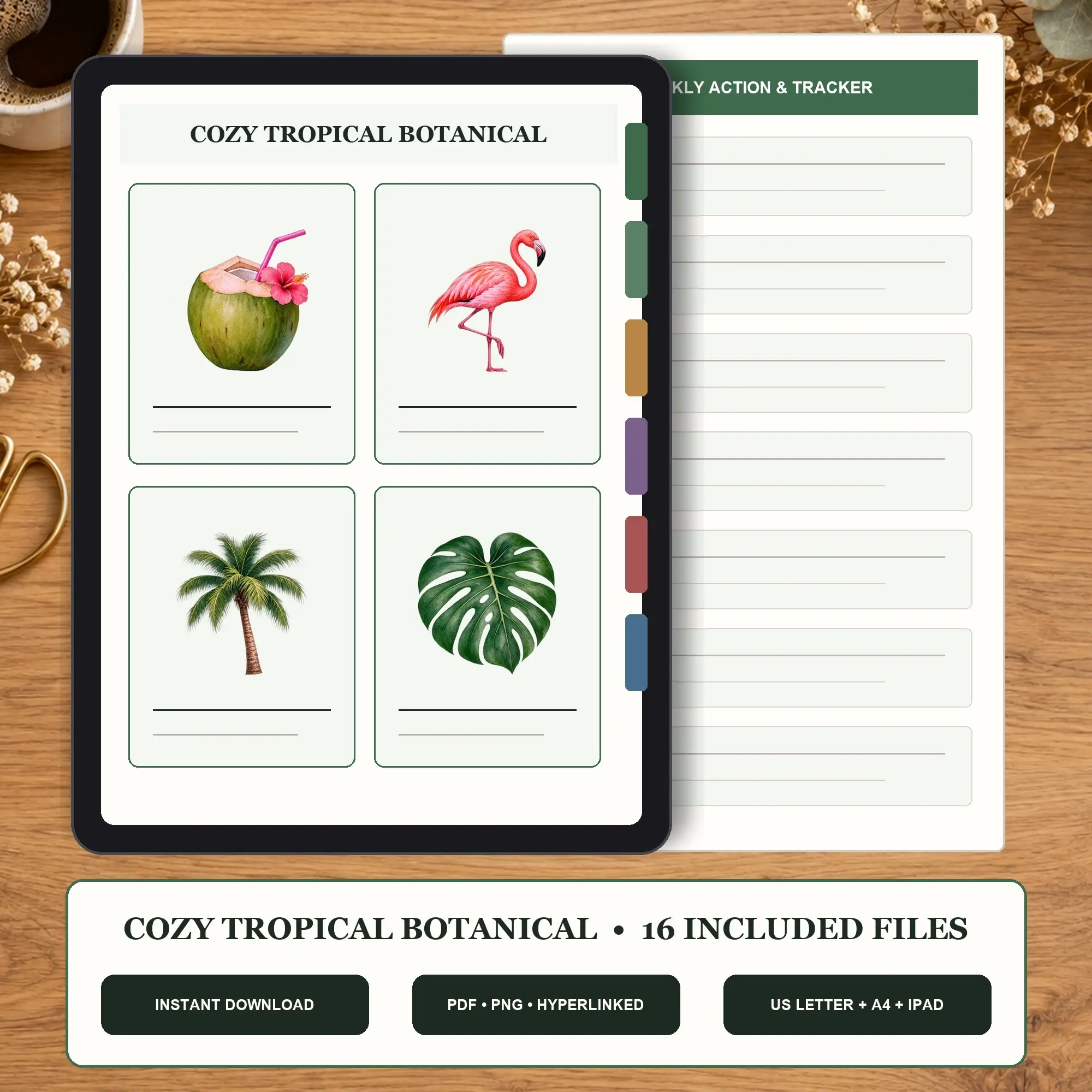
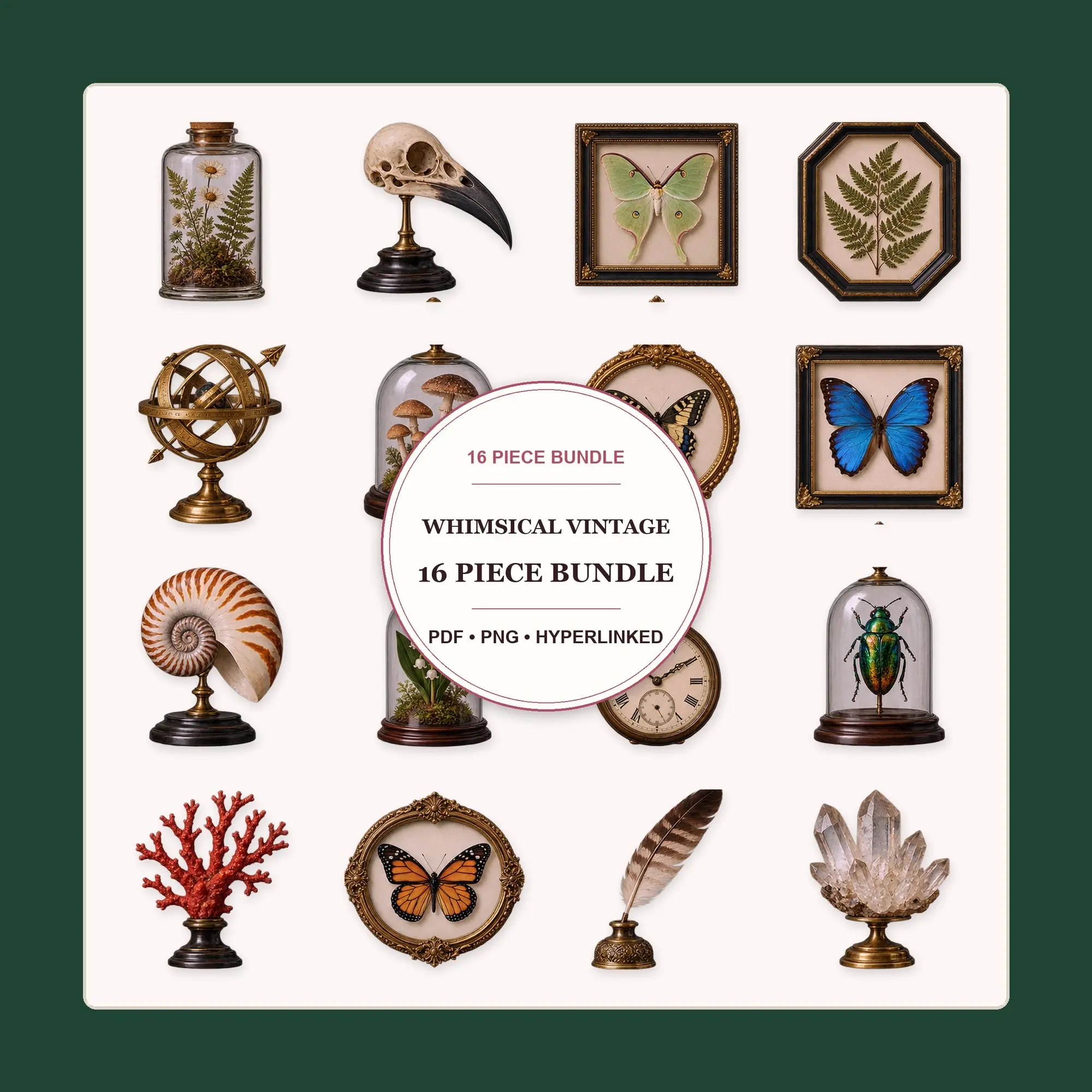
Buying guide
How editable templates work
Document, spreadsheet and presentation templates can be supplied in supported Office or OpenDocument formats. Look for the exact extension and software requirements; a PDF preview does not mean an editable source file is included.
SVG templates need compatible vector software for shape and text edits. A JPG or PNG is a flattened image. Fonts, formulas, interactive fields and linked assets are included only when the listing explicitly says so.
Choose a product delivered as downloadable files on Esano. Do not assume it includes an external Canva, Notion or Google template link, a proprietary design-project file, scripts or macros.
FAQ
Templates questions, answered
How do I know what I can edit?
Read the listing’s format and editable-element details. Office and OpenDocument files need compatible apps, SVG needs vector software, and JPG or PNG images are flattened.
Are fonts included with a template?
Only when the listing explicitly includes them. Check which fonts you need, read the description for how they may be used, and consider whether substitutions will affect the layout.
Can I use a template for client work?
Read the listing description for how the shop allows its templates to be used with clients. Buying a template does not give permission to redistribute the original files.