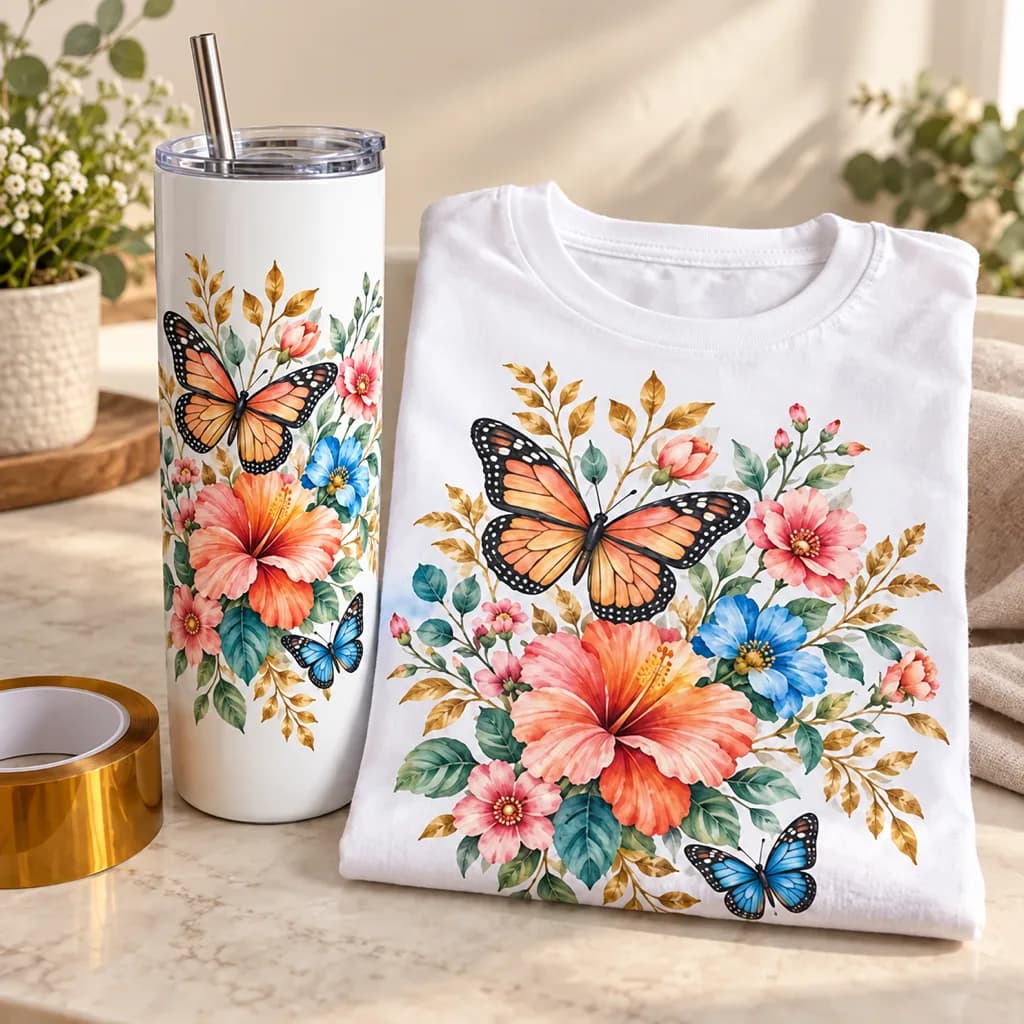
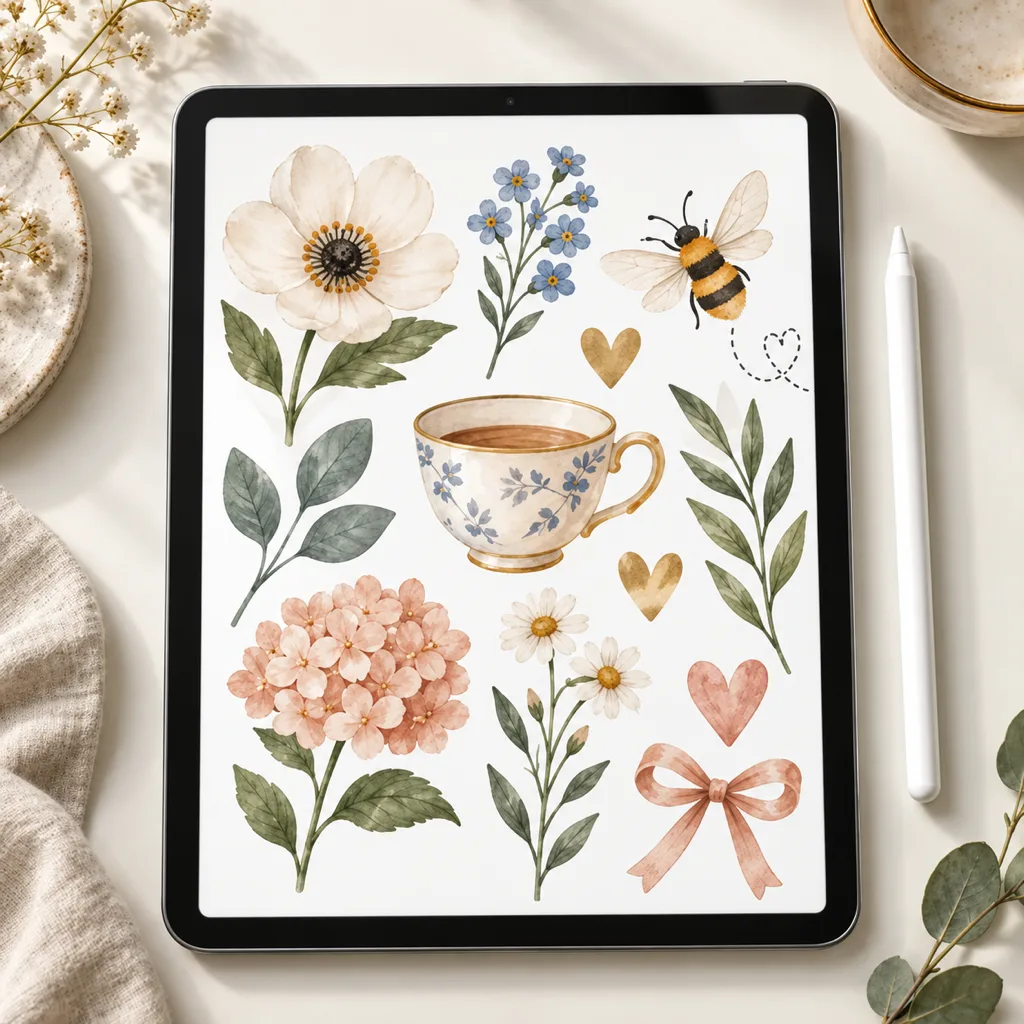
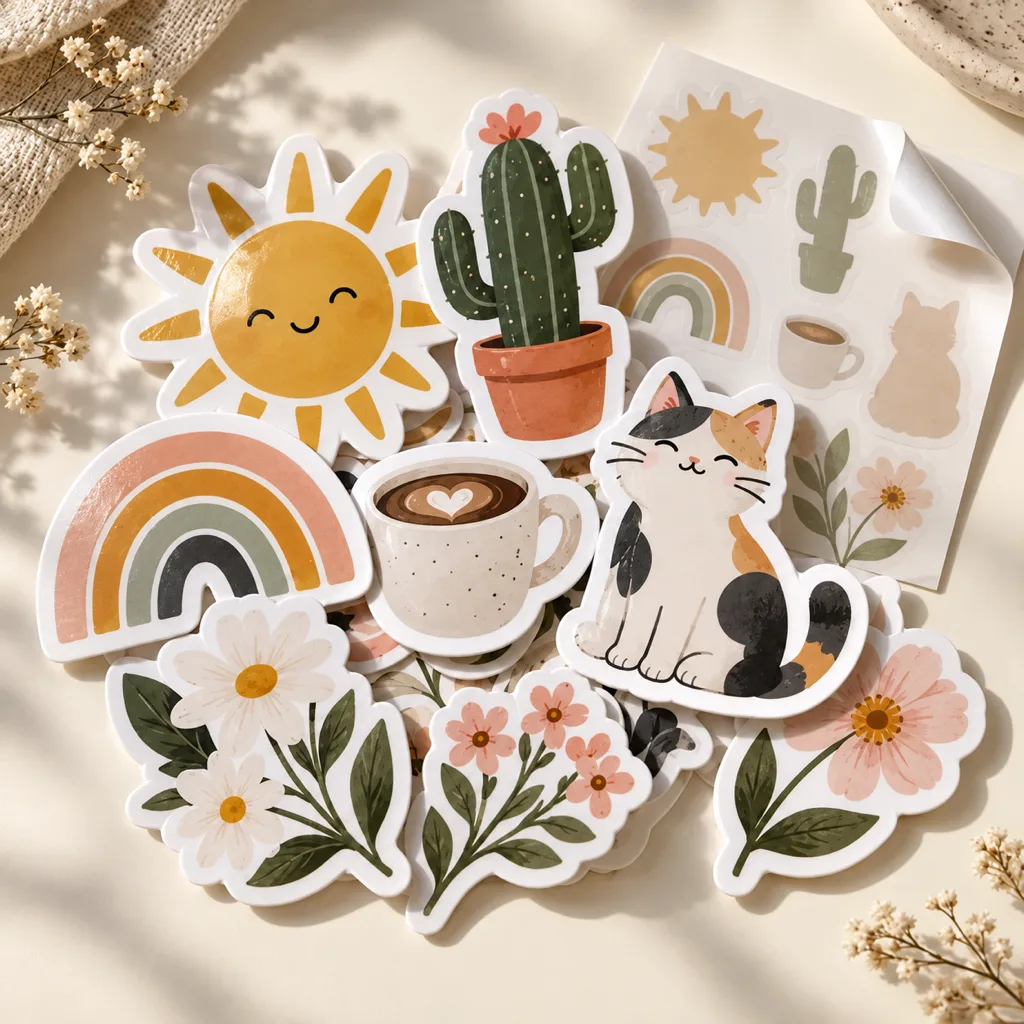
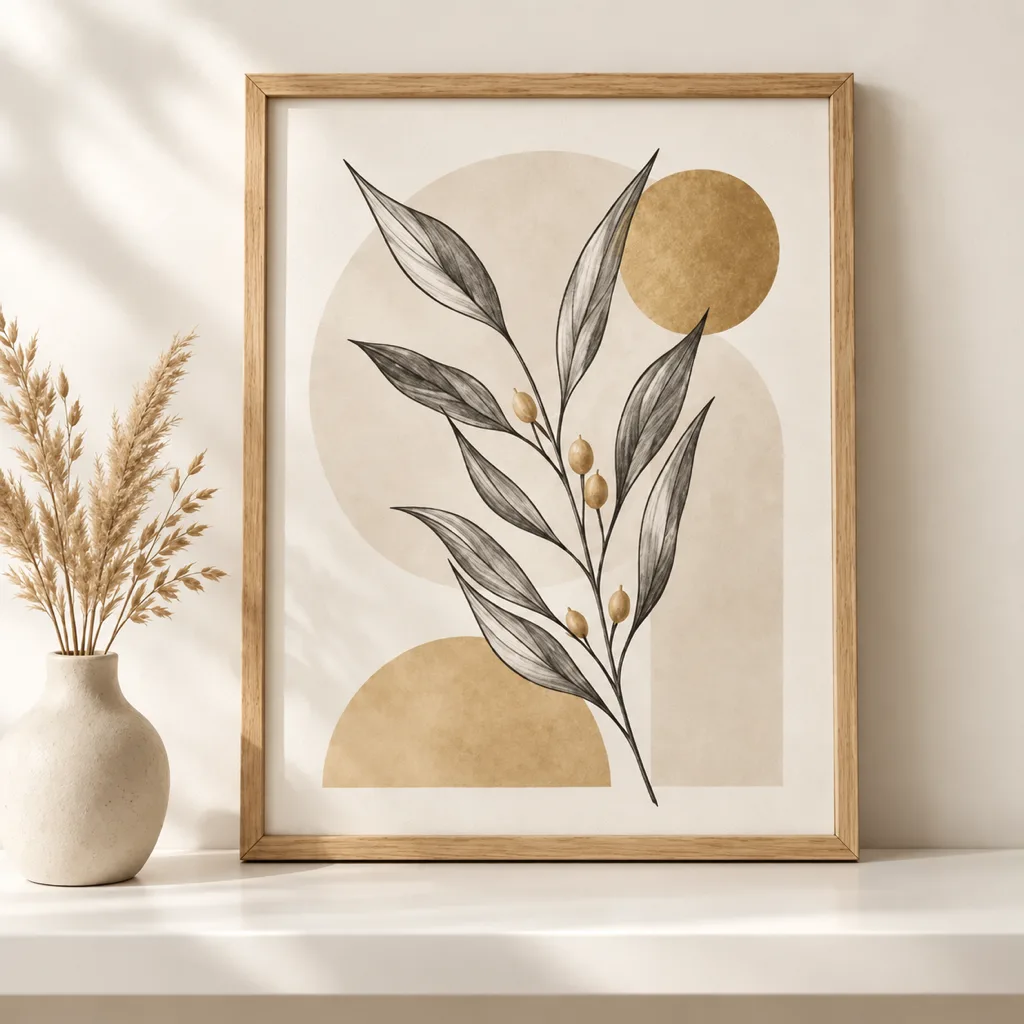
 SVGPNGScalable SVG; 2000 px PNG
SVG & Cut Files
SVG designs for decals, paper crafts and other cutting projects. Some designs use one layer; others separate shapes into several layers. Check the listing and your software’s SVG support.
Popular in SVG & Cut Files
- SVGPNGScalable SVG; 2000 px PNG
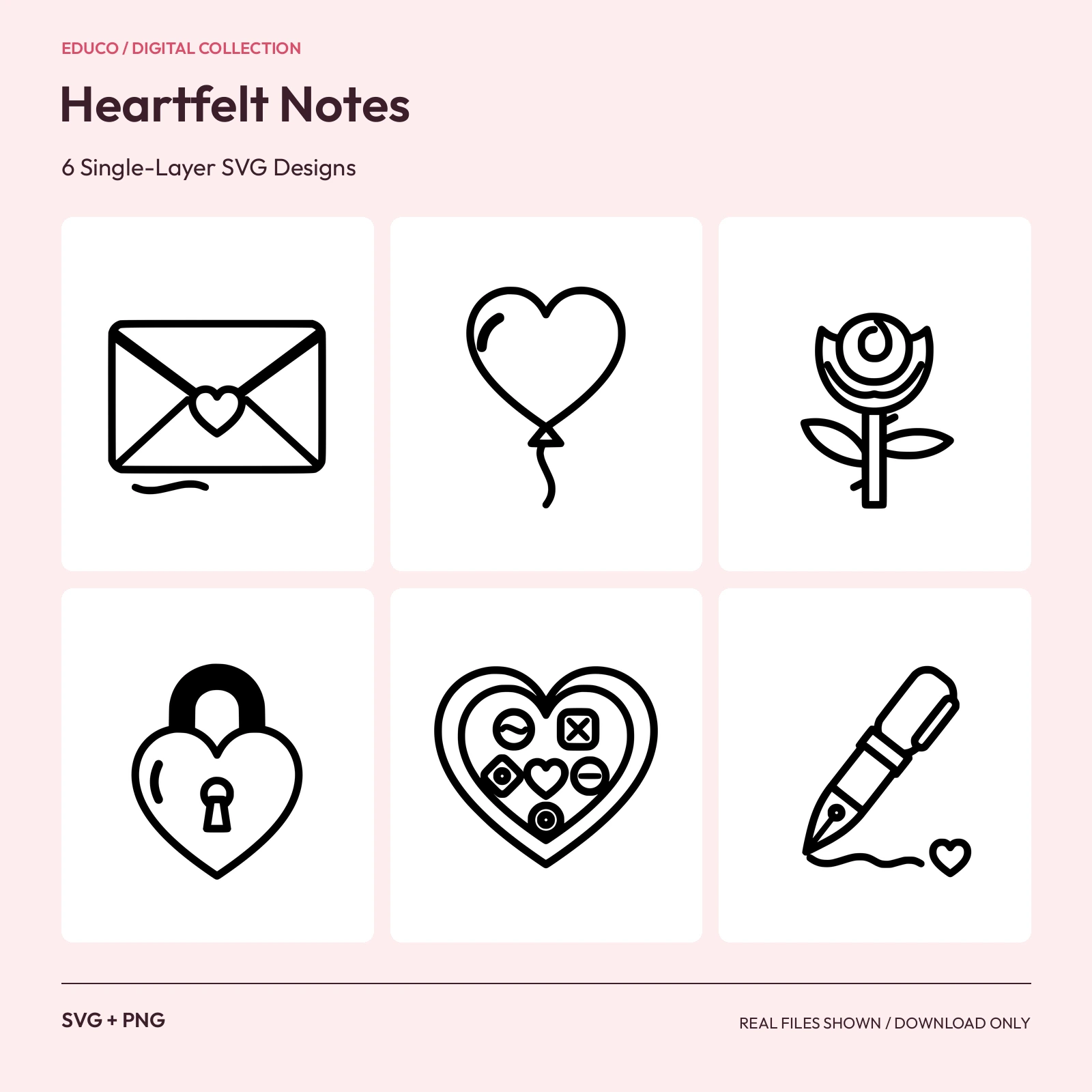 SVGPNGScalable SVG; 2000 px PNG
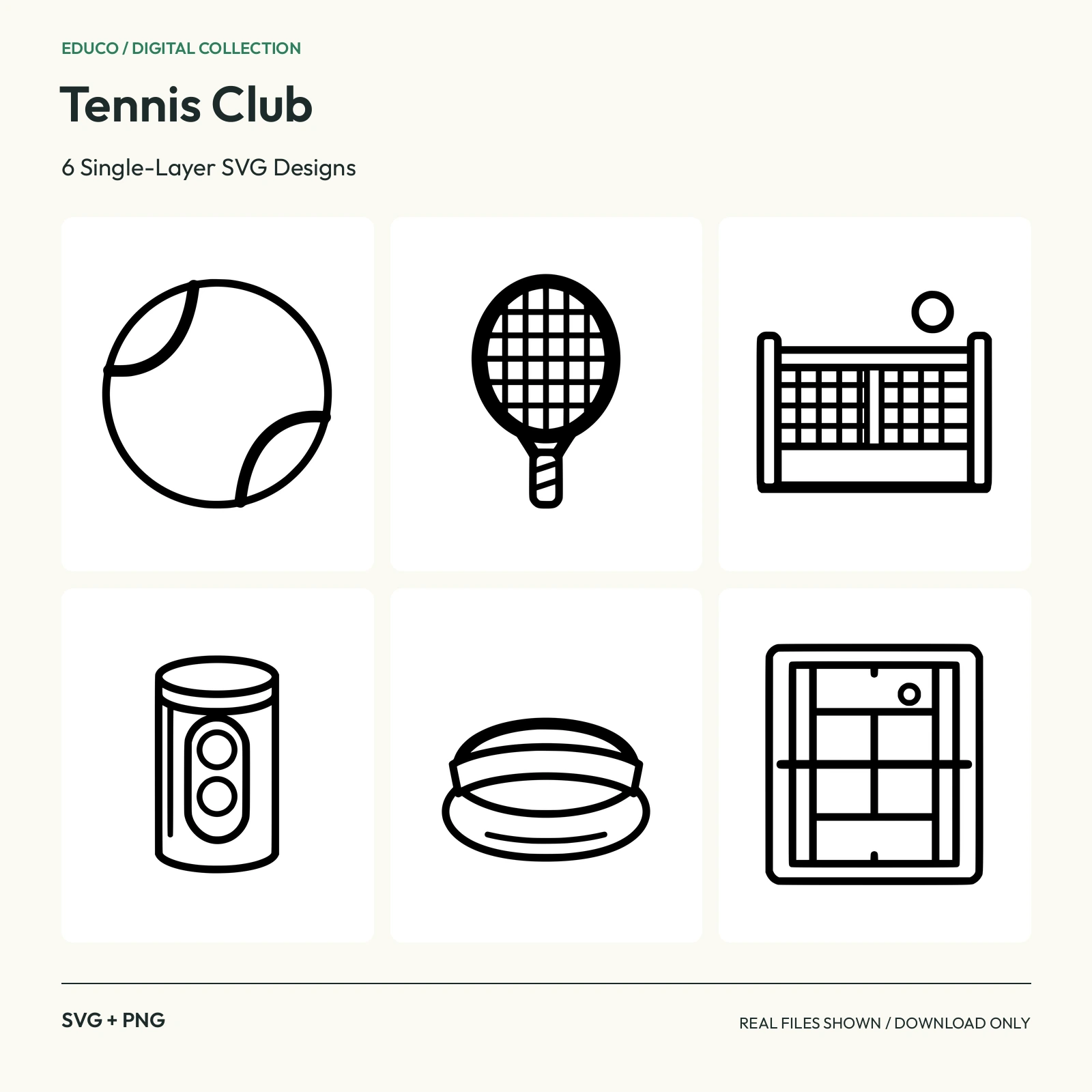 SVGPNGScalable SVG; 2000 px PNG
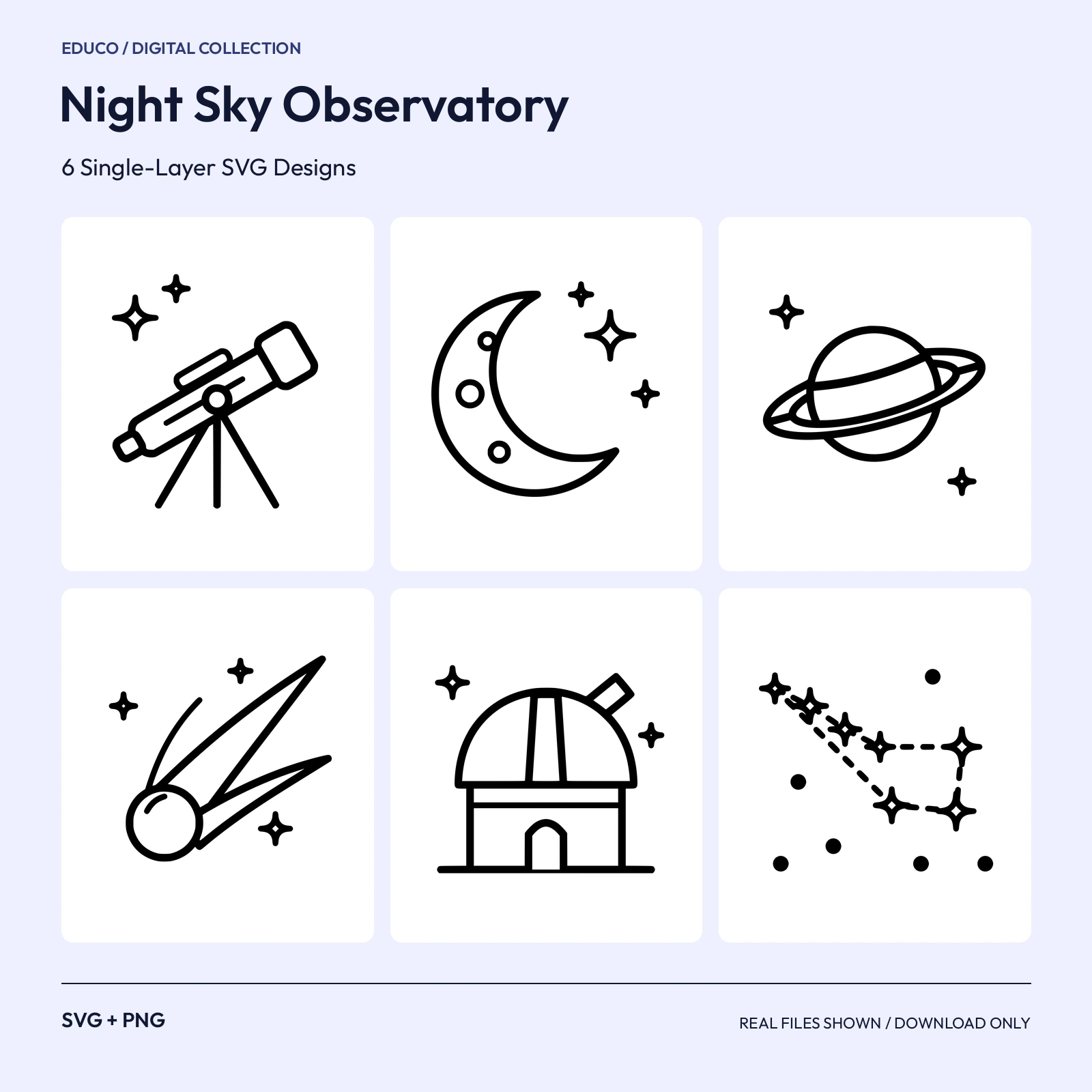 SVGPNGScalable SVG; 2000 px PNG
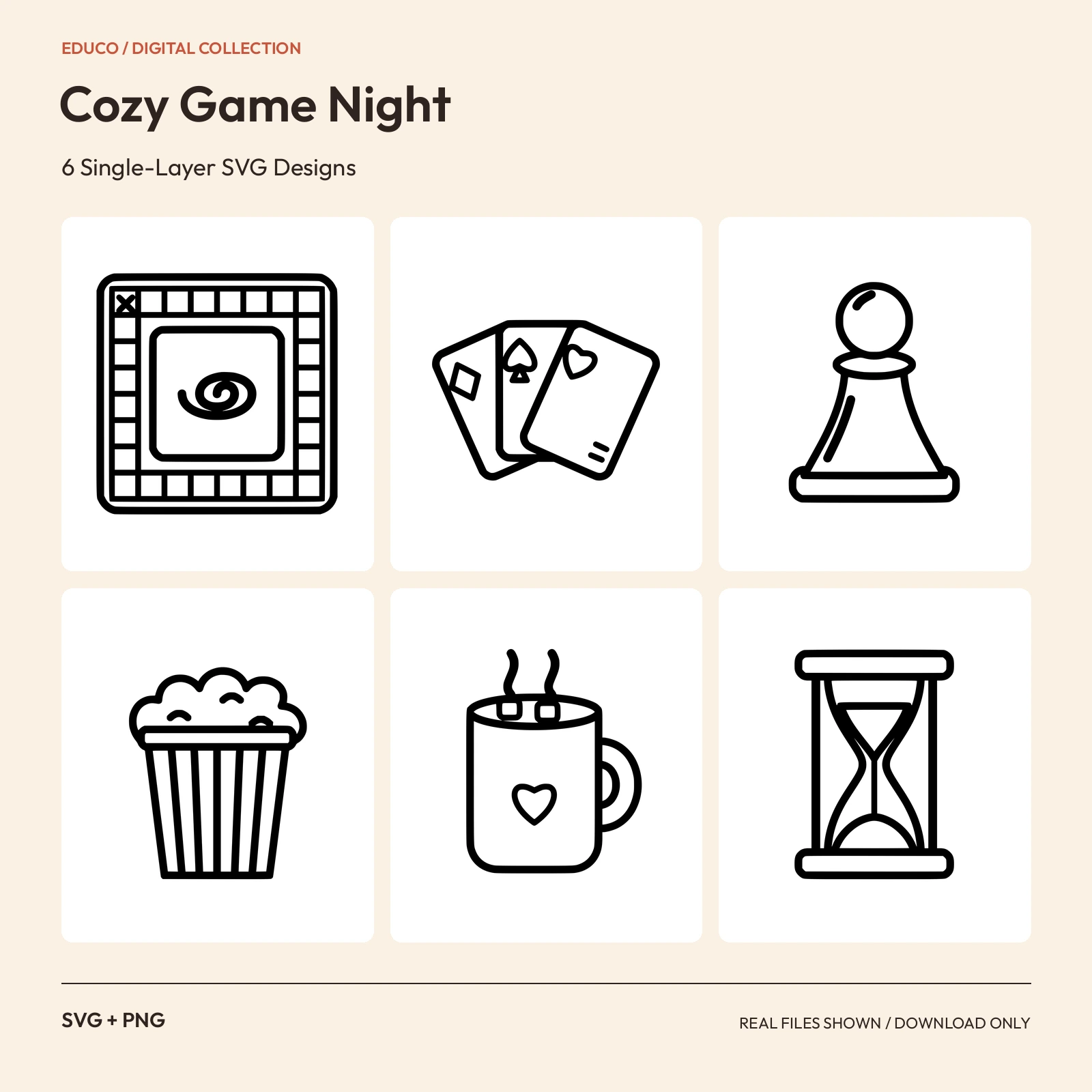 SVGPNGScalable SVG; 2000 px PNG
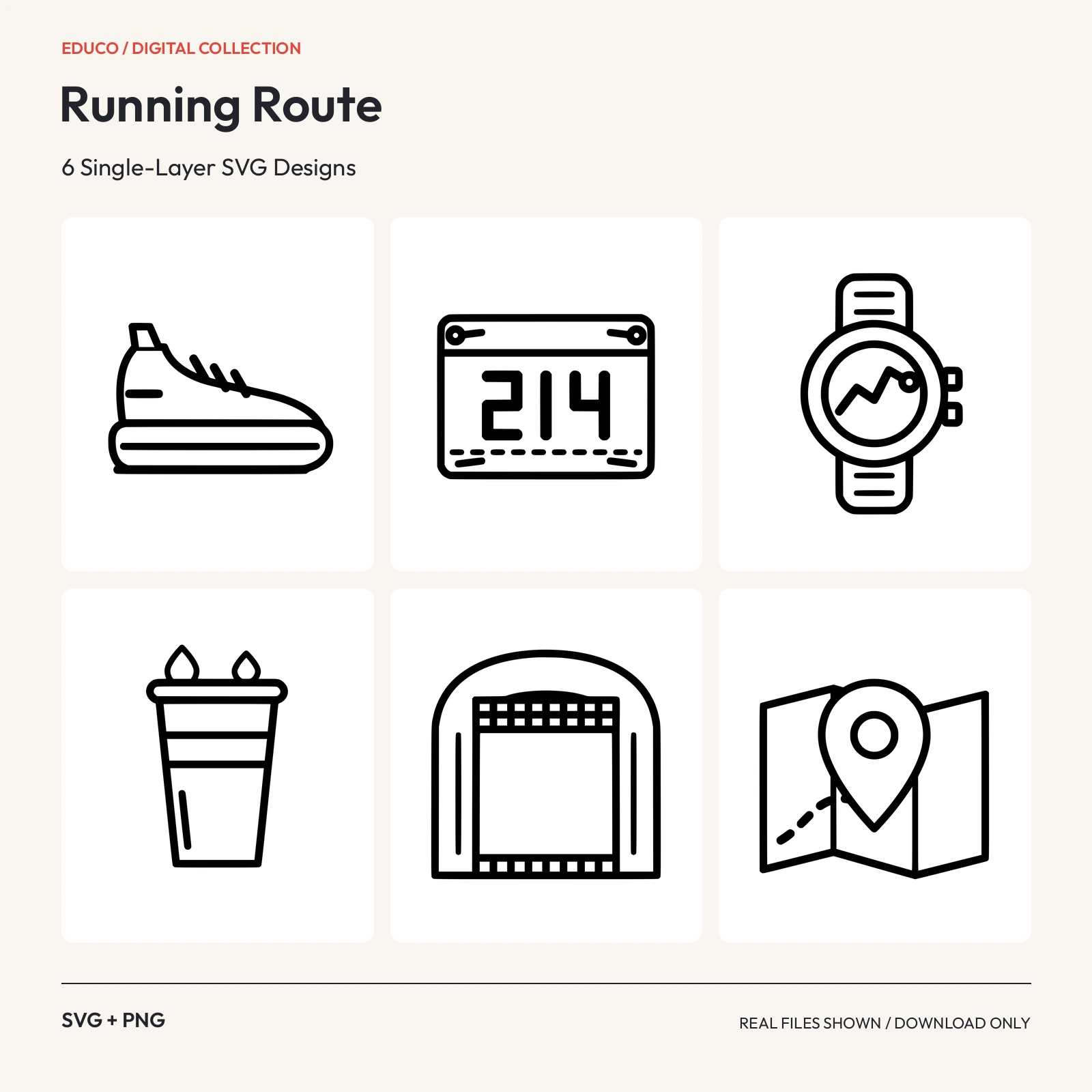 SVGPNGScalable SVG; 2000 px PNG
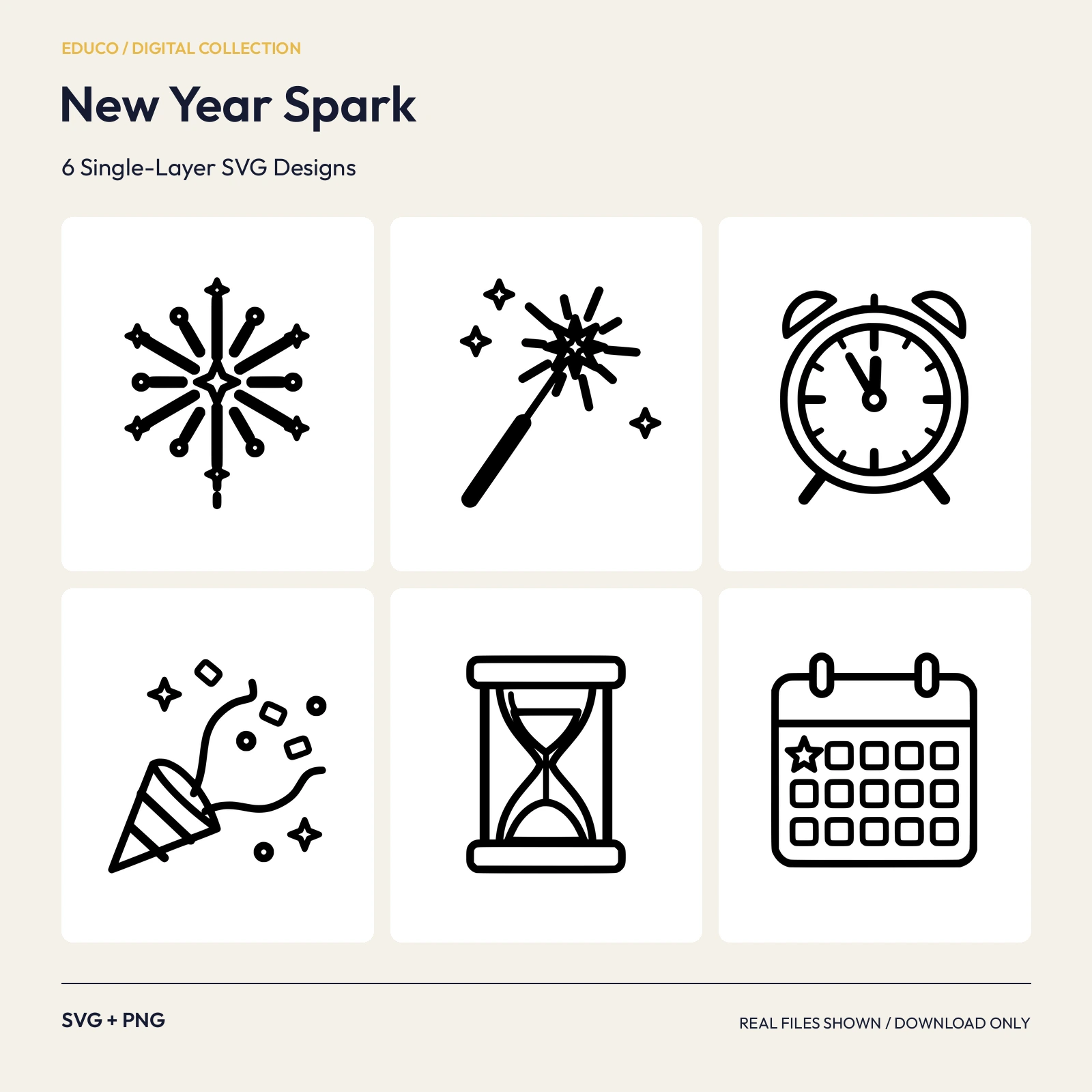 SVGPNGScalable SVG; 2000 px PNG
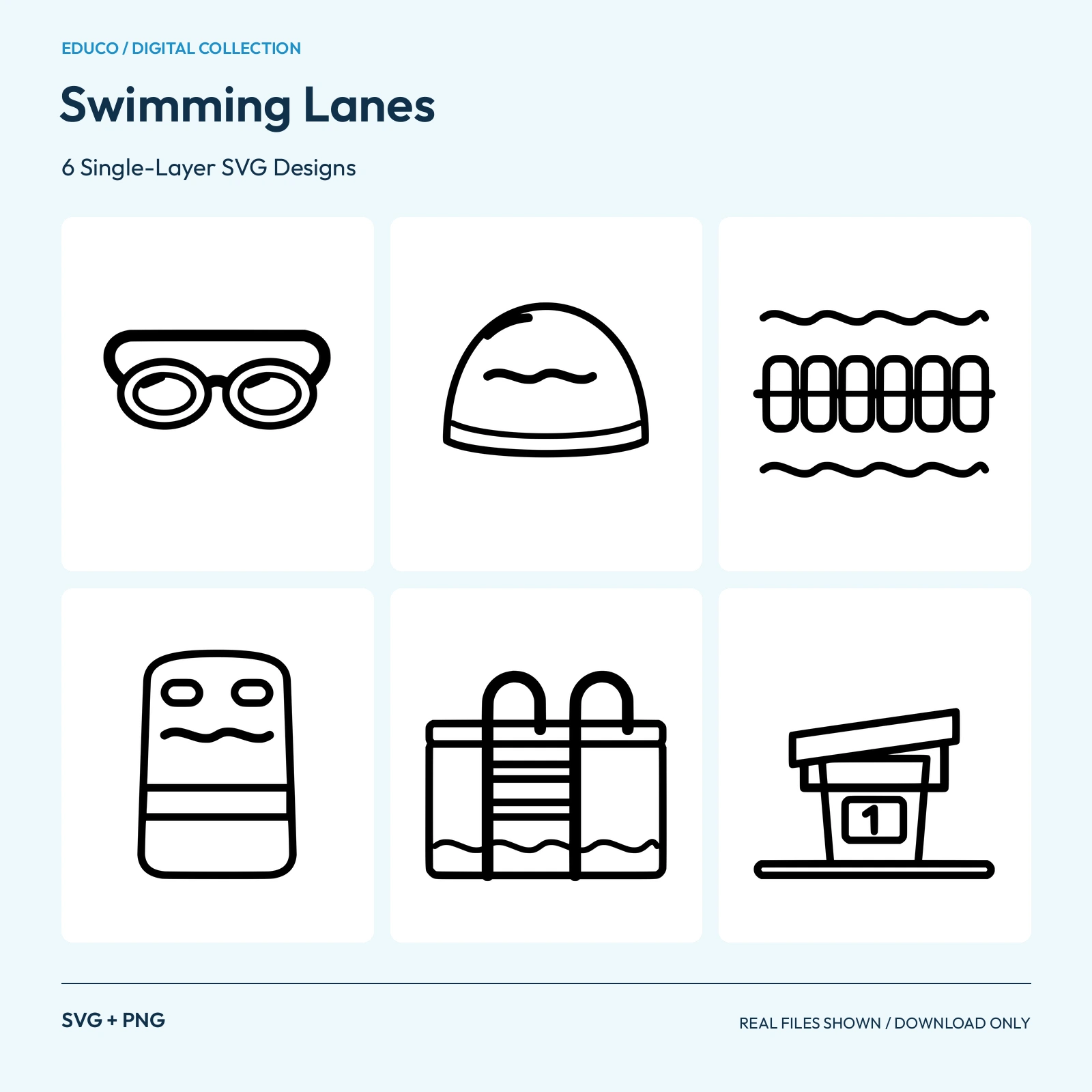 SVGPNGScalable SVG; 2000 px PNG
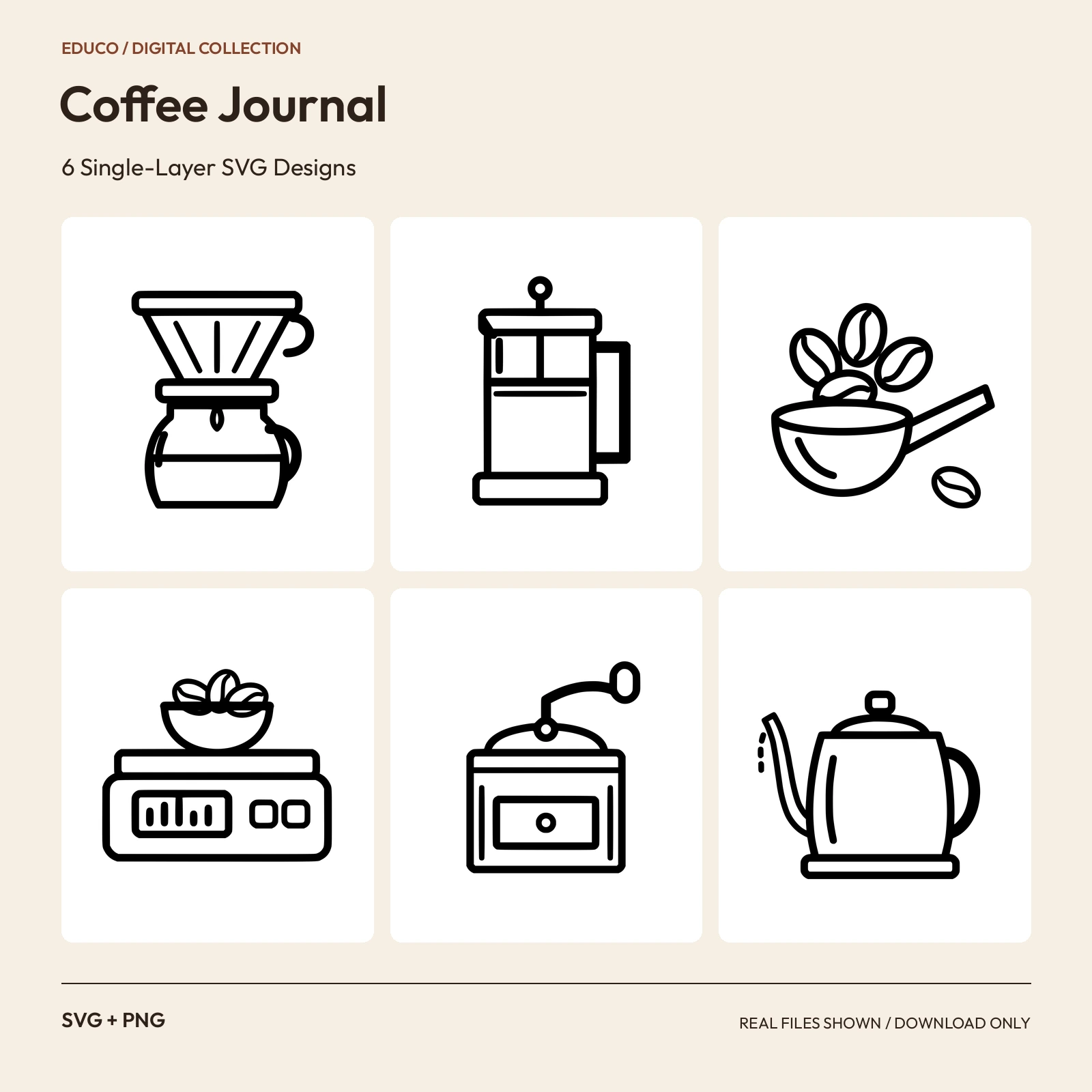 SVGPNGScalable SVG; 2000 px PNG
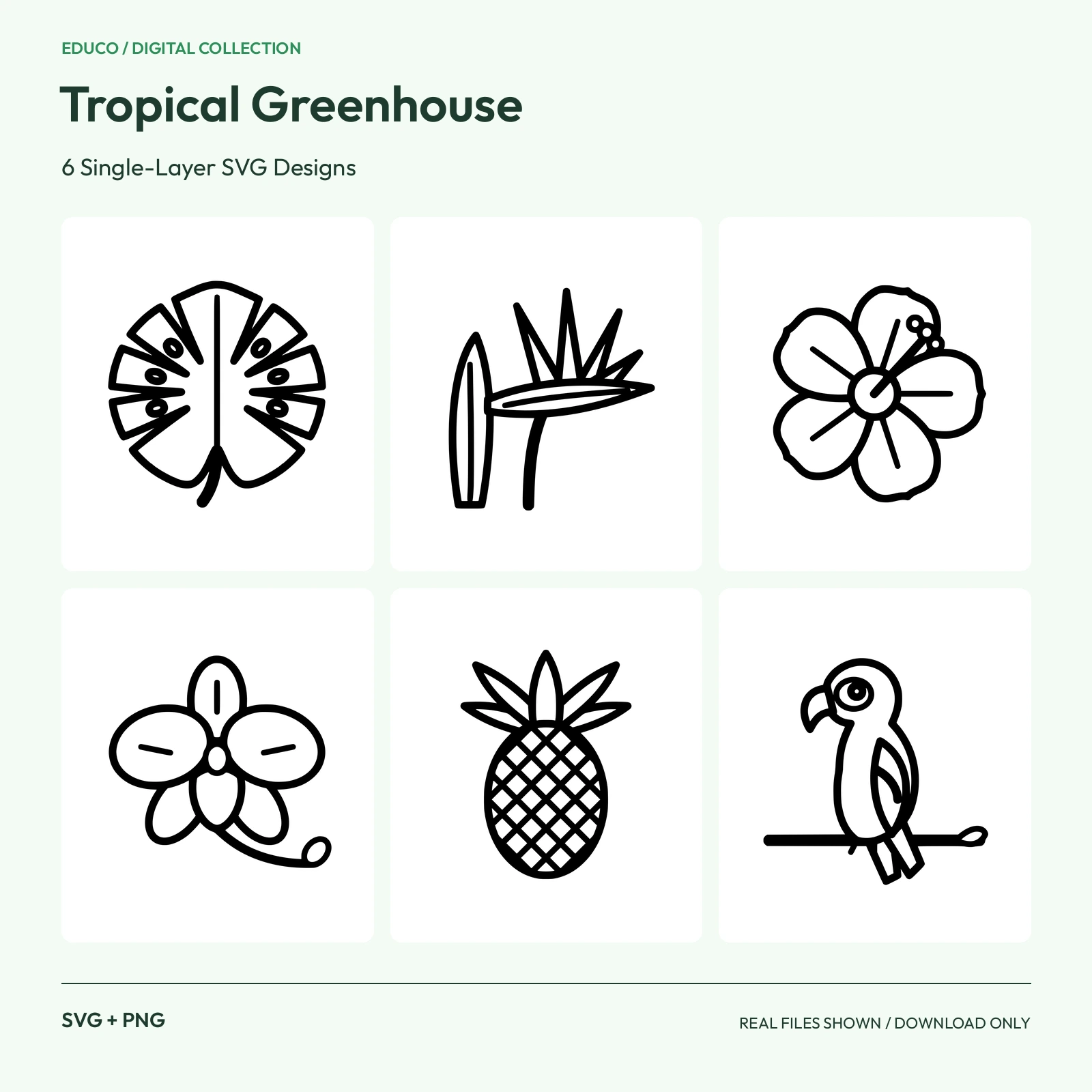 SVGPNGScalable SVG; 2000 px PNG
 SVGPNGScalable SVG; 2000 px PNG
 SVGPNGScalable SVG; 2000 px PNG
 SVGPNGScalable SVG; 2000 px PNG
 SVGPNGScalable SVG; 2000 px PNG
 SVGPNGScalable SVG; 2000 px PNG
 SVGPNGScalable SVG; 2000 px PNG
 SVGPNGScalable SVG; 2000 px PNG
 SVGPNGScalable SVG; 2000 px PNG
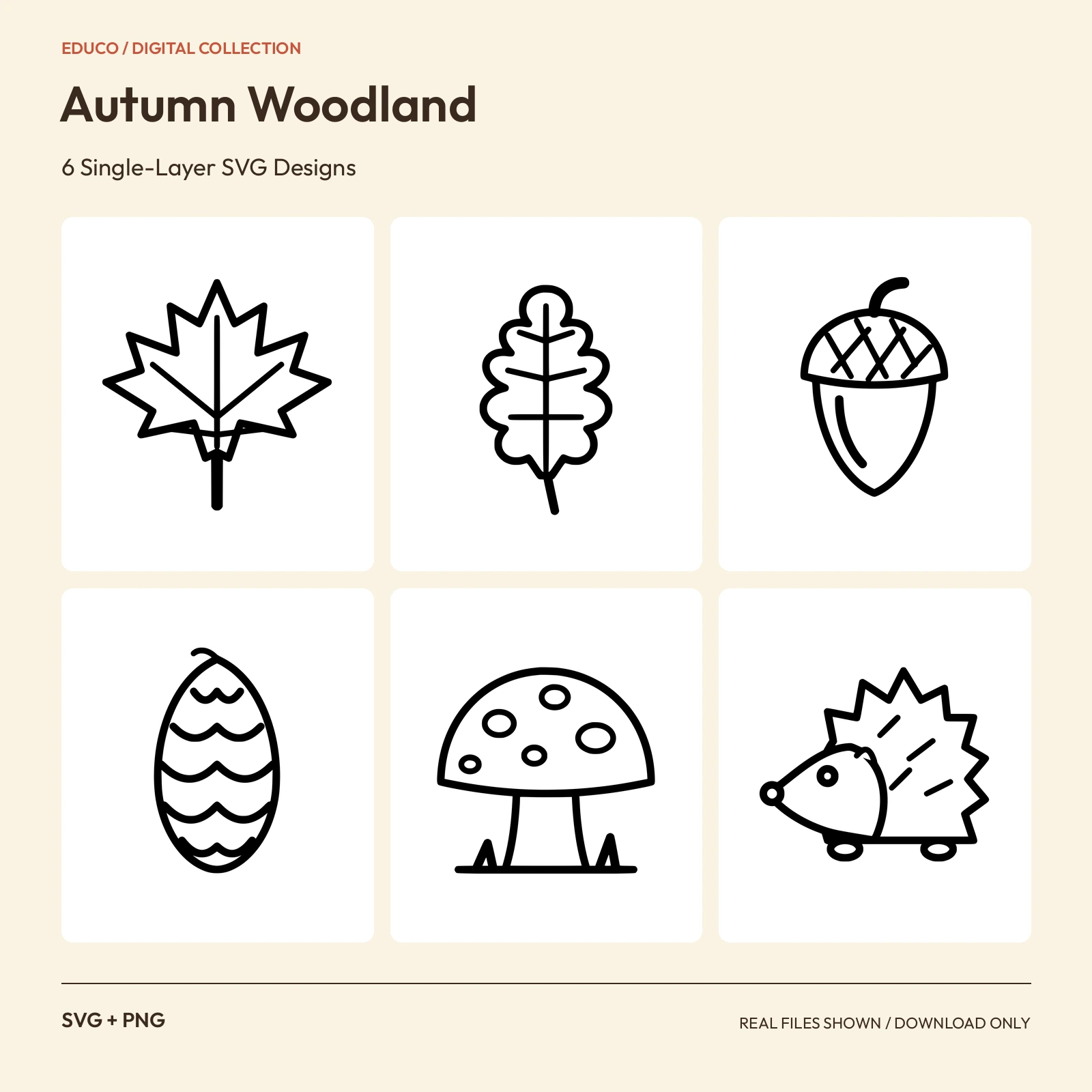 SVGPNGScalable SVG; 2000 px PNG
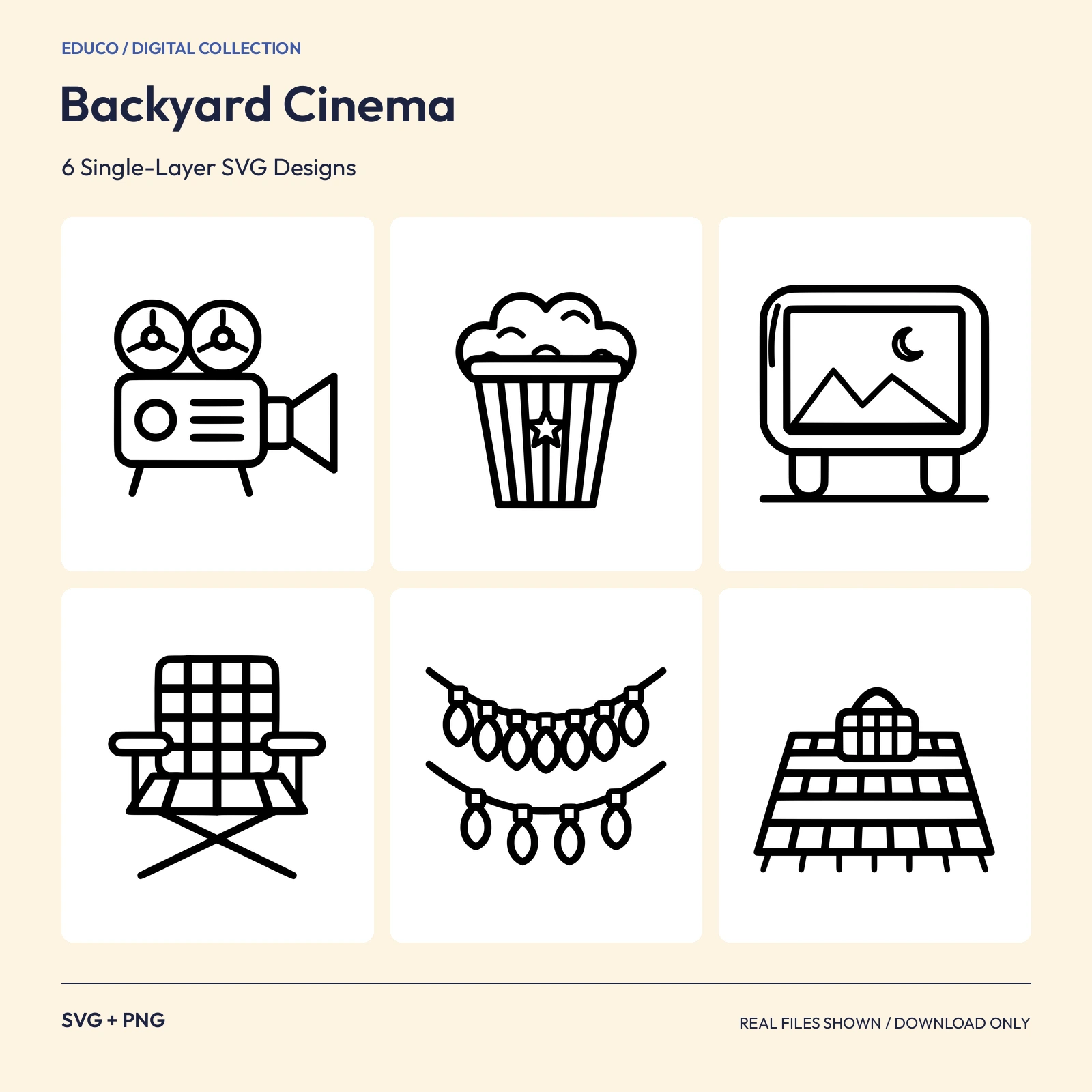 SVGPNGScalable SVG; 2000 px PNG
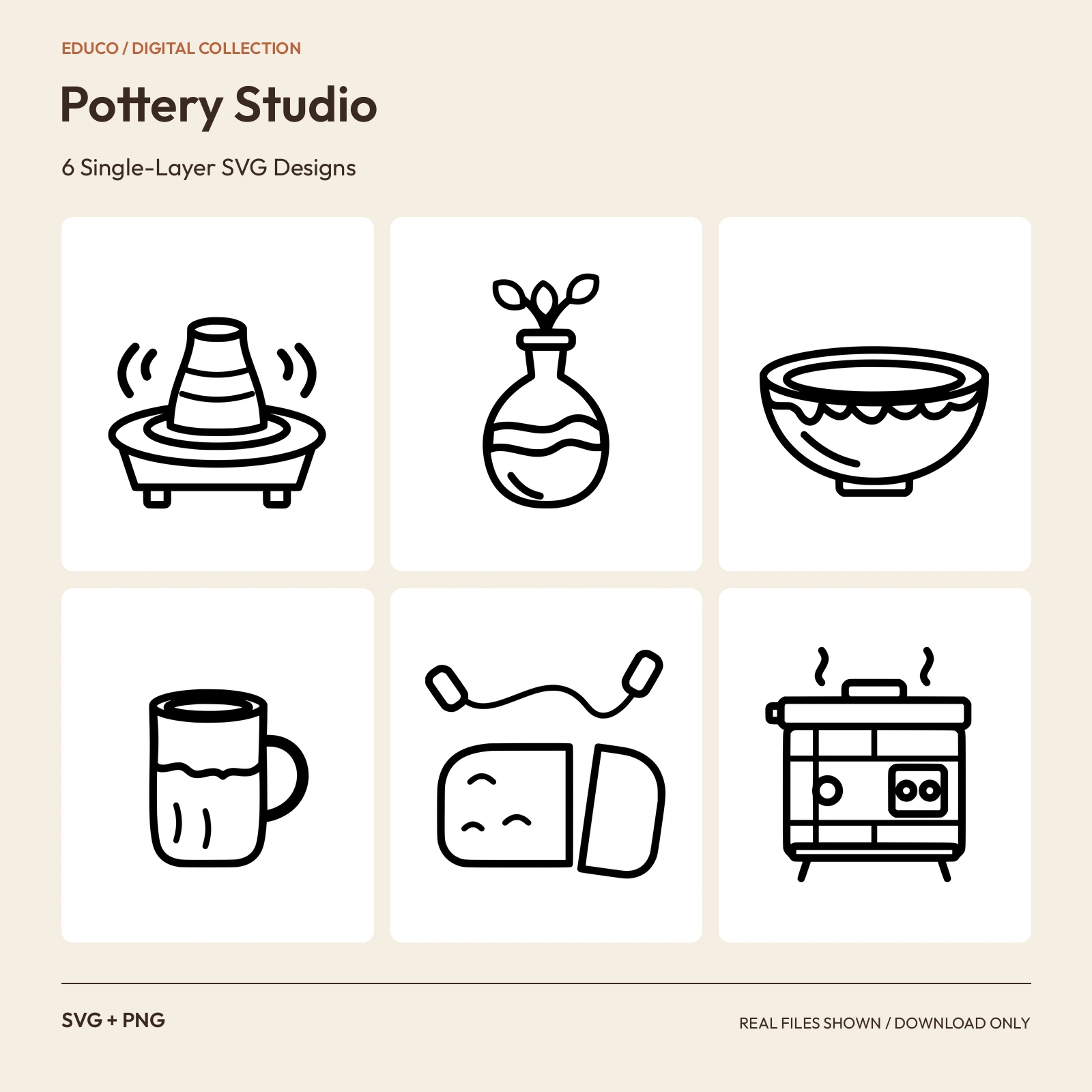 SVGPNGScalable SVG; 2000 px PNG
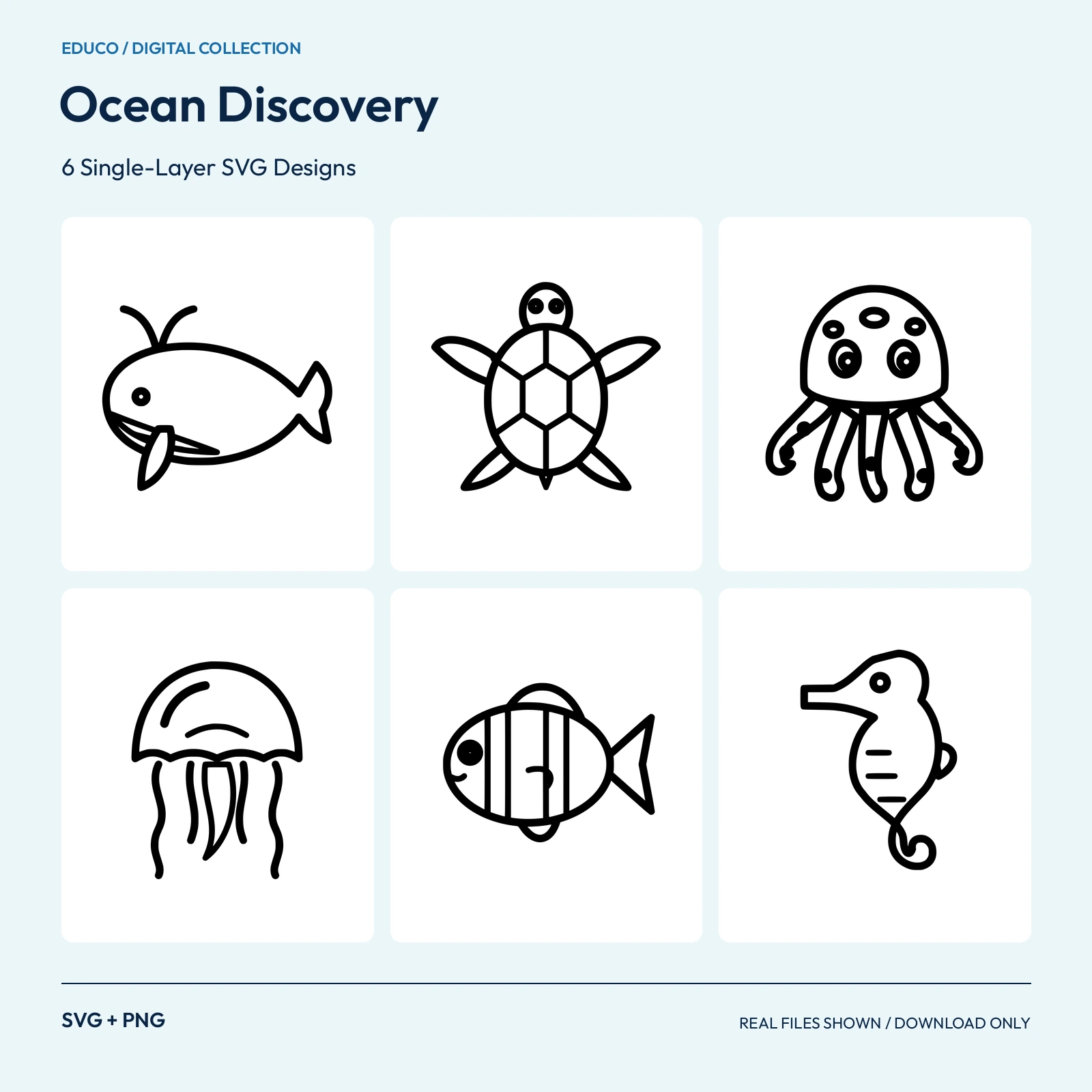 SVGPNGScalable SVG; 2000 px PNG
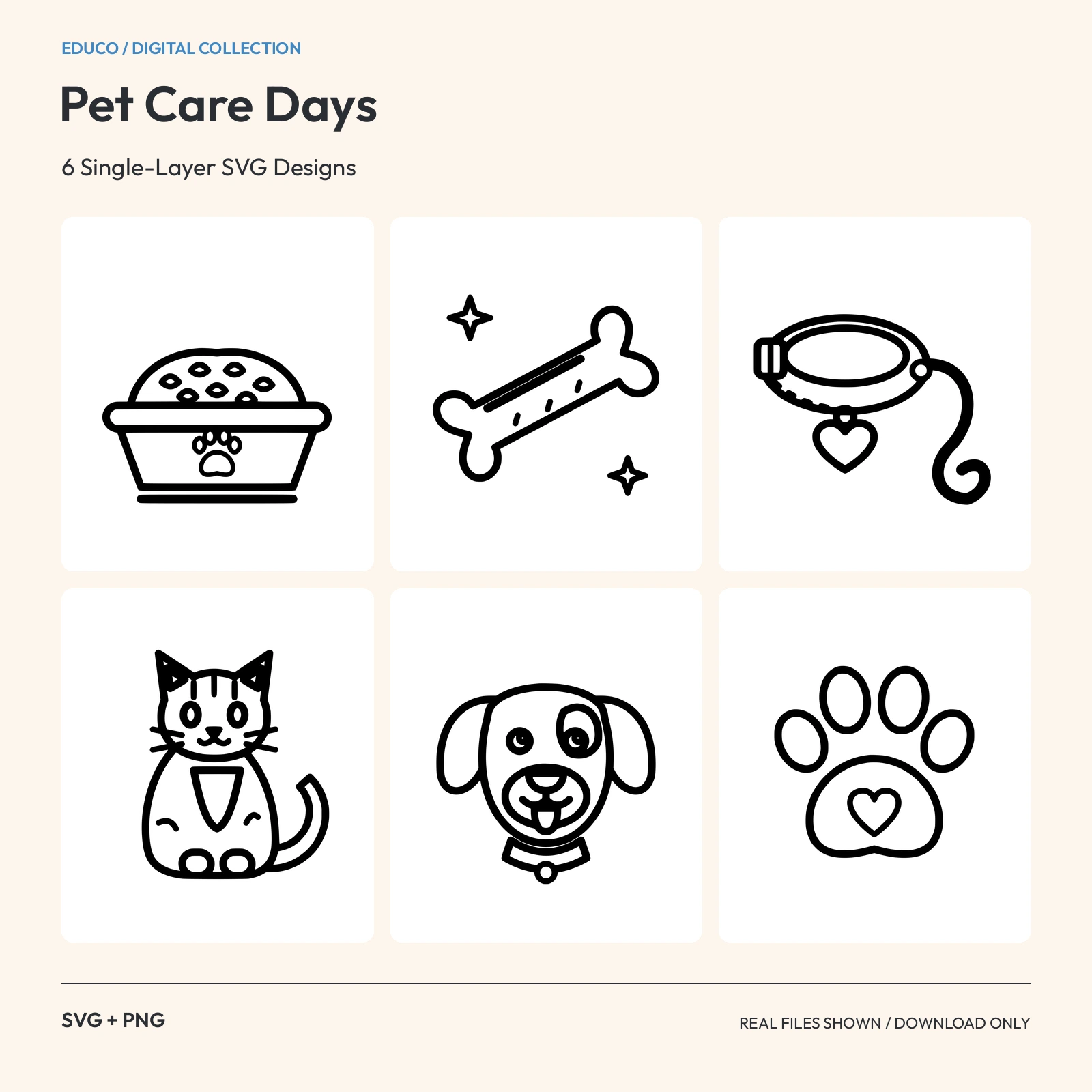 SVGPNGScalable SVG; 2000 px PNG
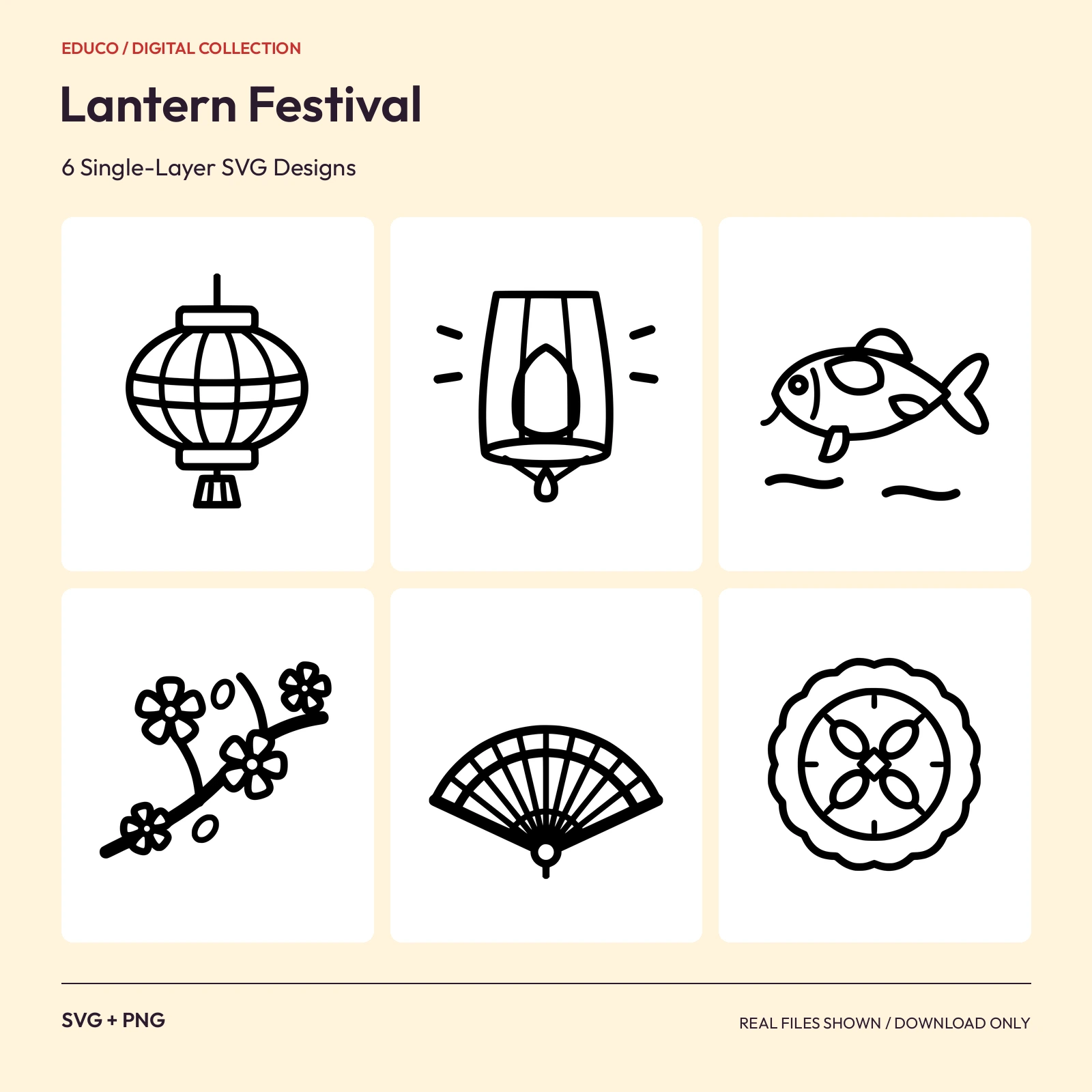 SVGPNGScalable SVG; 2000 px PNG
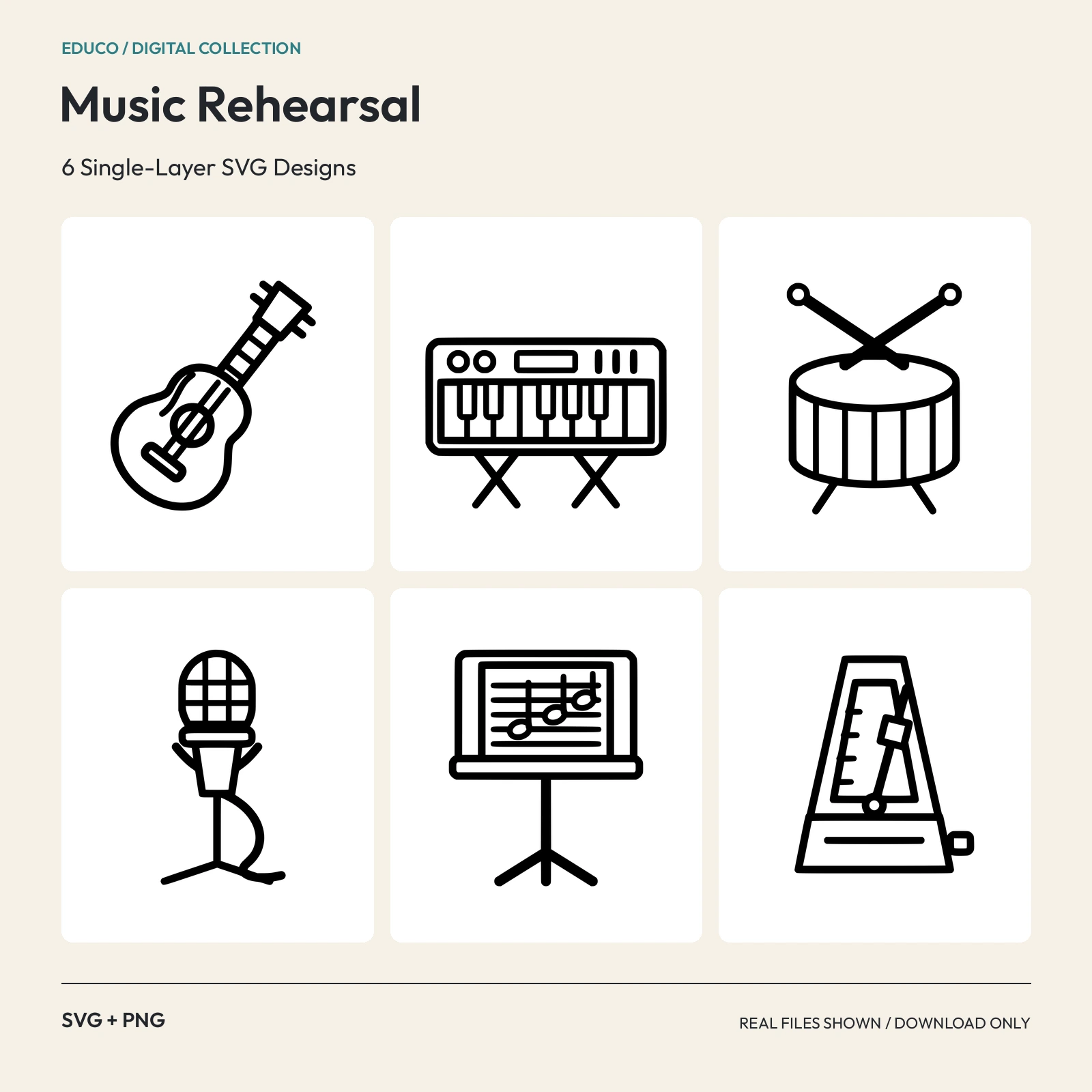 SVGPNGScalable SVG; 2000 px PNG
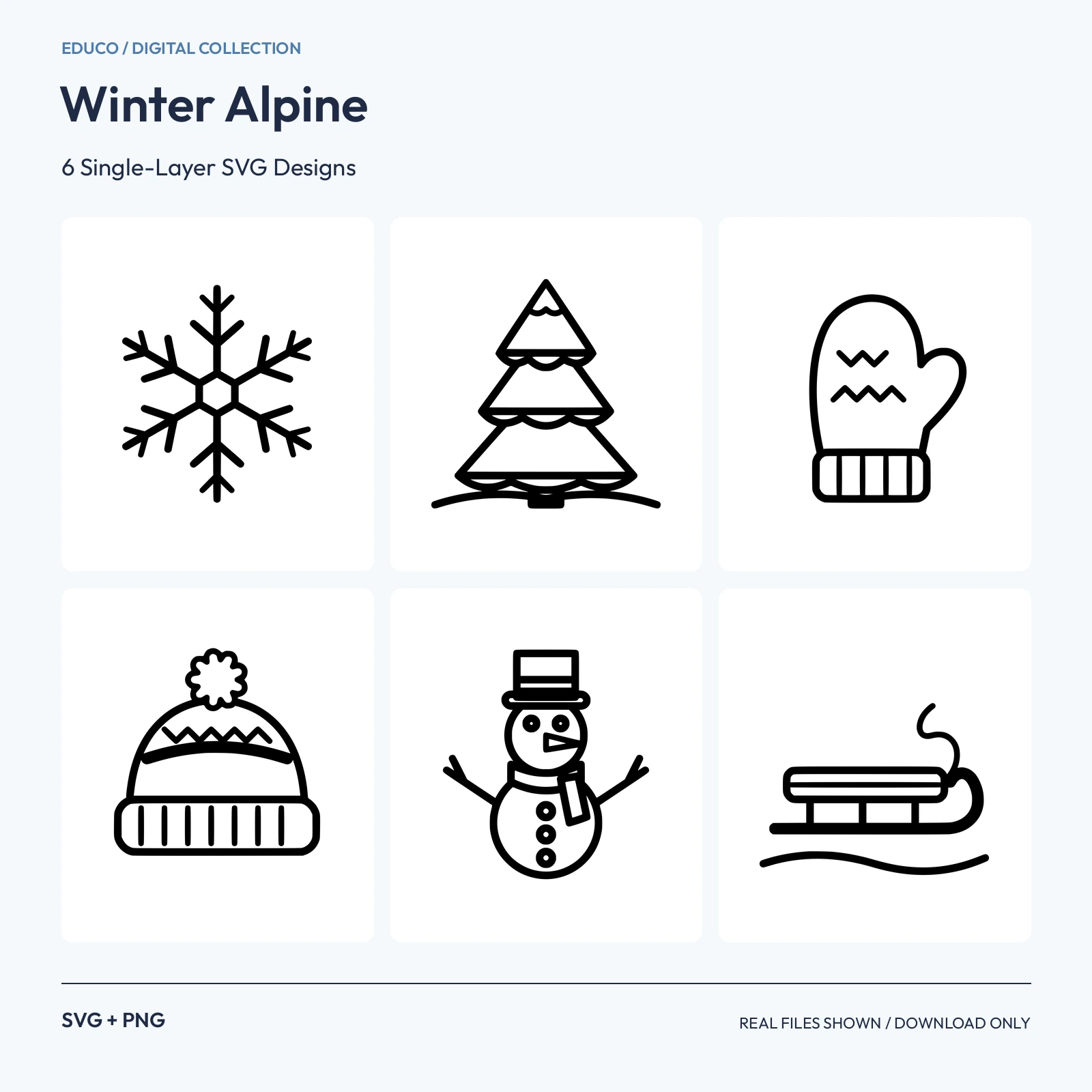 SVGPNGScalable SVG; 2000 px PNG
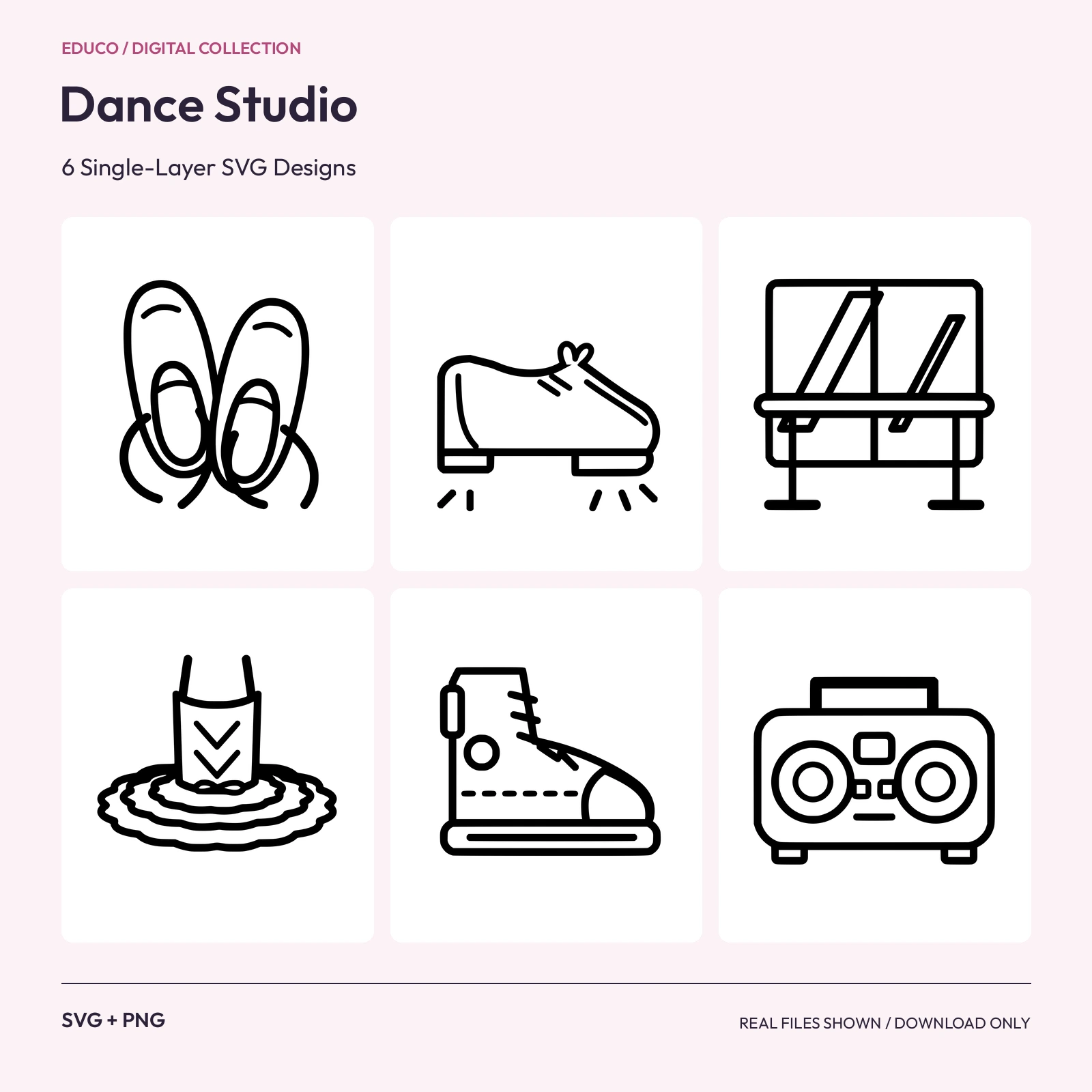 SVGPNGScalable SVG; 2000 px PNG
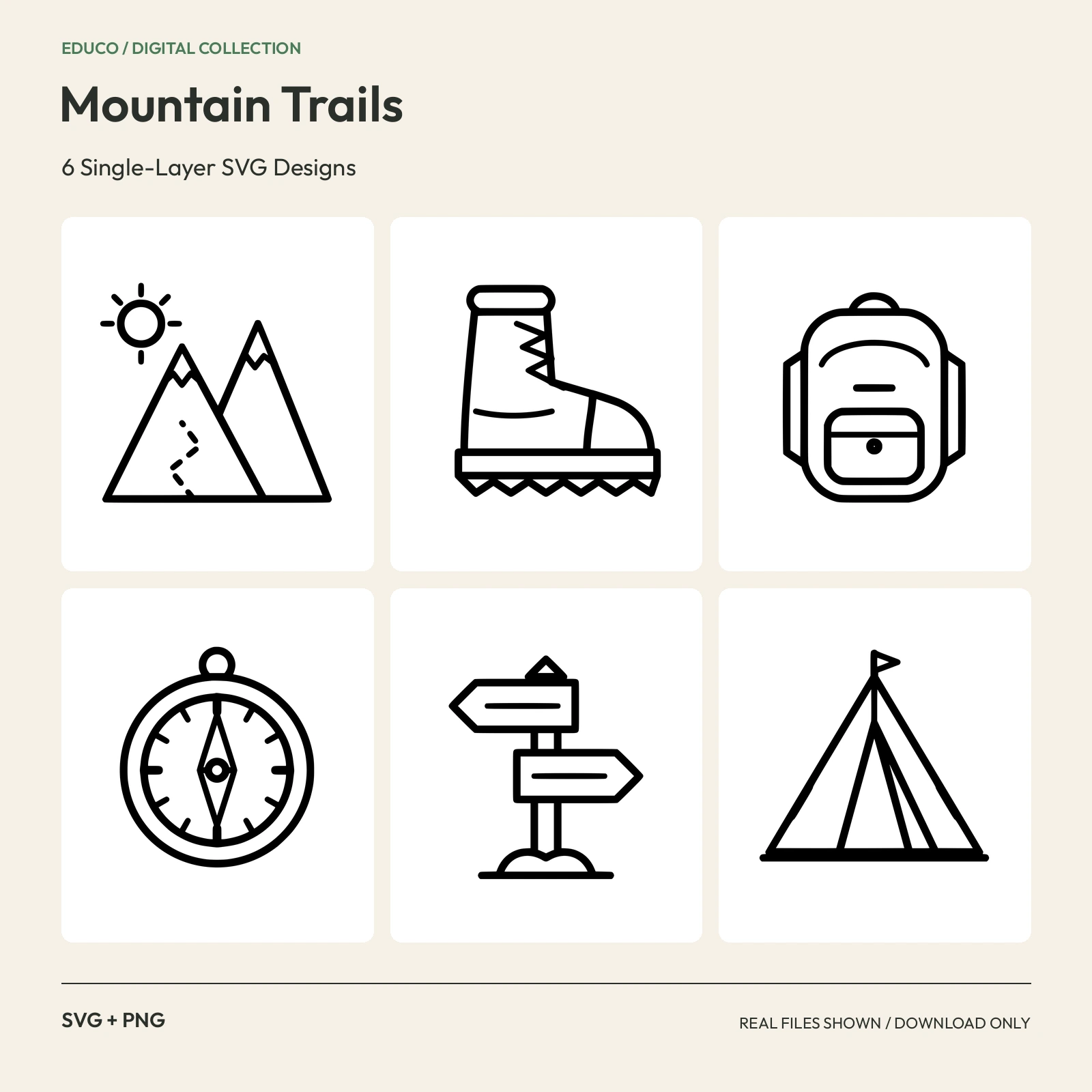 SVGPNGScalable SVG; 2000 px PNG
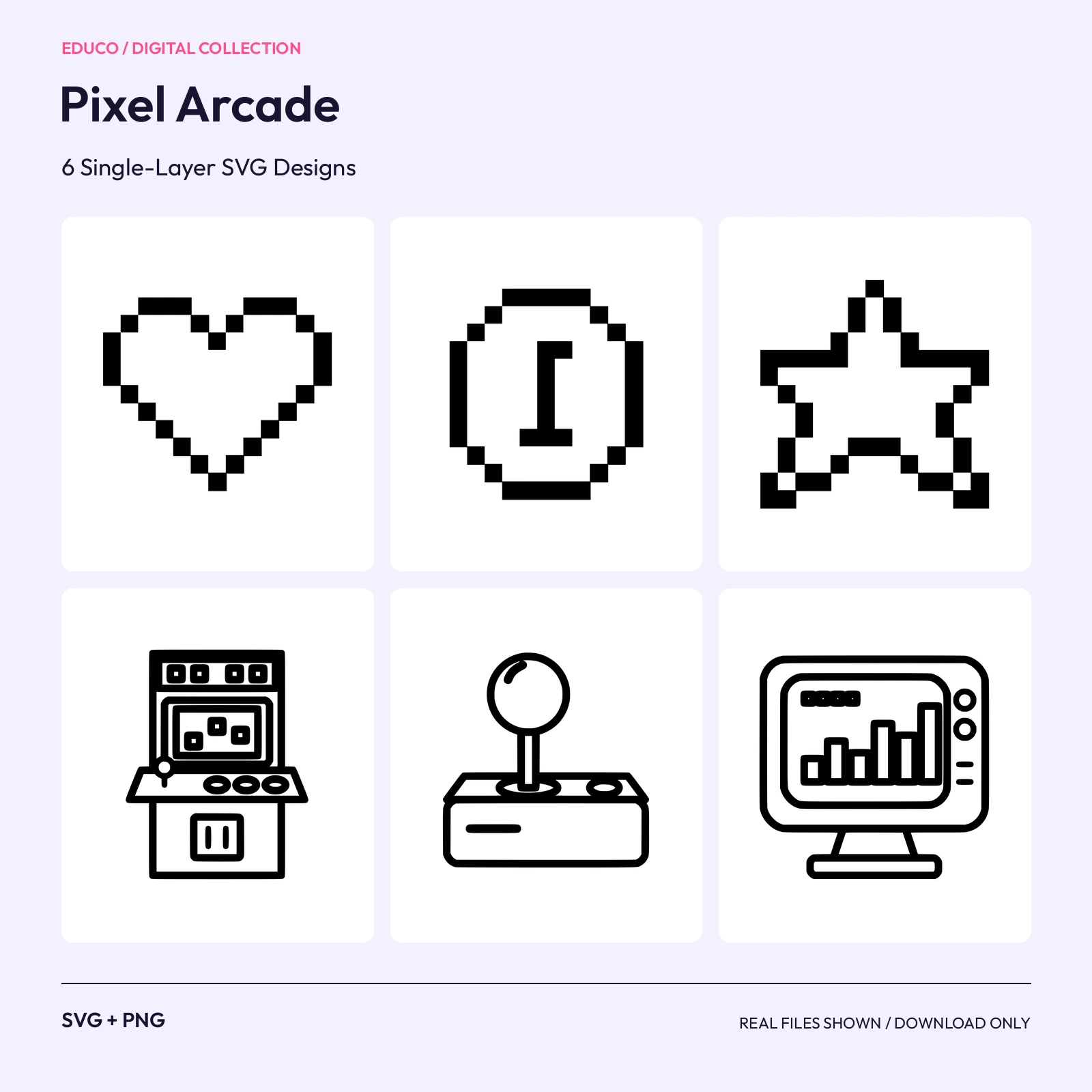 SVGPNGScalable SVG; 2000 px PNG
 SVGPNGScalable SVG; 2000 px PNG
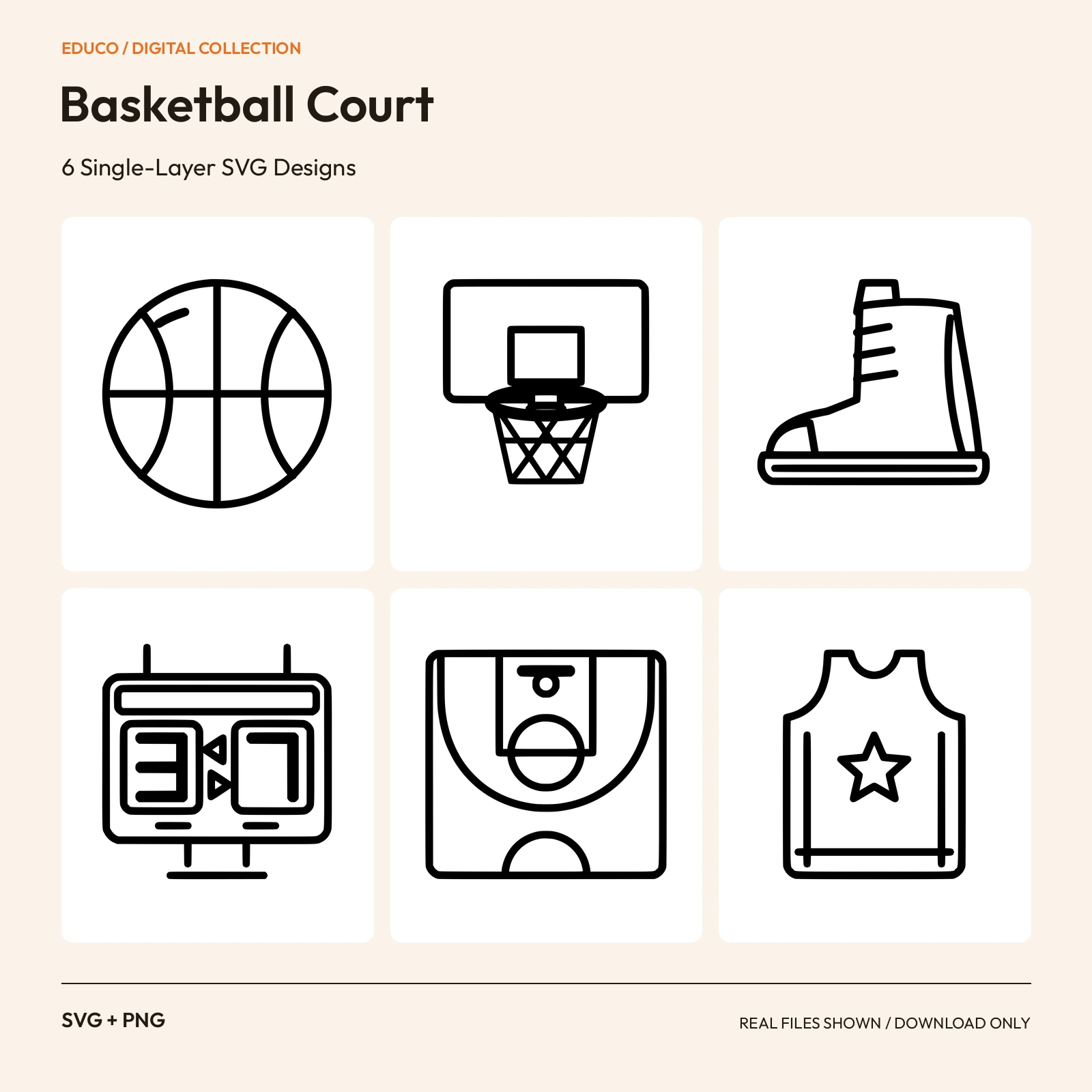 SVGPNGScalable SVG; 2000 px PNG
 SVGPNGScalable SVG; 2000 px PNG
 SVGPNGScalable SVG; 2000 px PNG
 SVGPNGScalable SVG; 2000 px PNG
 SVGPNGScalable SVG; 2000 px PNG
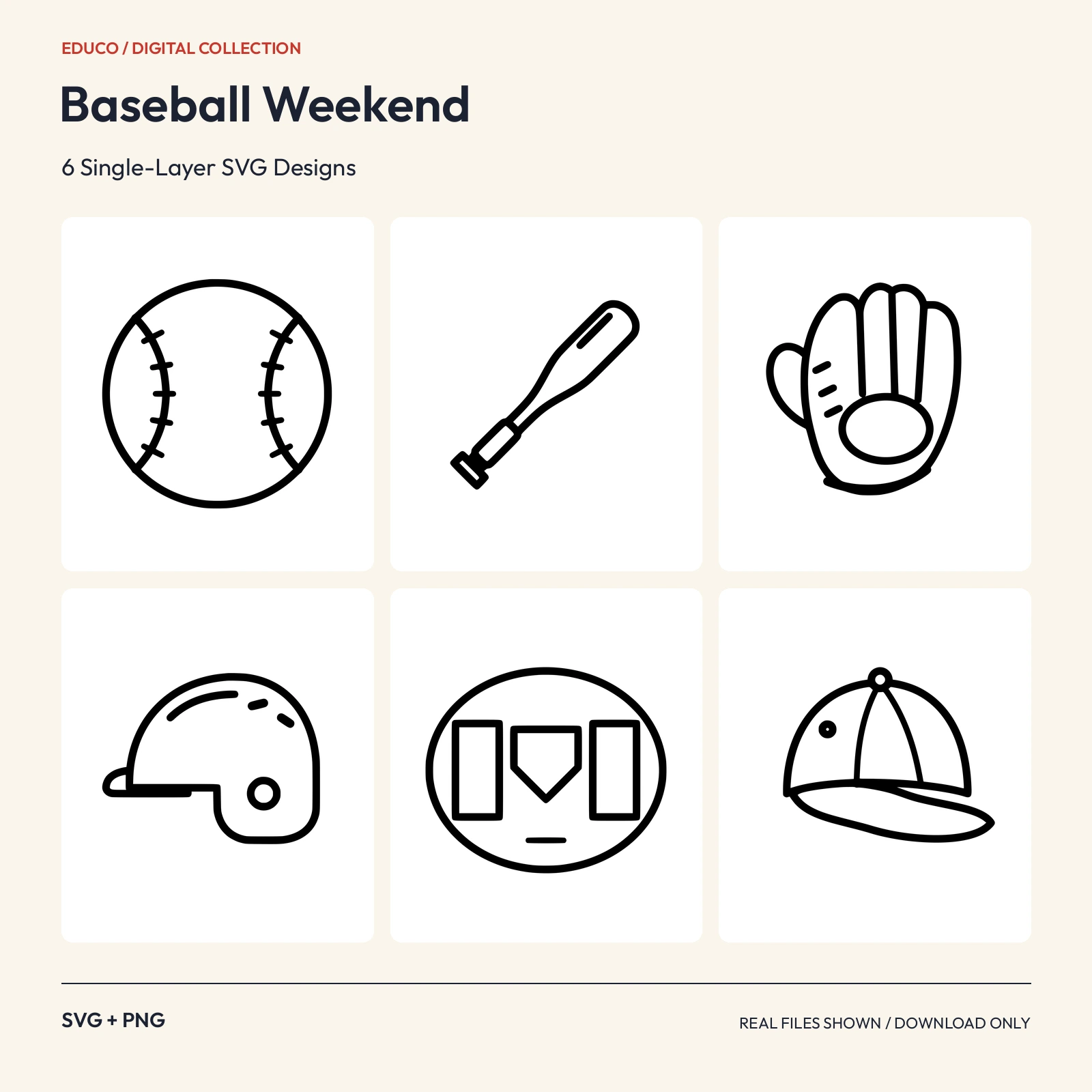 SVGPNGScalable SVG; 2000 px PNG
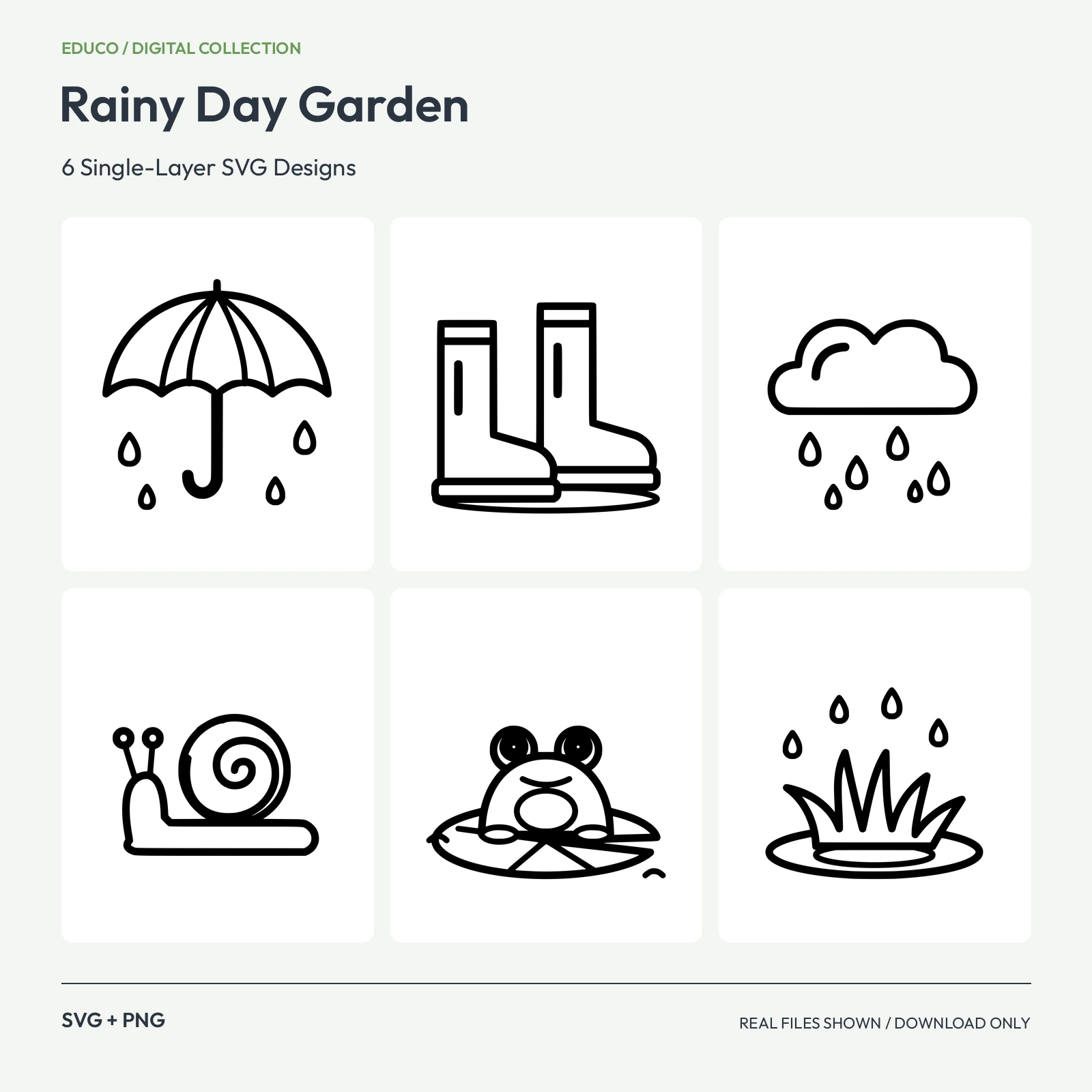 SVGPNGScalable SVG; 2000 px PNG
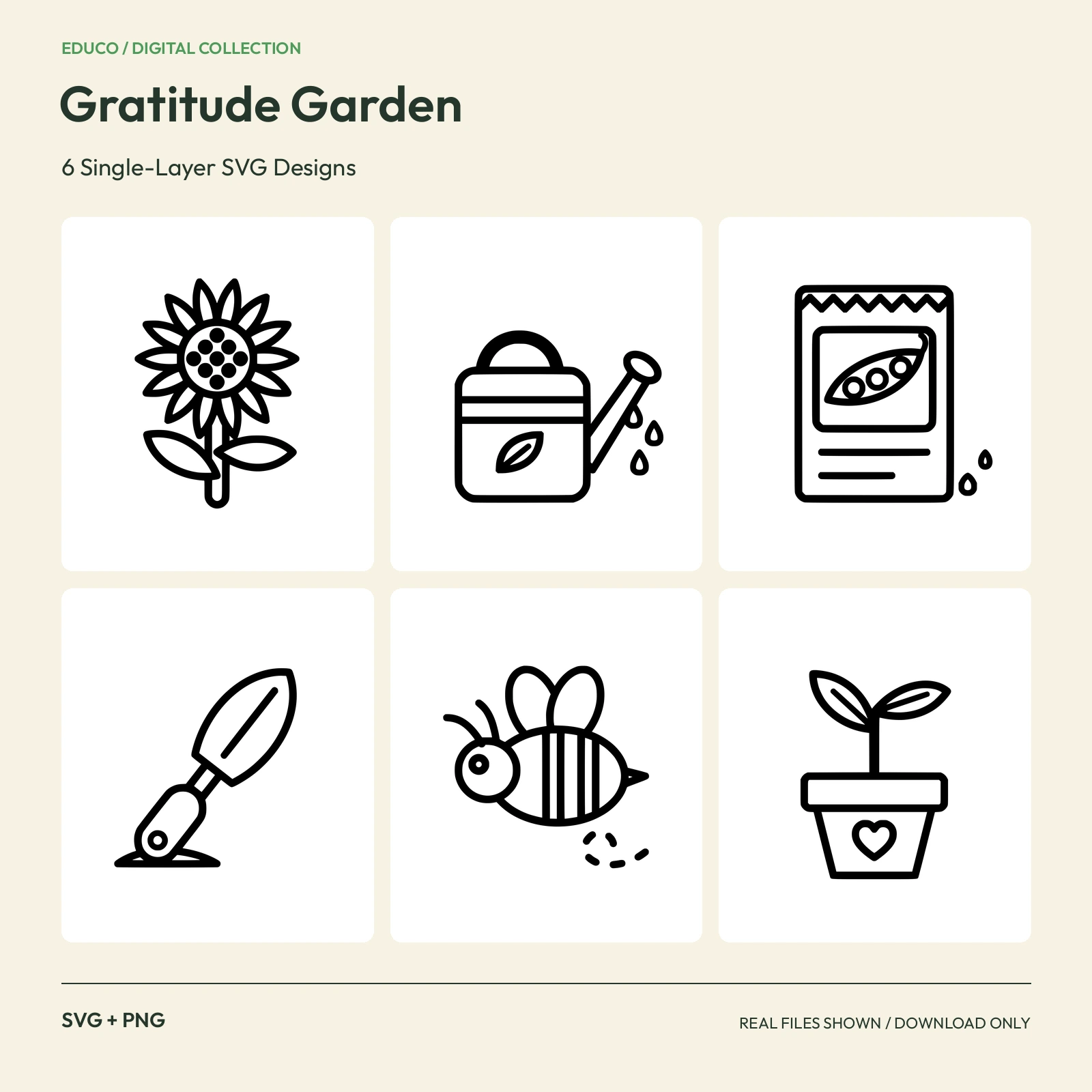 SVGPNGScalable SVG; 2000 px PNG
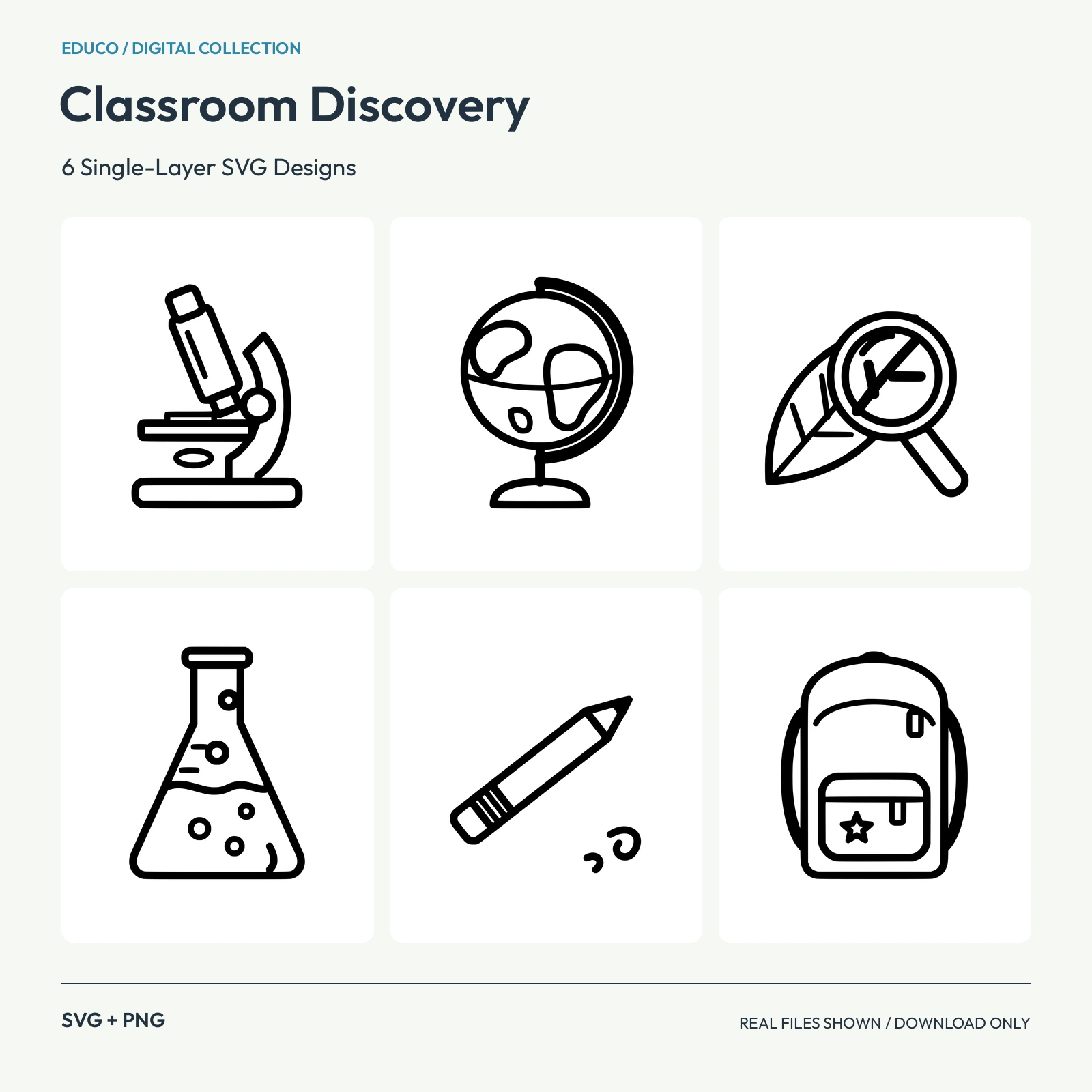 SVGPNGScalable SVG; 2000 px PNG
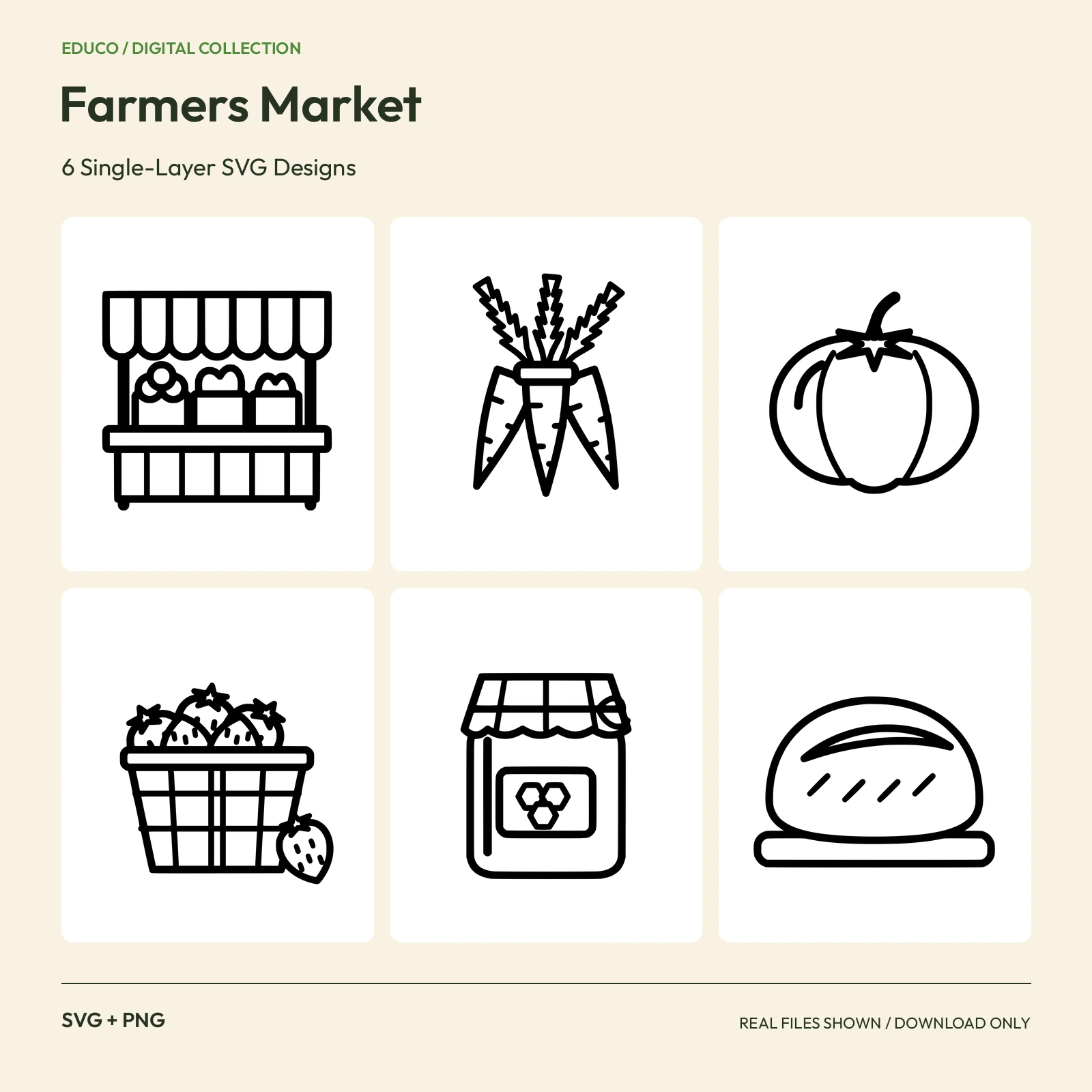 SVGPNGScalable SVG; 2000 px PNG
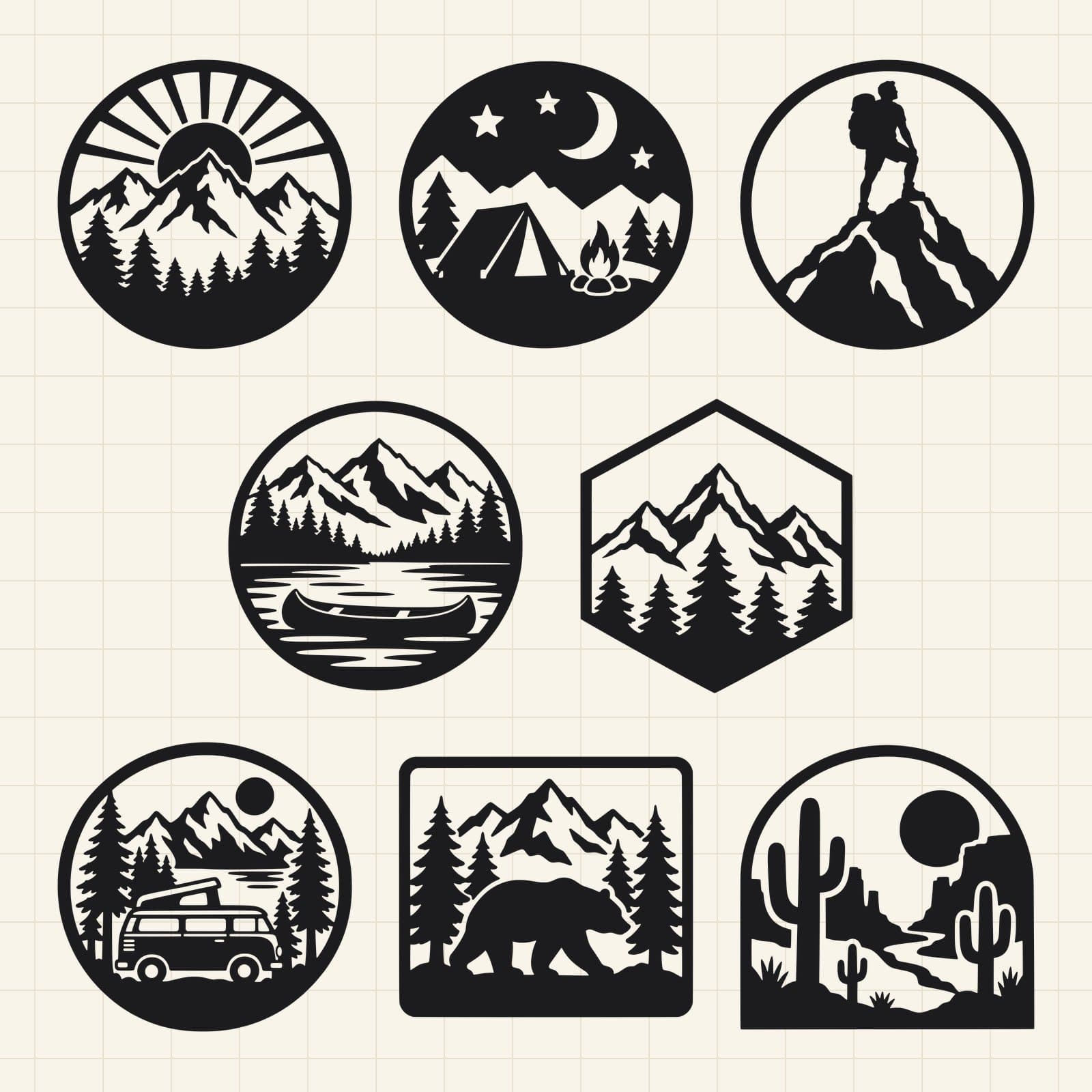 SVGDXF+1 more formats10 in long side; PNG 3000 px
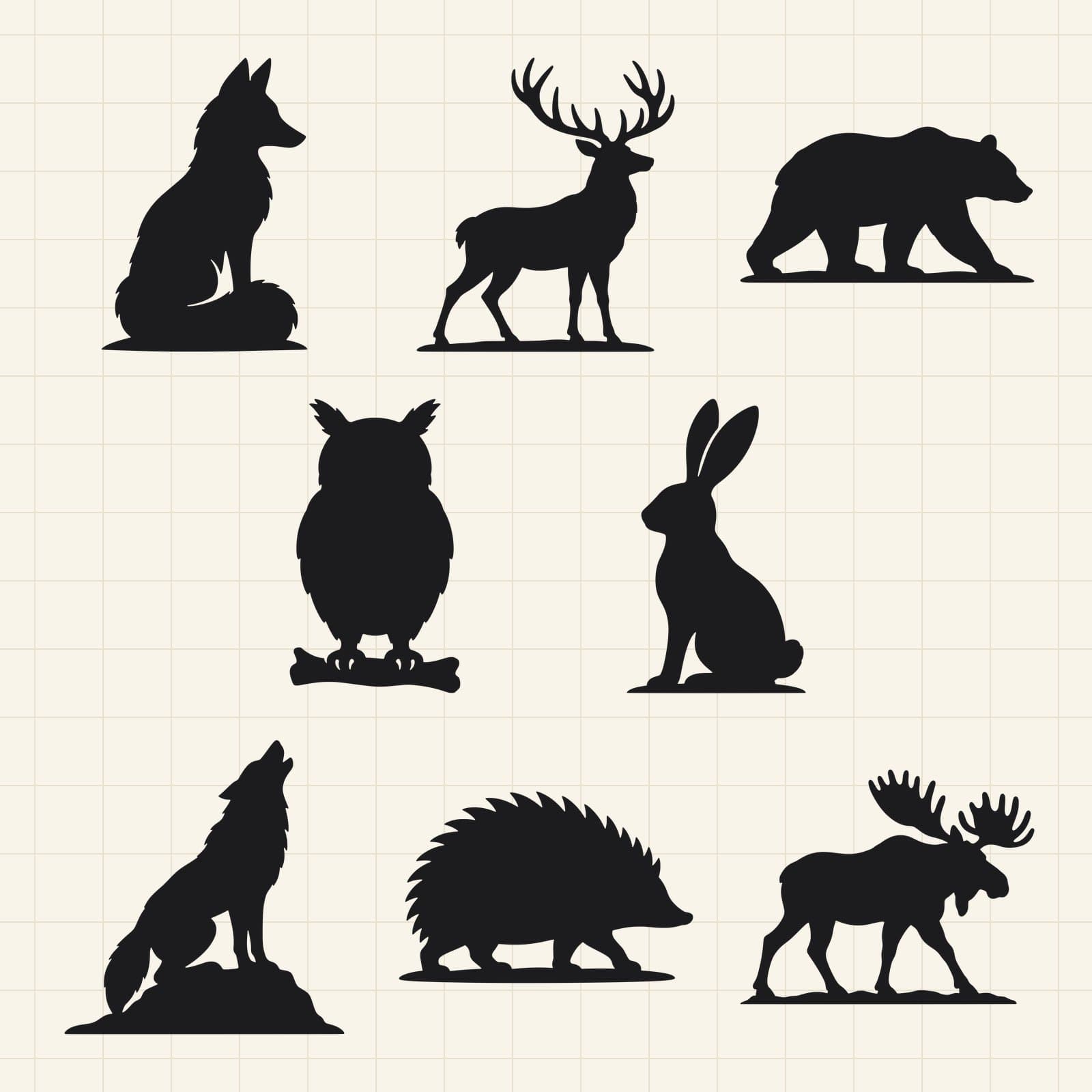 SVGDXF+1 more formats10 in long side; PNG 3000 px
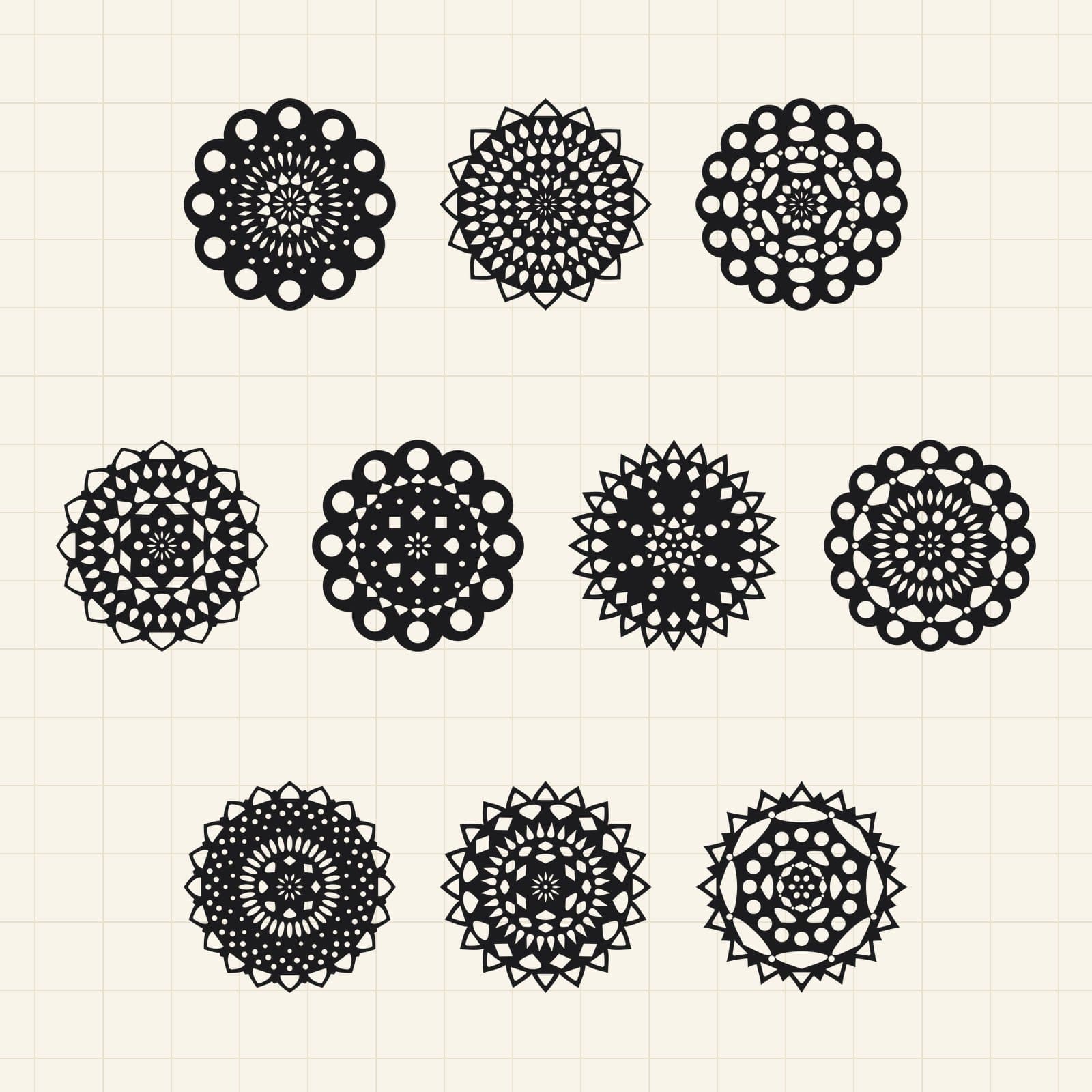 SVGDXF+1 more formats10 in long side; PNG 3000 px
 SVGDXF+1 more formats10 in long side; PNG 3000 px
 SVGDXF+1 more formats10 in long side; PNG 3000 px
 SVGDXF+1 more formats10 in long side; PNG 3000 px
Buying guide
What makes a good cut file
SVG artwork describes shapes as paths. Before buying a cut file, check the number of layers, smallest details and intended material against your machine and project.
Choose software that can import the supplied format. An SVG listing does not automatically include DXF, EPS or a native cutting-machine file. The listing’s file list is the source for what you receive.
Preview the paths and sizing in your own cutting software before cutting material. Use a commercial or extended license when your finished products will be sold, according to the listing’s terms.
FAQ
SVG & Cut Files questions, answered
Will an SVG work with my cutting machine?
Check whether your machine’s software and edition import SVG, and whether the design suits your material. Compatibility with one cutter does not guarantee compatibility with every cutter.
Are these designs single-layer or layered?
Both are possible. Check the product title, description and preview for its layer structure; do not assume that separate colors mean separate cut layers.
Are DXF and EPS files included?
Do not assume extra formats are included with an SVG. Review the listing’s formats and downloadable-file list before buying.