Equipment Inspection Spreadsheet, Monthly 30-Row Register (XLSX)
 By Educo
Price in USD. Local taxes calculated at checkout.
Buy 3 or more, save 20% from this shop
- 1 ZIP download · XLSX, TTF, TXT, ZIP formats · 3 tabs; XLSX
- Buyer protection. Corrupt or mismatched files? Full refund.
Item details
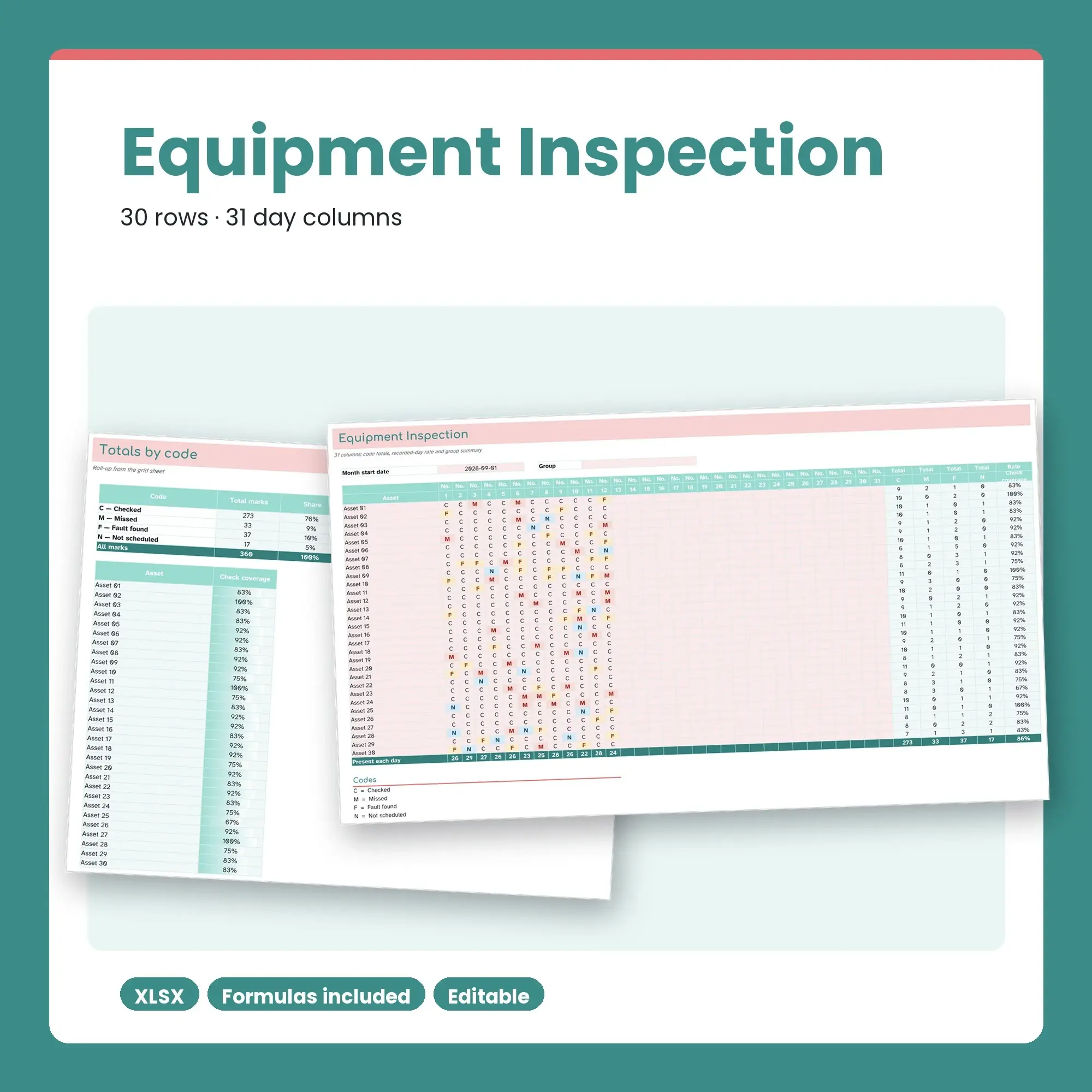
Keep a monthly equipment inspection record for up to 30 asset entries. Its 31-column grid is undated and can start on any day. Codes read C = checked, M = missed, F = fault found, N = not scheduled. Positive marks (checked and fault found) determine the rate, with empty positions omitted. Per-record counters, daily totals and the separate group summary all calculate directly from the selected codes.
Equipment checks can be completed, missed, find a fault or be unscheduled. Keep one asset on each row and review any fault mark separately from the coverage percentage. The rate describes recorded checking activity. This register does not include a technical inspection procedure and cannot certify equipment condition or authorise continued use.
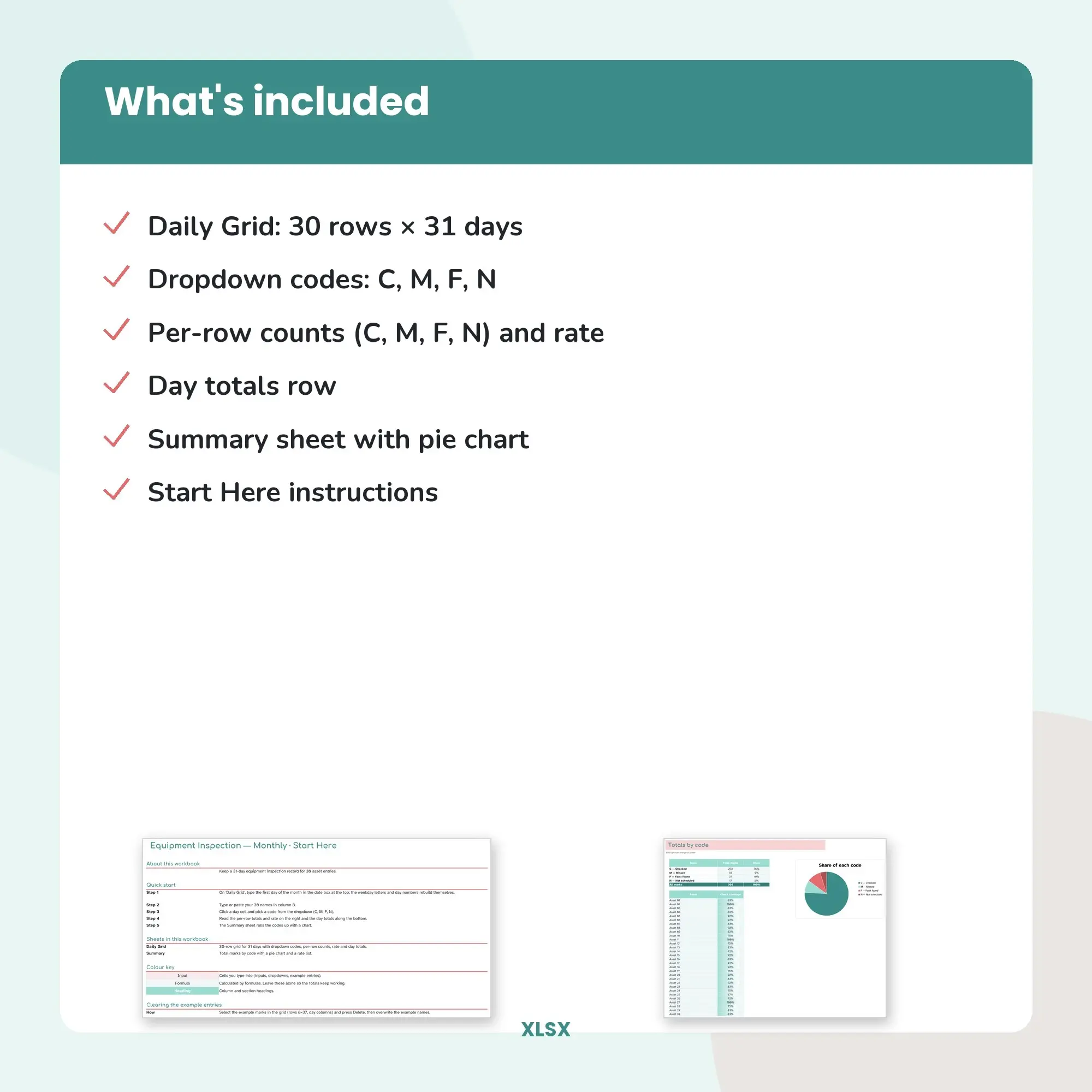
One ZIP supplies the XLSX workbook, Comfortaa, Atkinson Hyperlegible OFL fonts with their licence, and README.txt. The instruction tab explains how to clear worked inputs. Design: seafoam.
File specs
| Formats | XLSX, TTF, TXT, ZIP |
|---|---|
| Dimensions | 3 tabs; XLSX |
| Color space | sRGB |
| Downloadable files | 1 ZIP download · XLSX, TTF, TXT, ZIP formats |
| Category | Templates |
| Last updated |
What you’ll download
- zipequipment-inspection-spreadsheet-monthly-30-row-register.zip103 KB
Usage
Educo states how these files may be used in the listing description. Check it before you buy, and message the shop if you’re unsure.
Reselling, sharing or redistributing the original files as they are isn’t allowed, including in free packs or AI training sets.