Event Equipment Inventory Spreadsheet, Multi Area 120-Item Tracker (ODS)
 By Educo
Price in USD. Local taxes calculated at checkout.
Buy 3 or more, save 20% from this shop
- 1 ZIP download · ODS, TTF, TXT, ZIP formats · 3 tabs; ODS
- Buyer protection. Corrupt or mismatched files? Full refund.
Item details
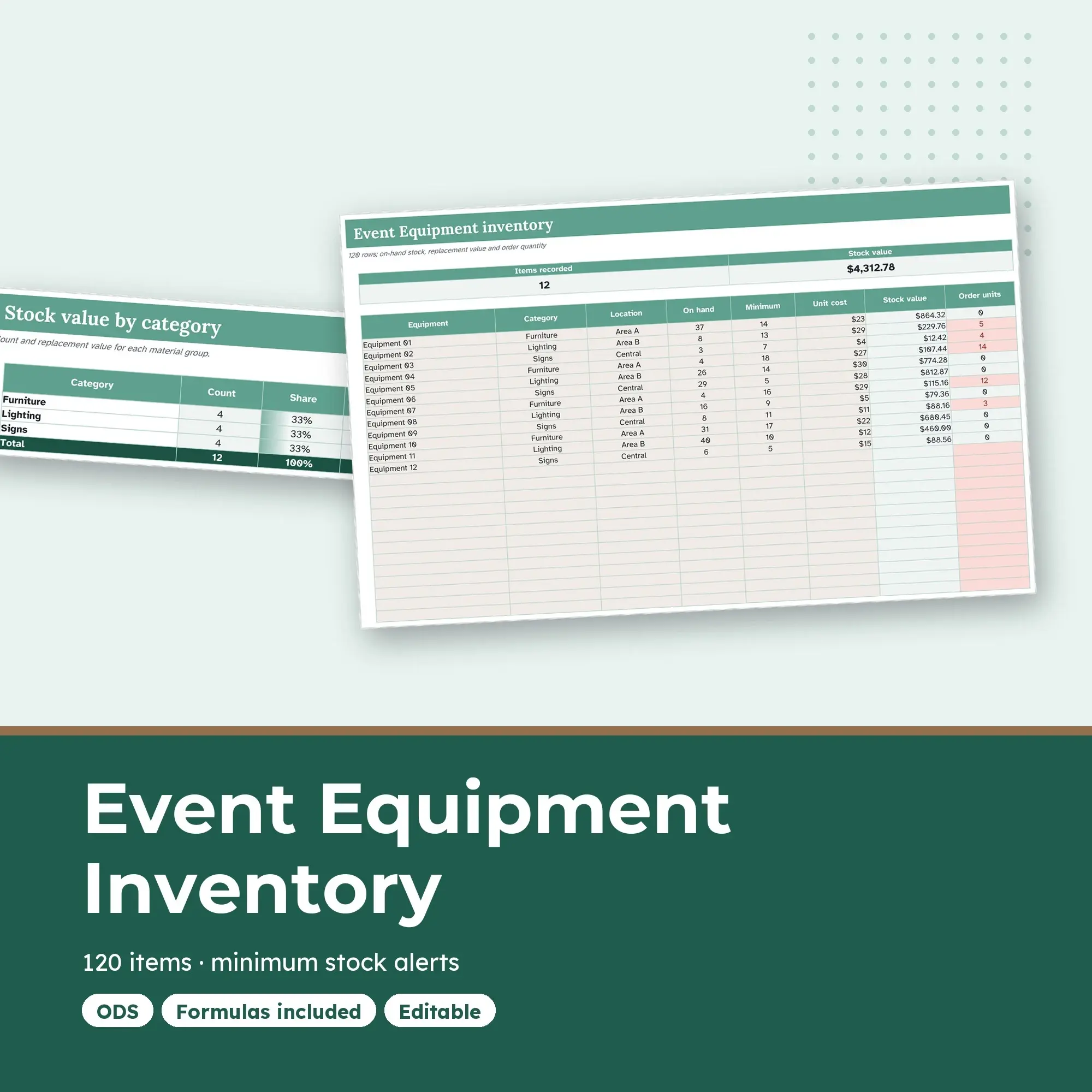
This multi-area event equipment inventory gives 120 rows to furniture, lighting, signs. Assign Area A, Area B, Central from a consistent location list. A value cell multiplies your quantity by unit cost, while a second formula calculates a positive ordering shortfall. Top figures count recorded items and total their stock value. The related summary tab groups those totals by category.
Furniture, lighting resources and signs can be stored between events. Record a consistent count for each equipment type, assign its location and set a minimum for the event you are preparing. Replacement value is an estimate from your entered unit cost. Check condition and event suitability separately before relying on the recorded quantities.
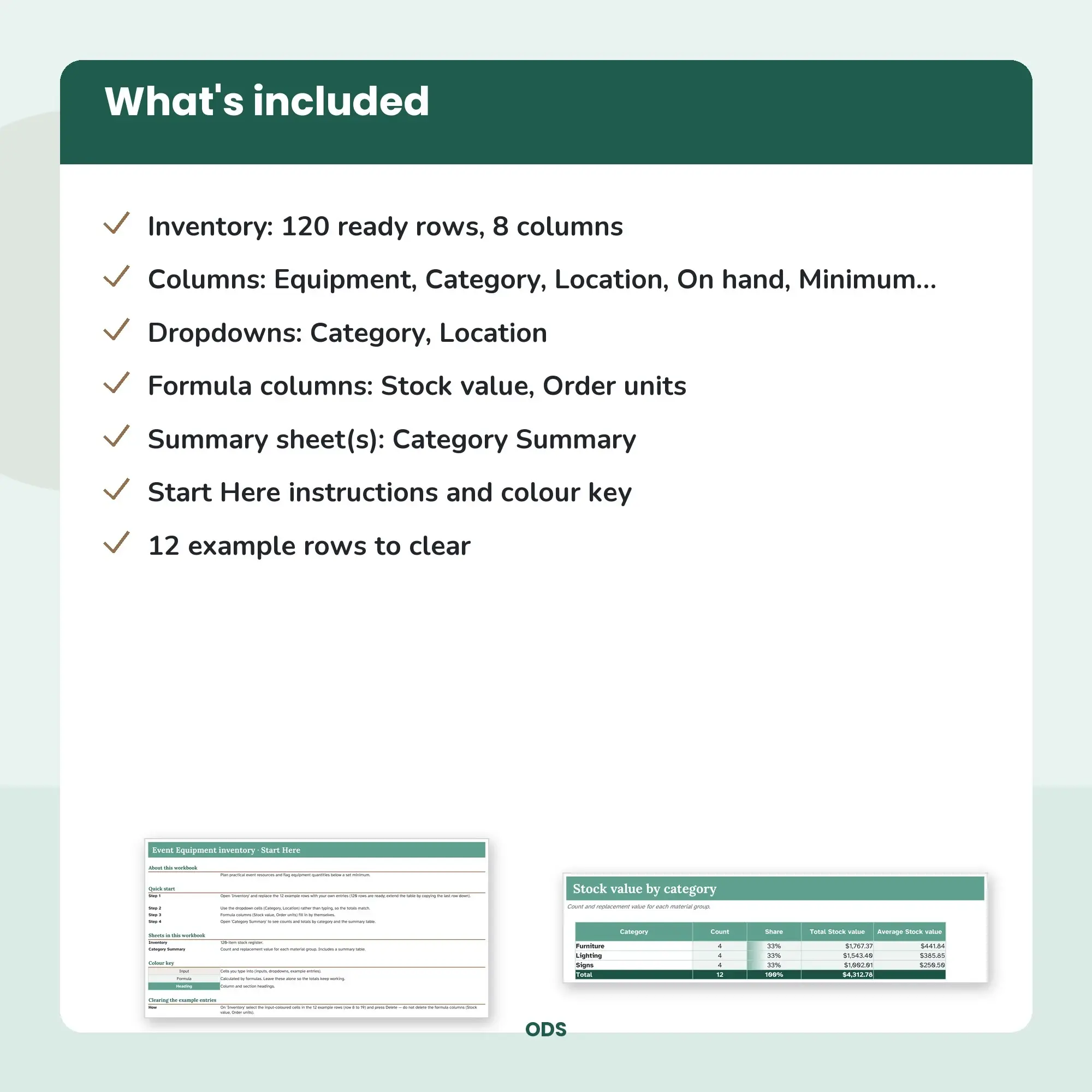
One ZIP supplies the ODS workbook, Lora, Atkinson Hyperlegible OFL fonts with their licence, and README.txt. The instruction tab explains how to clear worked inputs. Design: spruce. Calculated summaries appear as tables.
File specs
| Formats | ODS, TTF, TXT, ZIP |
|---|---|
| Dimensions | 3 tabs; ODS |
| Color space | sRGB |
| Downloadable files | 1 ZIP download · ODS, TTF, TXT, ZIP formats |
| Category | Templates |
| Last updated |
What you’ll download
- zipevent-equipment-inventory-spreadsheet-multi-area-120-item-tr.zip131 KB
Usage
Educo states how these files may be used in the listing description. Check it before you buy, and message the shop if you’re unsure.
Reselling, sharing or redistributing the original files as they are isn’t allowed, including in free packs or AI training sets.