Equipment Inspection Spreadsheet, Large Group 40-Row Register (ODS)
 By Educo
Price in USD. Local taxes calculated at checkout.
Buy 3 or more, save 20% from this shop
- 1 ZIP download · ODS, TTF, TXT, ZIP formats · 3 tabs; ODS
- Buyer protection. Corrupt or mismatched files? Full refund.
Item details
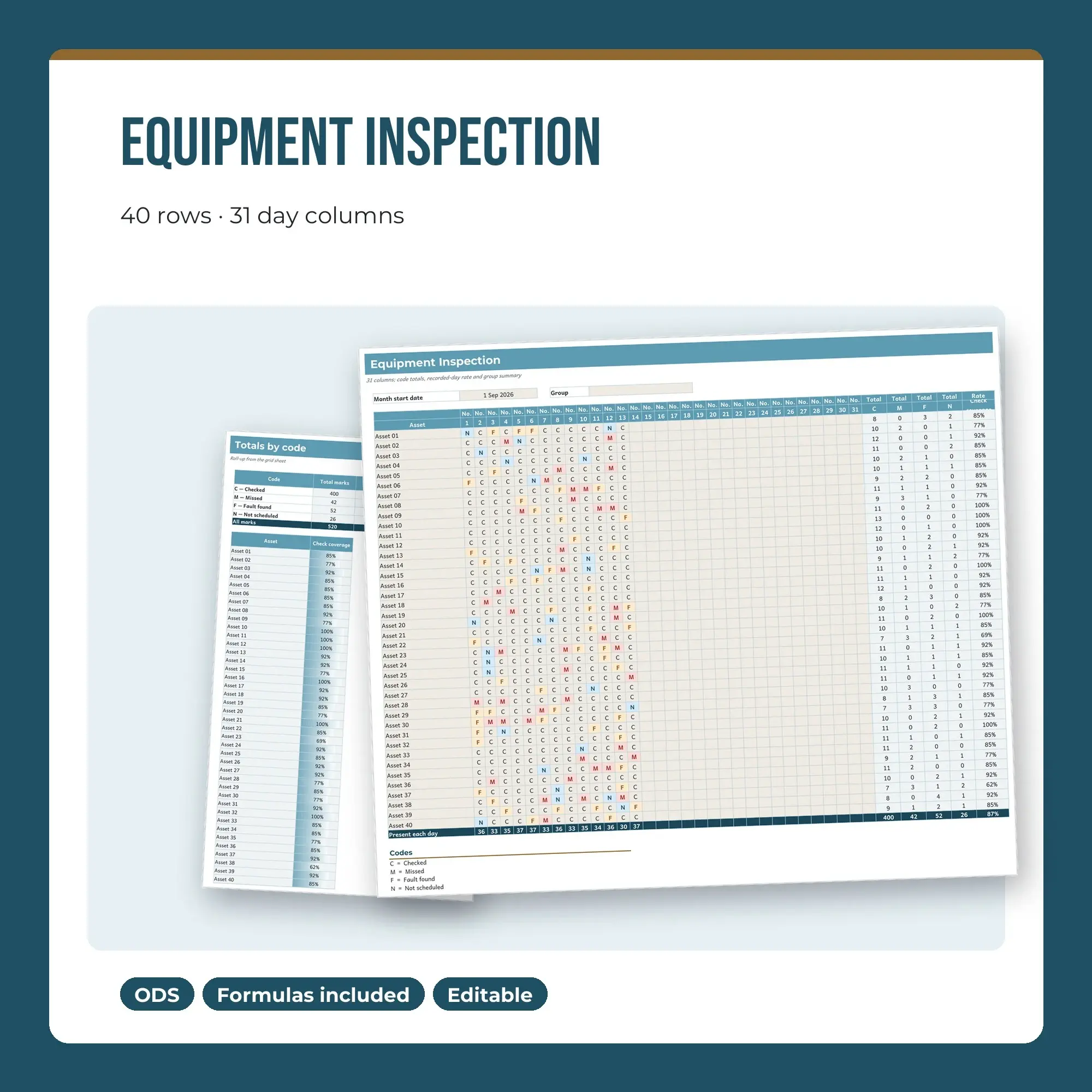
This large-group equipment inspection sheet has 40 ready rows and 31 day cells per asset. Record C = checked, M = missed, F = fault found, N = not scheduled using consistent dropdown choices. Totals along the register report each code independently; the positive-rate calculation treats checked and fault found as successful marks and excludes untouched days. Compare the full cohort in the second working tab, Summary.
Equipment checks can be completed, missed, find a fault or be unscheduled. Keep one asset on each row and review any fault mark separately from the coverage percentage. The rate describes recorded checking activity. This register does not include a technical inspection procedure and cannot certify equipment condition or authorise continued use.
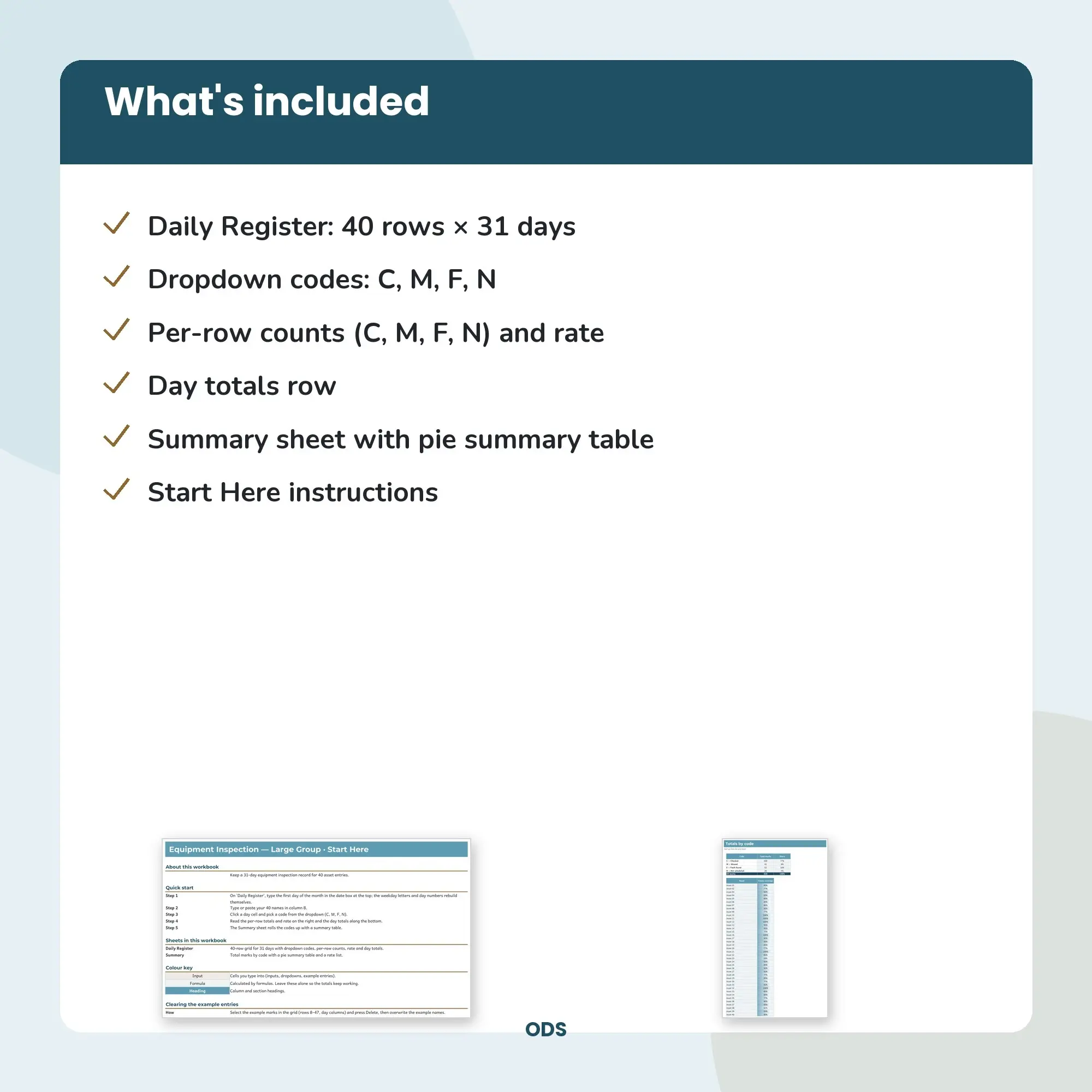
One ZIP supplies the ODS workbook, Montserrat, Andika OFL fonts with their licence, and README.txt. The instruction tab explains how to clear worked inputs. Design: harbor. Calculated summaries appear as tables.
File specs
| Formats | ODS, TTF, TXT, ZIP |
|---|---|
| Dimensions | 3 tabs; ODS |
| Color space | sRGB |
| Downloadable files | 1 ZIP download · ODS, TTF, TXT, ZIP formats |
| Category | Templates |
| Last updated |
What you’ll download
- zipequipment-inspection-spreadsheet-large-group-40-row-register.zip128 KB
Usage
Educo states how these files may be used in the listing description. Check it before you buy, and message the shop if you’re unsure.
Reselling, sharing or redistributing the original files as they are isn’t allowed, including in free packs or AI training sets.