Trick-or-Treat Route and Candy Haul Tracker Spreadsheet – Route Log, Candy Count and Fair Trade Calculator
 By Educo
Price in USD. Local taxes calculated at checkout.
Buy 3 or more, save 20% from this shop
- 3 downloadable files · XLSX, ODS, TSV formats · US Letter, 5 tabs
- Buyer protection. Corrupt or mismatched files? Full refund.
Item details
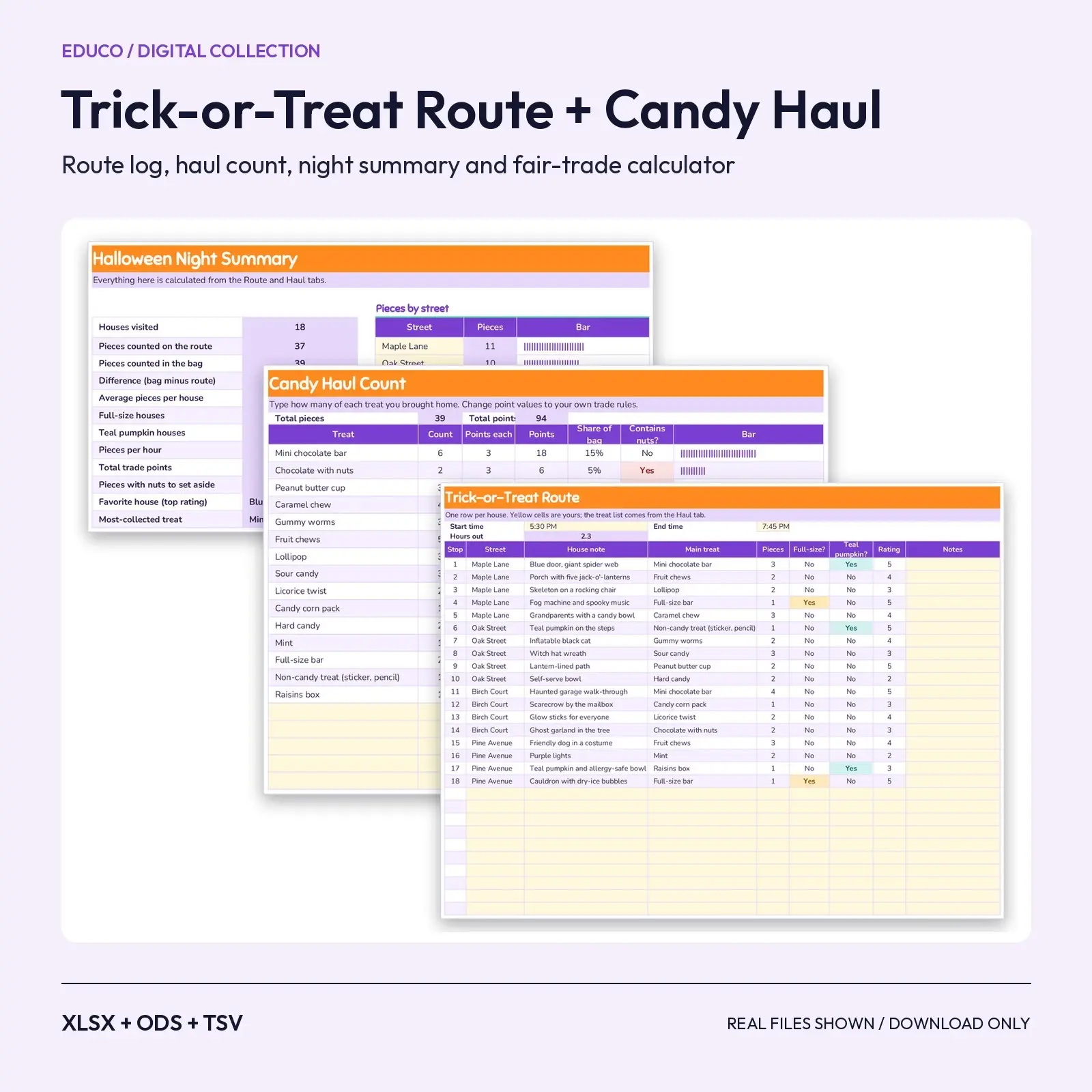
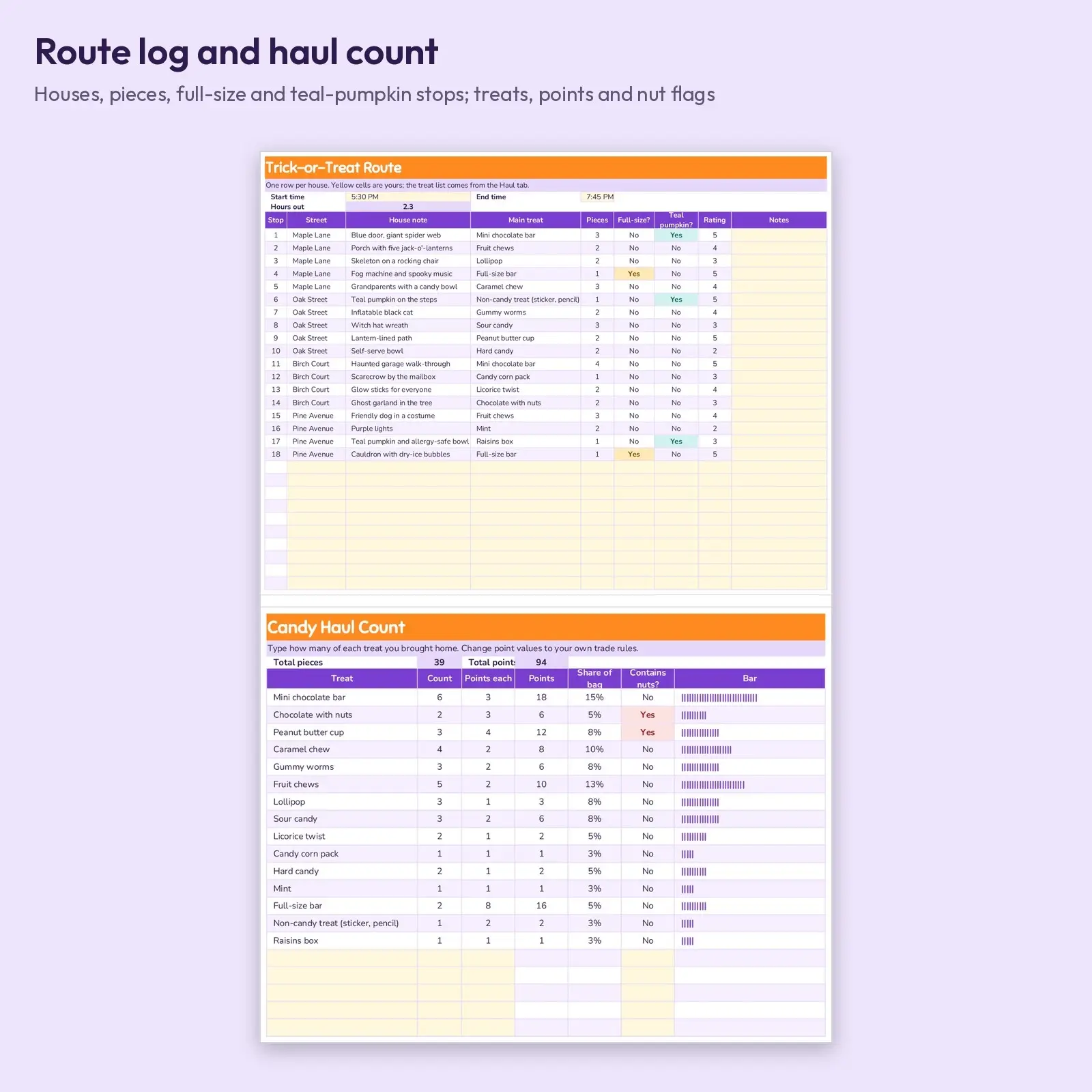
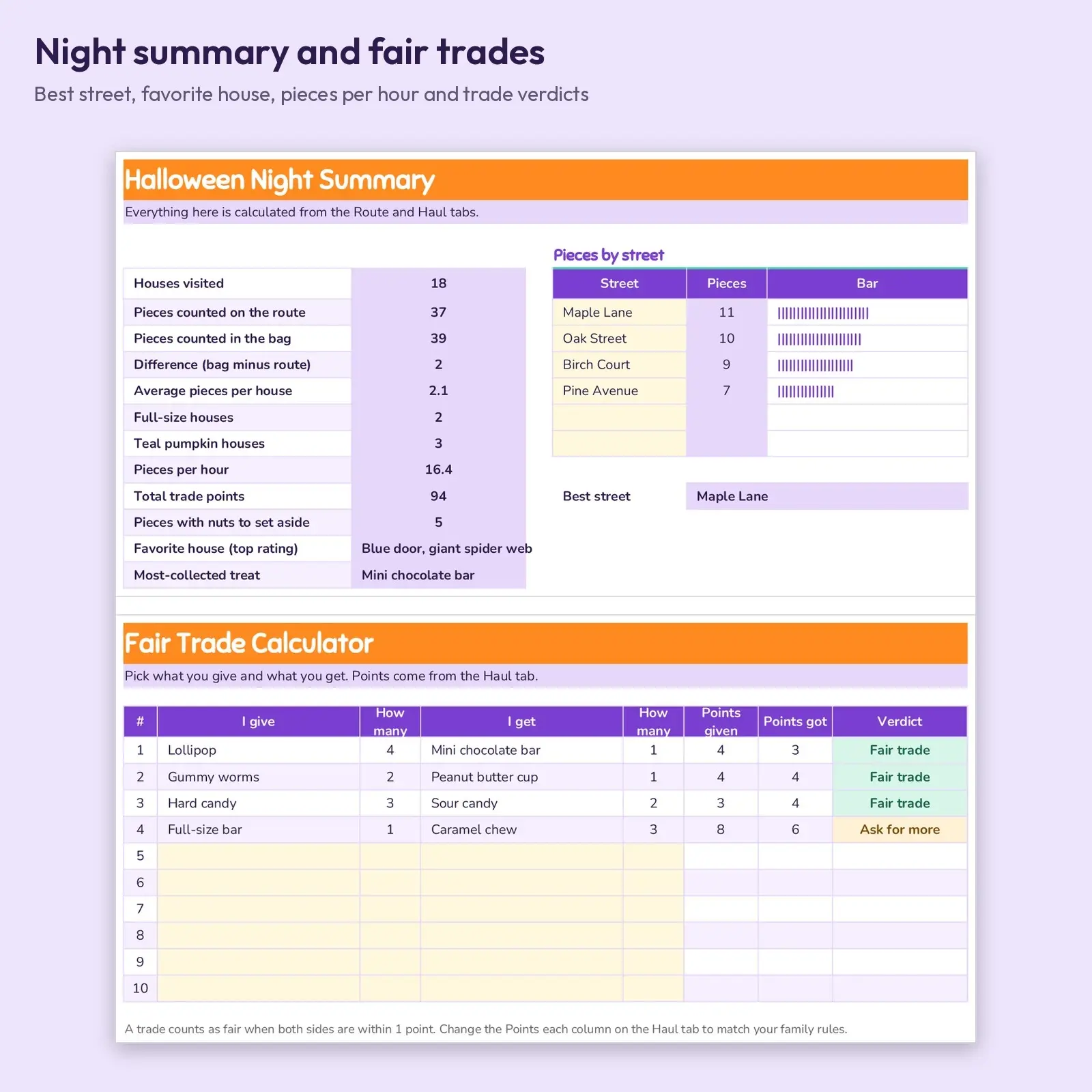
A playful Halloween-night workbook for families. Log every house on the Route tab (street, a note to remember it, main treat, pieces, full-size, teal pumpkin and a 1 to 5 rating), count the bag on the Haul tab with point values and a contains-nuts flag, and the Summary tab reports houses visited, pieces per house and per hour, the best street, the favorite house and how many nut pieces to set aside. The Trades tab settles sibling candy swaps by comparing points on both sides.
Perfect when you need to: - Track a trick-or-treat route and remember the best houses for next year - Count, sort and set aside nut-containing candy after the walk - A real-world math activity: totals, averages, percentages and fair trades
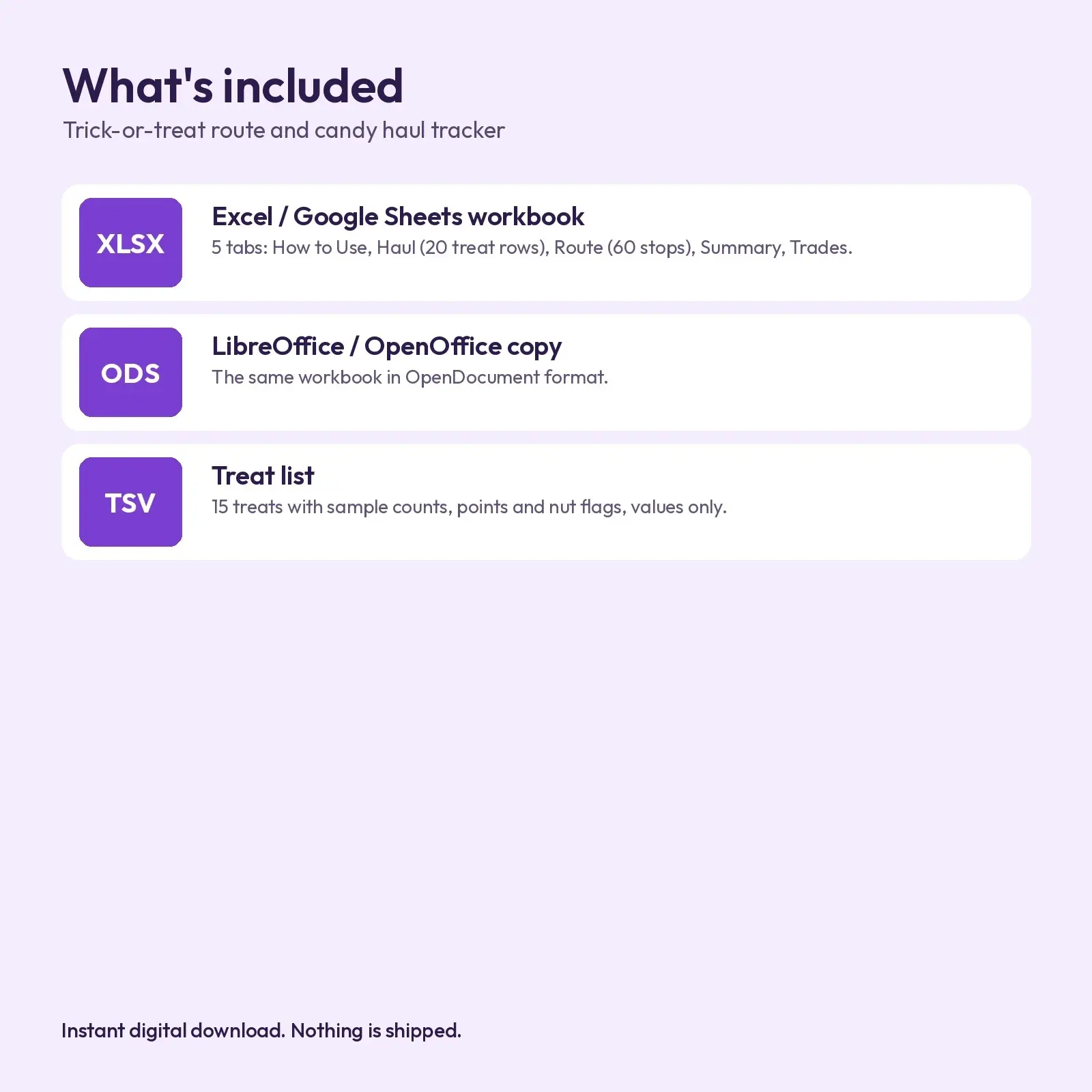
What's included: - 1 XLSX workbook with 5 tabs: How to Use, Haul, Route (60 stops), Summary, Trades (10 trade rows); formulas, dropdowns and colour flags - 1 ODS copy for LibreOffice and OpenOffice - 1 TSV of the treat list (15 rows, values only)
Opens in: - XLSX opens in Microsoft Excel (2016, 2019, 2021, Microsoft 365), Google Sheets (upload and open), LibreOffice Calc and Apple Numbers; formulas recalculate as you type. - ODS opens in LibreOffice Calc, Apache OpenOffice, Google Sheets, Microsoft Excel and Apple Numbers; formulas recalculate as you type. - TSV (tab-separated, UTF-8) imports into Excel, Google Sheets, Numbers, LibreOffice and most databases; it keeps commas inside text cells.
About the fonts: Sniglet, Nunito give the design its look and are free from Google Fonts under the SIL Open Font License, including commercial use. Missing fonts fall back to Georgia or Arial-style system fonts.
How to use: log houses on Route during or after the walk, count the bag on Haul, then read Summary and use Trades for swaps.
Treat names are generic (no brands) and all streets, houses and counts are invented sample data. A trade is called fair when both sides are within 1 point; change point values on the Haul tab to your own rules. Allergy flags are a helper only: an adult should always check real wrappers and treats before eating.
This is an instant digital download. No physical item is shipped. Files are original Educo designs. Personal and commercial use (including products you sell) is allowed; reselling or sharing the files themselves is not.
Works with Excel, Google Sheets, LibreOffice, Numbers.
File specs
| Formats | XLSX, ODS, TSV |
|---|---|
| Dimensions | US Letter, 5 tabs |
| Color space | sRGB |
| Downloadable files | 3 downloadable files · XLSX, ODS, TSV formats |
| Category | Templates |
| Last updated |
What you’ll download
- xlsxtrick-or-treat-route-candy-haul-tracker.xlsx22 KB
- odstrick-or-treat-route-candy-haul-tracker.ods17 KB
- tsvcandy-haul-count.tsv526 B
Usage
Educo states how these files may be used in the listing description. Check it before you buy, and message the shop if you’re unsure.
Reselling, sharing or redistributing the original files as they are isn’t allowed, including in free packs or AI training sets.