Pumpkin Patch Math Data Sheet – Class Pumpkin Measurement Spreadsheet with Statistics, Graphs and Challenges
 By Educo
Price in USD. Local taxes calculated at checkout.
Buy 3 or more, save 20% from this shop
- 3 downloadable files · XLSX, ODS, CSV formats · US Letter, 5 tabs
- Buyer protection. Corrupt or mismatched files? Full refund.
Item details
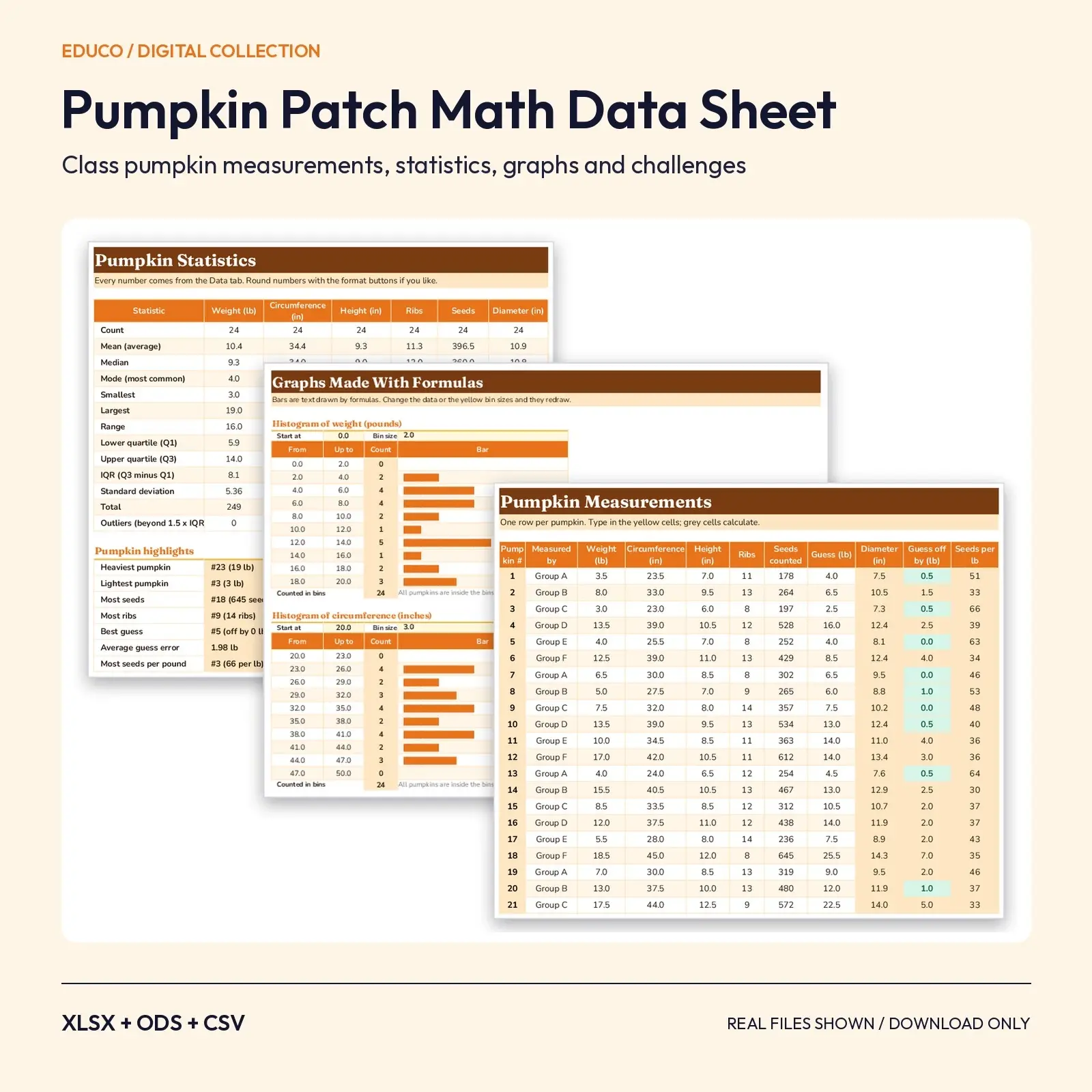
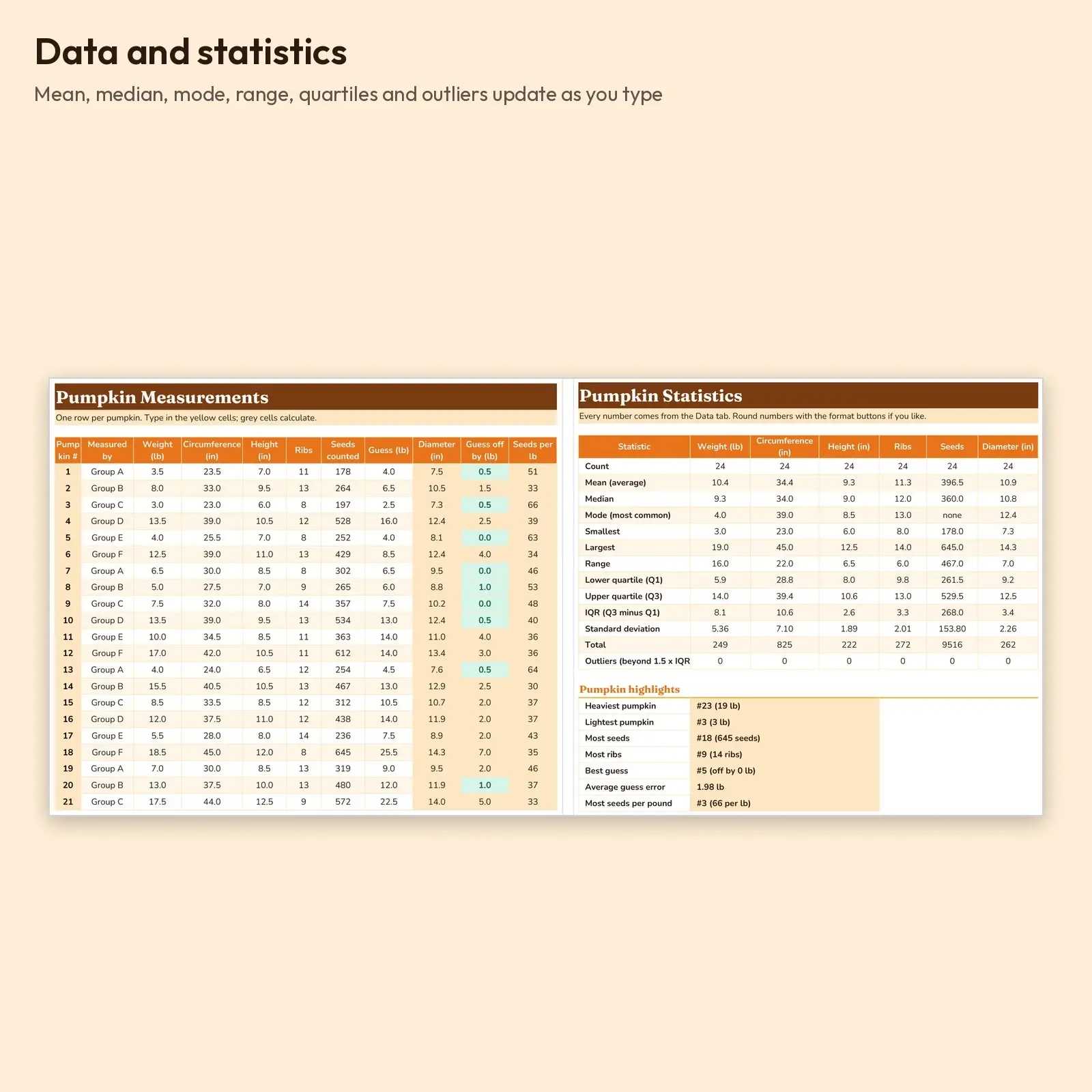
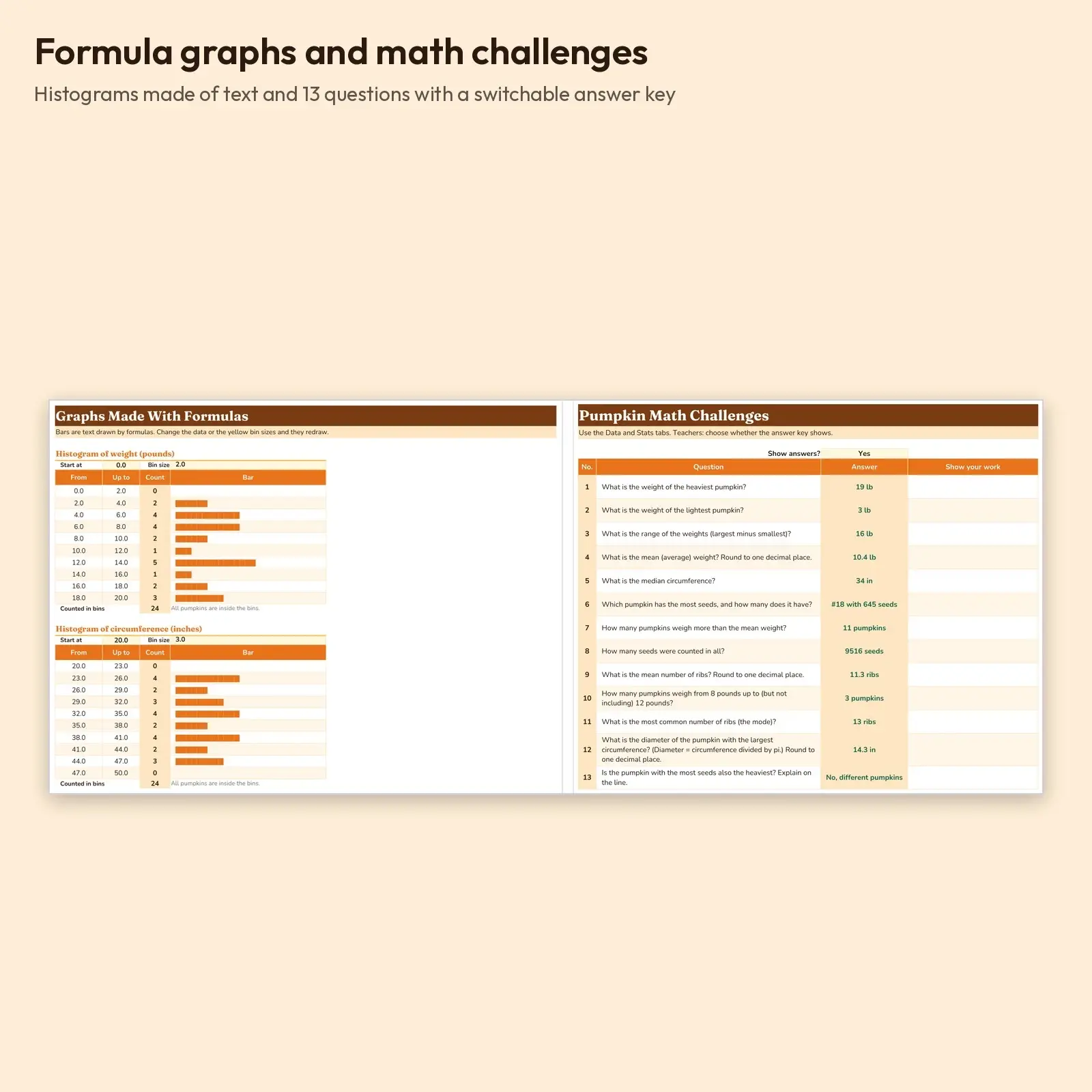
Turn the classic pumpkin investigation into a real data lesson. Groups type in each pumpkin's weight, circumference, height, ribs, seed count and their weight guess on the Data tab (room for 30 pumpkins), and the workbook works out diameter, guess error and seeds per pound. The Stats tab gives count, mean, median, mode, range, quartiles, IQR, standard deviation and outliers for six measurements plus highlights like heaviest pumpkin and best guess, the Graphs tab draws histograms and bar graphs with formulas, and the Challenges tab asks 13 questions with an answer key you can switch on or off.
Great for: - Pumpkin measuring day in grades 3 to 6 - Teaching mean, median, mode, range and histograms with the class's own data - Science fair or STEM night data station
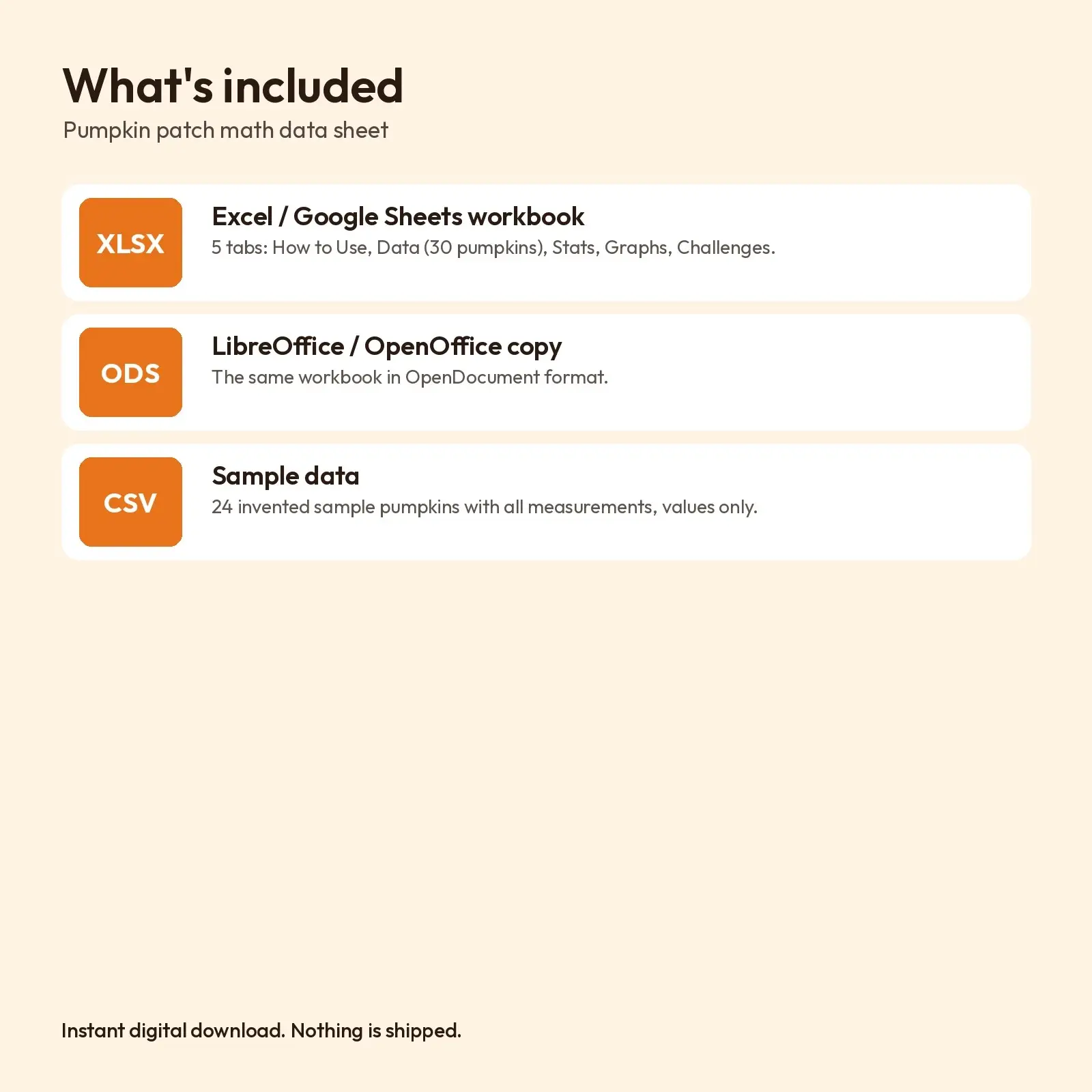
What's included: - 1 XLSX workbook with 5 tabs: How to Use, Data, Stats, Graphs (formula histograms and bars), Challenges (13 questions, switchable answer key) - 1 ODS copy for LibreOffice and OpenOffice - 1 CSV of the 24 sample pumpkins (values only)
Works with: - XLSX opens in Microsoft Excel (2016, 2019, 2021, Microsoft 365), Google Sheets (upload and open), LibreOffice Calc and Apple Numbers; formulas recalculate as you type. - ODS opens in LibreOffice Calc, Apache OpenOffice, Google Sheets, Microsoft Excel and Apple Numbers; formulas recalculate as you type. - CSV (comma-separated, UTF-8) imports into Excel, Google Sheets, Numbers, LibreOffice, Airtable, Notion and most databases.
Fonts: designed with Fraunces, Nunito (free from Google Fonts under the SIL Open Font License, including commercial use). Install them for the exact look; if they are missing, your app swaps in a similar system font (Georgia or Arial style) and the layout still works, though line breaks may shift slightly.
How to use: measure real pumpkins, type the numbers on the Data tab and explore Stats, Graphs and Challenges. The CSV contains the sample data as values only.
Every statistic and every answer in the key is a formula based on the data you enter, so the key stays correct for your own class. Standard functions only (AVERAGE, MEDIAN, MODE, QUARTILE, STDEV, COUNTIFS, INDEX/MATCH, REPT); no macros or charts. The 24 sample pumpkins are invented data. Delete them and type in your own measurements.
Instant download, nothing shipped. Every illustration, layout and word in these files is original Educo work. Personal and commercial use (including products you sell) is allowed; reselling or sharing the files themselves is not.
Works with Excel, Google Sheets, LibreOffice, Numbers.
File specs
| Formats | XLSX, ODS, CSV |
|---|---|
| Dimensions | US Letter, 5 tabs |
| Color space | sRGB |
| Downloadable files | 3 downloadable files · XLSX, ODS, CSV formats |
| Category | Templates |
| Last updated |
What you’ll download
- xlsxpumpkin-patch-math-data-sheet.xlsx26 KB
- csvpumpkin-measurements-sample-data.csv1.3 KB
- odspumpkin-patch-math-data-sheet.ods22 KB
Usage
Educo states how these files may be used in the listing description. Check it before you buy, and message the shop if you’re unsure.
Reselling, sharing or redistributing the original files as they are isn’t allowed, including in free packs or AI training sets.