Family Fall Chore Chart and Yard Work Schedule Spreadsheet – 8 Rotating Weekly Charts with Allowance Ledger
 By Educo
Price in USD. Local taxes calculated at checkout.
Buy 3 or more, save 20% from this shop
- 2 downloadable files · XLSX, ODS formats · US Letter, 12 tabs
- Buyer protection. Corrupt or mismatched files? Full refund.
Item details
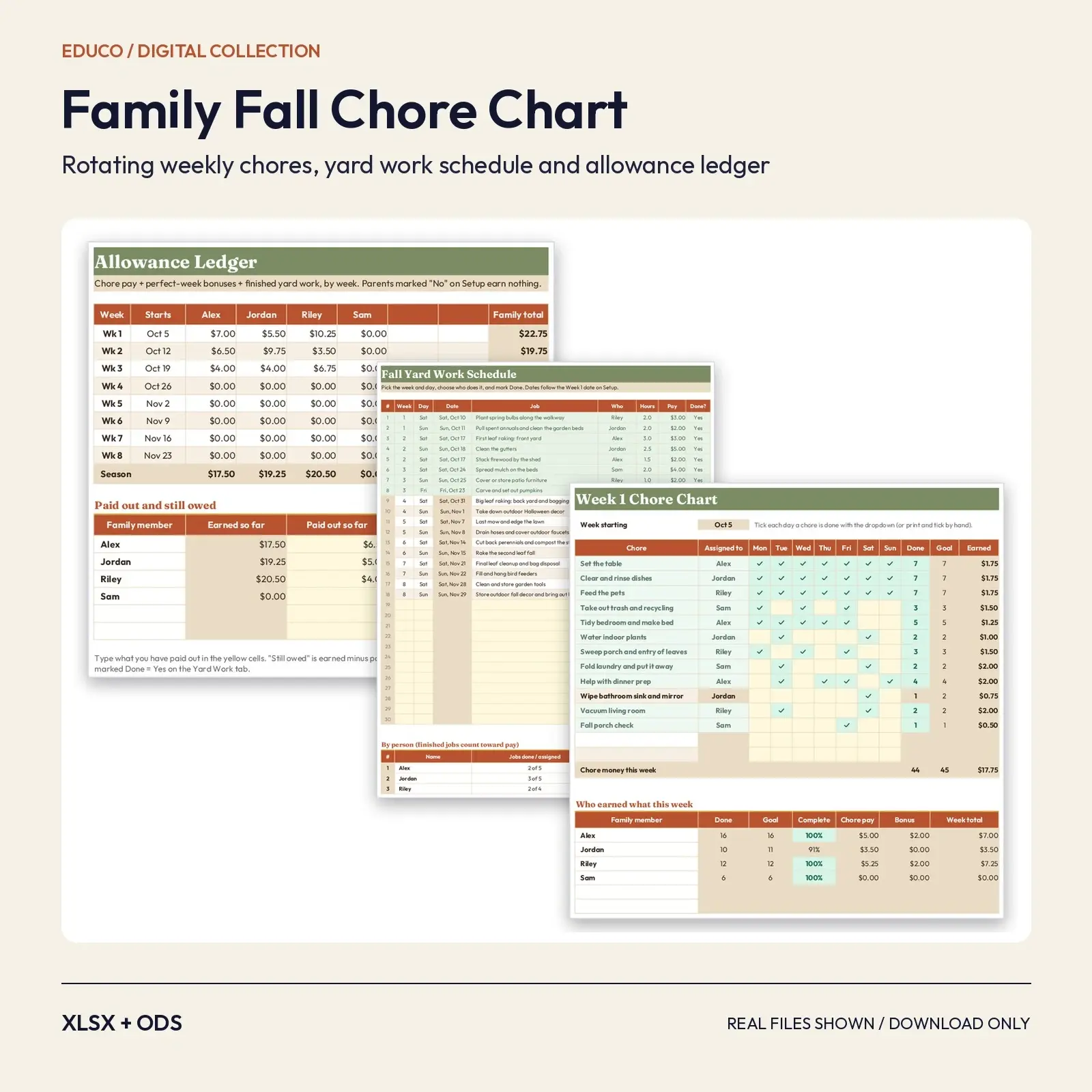
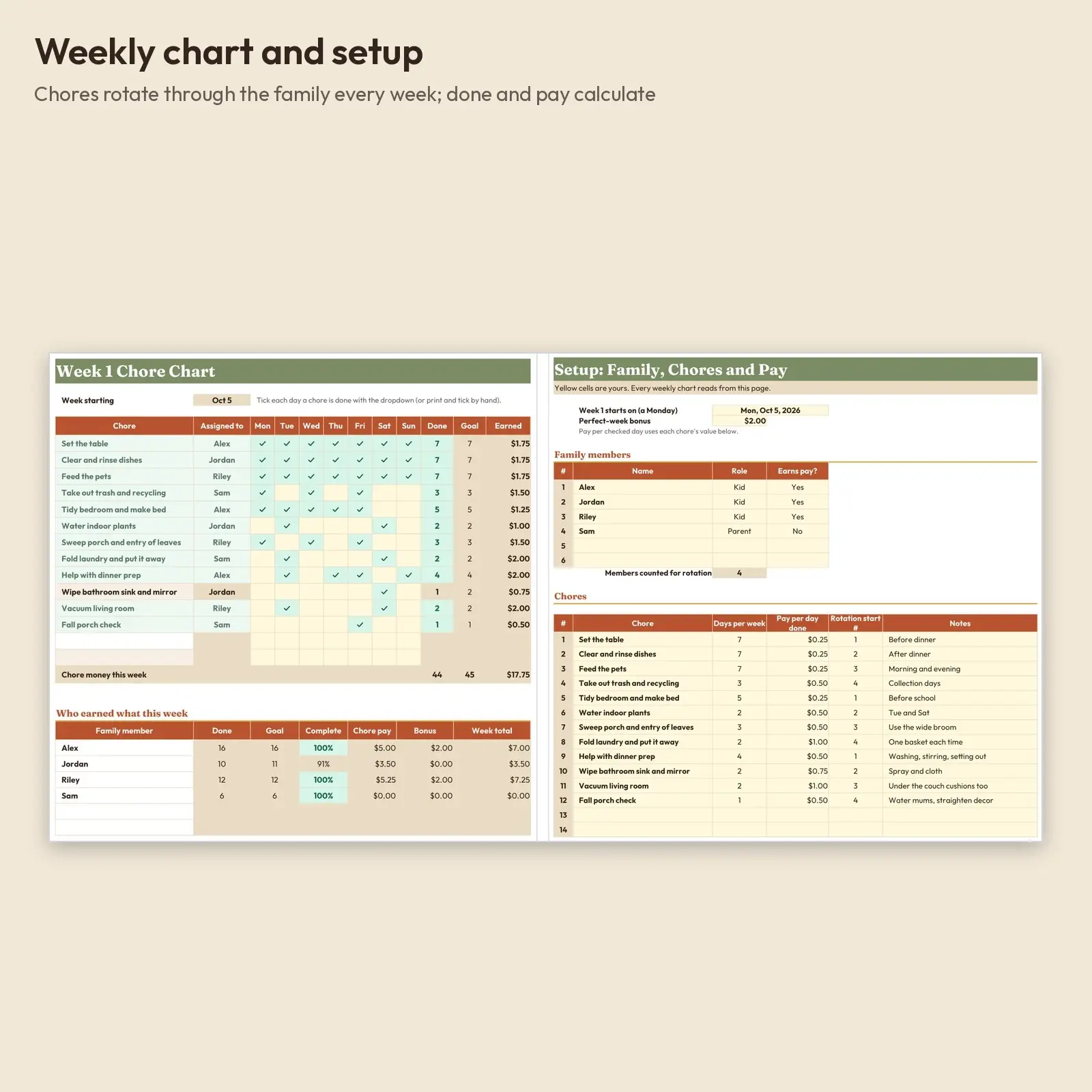
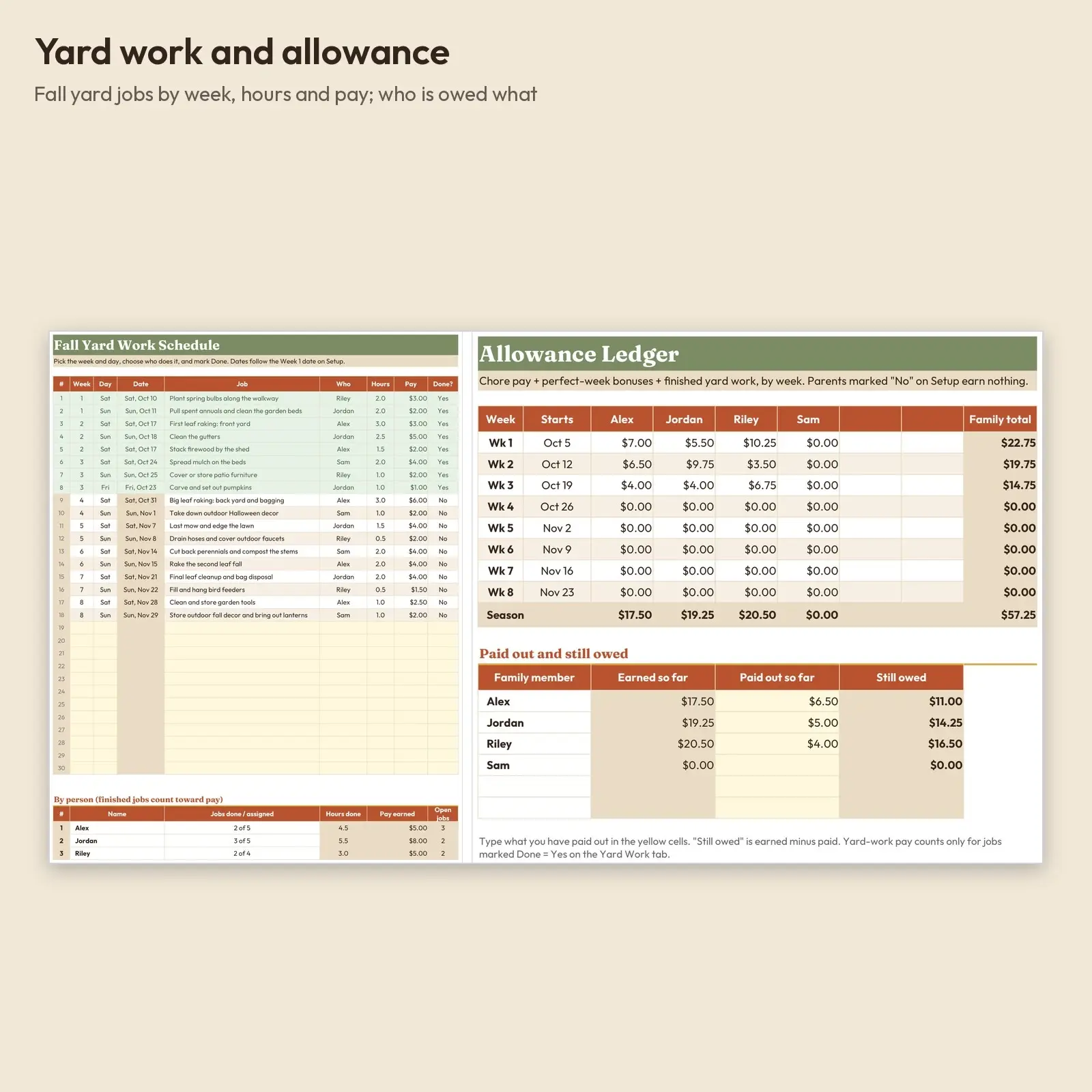
A family chore system for October and November. Type up to six names and fourteen chores once on Setup, with how many days a week each chore happens and what each day done is worth, and the workbook rotates every chore through the family week by week across eight printable weekly charts. Each chart counts done days, completion and earnings per person with a perfect-week bonus, the Yard Work tab schedules fall jobs like bulbs, leaf raking, gutters and storing patio furniture, and the Allowance tab totals everything and shows what is still owed.
Use it for: - Share household chores fairly with a weekly rotation - Plan the big fall yard jobs and who does them - Keep allowance honest with a running ledger of earned and paid
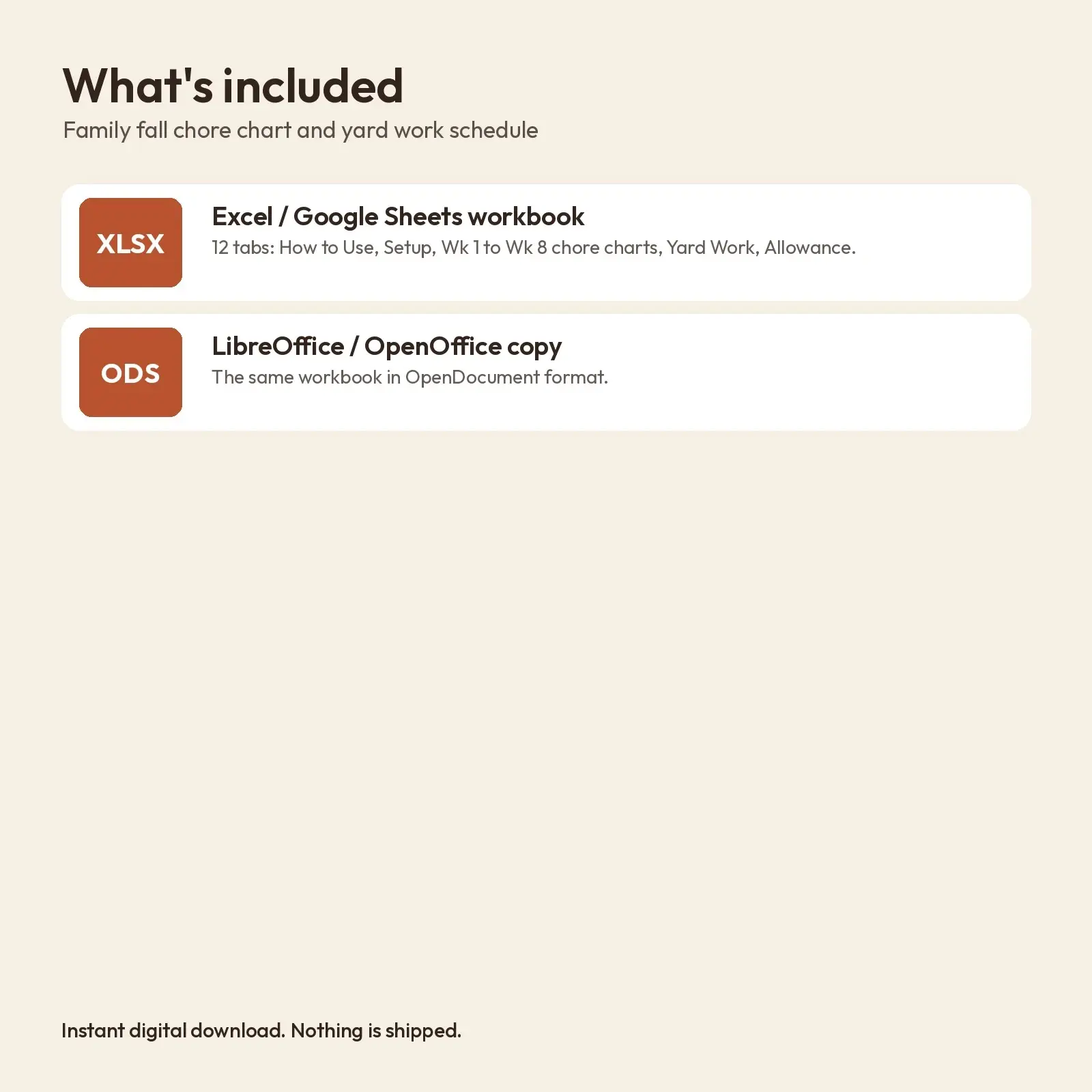
What's included: - 1 XLSX workbook with 12 tabs: How to Use, Setup (6 people, 14 chores), Wk 1 to Wk 8 chore charts, Yard Work (fall jobs by week with hours and pay), Allowance ledger - 1 ODS copy for LibreOffice and OpenOffice
Compatibility: - XLSX opens in Microsoft Excel (2016, 2019, 2021, Microsoft 365), Google Sheets (upload and open), LibreOffice Calc and Apple Numbers; formulas recalculate as you type. - ODS opens in LibreOffice Calc, Apache OpenOffice, Google Sheets, Microsoft Excel and Apple Numbers; formulas recalculate as you type.
Fonts used: Fraunces, Outfit. They are free from Google Fonts under the SIL Open Font License, including commercial use. Install them before opening for the intended look; without them, a close fallback font is substituted automatically and spacing may differ a little.
How to use: fill in Setup, then tick chores on each weekly tab (or print and tick by hand), schedule jobs on Yard Work and check the Allowance tab.
How the rotation works: each chore has a start number; every new week it moves to the next person on your Setup list, cycling back to the first person after the last. Earnings = days done x pay per day, plus the perfect-week bonus when every assigned day is ticked. Plain formulas, dropdowns and conditional formatting; no macros. Names, ticks and yard jobs are sample entries so you can see the charts work. Clear the yellow cells to start your own season.
Digital download only: you receive the files listed above right after purchase and nothing is mailed. All artwork and layouts are original Educo designs.
Works with Excel, Google Sheets, LibreOffice, Numbers.
File specs
| Formats | XLSX, ODS |
|---|---|
| Dimensions | US Letter, 12 tabs |
| Color space | sRGB |
| Downloadable files | 2 downloadable files · XLSX, ODS formats |
| Category | Templates |
| Last updated |
What you’ll download
- xlsxfall-family-chore-chart-yard-work-schedule.xlsx58 KB
- odsfall-family-chore-chart-yard-work-schedule.ods41 KB
Usage
Educo states how these files may be used in the listing description. Check it before you buy, and message the shop if you’re unsure.
Reselling, sharing or redistributing the original files as they are isn’t allowed, including in free packs or AI training sets.