Harvest Festival Volunteer Shift Scheduler – Booth Sign-Up Sheet with Coverage Check for Excel
 By Educo
Price in USD. Local taxes calculated at checkout.
Buy 3 or more, save 20% from this shop
- 3 downloadable files · XLSX, ODS, TSV formats · US Letter, 5 tabs
- Buyer protection. Corrupt or mismatched files? Full refund.
Item details
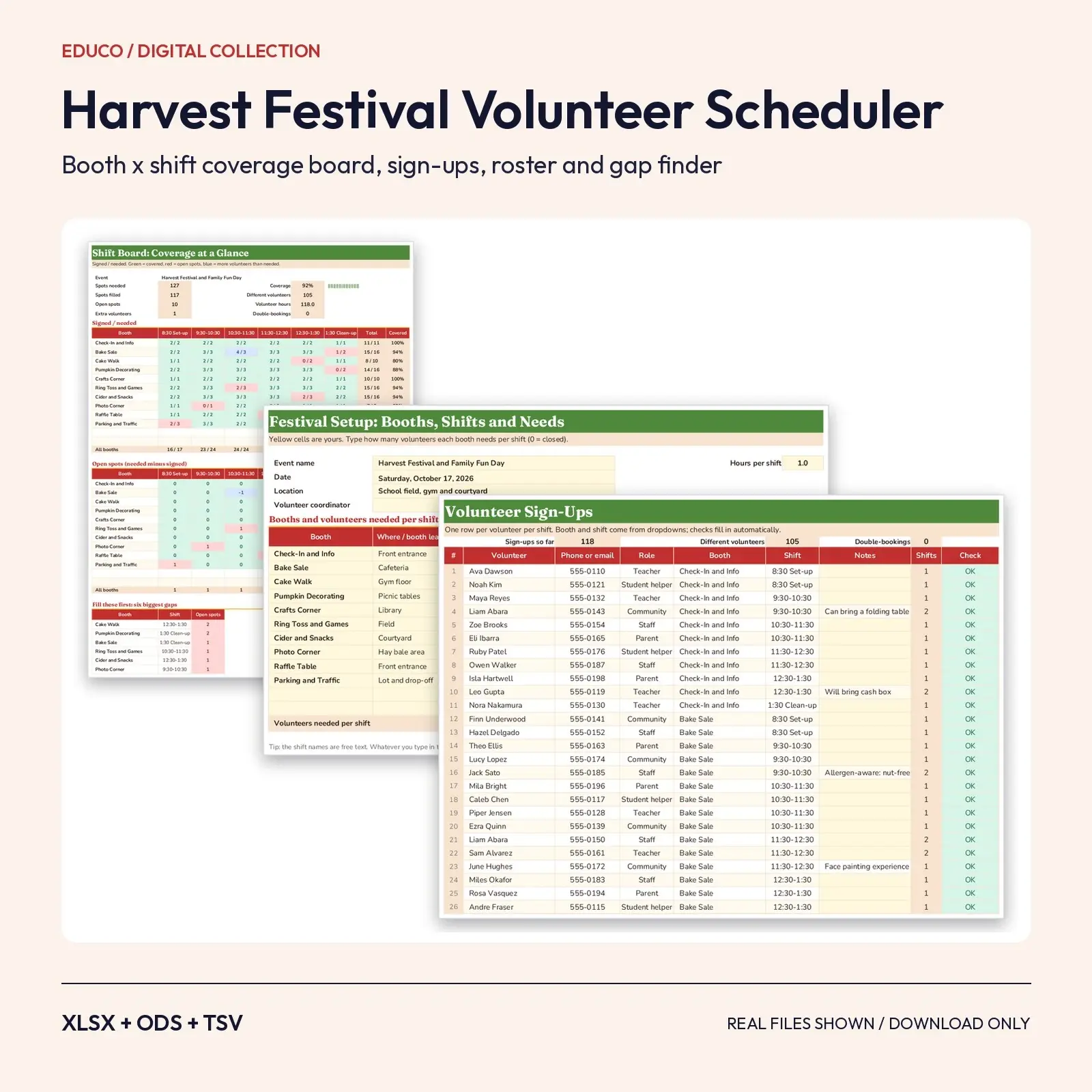
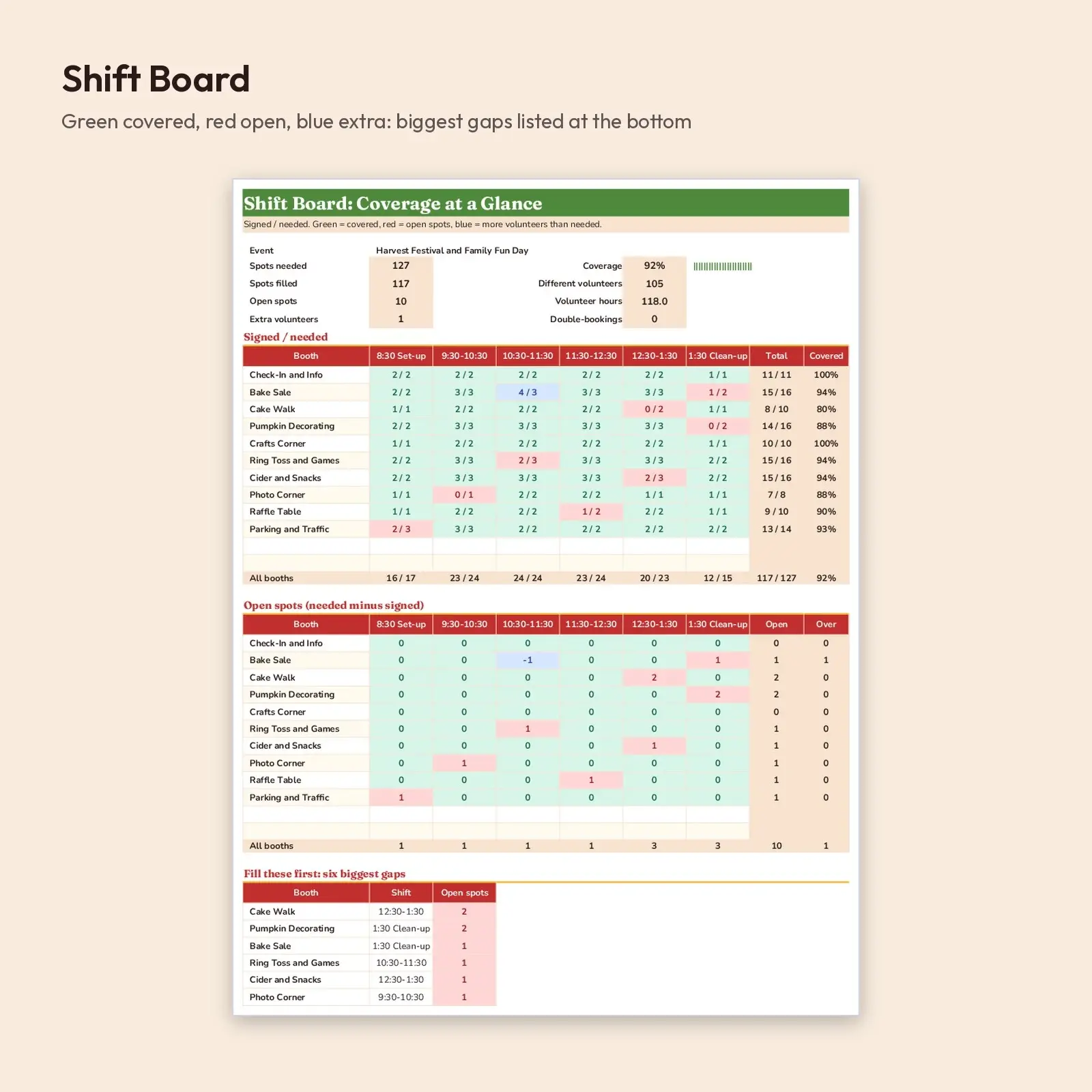
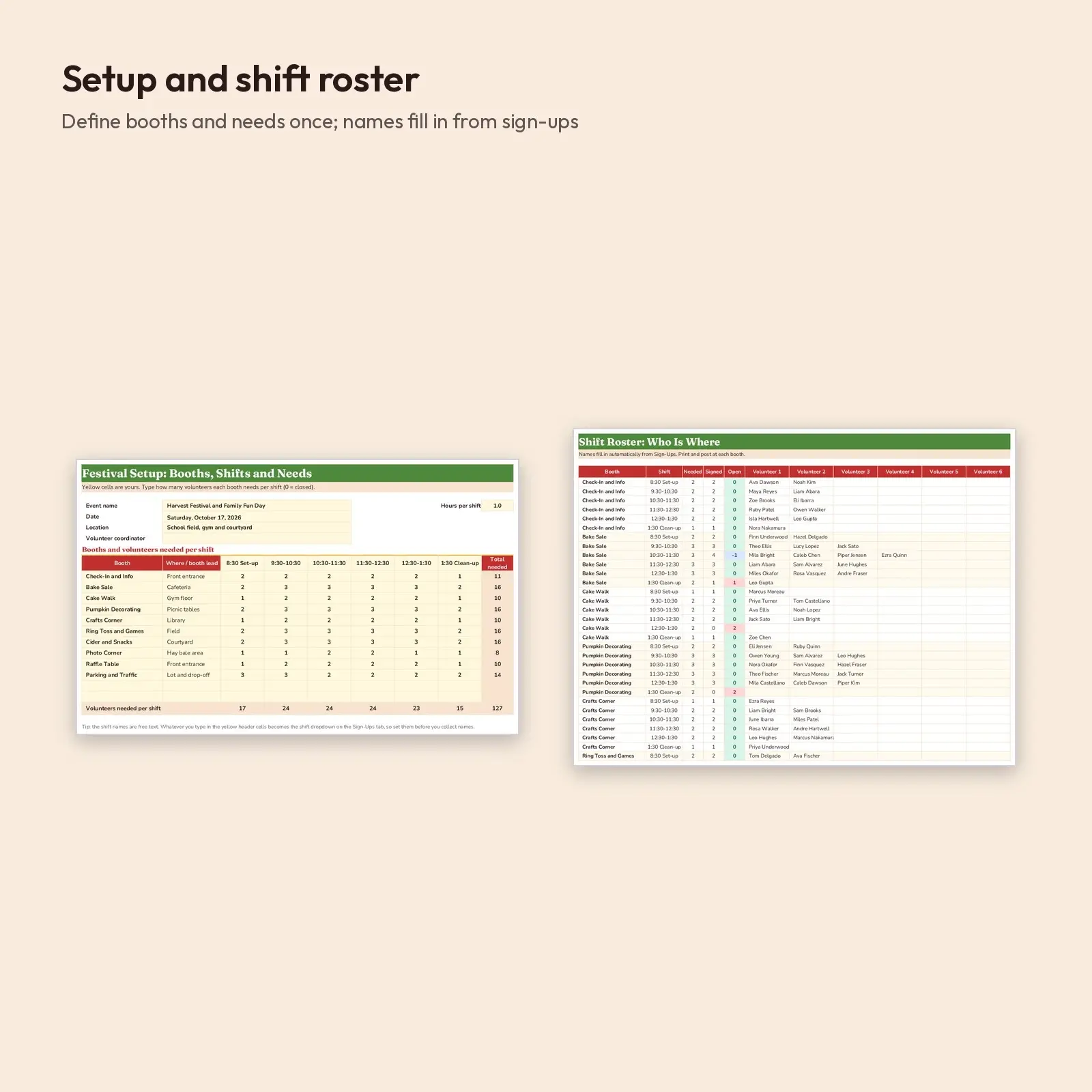
A volunteer scheduling workbook for school harvest festivals, church fall fairs and neighborhood carnivals. Describe your booths and shifts once, then add one sign-up row per volunteer per shift. The Shift Board shows signed / needed for every booth and time slot with green, red and blue coverage colors, a grid of open spots and a ranked list of the six biggest gaps to fill first. The Shift Roster prints who is working where, and a double-booking check keeps anyone from being in two places at once.
Great for: - Fill every booth at a school or PTA harvest festival without paper sign-up sheets - Post a printed roster at each booth and send booth leads their volunteer lists - Spot weak shifts early (setup and clean-up are usually the hardest) and recruit for them
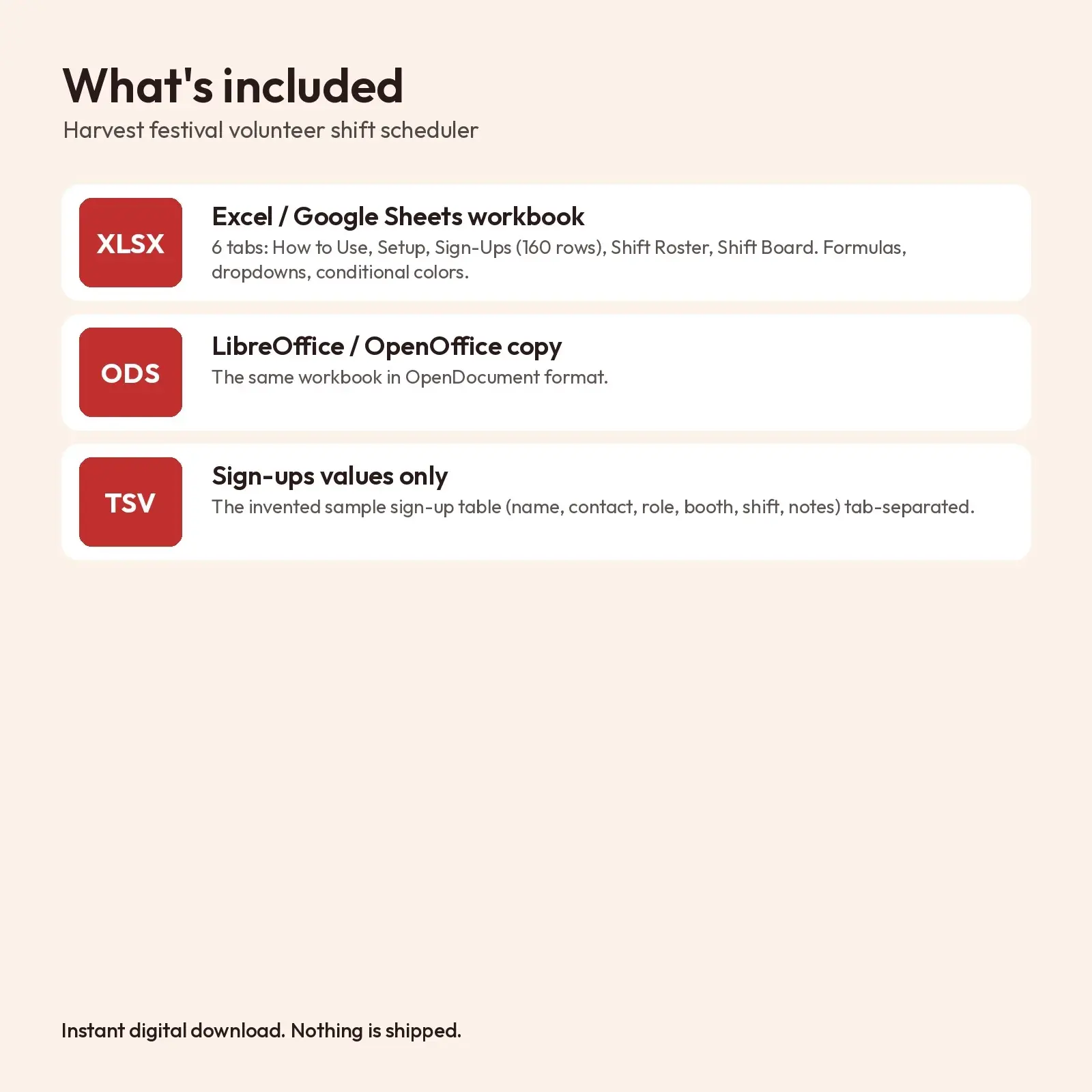
What's included: - 1 XLSX workbook with 6 tabs: How to Use, Setup (up to 12 booths x 6 shifts), Sign-Ups (160 rows), Shift Roster (names per booth and shift), Shift Board (coverage dashboard); formulas, dropdowns and conditional formatting - 1 ODS copy for LibreOffice and OpenOffice - 1 TSV of the sample sign-up table (values only, invented names)
Works with: - XLSX opens in Microsoft Excel (2016, 2019, 2021, Microsoft 365), Google Sheets (upload and open), LibreOffice Calc and Apple Numbers; formulas recalculate as you type. - ODS opens in LibreOffice Calc, Apache OpenOffice, Google Sheets, Microsoft Excel and Apple Numbers; formulas recalculate as you type. - TSV (tab-separated, UTF-8) imports into Excel, Google Sheets, Numbers, LibreOffice and most databases; it keeps commas inside text cells.
About the fonts: Fraunces, Nunito give the design its look and are free from Google Fonts under the SIL Open Font License, including commercial use. Missing fonts fall back to Georgia or Arial-style system fonts.
How to use: set booths, shifts and needs on the Setup tab, add volunteers on the Sign-Ups tab using the dropdowns, then read the Shift Board and print the Shift Roster. The TSV is values only.
How the coverage check works: each booth and shift is counted with COUNTIFS against the sign-up table, compared with the number you set on the Setup tab, and colored by conditional formatting. Volunteer names are pulled into the roster with INDEX and MATCH, so there are no macros, scripts or add-ons. The 117 sample sign-ups use invented names and 555-01xx phone numbers so you can see the board working. Delete them to start fresh; booths, shift times and needs are all editable. Keep volunteer contact details somewhere your school or group approves.
This is an instant digital download. No physical item is shipped. Files are original Educo designs; use depends on the license tier you choose at checkout.
Works with Excel, Google Sheets, LibreOffice, Numbers.
File specs
| Formats | XLSX, ODS, TSV |
|---|---|
| Dimensions | US Letter, 5 tabs |
| Color space | sRGB |
| Downloadable files | 3 downloadable files · XLSX, ODS, TSV formats |
| Category | Templates |
| Last updated |
What you’ll download
- xlsxharvest-festival-volunteer-shift-scheduler.xlsx47 KB
- odsharvest-festival-volunteer-shift-scheduler.ods42 KB
- tsvvolunteer-sign-ups.tsv7.8 KB
License and usage
- Personal · $5.00
- Use the files in your own non-commercial projects: home prints, gifts, personal social posts and school work. Anything made with them can’t be sold.
- Commercial · $10.00
- Use the files in client work and in products you sell, up to 5,000 units across all products. Credit is appreciated but not required.
- Extended · $25.00
- Everything in Commercial with no unit cap, including print-on-demand stores.
No license allows reselling, sharing or redistributing the original files as they are, including in free packs or AI training sets.