Fall Class Roster and Family Contact Sheet – Excel Template with Birthdays Sorted by Month
 By Educo
Price in USD. Local taxes calculated at checkout.
Buy 3 or more, save 20% from this shop
- 3 downloadable files · XLSX, ODS, CSV formats · US Letter, 5 tabs
- Buyer protection. Corrupt or mismatched files? Full refund.
Item details
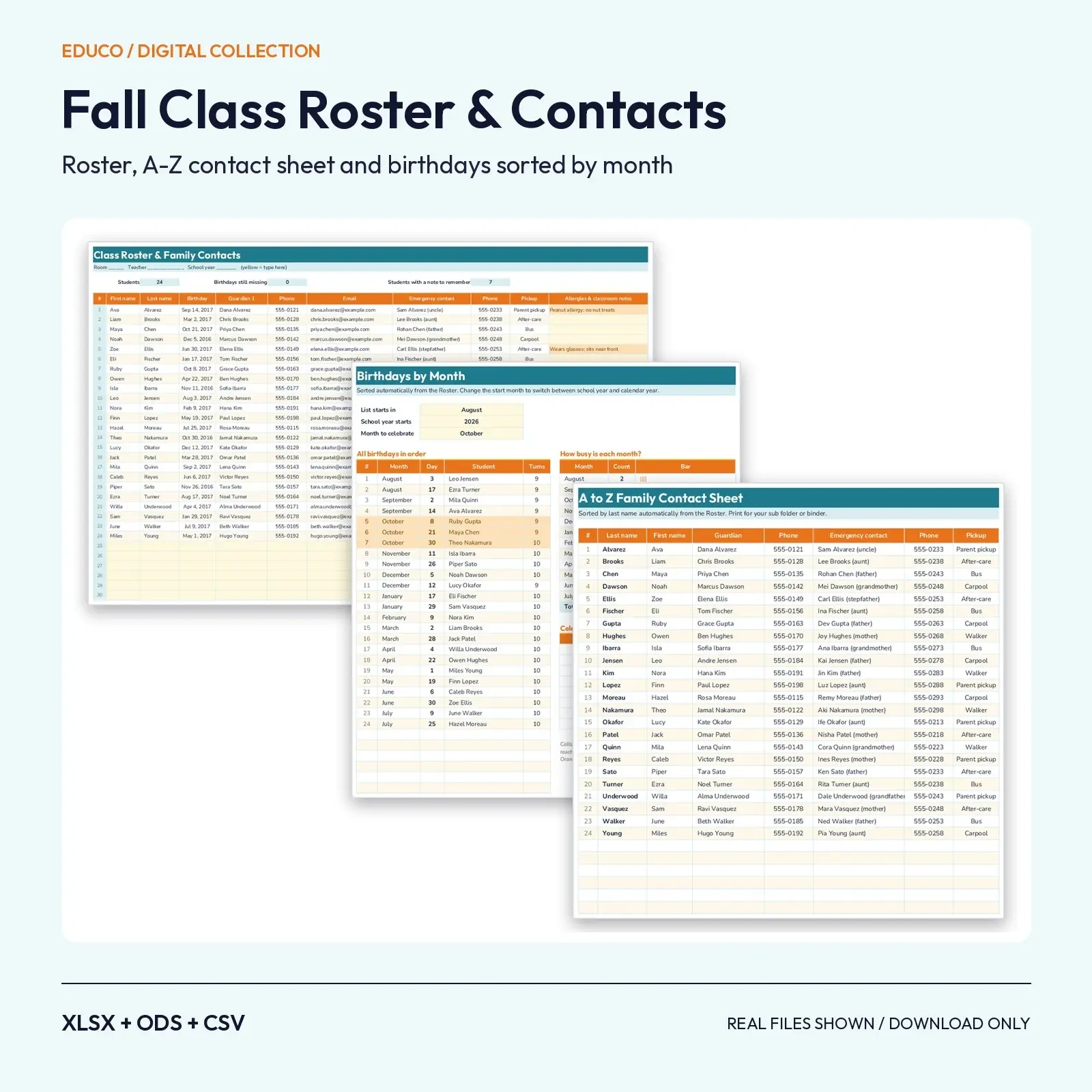
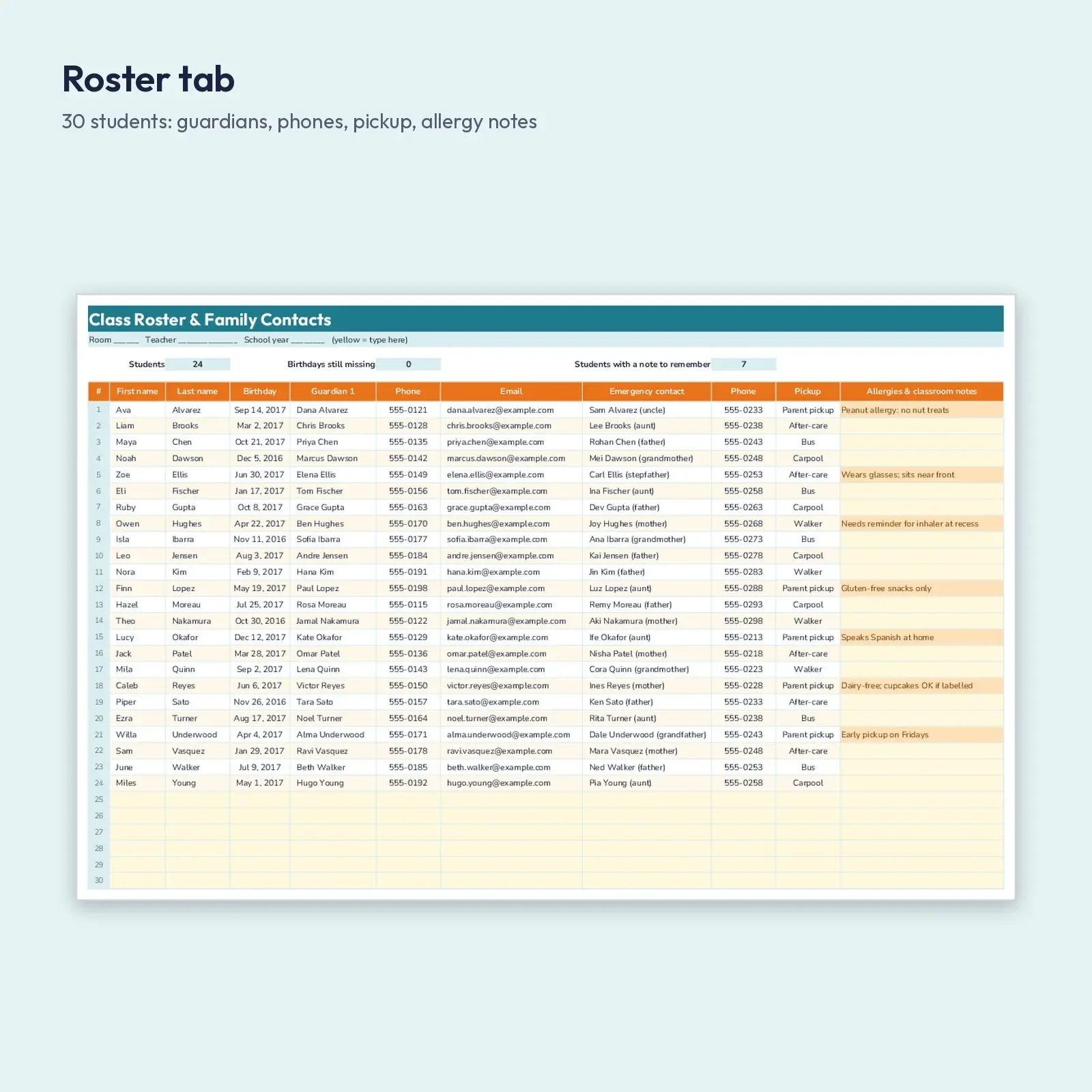
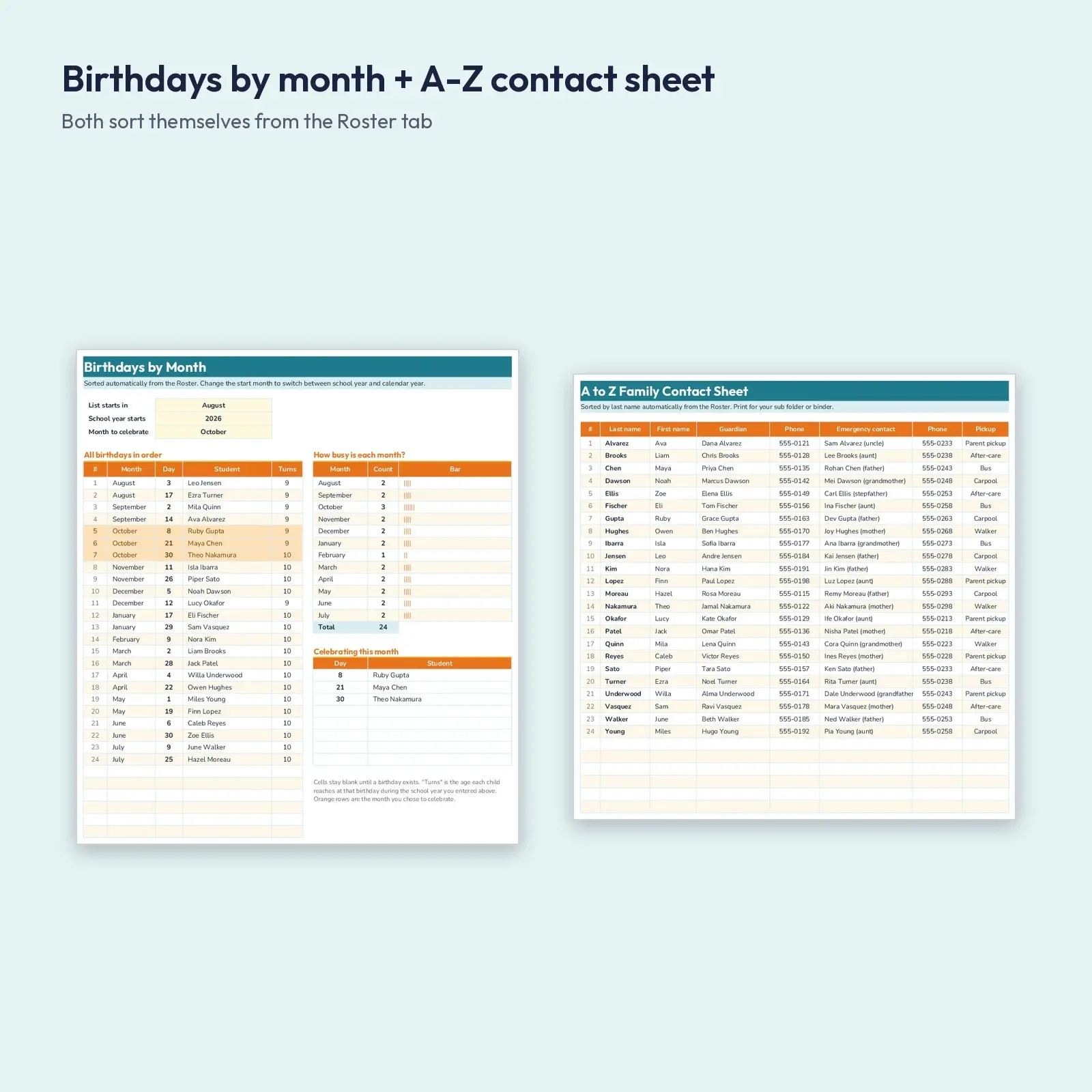
A teacher-ready spreadsheet that keeps your whole class in one place. The Roster tab holds up to 30 students with birthday, two guardians, phones, emails, pickup method and a notes column for allergies or reminders. From that single list, the Birthdays tab sorts every birthday by month (starting wherever you choose), counts how many fall in each month and lists who to celebrate this month, and the A-Z Contacts tab builds an alphabetical contact sheet for your sub folder.
Perfect when you need to: - Set up a new class roster in minutes at back-to-school time - Print an A-Z family contact sheet for field trips, subs and fire drills - Plan monthly birthday celebrations and bulletin-board names without re-sorting by hand
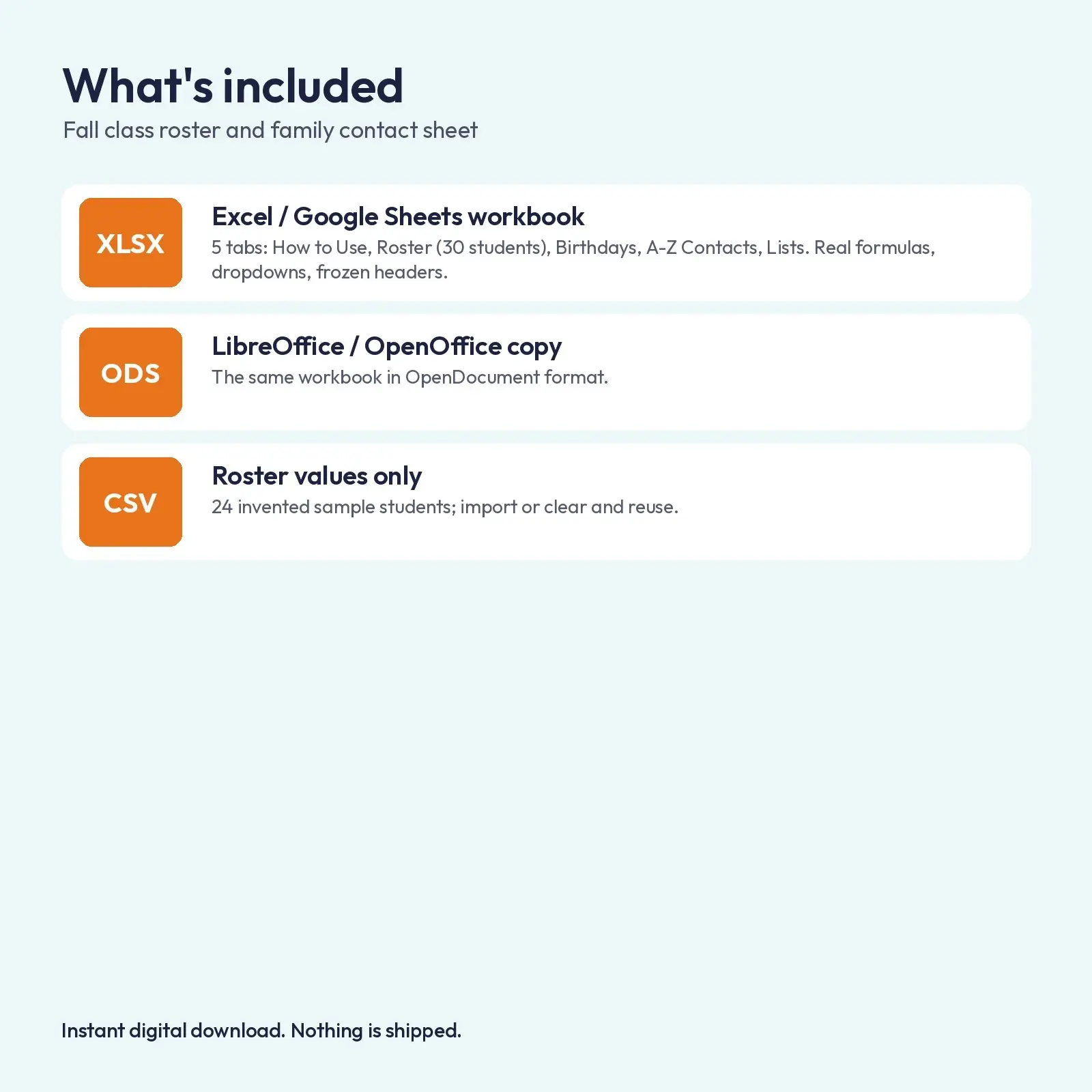
What's included: - 1 XLSX workbook with 5 tabs: How to Use, Roster, Birthdays, A-Z Contacts, Lists (formulas, dropdowns and conditional formatting) - 1 ODS copy of the same workbook for LibreOffice and OpenOffice - 1 CSV of the Roster table (24 invented sample students, values only) for importing into other tools
Opens in: - XLSX opens in Microsoft Excel (2016, 2019, 2021, Microsoft 365), Google Sheets (upload and open), LibreOffice Calc and Apple Numbers; formulas recalculate as you type. - ODS opens in LibreOffice Calc, Apache OpenOffice, Google Sheets, Microsoft Excel and Apple Numbers; formulas recalculate as you type. - CSV (comma-separated, UTF-8) imports into Excel, Google Sheets, Numbers, LibreOffice, Airtable, Notion and most databases.
About the fonts: Outfit, Nunito give the design its look and are free from Google Fonts under the SIL Open Font License, including commercial use. Missing fonts fall back to Georgia or Arial-style system fonts.
How to use: type in the yellow cells on the Roster tab, pick a start month and a celebrate month on the Birthdays tab, and print any tab. The CSV is values only, with no formulas.
How the sorting works: no macros or add-ons are used. Birthdays and last names are ranked with ordinary formulas (SMALL, INDEX, MATCH and COUNTIF), so the lists update the moment you type or change a roster row, in Excel, Google Sheets or LibreOffice. The 24 sample children, guardians and 555-01xx phone numbers are invented for demonstration. Clear the yellow cells and enter your own class. Because this file holds student information, store it only where your school allows.
This is an instant digital download. No physical item is shipped. Files are original Educo designs; use depends on the license tier you choose at checkout.
Works with Excel, Google Sheets, LibreOffice, Numbers.
File specs
| Formats | XLSX, ODS, CSV |
|---|---|
| Dimensions | US Letter, 5 tabs |
| Color space | sRGB |
| Downloadable files | 3 downloadable files · XLSX, ODS, CSV formats |
| Category | Templates |
| Last updated |
What you’ll download
- xlsxfall-class-roster-family-contacts-birthdays.xlsx28 KB
- odsfall-class-roster-family-contacts-birthdays.ods24 KB
- csvclass-roster-sample.csv2.9 KB
License and usage
- Personal · $5.00
- Use the files in your own non-commercial projects: home prints, gifts, personal social posts and school work. Anything made with them can’t be sold.
- Commercial · $10.00
- Use the files in client work and in products you sell, up to 5,000 units across all products. Credit is appreciated but not required.
- Extended · $25.00
- Everything in Commercial with no unit cap, including print-on-demand stores.
No license allows reselling, sharing or redistributing the original files as they are, including in free packs or AI training sets.