Costume Contest Scoring Spreadsheet: 3 Judges, 4 Categories, Rankings and Winners by Age Group
 By Educo
Price in USD. Local taxes calculated at checkout.
Buy 3 or more, save 20% from this shop
- 3 downloadable files · XLSX, ODS, TSV formats · US Letter, 4 sheets
- Buyer protection. Corrupt or mismatched files? Full refund.
Item details
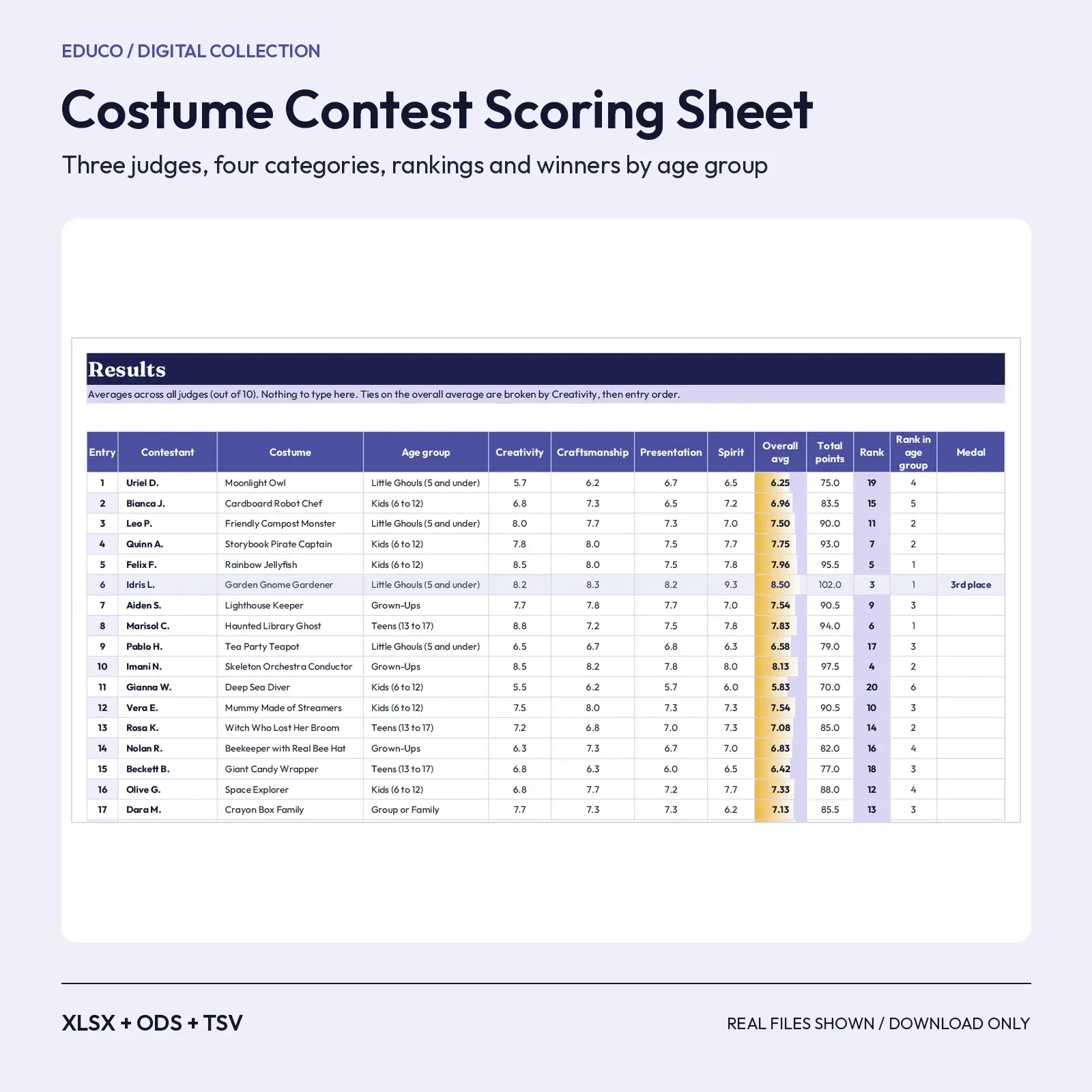
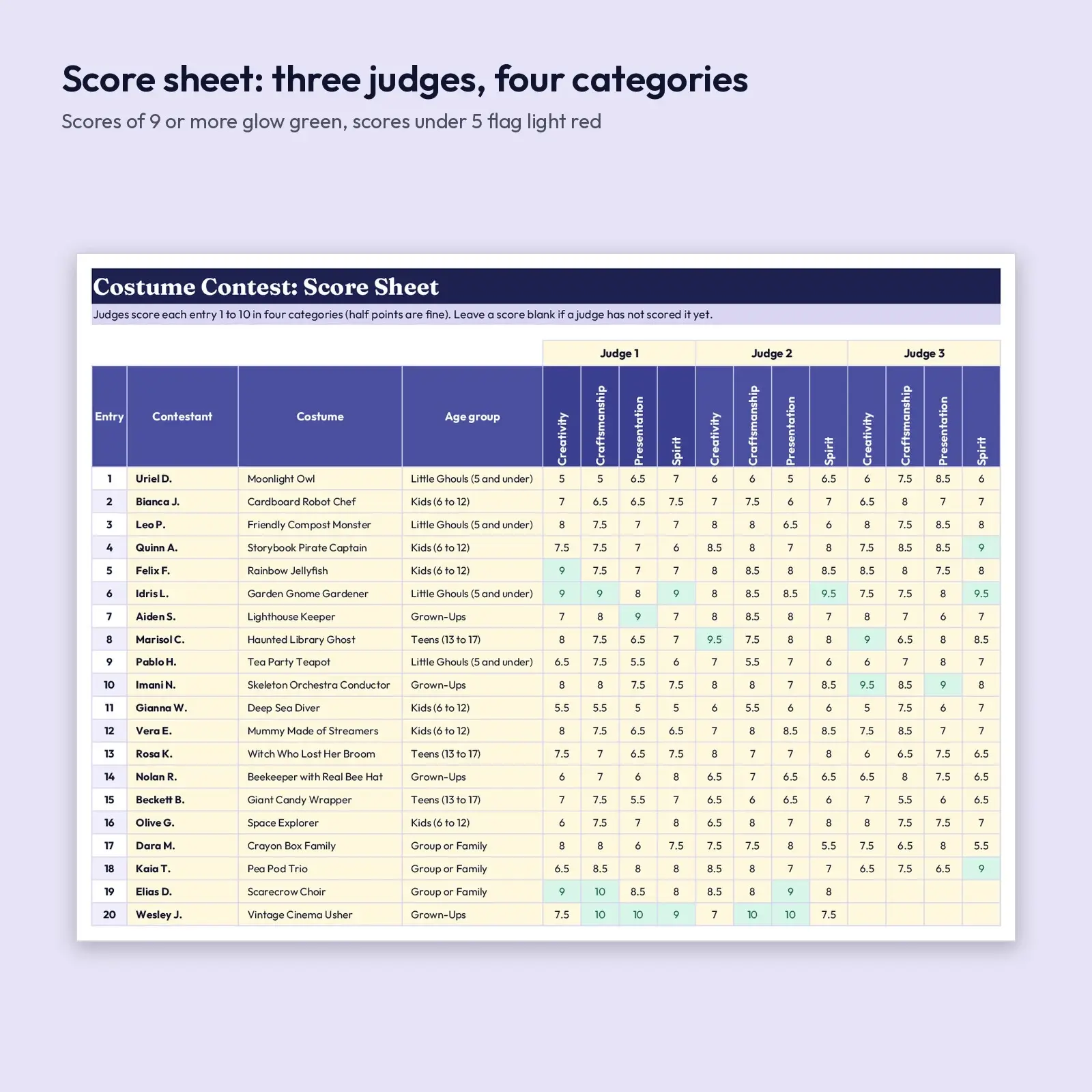
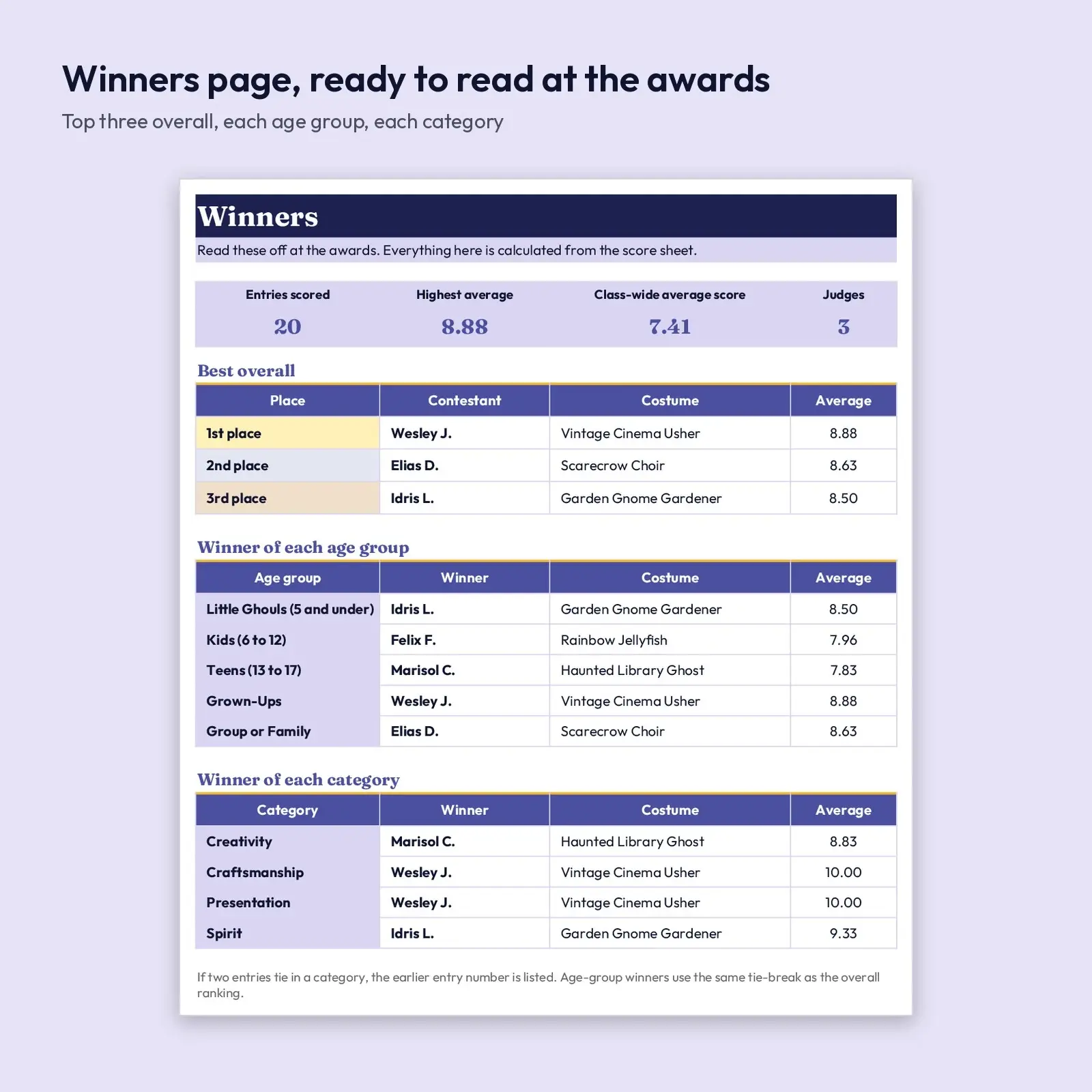
Run a fair, fast Halloween costume contest. Three judges each score every entry from 1 to 10 in four categories; the workbook averages the scores, ranks every costume overall and within its age group, and builds a winners page with first, second and third place, the winner of each age group and the best costume in each category. Half points are allowed, and a judge who has not scored an entry yet does not penalize it.
Use it for: - Judge a classroom, neighborhood, library or office costume contest without hand-adding scores - Announce winners for little ghouls, kids, teens, grown-ups and groups in a single read-through - Keep the score sheet for next year or print it for judges to fill in on paper first
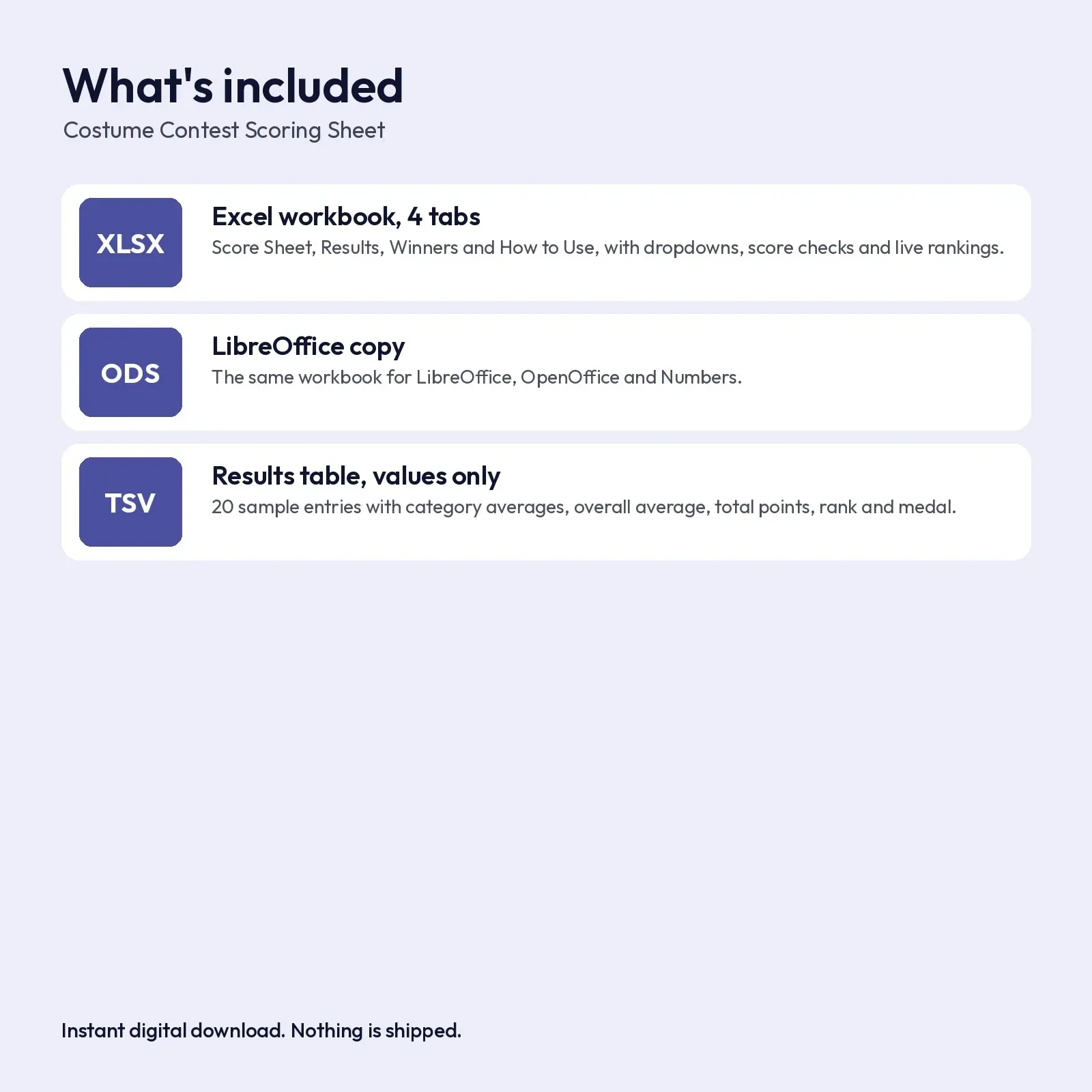
What's included: - 1 XLSX workbook with 4 tabs: Score Sheet (20 entries, 3 judges x 4 categories), Results, Winners, How to Use - 1 ODS copy of the workbook for LibreOffice and OpenOffice - 1 TSV: the results table as plain values
Compatibility: - XLSX opens in Microsoft Excel (2016, 2019, 2021, Microsoft 365), Google Sheets (upload and open), LibreOffice Calc and Apple Numbers; formulas recalculate as you type. - ODS opens in LibreOffice Calc, Apache OpenOffice, Google Sheets, Microsoft Excel and Apple Numbers; formulas recalculate as you type. - TSV (tab-separated, UTF-8) imports into Excel, Google Sheets, Numbers, LibreOffice and most databases; it keeps commas inside text cells.
About the fonts: Fraunces, Nunito give the design its look and are free from Google Fonts under the SIL Open Font License, including commercial use. Missing fonts fall back to Georgia or Arial-style system fonts.
How to use: type only in the soft yellow cells. Scores accept numbers from 0 to 10. No macros, add-ins or external links.
How winners are chosen: the overall average of every score entered is rounded to two decimals and ranked; ties are broken by the Creativity average, then by entry order. Age-group winners use the same ranking inside each group, and category winners are the highest average in that category. Category and age-group names are editable, and the 20 sample contestants, costumes and scores are made up to show the workbook in action. Hidden helper columns O and P on the Results tab drive the rankings.
This is an instant digital download. No physical item is shipped. Files are original Educo designs; use depends on the license tier you choose at checkout.
Works with Excel, Google Sheets, LibreOffice, Numbers.
File specs
| Formats | XLSX, ODS, TSV |
|---|---|
| Dimensions | US Letter, 4 sheets |
| Color space | sRGB |
| Downloadable files | 3 downloadable files · XLSX, ODS, TSV formats |
| Category | Templates |
| Last updated |
What you’ll download
- xlsxcostume-contest-scoring-sheet-judges.xlsx23 KB
- odscostume-contest-scoring-sheet-judges.ods20 KB
- tsvcostume-contest-results.tsv1.9 KB
License and usage
- Personal · $5.00
- Use the files in your own non-commercial projects: home prints, gifts, personal social posts and school work. Anything made with them can’t be sold.
- Commercial · $10.00
- Use the files in client work and in products you sell, up to 5,000 units across all products. Credit is appreciated but not required.
- Extended · $25.00
- Everything in Commercial with no unit cap, including print-on-demand stores.
No license allows reselling, sharing or redistributing the original files as they are, including in free packs or AI training sets.