Fall Reading Challenge Tracker for Classrooms: Books, Minutes, Leaderboard and Goal Progress
 By Educo
Price in USD. Local taxes calculated at checkout.
Buy 3 or more, save 20% from this shop
- 3 downloadable files · XLSX, ODS, CSV formats · US Letter, 4 sheets
- Buyer protection. Corrupt or mismatched files? Full refund.
Item details
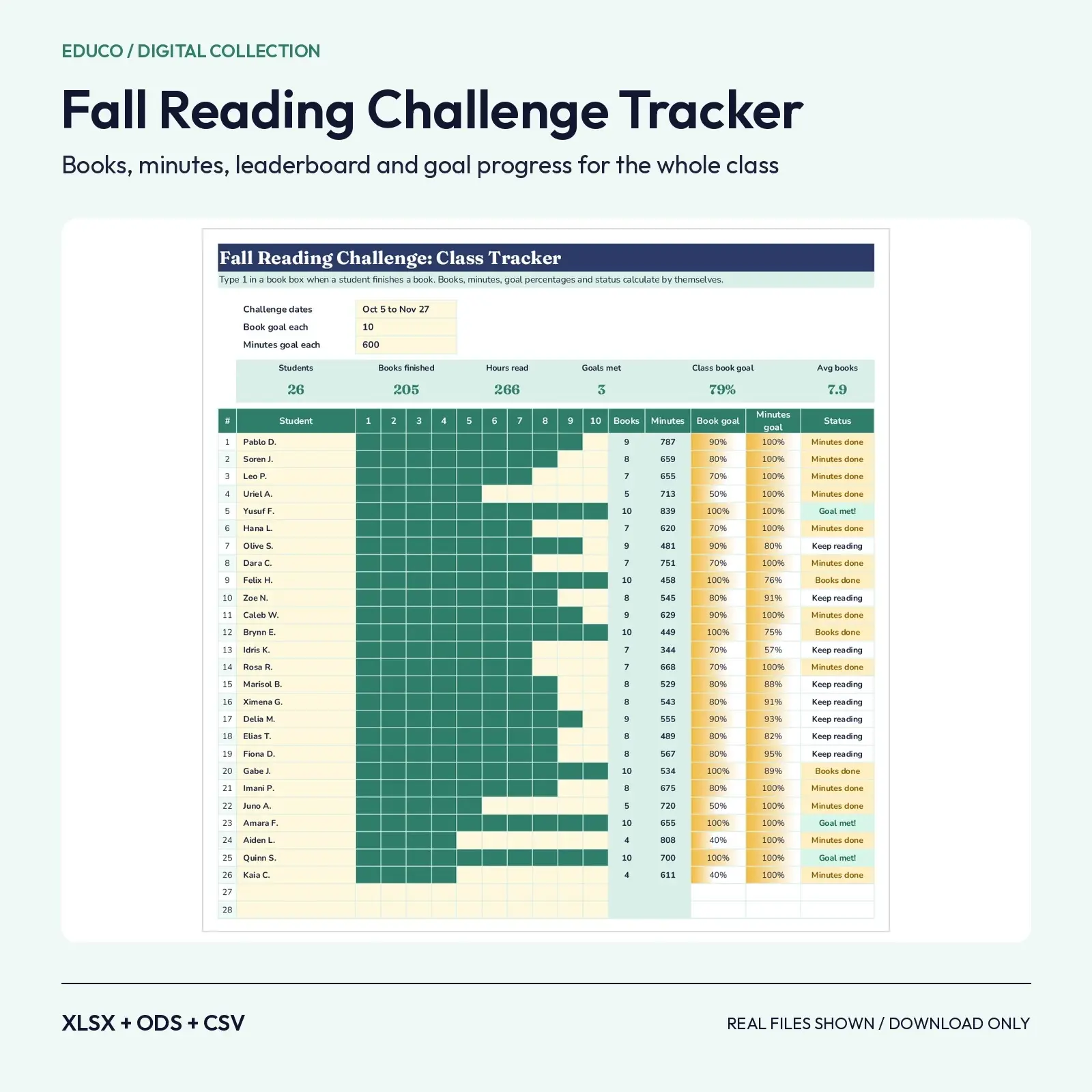
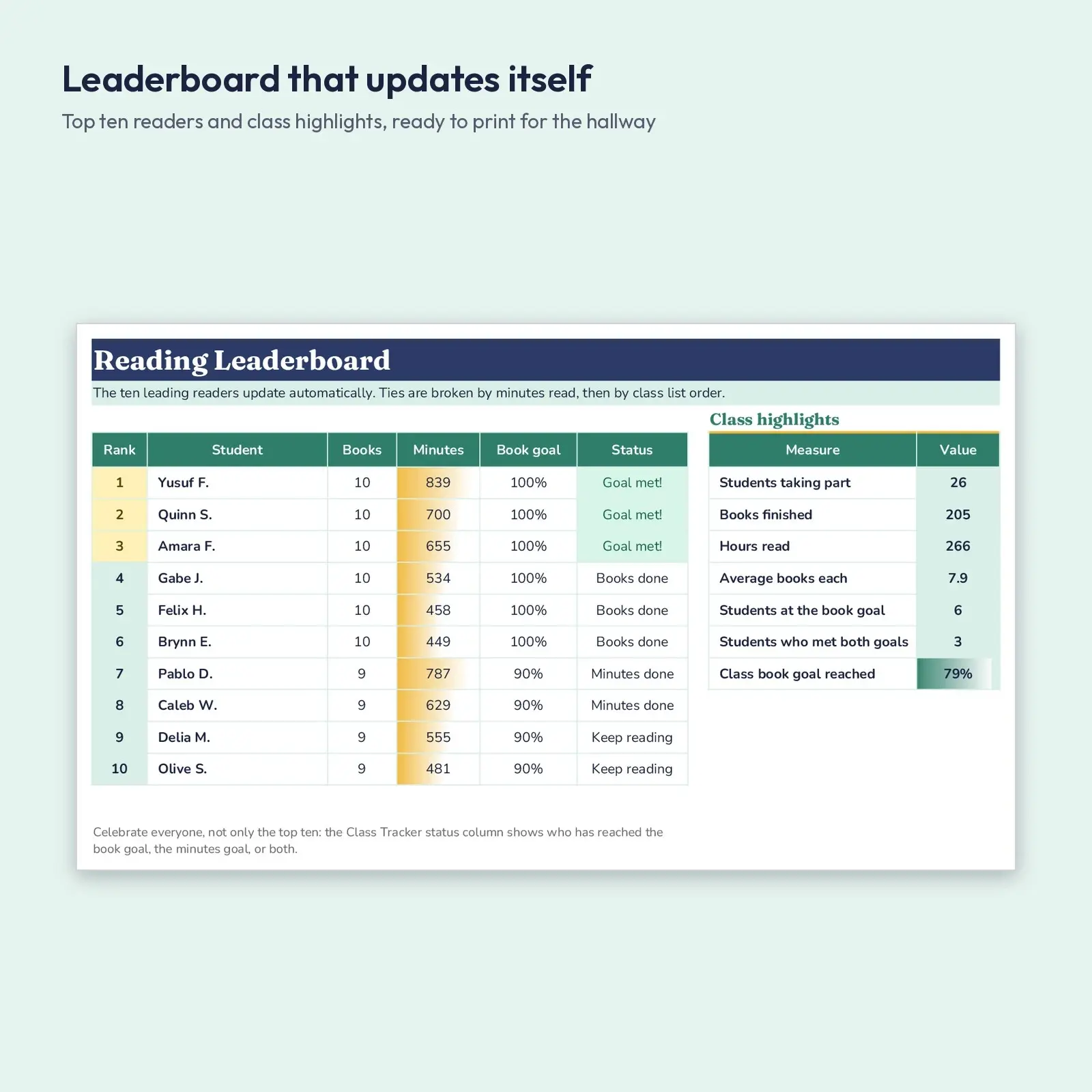
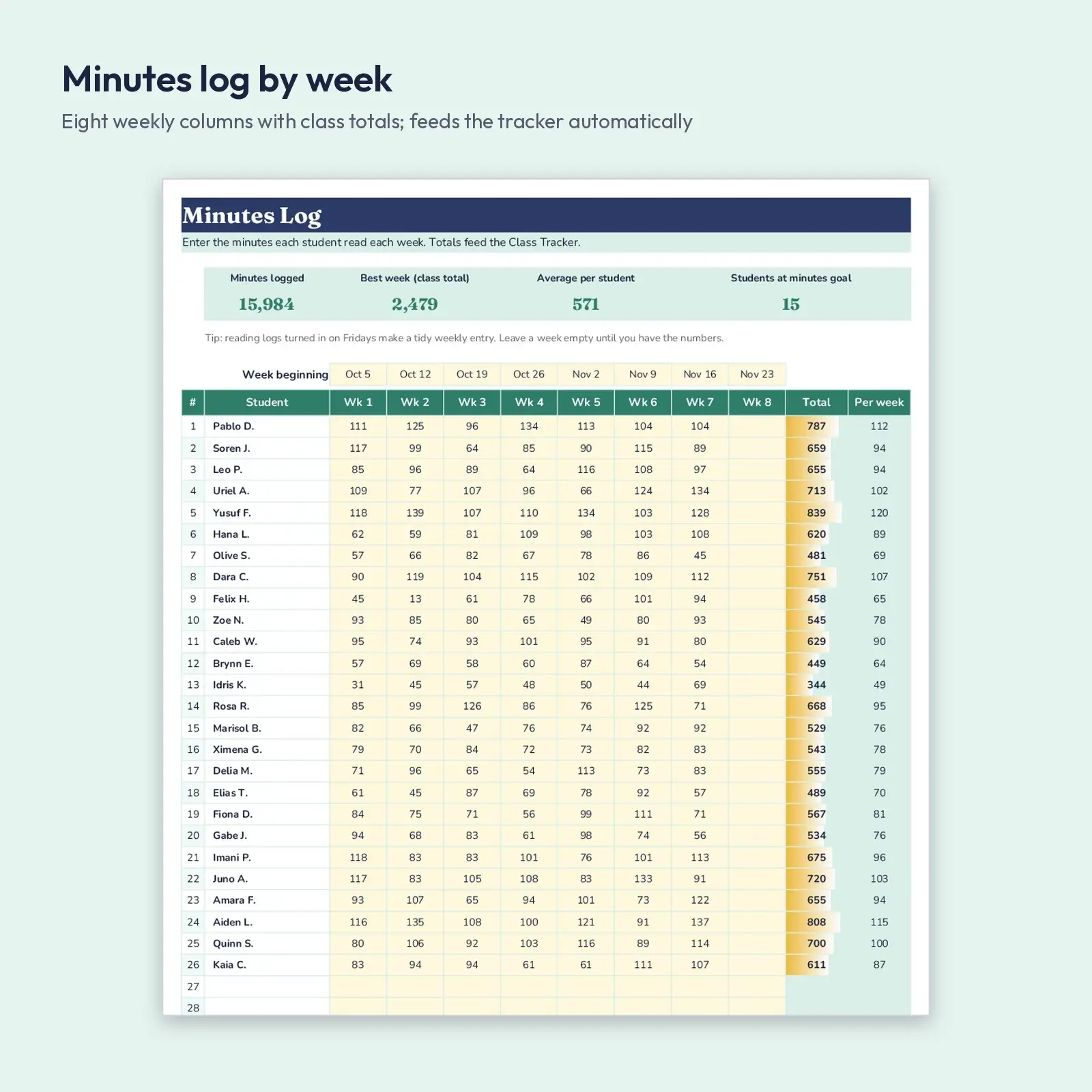
One workbook to run a fall reading challenge for a whole class. Type a 1 in a book box when a student finishes a book and the box fills with color; log weekly minutes on a second tab; and the Class Tracker works out books, total minutes, book-goal and minutes-goal percentages and a status for every child. The Leaderboard tab lists the top ten readers and shows class highlights such as total hours read and progress toward the class goal.
Great for: - Run an October to November reading challenge with a visible class goal - Collect weekly reading logs from families and total them in seconds - Print the leaderboard and class highlights for the hallway or the newsletter
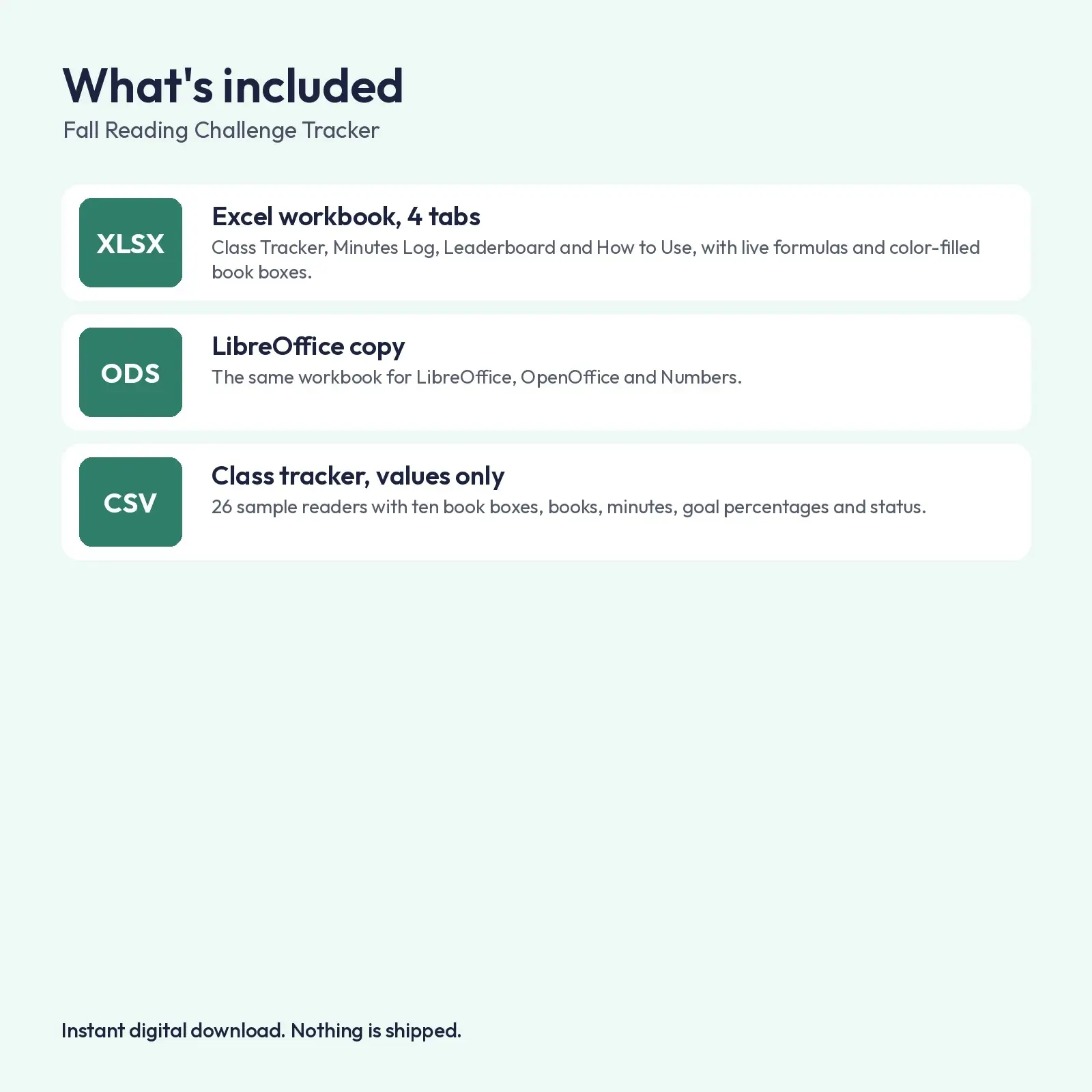
What's included: - 1 XLSX workbook with 4 tabs: Class Tracker (28 student rows x 10 books), Minutes Log (8 weeks), Leaderboard, How to Use - 1 ODS copy of the workbook for LibreOffice and OpenOffice - 1 CSV: the class tracker table as plain values
Compatibility: - XLSX opens in Microsoft Excel (2016, 2019, 2021, Microsoft 365), Google Sheets (upload and open), LibreOffice Calc and Apple Numbers; formulas recalculate as you type. - ODS opens in LibreOffice Calc, Apache OpenOffice, Google Sheets, Microsoft Excel and Apple Numbers; formulas recalculate as you type. - CSV (comma-separated, UTF-8) imports into Excel, Google Sheets, Numbers, LibreOffice, Airtable, Notion and most databases.
Fonts used: Fraunces, Nunito. They are free from Google Fonts under the SIL Open Font License, including commercial use. Install them before opening for the intended look; without them, a close fallback font is substituted automatically and spacing may differ a little.
How to use: type only in the soft yellow cells. Book boxes accept 1 or empty. No macros, add-ins or external links.
How it ranks: the leaderboard orders readers by books finished, then by minutes read, then by their position on the class list. Goal percentages are capped at 100%, and the status column shows Goal met!, Books done, Minutes done or Keep reading. The 26 sample students, books and minutes are made up so you can see everything working. Replace the names and clear the yellow cells to start your own challenge. A hidden helper column (R) drives the leaderboard ranking.
Instant download, nothing shipped. Every illustration, layout and word in these files is original Educo work, licensed according to the tier you pick at checkout.
Works with Excel, Google Sheets, LibreOffice, Numbers.
File specs
| Formats | XLSX, ODS, CSV |
|---|---|
| Dimensions | US Letter, 4 sheets |
| Color space | sRGB |
| Downloadable files | 3 downloadable files · XLSX, ODS, CSV formats |
| Category | Templates |
| Last updated |
What you’ll download
- xlsxfall-reading-challenge-class-tracker.xlsx25 KB
- odsfall-reading-challenge-class-tracker.ods21 KB
- csvreading-challenge-class-tracker.csv1.4 KB
License and usage
- Personal · $6.00
- Use the files in your own non-commercial projects: home prints, gifts, personal social posts and school work. Anything made with them can’t be sold.
- Commercial · $12.00
- Use the files in client work and in products you sell, up to 5,000 units across all products. Credit is appreciated but not required.
- Extended · $30.00
- Everything in Commercial with no unit cap, including print-on-demand stores.
No license allows reselling, sharing or redistributing the original files as they are, including in free packs or AI training sets.