Fall Garden Planting Log Spreadsheet: Bulbs, Garlic, Cover Crops, Harvest Dates and Frost Tracker
 By Educo
Price in USD. Local taxes calculated at checkout.
Buy 3 or more, save 20% from this shop
- 2 downloadable files · XLSX, ODS formats · US Letter landscape, 5 sheets
- Buyer protection. Corrupt or mismatched files? Full refund.
Item details
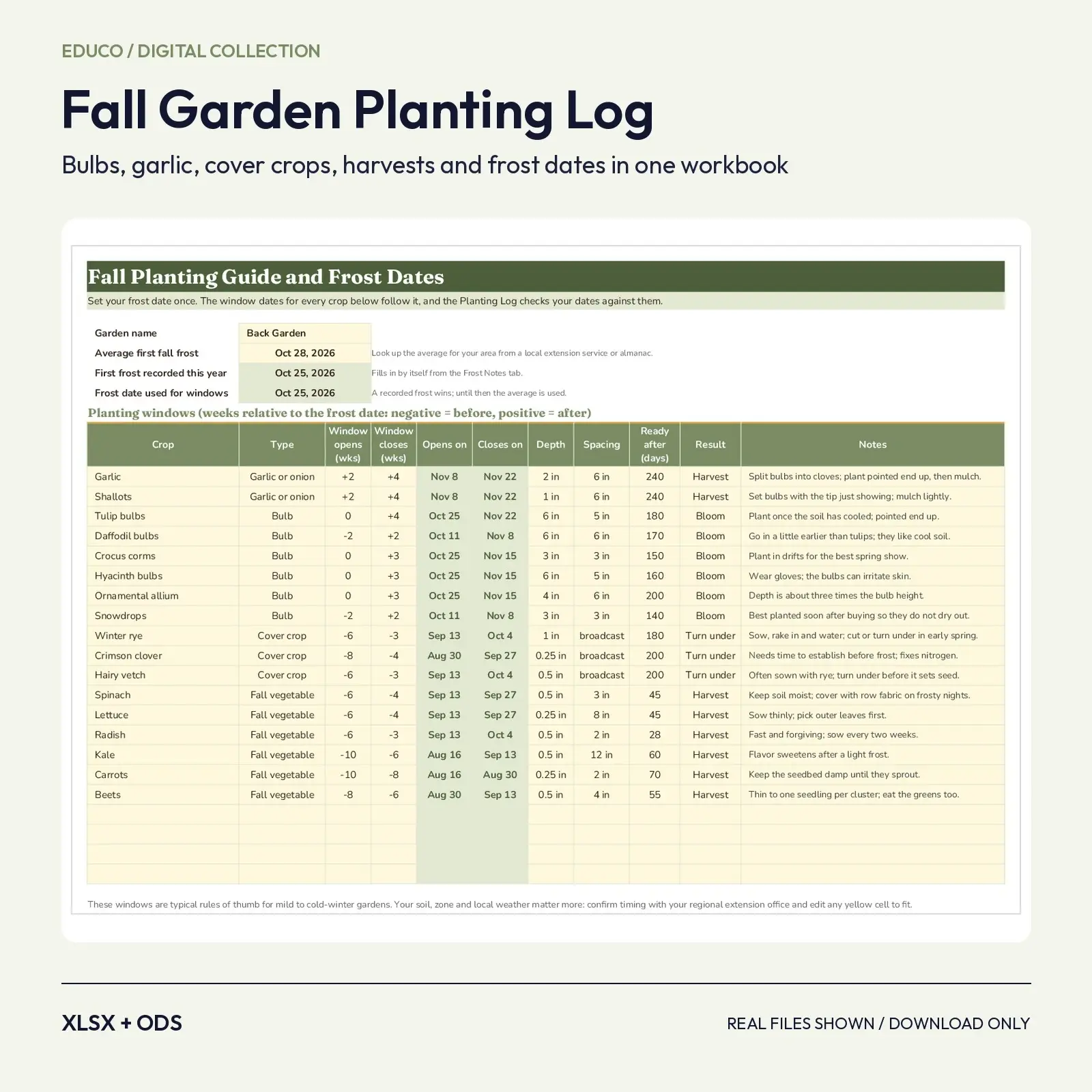
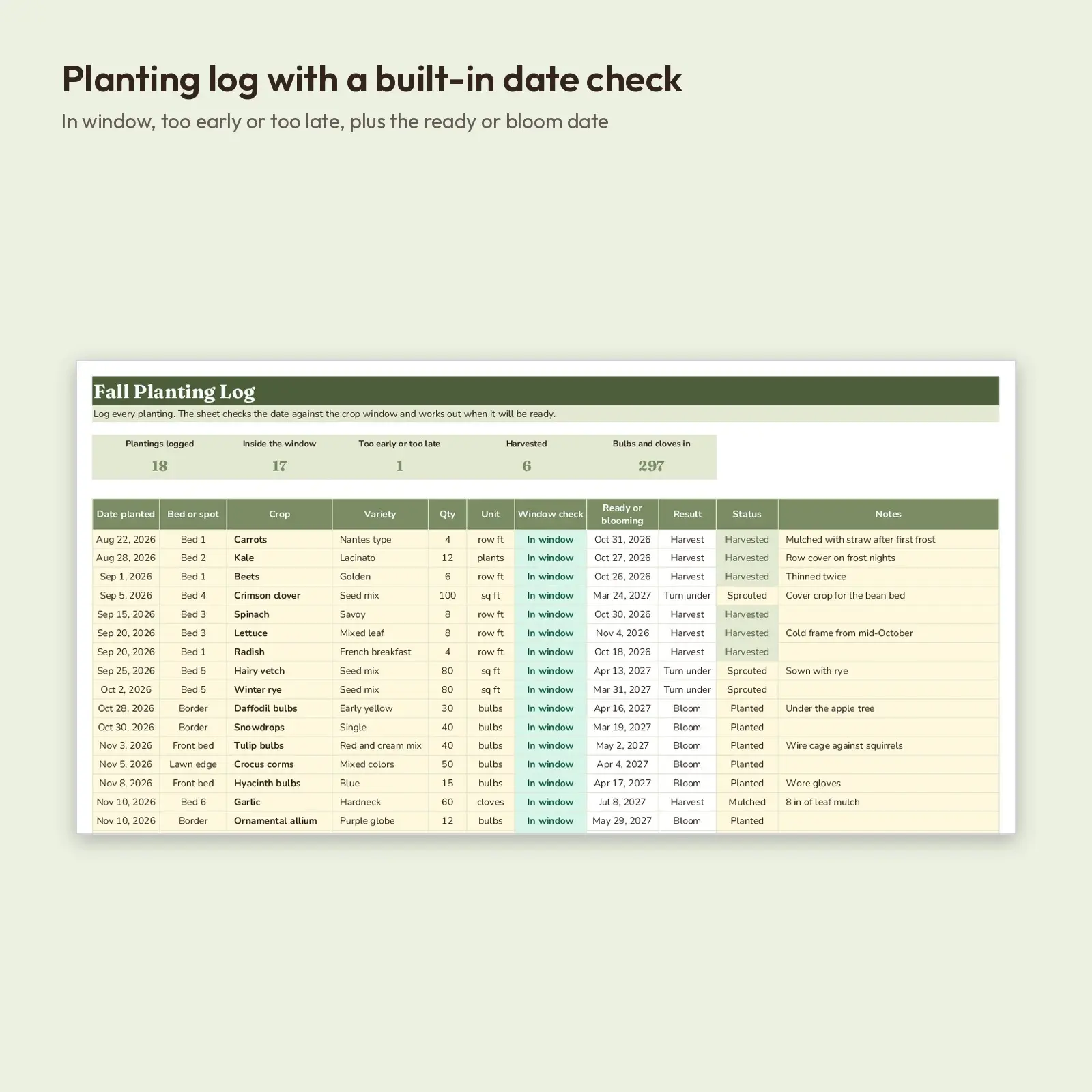
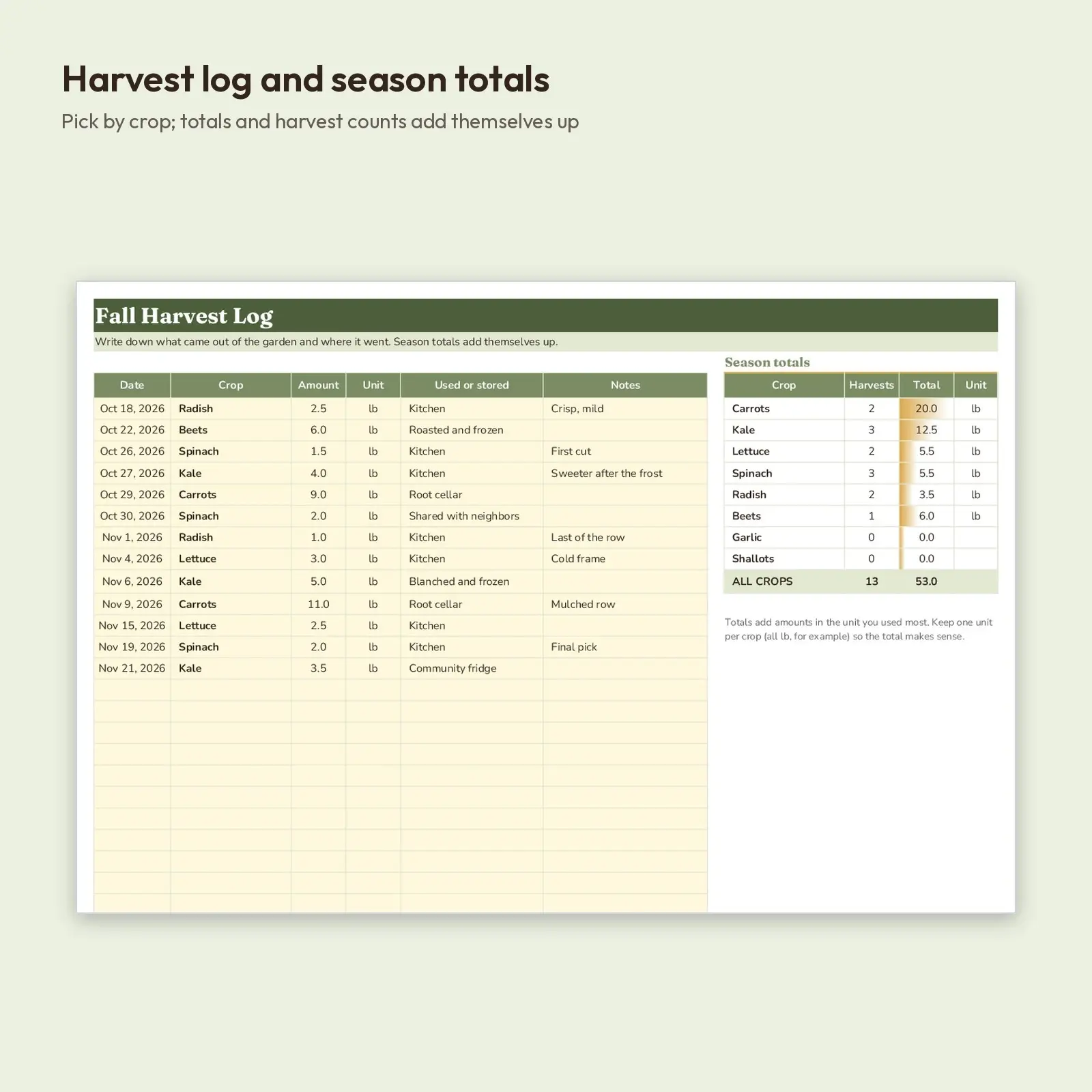
A fall gardener's logbook with working dates built in. Enter your average first frost and the Planting Guide turns weeks-before and weeks-after rules into real calendar windows for garlic, shallots, tulips, daffodils, crocus, cover crops and fall vegetables. In the Planting Log, choose a crop and a date: the sheet tells you whether you are in the window, too early or too late, and when the crop will be ready or in bloom. Harvests and frost nights each get their own log.
Perfect when you need to: - Time garlic, shallots and spring bulbs against your own frost date instead of guessing - Keep a record of what went in which bed and what came out, season after season - Share a one-page plan with a community garden, school garden or garden club
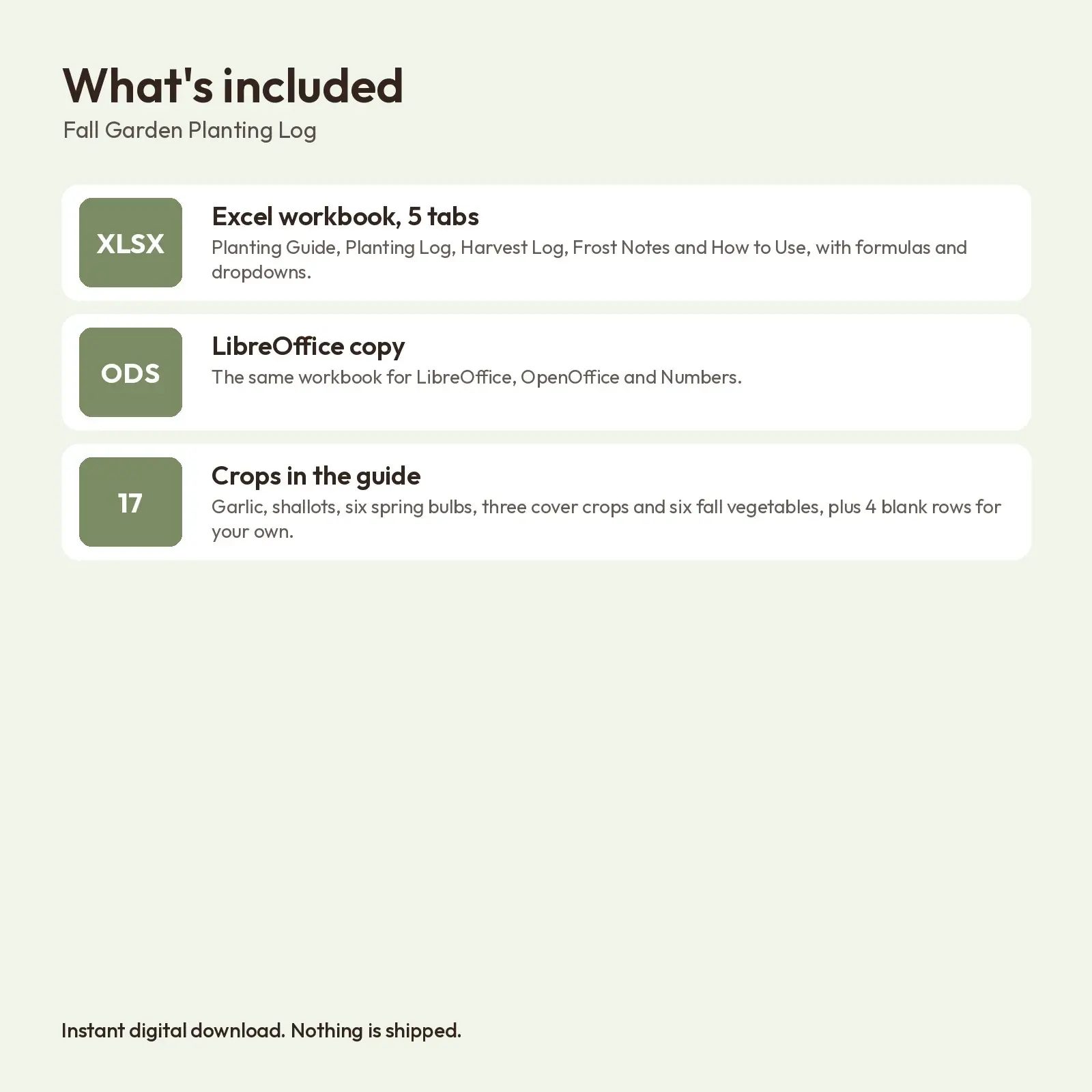
What's included: - 1 XLSX workbook with 5 tabs: Planting Guide (17 crops plus 4 blank rows), Planting Log (30 rows), Harvest Log with season totals, Frost Notes, How to Use - 1 ODS copy of the workbook for LibreOffice and OpenOffice - Sample entries from an imaginary fall season so every formula shows working
Works with: - XLSX opens in Microsoft Excel (2016, 2019, 2021, Microsoft 365), Google Sheets (upload and open), LibreOffice Calc and Apple Numbers; formulas recalculate as you type. - ODS opens in LibreOffice Calc, Apache OpenOffice, Google Sheets, Microsoft Excel and Apple Numbers; formulas recalculate as you type.
About the fonts: Fraunces, Nunito give the design its look and are free from Google Fonts under the SIL Open Font License, including commercial use. Missing fonts fall back to Georgia or Arial-style system fonts.
How to use: type only in the soft yellow cells. Crops you add to the guide appear in the dropdowns of the other tabs. No macros, add-ins or external links.
How the dates work: frost date used = your first recorded frost (from the Frost Notes tab) or, until then, your average first frost. Window opens and closes = frost date plus the weeks in the guide. Ready date = planting date plus the days in the guide. Planting windows and days to ready are typical planning figures for mild to cold-winter gardens, not guarantees. Check with your local extension office and change any yellow cell to fit your climate.
Digital download only: you receive the files listed above right after purchase and nothing is mailed. All artwork and layouts are original Educo designs.
Works with Excel, Google Sheets, LibreOffice, Numbers.
File specs
| Formats | XLSX, ODS |
|---|---|
| Dimensions | US Letter landscape, 5 sheets |
| Color space | sRGB |
| Downloadable files | 2 downloadable files · XLSX, ODS formats |
| Category | Templates |
| Last updated |
What you’ll download
- xlsxfall-garden-planting-log-frost-dates.xlsx25 KB
- odsfall-garden-planting-log-frost-dates.ods20 KB
License and usage
- Personal · $6.00
- Use the files in your own non-commercial projects: home prints, gifts, personal social posts and school work. Anything made with them can’t be sold.
- Commercial · $12.00
- Use the files in client work and in products you sell, up to 5,000 units across all products. Credit is appreciated but not required.
- Extended · $30.00
- Everything in Commercial with no unit cap, including print-on-demand stores.
No license allows reselling, sharing or redistributing the original files as they are, including in free packs or AI training sets.