Substitute Teacher Binder Pages for Fall: 8 Editable Pages with Roster, Schedule and Emergency Plan (DOCX, ODT, PDF)
 By Educo
Price in USD. Local taxes calculated at checkout.
Buy 3 or more, save 20% from this shop
- 1 ZIP download · PDF, DOCX, ODT, TXT, ZIP formats · US Letter, 8 pages
- Buyer protection. Corrupt or mismatched files? Full refund.
Item details
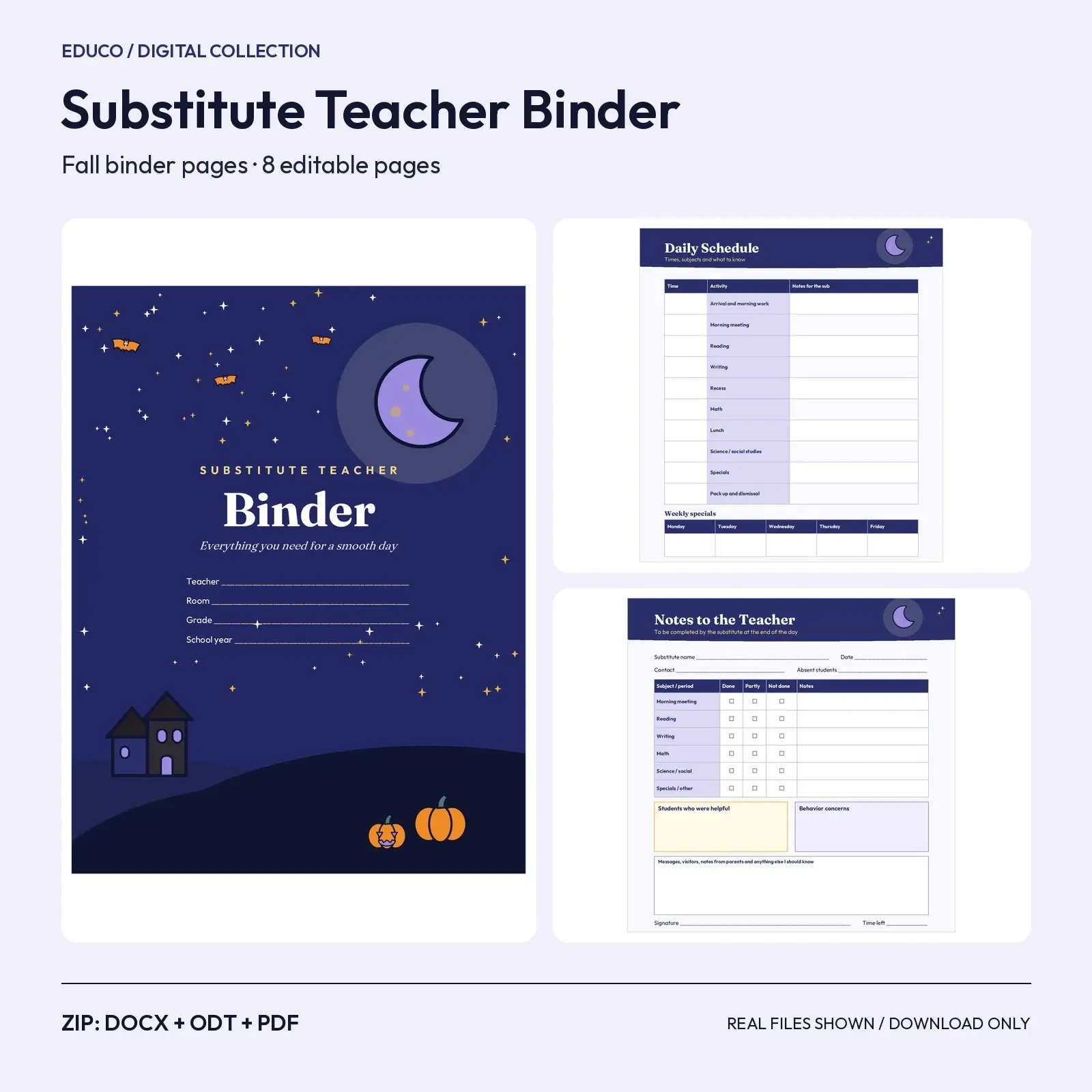
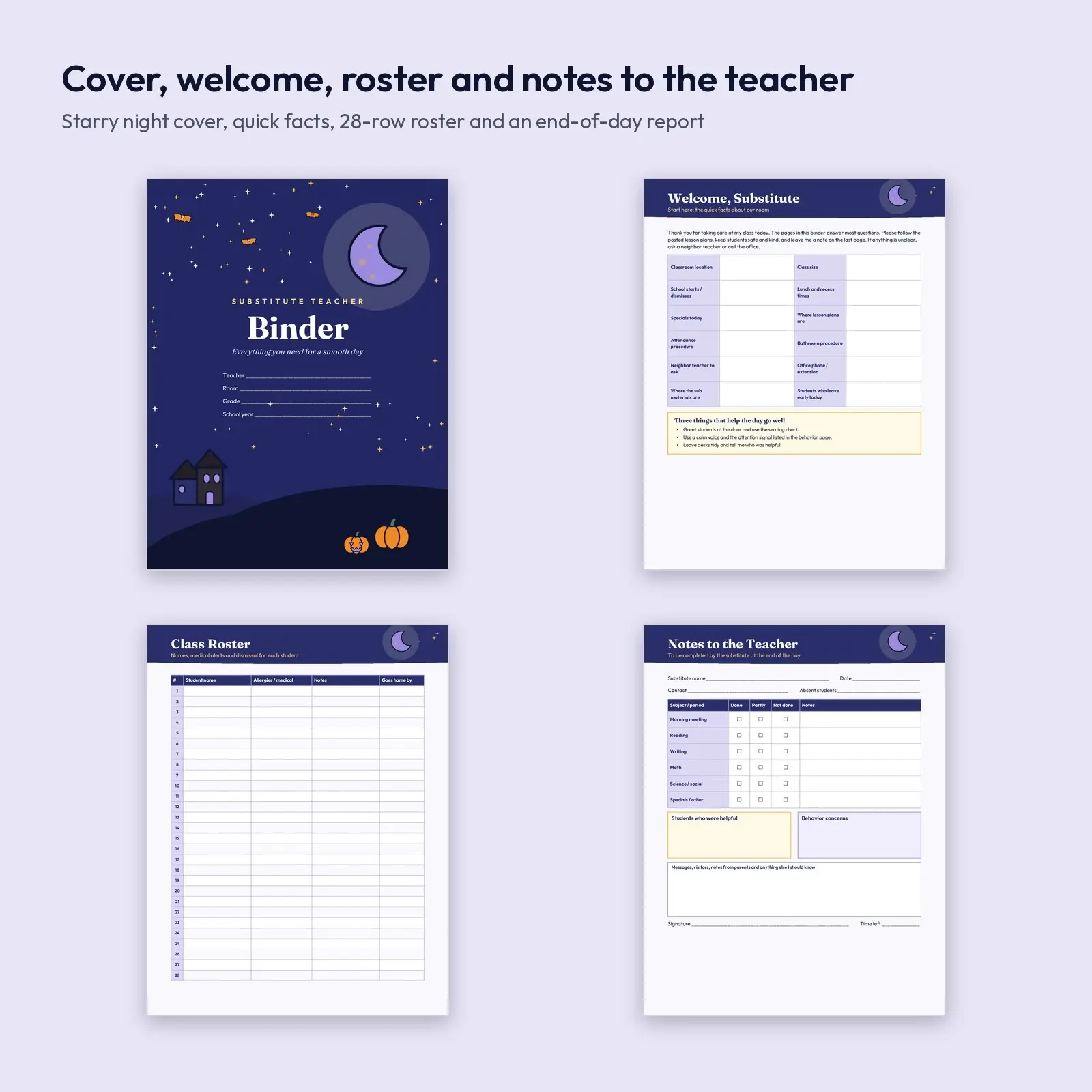
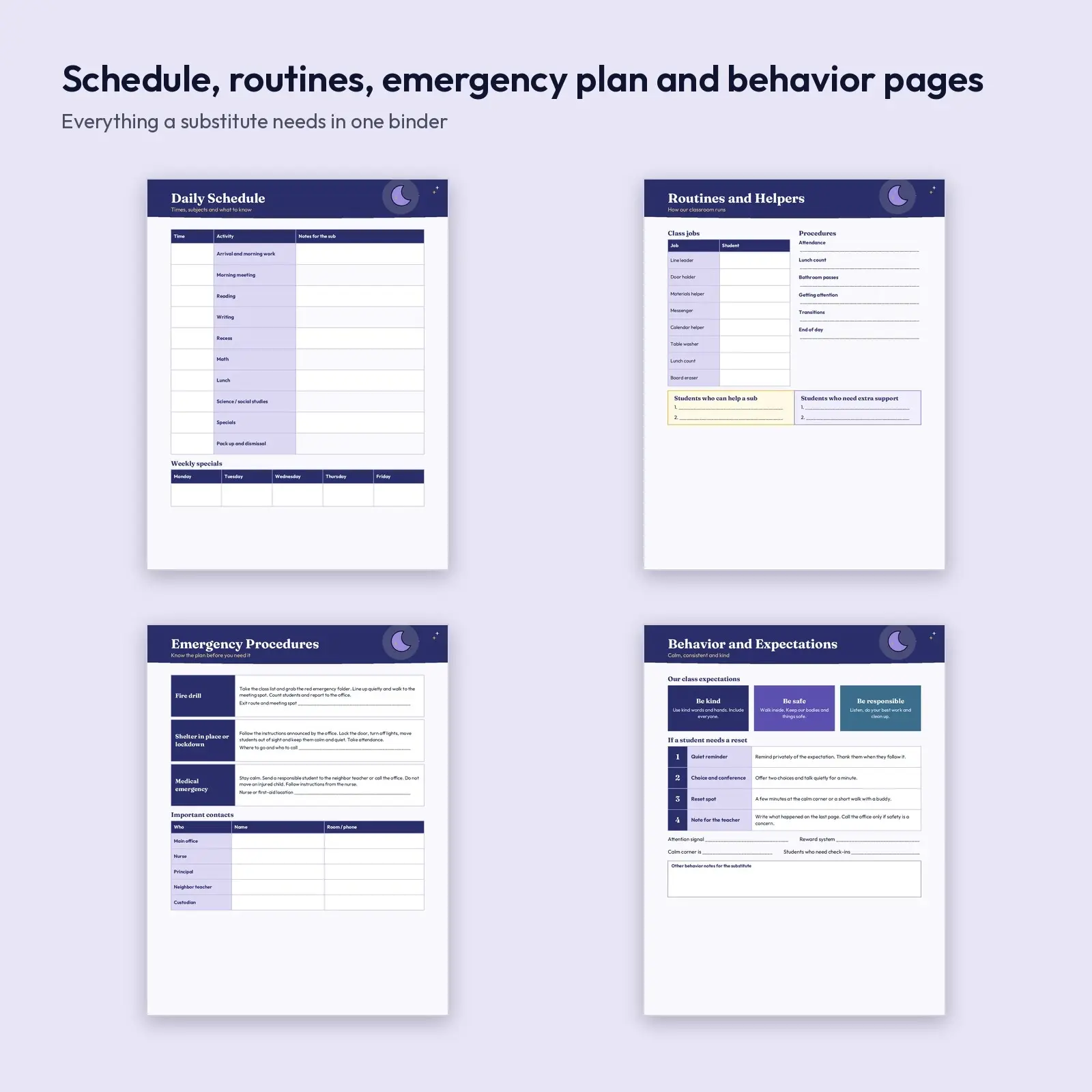
An eight-page substitute binder with a starry-night cover and clean inside pages in navy, violet and gold. Inside you get a welcome page with twelve quick facts, a daily schedule with a weekly specials row, a 28-row class roster with medical alerts, class jobs and procedures, a one-page emergency plan with contacts, a behavior page with expectations and a four-step reset ladder, and a notes-to-the-teacher report for the end of the day.
Great for: - Leave a complete, professional binder on your desk for any unexpected absence - Print the roster and notes pages fresh for every substitute - Give a new teacher a ready-made sub system for the first fall term
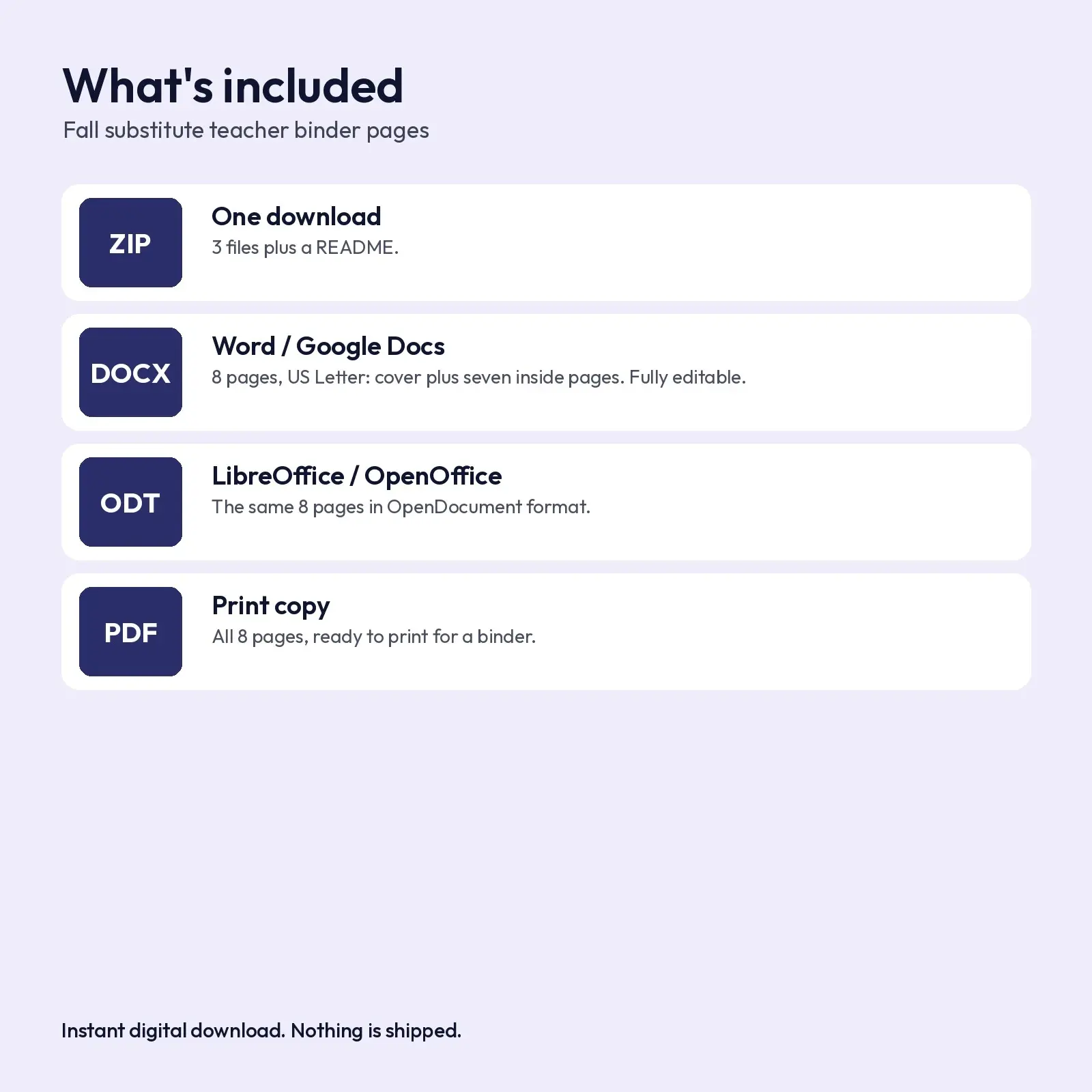
What's included: - 1 ZIP with 3 files plus a README - DOCX: 8 pages, US Letter 8.5 x 11 in, fully editable - ODT: the same 8 pages for LibreOffice and OpenOffice - PDF: print-ready copy of all 8 pages
Works with: - DOCX opens and edits in Microsoft Word (2016, 2019, 2021, Microsoft 365), Google Docs (upload to Drive and open with Docs), LibreOffice Writer and Apple Pages. - ODT opens and edits in LibreOffice Writer, Apache OpenOffice, Microsoft Word, Google Docs and Apple Pages. - PDF opens in any PDF viewer or browser and prints at US Letter / A4 without scaling.
About the fonts: Fraunces, Outfit give the design its look and are free from Google Fonts under the SIL Open Font License, including commercial use. Missing fonts fall back to Georgia or Arial-style system fonts.
All school-specific details (times, phone numbers, drill routes, names) are blank lines and boxes for you to fill in, so no private information is baked into the file. Emergency procedures in the template are general reminders: replace them with your school's official steps.
Digital download only: you receive the files listed above right after purchase and nothing is mailed. All artwork and layouts are original Educo designs.
Works with Word, Google Docs, LibreOffice, Pages.
File specs
| Formats | PDF, DOCX, ODT, TXT, ZIP |
|---|---|
| Dimensions | US Letter, 8 pages |
| Color space | sRGB |
| Downloadable files | 1 ZIP download · PDF, DOCX, ODT, TXT, ZIP formats |
| Category | Templates |
| Last updated |
What you’ll download
- zipfall-substitute-teacher-binder-pages.zip238 KB
License and usage
- Personal · $5.00
- Use the files in your own non-commercial projects: home prints, gifts, personal social posts and school work. Anything made with them can’t be sold.
- Commercial · $10.00
- Use the files in client work and in products you sell, up to 5,000 units across all products. Credit is appreciated but not required.
- Extended · $25.00
- Everything in Commercial with no unit cap, including print-on-demand stores.
No license allows reselling, sharing or redistributing the original files as they are, including in free packs or AI training sets.