Halloween Dinner Party Food Label Stickers - 20 Vintage Buffet and Menu Tags with Cut SVG
 By Educo
Price in USD. Local taxes calculated at checkout.
Buy 3 or more, save 20% from this shop
- 5 downloadable files · PNG, SVG, PDF, TXT, ZIP formats · US Letter + A4; 300 DPI · 300 DPI
- Buyer protection. Corrupt or mismatched files? Full refund.
Item details
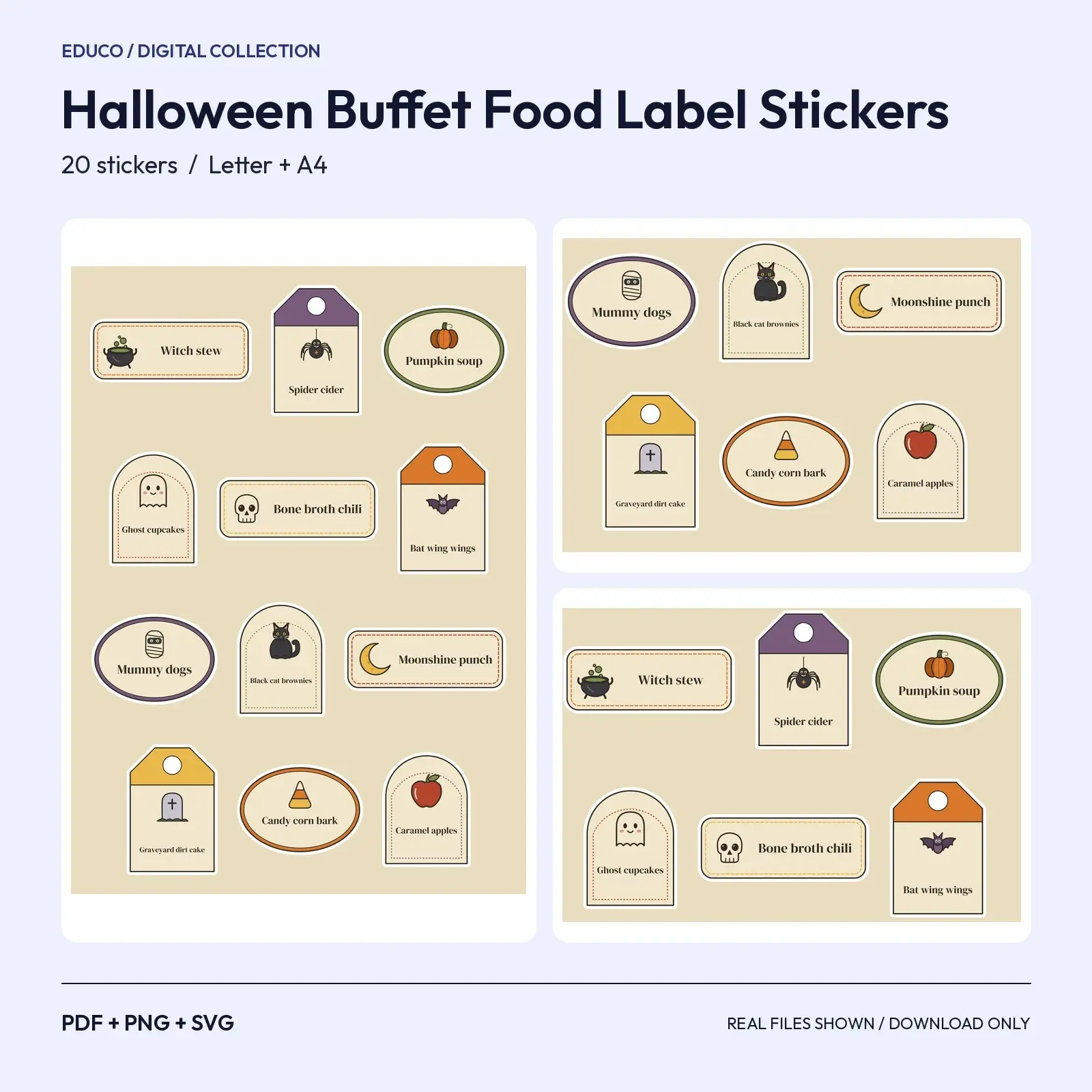
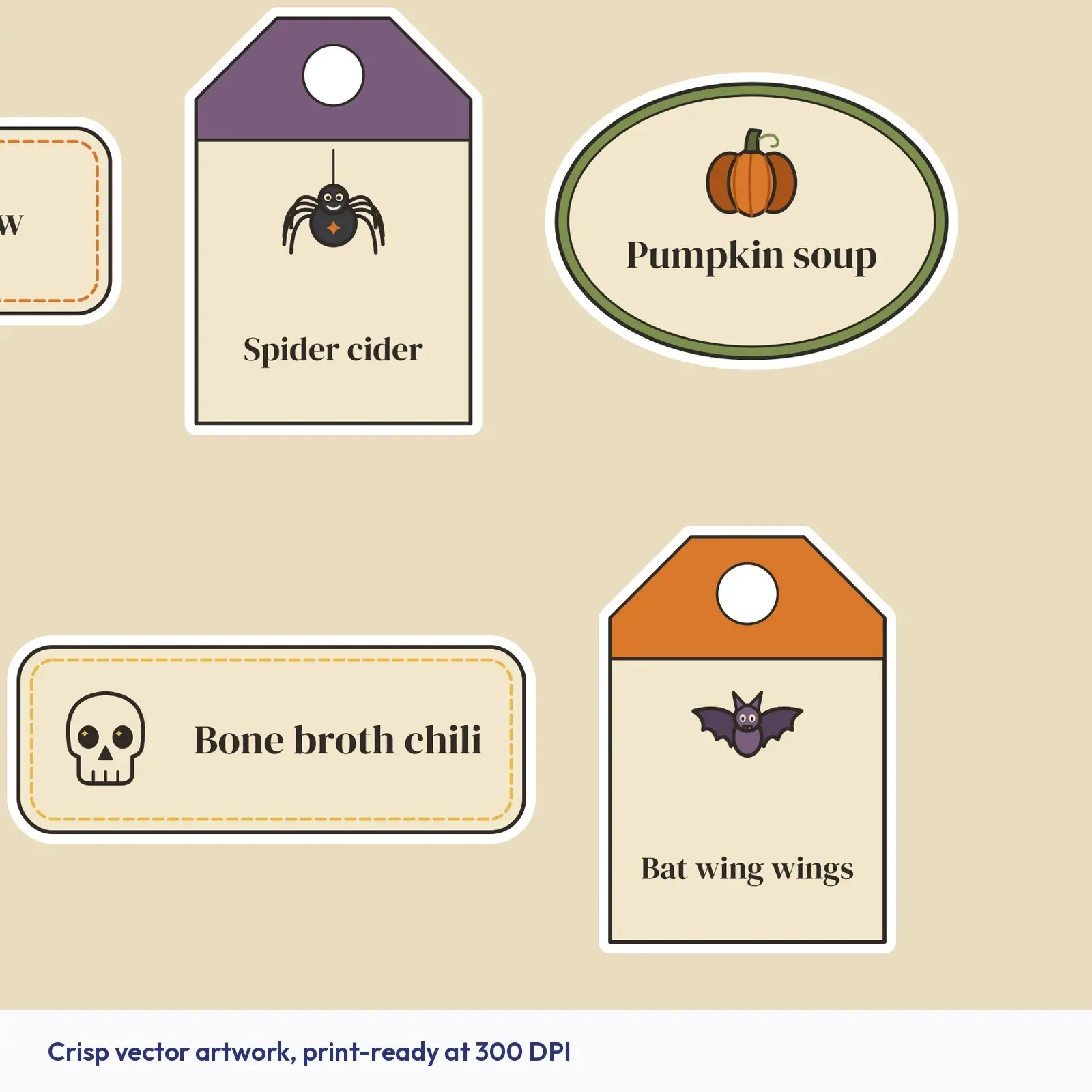
Halloween Dinner Party Food Label Stickers gives hosts of Halloween dinners, potlucks and bake sales 20 bright, easy-to-read stickers with bold outlines and a thick white die-cut border. Menu-style labels for hot dishes, desserts and drinks in faded vintage tones, with blank lines for the dish name and a few ready-made names.
Great for: - Label dishes on a potluck or buffet table - Mark dietary notes at a party or bake sale - Name drinks and desserts with matching tags
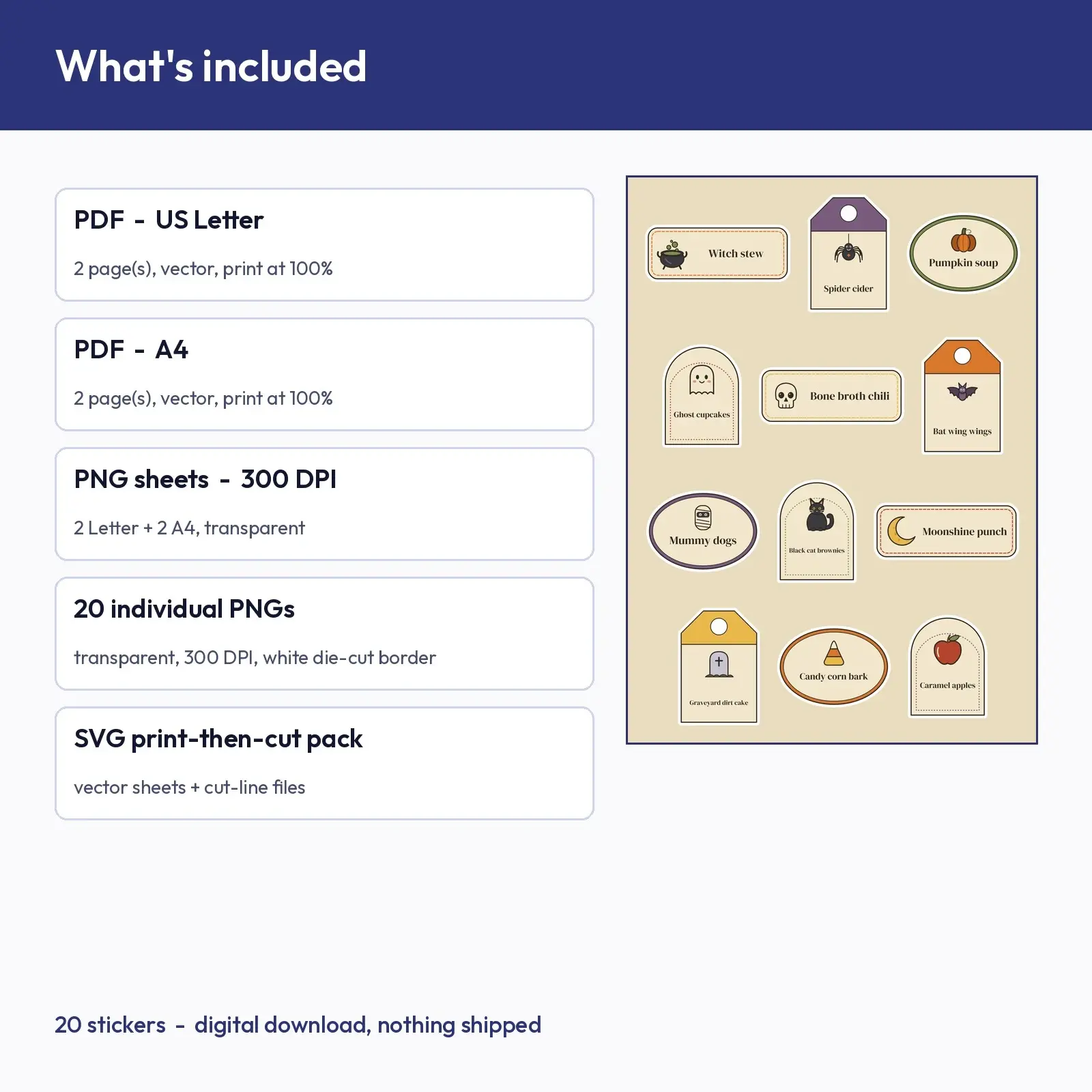
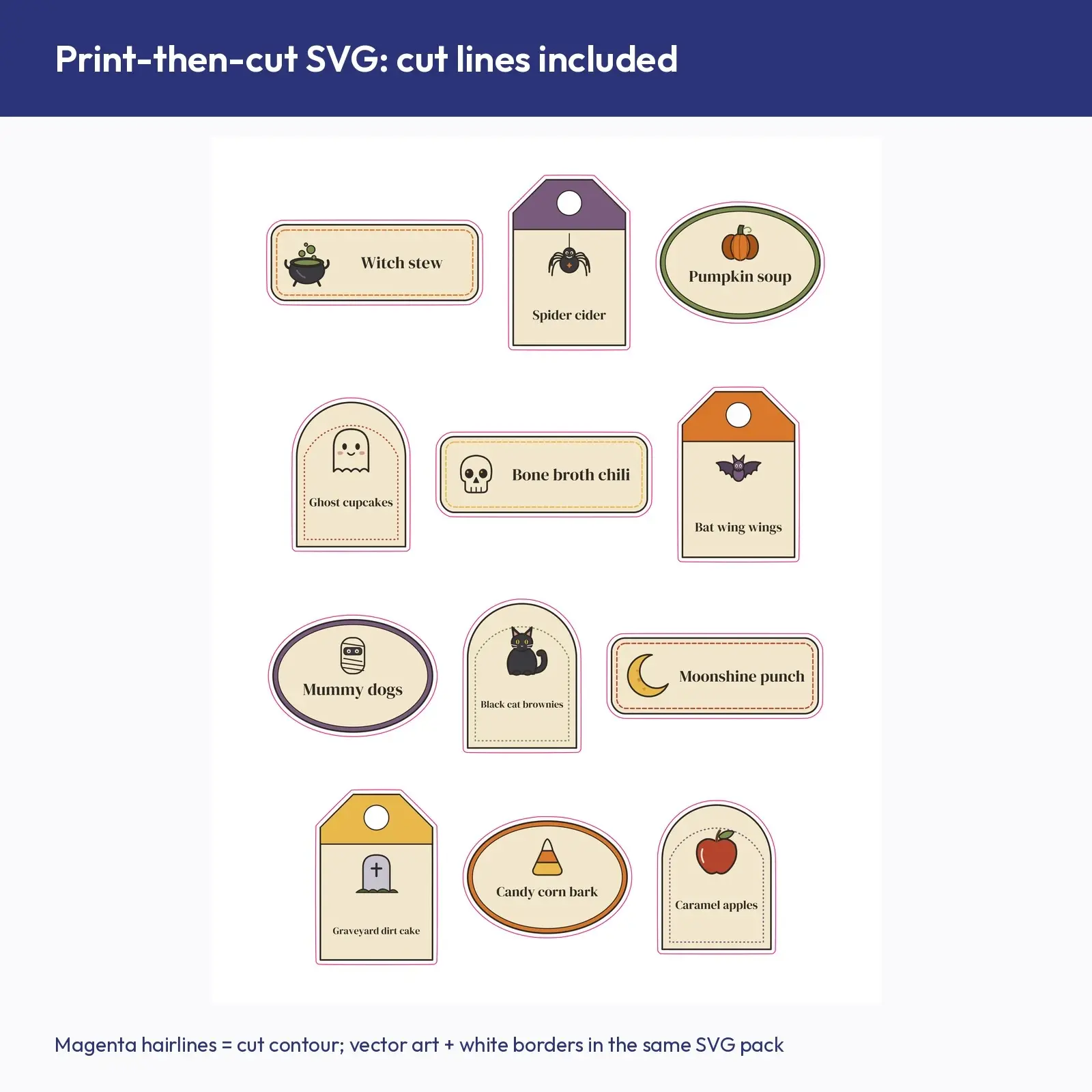
What's included: - PDF, US Letter (8.5 x 11 in): 2 print-ready pages with all 20 stickers - PDF, A4 (210 x 297 mm): 2 print-ready pages, same 20 stickers re-laid for A4 - PNG sheets at 300 DPI (transparent background): 2 Letter pages (2550 x 3300 px) and 2 A4 pages (2480 x 3508 px) - 20 individual transparent PNG stickers at 300 DPI, each with its white die-cut border - Print-then-cut SVG pack: vector sheets for Letter and A4 plus matching cut-line SVG files Sticker sizes run from about 1.06 to 2.72 inches (27 to 69 mm) on the longest side.
Food labels: Witch stew, Spider cider, Pumpkin soup, Ghost cupcakes, Bone broth chili, Bat wing wings, Mummy dogs, Black cat brownies, Moonshine punch, Graveyard dirt cake, Candy corn bark, Caramel apples, Veggie vampires, Vegan, Gluten free, Contains nuts, Dish name: - _______, Hot dish, Dessert, Drinks.
Use any home inkjet or laser printer and full-sheet sticker paper. Print at actual size (no fit-to-page), let the ink dry, and cut along the white outline. Because each sticker is also supplied as a separate transparent PNG, you can use them in digital planning apps that accept image stickers, in Canva uploads, or in your own layouts. The SVG pack is for print-then-cut workflows: import the vector sheet into Silhouette Studio or Cricut Design Space, add your machine's registration marks following its manual, print, then cut using the included cut-line contours. Cricut's print-then-cut area is smaller than a full page, so scale the sheet down or cut it in sections. Colors may print slightly different from what you see on screen, which is normal for home printers. Tip: stick the tags to table tents or small cards for stand-up buffet labels.
This is a digital download: nothing is shipped. Files are available to download right after purchase.
Works with Any printer, Canva, Silhouette Studio, Cricut Design Space.
File specs
| Formats | PNG, SVG, PDF, TXT, ZIP |
|---|---|
| Dimensions | US Letter + A4; 300 DPI |
| Resolution | 300 DPI |
| Color space | sRGB |
| Downloadable files | 5 downloadable files · PNG, SVG, PDF, TXT, ZIP formats |
| Category | Stickers |
| Last updated |
What you’ll download
- pdfhalloween-buffet-food-label-stickers-letter.pdf107 KB
- pdfhalloween-buffet-food-label-stickers-a4.pdf108 KB
- ziphalloween-buffet-food-label-stickers-svg-print-then-cut.zip135 KB
- ziphalloween-buffet-food-label-stickers-individual-png.zip741 KB
- ziphalloween-buffet-food-label-stickers-png-sheets-300dpi.zip1.7 MB
Usage
Educo states how these files may be used in the listing description. Check it before you buy, and message the shop if you’re unsure.
Reselling, sharing or redistributing the original files as they are isn’t allowed, including in free packs or AI training sets.