Fall Classroom Weekly Lesson Plan Kit Stickers - 60 Day Banners, Subject Boxes and Checkboxes
 By Educo
Price in USD. Local taxes calculated at checkout.
Buy 3 or more, save 20% from this shop
- 4 downloadable files · PNG, PDF, TXT, ZIP formats · US Letter + A4; 300 DPI · 300 DPI
- Buyer protection. Corrupt or mismatched files? Full refund.
Item details
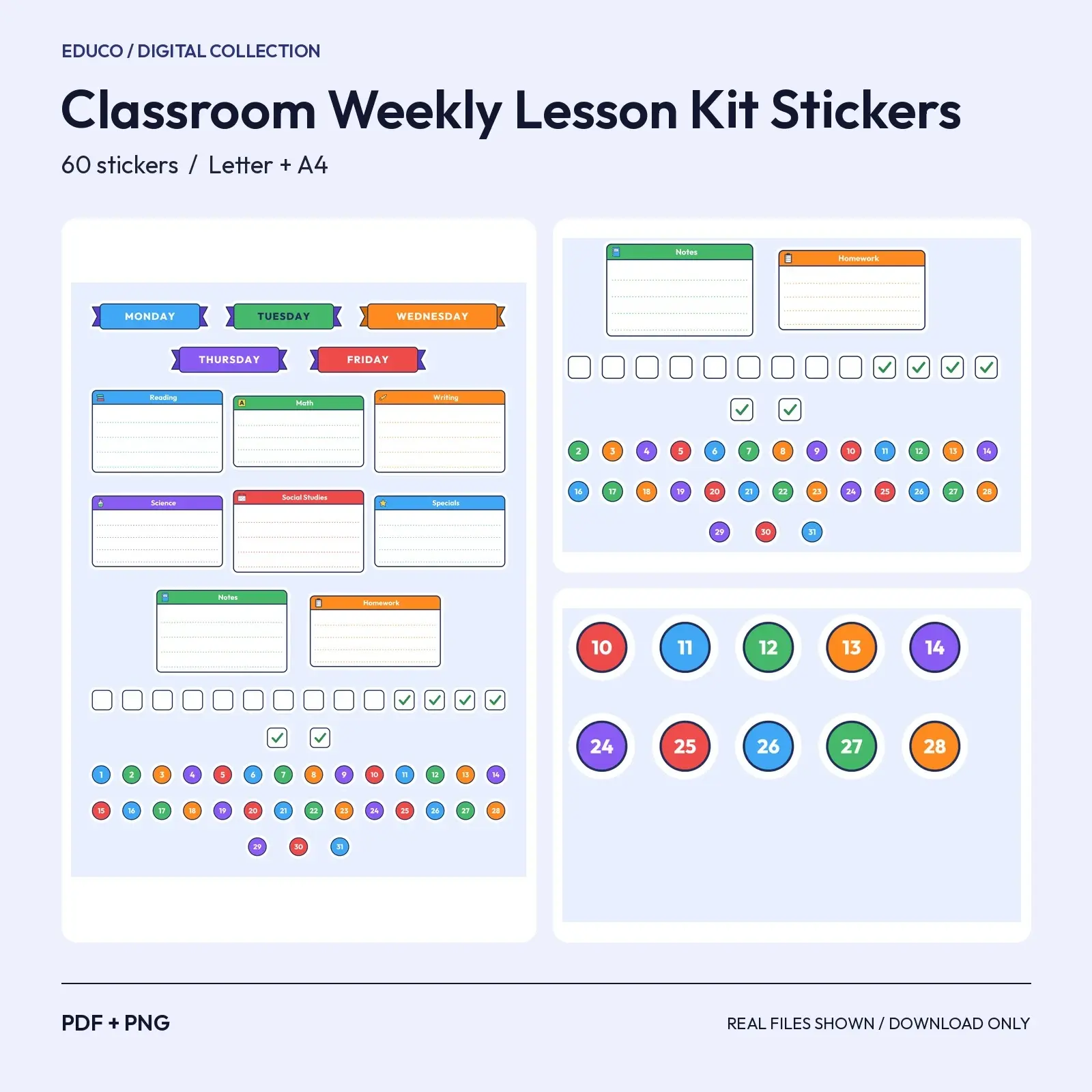
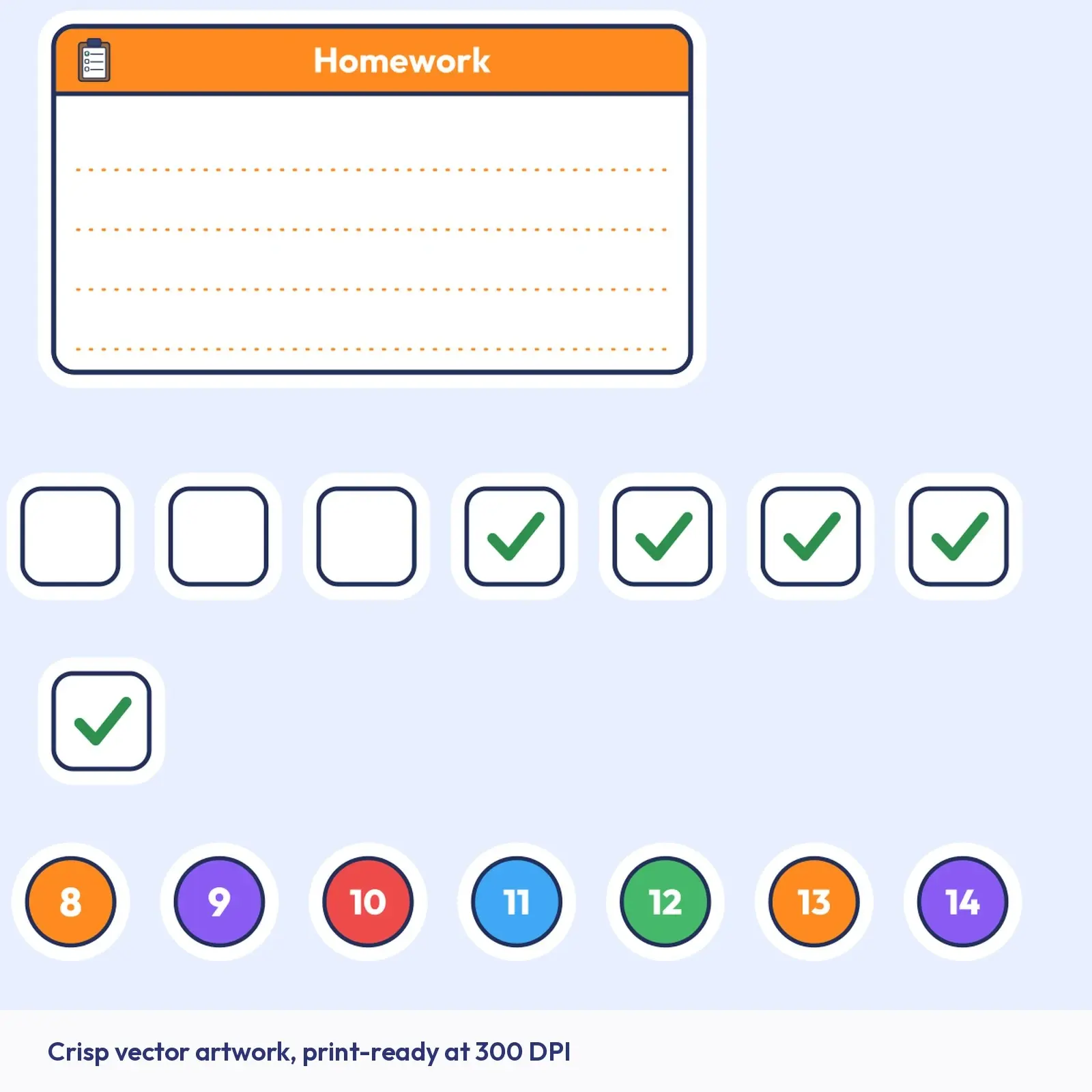
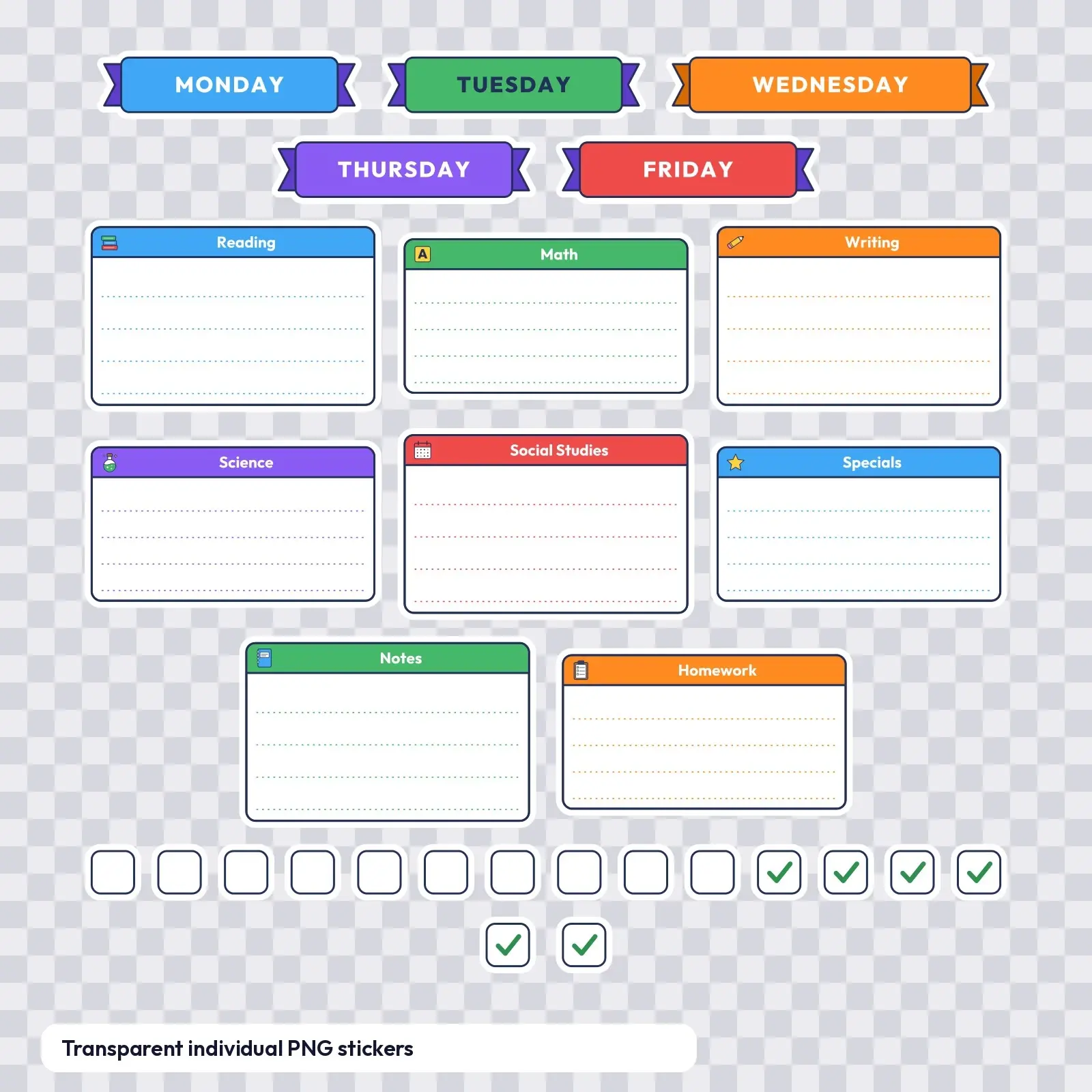
This pack puts 60 crisp, cheerful stickers on your page, made for teachers who lay out lesson plans by hand each week. Five-day banners plus subject-box headers for Reading, Math, Writing, Science, Social Studies and Specials, with checkboxes and date dots, all in bright classroom colors.
Great for: - Make a color-coded weekly lesson plan on plain paper - Build a substitute-teacher binder with clearly labelled day boxes - Mark off assessments and homework with checkbox stickers
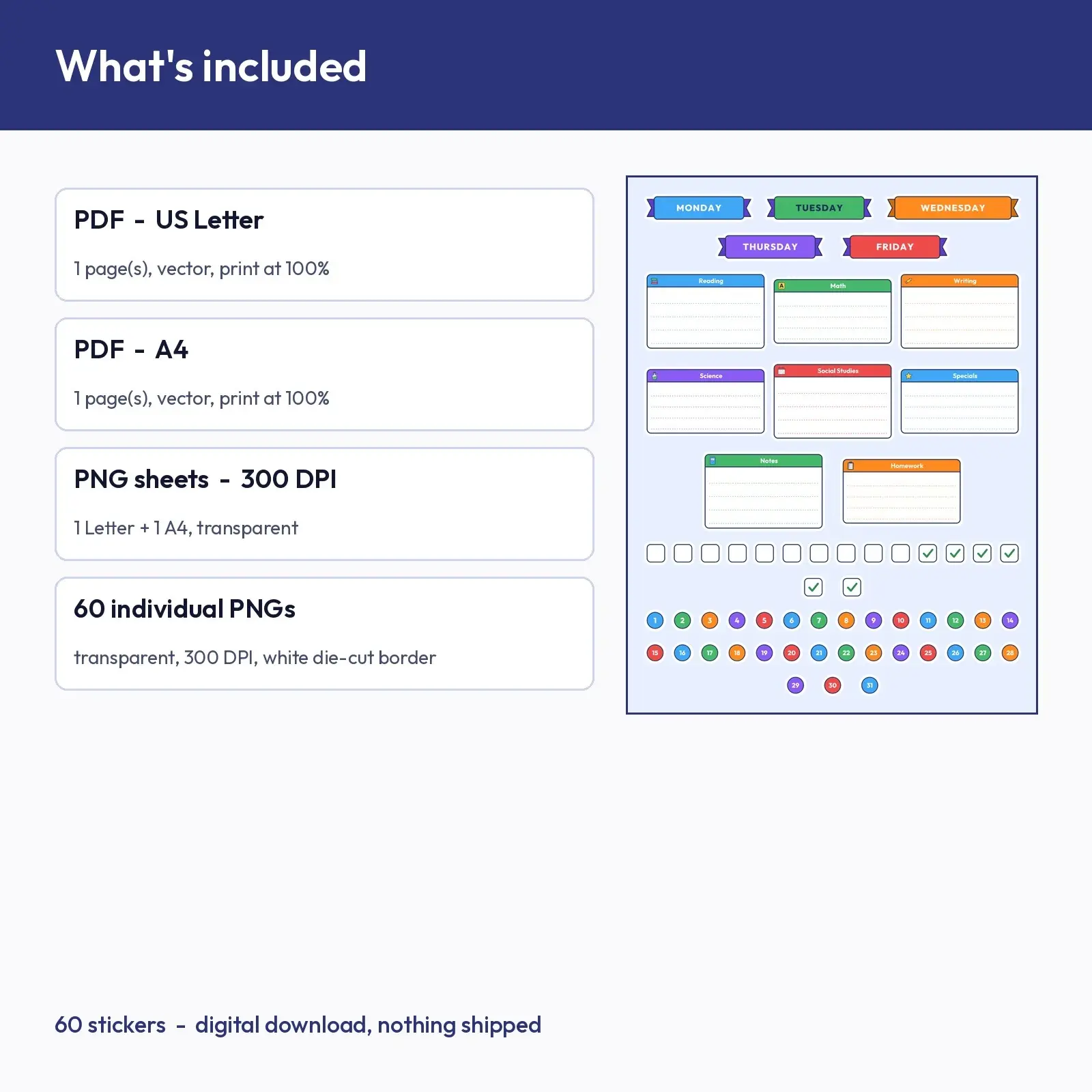
What's included: - PDF, US Letter (8.5 x 11 in): 1 print-ready page with all 60 stickers - PDF, A4 (210 x 297 mm): 1 print-ready page, same 60 stickers re-laid for A4 - PNG sheets at 300 DPI (transparent background): 1 Letter page (2550 x 3300 px) and 1 A4 page (2480 x 3508 px) - 60 individual transparent PNG stickers at 300 DPI, each with its white die-cut border Sticker sizes run from about 0.42 to 2.70 inches (11 to 69 mm) on the longest side.
Day banners: MONDAY, TUESDAY, WEDNESDAY, THURSDAY, FRIDAY. Boxes: Reading, Math, Writing, Science, Social Studies, Specials, Notes, Homework. Checkboxes: 10 square, 6 square (checked). Date dots 1-31.
Printing is simple: pick your paper size, print the PDF at actual size on sticker paper, and cut out the pieces. Prefer a pen-friendly surface? Matte or writable sticker paper works well for the label stickers. The individual transparent PNG files also drop straight into digital planners, slide decks and Canva designs, so you can use the same stickers on screen and on paper. Colors may print slightly different from what you see on screen, which is normal for home printers. Tip: keep the same box color for each subject across the semester.
You are buying digital files. Download them after checkout and print as often as your license allows; nothing is shipped.
Works with Any printer, Canva, Digital planner apps.
File specs
| Formats | PNG, PDF, TXT, ZIP |
|---|---|
| Dimensions | US Letter + A4; 300 DPI |
| Resolution | 300 DPI |
| Color space | sRGB |
| Downloadable files | 4 downloadable files · PNG, PDF, TXT, ZIP formats |
| Category | Stickers |
| Last updated |
What you’ll download
- pdfclassroom-weekly-lesson-kit-stickers-a4.pdf55 KB
- pdfclassroom-weekly-lesson-kit-stickers-letter.pdf55 KB
- zipclassroom-weekly-lesson-kit-stickers-png-sheets-300dpi.zip611 KB
- zipclassroom-weekly-lesson-kit-stickers-individual-png.zip384 KB
License and usage
- Personal · $8.00
- Use the files in your own non-commercial projects: home prints, gifts, personal social posts and school work. Anything made with them can’t be sold.
- Commercial · $16.00
- Use the files in client work and in products you sell, up to 5,000 units across all products. Credit is appreciated but not required.
- Extended · $38.00
- Everything in Commercial with no unit cap, including print-on-demand stores.
No license allows reselling, sharing or redistributing the original files as they are, including in free packs or AI training sets.