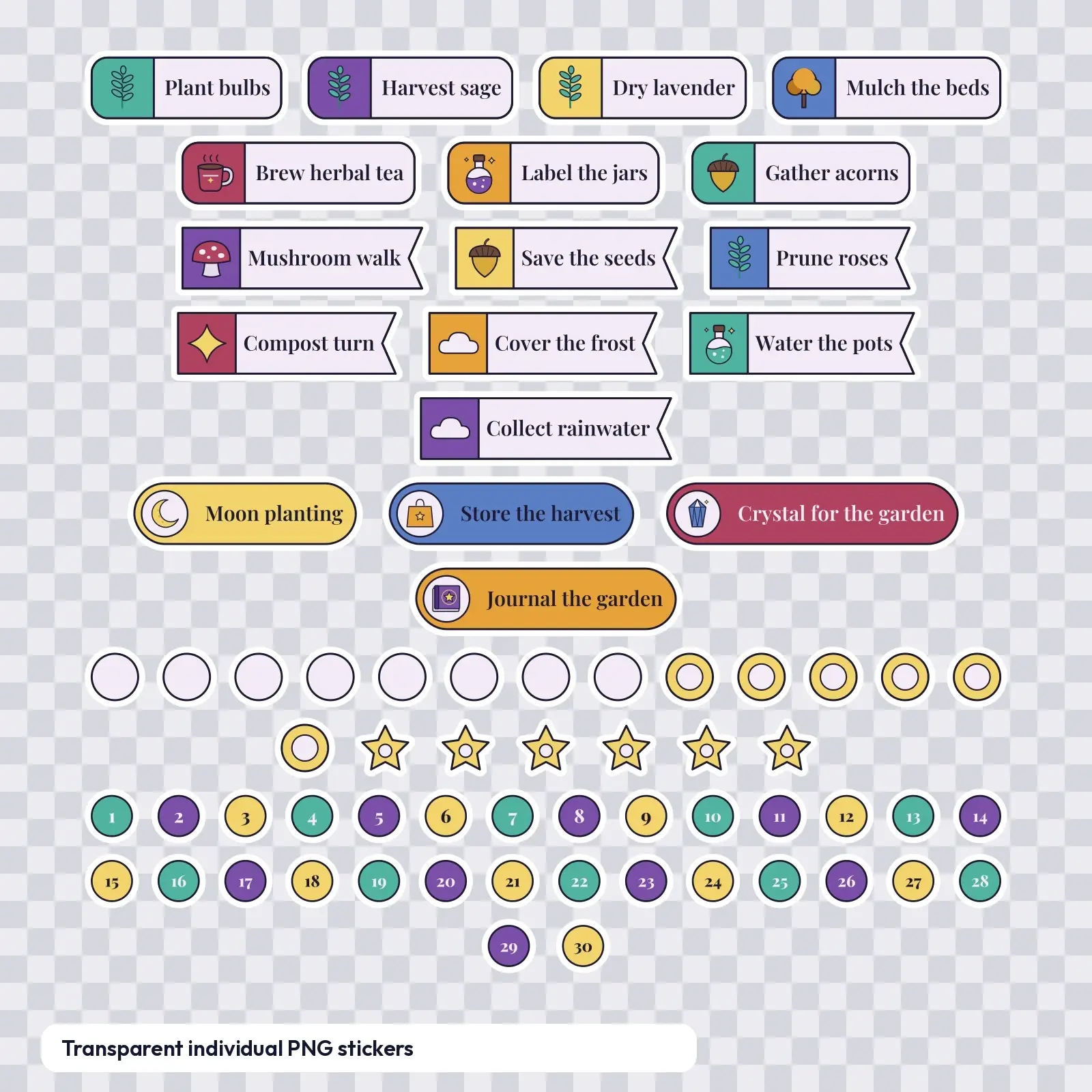
Witch's Garden and Apothecary Planner Stickers - 68 Foraging, Brewing and Moon Garden Labels
 By Educo
Price in USD. Local taxes calculated at checkout.
Buy 3 or more, save 20% from this shop
- 4 downloadable files · PNG, PDF, TXT, ZIP formats · US Letter + A4; 300 DPI · 300 DPI
- Buyer protection. Corrupt or mismatched files? Full refund.
Item details
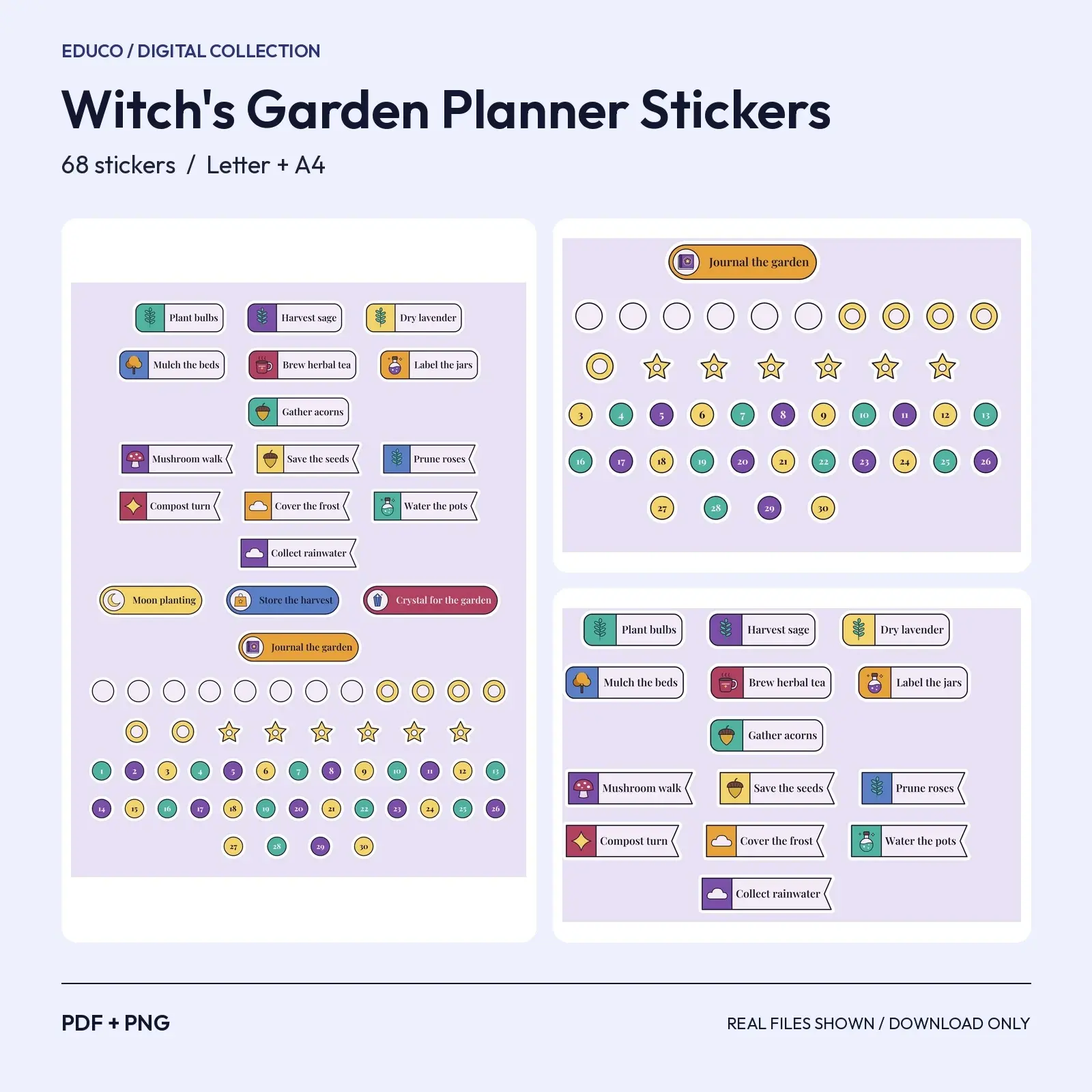
Meet Witch's Garden and Apothecary Planner Stickers: 68 hand-built vector stickers designed for herb gardeners and cottage-witch planner fans. Seasonal garden jobs framed as little rituals: plant bulbs, harvest sage, dry lavender, mulch beds, brew tea and store the jars, all in a calm teal, plum and gold palette.
Great for: - Plan an autumn herb garden and harvest schedule - Mark foraging walks, drying days and tea-blending sessions - Decorate a gardening journal or seed-saving log
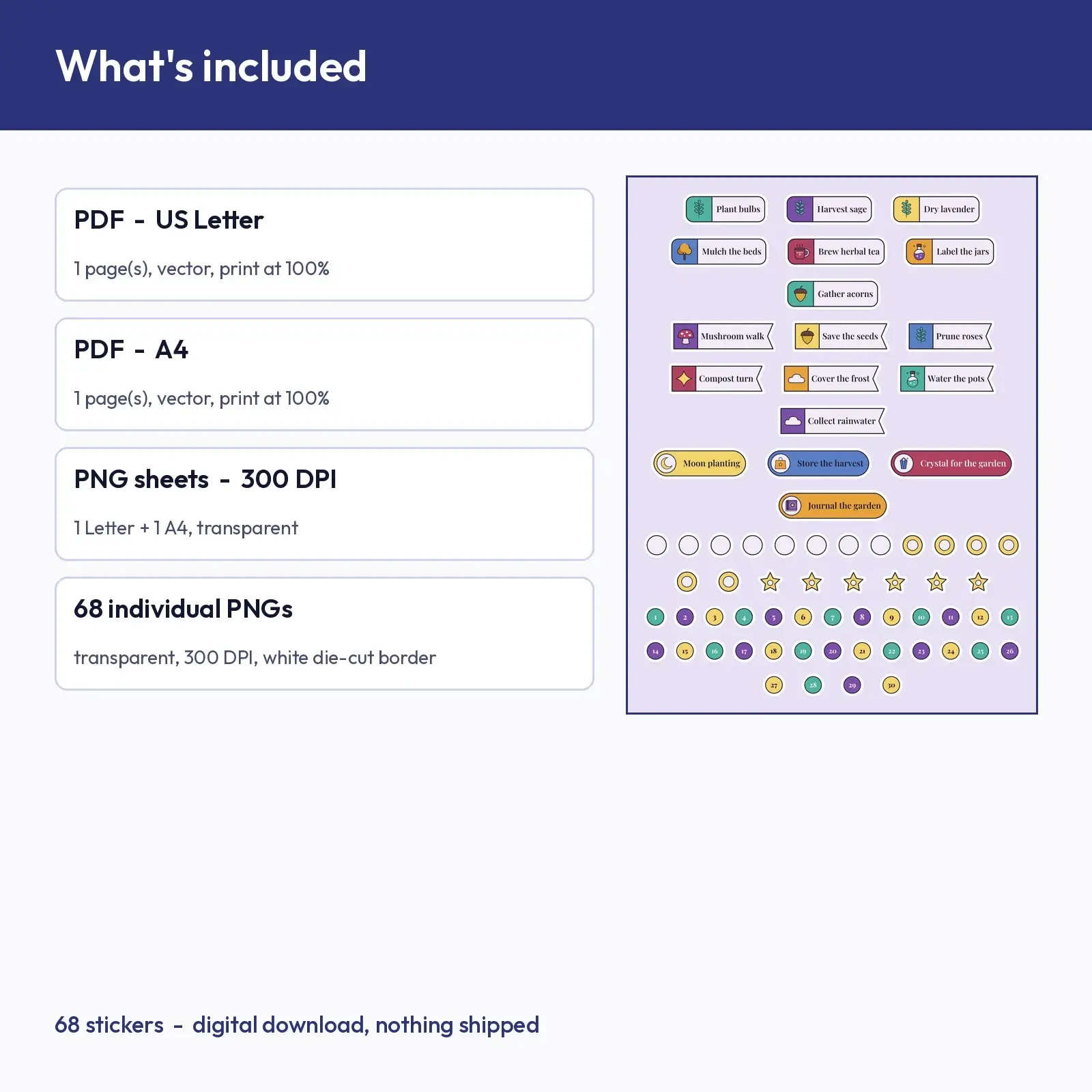
What's included: - PDF, US Letter (8.5 x 11 in): 1 print-ready page with all 68 stickers - PDF, A4 (210 x 297 mm): 1 print-ready page, same 68 stickers re-laid for A4 - PNG sheets at 300 DPI (transparent background): 1 Letter page (2550 x 3300 px) and 1 A4 page (2480 x 3508 px) - 68 individual transparent PNG stickers at 300 DPI, each with its white die-cut border Sticker sizes run from about 0.43 to 2.50 inches (11 to 63 mm) on the longest side.
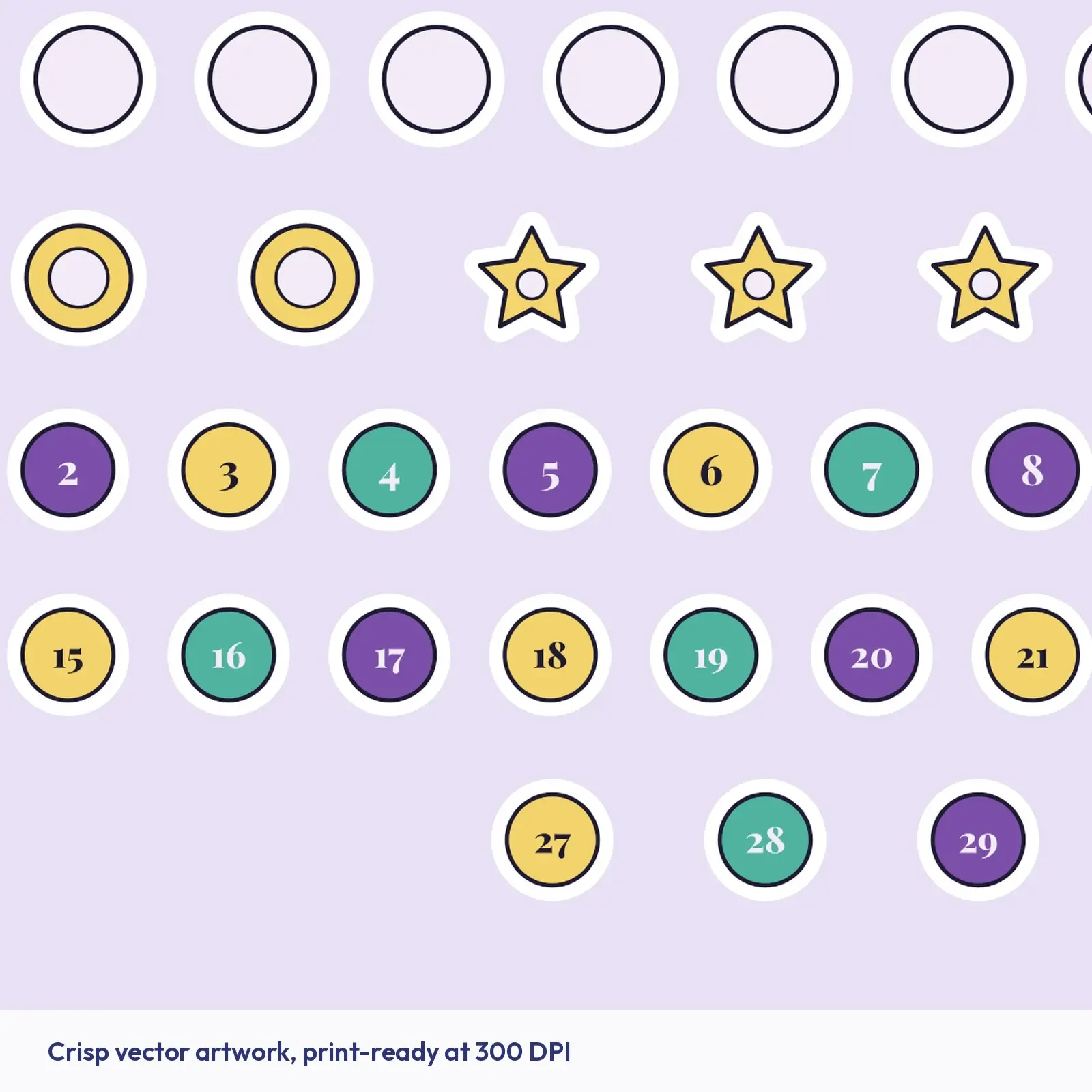
Event labels: Plant bulbs, Harvest sage, Dry lavender, Mulch the beds, Brew herbal tea, Label the jars, Gather acorns, Mushroom walk, Save the seeds, Prune roses, Compost turn, Cover the frost, Water the pots, Collect rainwater, Moon planting, Store the harvest, Crystal for the garden, Journal the garden. Checkboxes: 8 round, 6 moon, 6 star. Date dots: numbers 1 to 30.
Use any home inkjet or laser printer and full-sheet sticker paper. Print at actual size (no fit-to-page), let the ink dry, and cut along the white outline. You also receive every sticker as its own transparent PNG at 300 DPI, ready for custom sheets, digital planners, scrapbook pages and classroom slides. Colors are RGB for screen and home printing; actual printed colors vary with your printer and paper. Tip: the label stickers leave room to jot the herb or bed number after you place them.
You are buying digital files. Download them after checkout and print as often as you need. Personal and commercial use (including products you sell) is allowed; reselling or sharing the files themselves is not. Nothing is shipped.
Works with Any printer, Canva, Digital planner apps.
File specs
| Formats | PNG, PDF, TXT, ZIP |
|---|---|
| Dimensions | US Letter + A4; 300 DPI |
| Resolution | 300 DPI |
| Color space | sRGB |
| Downloadable files | 4 downloadable files · PNG, PDF, TXT, ZIP formats |
| Category | Stickers |
| Last updated |
What you’ll download
- pdfwitch-s-garden-planner-stickers-a4.pdf162 KB
- pdfwitch-s-garden-planner-stickers-letter.pdf161 KB
- zipwitch-s-garden-planner-stickers-individual-png.zip716 KB
- zipwitch-s-garden-planner-stickers-png-sheets-300dpi.zip1.1 MB
Usage
Educo states how these files may be used in the listing description. Check it before you buy, and message the shop if you’re unsure.
Reselling, sharing or redistributing the original files as they are isn’t allowed, including in free packs or AI training sets.