Fall Teacher Lesson Planner Stickers - 41 Subject, Test and Duty Labels for Planners
 By Educo
Price in USD. Local taxes calculated at checkout.
Buy 3 or more, save 20% from this shop
- 4 downloadable files · PNG, PDF, TXT, ZIP formats · US Letter + A4; 300 DPI · 300 DPI
- Buyer protection. Corrupt or mismatched files? Full refund.
Item details
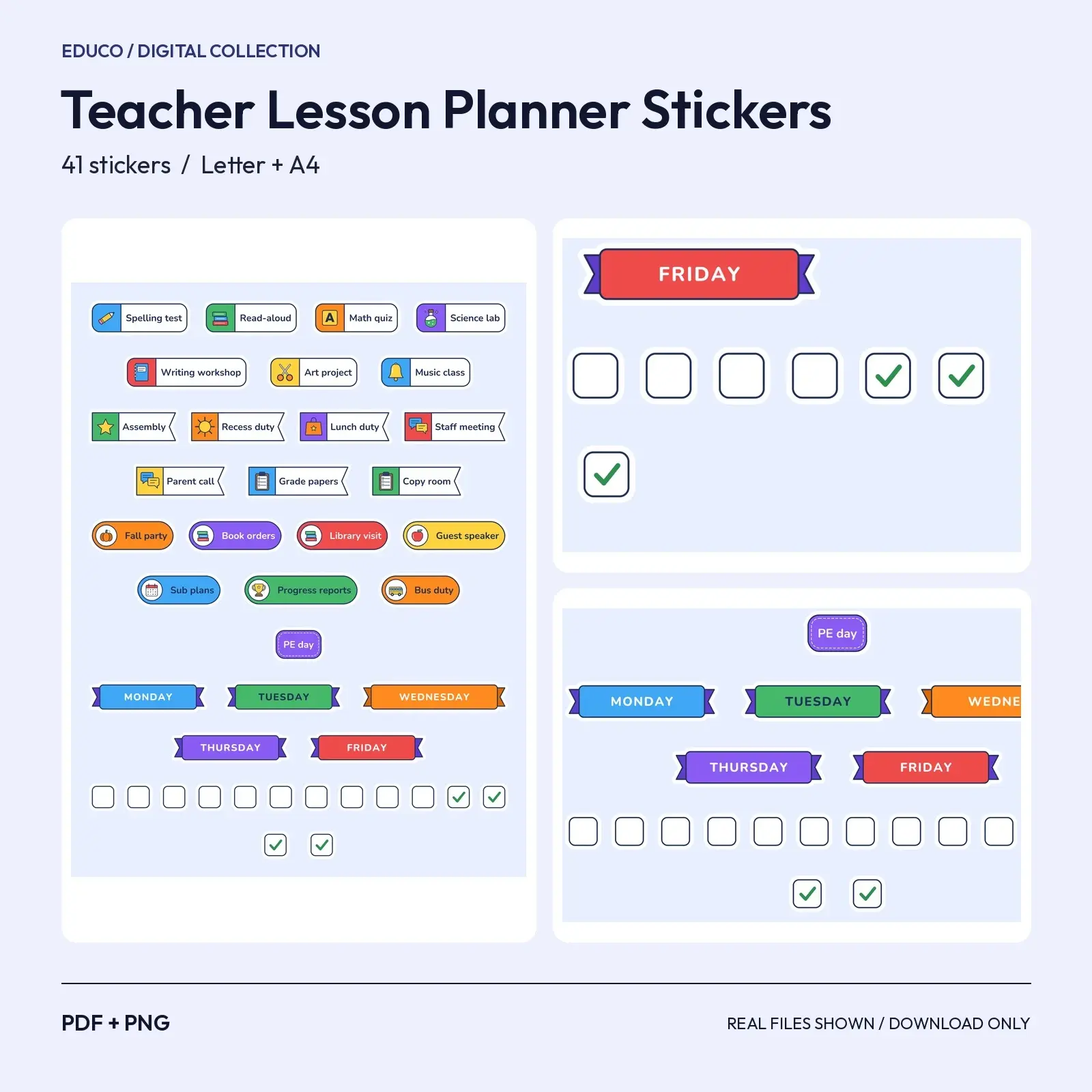
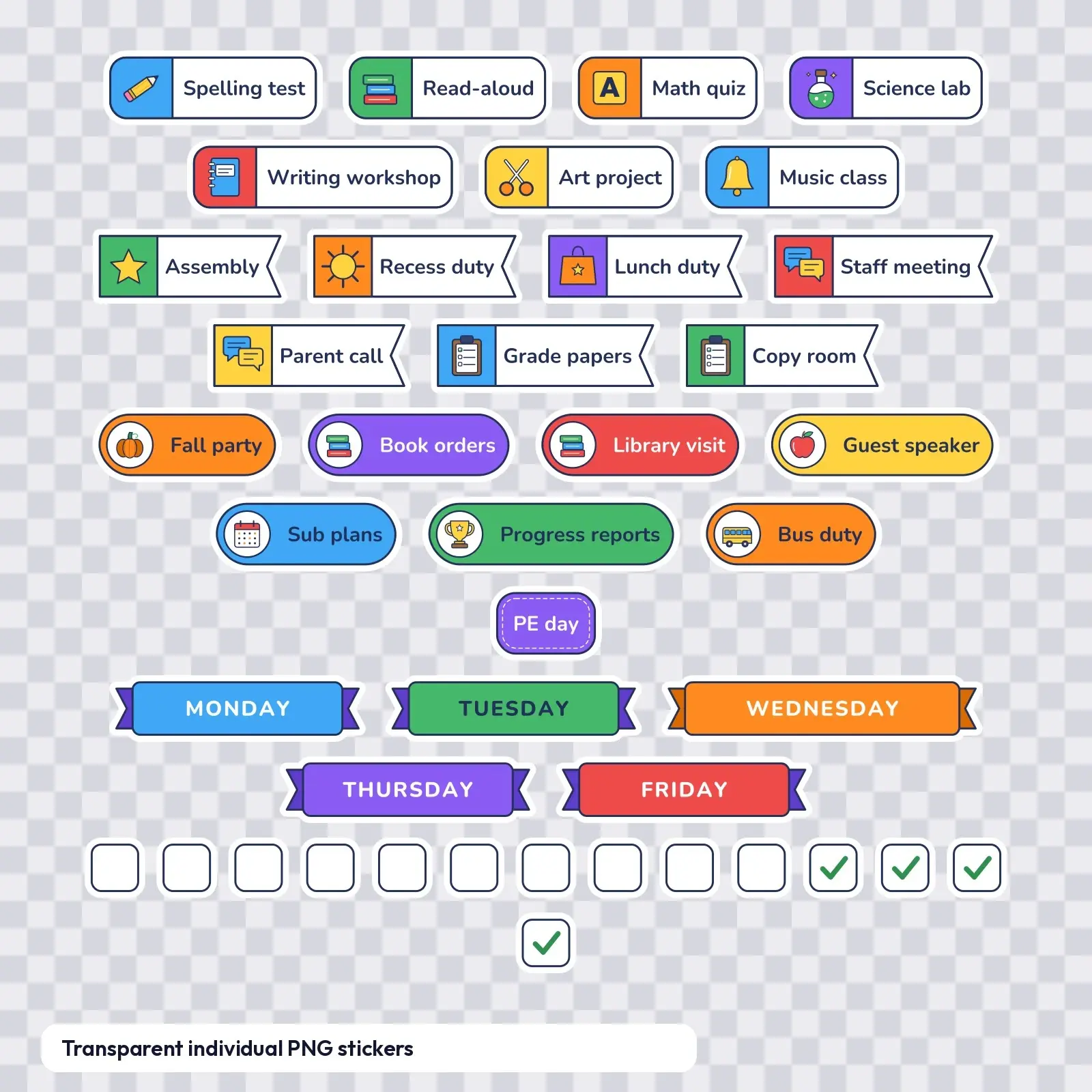
Print, peel and stick: Fall Teacher Lesson Planner Stickers delivers 41 original stickers for classroom teachers who plan weekly lessons on paper. Subject and duty labels in crisp classroom colors: spelling test, read-aloud, math quiz, science lab, assembly, recess duty, parent contact and more, with fall icons that make a lesson plan easy to scan.
Great for: - Color-code subjects and special events in a weekly lesson plan book - Flag tests, assemblies and duties in a teacher planner or on a classroom wall calendar - Use the checkboxes to tick off grading and copy-room tasks
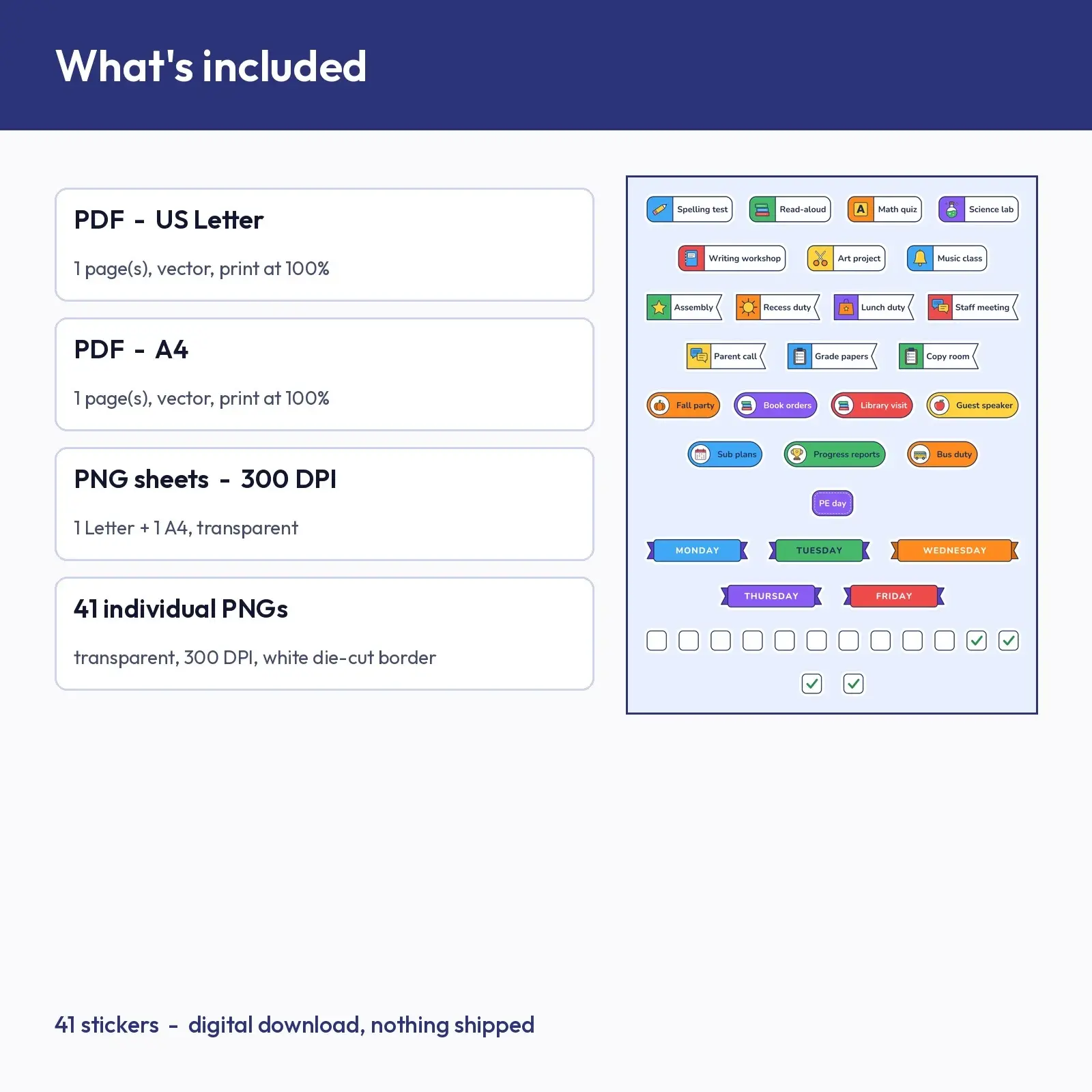
What's included: - PDF, US Letter (8.5 x 11 in): 1 print-ready page with all 41 stickers - PDF, A4 (210 x 297 mm): 1 print-ready page, same 41 stickers re-laid for A4 - PNG sheets at 300 DPI (transparent background): 1 Letter page (2550 x 3300 px) and 1 A4 page (2480 x 3508 px) - 41 individual transparent PNG stickers at 300 DPI, each with its white die-cut border Sticker sizes run from about 0.48 to 2.63 inches (12 to 67 mm) on the longest side.
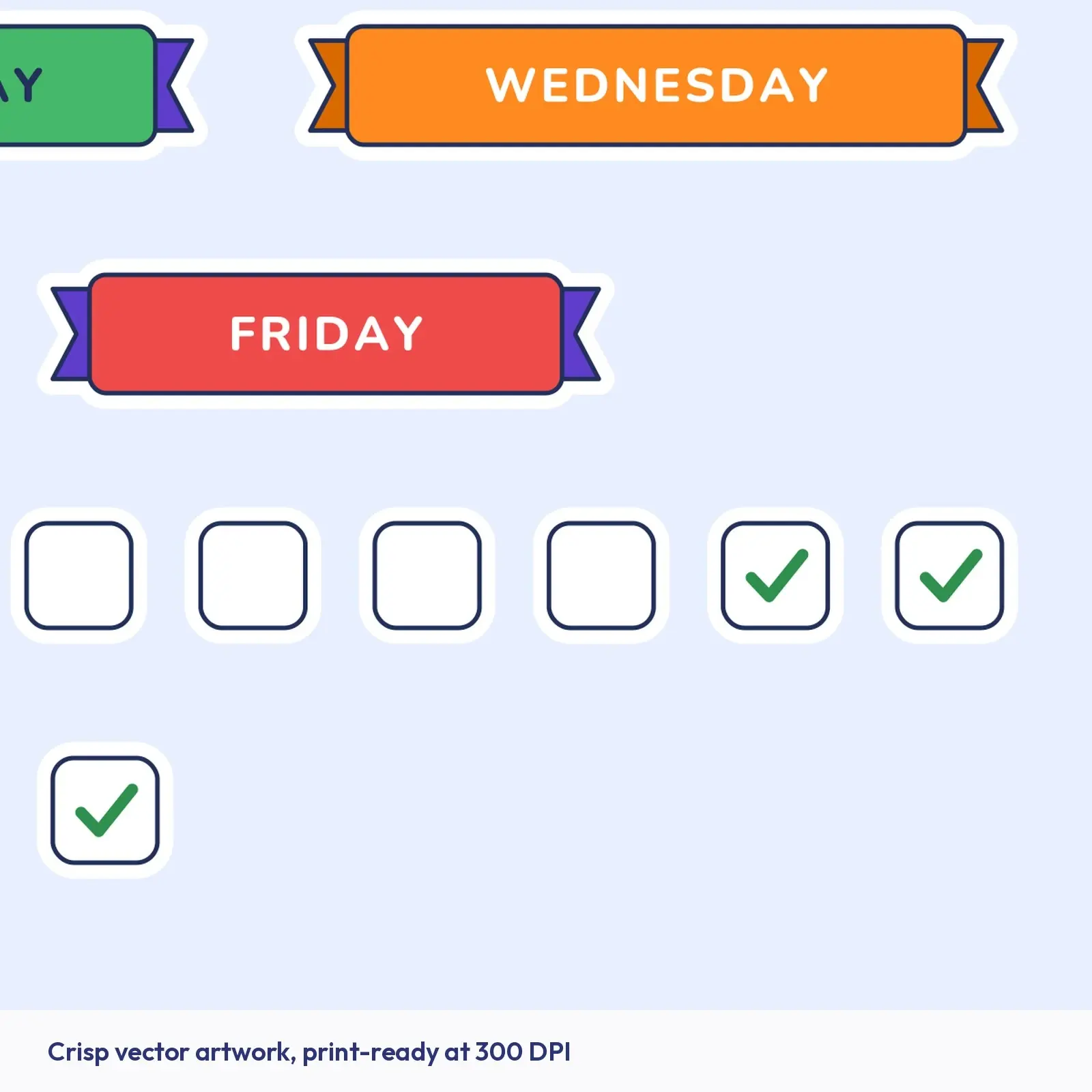
Event labels: Spelling test, Read-aloud, Math quiz, Science lab, Writing workshop, Art project, Music class, Assembly, Recess duty, Lunch duty, Staff meeting, Parent call, Grade papers, Copy room, Fall party, Book orders, Library visit, Guest speaker, Sub plans, Progress reports, Bus duty, PE day. Banners: MONDAY, TUESDAY, WEDNESDAY, THURSDAY, FRIDAY. Checkboxes: 10 square, 4 square (checked).
Load printable sticker paper, choose Actual Size or 100% in your printer dialog, and print. Every sticker has a built-in white border, so a pair of scissors gives a clean, professional edge. You also receive every sticker as its own transparent PNG at 300 DPI, ready for custom sheets, digital planners, scrapbook pages and classroom slides. Colors may print slightly different from what you see on screen, which is normal for home printers. Tip: pick one color per subject and keep it all semester so your plan book reads at a glance.
This is a digital download: nothing is shipped. Files are available to download right after purchase.
Works with Any printer, Canva, Digital planner apps.
File specs
| Formats | PNG, PDF, TXT, ZIP |
|---|---|
| Dimensions | US Letter + A4; 300 DPI |
| Resolution | 300 DPI |
| Color space | sRGB |
| Downloadable files | 4 downloadable files · PNG, PDF, TXT, ZIP formats |
| Category | Stickers |
| Last updated |
What you’ll download
- pdfteacher-lesson-planner-stickers-letter.pdf131 KB
- pdfteacher-lesson-planner-stickers-a4.pdf132 KB
- zipteacher-lesson-planner-stickers-individual-png.zip491 KB
- zipteacher-lesson-planner-stickers-png-sheets-300dpi.zip968 KB
Usage
Educo states how these files may be used in the listing description. Check it before you buy, and message the shop if you’re unsure.
Reselling, sharing or redistributing the original files as they are isn’t allowed, including in free packs or AI training sets.