Moon Phases and Celestial Clip Art – 12 Flat Vector Mystic Sky Elements
 By Educo
Price in USD. Local taxes calculated at checkout.
Buy 3 or more, save 20% from this shop
- 2 ZIP downloads · PNG, SVG, TXT, ZIP formats · 2000 px longest side; vector SVG
- Buyer protection. Corrupt or mismatched files? Full refund.
Item details
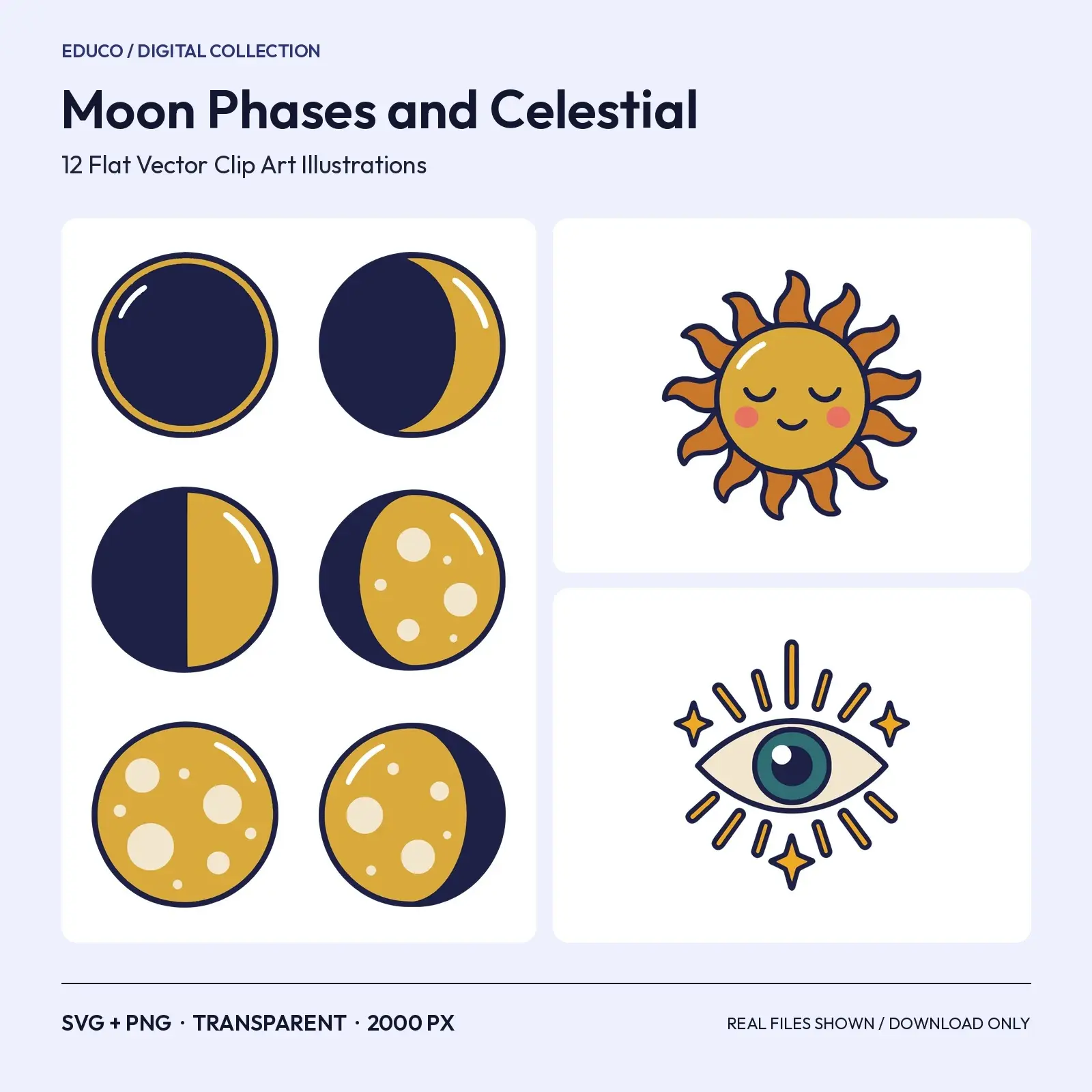
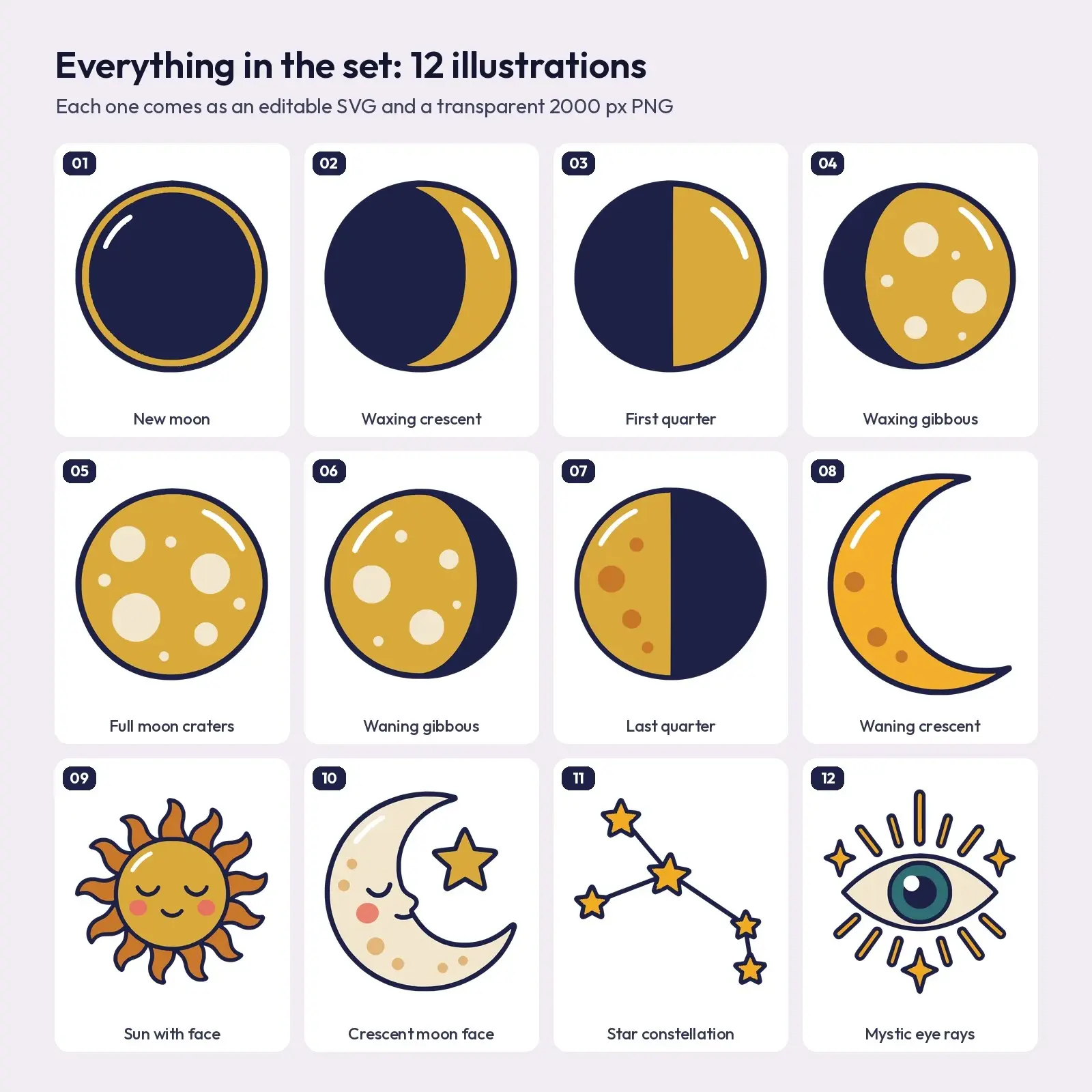
The complete lunar cycle in eight clean steps, from new moon through waxing crescent, first quarter, waxing gibbous, full moon, waning gibbous and last quarter to the waning crescent. Four celestial extras finish the set: a serene sun face, a sleeping crescent moon with a star, a small constellation and a mystic eye with rays.
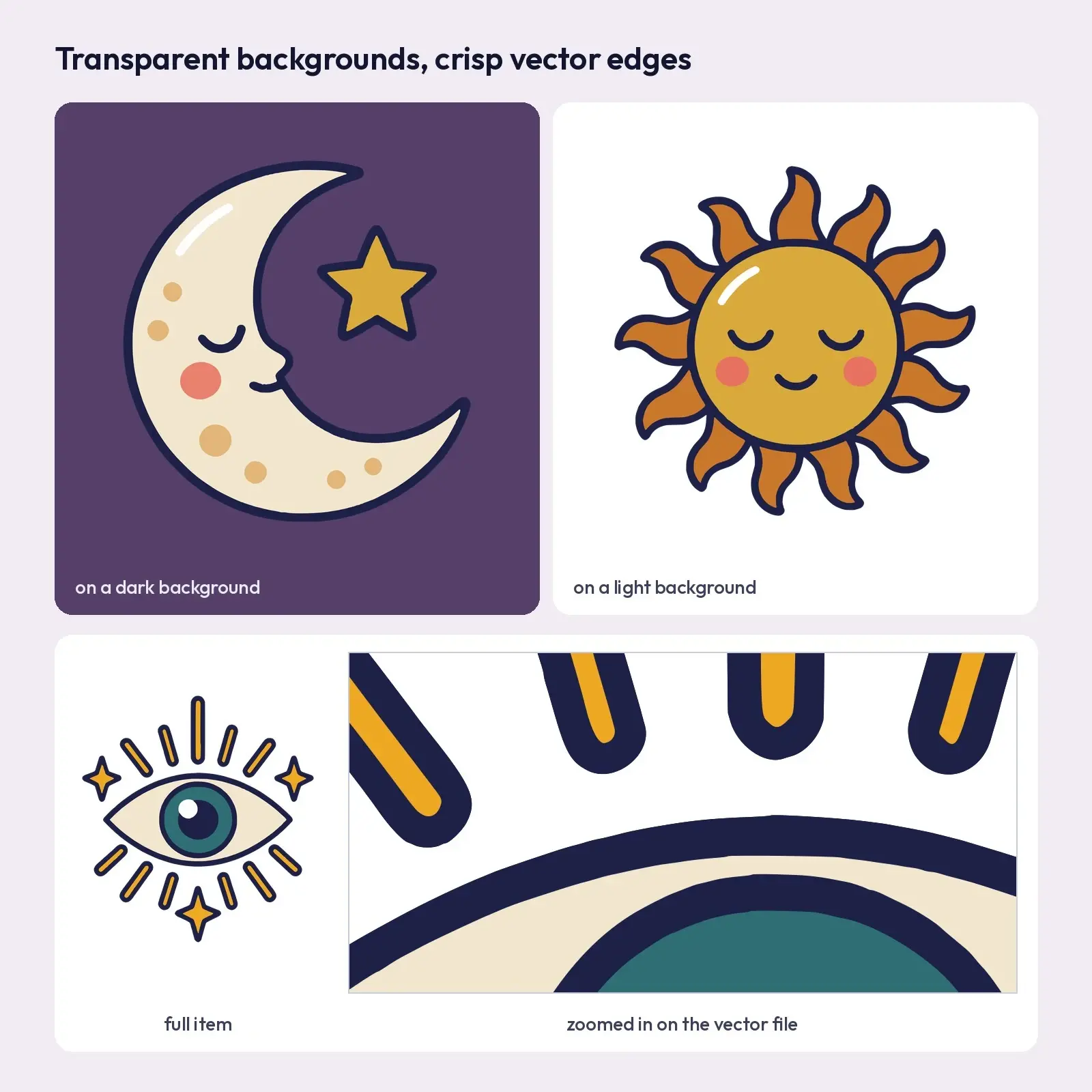
The look is clean and flat: one even dark navy outline, solid colour fills, little white highlights and no gradients, so the art stays crisp from a tiny sticker to a large poster. Made for teachers, moon watchers, journal keepers and small shops.
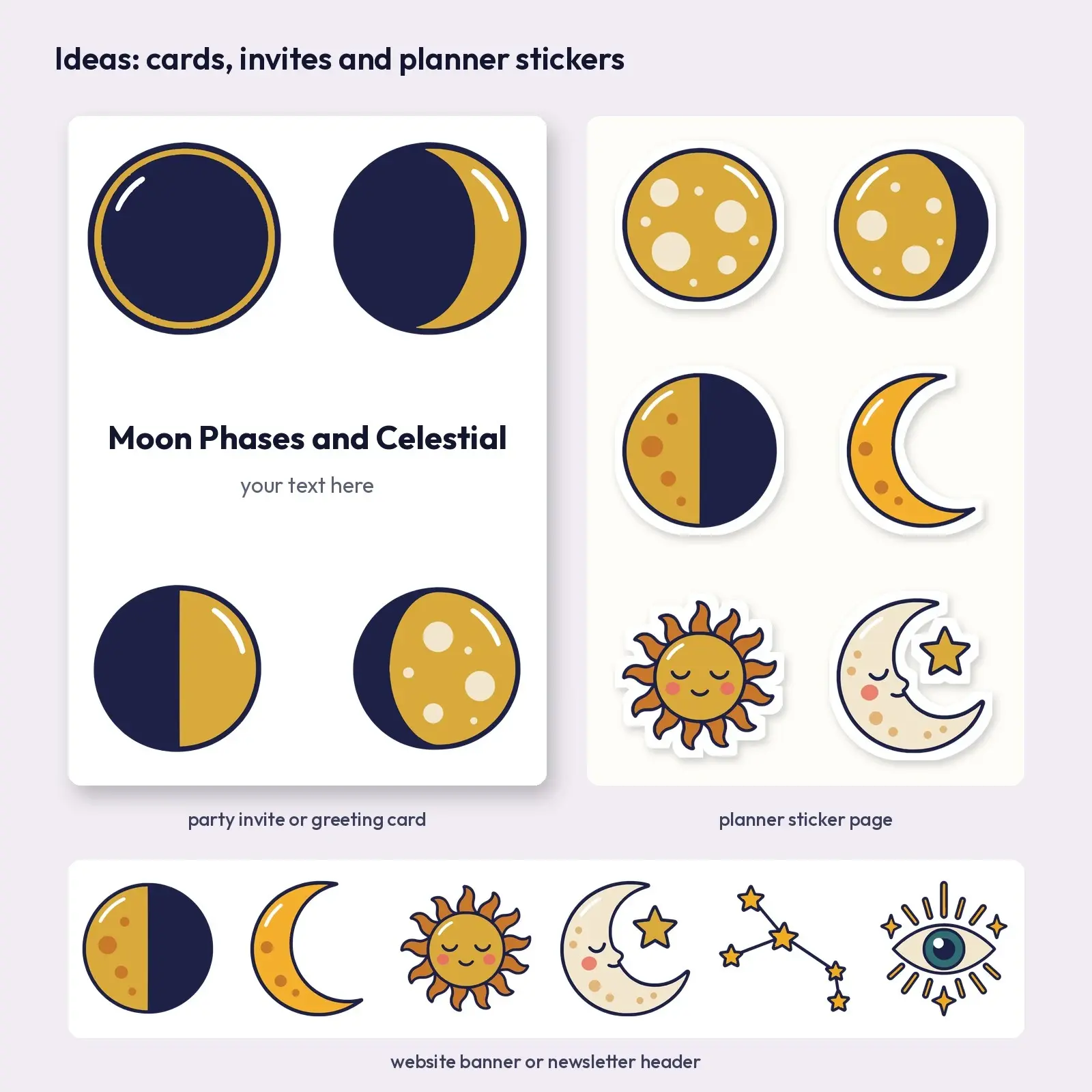
Ideas for using it: - moon-cycle classroom charts - journal and planner spreads - candle and crystal shop branding - Canva and Google Slides projects
What's included: - moon-phases-and-celestial-clip-art-12-flat-vector-mystic-sky-elements-svg.zip: 12 SVG vector files, one illustration per file, plus a README - moon-phases-and-celestial-clip-art-12-flat-vector-mystic-sky-elements-png-2000px.zip: 12 PNG files with transparent backgrounds, 2000 px on the longest side, plus a README - Illustrations (12): new moon, waxing crescent, first quarter, waxing gibbous, full moon craters, waning gibbous, last quarter, waning crescent, sun with face, crescent moon face, star constellation, mystic eye rays
Works with: Canva (SVG or PNG upload), Google Slides, PowerPoint, Microsoft Word, Adobe Illustrator, Affinity Designer, Inkscape and Cricut Design Space for print-then-cut projects.
Illustrated digitally with AI image tools, then converted to editable vector shapes and cleaned up.
This is a digital download: nothing is shipped. Choose the Personal, Commercial or Extended license at checkout; reselling or sharing the files themselves is not allowed.
Works with Illustrator, Inkscape, Affinity, Canva, Cricut Design Space, PowerPoint, Google Slides, Word.
File specs
| Formats | PNG, SVG, TXT, ZIP |
|---|---|
| Dimensions | 2000 px longest side; vector SVG |
| Color space | sRGB |
| Downloadable files | 2 ZIP downloads · PNG, SVG, TXT, ZIP formats |
| Category | Clip Art |
| Last updated |
What you’ll download
- zipmoon-phases-and-celestial-clip-art-12-flat-vector-mystic-sky-elements-svg.zip106 KB
- zipmoon-phases-and-celestial-clip-art-12-flat-vector-mystic-sky-elements-png-2000px.zip1.7 MB
License and usage
- Personal · $5.00
- Use the files in your own non-commercial projects: home prints, gifts, personal social posts and school work. Anything made with them can’t be sold.
- Commercial · $10.00
- Use the files in client work and in products you sell, up to 5,000 units across all products. Credit is appreciated but not required.
- Extended · $25.00
- Everything in Commercial with no unit cap, including print-on-demand stores.
No license allows reselling, sharing or redistributing the original files as they are, including in free packs or AI training sets.